-
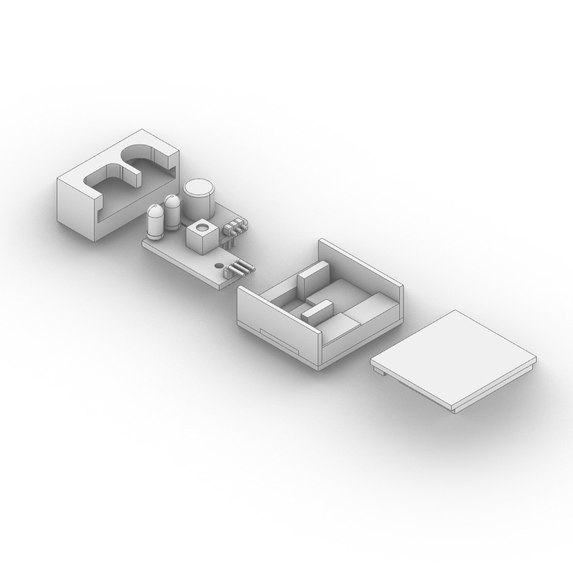
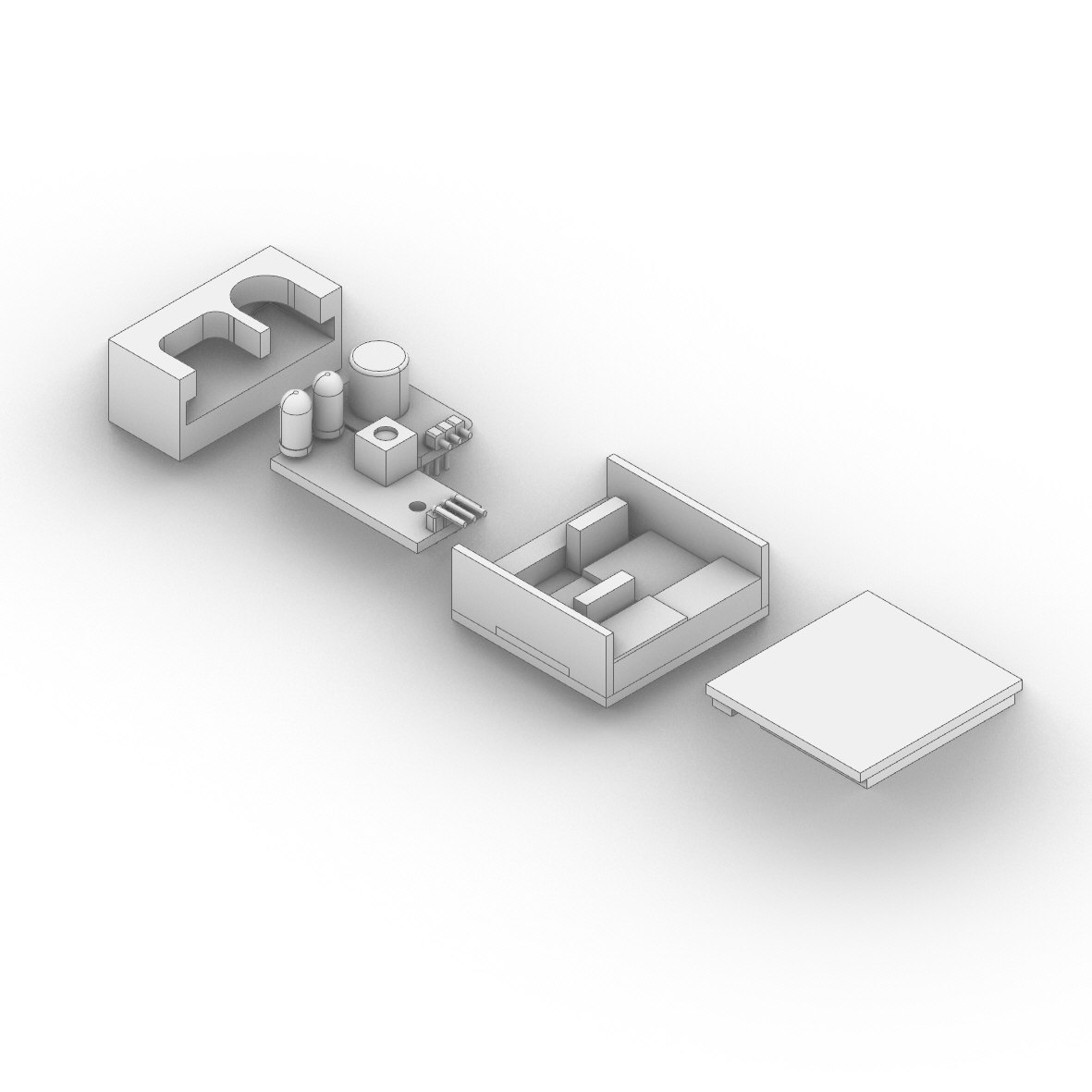
Cad of sensor pack no color
-
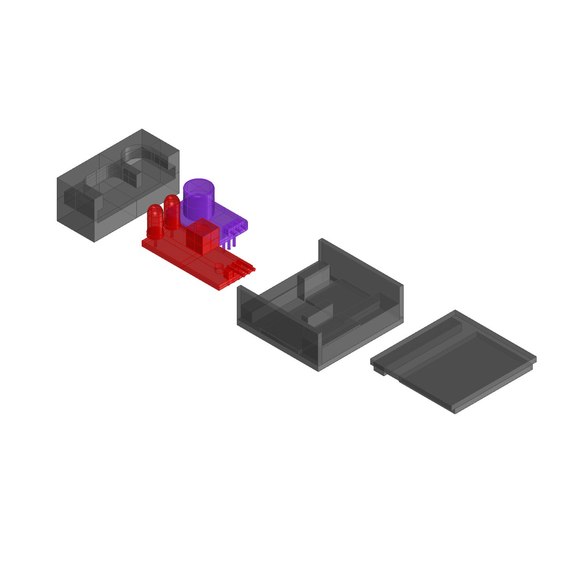
Cad of sensor pack with color
-
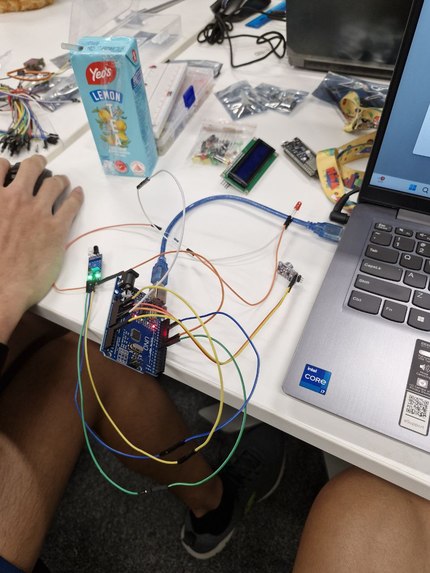
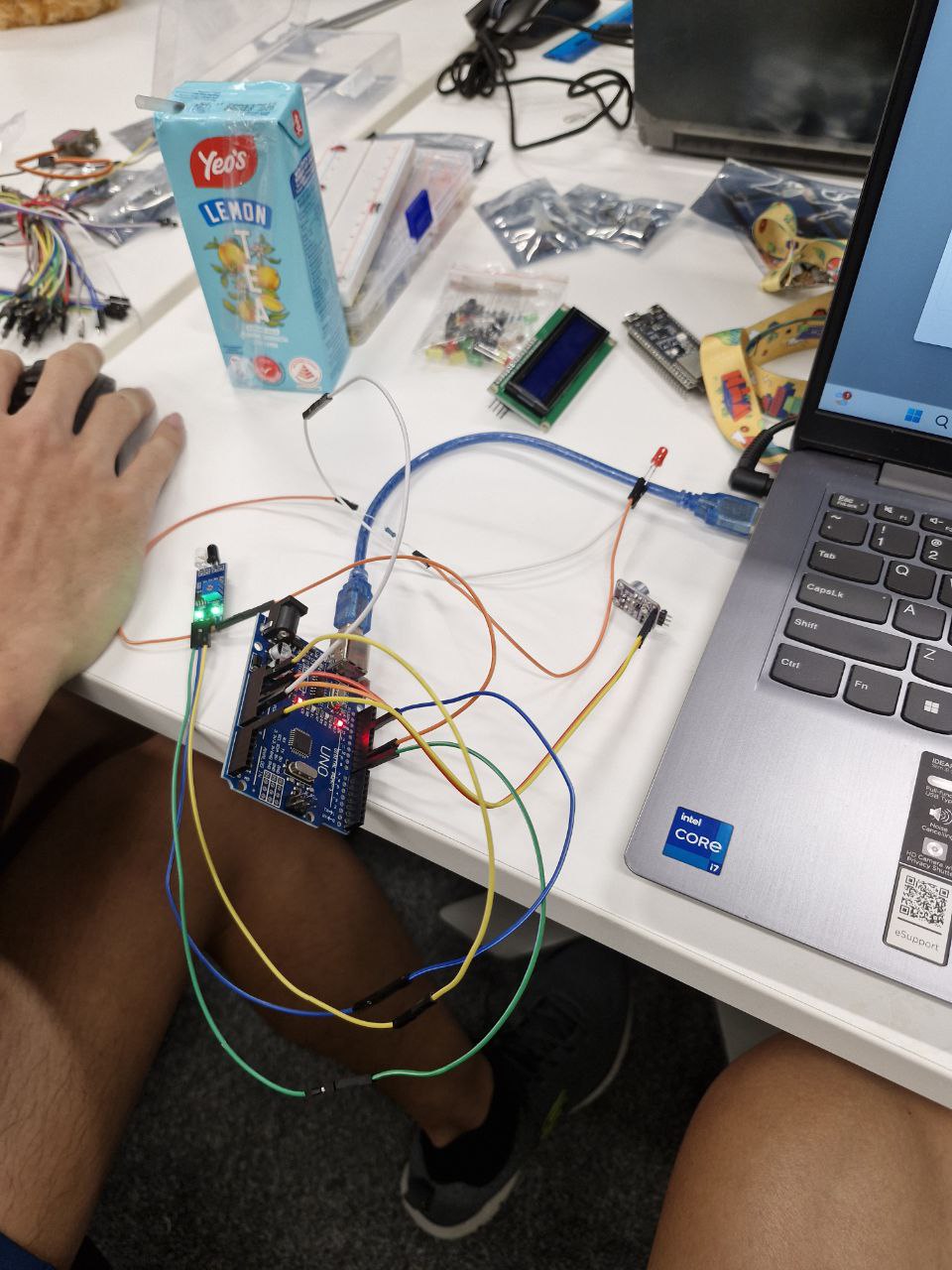
picture of functional prototype
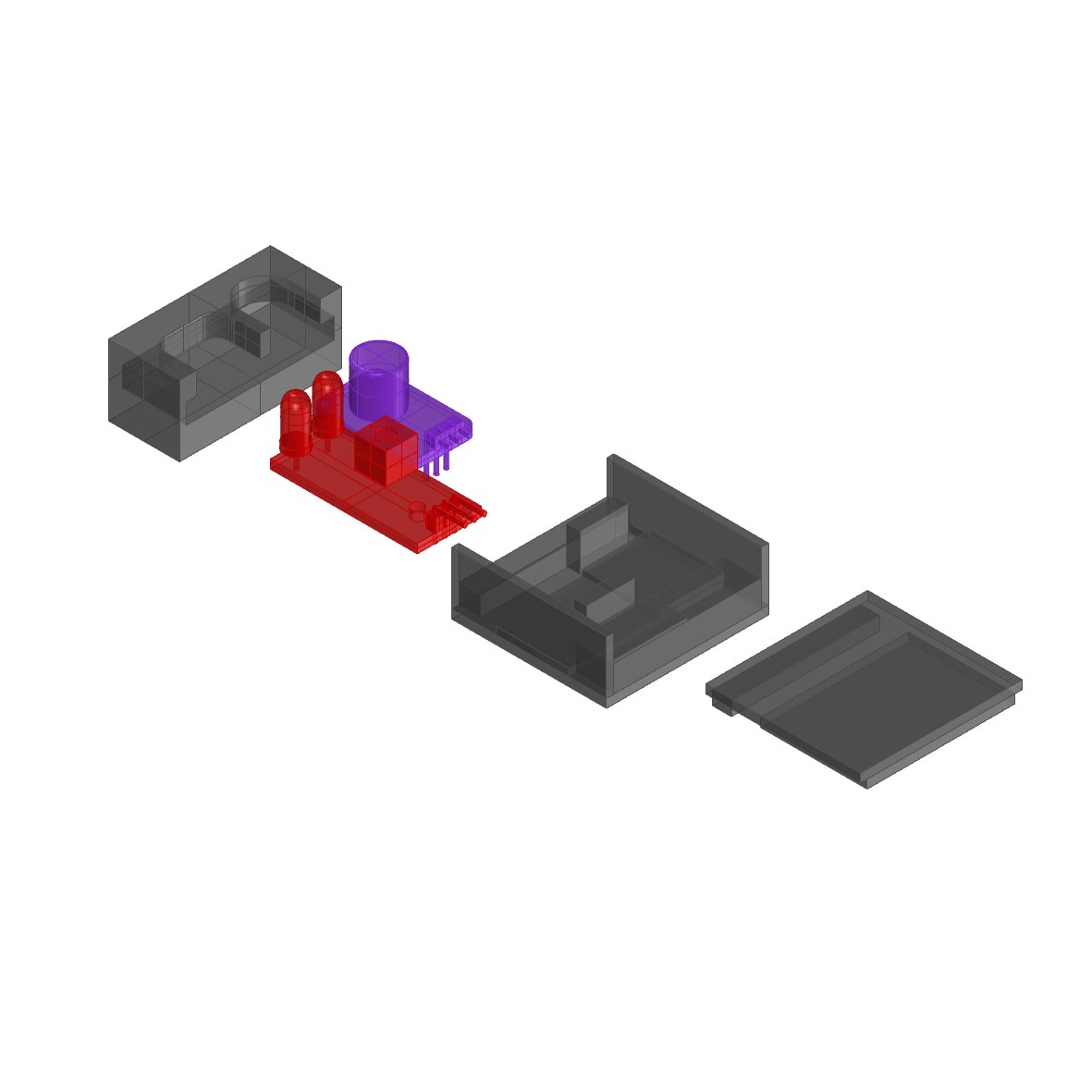
Inspiration
For deaf individuals, maintaining situational awareness in dynamic environments can be challenging. Everyday scenarios—like a bicycle approaching from behind or someone calling out from across a room—pose safety and accessibility concerns. Current solutions often rely on visual or audible cues, which may not be effective or discreet.
What it does
The device is with an audio and Audio Detection: The device’s microphones capture key environmental sounds, such as the hum of a bicycle, footsteps, or honking. Motion Detection: Integrated sensors track rapid movements or objects approaching from various directions. Intuitive Feedback
Vibrations are tailored to the type and proximity of the detected stimulus. For example: A steady vibration for consistent sounds like a bicycle approaching. A quick pulse for sudden movements, such as someone tapping on your shoulder. Wearable and Discreet
Designed to be lightweight and compact, the device can be worn as a wristband, clip-on accessory, or integrated into everyday wearables like hats or necklaces. Its hidden design ensures it blends seamlessly into your style. Customizable Sensitivity
Users can adjust the sensitivity of the sensors and the intensity of vibrations to suit different environments, from quiet libraries to busy streets.
How we build it
Due to the time constraints, we decided we knew that we would be unable to building a fully functional and aesthetic protoype. Thus, we build a separate functional prototype by connecting an IR sensor (to represent the motion sensor) and audio amplifier (to represent the mic) as the inputs into an arduino board that is connected to the laptop to act as the power supply. We then connected a led light (to represent the vibration sensor) to the arduino board as the output. Using C++, coded the led light to only turn on when the mic records a sufficient spike in sound wave received and the IR sensor detects an object sufficiently close by.
Challenges we ran into
We took a long while to set up Arduino Uno and calibrating for the microphone. Since the vibrator and motion sensor is not provided, we have to find alternative replacements.
Accomplishments that we're proud of
We eventually get the circuit to work, and a descent design with 3D printed prototype. We came out with a legitimate prototype that is working well in a short amount of time.
What we learned
We learn to calibrate and iterate the hardware coding,essentially the basic skills and schematics of Arduino. Cadding and 3D Printing with Rhino7.
What's next for Third Eye
The LED light and IR sensor can be replaced with the intended parts. We also plan on trying to replace the detection system with Computer Vision to test if it can increase accuracy of detection. Lastly, we could improve more points of detection and vibration motor nodes so as to provide more information to the user on where the obstacle is coming from
Code in arduino
```// Microphone with Light const int sampleWindow = 100; // Sample window width in mS (50 mS = 20Hz) const int AMP_PIN = A2; // Preamp output pin connected to A0 unsigned int sample; const int buzzer = 10; const int IR = 8; int count = 0; int latest10[10];
void setup() { Serial.begin(9600); pinMode (buzzer, OUTPUT); pinMode (IR, INPUT); }
void loop() { unsigned long startMillis = millis(); // Start of sample window unsigned int peakToPeak = 0; // peak-to-peak level
unsigned int signalMax = 0; unsigned int signalMin = 1024;
const int thres = 90;
int IRs = digitalRead (IR);
// collect data for 50 mS and then plot data while (millis() - startMillis < sampleWindow) { sample = analogRead(AMP_PIN); Serial.println(sample); Serial.println(IRs); for (int i = 0; i < 10; i++) { Serial.print(latest10[i]); Serial.print(' '); } delay(50);
latest10[count] = sample;
count += 1;
if (count > 9)
{
  count = 0;
}
if (sample < 1024)  // toss out spurious readings
{
  if (sample > signalMax)
  {
    signalMax = sample;  // save just the max levels
  }
  else if (sample < signalMin)
  {
    signalMin = sample;  // save just the min levels
  }
}
int maxVal = latest10[0]; int minVal = latest10[0];
for (int i = 0; i < (sizeof(latest10) / sizeof(latest10[0])); i++) { maxVal = max(latest10[i],maxVal); minVal = min(latest10[i],minVal); }
Serial.println(maxVal);
Serial.println(minVal);

if ((maxVal - minVal > 200) && IRs == LOW)
// if ((maxVal - minVal > 200) || IRs == LOW)
{
  digitalWrite(buzzer, HIGH);
  delay(500);
  // tone(buzzer, 1000); // Send 1KHz sound signal
}
else
{
  digitalWrite(buzzer, LOW);
  // noTone(buzzer); // Stop sound when button is not pressed
}
}
// peakToPeak = signalMax - signalMin; // max - min = peak-peak amplitude // Serial.println(peakToPeak); //double volts = (peakToPeak * 5.0) / 1024; // convert to volts //Serial.println(volts);
}

Log in or sign up for Devpost to join the conversation.