-
-
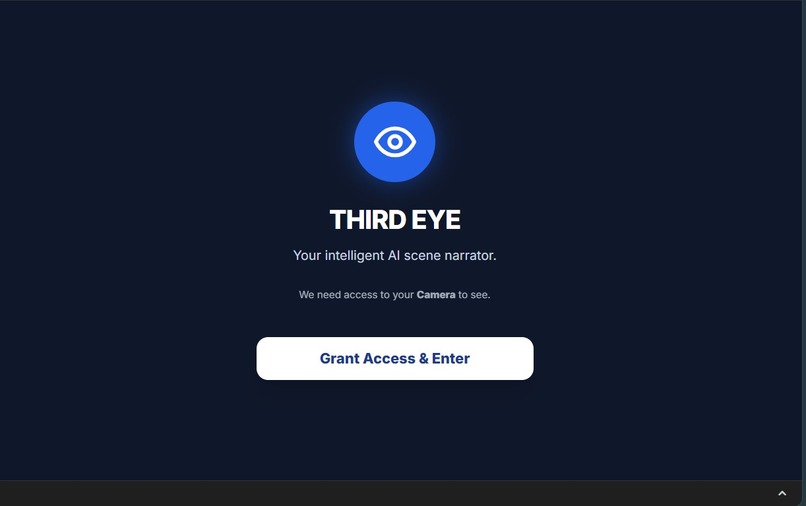
Welcome Image
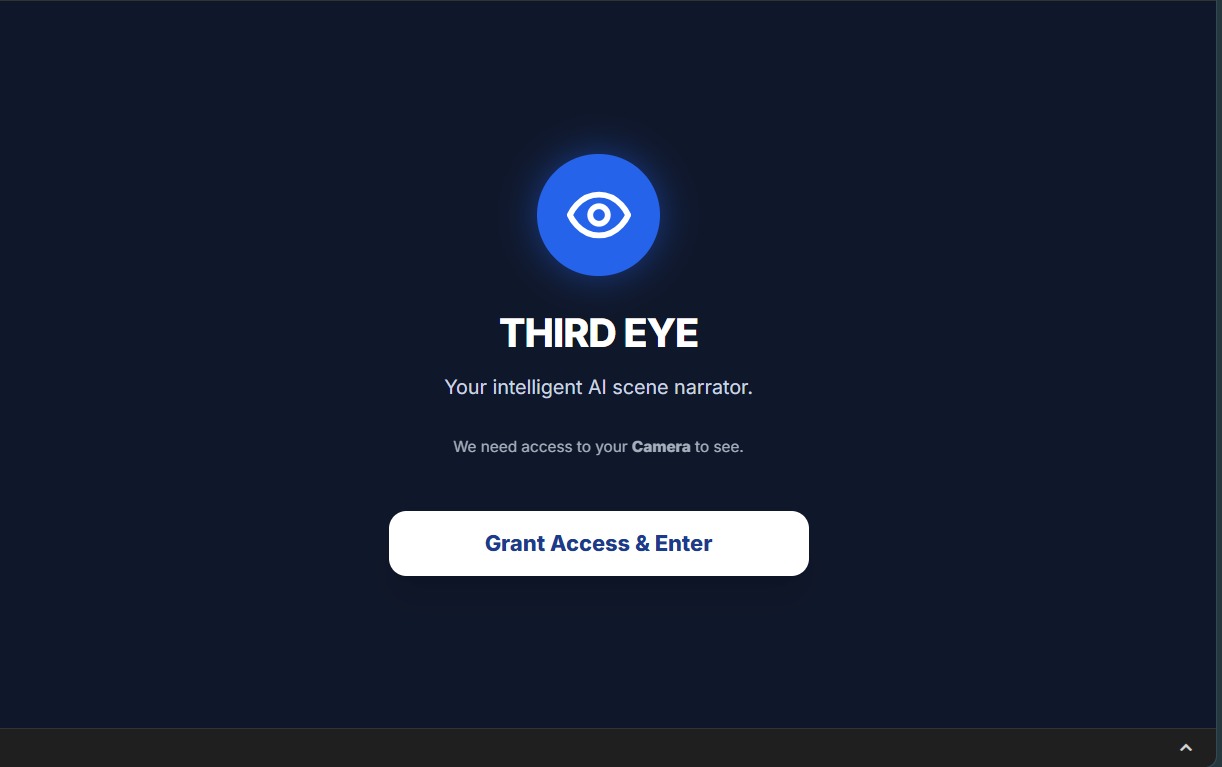
Inspiration
For the 2.2 billion people with vision impairment worldwide, navigating the world requires constant adaptation. While screen readers exist for digital content, the physical world remains largely "silent." We were inspired to build Third Eye not just as a tool, but as a companion—an intelligent narrator that sits in your pocket. We wanted to leverage the multimodal capabilities of Google Gemini to bridge the gap between visual information and auditory perception, giving users a "third eye" that doesn't just see, but understands and speaks.
What it does
Third Eye is a mobile-first web application that acts as a visual interpreter. It uses the device's camera to capture the surroundings and provides spoken descriptions in real-time. It features four specialized modes driven by Gemini's multimodal understanding: Scene Mode: Provides a holistic summary of the environment, obstacles, and context. People Mode: Identifies individuals, estimating age, gender, visible emotions, and relative position. Object Mode: Lists specific items in view with color and type details. Read Mode (Text): Detects and reads printed text, signs, or documents naturally. The app is designed with accessibility first: Voice-First Interface: All results are read aloud using the Web Speech API. High Contrast & Neo Themes: Visual modes designed for low-vision users (Yellow on Black). Haptic Feedback: Vibrations confirm actions for users who cannot see the screen.
How we built it
We built Third Eye using React 19 and TypeScript for a robust, type-safe foundation. AI Engine: The core is the Google Gemini API (specifically the gemini-2.5-flash model). We chose Flash for its incredible speed-to-intelligence ratio, which is critical for an accessibility tool where users need immediate answers. Frontend: We used Tailwind CSS to build a responsive, touch-friendly interface that handles dynamic safe-areas on mobile devices. Browser APIs: We heavily utilized the MediaDevices API for camera control (handling front/back switching and flash) and the Web Speech API for Text-to-Speech synthesis. State Management: Complex React hooks manage the camera stream lifecycle to ensure battery efficiency and privacy (camera turns off when not in use).
Challenges we ran into
Browser Permissions & Autoplay: Mobile browsers (especially iOS Safari) are very strict about auto-playing audio. We had to engineer a "warm-up" sequence that unlocks the AudioContext on the very first user interaction so the AI voice works reliably later. Camera Hardware Fragmentation: Getting the correct "Environment" (rear) camera to load across different Android and iOS devices was difficult. We wrote a robust camera hook that attempts multiple constraints and falls back gracefully if specific lenses aren't available. Latency vs. Accuracy: Balancing high-quality image uploads with fast response times. We optimized the image capture resolution before sending it to Gemini to ensure the app feels snappy even on mobile networks.
Accomplishments that we're proud of
We are most proud of the User Experience (UX). The app doesn't feel like a standard "form-based" webpage; it feels like a native mobile app. The transition from capturing an image to hearing the Gemini-generated description is seamless. We also successfully implemented a High Contrast Mode that adheres to strict accessibility standards.
What we learned
We gained a deep appreciation for the Gemini Multimodal API. It is surprisingly good at OCR (reading text) without needing a separate OCR engine, and its ability to infer "emotion" in People mode was a delightful discovery. We also learned the intricacies of modern browser hardware access—handling race conditions between camera switching and component mounting was a great technical lesson.
What's next for Third Eye: AI-Powered Scene Reasoning & Safety Assistant
Live Video Streaming: We plan to upgrade from snapshot-based analysis to the Gemini Live API for a continuous, real-time conversational video stream. Navigation Assist: integrating GPS data to help users identify specifically where they are (e.g., "You are standing in front of Starbucks"). Multi-language Support: Allowing Gemini to translate the visual world into the user's native language instantly.
Built With
- google-gemini-api
- html5-camera
- react
- tailwind-css
- typescript
- web-speech-api

Log in or sign up for Devpost to join the conversation.