-
-
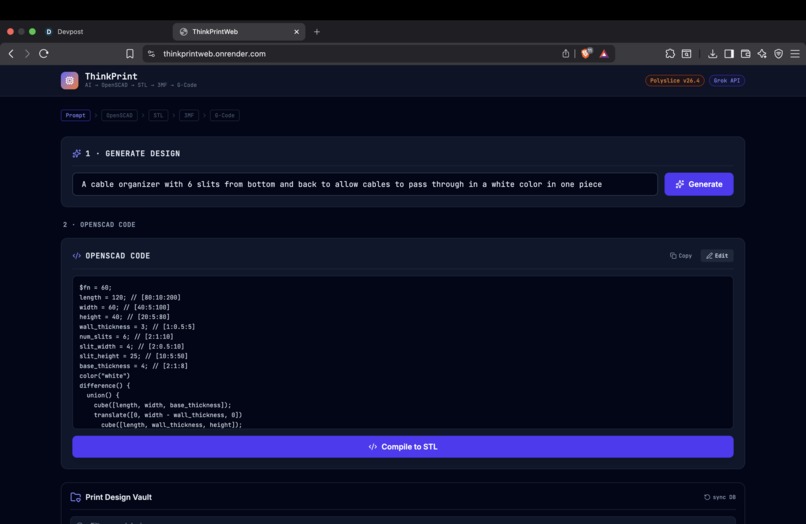
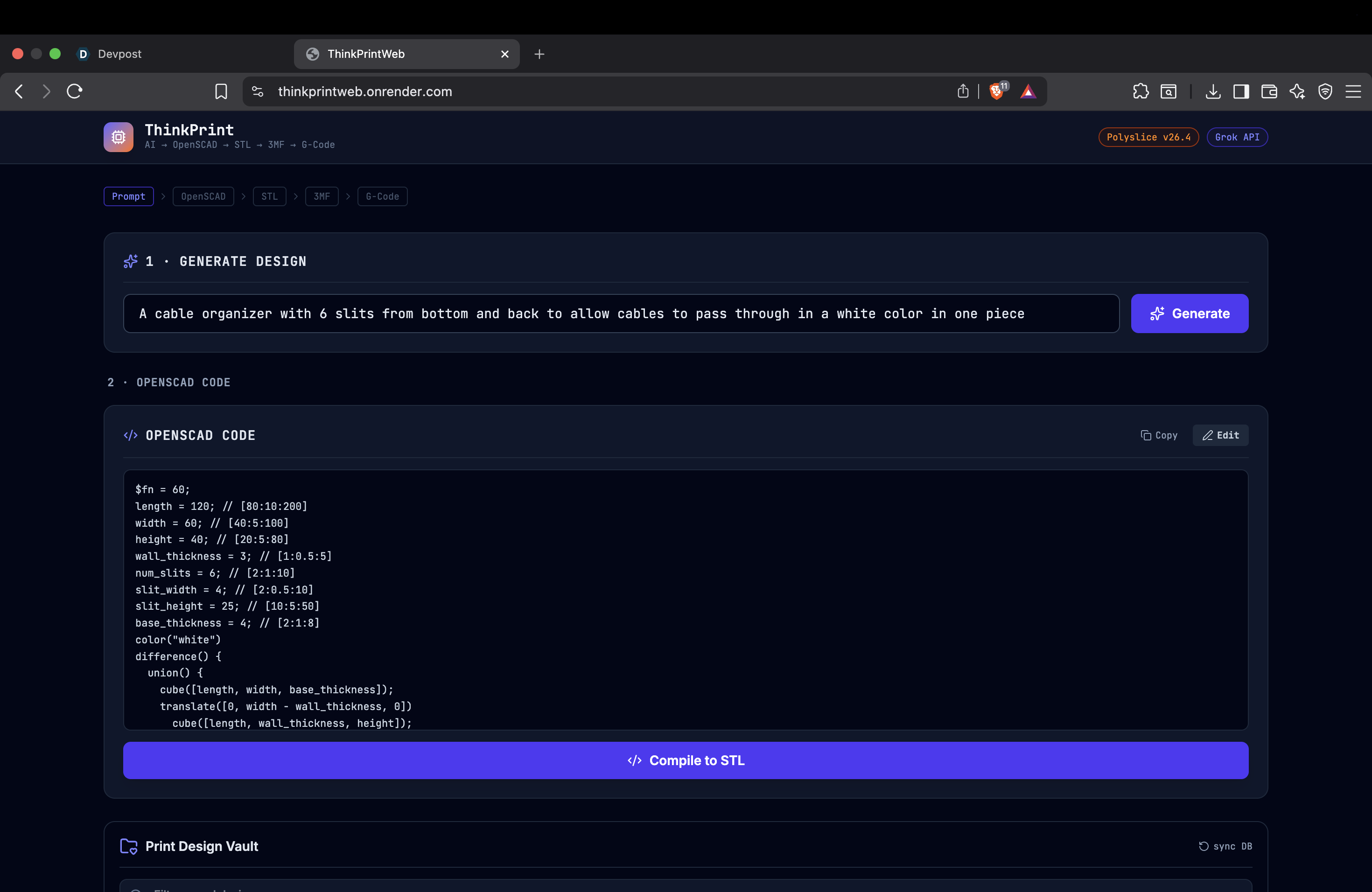
The description and the Openscad Code
-
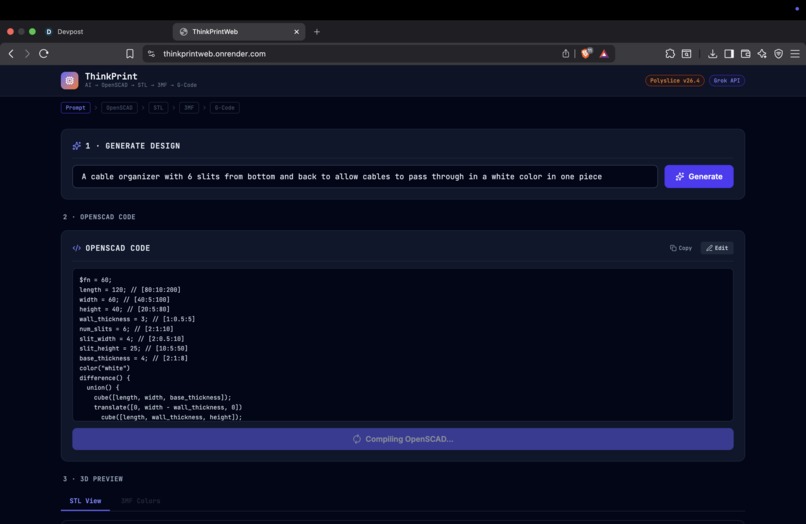
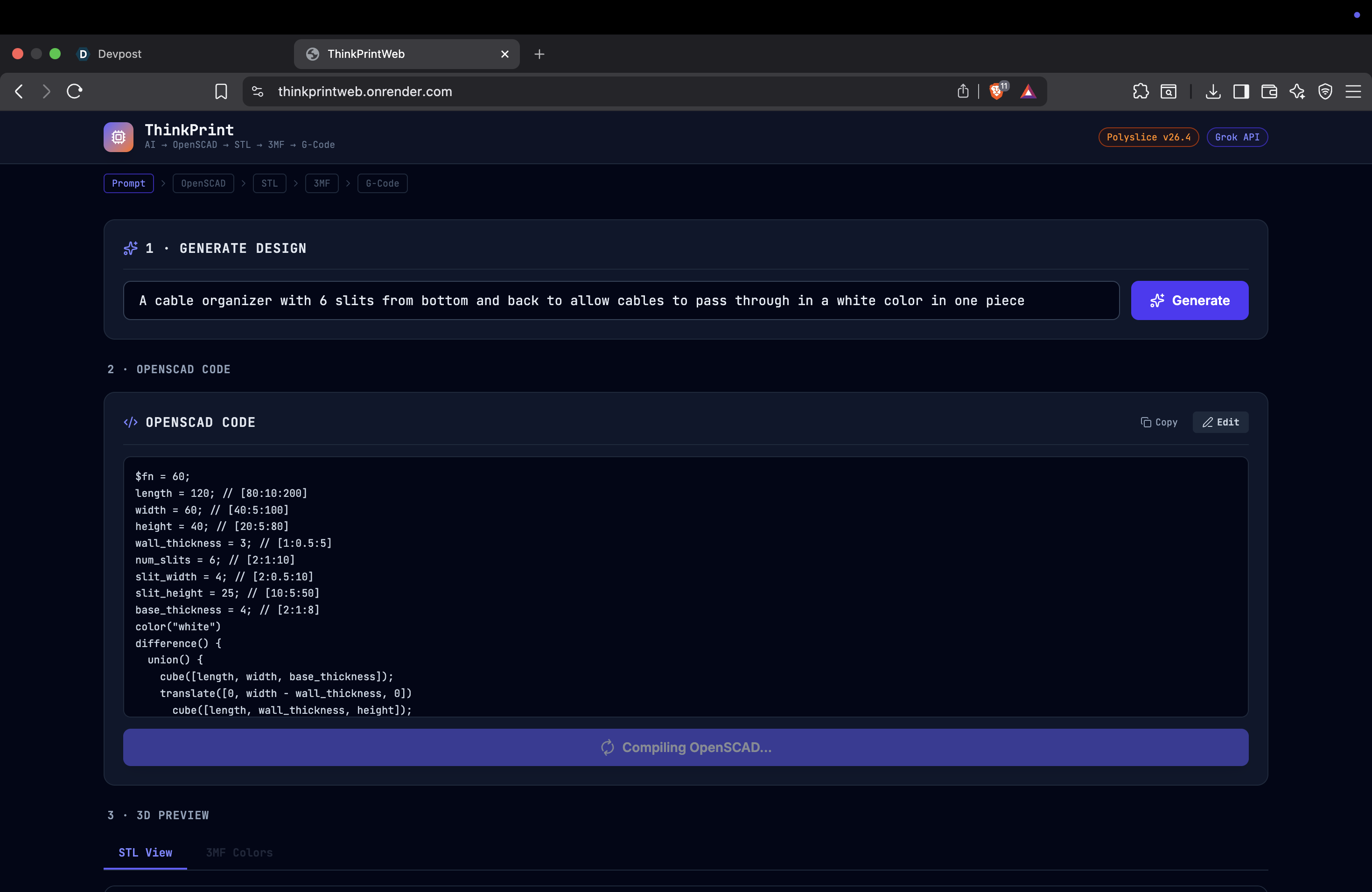
Compiling code into 3D geometry
-
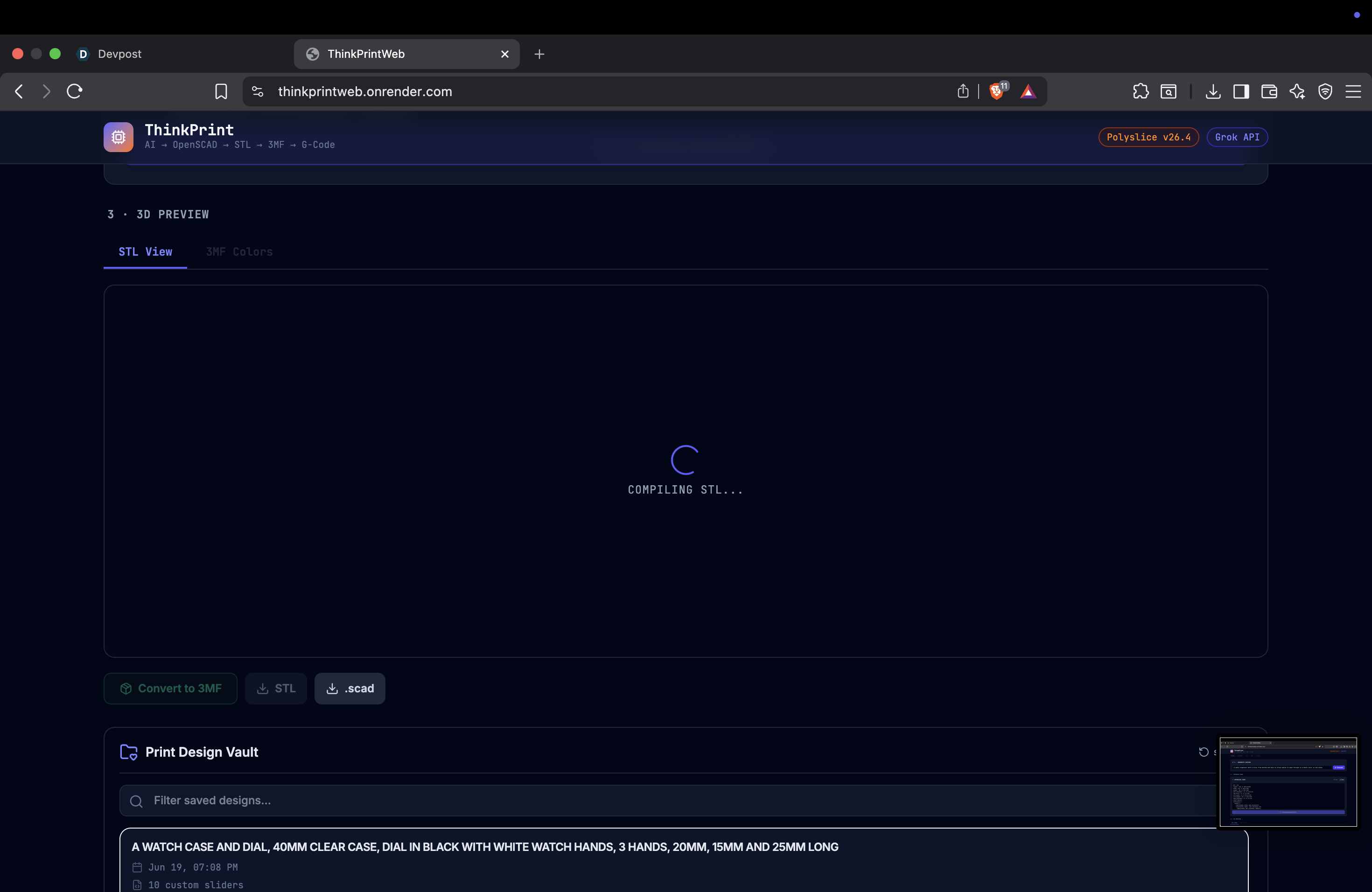
Compiling of the STL file
-
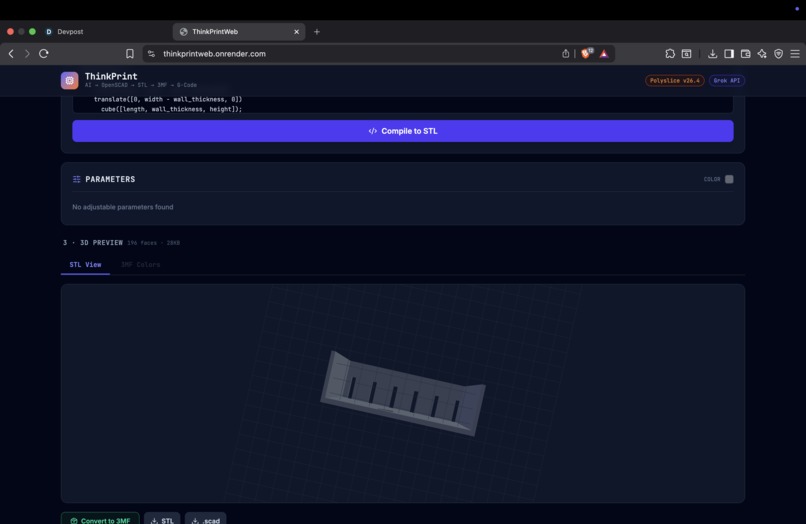
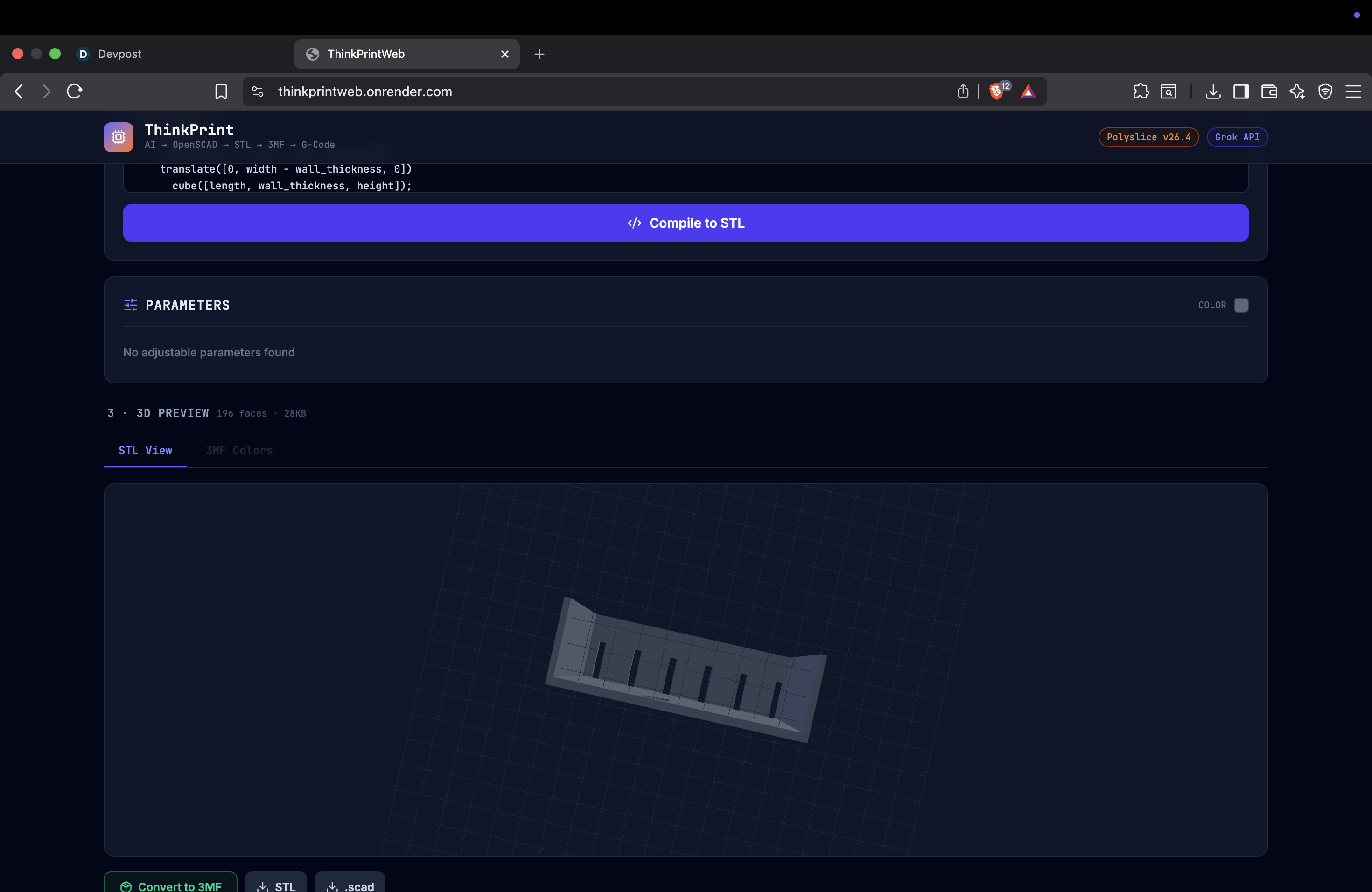
STL rendering
-
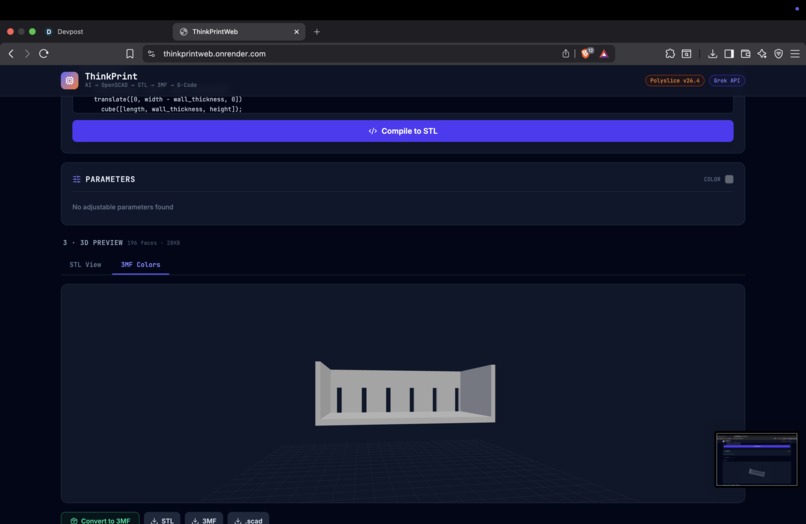
3mf rendering with color
-
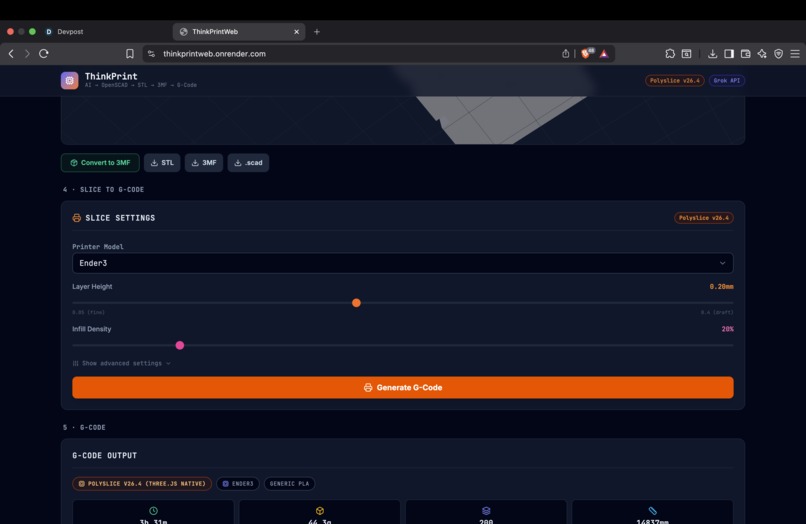
Slicing Settings
-
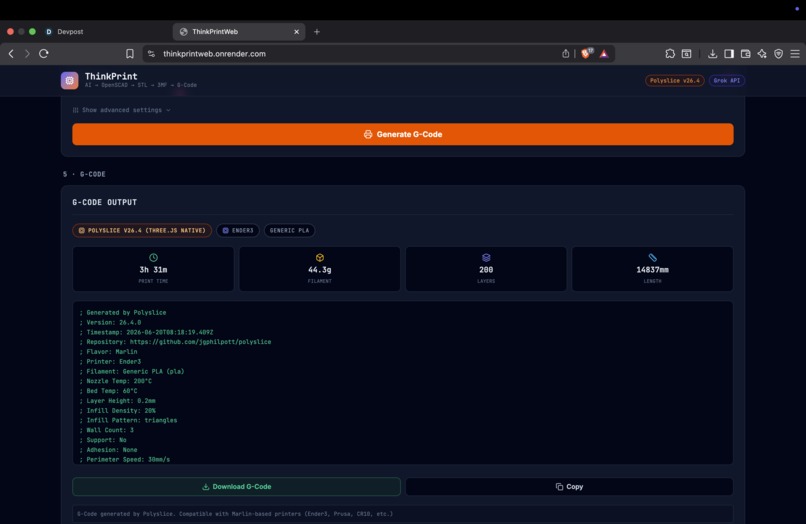
G-Code Rendering
-
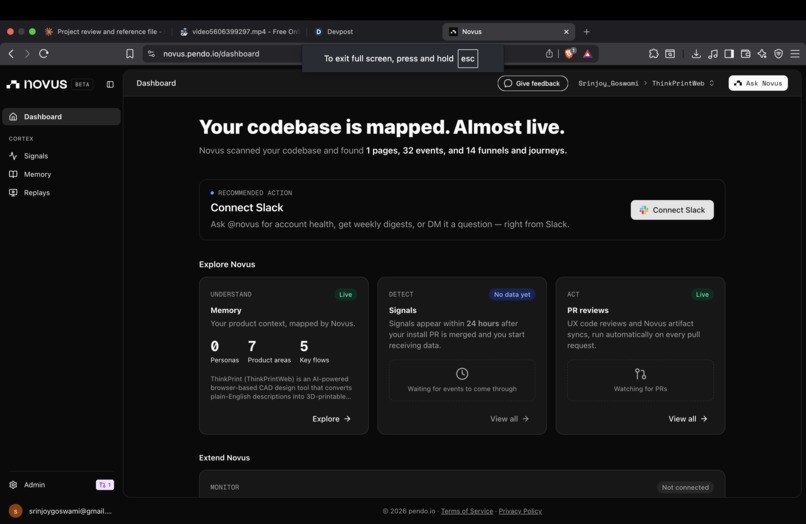
Novus AI integration
Inspiration
The Inspiration for this for project from both people in general interested in 3D printing as well my own interest. CAD software such as FreeCAD and Fusion 360 has a very deep learning curve which dissuades many people from trying to learn about 3D printing. However describing a design such as "create a cube" is easy.
I wanted to close the gap and make it easier for people to be able to build CAD design. I wanted to make it possible for people to be able to describe what design they want and get a 3D printable file ready to send to a printer. It requires no CAD training, and no software to download, making this fantastic for those wanting to get into learning about 3D printing and design in their own ideas. This tool is meant for hobbyists and new learners of 3D printing.
That's ThinkPrintWeb.
What it does
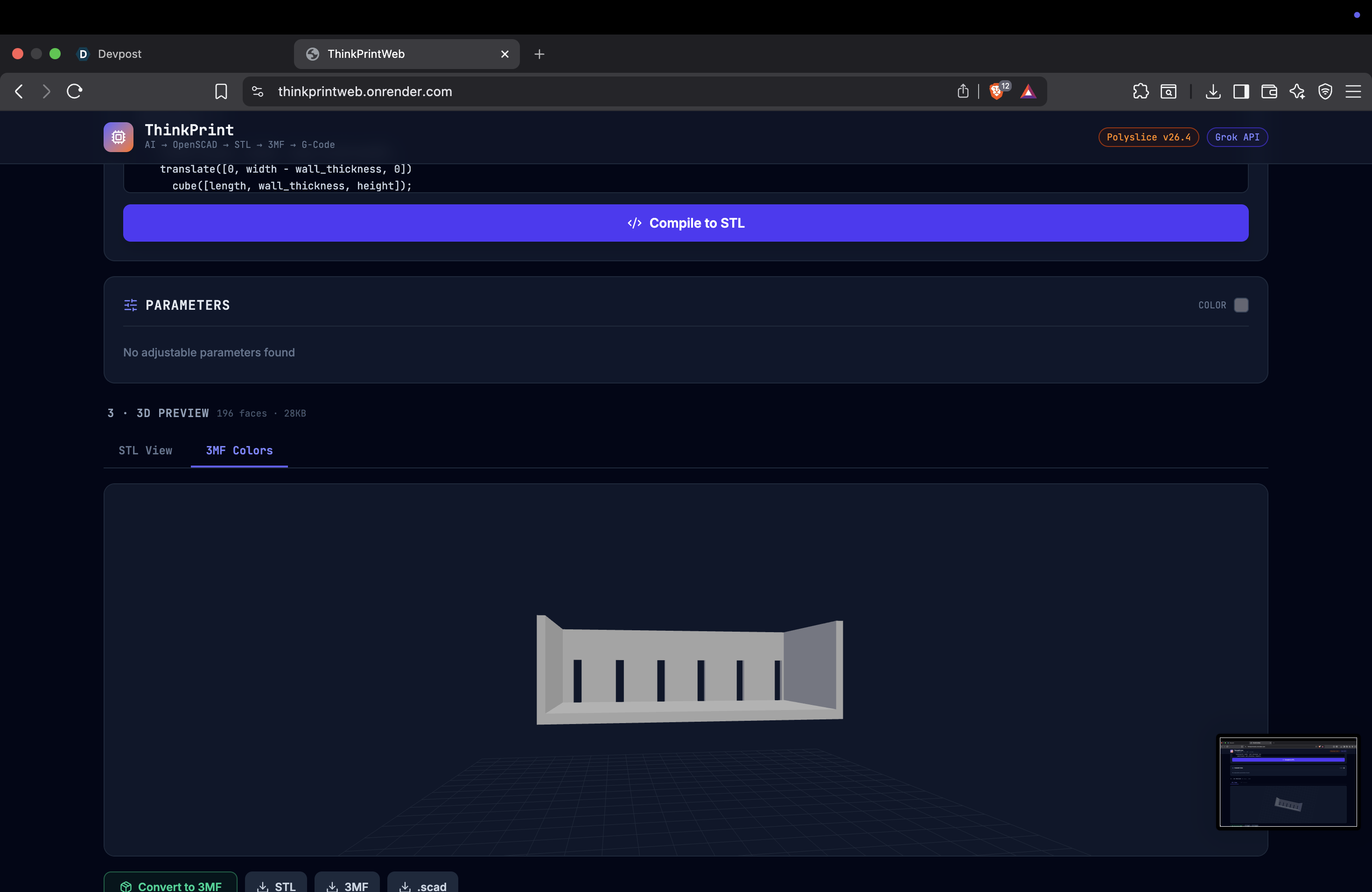
ThinkPrintWeb turns your ideas into 3D-Printable files. You describe what you want. The AI/LLM generates the openscad code. The app then compiles the code gives you renderings of what it looks like. You then configure your printer settings. Then download the file and print it.
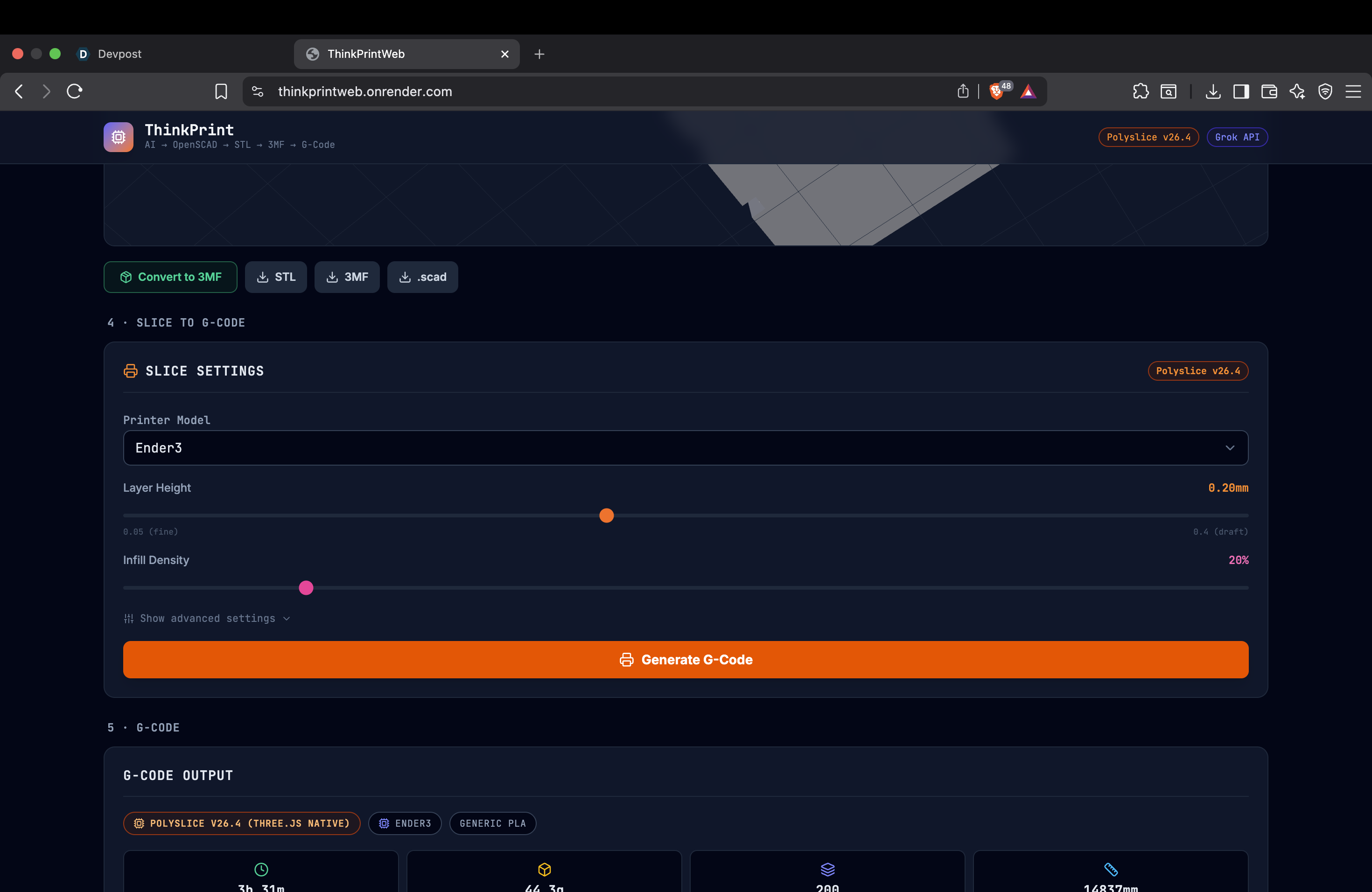
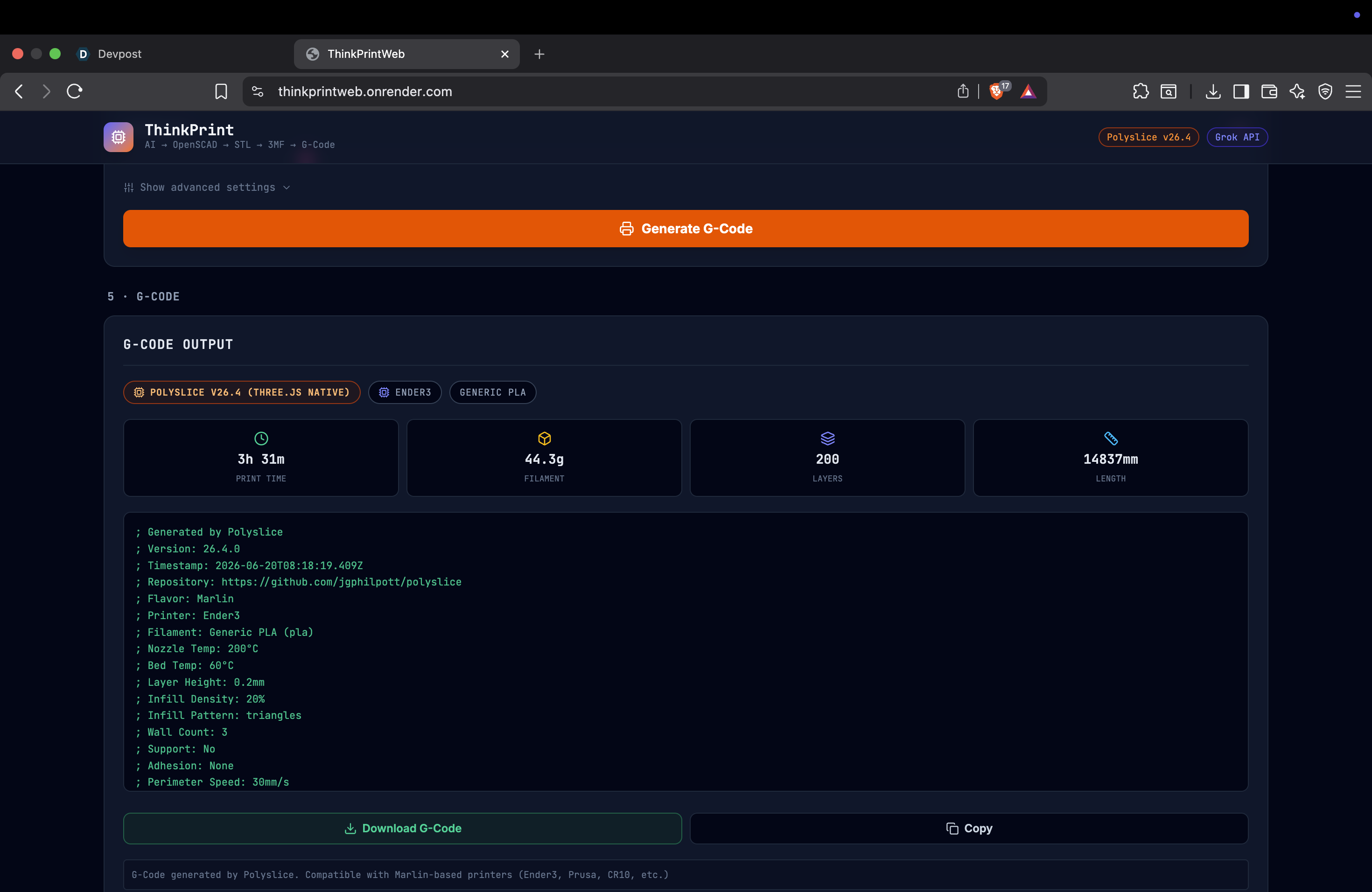
Here's how it works: You type: "Make a 10mm cube" AI (Grok) writes the CAD code automatically The app compiles it to a 3D model either STL format or 3MF format You see it in 3D in your browser (rotate, zoom, look at it from any angle) You can add colors if you want (the app shows them in the preview) You adjust printer settings (how thick each layer is, how dense the inside is, etc) The app generates the printer instructions (G-code) You download the file and send it to your 3D printer It prints
What it can do: Turn English descriptions into 3D models Show you what it looks like before you print Work with 44+ different 3D printer types (Ender3, Prusa, etc) Calculate an estimation on how long it will take to print and how much plastic it will use Download files ready for any printer
How we built it
Tech Stack: We chose React + Node.js because it's fast to build, easy to deploy, and gives us a nice interface for viewing 3D objects. For the CAD part, we use OpenSCAD (a text-based CAD tool that's perfect for AI to write). It runs in your browser, so nothing has to download or install. For 3D viewing, we use Three.js. It's the industry standard for showing 3D objects in web browsers. For slicing (turning the model into printer instructions), we use Polyslice. It knows about 44+ different printers and 35+ different plastic types. It tells you exactly how long your print will take and how much plastic it will use. For the AI, we use Grok from xAI. It's fast and good at writing code. For analytics, we added Novus (by Pendo) so we can see how people use the app. We deployed it on Vercel (frontend) and Railway (backend). It auto-updates whenever we push new code to GitHub.
How we actually built it: We initially tried building this in Python. But the integrations we needed (OpenSCAD WASM, Polyslice, Three.js rendering) just weren't possible in the timeframe. Every integration hit a wall—library compatibility, missing packages, documentation gaps. After a day of hitting dead ends, we realized we needed to switch to JavaScript/React where all these tools actually work well together.
This was a team effort with different tools: Google AI Studio bootstrapped the initial frontend base and gave us a starting point for the UI structure Perplexity Computer helped us build much of the backend logic and figured out how different APIs connect together Claude (via chat) helped with design decisions, module-level coding, debugging, and organizing our approach to complex problems Myself: I did the research to find the right tools to use, tested different integrations, coded them all together, debugged issues across the full stack, and handled all the code that connects these pieces The process was: identify what tools we needed → research options → test them → integrate them → debug issues. A lot of the integration work required looking at documentation, understanding how each tool works, and writing custom code to make them talk to each other. The key learning: technology choice matters. Python looked good in theory, but React and Node.js was the right call for this particular problem. Once we switched, everything clicked into place.
Challenges we ran into
Problem 1: The compiler broke on the second use What happened: The first time you compiled code, it worked. The second time, it crashed with an error. You had to restart the app. Why: We were reusing the same compiler instance. After one use, it got corrupted and couldn't be used again. How we fixed it: We make a fresh compiler every single time. Once it's done, it gets thrown away. This way it never gets corrupted. Result: Now you can compile unlimited times in a row.
Problem 2: Colors disappeared What happened: We could generate models with different colors (like a red watch hand on a white dial), but when we converted it to the 3D format, the colors were gone. Why: The basic 3D format (STL) doesn't support colors. A different format (3MF) does, but it's more complicated. How we fixed it: We manually build the 3MF file with color information. Then the browser can show all the colors. Result: Colored 3D previews work perfectly.
Problem 3: Connecting the slicing tool What happened: The slicing tool (Polyslice) expected 3D objects in a specific format. We had them in a different format. How we fixed it: We convert the 3D data to the right format, pass it to Polyslice, and it gives us back the printer instructions. Result: Professional G-code that actually works on real printers.
Problem 4: The AI sometimes writes bad code What happened: Sometimes the AI wrote CAD code that didn't work (bad syntax, impossible shapes, etc). How we fixed it: We rewrote the instructions we give the AI. We gave it examples of good code. We told it exactly how to format the output. We tested it a lot. Result: About 9 out of 10 times, the code works on the first try.
Accomplishments that we're proud of
- It actually works end-to-end — From typing an idea to downloading a file ready to print
- The compiler doesn't break anymore — You can use it as many times as you want
- Colors show up — Red hands on a white dial actually look red and white in the preview
- Real printer support — Works with 44+ different printer models, not just one
- No downloads or installation — Just go to the website and start using it
- Clean code — Built with modern tools (React, TypeScript, Express) that are easy to maintain
- Honest about what it does — We don't claim it takes seconds when it takes minutes. No fake promises.
What we learned
Good LLM prompting is key—but accept imperfection AI code generation isn't 100% reliable no matter how hard you try. We spent time refining our prompt to Grok (examples, strict formatting, edge case handling) and got it to about 90% reliability on first try. But that last 10% is just reality. Build good error messages. Let users see what went wrong. Iterate. That's better than chasing perfection.
Parametric code is way better than static models When the AI generates code with adjustable numbers (like "size = 10"), users can change those numbers without asking the AI again. That's powerful. And seeing the changes in real time helps everyone—both people who know CAD and people who don't. They can see what happens when they change a dimension. It makes the tool easier to adjust and learn from. It's not just more powerful, it's more intuitive.
Understanding the right problem to solve matters more than solving everything We initially tried to get STL files with embedded color information. That was the wrong problem to solve in our timeframe. Switching gears to 3MF format (which supports colors natively) and focusing on that was a new level of problem-solving. Sometimes the answer isn't "work harder," it's "work on a different problem." That shift in thinking saved us days.
WASM memory is tricky Reusing the same compiler instance seemed fine until it wasn't. Once we made everything fresh each time, all the problems went away.
Vetting and using the right tools makes everything easier We tested multiple slicing engines (Slic3r API was dead, Cura WASM was deprecated, Polyslice worked). We tested multiple CAD backends (FreeCAD failed on managed hosting, OpenSCAD WASM worked). Spending time up front to find tools that actually work saves you from dead ends later.
Don't give up—take a break and regroup At least three times during this project, I wanted to quit and essentially did at one point. The integrations weren't working. The memory leaks seemed unfixable. The color rendering looked impossible. But each time, stepping back, taking a break, and regrouping led to a new approach that worked. The first solution isn't always the right one. Sometimes you need to sleep on it, come back with fresh eyes, and try a completely different angle. I struggle in times when I feel like I'm failing but this hackathon taught me a lot about how to approach things from new angles and the importance of taking a break, instead of trying to constantly push through when I am struggling to solve something, and I hope to apply the lessons learned here to other projects I work on in the future.
What's next for ThinkPrintWeb
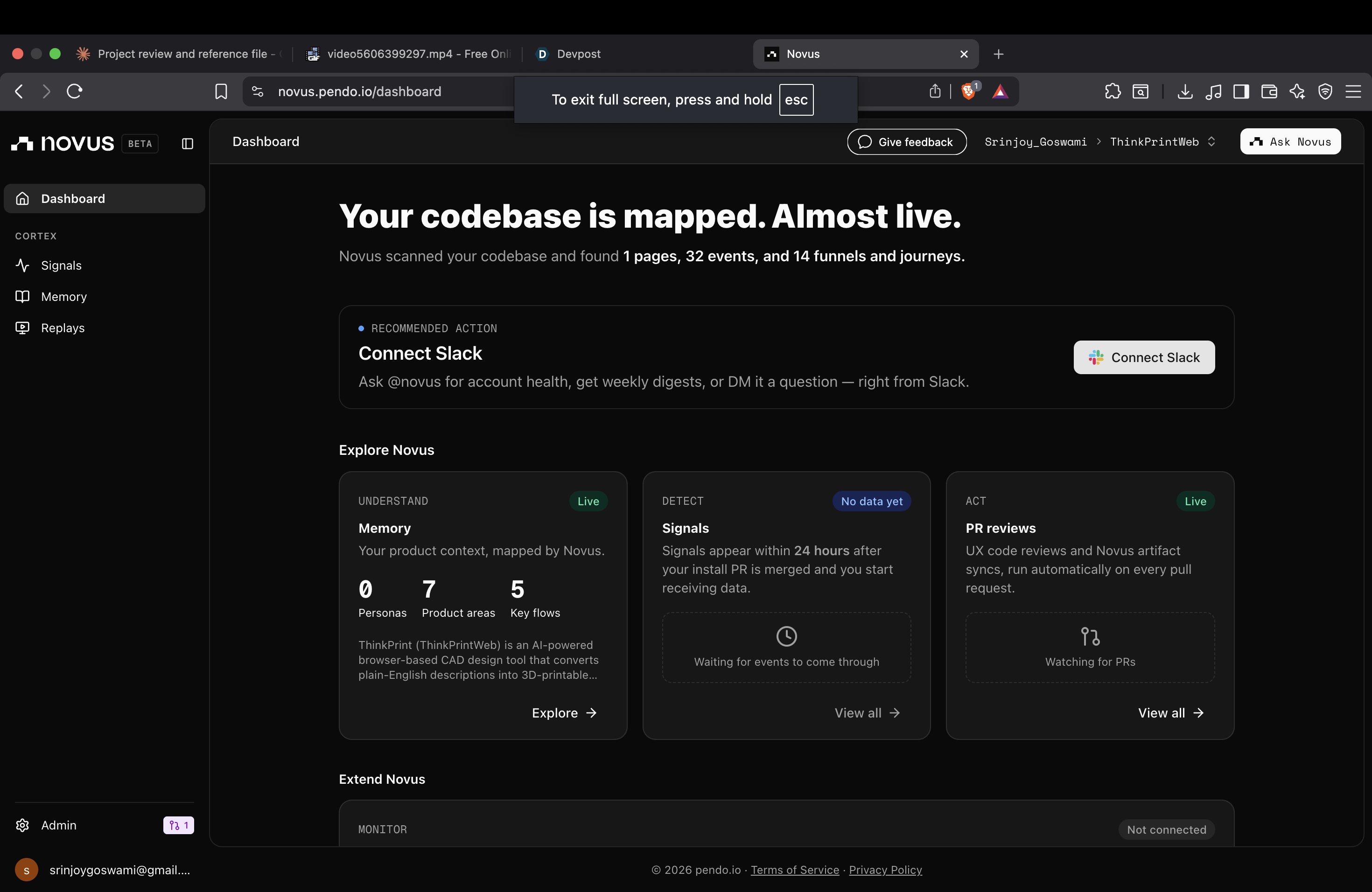
Right after the hackathon I plan to: Make the AI code generation even better Add clear error messages when something breaks Let users save their designs better. Integrate Novus to be able to track which products are valid for a user and which need refinement in order to understand how to work on the prompt engineering to improve the code generation and tool Support FreeCAD too, not just OpenSCAD Show material costs
In addition, to the above mentioned, I plan to incorporate other slicing softwares in addition to PolySlice with API's to allow for more printers to be supported and make this tool capable of more intricate designs.
The overall goal is to keep this open source, in order for improvements to be possible by others and hopefully encourage more people to learn and try to print their own designs.
Built With
- express.js
- github
- grok
- grok-api-(xai)
- node.js
- novus-by-pendo
- openscad-wasm
- orbitcontrols)
- polyslice-v26.4
- railway
- react-18
- tailwind-css
- three.js-v0.184-(stlloader
- threemfloader
- typescript
- vercel
- vite

Log in or sign up for Devpost to join the conversation.