-
-
Thimble
-
Release
-
Notifications
-
Review
-
All features
-
Apple & Google apps
-
Release
-
Screenshots
-
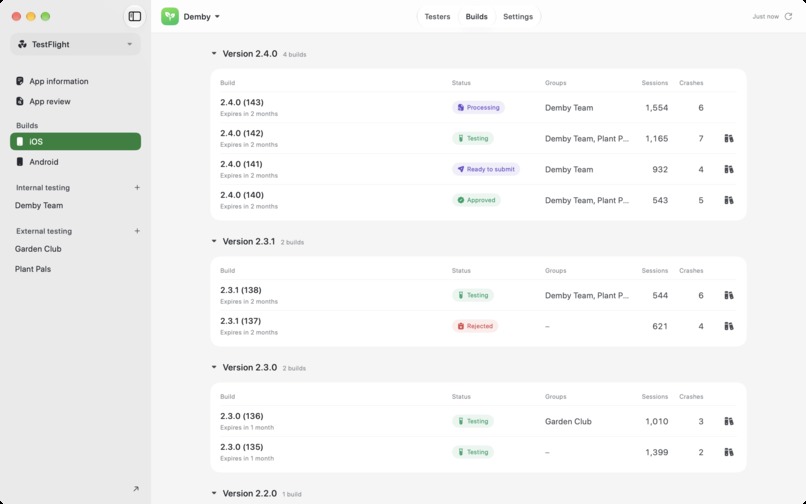
TestFlight
-
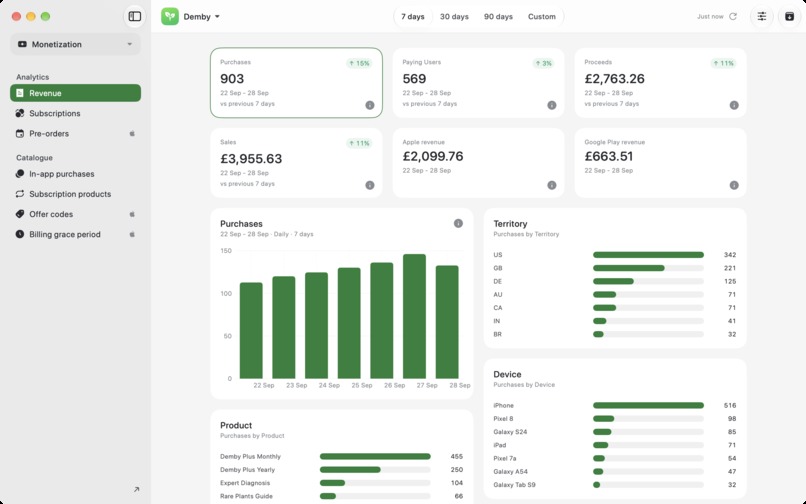
Revenue
-
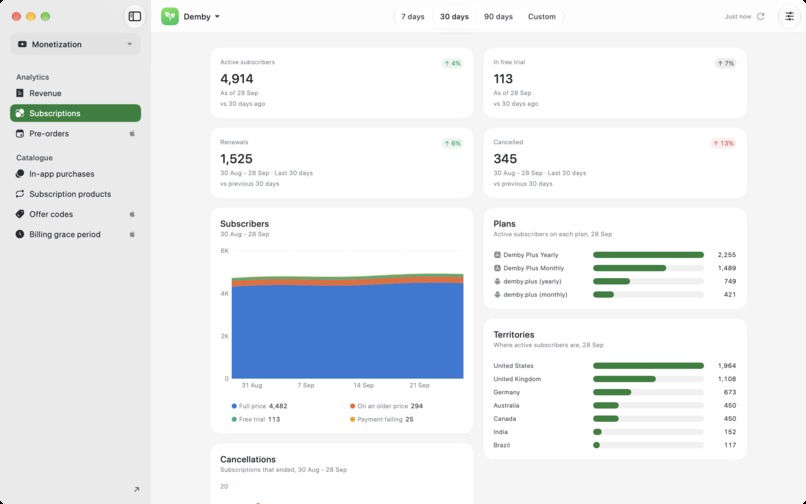
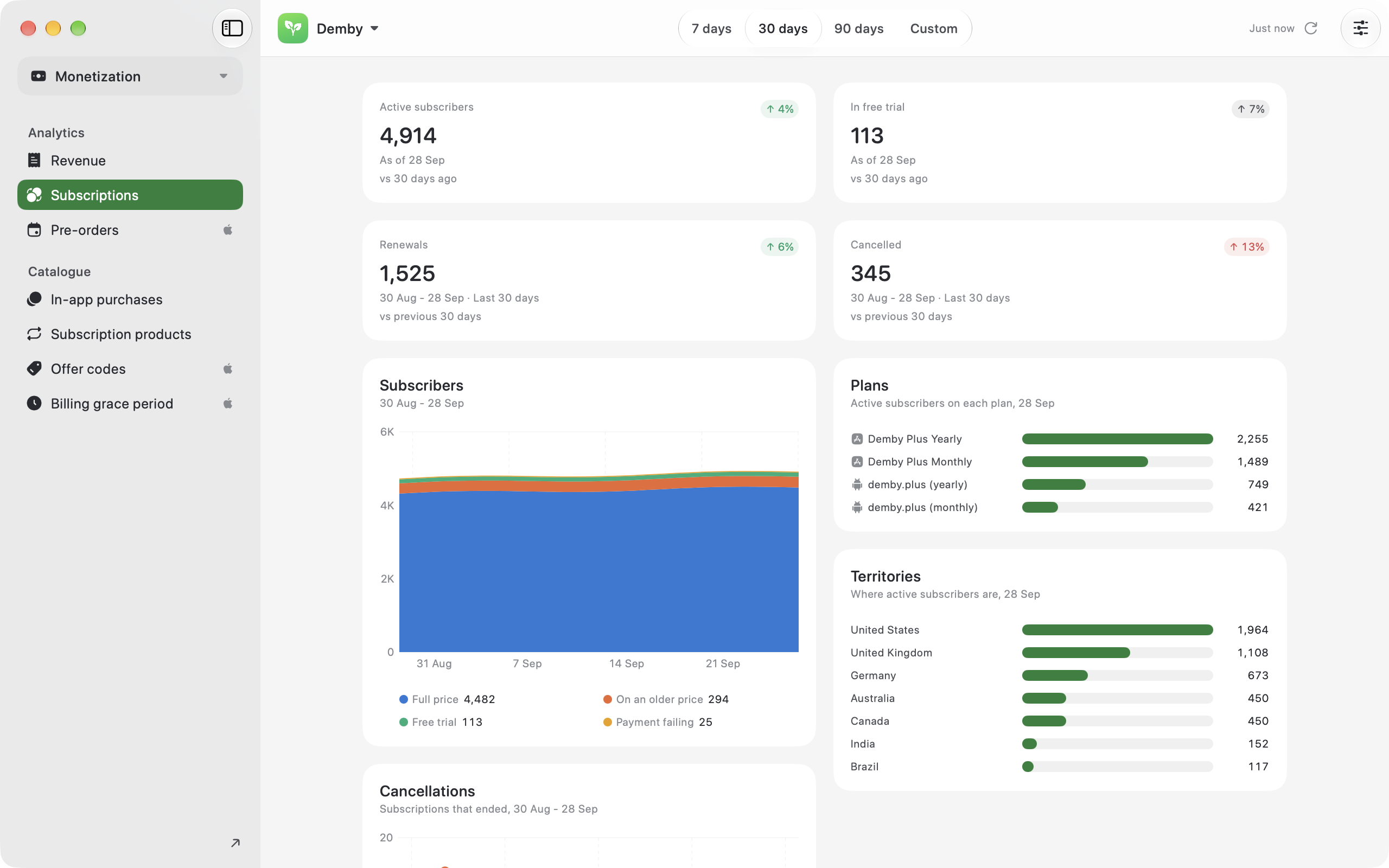
Subscriptions
-
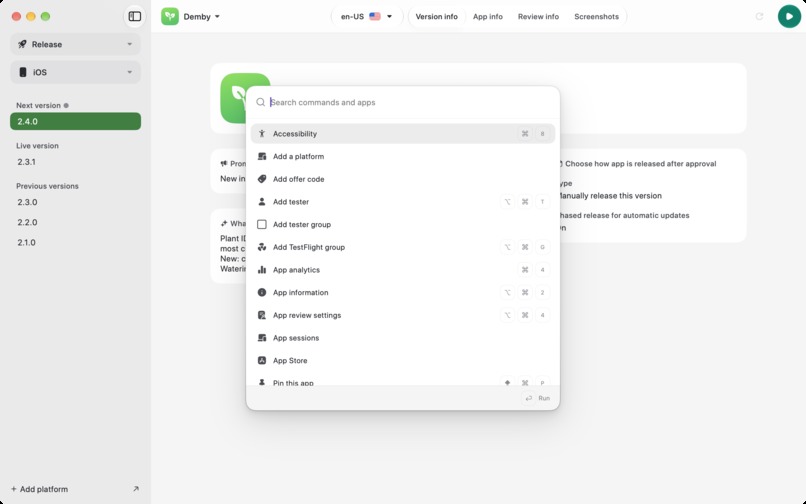
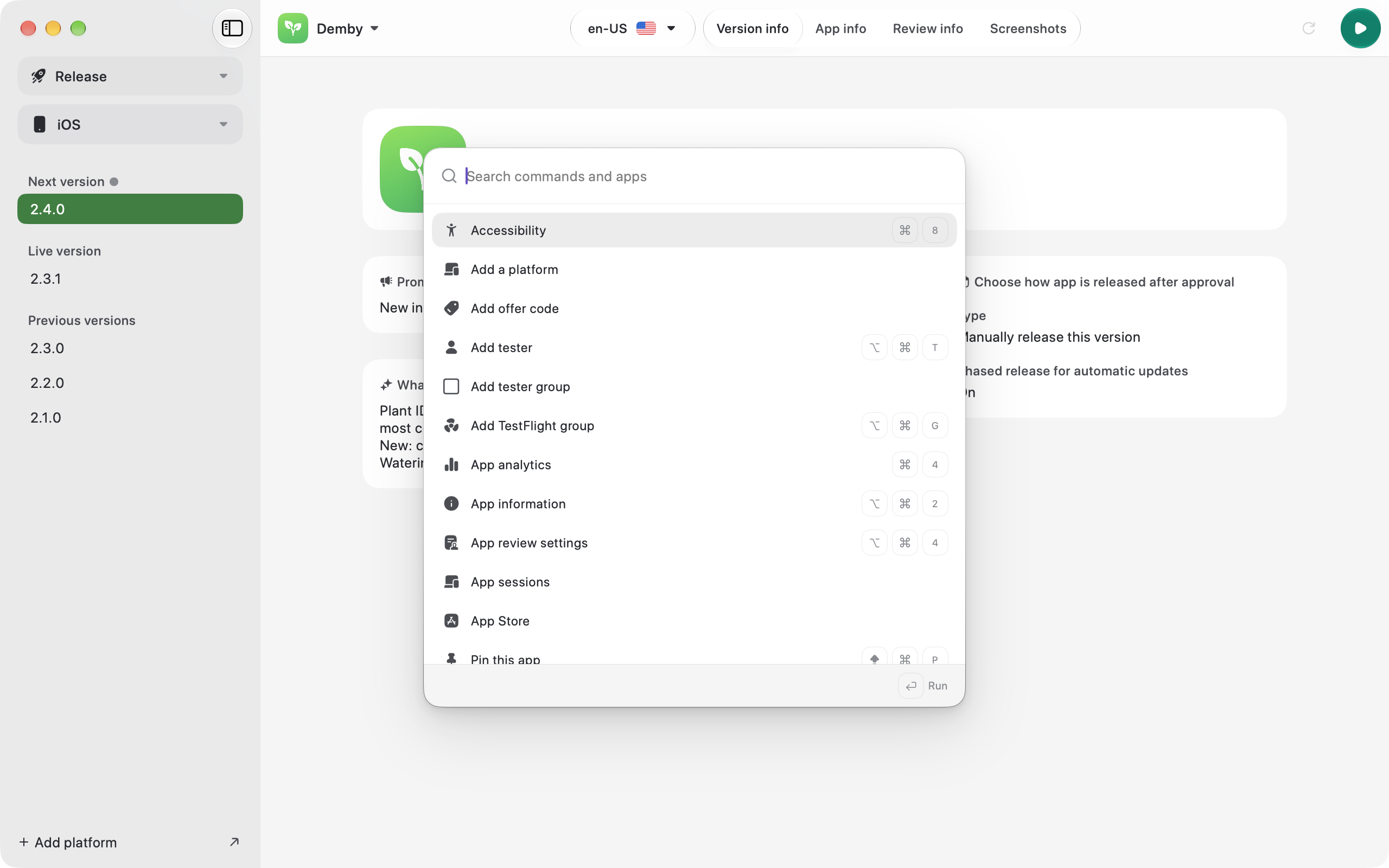
Command palette
-
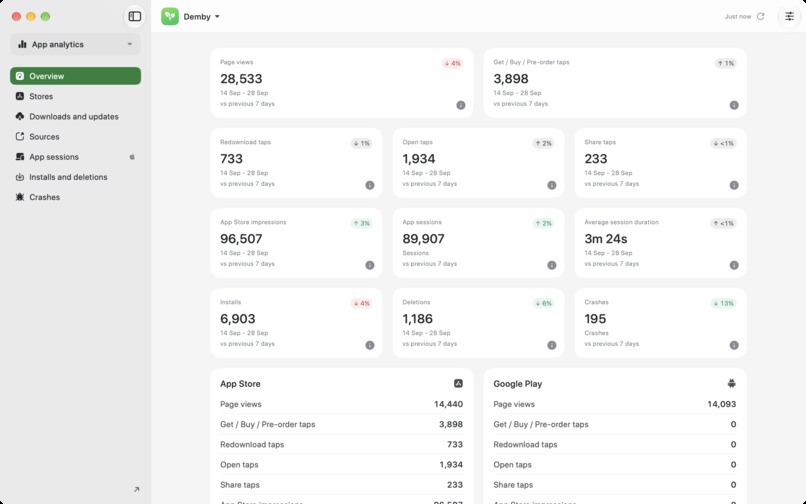
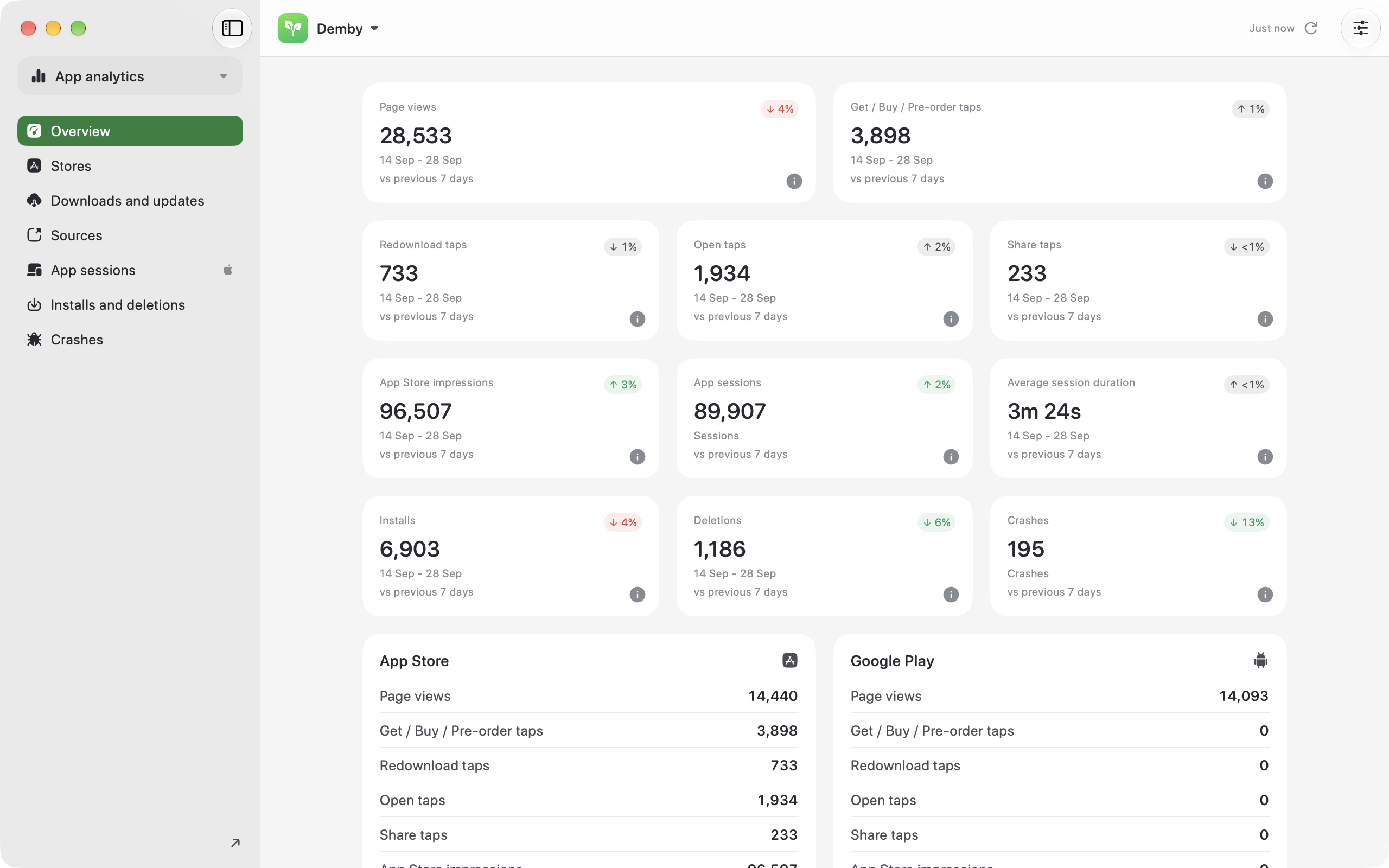
Analytics
-
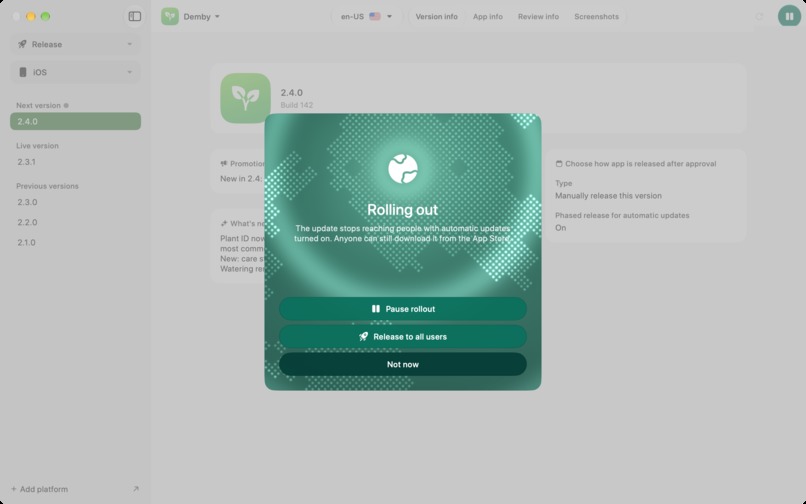
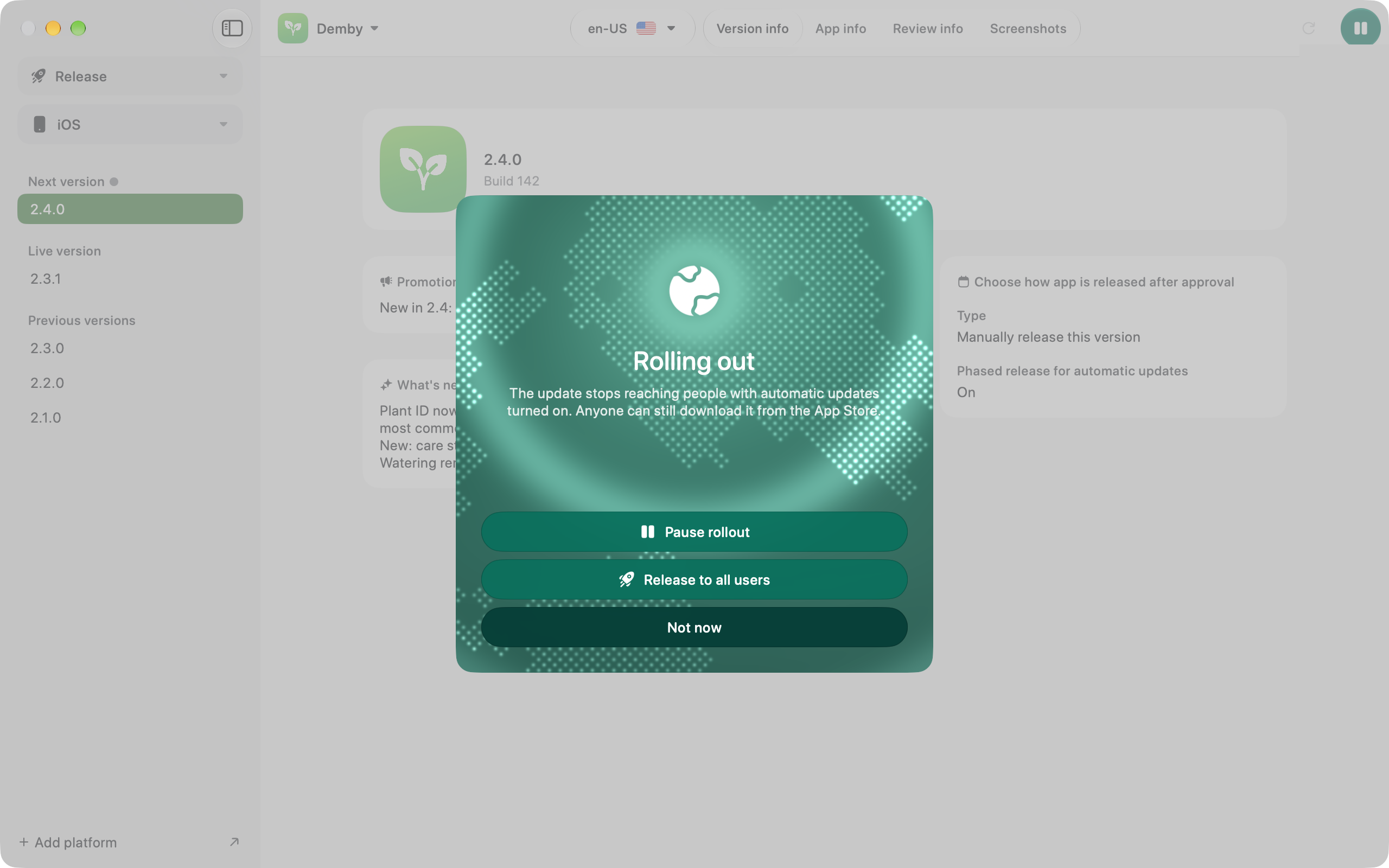
Phased rollout
-

App Icon

Inspiration
The inspiration I have is that I have created a SaaS product for pet sitters, and I get lost inside App Store Connect, but I really get lost inside Google Play Console. I wanted to create something that was easy to use, with a much better information architecture that I could use anywhere. It would be a joy to interact with these systems that I have to interact with on a weekly basis instead of it being something I dread.
What it does
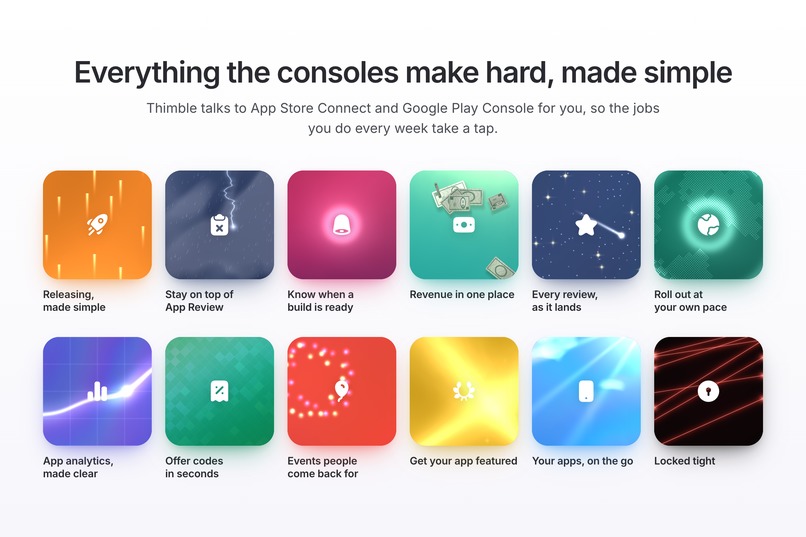
The product allows you to:
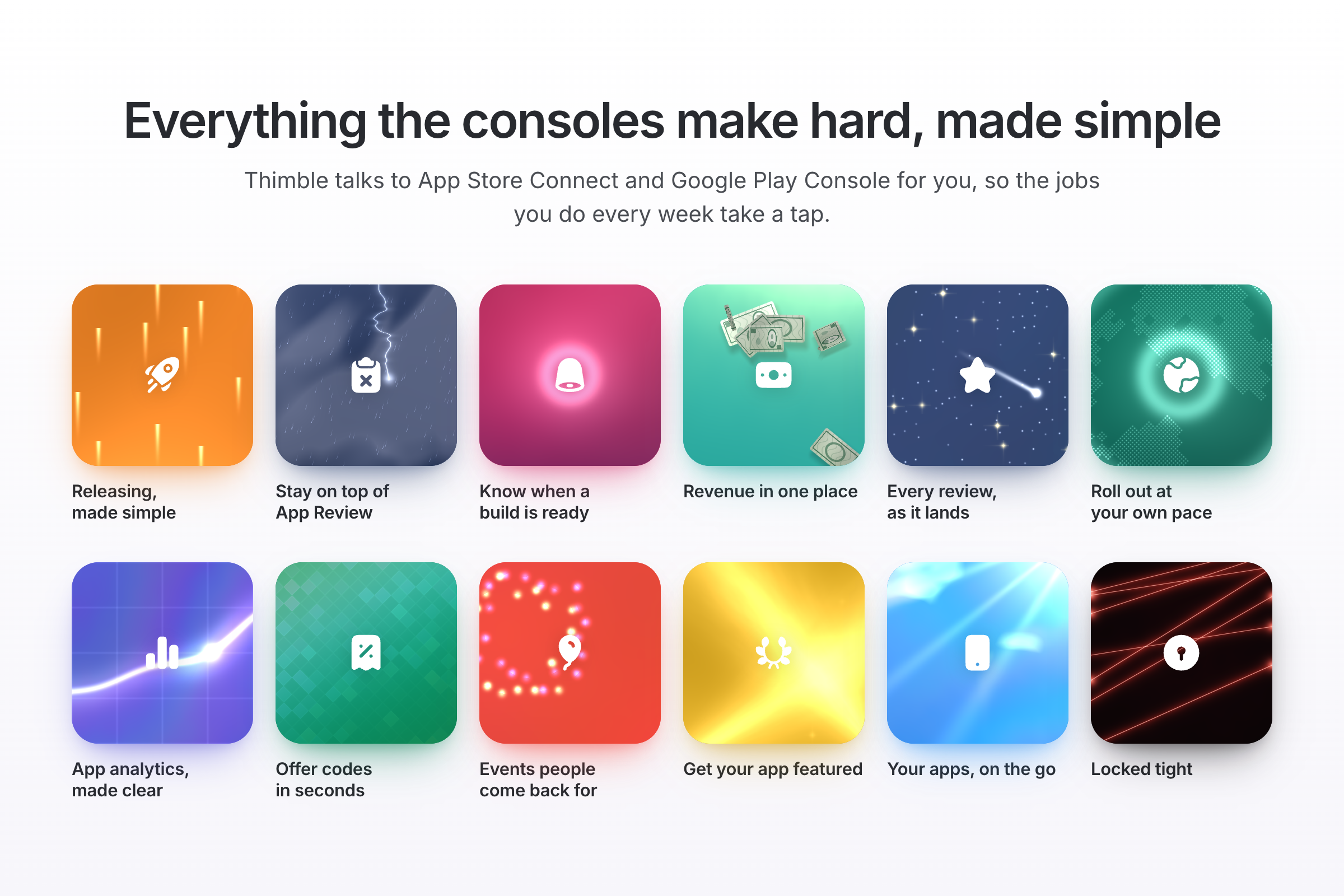
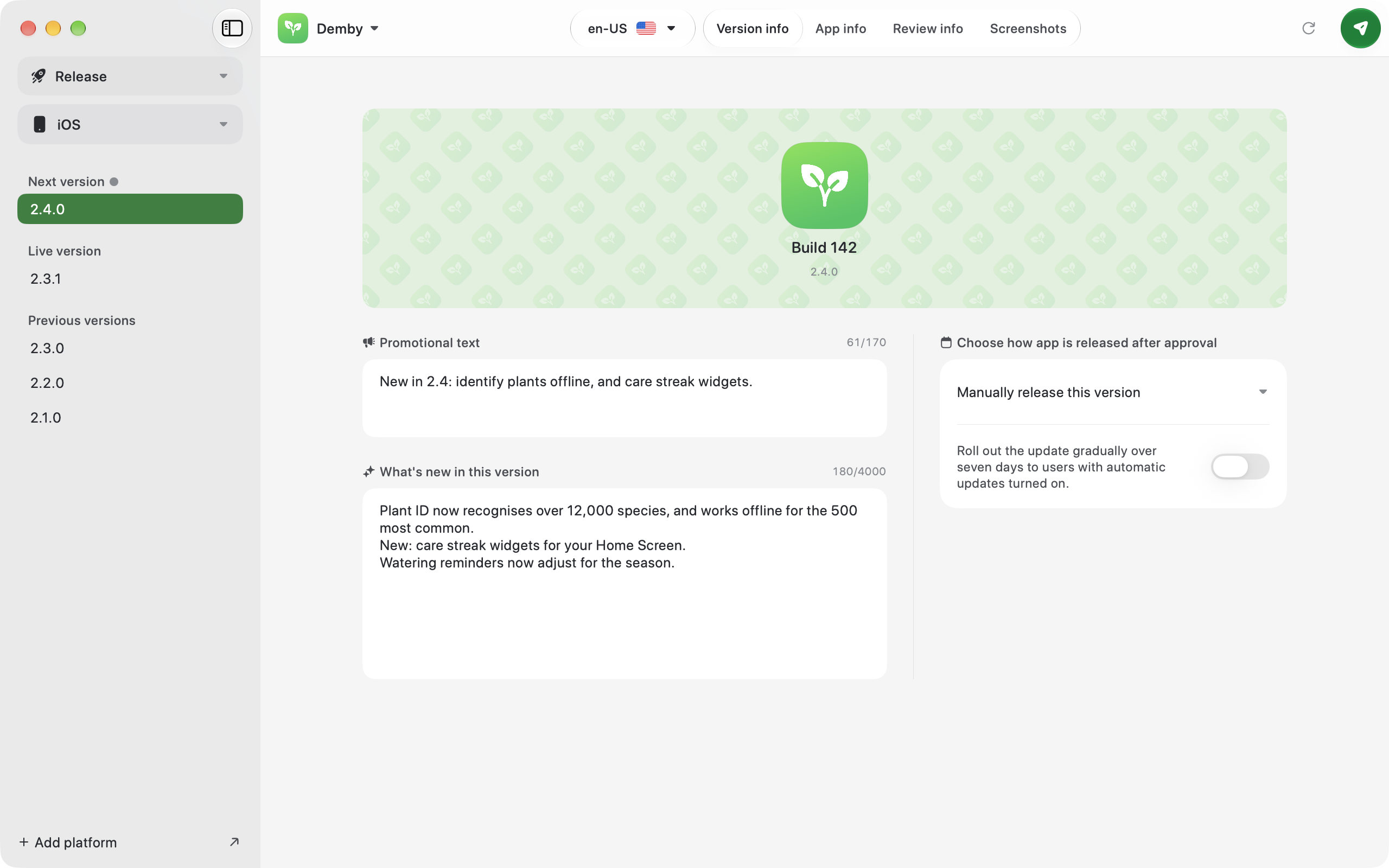
- view all of your apps across Google Play Console and App Store Connect
- manage them
- release them
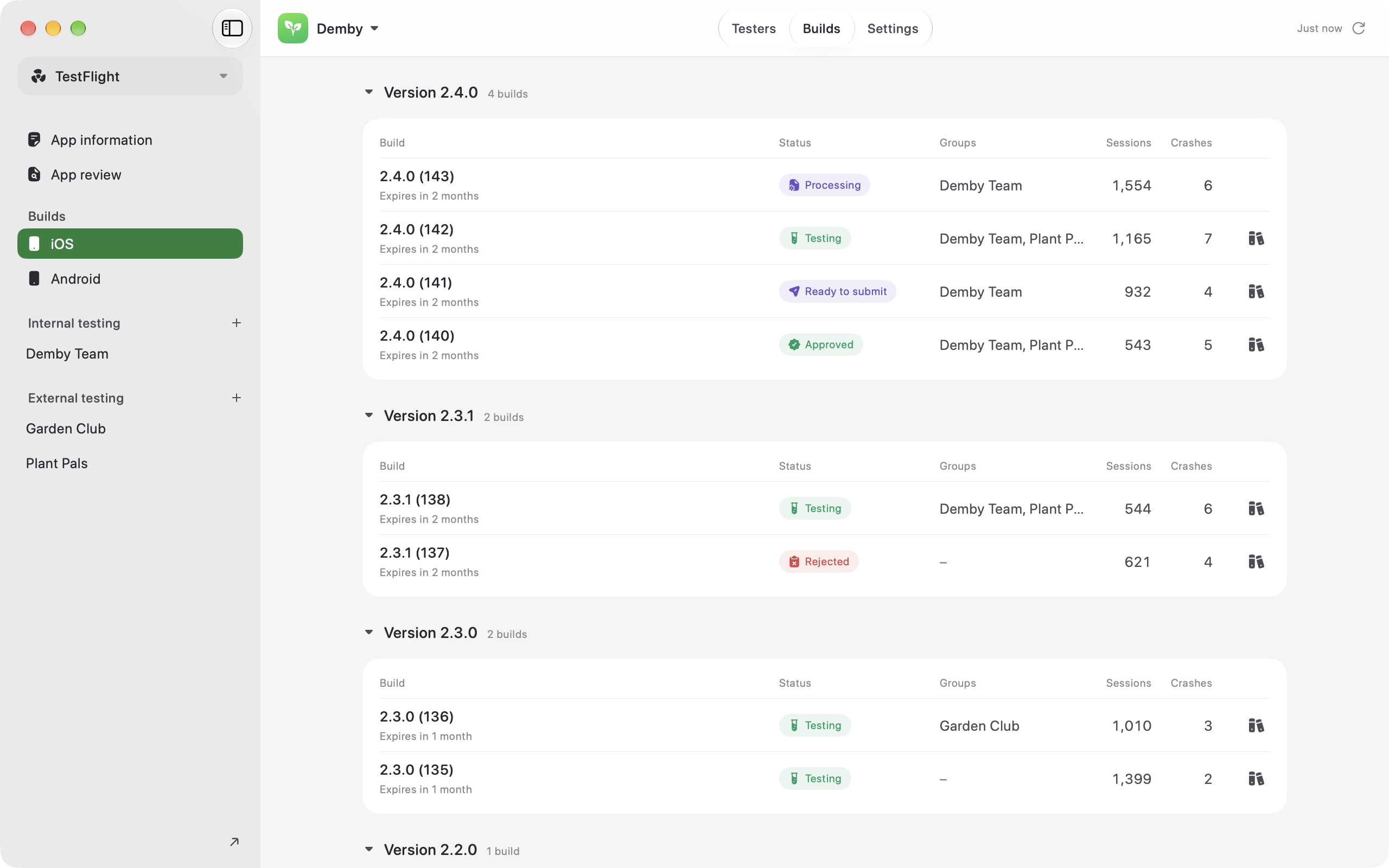
- test them
- view all of their analytical data
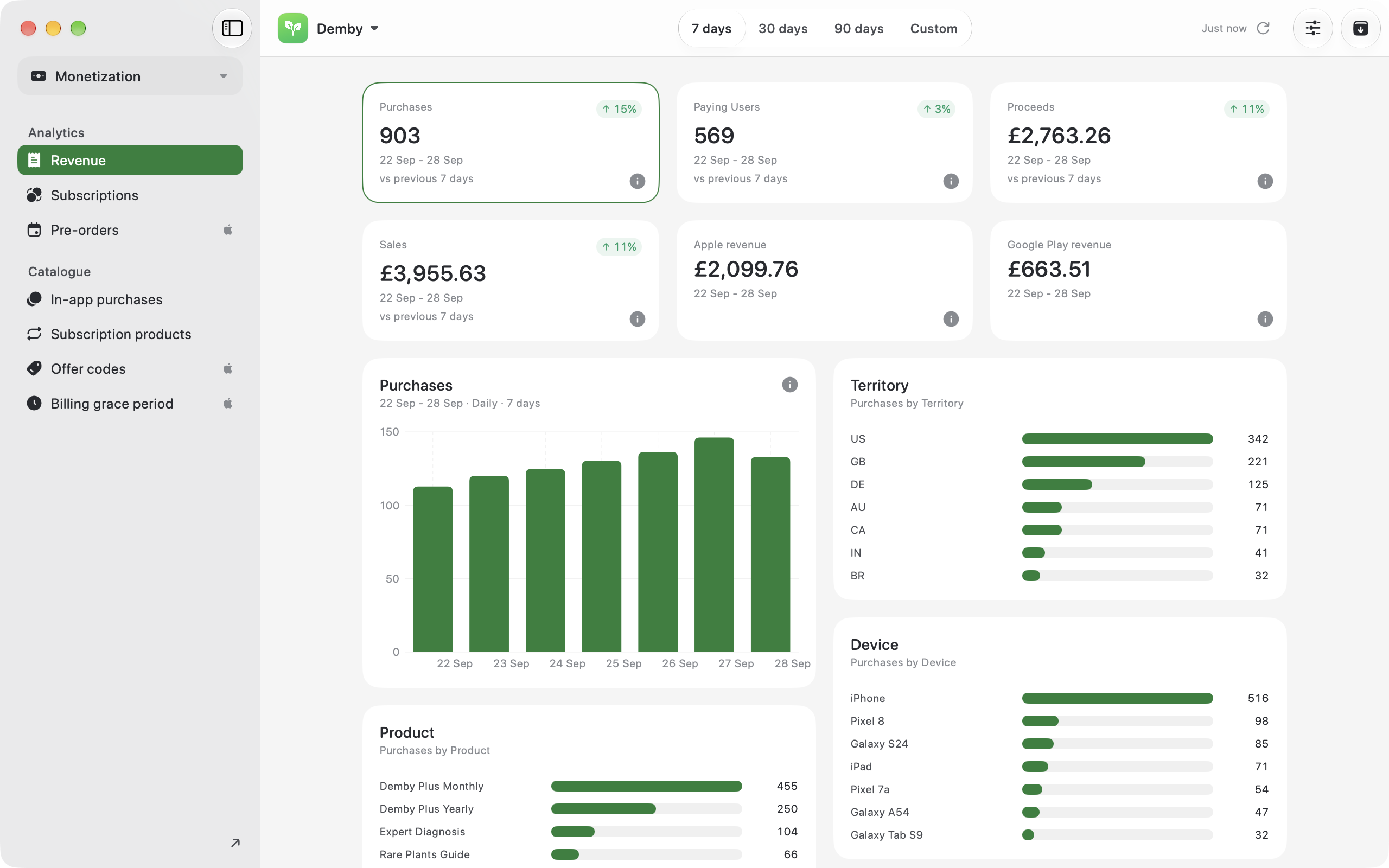
- view all of their revenue data
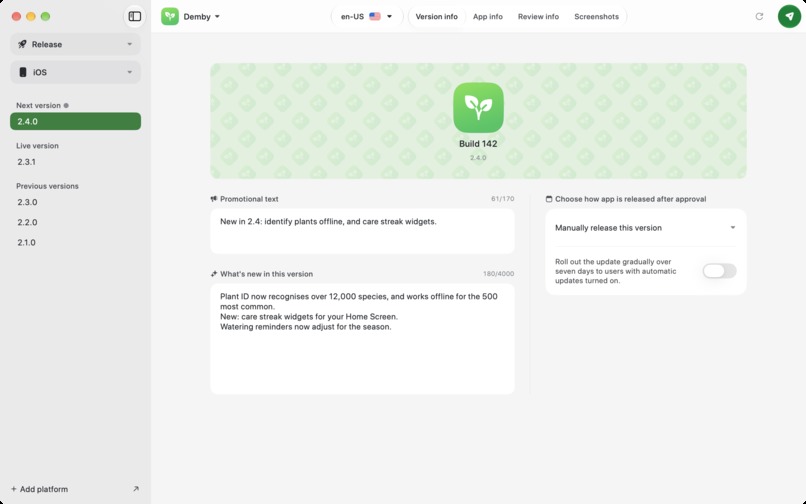
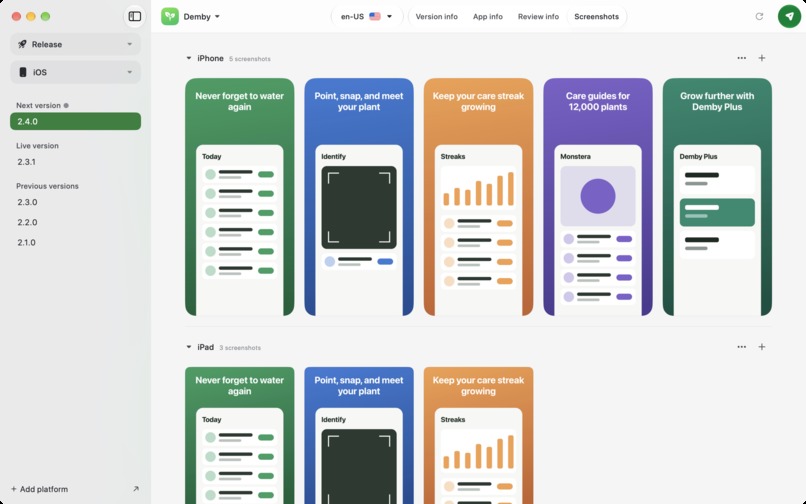
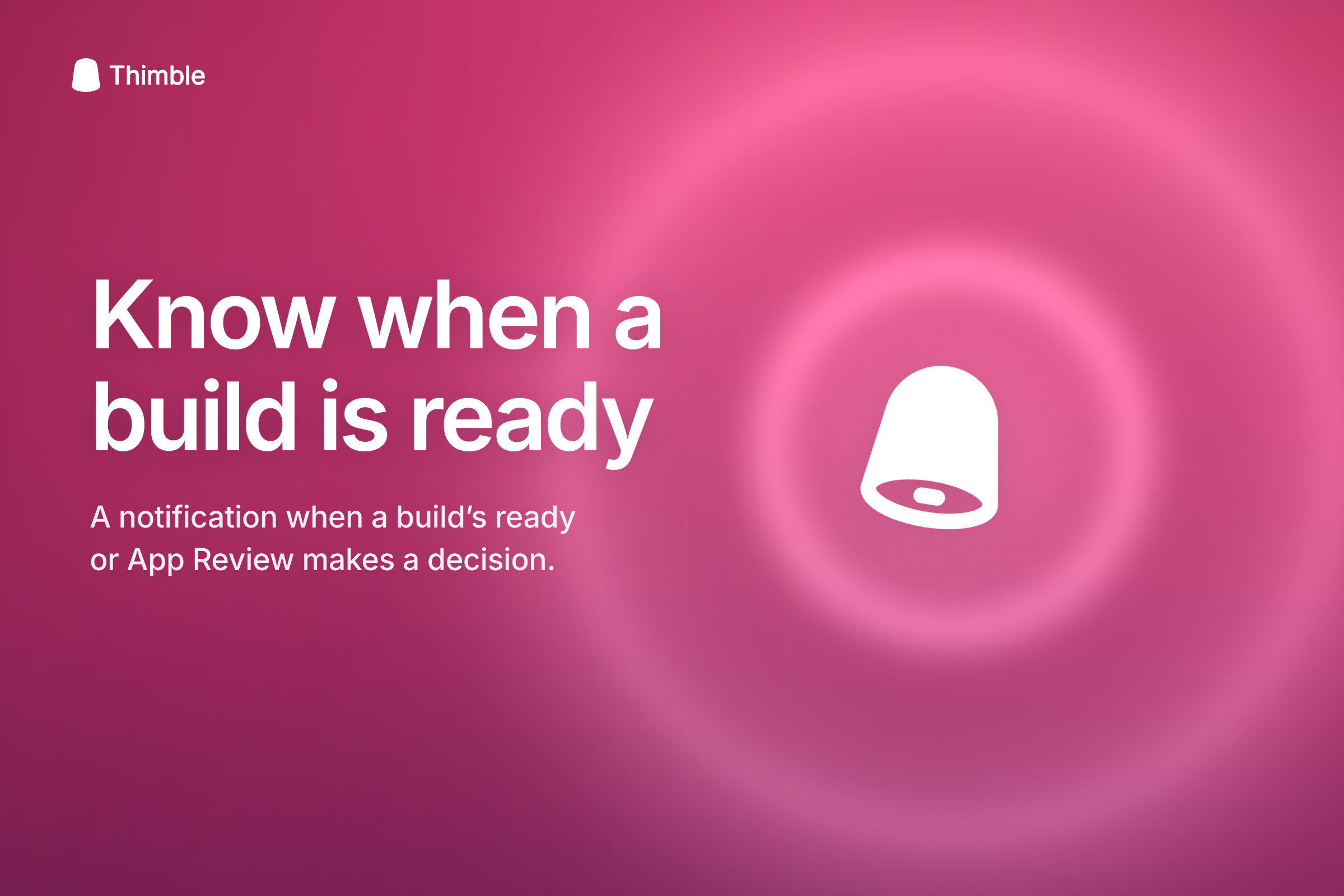
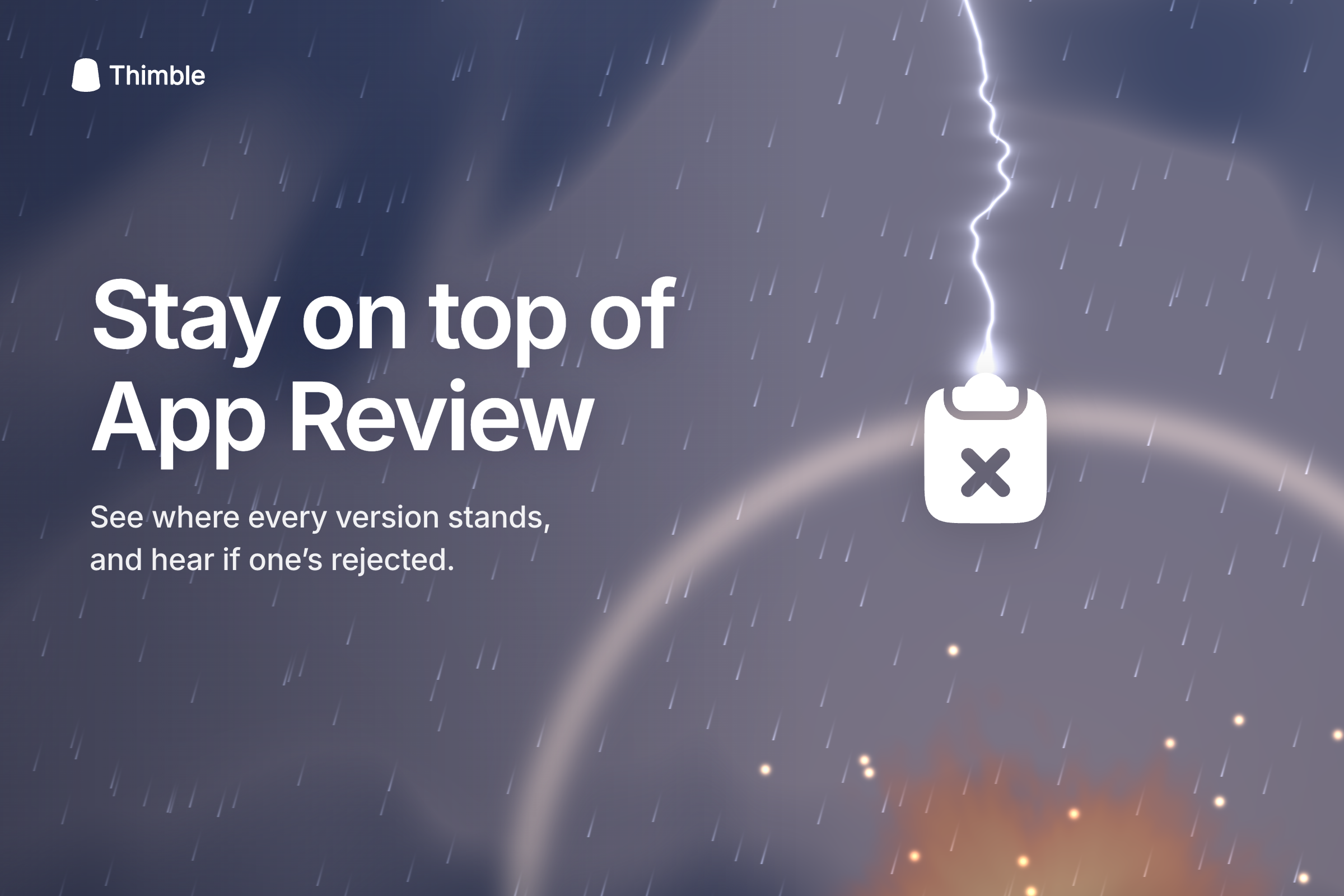
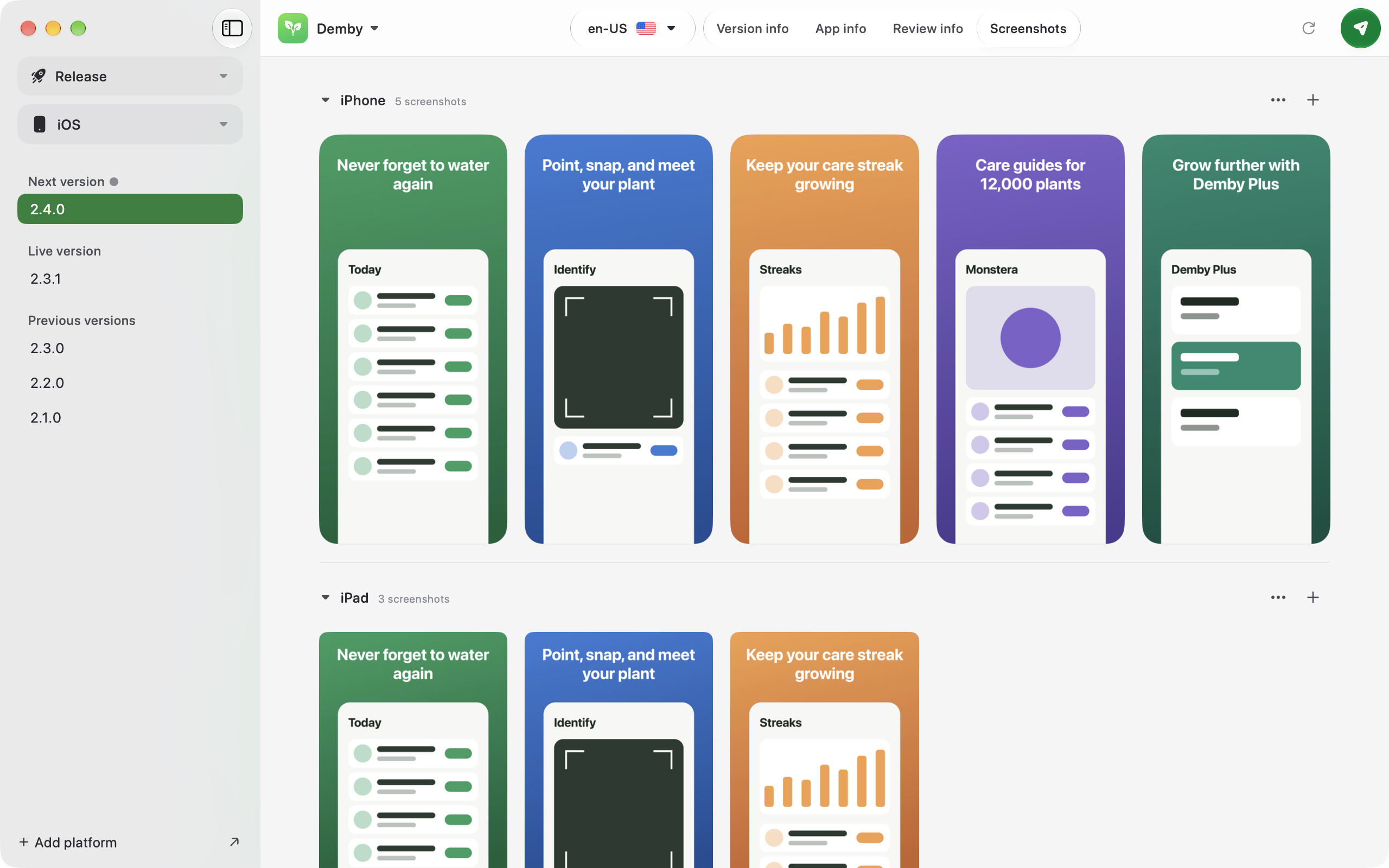
- even more It takes data that is famously hard to find or hard to ingest from those products (that is either visualised poorly or not visualised at all and just available via download links), and it puts them in a beautiful app that people can view on the go or on their Mac whilst building their app. In a world where people are building apps from their phones, this feels like the perfect companion because releasing and testing an app can be done by a CLI, by an agent. Looking at that data visualisation, making sure that your App Store screenshots look great still needs a beautiful app to do that, and that's what Thimble does.
How we built it
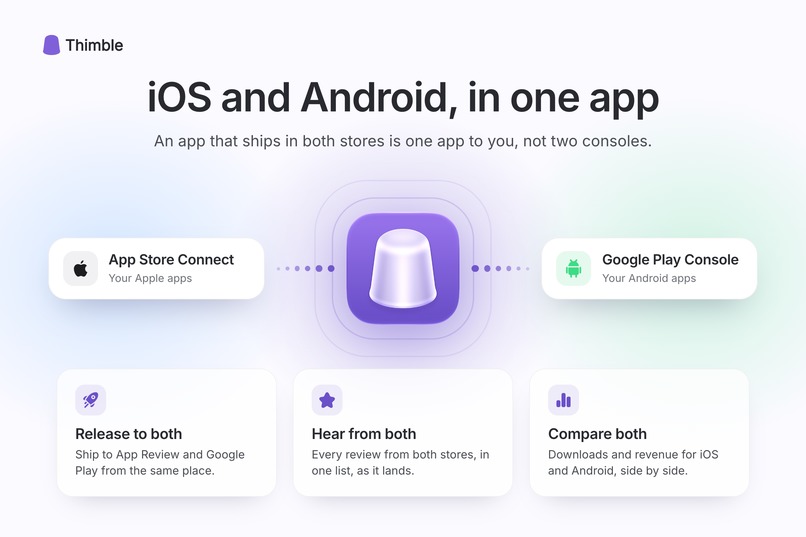
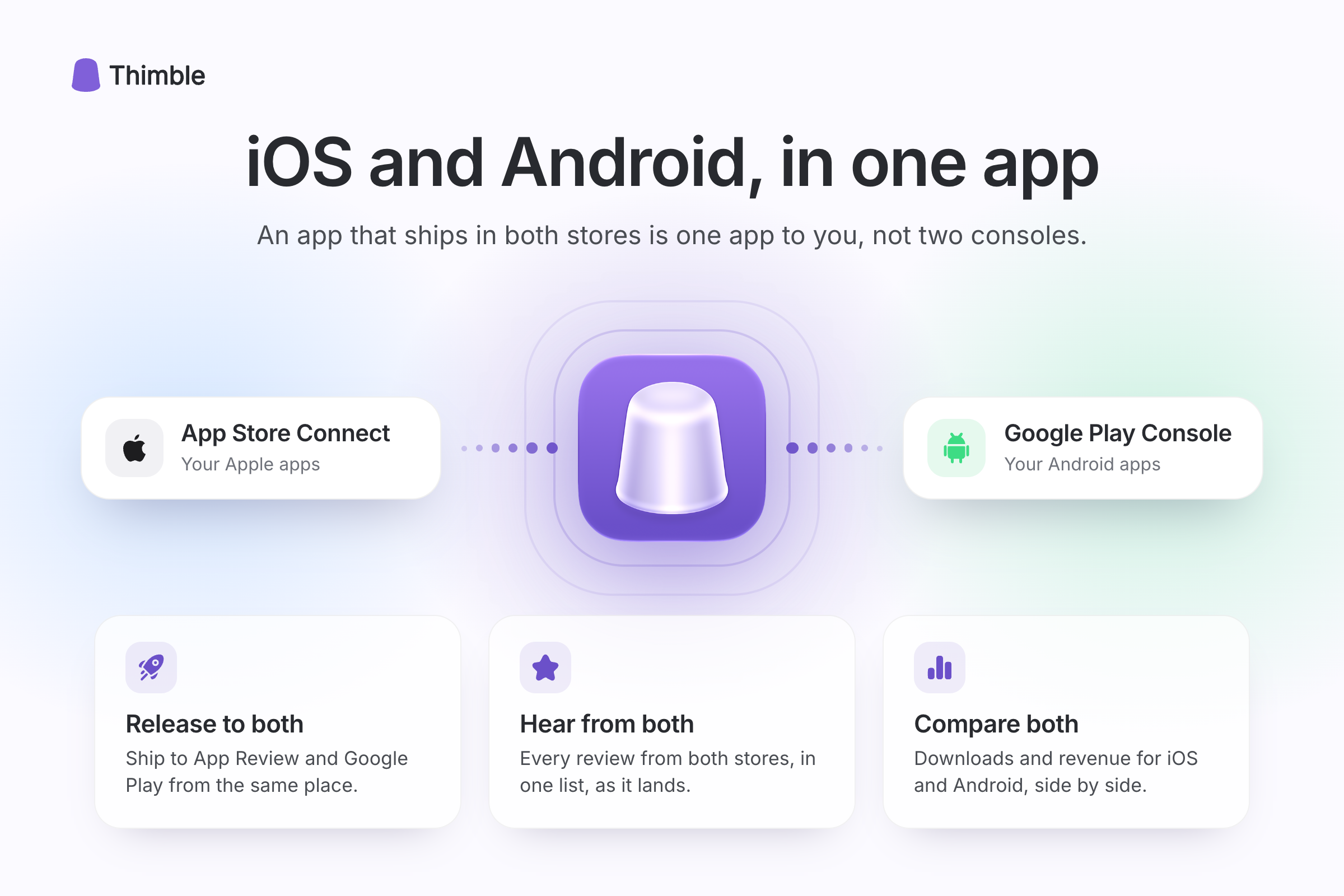
I built this natively using SwiftUI, UIKit and AppKit. I started by planning the infrastructure and API level carefully with an agent. I created a GooglePlayKit and an AppStoreConnectKit framework that my apps can easily ingest. From there, I built out the UI. I am a designer by trade, but I found now that if I jump straight into the code and mould and shape the product there, I get to something that I really like faster. I started by building out the App Store Connect information architecture because that is what I'm most familiar with, and I know that the App Store Connect website is incredibly hard to use and understand. Once I had an information architecture I was really happy with, I started working on the craft elements and shaping the finer elements to make it a beautiful and joyful experience. Then I integrated Google Play Console functionality into that. The overall ethos here is not that it feels like App Store Connect and Google Play Console are each in an app but feel different to one another. The ethos is that you interact with both of them in the same way, with the same language and same UX patterns. To this day, I don't know how to create an offer in App Store Connect, but I can do it within seconds in Thimble. And every time I go to Google Play Console, I have to remember how to use it because it makes so little sense how they've structured that product, but all that has changed now with Thimble.
Challenges we ran into
Some of the most challenging parts were combining the two different technologies into one product with the same UX patterns. There are small differences in the language Google and Apple use but there are also big differences in terms of how Google releases an app versus how Apple does. Coming up with a common pattern that works across both sides of the coin was something that took a lot of deep iteration. On a technical side, the only real issue I've had was with SwiftUI failing on some of the views, and in that case, I've had to use UIKit and AppKit.
Accomplishments that we're proud of
I'm incredibly proud that I started this in September and I have submitted it by the end of September. It's fully working across iOS, iPad, and Mac, each of them with a best-in-class experience on each of those platforms. This isn't an iPhone app that's blown up to iPad size or an iPad app that's running on Mac. It's native and built for each. What makes me most proud is that I'm now using this to manage my App Store and Google Play apps and it's going to help me with a huge new feature that I have to build next, which is localization.
What we learned
This mostly helped me refine my agentic coding flow. Creating API frameworks and then layering on top of that design systems made building the product cross-platform very easy.
What's next for Thimble
From here, I want to finish the Apple Watch app that I didn't quite get done in time. I want to get a lot of real user feedback and mould it more with their input to make it really great for them. And once I have a product that people really love, I'm going to make a native Kotlin app for it too. Allowing people on Android to manage their App Store Connect and Google Play apps on the go.
Built With
- appkit
- firebase
- google-cloud
- icloud
- swiftui
- uikit

Log in or sign up for Devpost to join the conversation.