Inspiration
I used to download diary apps over and over again, only to quit after three days.
Even when I tried to write down "what I did today," my hand would freeze in front of the blank page. Meanwhile, records of the day were already scattered across my smartphone—photos I took, step counts, sleep duration, and workouts. I wondered if I could keep going if I had an experience where a diary was delivered to me, rather than me having to write it.
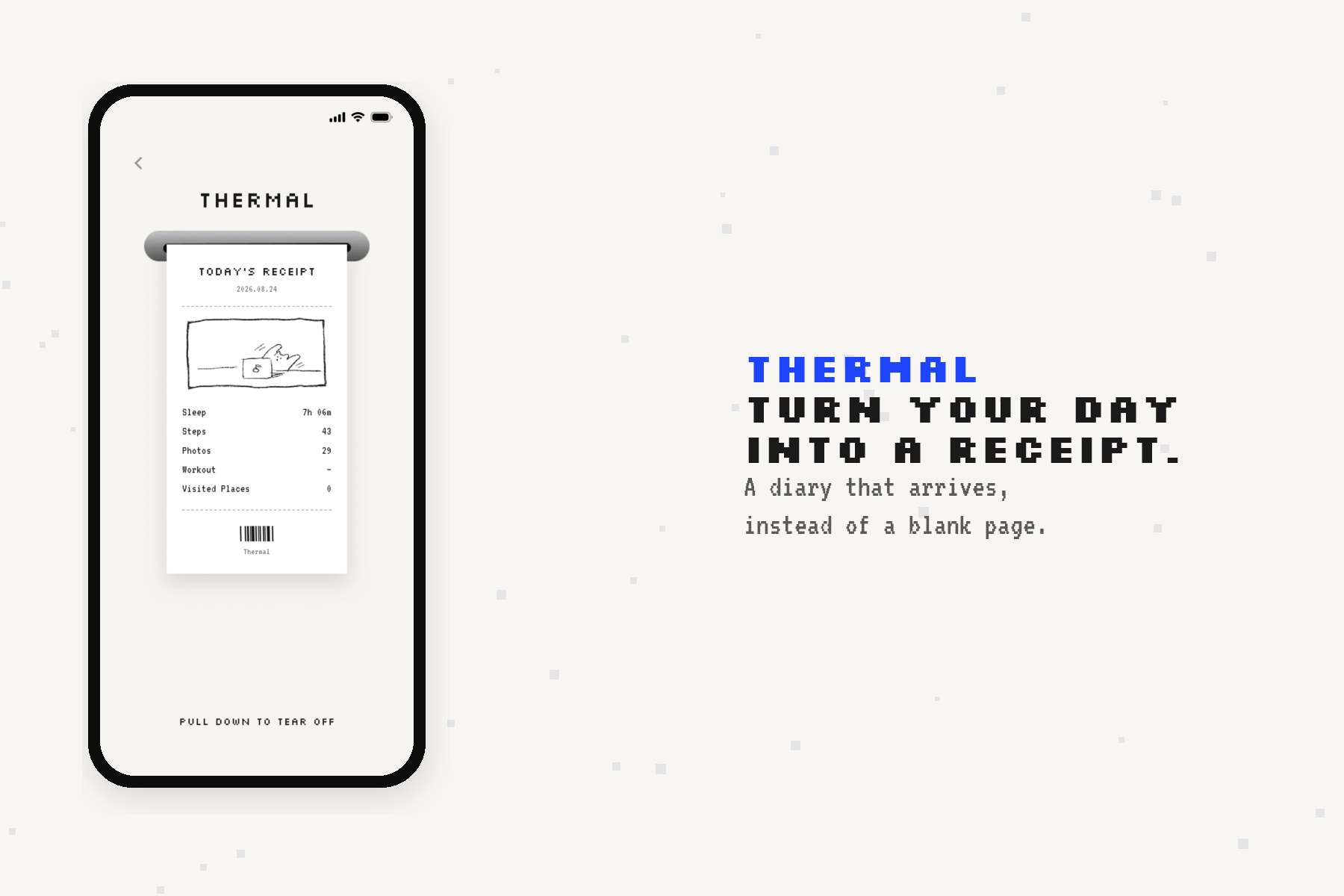
That is when I thought of the receipts you receive at convenience stores and cafes. Receipts are short, specific, and show at a glance what you bought and when. What if we printed out daily life data as "today's receipt" so that you could receive "a single page of that day" in your hands without having to write a diary? That idea was how Thermal was born.
What it does
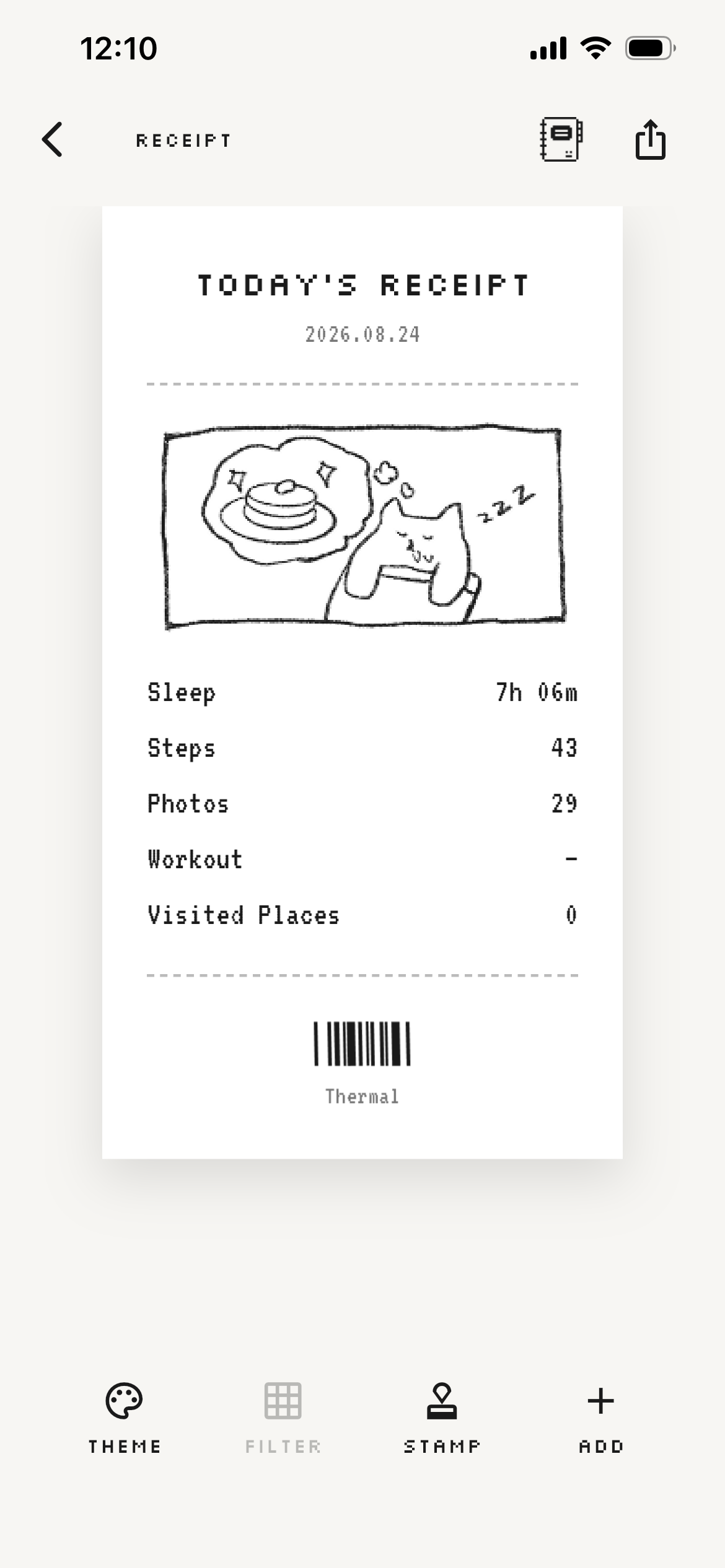
Thermal is a Flutter app that automatically generates thermal printer-style receipts from data on your device.
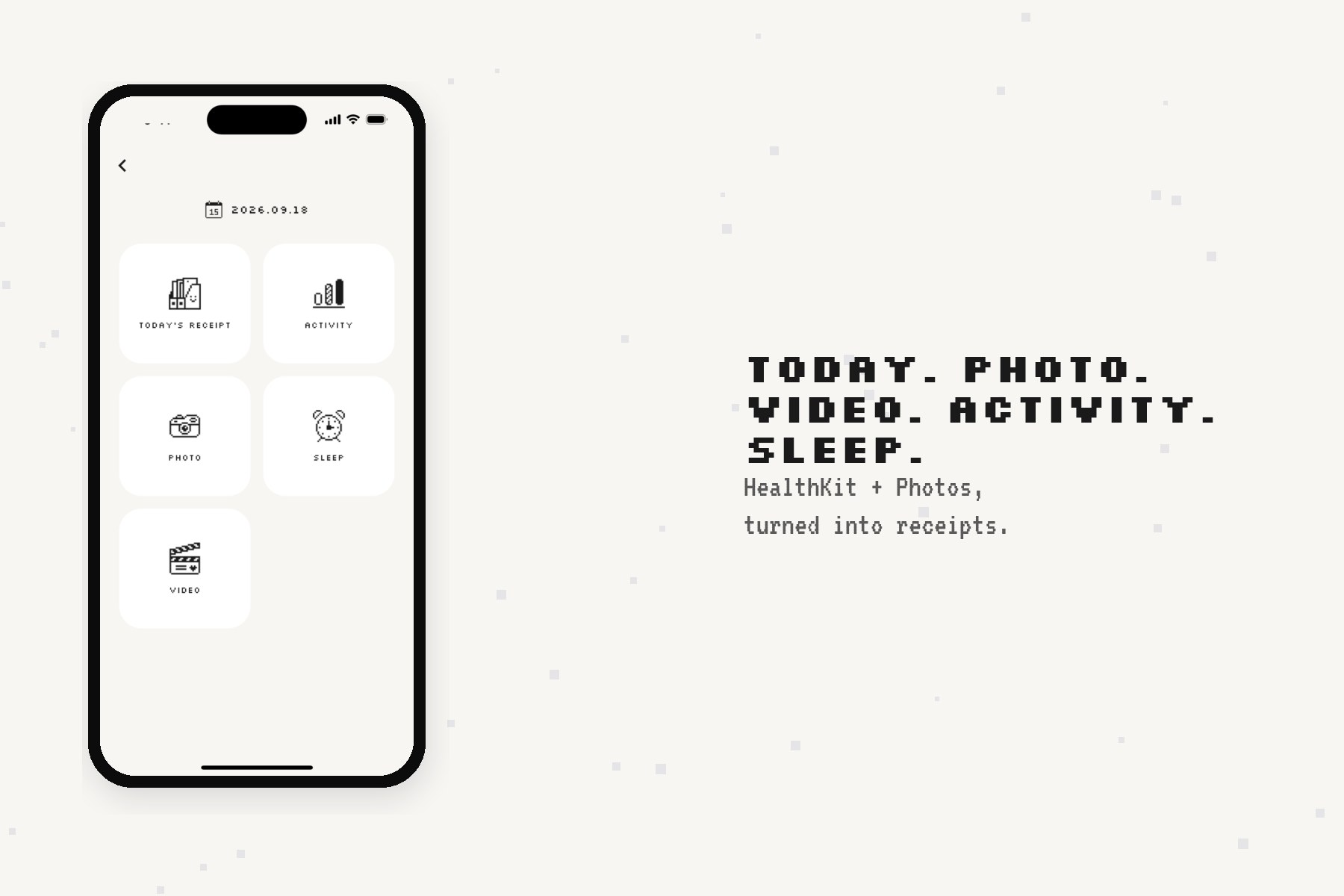
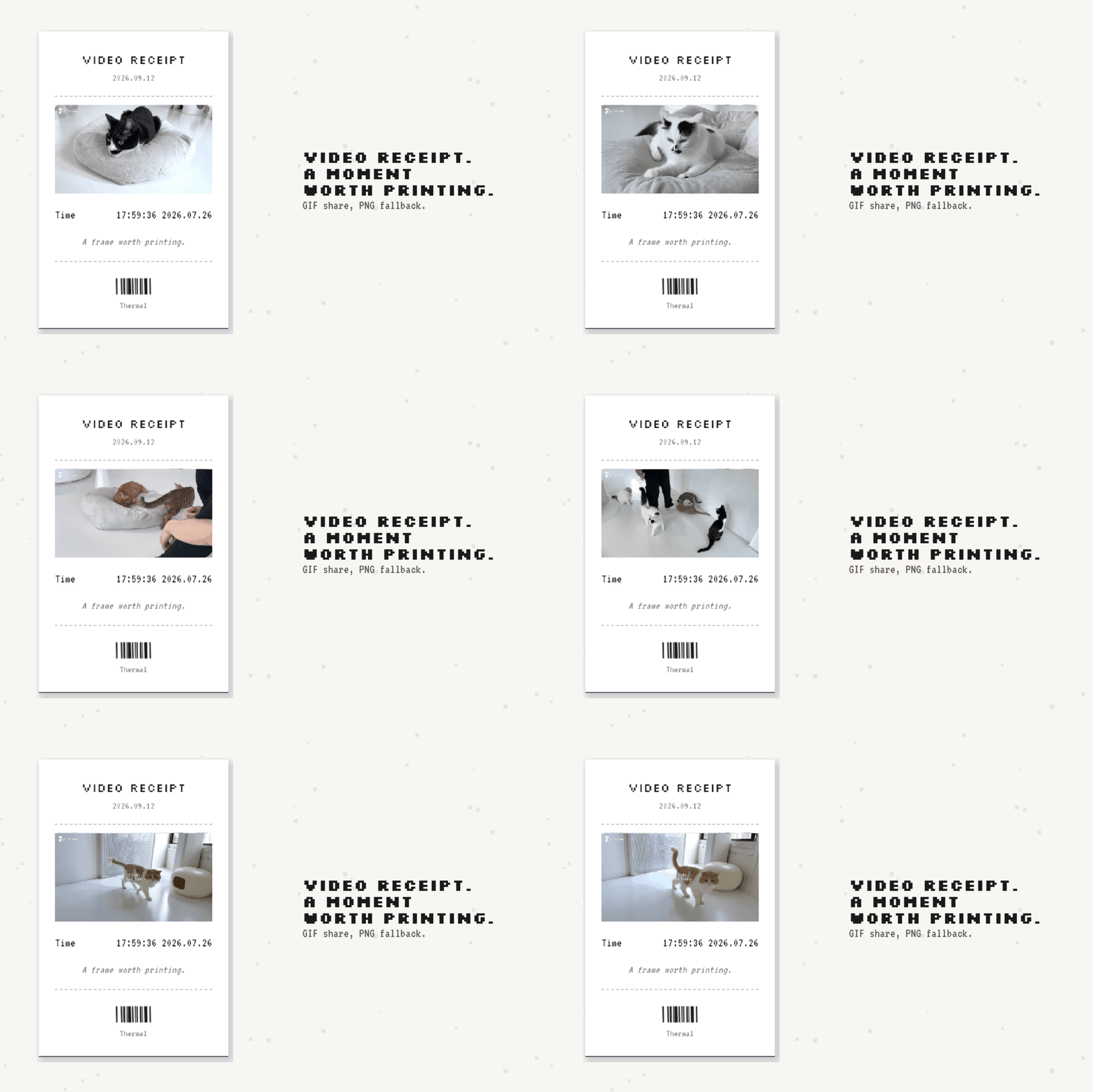
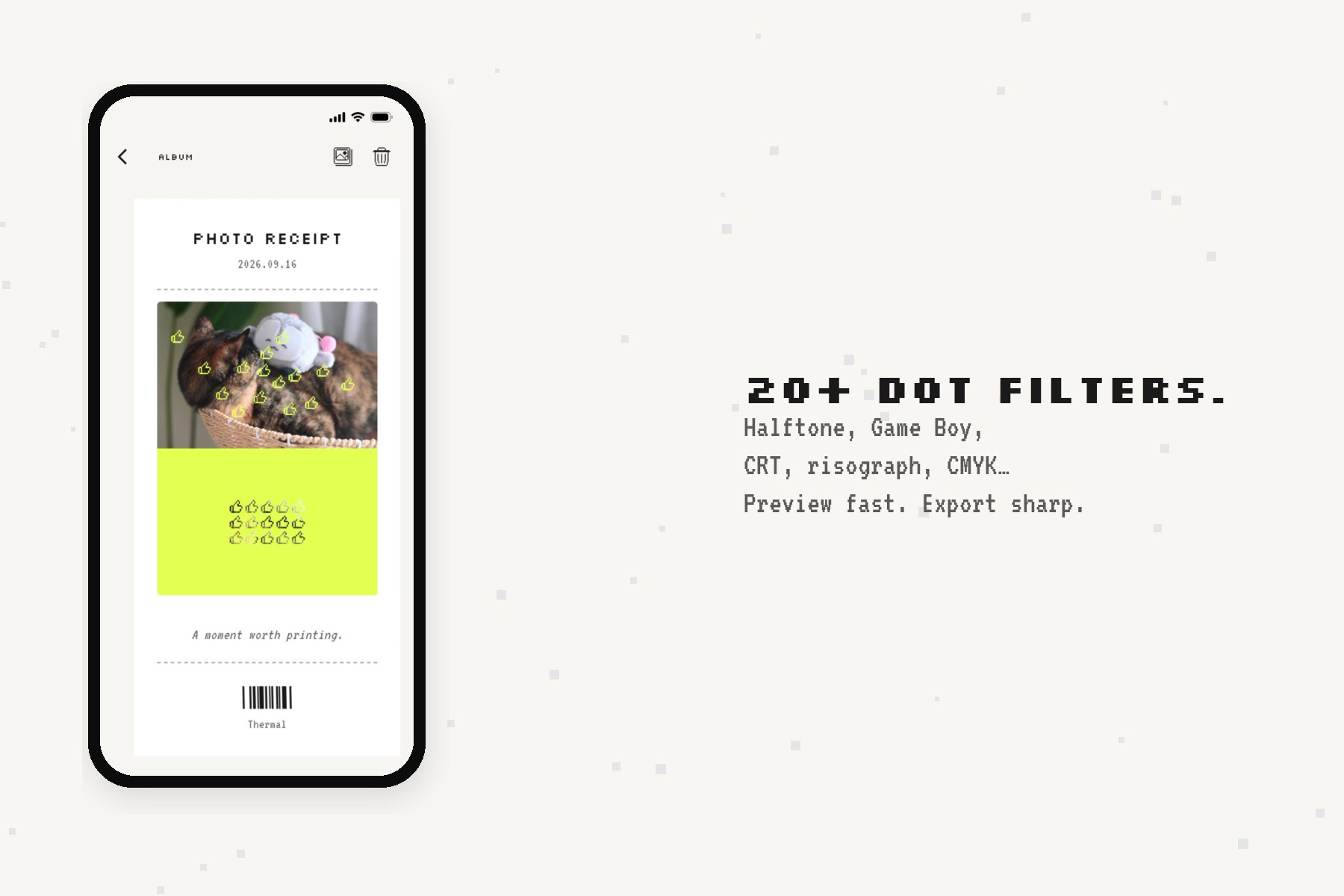
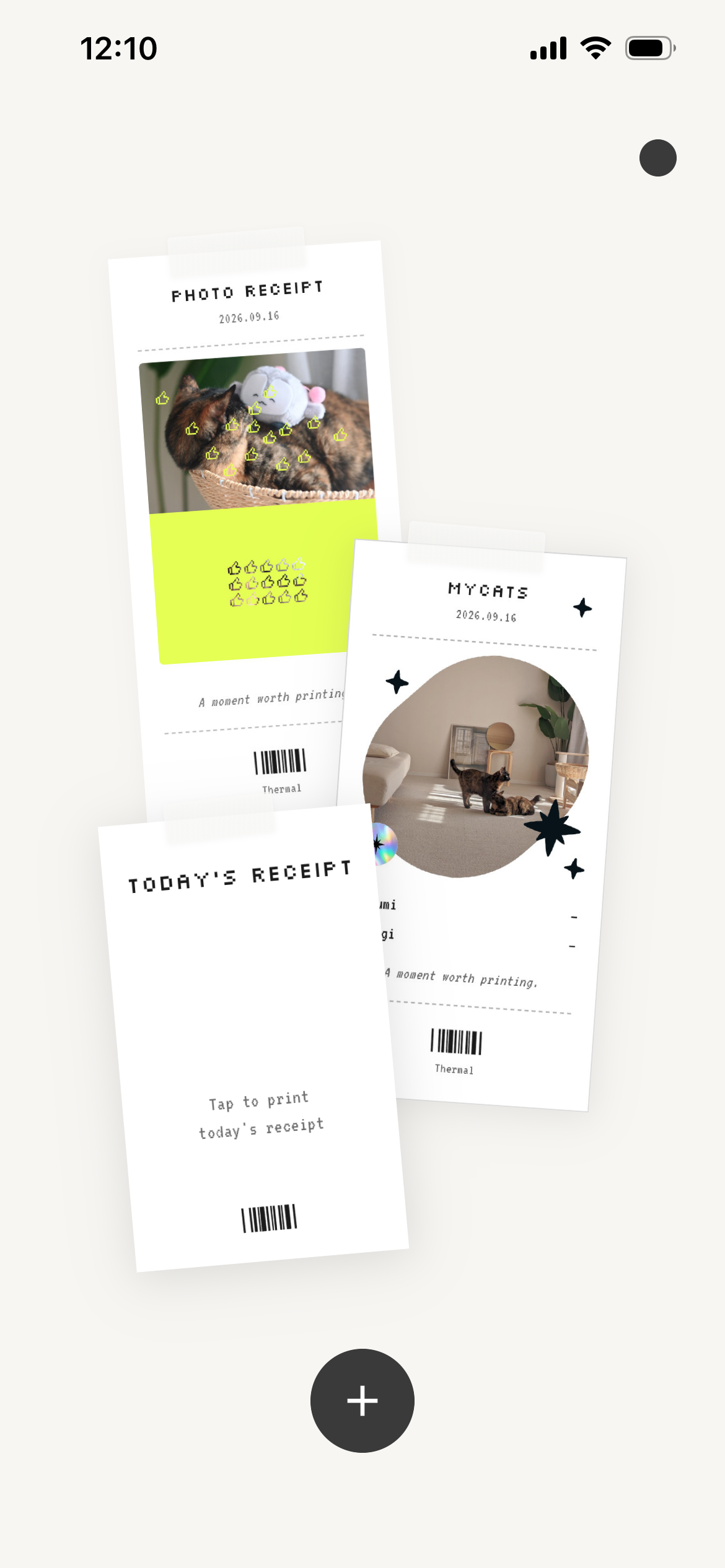
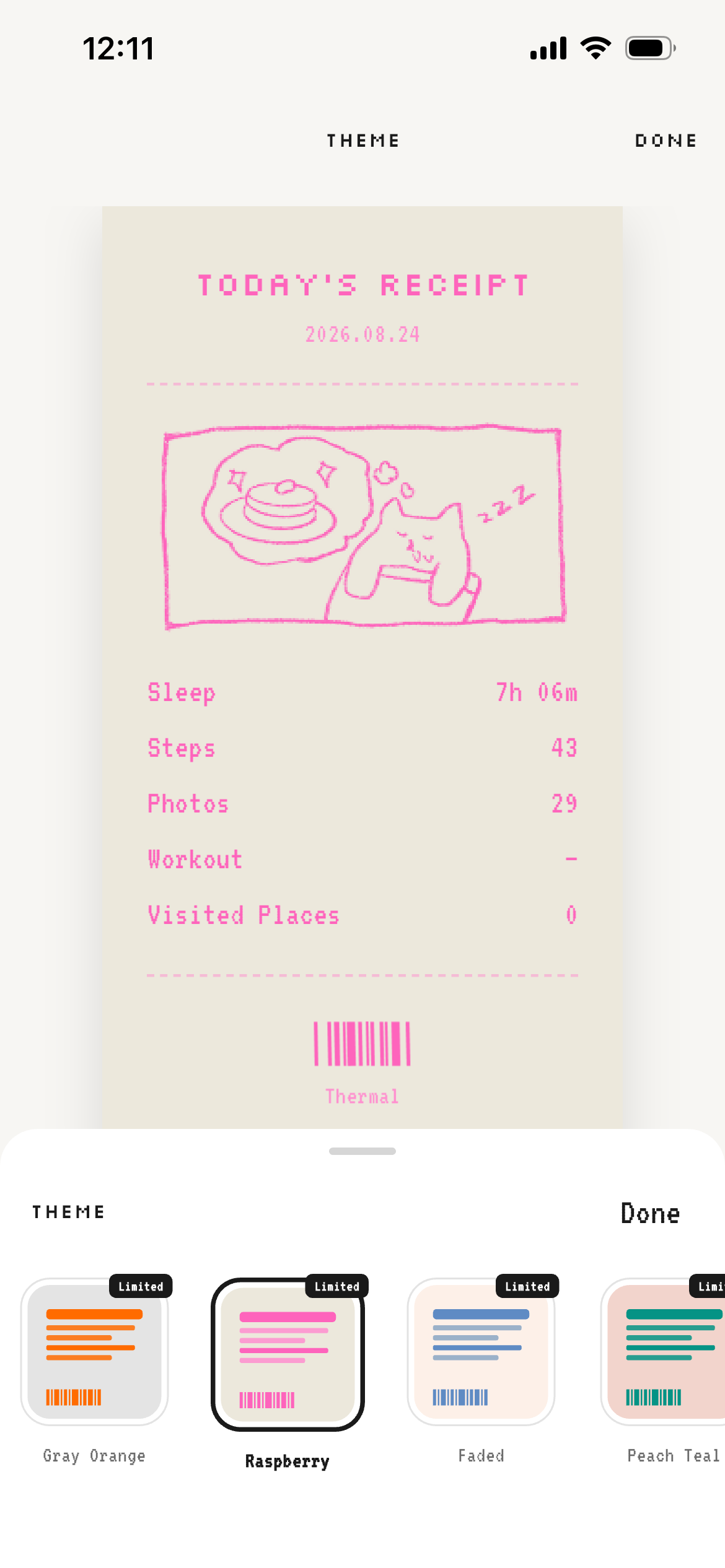
Pull HealthKit metrics (steps, sleep, workouts) and photos from your phone, and Thermal turns them into a day's receipt—Today, Photo, Video, Activity, or Sleep. The generated receipts can be shared on social media as PNG or GIF files, or saved to an in-app album shelf to be lined up and collected. With 30+ themes, 20-plus dot filters, stamp decorations, and background cutout, you can freely change the appearance even with the same data.
How we built it
Thermal is an iOS app built with Flutter + Riverpod.
Data layer. We use the health package for HealthKit (steps, sleep, workouts) and photo_manager for photo/video access and EXIF metadata. Receipts are generated on demand from device data rather than stored as a cloud diary—keeping the product light and privacy-first.
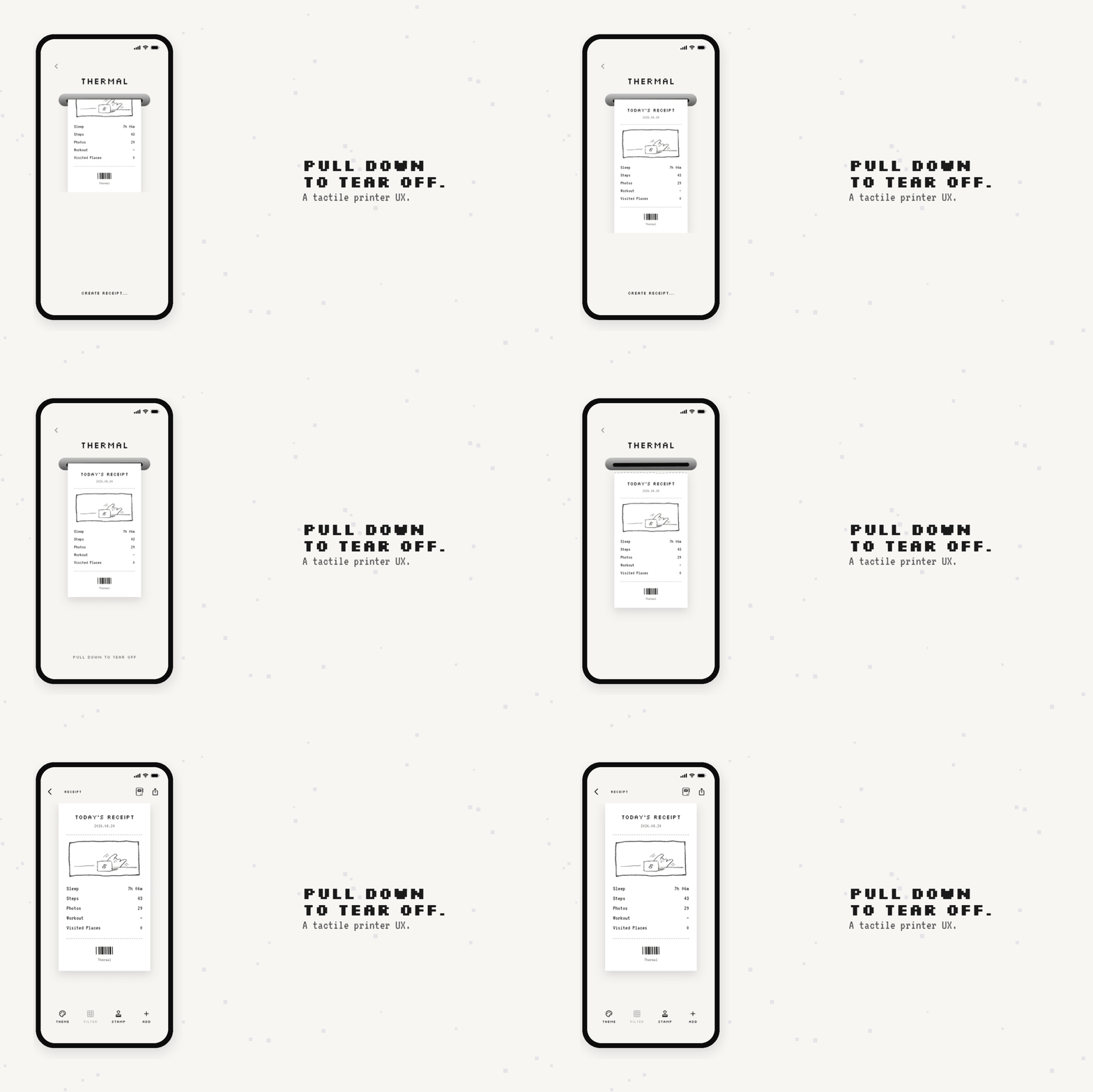
Receipt pipeline. A ReceiptGenerator assembles structured receipt models (items, totals, timestamps, illustrations). The UI renders them as thermal-style paper via custom widgets (ReceiptView, ReceiptPaper, PrinterSlot), including print-out and tear animations so the experience feels like holding a real slip of paper.
Image craft. Dot filters (halftone, Game Boy, CRT, risograph, CMYK, and more) live in a dedicated DotFilterService. Preview paths stay responsive on the main isolate; high-resolution export (up to ~2400px) and GIF encoding run on isolates so the UI stays smooth. Video receipts composite frame sequences onto a single captured receipt background, then encode to GIF with a still-PNG fallback.
Polish & product. Themes, stamps, sound effects, and an album shelf make each receipt feel collectible. Monetization uses RevenueCat (Premium unlocks extra themes/filters and watermark-free share). Settings use SharedPreferences / secure storage; there is no account required to start.
Challenges we ran into
- How to lower the barrier to "writing" a diary through UX
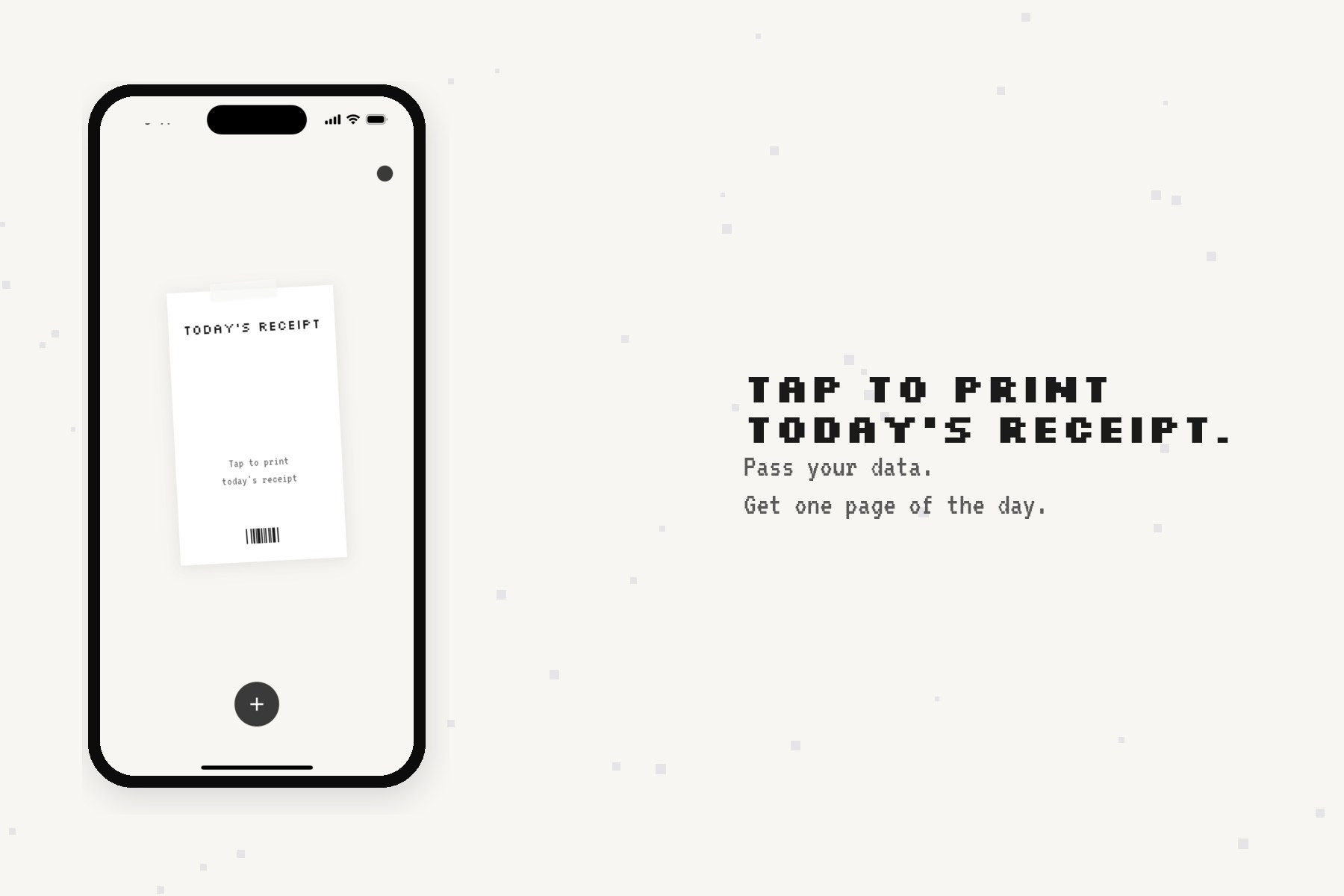
The biggest enemy of a diary app is the "blank page." In Thermal, we minimized the input form and created a flow where simply passing data generates a receipt. However, we went through a process of trial and error regarding whether a "day nothing happened" is still worth turning into a receipt, as well as the balance of the detail level on the itemized list (just step counts versus including locations and the number of photos).
- Image Quality and Performance of the Dot Filter
Due to the relationship between the cell size of the halftone dots and the output width, there is a trade-off between processing time and visual appearance.
We settled on a two-tier approach: previewing over 20 types of filters in real time, while using isolate for high-resolution output up to 2400px wide for sharing.
- Video GIF Receipt Composition
Since replacing frames on the UI breaks the layout, we changed the approach to composite each frame into the image area over a single captured receipt background. Encoding is performed on an isolate, and the design falls back to a still PNG if encoding fails.
Accomplishments that we're proud of
- Turning "I should write a diary" into "a receipt prints for me"—a metaphor that people instantly understand.
Shipping a tactile printer UX (slot, print motion, tear) that makes a digital object feel physical.
Building a deep visual system—30+ themes, 20+ dot filters, stamps, and cutouts—so the same day can look completely different.
Making share-ready PNG/GIF output performant enough for real phones via isolate-based image work.
Keeping the product privacy-first: no account wall, on-device generation, and an album that only keeps receipts the user chooses to save.
What we learned
Constraint is a feature. A receipt's short, itemized format forces clarity—and that constraint is what makes the diary feel doable.
Performance and craft are the same problem. Dot filters only feel "thermal" when both the algorithm and the frame budget are right.
Metaphor-driven UX beats feature lists. Once users "get" the receipt joke, themes and stamps become play instead of configuration.
Privacy and delight can coexist. Generating from local data without a heavy backend kept scope honest and trust higher.
Solo / small-team shipping means ruthless prioritization: one strong loop (pass data → print → share/collect) beats a dozen unfinished diary features.
What's next for Thermal - Daily Receipt
Richer "quiet day" storytelling—so even sparse days still feel worth keeping.
More receipt types and layouts (travel days, streaks, weekly summaries) without adding blank-page friction.
Deeper album / shelf experiences for collecting and revisiting printed days.
Continued filter and theme craft, plus smoother GIF/video pipelines.
Collaboration with Tobari (帳): its creator reached out about integrating Thermal receipts into Tobari’s diary, and we’re adapting receipt output so it feels at home there.
Listening to early users and iterating on what makes a receipt feel like their day—not just a dump of metrics.
Built With
- flutter
- healthkit
- revenuecat
- riverpod

Log in or sign up for Devpost to join the conversation.