-

Therabuddy
-
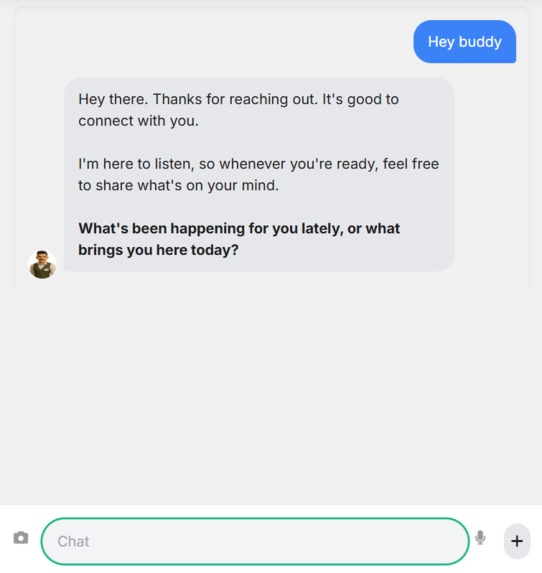
Ethan Response
-
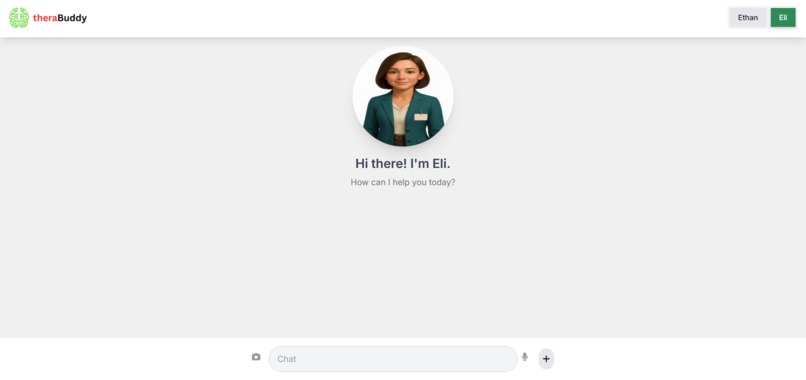
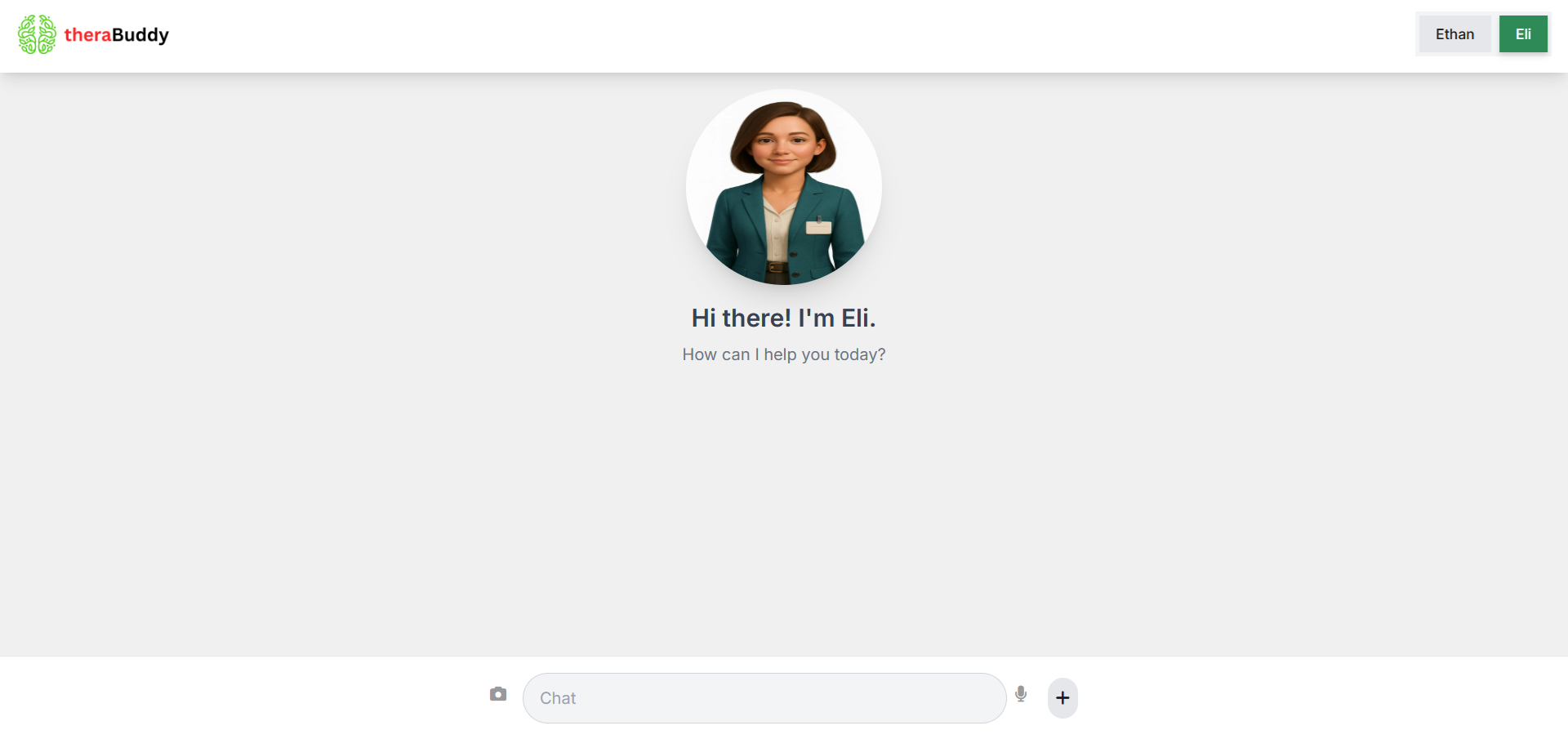
Interface Eli
-
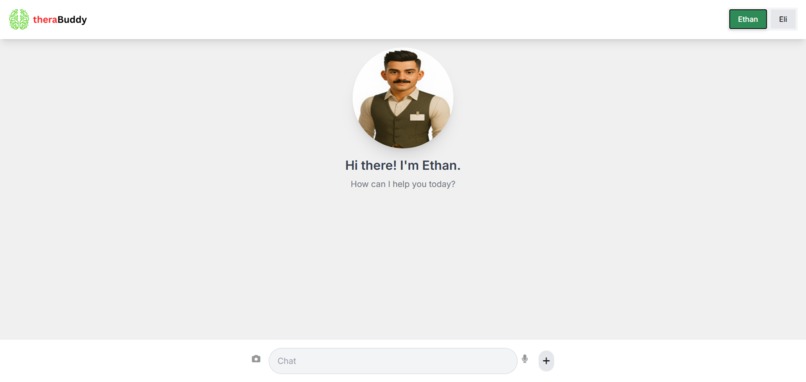
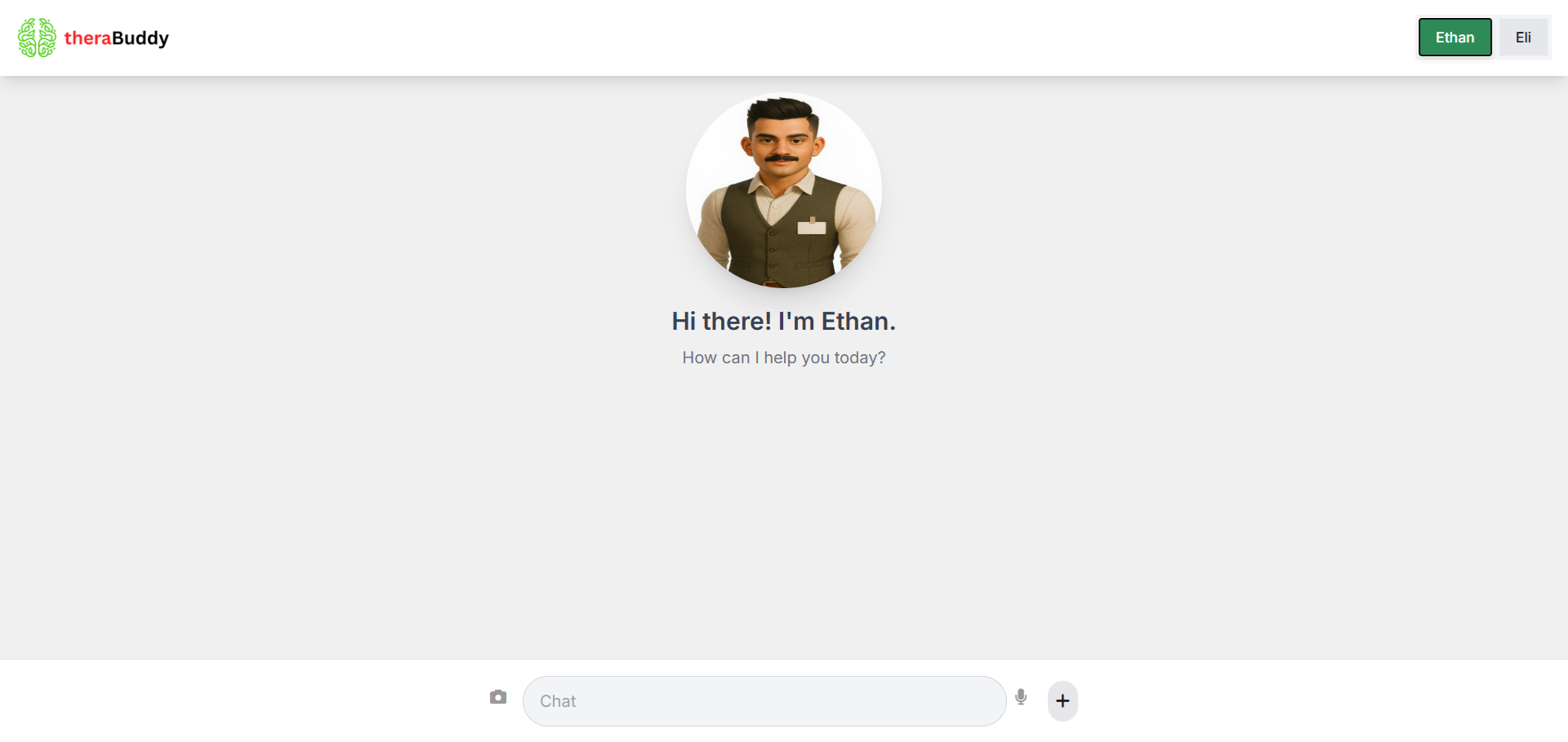
Interface Ethan
-

Ethan
-

Eli



Here is a project story for TheraBuddy, formatted with the requested headings. This document explains the app's inspiration, features, and the development process, including the challenges and accomplishments you faced.
Inspiration The primary inspiration for TheraBuddy came from the understanding that mental wellness support isn't always accessible when someone needs it most. Traditional therapy can be expensive and difficult to schedule, leaving people without a resource during moments of stress or anxiety. We wanted to build a platform that could offer immediate, non-judgmental, and confidential support, empowering users to address their feelings in a safe and private space. Our goal was to leverage the power of AI to create a virtual companion that is always available to listen and help, reducing the stigma often associated with seeking mental health support.
What it does TheraBuddy is a responsive, AI-powered chat application that acts as a digital mental wellness companion. The app offers two distinct AI therapist personas: Ethan, who provides calm and practical advice, and Eli, who offers warm and empathetic emotional support. The user can switch between these personas at any time to find the conversational style that best suits their needs.
The app's core features include:
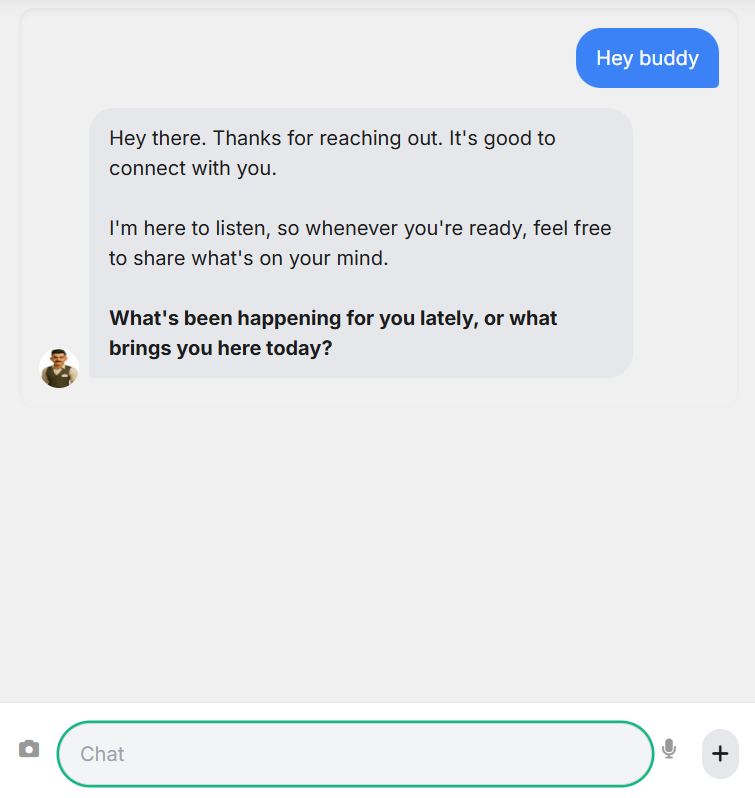
Chat Interface: A clean, modern chat window that feels like a natural conversation, with real-time typing indicators and smooth auto-scrolling to the latest message.
Multimodal Input: Users can communicate using text and, uniquely, by uploading images for the AI to analyze and respond to.
Voice-to-Text: A functional microphone icon allows users to speak their messages, which are then transcribed into text.
Crisis Support: The app includes a built-in crisis mode that provides helpline resources if it detects mentions of suicidal thoughts or severe distress.
New Chat Feature: A simple "New Chat" button allows for a fresh start at any time.
How we built it We built TheraBuddy as a single, self-contained HTML file to ensure a lightweight and easily deployable application. We used HTML, CSS (with Tailwind CSS for a responsive, mobile-first design), and JavaScript for the core logic.
The architecture is entirely client-side, making direct calls to the Google Gemini API for AI functionality. This approach was chosen to simplify the development and hosting process for a hackathon environment. The app uses Firebase for anonymous user authentication and Firestore to store chat history under unique session IDs. This ensures privacy and persistence for each conversation.
Challenges we ran into One of the biggest challenges we faced was integrating the Gemini API, particularly with the multimodal and real-time features. The API's streaming functionality sometimes produced unexpected errors that were difficult to debug. We also encountered a number of issues with a placeholder API key and its quota limits, which required us to be resourceful with our testing. Another significant challenge was ensuring that the app's UI was truly responsive, as some of the initial styling conflicts caused the chatbox to be hidden on mobile devices.
Accomplishments that we're proud of We are most proud of successfully creating a seamless and engaging user experience that makes the AI feel like a true conversational partner. The real-time typing animation, smooth scrolling, and dynamic UI elements were a huge win for us. We're also proud of implementing the multimodal AI feature and a functional voice-to-text input entirely on the client side, which showcases the power of modern browser technologies. The ability to switch between two distinct AI personas and the inclusion of a crisis mode demonstrates our commitment to creating a responsible and helpful tool.
What we learned We learned a great deal about the nuances of client-side AI integration and the importance of robust error handling. We discovered that building for a hackathon environment requires flexibility and creative problem-solving, especially when dealing with API limitations. Most importantly, we learned that focusing on user experience, even with limited resources, is key to creating a compelling and useful product.
What's next for TheraBuddy For TheraBuddy's future, we plan to implement a more permanent backend solution to securely store user data and API keys. We also want to explore adding more AI-driven features like mood detection, conversation summarization, and a journal feature to help users track their progress over time. We will continue to improve the UI to make the app even more intuitive and accessible.
Built With
- css
- firebas
- gemini
- geminiapi
- html
- javascript
- webspeechai


Log in or sign up for Devpost to join the conversation.