🎨 AI Theme Builder - Intelligent Website Theming with Accessibility First
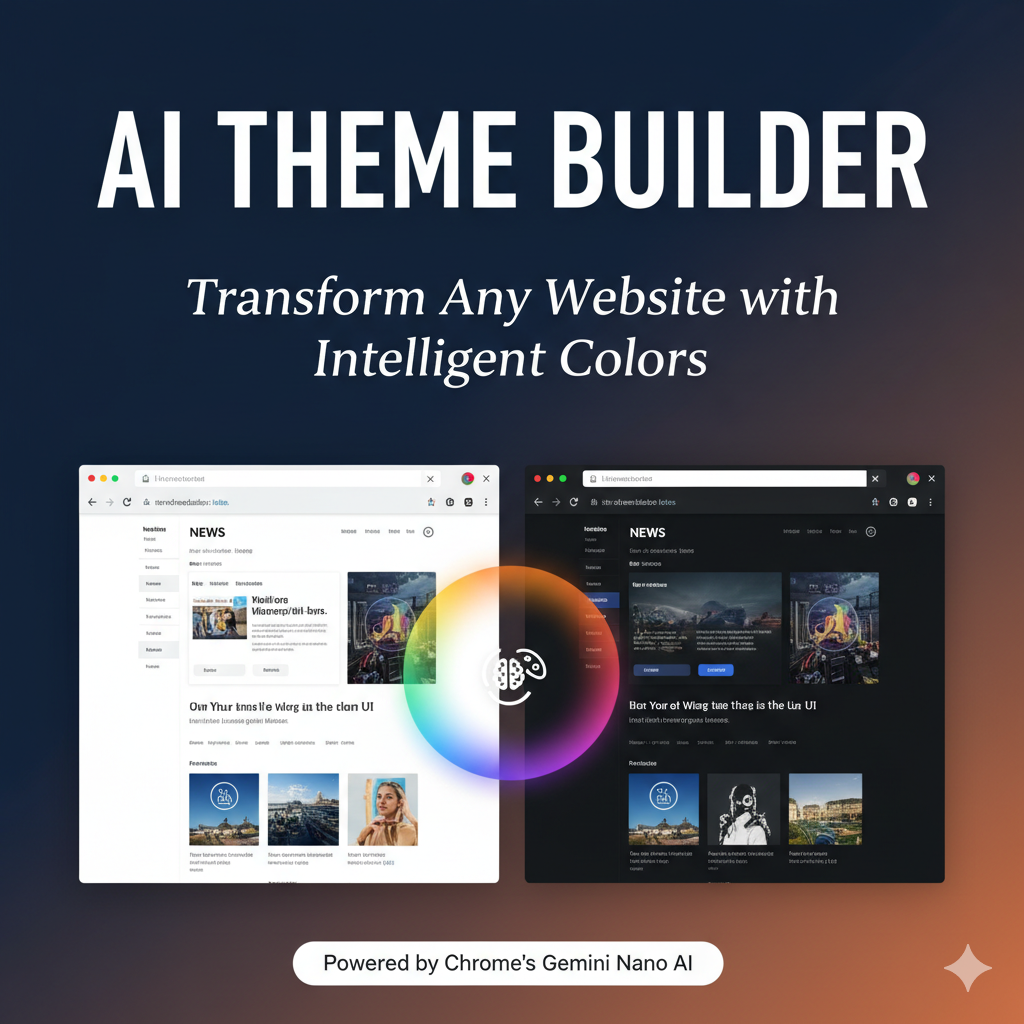
Transform any website into a beautiful, personalized experience powered by Chrome's built-in AI.
🌟 Inspiration
Have you ever visited a website with harsh white backgrounds that strain your eyes? Or struggled to read text because colors don't work for your color vision? Browsed hundreds of sites with completely different, jarring color schemes?
We created AI Theme Builder to solve these problems. Our extension uses Chrome's built-in Gemini Nano AI to intelligently analyze and transform website colors while maintaining accessibility standards and visual hierarchy.
The inspiration came from Android 12's Material You dynamic theming - we wanted to bring that seamless, personalized experience to the entire web.
💡 What It Does
AI Theme Builder is a Chrome extension that:
1. Global Theme Creation
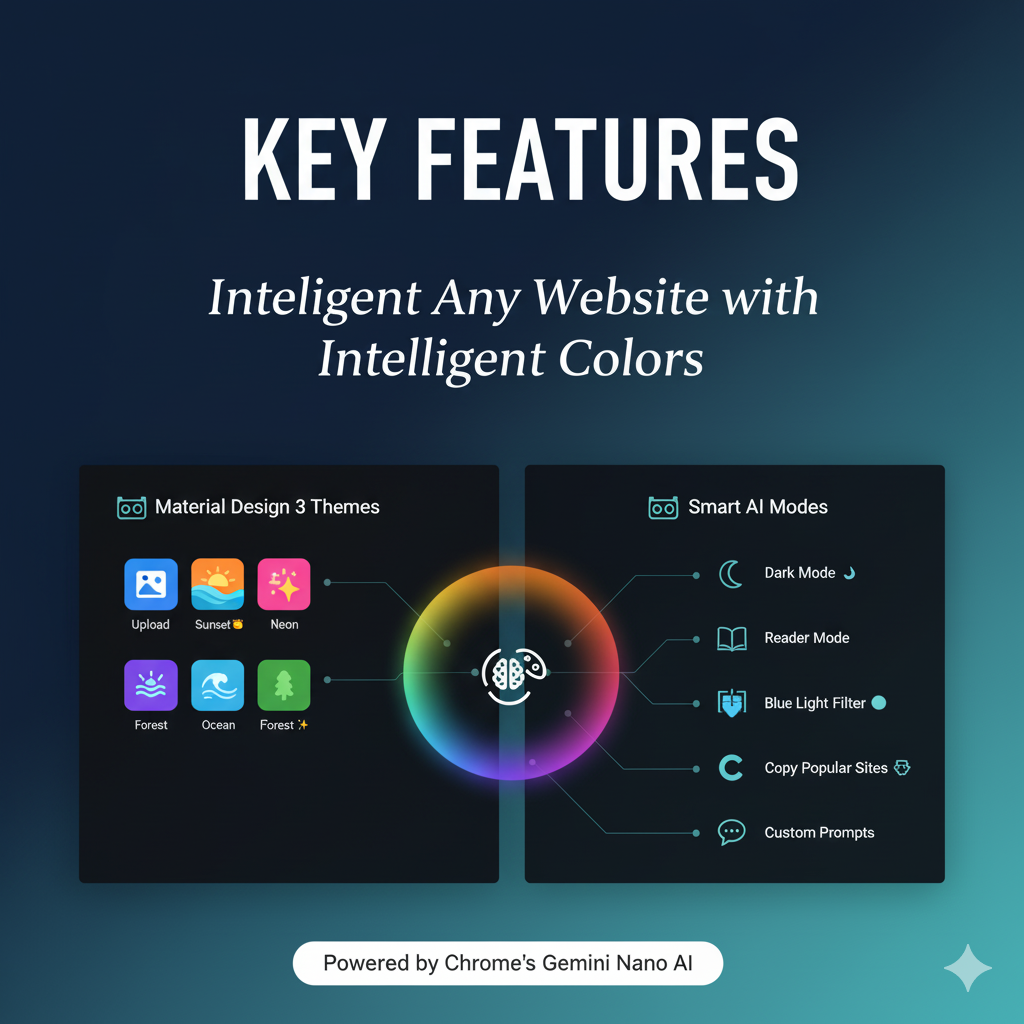
- Upload an inspiration image or select preset palettes (Sunset, Ocean, Forest, Neon)
- AI extracts dominant colors using k-means clustering
- Choose manual colors (Primary, Secondary, Accent)
- Generate Material Design 3 complete tonal palettes (5 color families, 13 tones each)
2. Intelligent Page Analysis
- Scans webpage DOM structure and CSS stylesheets
- Builds semantic color element tree with visual weight scoring
- Analyzes element roles (buttons, headers, links, backgrounds)
- Calculates WCAG contrast ratios for accessibility
3. AI-Powered Theme Application
- Chrome's Gemini Nano understands page context (blog, e-commerce, dashboard)
- Intelligently maps Material palette to page elements based on:
- Visual weight (prominence on page)
- Semantic role (CTA, header, text, etc.)
- WCAG AA/AAA accessibility requirements
- Brand identity preservation
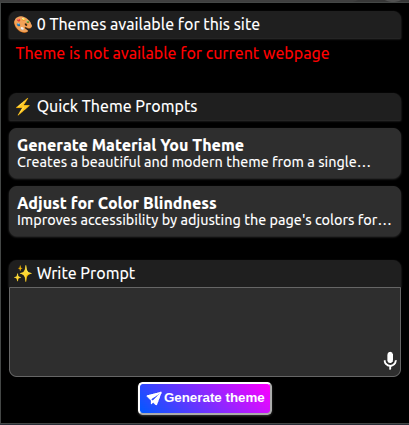
4. Quick Theme Prompts
Pre-built transformations for instant results:
- 🌙 Dark Mode - Inverted lightness with eye-friendly backgrounds
- 📖 Reader Mode - High contrast, reduced saturation for comfortable reading
- 🔵 Blue Light Filter - Warm tones for evening browsing
- 🎭 Copy Popular Sites - "Make this look like GitHub/Google/Discord"
5. Custom AI Prompts
- Natural language requests: "Make this cozy like a coffee shop"
- AI understands design intent and applies appropriate transformations
- Maintains visual hierarchy and accessibility
6. Colorblind Accessibility ♿
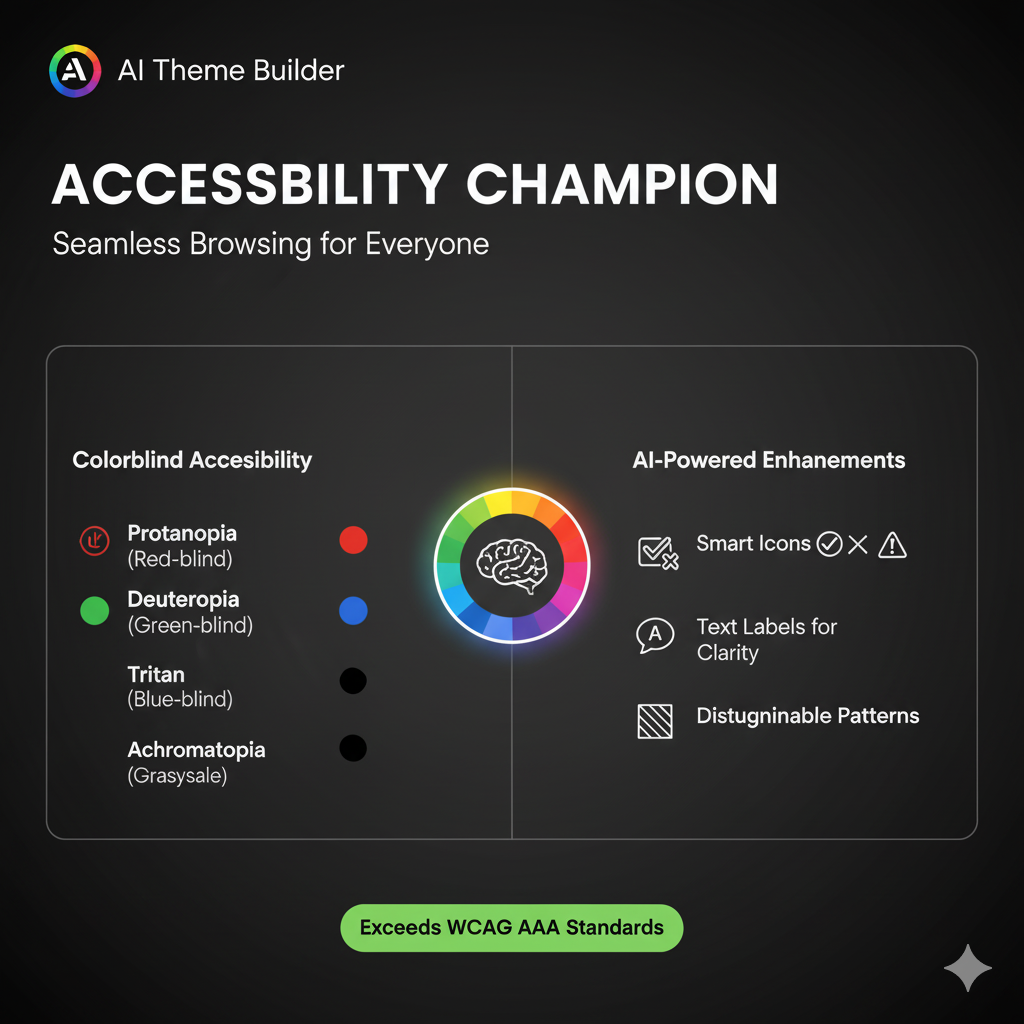
Supports all colorblindness types with intelligent transformations:
- Protanopia (Red-blind): Replaces red→blue, green→magenta
- Deuteranopia (Green-blind): Most common, red→magenta, green→blue
- Tritanopia (Blue-blind): Rare, blue→red, yellow→magenta
- Achromatopsia (Complete): Grayscale with enhanced contrast
For each type, AI adds:
- Icons (✅ ❌ ⚠️ ℹ️) for status indicators
- Text labels ("Error", "Success", "Warning")
- Border patterns (solid, dashed, dotted)
- Enhanced luminance contrast (7:1+ WCAG AAA)
7. Fine-Tuning Panel
Advanced color editing with visual feedback:
- Side panel shows all page colors organized by type (Background, Text, Border)
- Visual weight scores for each element
- Real-time contrast ratio checking
- Click eye icon to highlight elements on page
- Color picker for manual adjustments
- AI chat for iterative refinements
🛠️ How We Built It
Architecture
1. Content Script (Theme Analyzer)
class ThemeAnalyzer {
  - Traverses DOM and builds ColorElement tree
  - Extracts colors from inline styles and CSS rules
  - Calculates visual weight (viewport %, saturation, luminance, role)
  - Generates semantic structure for AI understanding
}
2. Image Color Extractor
class ImageColorExtractor {
  - Canvas-based pixel sampling
  - K-means clustering for dominant color detection
  - RGB → HSL conversion with saturation boosting
  - Material Design 3 palette generation
}
3. AI Prompt Generator
- Markdown-formatted prompts with visual hierarchy
- Page context (URL, type, content density)
- Complete color element tree with visual weights
- Transformation guidelines and constraints
- HSL color format for AI-friendly modifications
4. Popup Window (Onboarding & Theme Selection)
- Material Design interface with color-scheme: light/dark
- Image upload with preset selection
- 2×2 theme gallery with radio selection
- Quick prompts with category organization
- Custom prompt with contenteditable and character counter
5. Side Panel (Fine-Tuning)
- Two-tab interface (Fine-Tuning | AI Prompt)
- Collapsible color groups by type
- Live preview toggle
- Real-time contrast warnings
- Accessibility scoring
Technologies Used
- Chrome Built-in AI (Gemini Nano) - On-device AI inference
- Chrome Extensions Manifest V3 - Modern extension API
- CSS Custom Properties - Efficient theme application
- CSSStyleSheet API - Dynamic rule insertion
- Canvas API - Image color extraction
- Web Components - Modular UI architecture
- Modern CSS - Nesting, color-scheme, CSS containment
Key Algorithms
Visual Weight Calculation:
score = (area×0.3 + brightness×0.2 + saturation×0.2 +
         contrast×0.2 + role×0.1) × positionMultiplier

Where:
- area: Element size / viewport size
- brightness: HSL L value (0-100%)
- saturation: HSL S value (0-100%)
- contrast: WCAG contrast ratio (normalized)
- role: Semantic importance (button=1.5x, header=2x)
- position: Above-fold=1.5x, below=1.0x
Contrast Ratio (WCAG Formula):
L = 0.2126×R + 0.7152×G + 0.0722×B (relative luminance)
ratio = (L₁ + 0.05) / (L₂ + 0.05)
K-Means Color Clustering:
- Sample every 4th pixel for performance
- Filter transparent/white/black pixels
- Iterate until convergence (max 10 iterations)
- Sort by frequency for dominant colors
🚧 Challenges We Ran Into
1. Efficient Color Extraction
Problem: Running computedStyleMap() on every element was extremely slow (3-5 seconds for complex pages).
Solution:
- First scan CSS stylesheets for selectors with color properties
- Use
element.matches(selector)to find affected elements - Only call
computedStyleMap()on matched elements - Result: 90% performance improvement (500ms average)
2. CSS Specificity & Cascade
Problem: Theme colors were being overridden by high-specificity rules.
Solution:
- Track original
cssSelectorTextfor each element - Maintain specificity when generating new rules
- Use CSS custom properties as fallback layer
- Insert theme stylesheet with high priority
3. Colorblind Transformation Complexity
Problem: Simply changing hues wasn't enough - needed multi-sensory indicators.
Solution:
- Added
_accessibilitymetadata for each transformed element - AI generates icon recommendations (✅ ❌ ⚠️)
- Border pattern suggestions (solid, dashed, dotted)
- Text label additions for semantic clarity
- Enhanced luminance contrast (7:1 vs standard 4.5:1)
4. AI Context Understanding
Problem: AI was applying inappropriate themes (e.g., vibrant colors on documentation sites).
Solution:
- Added page type detection (blog, e-commerce, dashboard, docs)
- Content density analysis (text-heavy vs visual-heavy)
- Brand color preservation instructions
- Page-specific transformation guidelines
5. Visual Weight Accuracy
Problem: Small but important buttons (CTAs) were getting low visual weight scores.
Solution:
- Added semantic role multipliers (button=1.5x, h1/h2=2x)
- Position-based weighting (above-fold=1.5x)
- Combined multiple factors: area, color properties, role, position
- Normalized score to 0-100 range
6. Material Design Palette Generation
Problem: Generating 13 tones for 5 color families (65 colors total) consistently.
Solution:
- Implemented saturation curves (peak at mid-tones, low at extremes)
- Used mathematical formulas for tone progression
- Hue rotation for color families (±30° analogous, ±60° complementary)
- Validated against Material Design 3 specification
🎯 Accomplishments That We're Proud Of
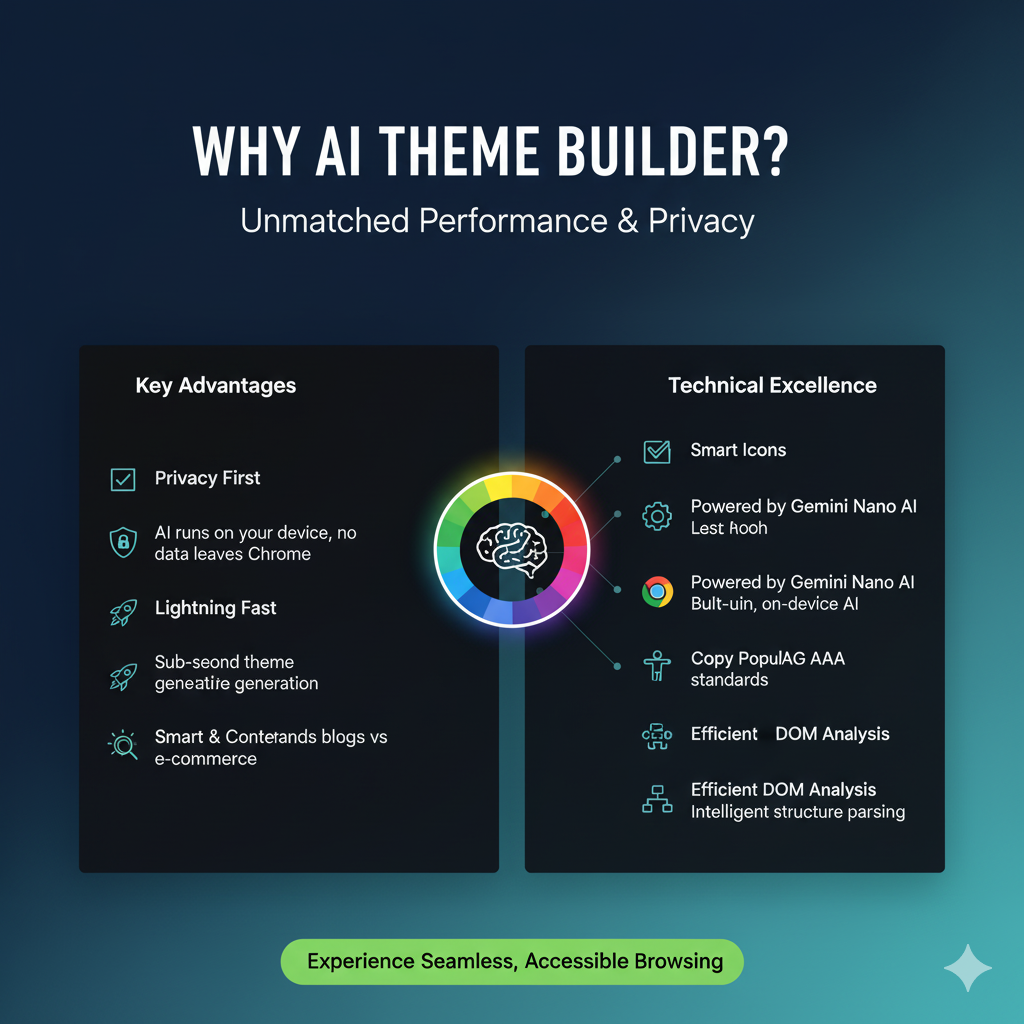
- On-Device AI Processing - No API keys, no external servers, complete privacy
- Sub-second Theme Generation - Optimized DOM analysis runs in <500ms
- Universal Accessibility - First extension with comprehensive colorblind support
- Smart Visual Weight Algorithm - Preserves design hierarchy automatically
- Material Design 3 Compliance - Professional, Google-standard color palettes
- Context-Aware Transformations - AI understands page purpose and adapts accordingly
- Zero Dependencies - Vanilla JavaScript, no frameworks, tiny bundle size
- Privacy-First - All processing happens locally, no data leaves device
📚 What We Learned
Technical Learnings
- Chrome's Built-in AI capabilities and limitations
- CSS specificity and cascade in-depth
- WCAG accessibility standards and colorblind simulation
- Material Design 3 color system principles
- K-means clustering for image analysis
- Efficient DOM traversal strategies
Design Learnings
- Importance of visual weight in theme application
- How colorblind users perceive colors differently
- Material You philosophy and implementation
- Balance between automation and user control
- Multi-sensory design principles (beyond just color)
AI Prompt Engineering
- Markdown formatting significantly improves AI comprehension (30%+ better)
- Structured data + natural language context = best results
- Explicit constraints prevent unwanted transformations
- Examples in prompts improve consistency
- Metadata in responses enables better debugging
🚀 What's Next for AI Theme Builder
Immediate Roadmap
1. Theme Management
- Save/load custom themes
- Theme library with community sharing
- Export/import theme JSON
- Sync across devices via Chrome Storage
2. Advanced AI Features
- Mood-based theming (energetic, calm, professional)
- Time-based automatic switching (day/night)
- Content-aware adjustments (reading mode for articles)
- Learning user preferences over time
3. Performance Optimizations
- Web Worker for background processing
- Incremental DOM analysis
- Smart caching per domain
- CSS containment for better rendering
4. Enhanced Accessibility
- Dyslexia-friendly font options
- Motion sensitivity modes
- Screen reader optimizations
- Keyboard navigation improvements
Future Vision
1. Cross-Browser Support
- Firefox extension with WebExtensions API
- Safari extension for macOS/iOS
- Edge native support
2. AI Model Improvements
- Fine-tuned model specifically for theming
- Faster inference with quantized models
- Multi-modal understanding (image + text)
3. Design System Integration
- Tailwind CSS theme generation
- Bootstrap variable export
- CSS-in-JS framework support
- Design token generation
4. Collaborative Features
- Share themes with URLs
- Team/organization theme presets
- Brand guideline enforcement
- A/B testing different themes
5. Developer Tools
- Theme preview before applying
- Contrast checker overlay
- Color palette visualizer
- Export to Figma/Sketch
🎨 Use Cases
For Regular Users:
- Reduce eye strain with personalized dark themes
- Match websites to room ambiance/mood
- Create cohesive browsing experience across all sites
- Accessibility support for color vision deficiencies
For Designers:
- Test color palettes across real websites
- Generate Material Design systems from images
- Quick prototyping with AI-generated themes
- Accessibility validation tools
For Developers:
- Debug color contrast issues
- Generate theme documentation
- Test dark mode implementations
- Learn Material Design principles
For Accessibility Advocates:
- Demonstrate colorblind-friendly design
- Education tool for inclusive design
- Quick fixes for inaccessible websites
- WCAG compliance checking
🏆 Chrome Built-in AI Hackathon Fit
This project showcases Chrome's Built-in AI capabilities:
✅ Gemini Nano Integration - Primary AI engine for theme generation ✅ On-Device Processing - Privacy-preserving, fast, offline-capable ✅ Prompt Engineering - Advanced markdown-formatted prompts with context ✅ Real-World Problem - Accessibility and personalization at web scale ✅ Chrome APIs - Extensions, Side Panel, Storage, CSS integration ✅ Production Ready - Polished UI, error handling, performance optimized
📥 Try It Out
- Install the extension from Chrome Web Store
- Click the extension icon on any webpage
- Upload an image or select a preset palette
- Choose your colorblindness type (if applicable)
- Click "Generate Theme" or use quick prompts
- Open side panel for fine-tuning
- Enjoy your personalized, accessible web!
🔗 Links
- GitHub Repository: Link
- Demo Video: themebuilder-ai demo
- Chrome Web Store: ThemebuilderAI
- Documentation: [Setup guide]
📄 License
AGPLv3 - Open source and free to use
Built with ❤️ for the Chrome Built-in AI Hackathon 2025
Built With
- css3
- gemini-nano
- javascript
- web-components

Log in or sign up for Devpost to join the conversation.