-
-
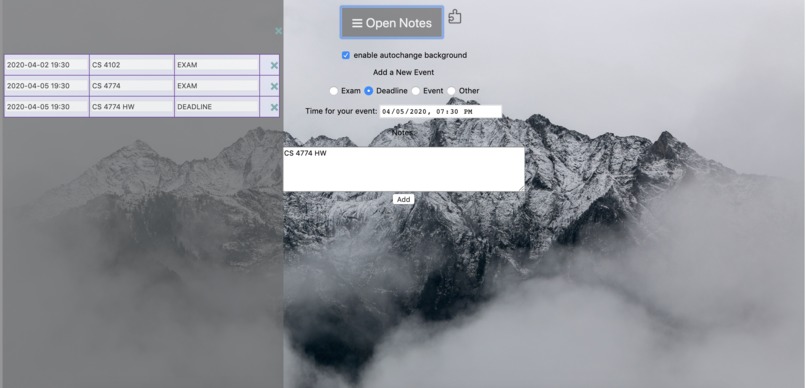
Screenshot of TheGreatExtension
-
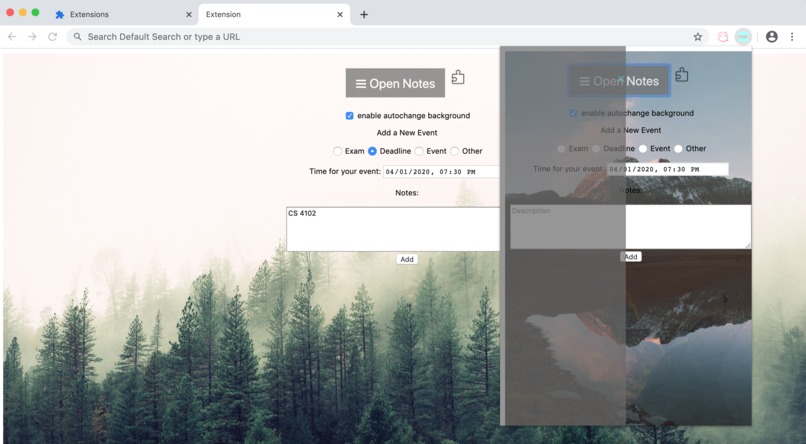
popup window of TheGreatExtension
Inspiration
Especially at the beginning of the semester, as students get the syllabus from several courses, we are overwhelmed by the schedule of midterms, deadlines, and exams. Sometimes we just use regular notes or calendar, but there are several disadvantages. First of all, notes do not have an automatic sorting function and it is not clear. Secondly, if we use calendar, it is hard to see the overall plan at once. As a result, we plan to do an extension that performs a better event sorting and displaying.
What it does
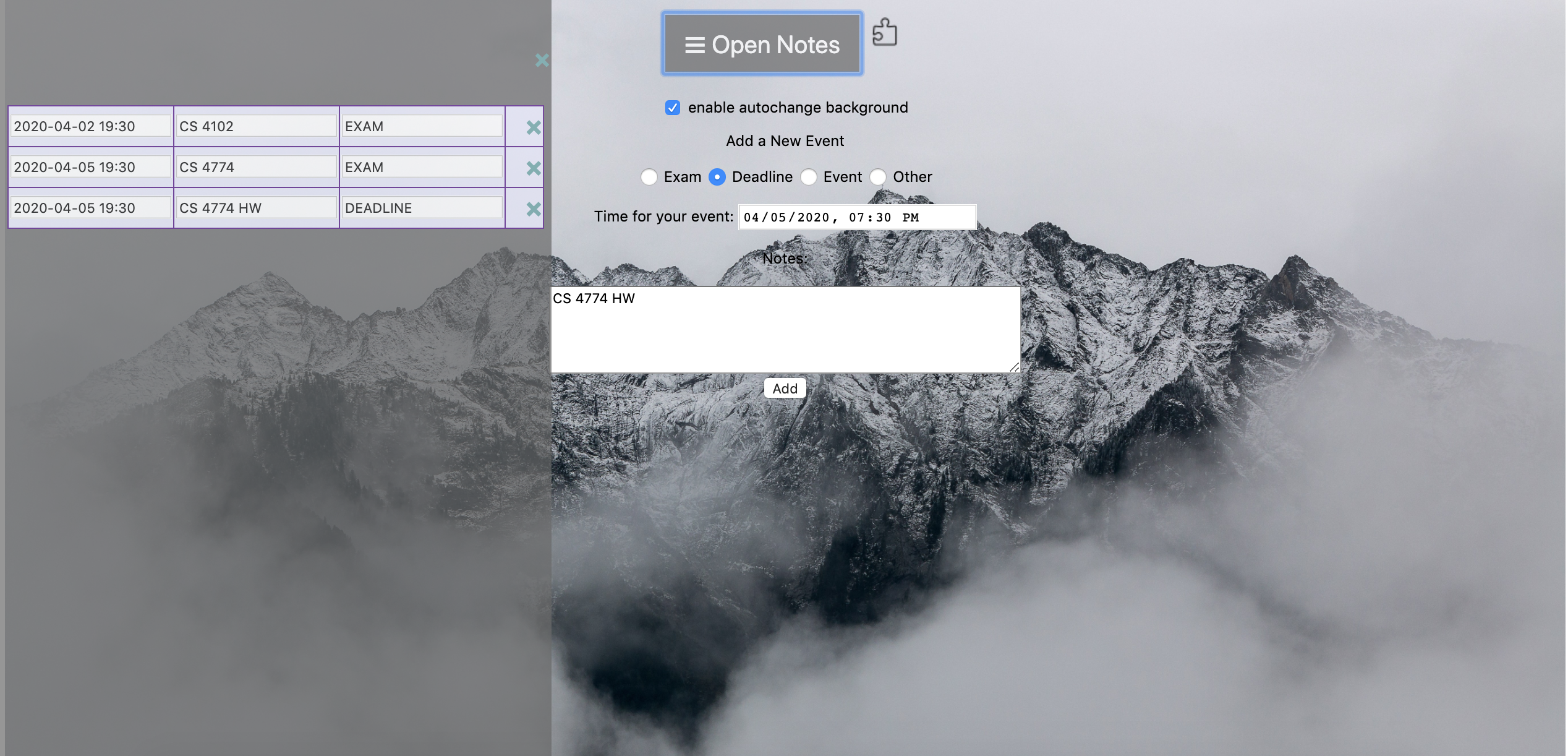
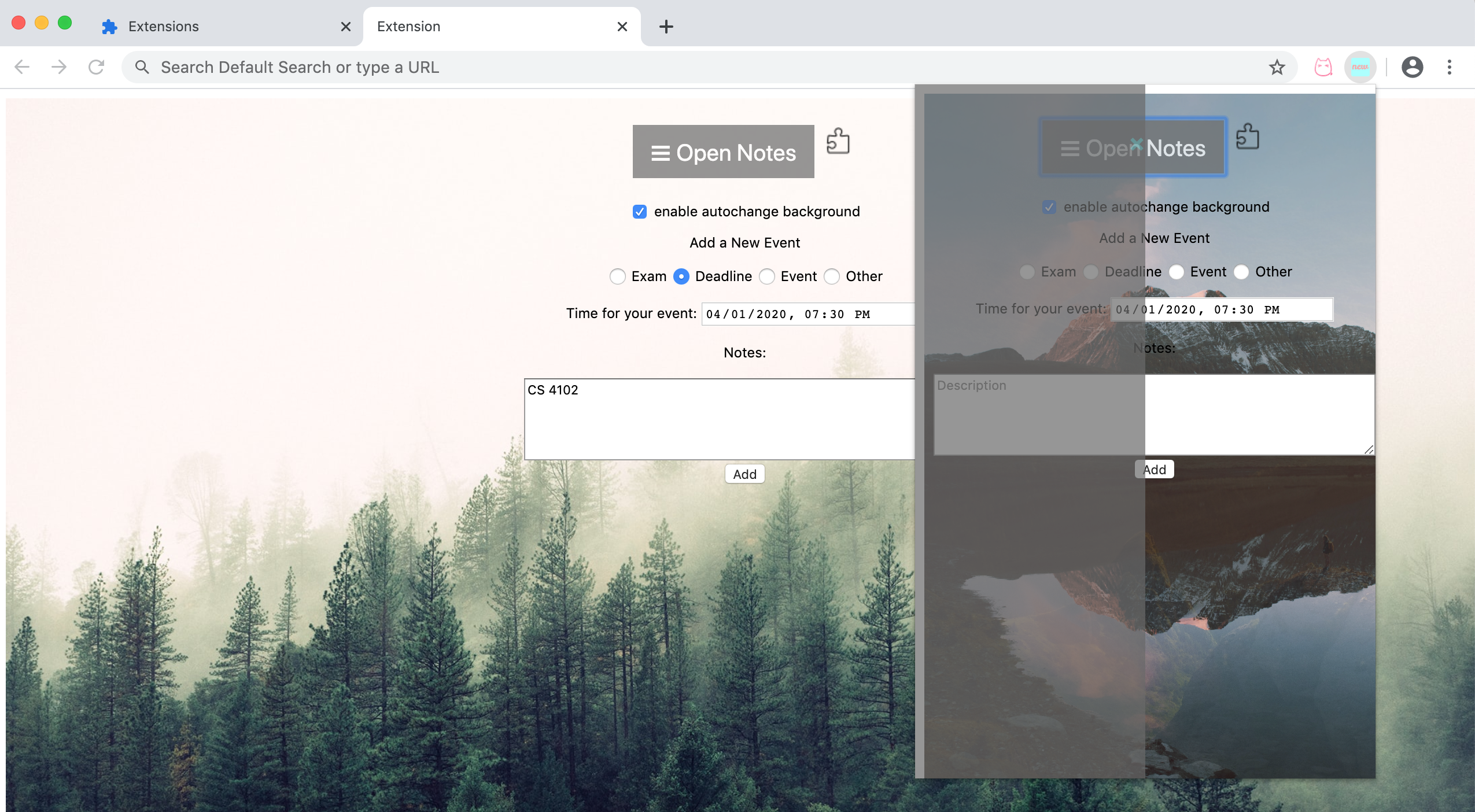
This is a Google extension which helps student to have a better experience with their schedule. It asks for the event type, time, and have a space to enter notes. Then, our extension will automatically sort all your events in the chronological order and show in the sidebar. The events could be remove by clicking as well. Besides, we also provide an option of automatic change of background or manually in order to improve the user experience. We deliberately set an upper limit of adding 10 events, as we hope students can learn to prioritize their work.
How we built it
Use HTML/CSS/JS
Challenges we ran into
None of us was very familiar with javascript before this project, so learning through this project was challenging.
Accomplishments that we're proud of
Our extension works well with all the functions we expected. Also, the page looks very good, and we believe that our extension could improve students' experience with their schedule by a lot.
What we learned
How to use javascript to control events' adding and removing, how to manage background changing, how to sort events.
What's next for TheGreatExtension
We will ask for advice from people around us, to see if there are more functions we should add to our extension.


Log in or sign up for Devpost to join the conversation.