Inspiration
Growing up, I struggled to connect with dry geography textbooks – I wanted to make learning the world feel alive. Watching travel documentaries and playing interactive games sparked the idea: a tool that blends stunning visuals with meaningful learning, making geography engaging for students, travelers, and trivia lovers alike.
What it does
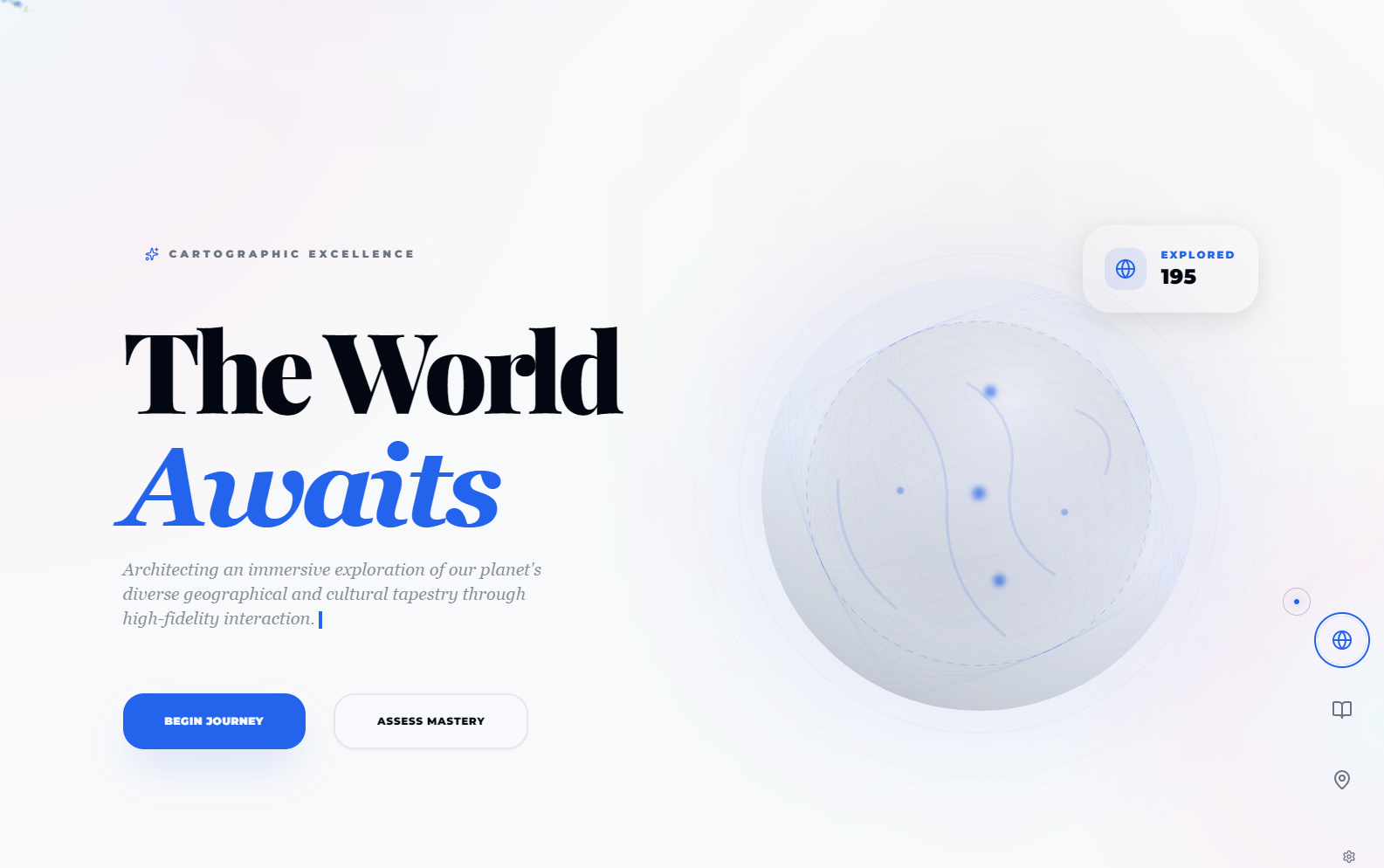
Geography Explorer is a browser-based tool with an interactive 3D world map, daily geography facts, quiz challenges (3 difficulty levels), and travel route planning. Every element has dynamic animations – from particle systems around the globe to glassmorphic info panels – all optimized for smooth performance, no login required.
How we built it
I started with Figma to design the UI/UX, focusing on depth and motion. Using HTML5/CSS3 for structure, I leveraged GSAP for animations and Three.js for the 3D globe/particle effects. I integrated geography APIs for real country data, and optimized performance with GPU acceleration, object pooling for particles, and debounced interactions.
Challenges we ran into
The biggest hurdle was balancing complex animations (500+ particles, 3D effects) with 60fps performance across devices. I also struggled with making glassmorphism work consistently across browsers, and ensuring map interactions (hover/click) felt natural without lag. Adapting animations for reduced-motion preferences added another layer of complexity.
Accomplishments that we're proud of
Creating a tool that’s both visually stunning and functional – the 3D globe with aurora/particle effects, smooth map interactions, and quiz feedback animations (confetti, fireworks) all work seamlessly. Most importantly, testing with students showed it made geography feel fun, not like a chore.
What we learned
I mastered performance optimization for web animations, learned to balance creativity with accessibility (respecting reduced-motion settings), and deepened my understanding of geographic data integration. I also discovered how small micro-interactions (magnetic hover effects, ripple clicks) make a product feel intuitive.
What's next for this project
I plan to add more regional trivia to quizzes, integrate real-time weather overlays on the map, and optimize for tablet/mobile (currently desktop-focused). I also want to expand travel planning features to include local attraction recommendations and customizable route durations.
Built With
- canvas
- localstorage
- rest-api
- tailwindcss

Log in or sign up for Devpost to join the conversation.