-
-
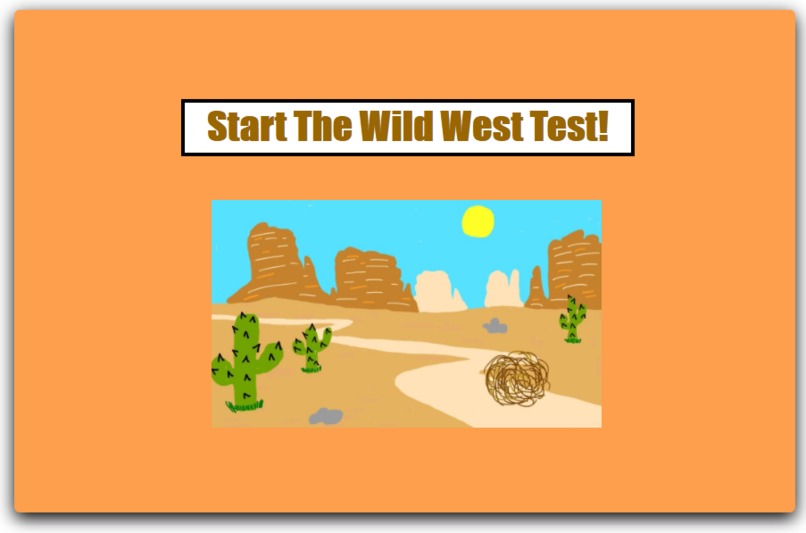
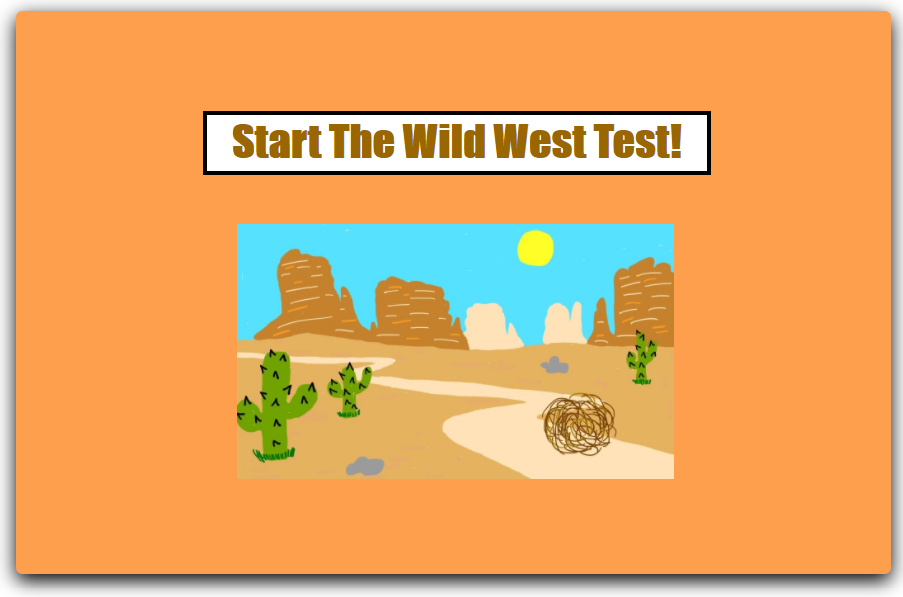
Our home page!
-
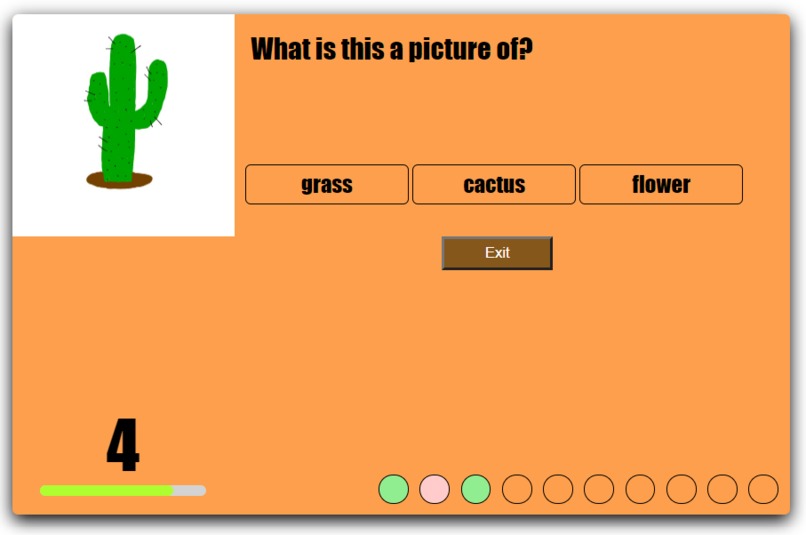
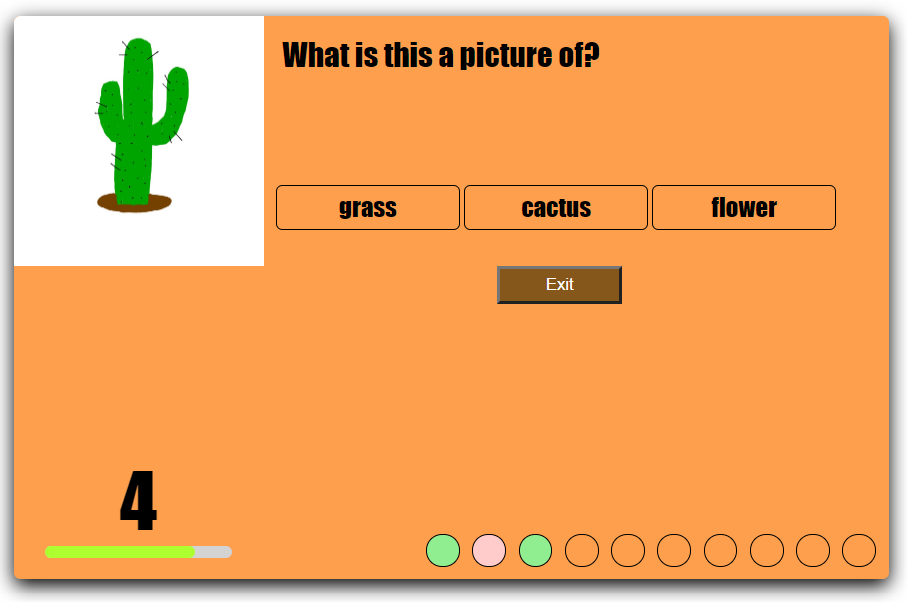
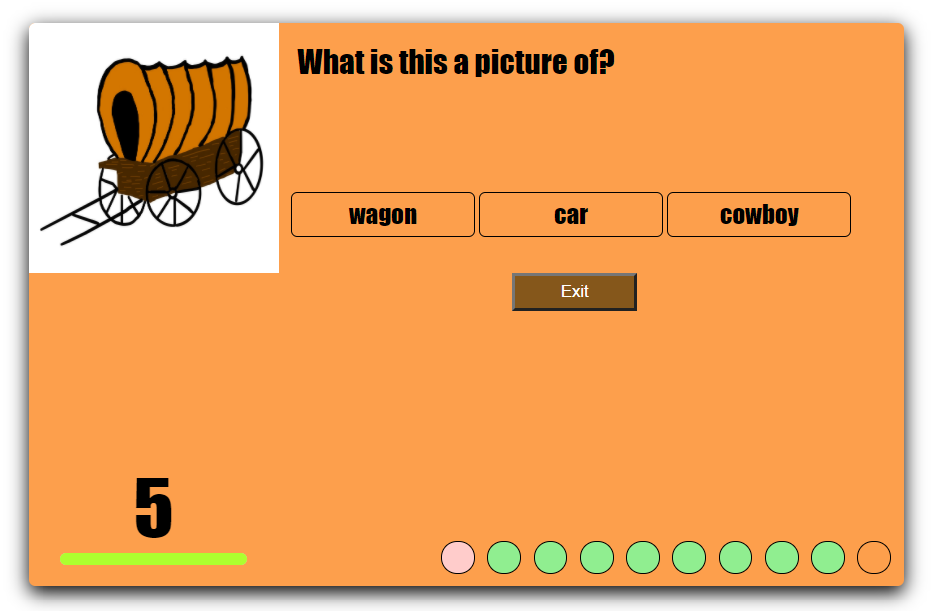
A question is presented and the timer starts.
-
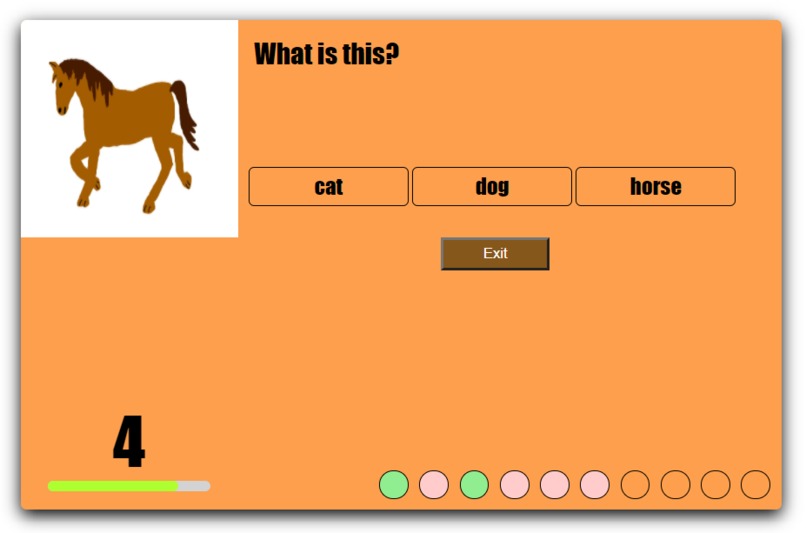
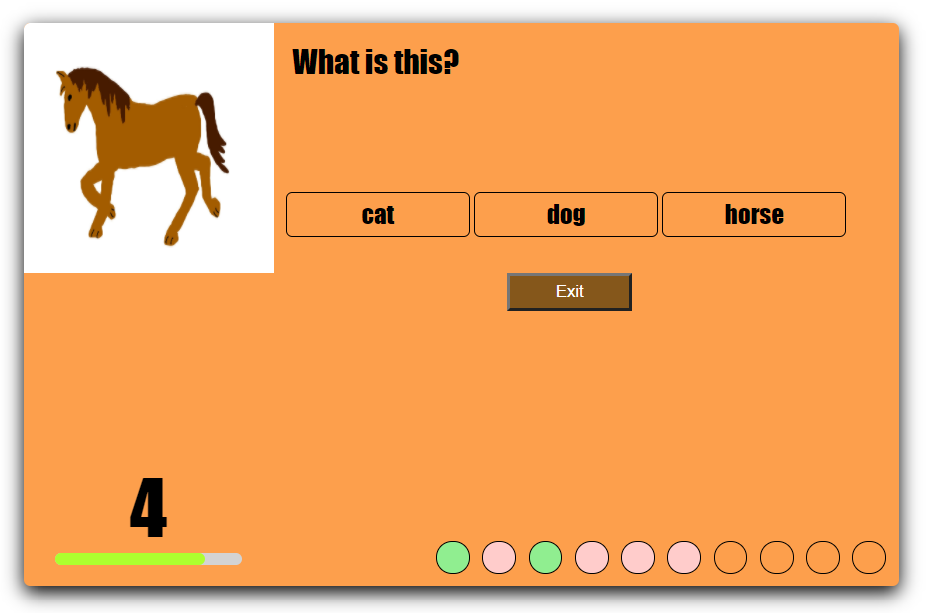
Another question is presented.
-
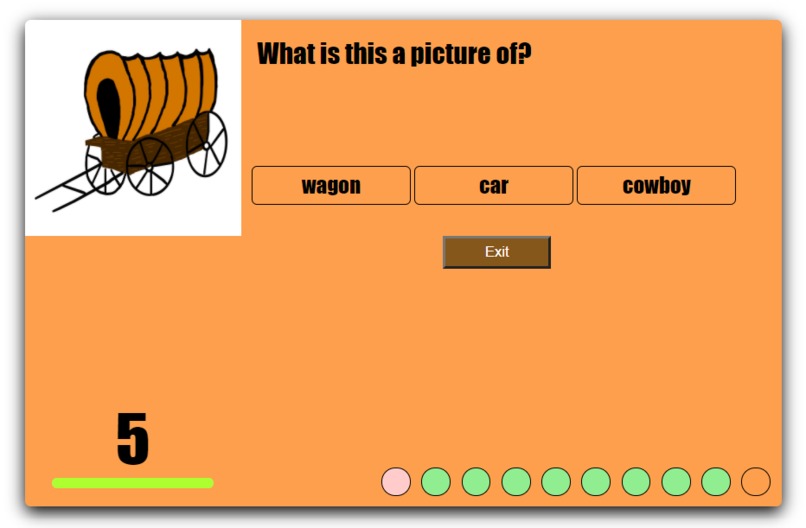
The last question.
-
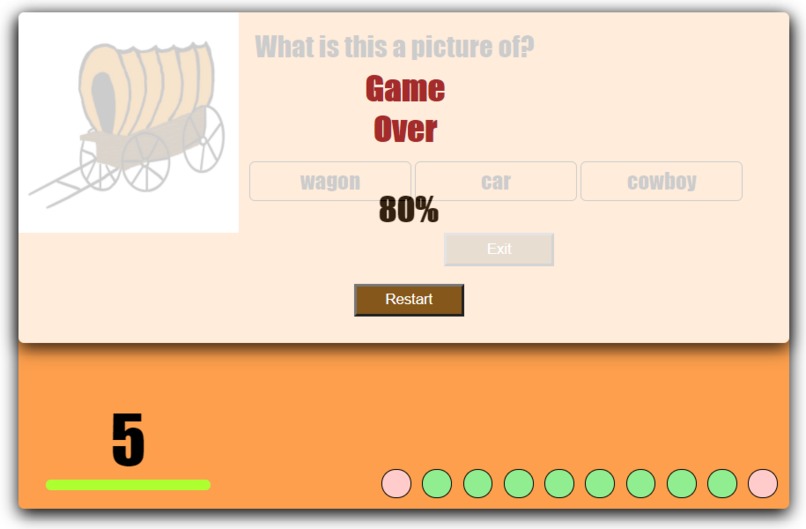
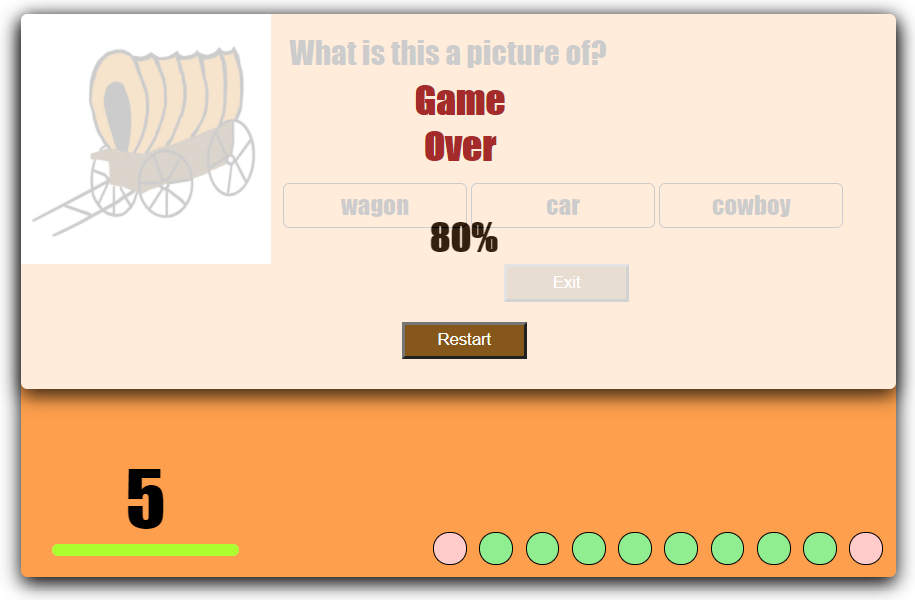
The "Game Over" screen.
Inspiration
It is important that children learn word-picture association while expanding vocabulary at a young age as their brains are still developing. Using The Wild West Test, children can improve these important cognitive skills.
What it does
The Wild West Test is an educational, stimulating, and interactive web app game designed to improve users’ word-picture association and help to expand their vocabularies. In this web app, users can practice word-picture association as they are prompted with a certain picture and asked to identify it out of the three multiple choice answers. This allows users to learn a new vocabulary word and connect this new word with a picture while engaging in a fun Wild West theme!
The Wild West Test includes ten questions, each with a different picture and vocabulary word. After answering a question, the user will be informed whether they chose the correct answer choice by looking at the score bar at the bottom. The user has five seconds to answer each question. If a question is left unanswered, it is counted as incorrect. Furthermore, at the end of the test, a final percentage score is displayed. The user may exit the game at any point and then restart it once they reach the end.
How we built it
We built our web app from scratch during this hackathon with JavaScript, HTML, and CSS. Furthermore, we digitally designed/drew all of the images seen in the web app.
Challenges we ran into
The first challenge was figuring out how to organize each question, image, the respective answer choices, and the correct answers. After playing around with and testing different data structures, we realized that the array worked well. The array made it easy and simple to display the questions, answers, and images.
Another challenge we faced was getting the timer to clear after a question was answered and to get it to increment by a correct unit. To get it to increment correctly, we first created a Unit variable, which was assigned to the value of the width in pixels of the timer bar divided by the number of seconds allowed per question. Then, we realized that a counter function would be needed to ensure that the width of the time bar was correct and that once the user got to the end of the test, the timer would stop and the score, “Game Over” message, and restart game button would appear.
Lastly, another challenge was getting the restart button at the end of the game to bring the user back to the beginning of the game. At first, we tried merely hiding and showing the pertinent elements. However, this did not prove effective. To solve this, we realized that the reload() method in JavaScript would fix the issue and reload the document.
Accomplishments that we're proud of
We are proud that we were able to accomplish developing a working web app for our first hackathon experience. Though the game is very simple, we are proud to have been able to overcome coding challenges along the way, bring our idea to life, and create a learning tool that can be used to help children advance their cognitive skills.
What we learned
We learned how to work with both HTML and CSS in creating web applications. We had never created a web application before, so the syntax was new to us. Therefore, we learned the fundamentals of front-end development.
What's next for The Wild West Test!
Going forward, we hope to randomize the questions and answer choices as well as add more questions to the game. Another improvement is to make some questions a short answer instead of multiple choice and to prompt the user with a word and let them choose the corresponding image.

Log in or sign up for Devpost to join the conversation.