-
-
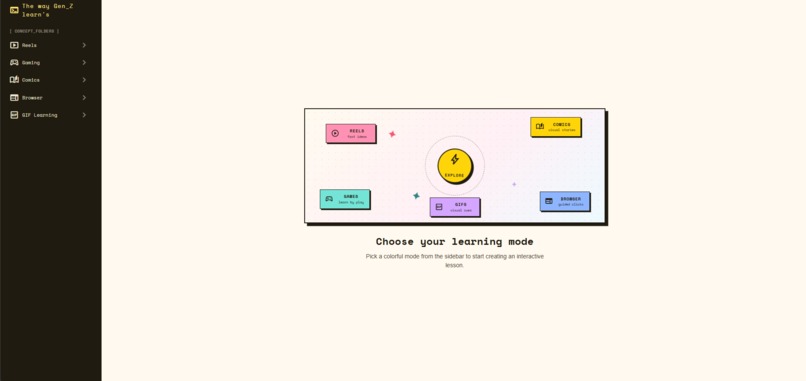
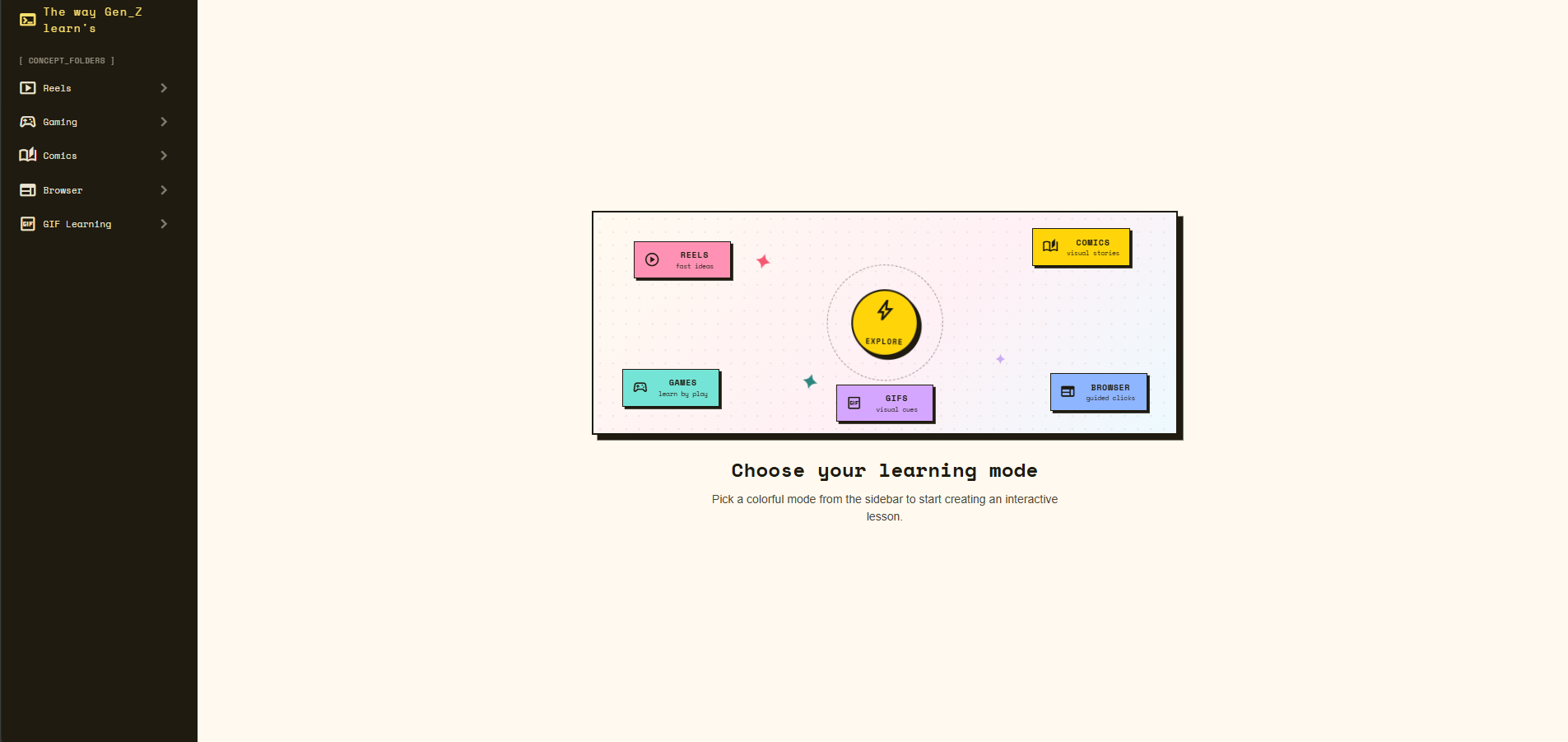
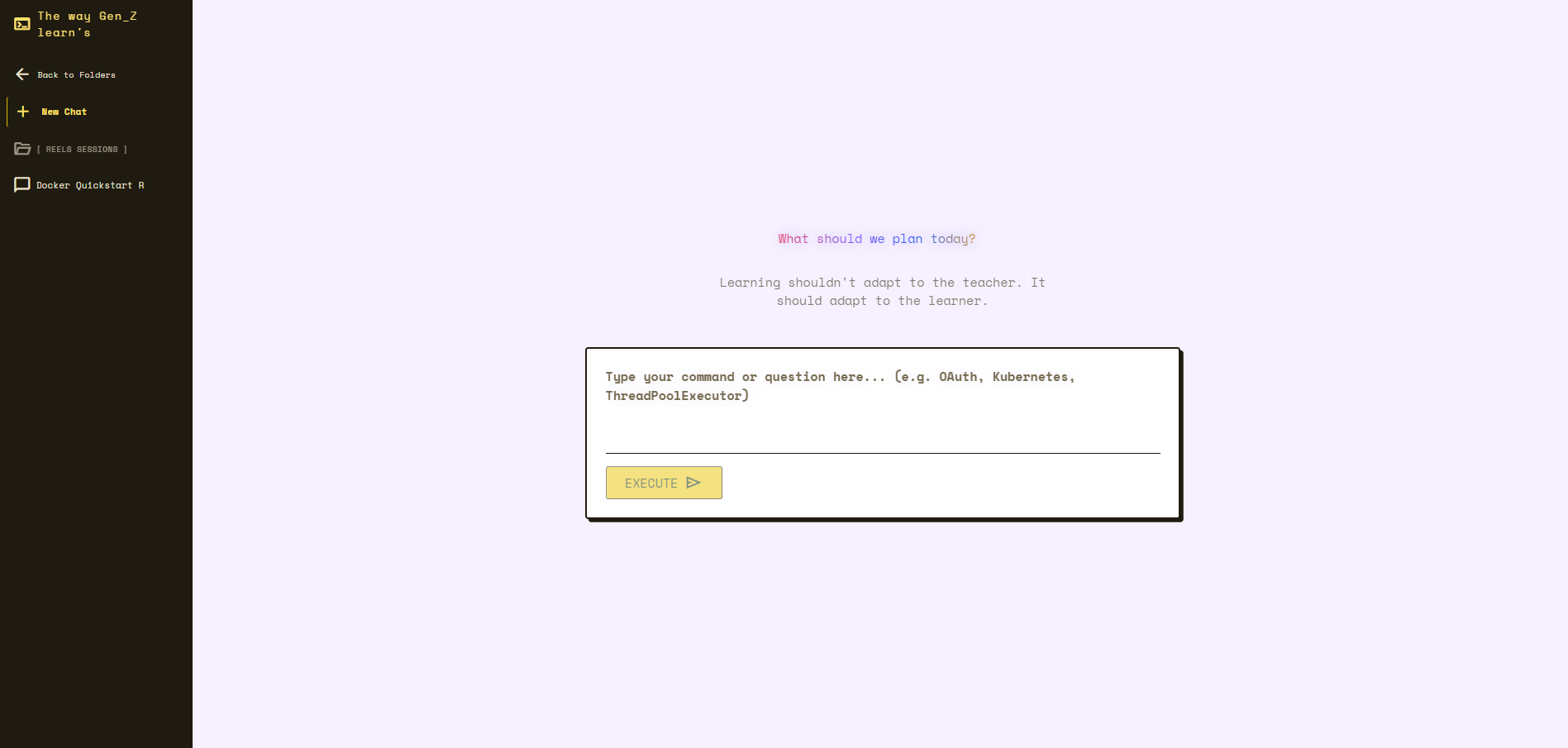
The Way Gen Z Learns home screen, where learners choose their preferred learning mode and begin an interactive AI-powered lesson.
-
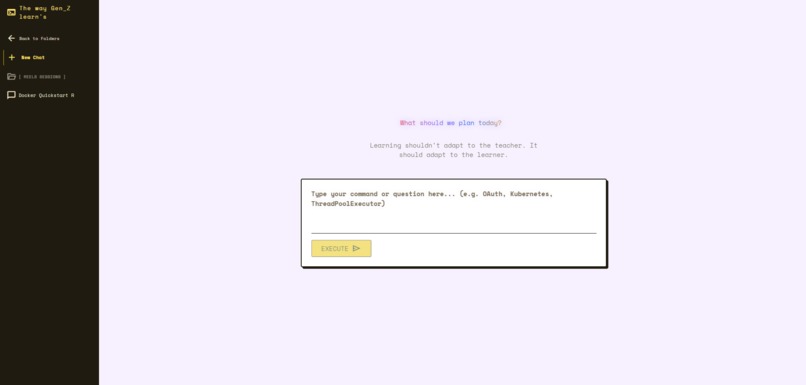
Enter any topic and let the AI transform it into an engaging learning experience tailored to the selected mode.
-
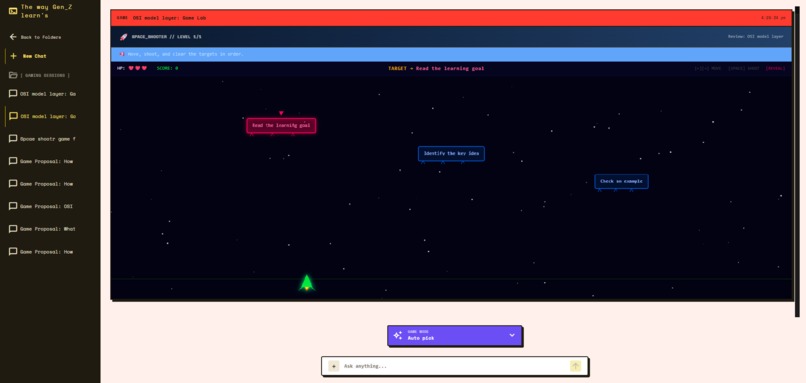
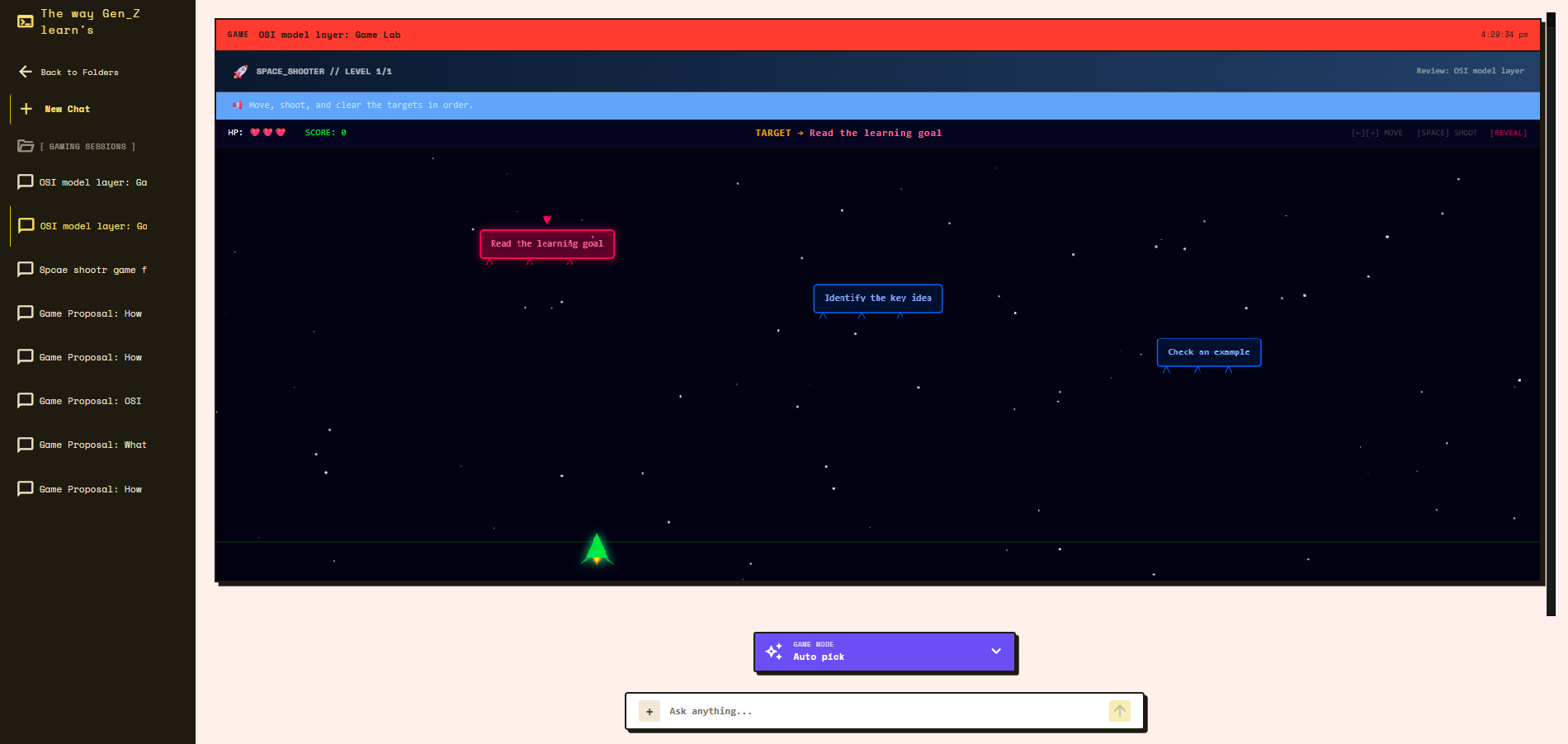
Eight interactive educational games reinforce concepts through active problem-solving instead of passive reading.
-
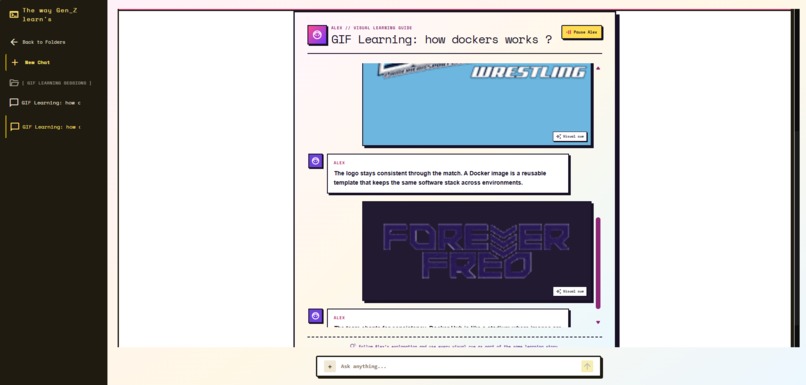
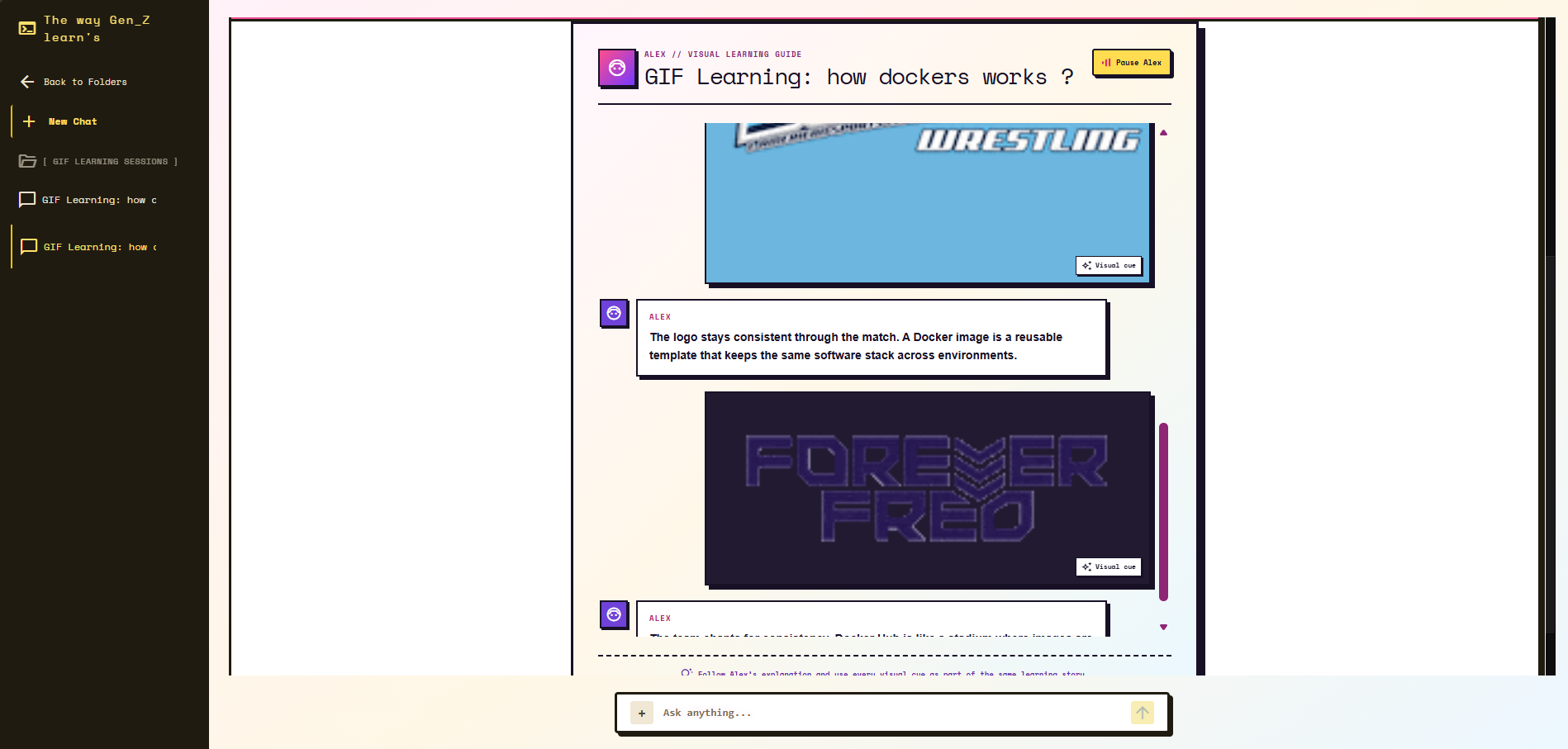
Animated visual learning with Alex, our virtual guide, using narrated GIF sequences to make abstract concepts easier to remember.
-
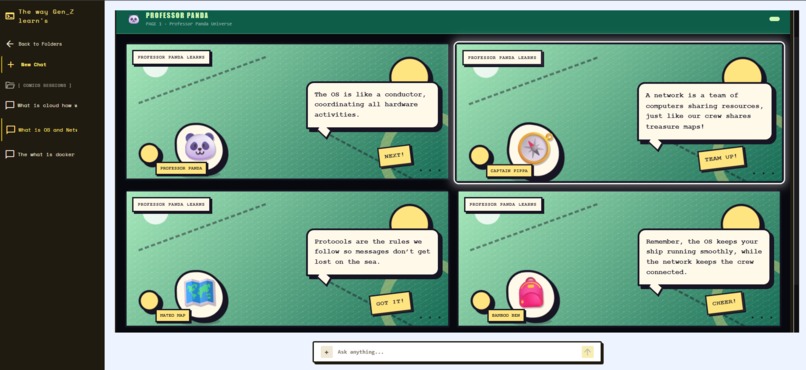
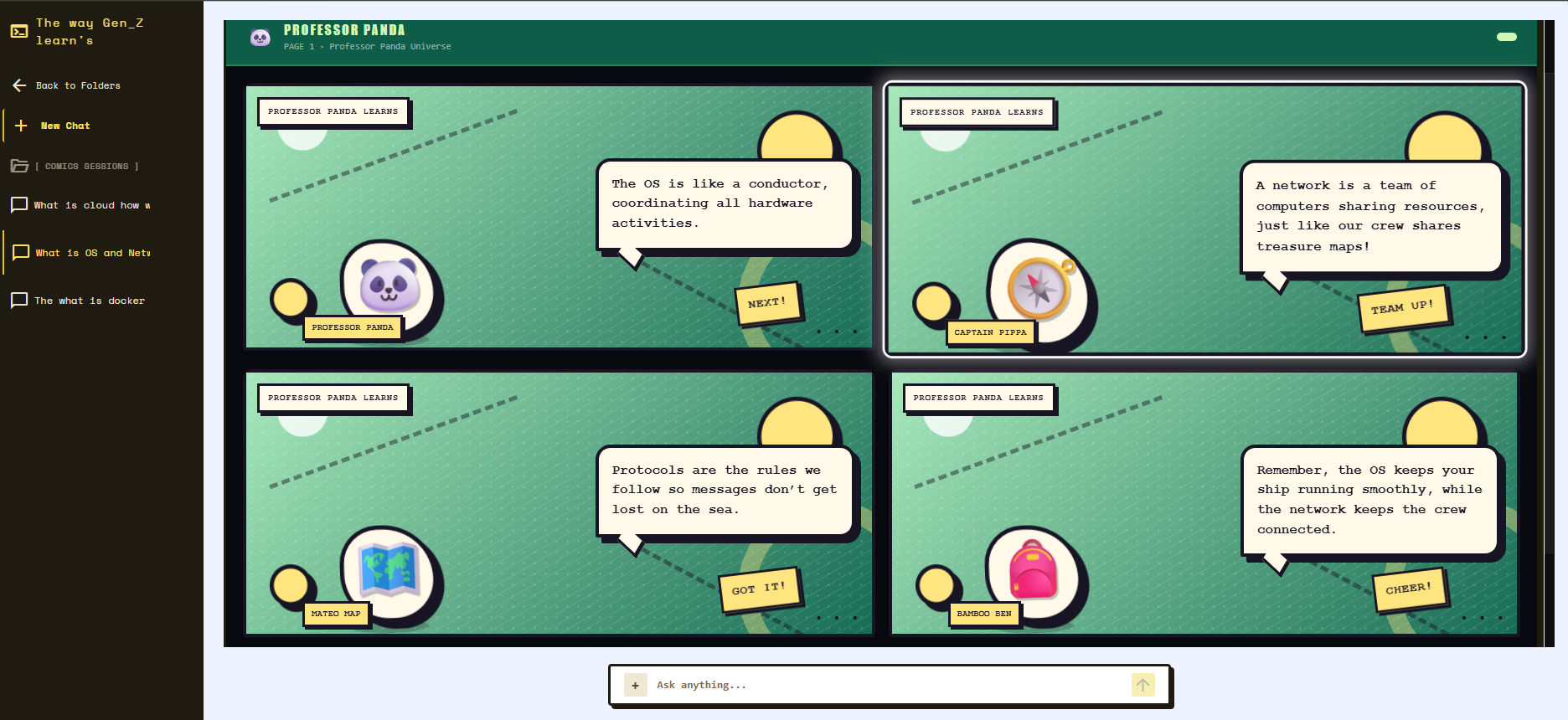
Concepts transformed into visual comic stories with narrated dialogue, making complex topics easier to understand and remember.
-
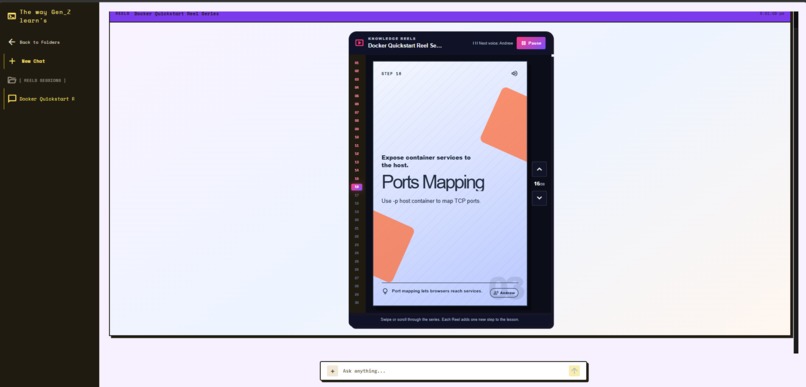
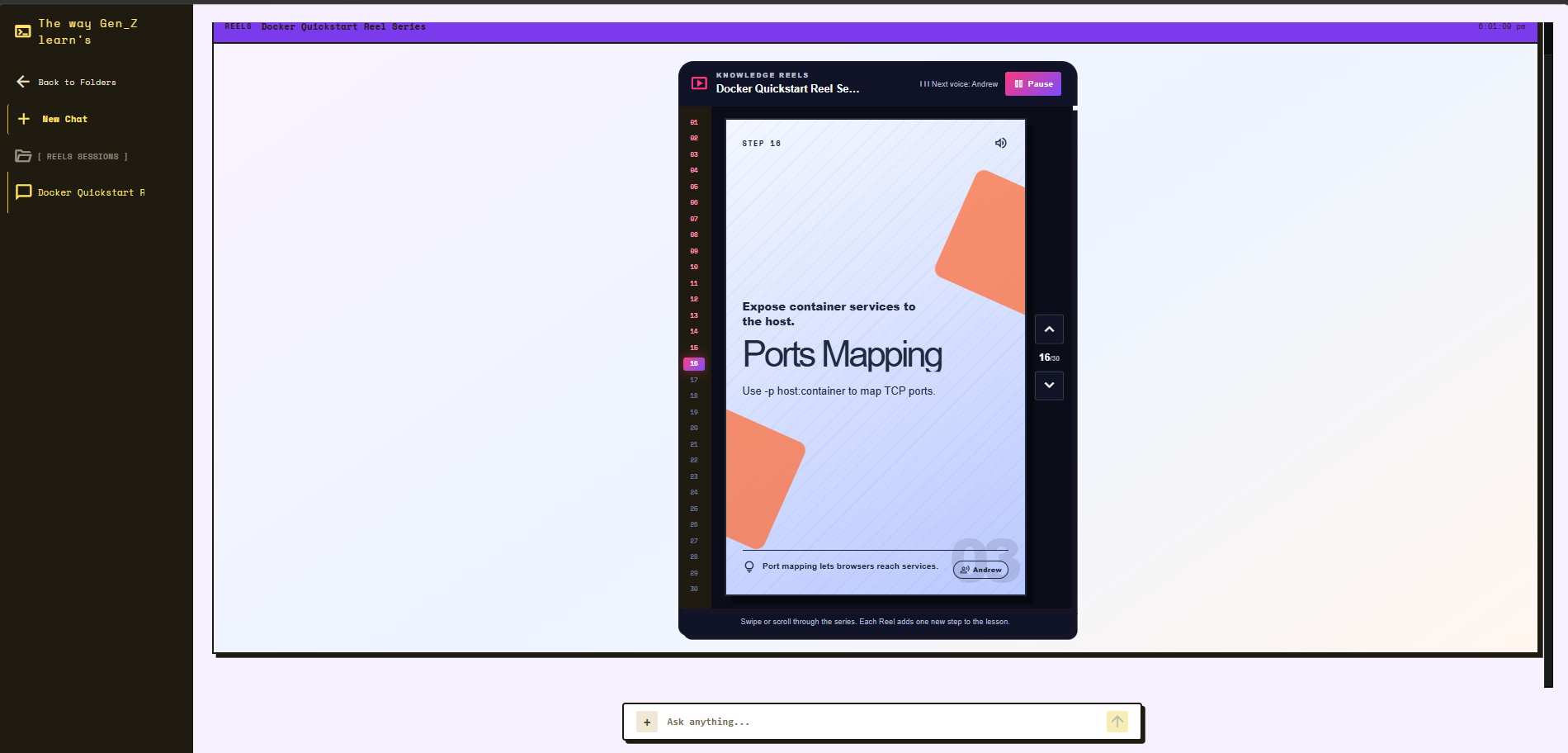
Short-form educational reels combine narration, animated cards, and structured storytelling to explain concepts step by step.
-
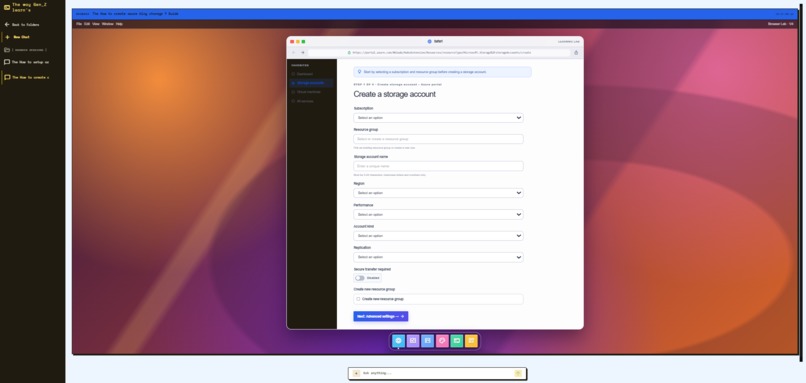
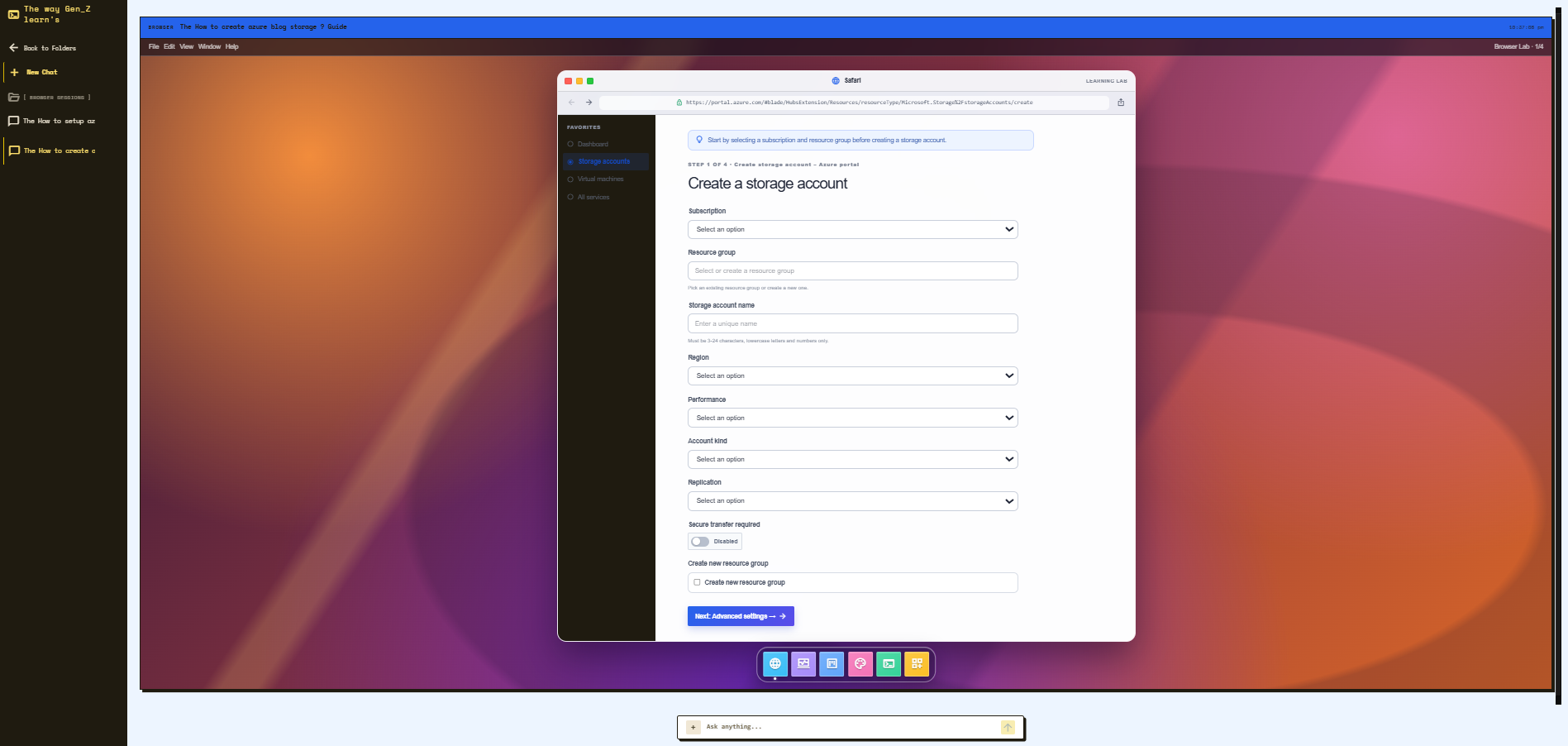
macOS-inspired browser simulator where learners practice real-world workflows like AWS, Azure, and Git without using live infrastructure.
Inspiration
I still think about this one afternoon at my house. My fourth-grader is a smart kid, but sometimes he hears a word and just blanks on how it connects to the real world. I had asked him to grab some tissue paper. He knew "paper." The "tissue" part? Total blank.
Instead of asking me, he turned to GPT and asked what it meant. The explanation was clear and simple, and it made me pause.
Students today are struggling with this exact thing. They can't hook new concepts onto stuff they already know. And honestly, looking at how we teach them, it makes sense. A teacher talks, the kids sit there, and the format never changes.
But as soon as the bell rings? They are glued to vertical reels, video games, animated GIFs, and online communities. That is how they actually consume and retain information.
Think about the contrast:
📱 Kids remember vertical video loops.
🎮 Kids remember game mechanics.
🎨 Kids remember comic strips.
📄 Kids rarely remember long blocks of textbook text.
So we asked ourselves: What if AI could teach exactly the way they already learn?
There is cognitive science behind this. Cognitive offloading describes how people rely on external tools to reduce mental effort. When learners only retrieve an answer without actively engaging with it, they are less likely to retain the information. Just handing them the answer is useless. We have to make it stick.
That's why we built The Way Gen Z Learns.
What It Does
One Engine. Five Learning Experiences.
Instead of building five separate AI tools, we built one AI Learning Engine capable of presenting the same lesson in different ways. The goal isn't to generate more content it's to present the same concept in the format that keeps the learner engaged.
🎬 Reel Mode Turns any topic into short-form educational reels using animated cards, narration, and dynamic text effects inspired by the style learners already consume every day.
💻 Simulation Mode Our flagship experience. Instead of reading documentation for AWS, Azure, Git, or other SaaS applications, learners step into an interactive browser simulation where they can safely practice workflows without creating real cloud resources or risking unexpected costs.
🎮 Game Mode Interactive mini-games transform lessons into gameplay. Whether learners are sorting sequences, solving logic puzzles, or identifying correct concepts, the mechanics themselves reinforce the lesson instead of interrupting it.
📖 Comic Mode Complex topics become visual stories. Characters explain concepts through conversations, making difficult subjects easier to understand and remember.
🎬 GIF Learning Mode Some ideas are easier to remember through visual metaphors than words alone. Guided by our virtual learning assistant, Alex, this mode builds short animated learning sequences using GIFs and narration to help students connect abstract concepts with memorable visuals.
How We Built It
The frontend is built with React and TypeScript, while the backend uses Python and FastAPI.
One of our biggest architectural decisions was separating content generation from presentation. Instead of asking the AI to generate HTML or complete interfaces, the model produces structured JSON. The frontend is responsible for rendering reusable components from that data.
This approach gives us:
- Faster rendering
- Consistent layouts
- Lower token usage
- Better security
- Easier maintenance
For inference, we use Groq to keep response times low. Each learning mode has its own specialized agent. Requests are routed using LangGraph, validated against predefined schemas, and only then rendered by the frontend. If a response doesn't match the expected structure, the backend attempts to repair it before falling back to a safe template.
The Data Pipeline
We designed our system as a robust, structured data pipeline:
User Question
        ↓
Orchestrator
        ↓
LangGraph Router
        ↓
AI Model (GPT-OSS-120 via Groq)
        ↓
Content Validator
        ↓
Structured JSON
        ↓
React Renderer
        ↓
Interactive Learning Experience
Challenges We Ran Into
One of our biggest challenges was keeping users engaged throughout the learning experience.
- Reel Mode: Avoided boring text screens by using Codex to build ~30 CSS templates with unique styles and animations for a dynamic experience.
- Educational Games: Created 8 game types where mechanics teach concepts, with validation to ensure levels are correct and meaningful.
- Browser Sandbox: Built a realistic, responsive simulation with UI elements and dynamic forms for an immersive feel.
- API Reliability: Added schema validation and normalization to handle inconsistent AI outputs.
OpenAI Codex with GPT-5.6 Terra helped me a lot & played a major role during challenges. I used it to prototype features, refine the UI, debug issues, and iterate much faster.
Accomplishments We're Proud Of
- Built an interactive browser simulator that lets students safely practice cloud workflows without using real infrastructure.
- Designed a multi-agent architecture with LangGraph to route lessons to the most appropriate learning format.
- Created reusable learning templates instead of generating interfaces from scratch, keeping outputs fast and consistent.
- Kept all learner progress inside browser storage for absolute user privacy.
What We Learned
The biggest lesson wasn't about AI. It was about product design. AI works best when it generates structured information, while the frontend remains responsible for the user experience. We also learned that students spend much longer interacting with lessons when they're asked to participate instead of simply reading an answer. Most importantly, We learned that changing the format can completely change the learning experience.
What's Next
Our roadmap includes:
- Terminal and database simulations
- Community-created templates
- Multiplayer learning challenges
- Leaderboards and collaborative study sessions for students
Summary
We don't believe the future of AI education is about generating better answers. We believe it's about creating learning experiences that help students understand, participate, and remember what they learn.

Log in or sign up for Devpost to join the conversation.