-
final
Inspiration
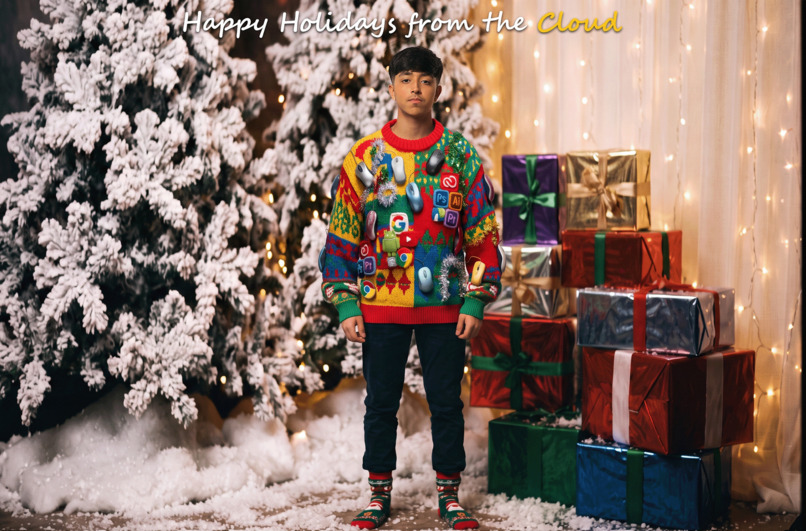
When I saw that Google and Adobe were partnering for this challenge, I wanted to create an ugly sweater that served as a "love letter" to both companies. I was inspired to design the ultimate tech-themed holiday card by weaving the iconic user interfaces and logos of Google (Chrome, Android, YouTube, Search) and Adobe (Creative Cloud, Photoshop, Illustrator, Premiere Pro) straight into the chunky knit fabric of a ridiculously tacky sweater. I combined this with a nostalgic, cheesy 1990s mall portrait studio vibe for maximum humor.
What it does
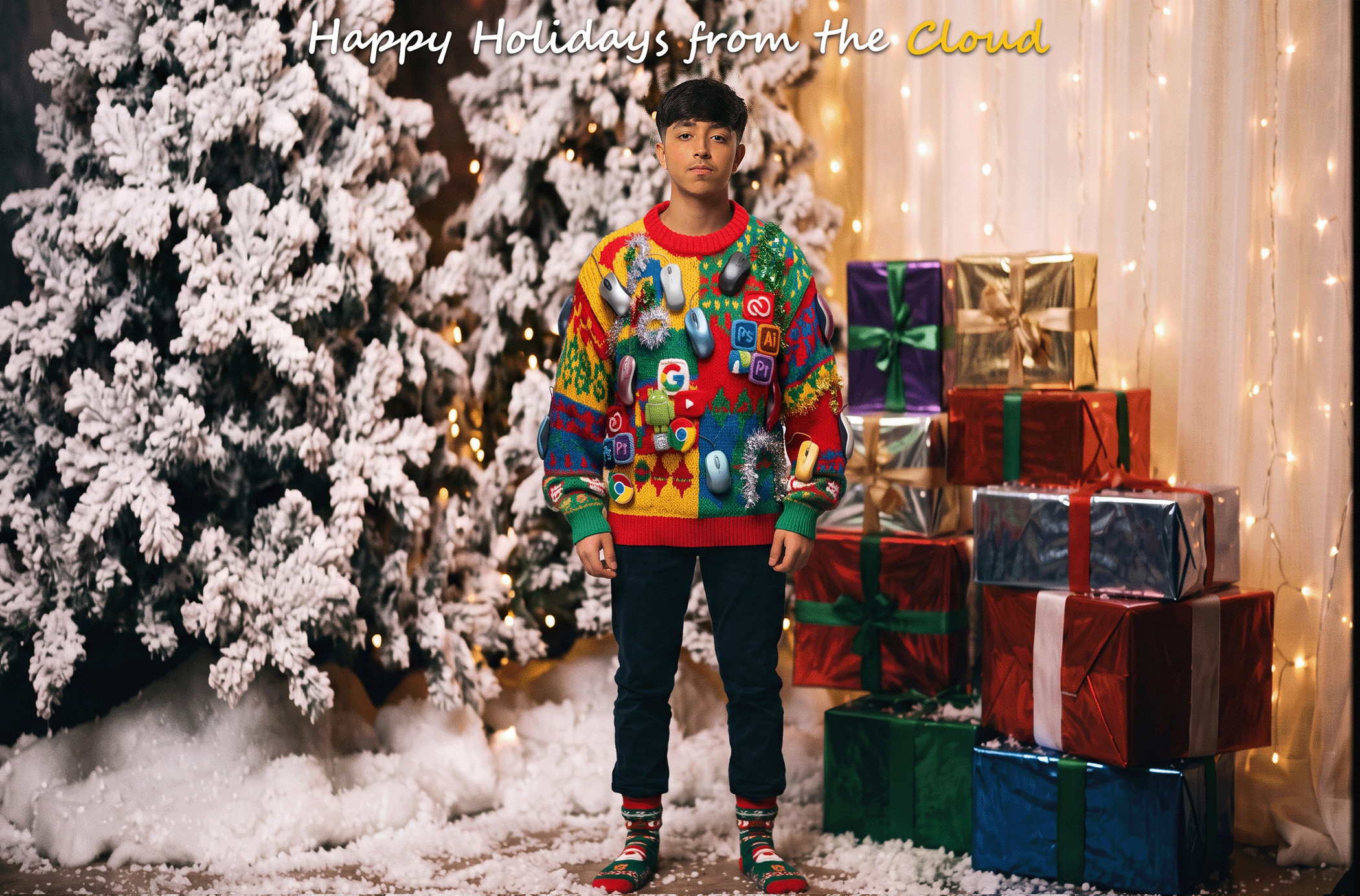
The project is a completed, high-resolution holiday card featuring a custom-designed ugly holiday sweater. The sweater features a neon, clashing color palette with physical 3D computer mice and fuzzy snowmen bursting off the fabric, alongside the embedded Adobe and Google app logos. The final piece places me wearing the sweater in front of a retro, heavily-lit 90s winter studio background.
How we built it
I used Adobe Photoshop powered by Google's Nano Banana model to build this in multiple stages:
The Base: I prompted Nano Banana to generate a high-res macro product photo of a chunky knit sweater covered in 3D computer mice and clashing Google/Adobe brand colors.
The Logos: I used the Lasso Tool to select specific blank patches on the sweater and used Generative Fill to stitch the Adobe and Google app icons directly into the wool texture.
The Subject: I imported a photo of myself, used the Remove Background tool, and carefully positioned my head to "wear" the sweater. I used layer masks to tuck my neck naturally into the collar.
The Extension: I flattened my layers (Ctrl + Alt + Shift + E) and used the Crop Tool combined with Generative Expand (leaving the prompt completely blank) to seamlessly extend the bottom of the sweater and my legs downward without creating weird artifacts.
The Background & Polish: I used Generative Fill to create the cheesy 1990s flocked Christmas tree background, and finished the design with festive typography and a drop shadow.
Challenges we ran into
My biggest initial challenge was hardware limitations. Trying to run high-res Generative AI layers in Photoshop on the Web caused my laptop browser's WebGL/GPU acceleration to crash. I solved this by switching to the Photoshop Desktop app, which handled the rendering much more smoothly! I also struggled at first with Generative Expand trying to create new bodies instead of extending my sweater. I learned that I had to merge my layers and use a blank prompt to force the AI to naturally continue the existing pattern.
Accomplishments that we're proud of
I am incredibly proud of how perfectly Nano Banana was able to match the chunky wool texture when inserting the software logos. The lighting and shadows on the Photoshop and Chrome icons match the rest of the sweater flawlessly. I'm also proud of how cohesive the final 90s holiday card looks!
What we learned
I learned a massive amount about AI prompting and Photoshop compositing. Specifically, I learned how to use "blank prompts" for Generative Expand, how to properly format prompts for materiality and lighting (using terms like "macro lens", "three-point softbox", and "chunky wool knit"), and how to use Layer Masks to blend AI-generated layers with real photos.


