-
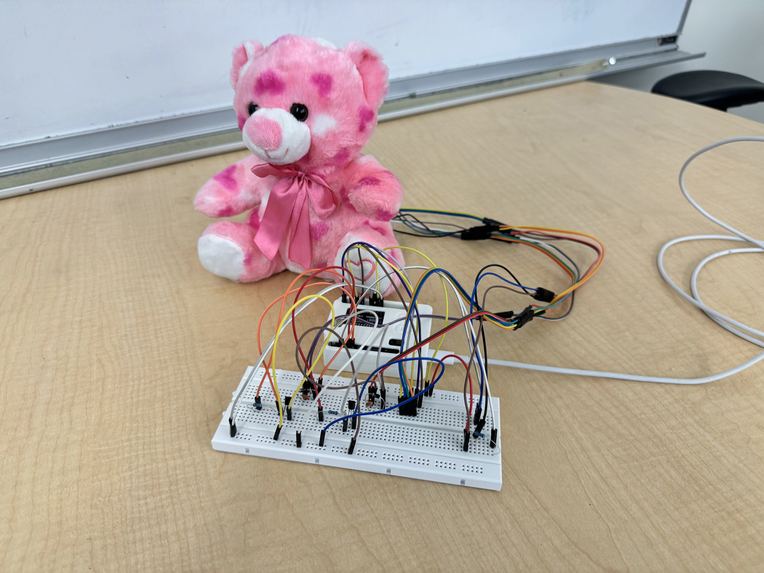
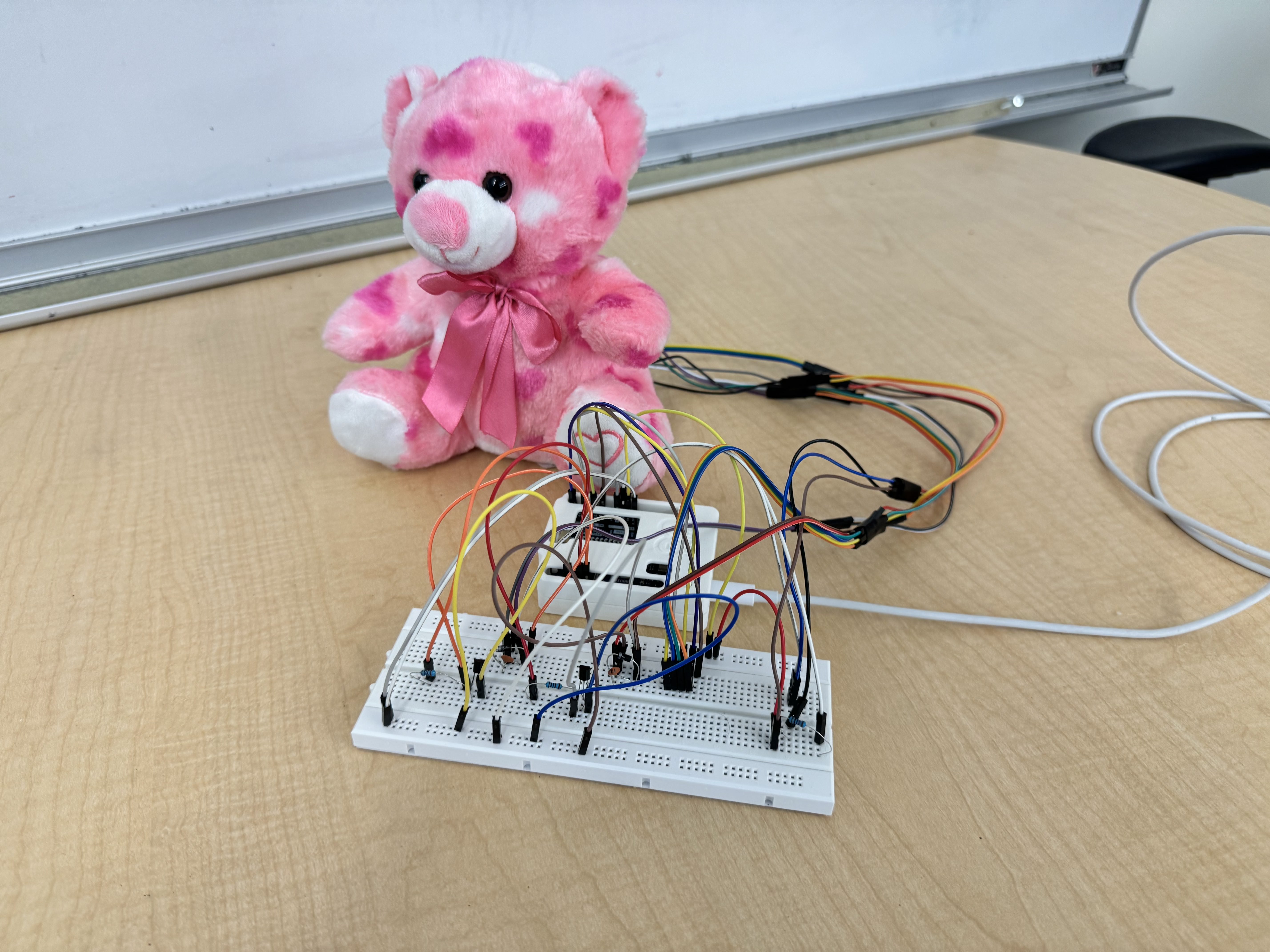
The Teddy Bear from front with external electronics.
-
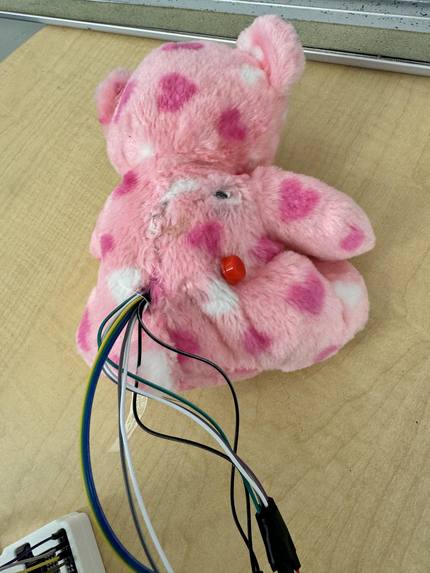
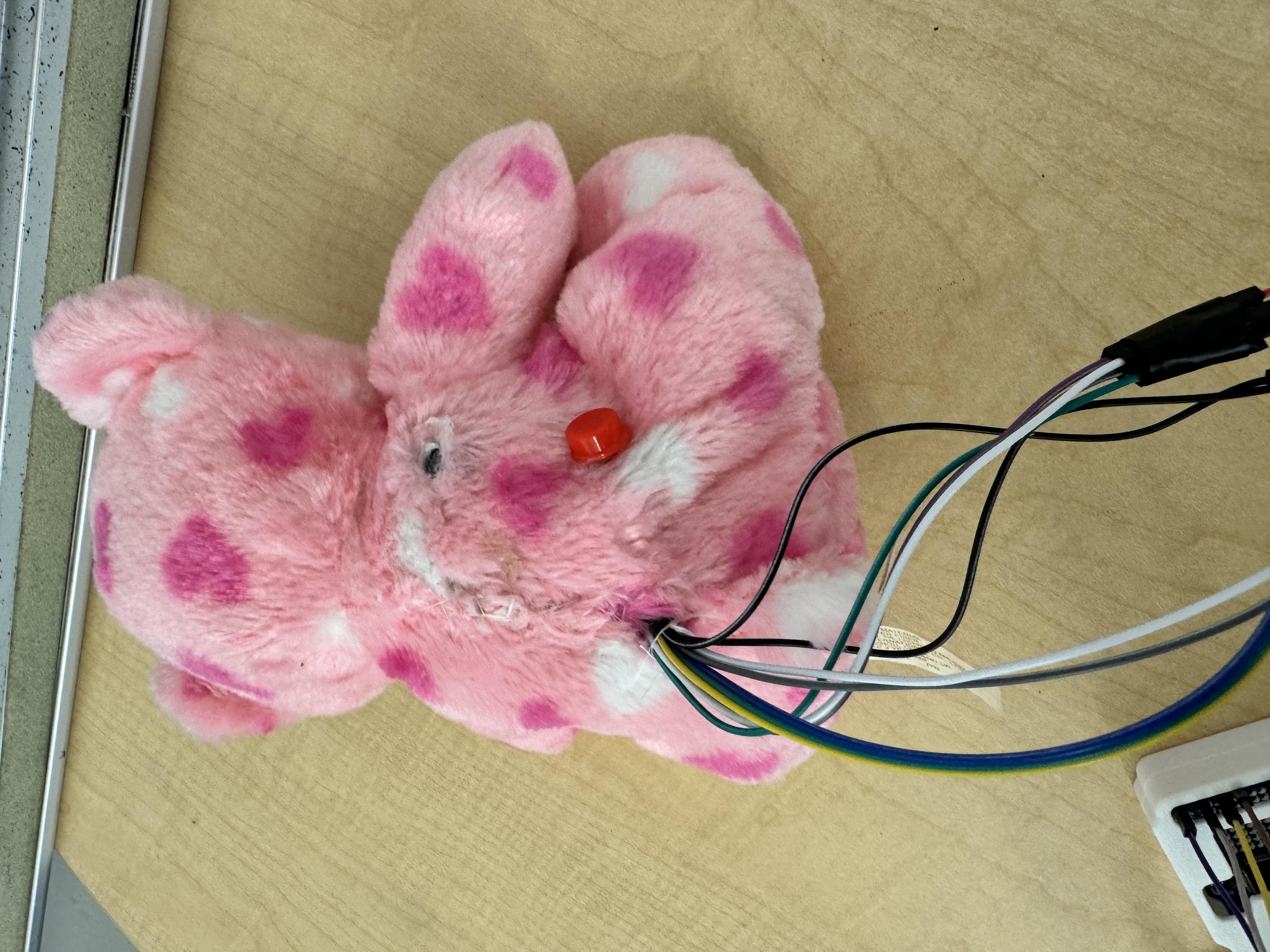
Back of teddy bear with sensor and button.
Why I Built This …teddy bear?
I wanted to create something that tries to help kids and adults who deal with separation anxiety, loneliness, or just need a little extra comfort—perhaps after a long day of school. A stuffed animal is already a go-to for a lot of people (it was for me), but what if it could do more? Instead of just being soft and huggable, what if it could actively respond to emotions? That’s where this bear comes in. This project started with a simple idea: a teddy bear that reacts to stress levels* and helps regulate emotions. There are plenty of toys out there that just vibrate (as in toggle on/off) or play back pre-recorded sounds, but none that actually adjust based on how someone is feeling. Being unconditionally attached to teddy bears, I wanted to change that.
How It Works
The bear has two small vibration motors that respond in two ways (highlighted below). These vibration motors are located where they would be near the heart on opposite sides of the bear—regardless of how the bear is held.
Button Presses: On the back of the bear, there’s a button system with levels 1 through 5. If a child (or adult) presses level 5, that means they’re really stressed or anxious. In response, the bear vibrates more frequently but with less intensity, which aims to mimic steady, calming presence. At level 1, the bear assumes the person is happy or just content, so it vibrates with longer gaps but stronger pulses, matching that upbeat energy.
*Heart Rate Sensor *(Optional): Some parents might not be comfortable with their child using biometric data, which is why the heart rate sensor is optional. If enabled, it works just like the button—if the user’s heart rate is high (over 140 bpm), the bear treats it like a level 5 button press. If it’s low (under 70 bpm), it mimics level 1. This allows the bear to respond without the user needing to press anything, which is especially useful for younger kids.
The button and sensor are both placed naturally on the back of the bear, right where a hand would rest during a hug. If the heart rate sensor is being used, the vibrations continue as long as a finger is detected. If the button is pressed, the vibrations last for about a minute before resetting. To continue, the button needs to be pressed again.
A Local AI Approach
Most "smart" toys on the market either just play pre-recorded responses or rely on commercial AI models that pull from the internet, to tell stories. (There’s one stuffed animal that does that.) That’s a huge privacy concern for a lot of parents, and honestly, it’s not very personal. I wanted this bear to be different. So instead of using a standard AI model, I started building my own. This one is completely local, meaning it doesn’t connect to the internet, and it only learns from the child’s direct interactions. If a kid loves tennis, for example, the bear can remember their matches and talk to them about it—but without storing data online or accessing external sources, alleviating concerns for caregivers and parents.
The Challenges and What’s Next
Because of the 24-hour time limit of the hackathon, I didn’t get to fully integrate the voice features yet. Right now, the AI works, but only in text-to-text form. The next big step is adding voice-to-text and text-to-voice so the bear can actually "talk" in a more natural way, and the child may have real conversations. I also want to fine-tune the vibration system based on more research (there are studies on how slow, rhythmic vibrations help regulate emotions, especially in kids). If I can refine this and get more testing done than just a few random hackers, I’d love to take this project further—maybe even get it into real-world use for kids in foster care, daycare settings, or anyone who could benefit from it.
At the end of the day, this isn’t just about making a ‘high-tech’ toy. This is something that I truly wish I had as a child, and even now, with the pressures of college life, I’d be lying if I said that I would not use this bear once I get back home. (After printing a PCB and getting a proper battery source, of course.)


Log in or sign up for Devpost to join the conversation.