-
-
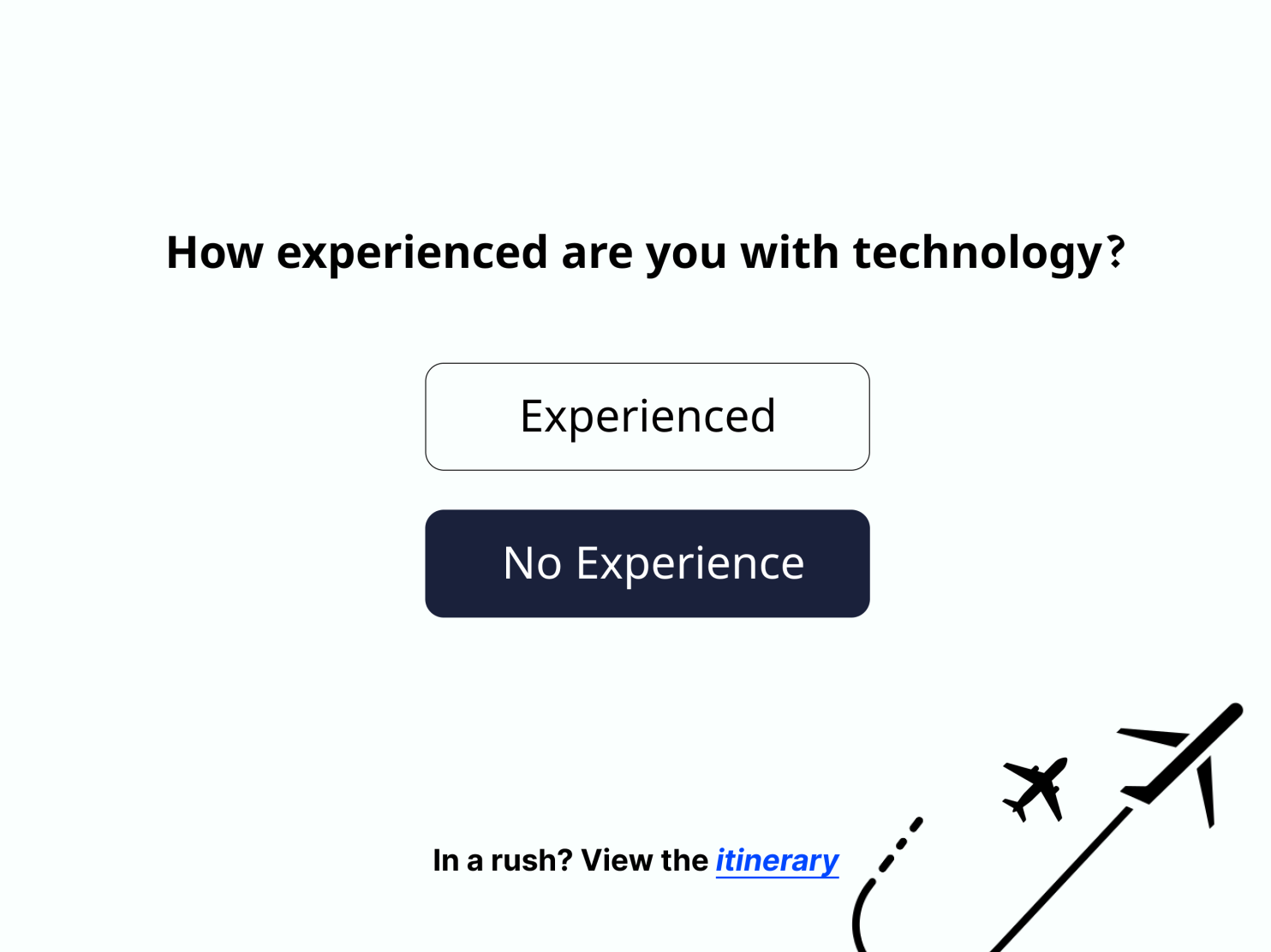
How experienced are you with technology?
-
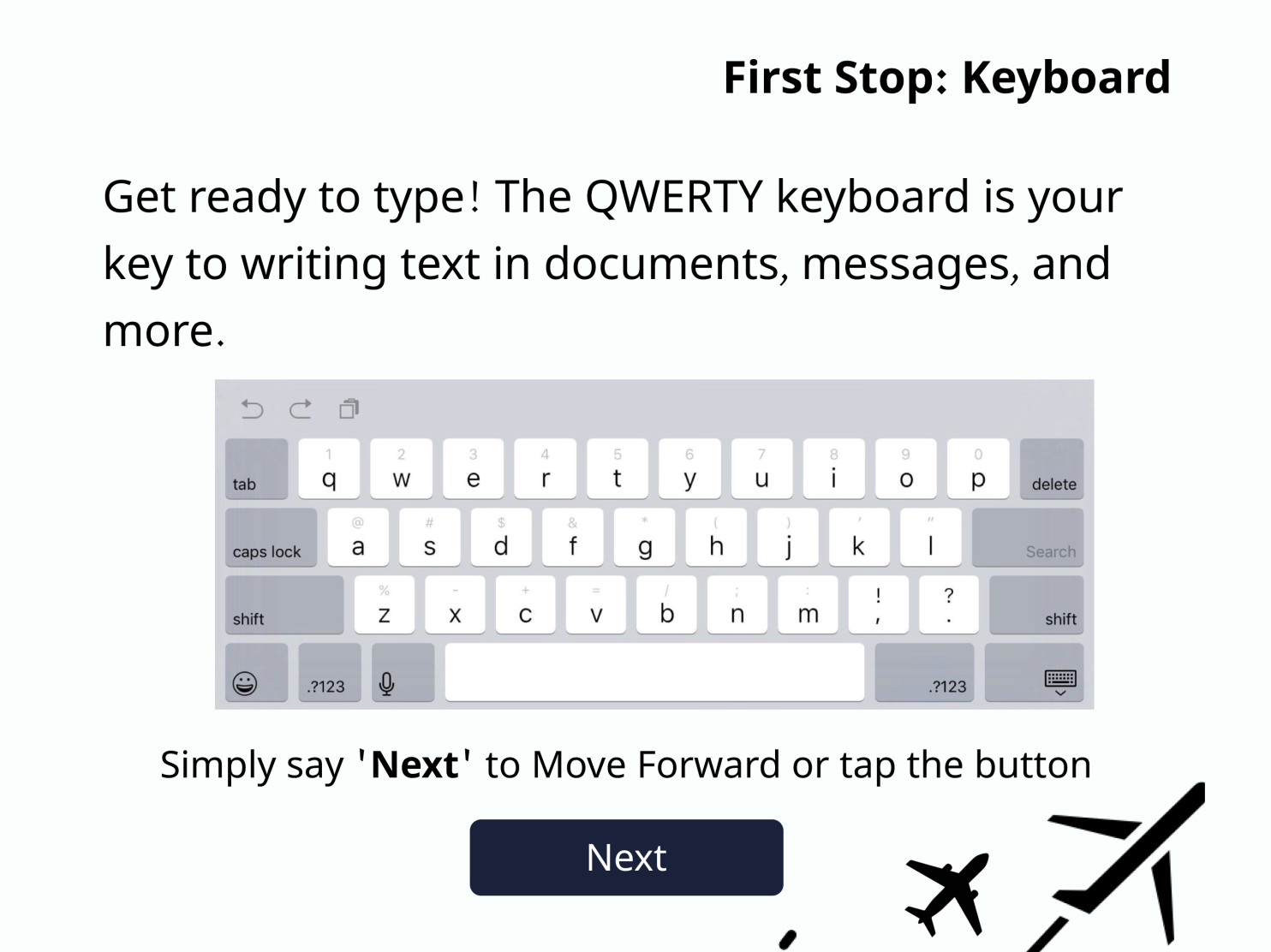
First Stop: Keyboard
-
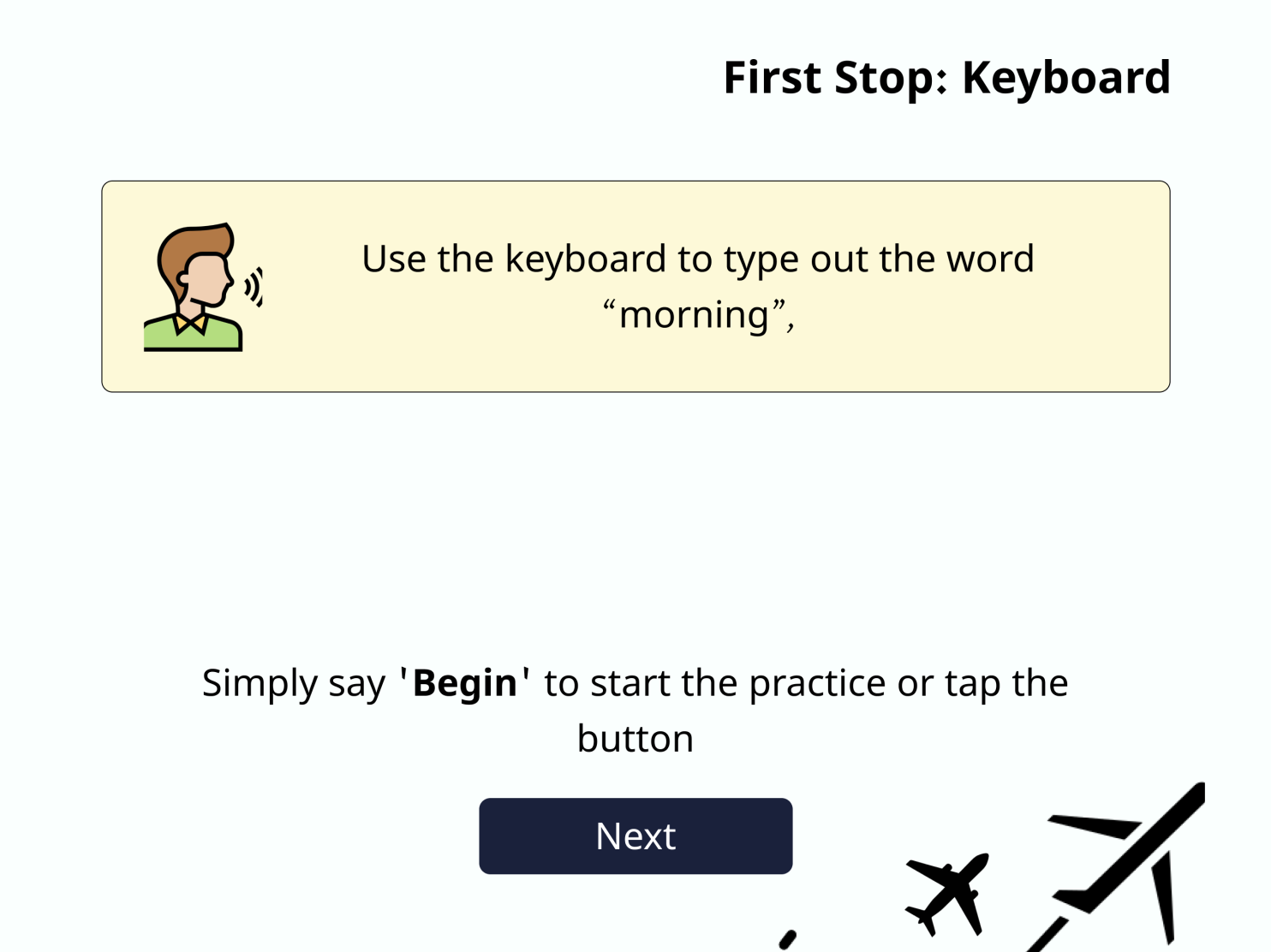
First Stop: Keyboard Practice
-
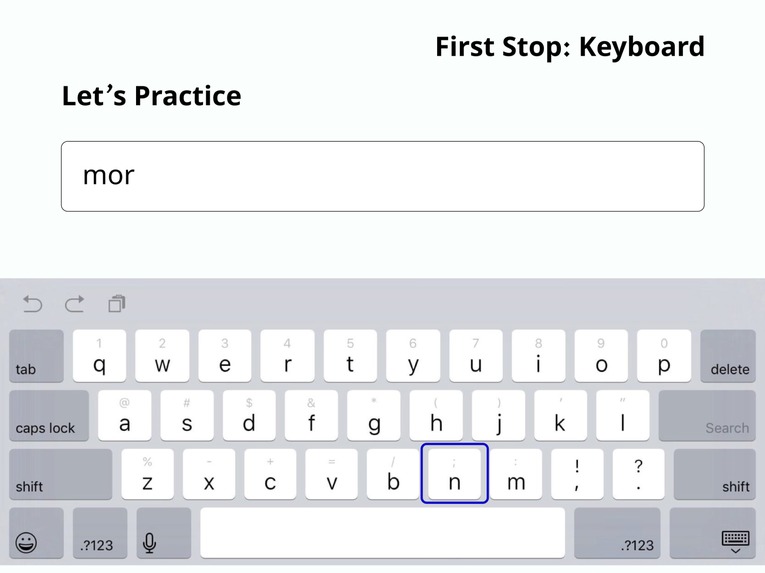
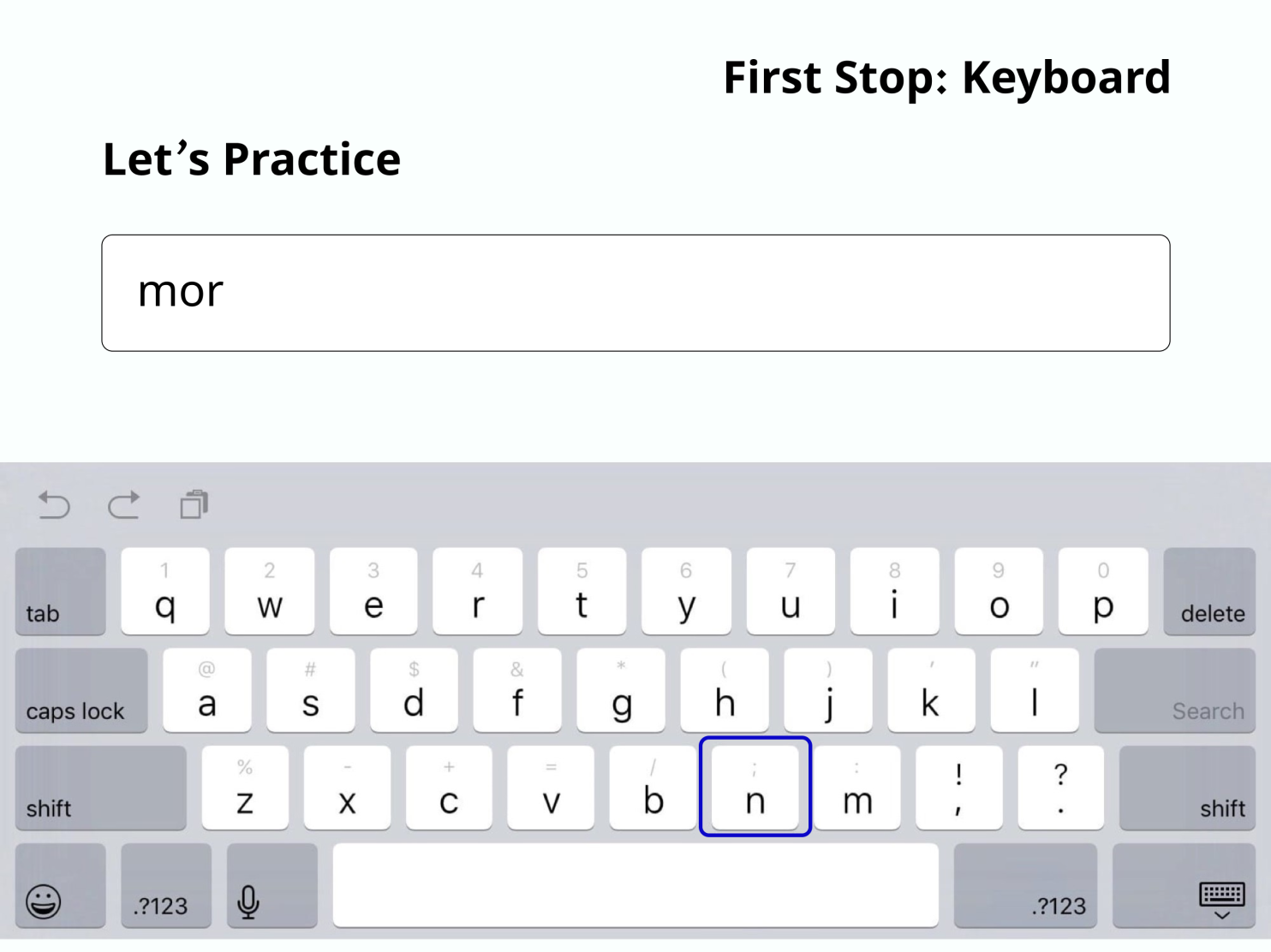
First Stop: Keyboard Practice
-
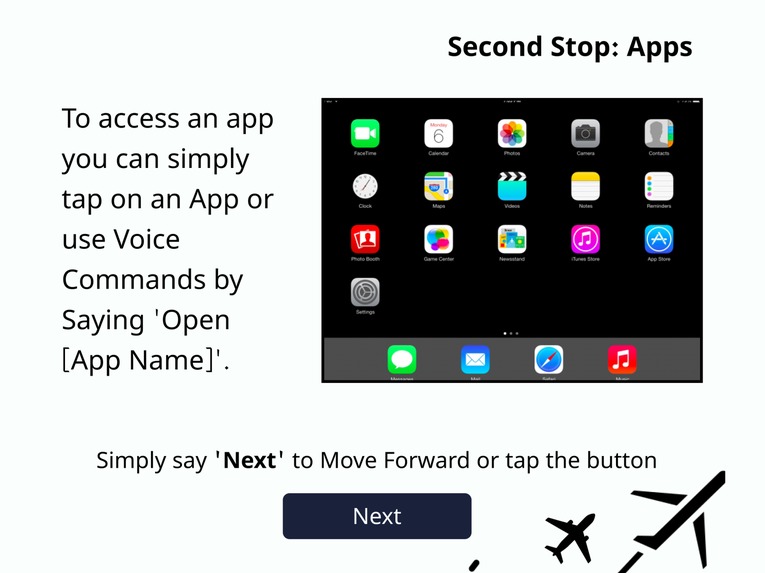
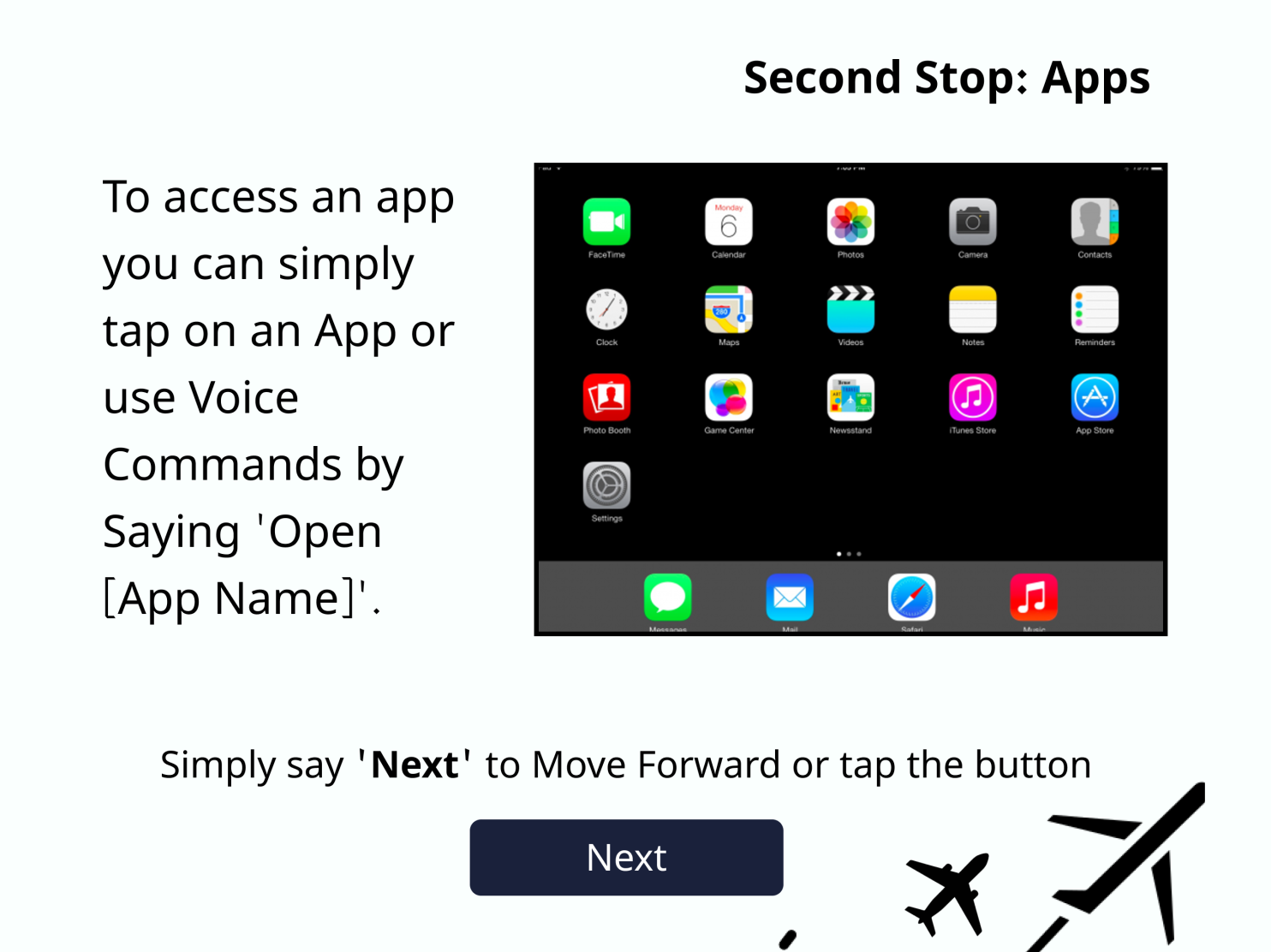
Second Stop: Apps
-
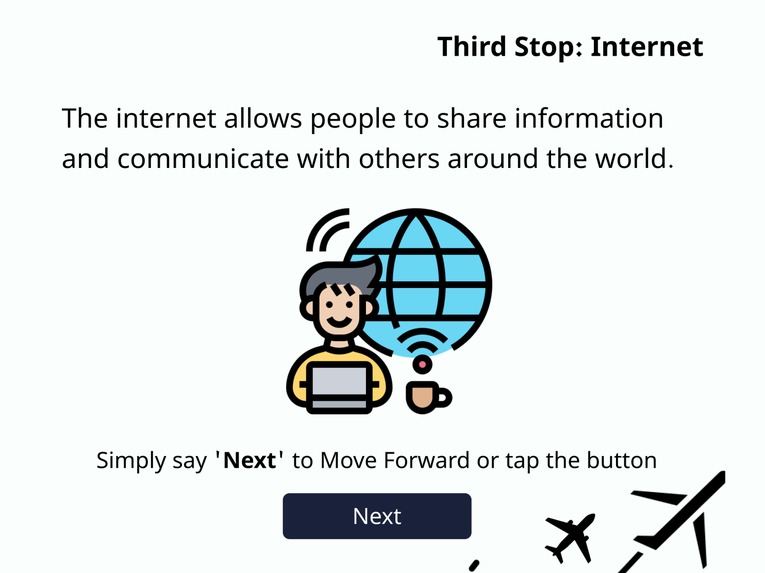
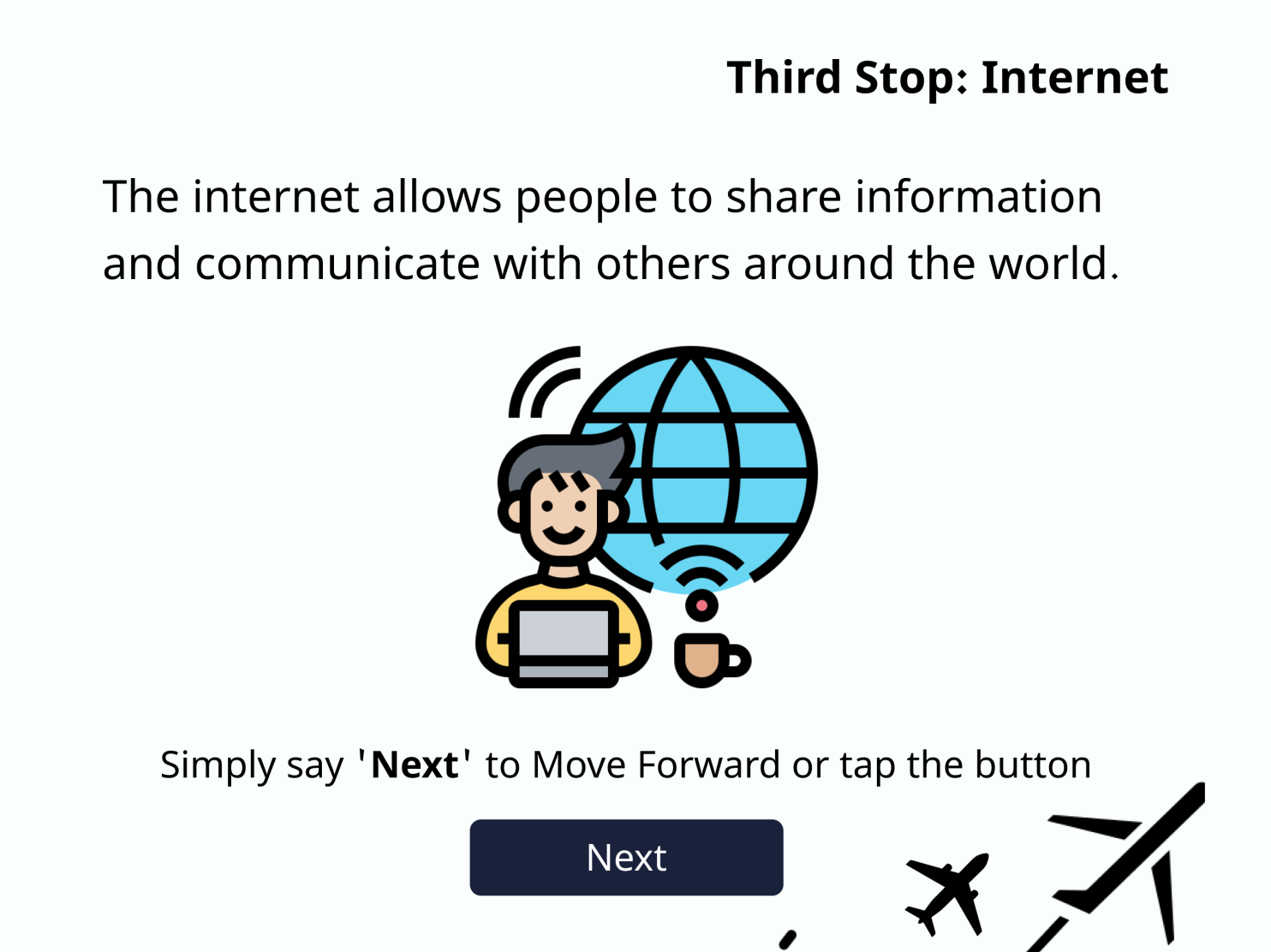
Third Stop: Internet
-
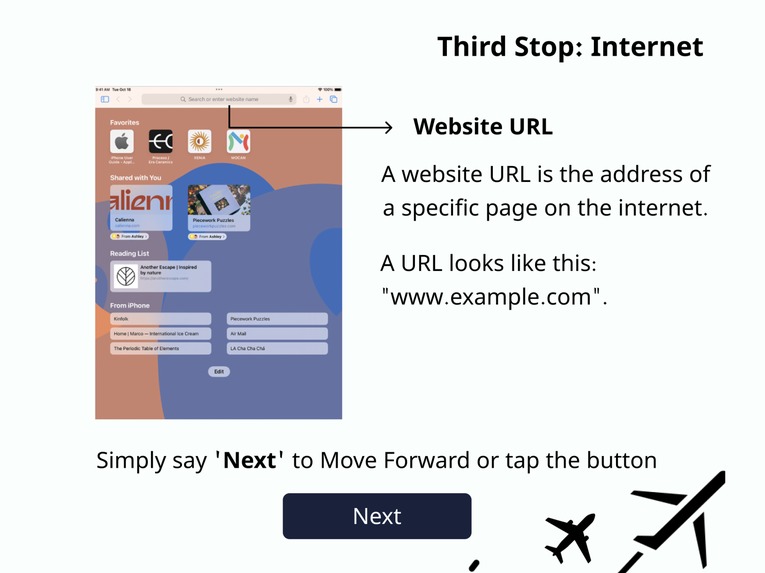
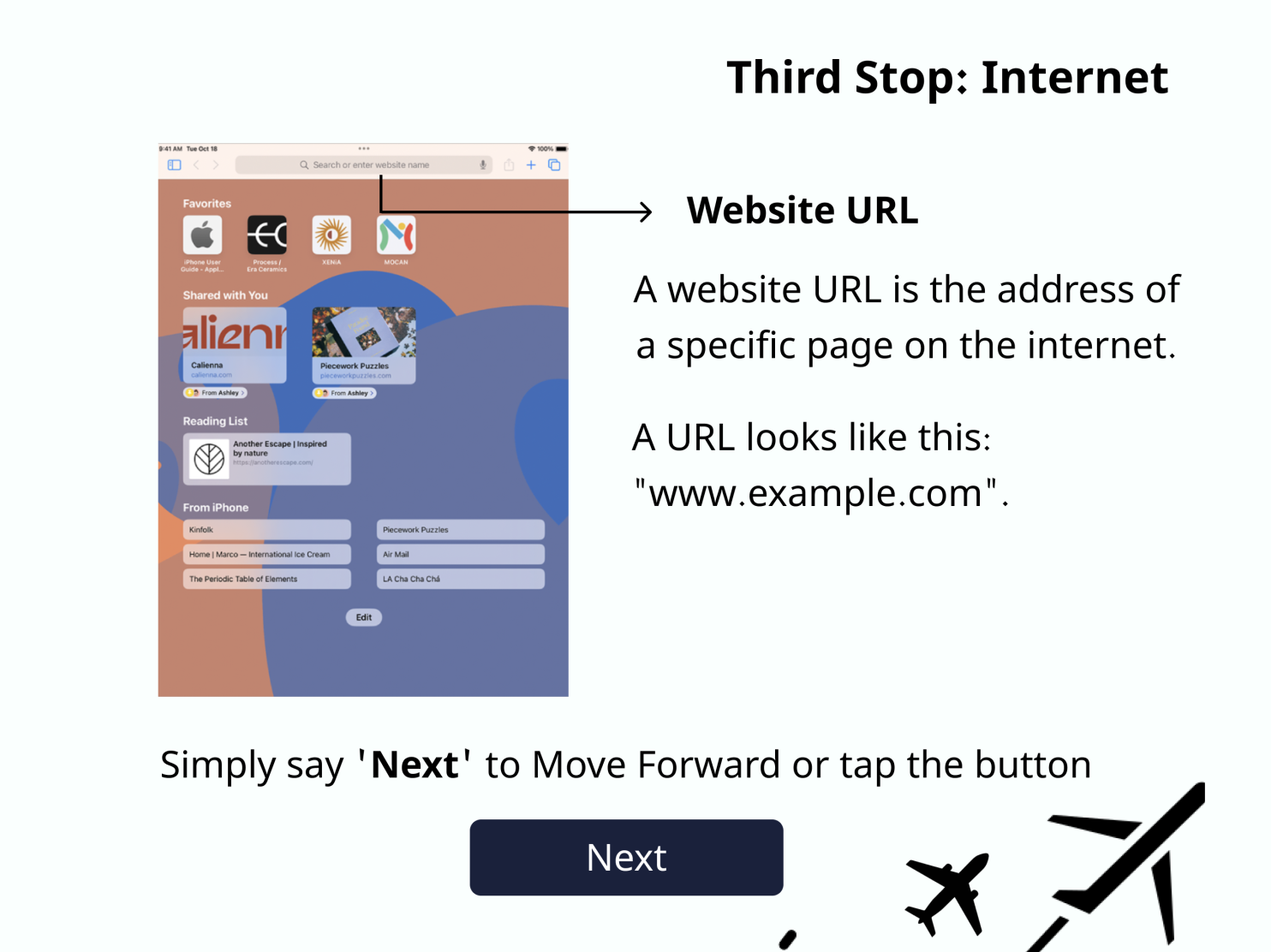
Third Stop: Internet
-
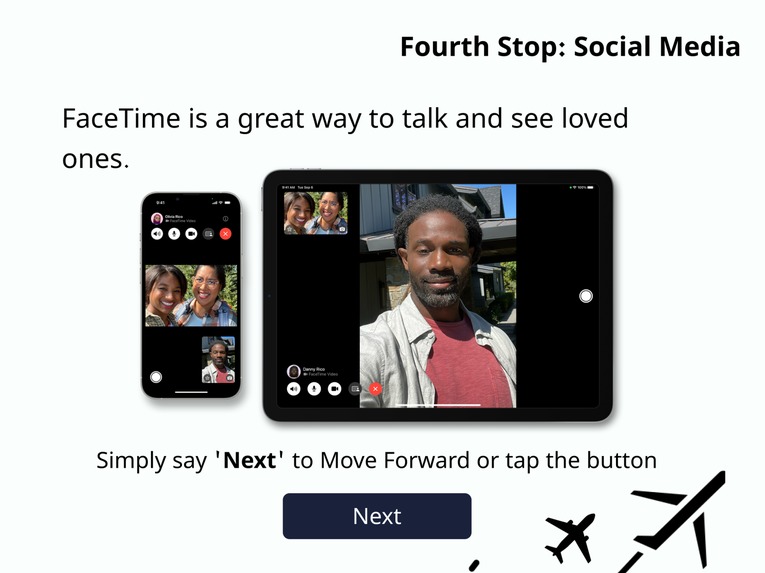
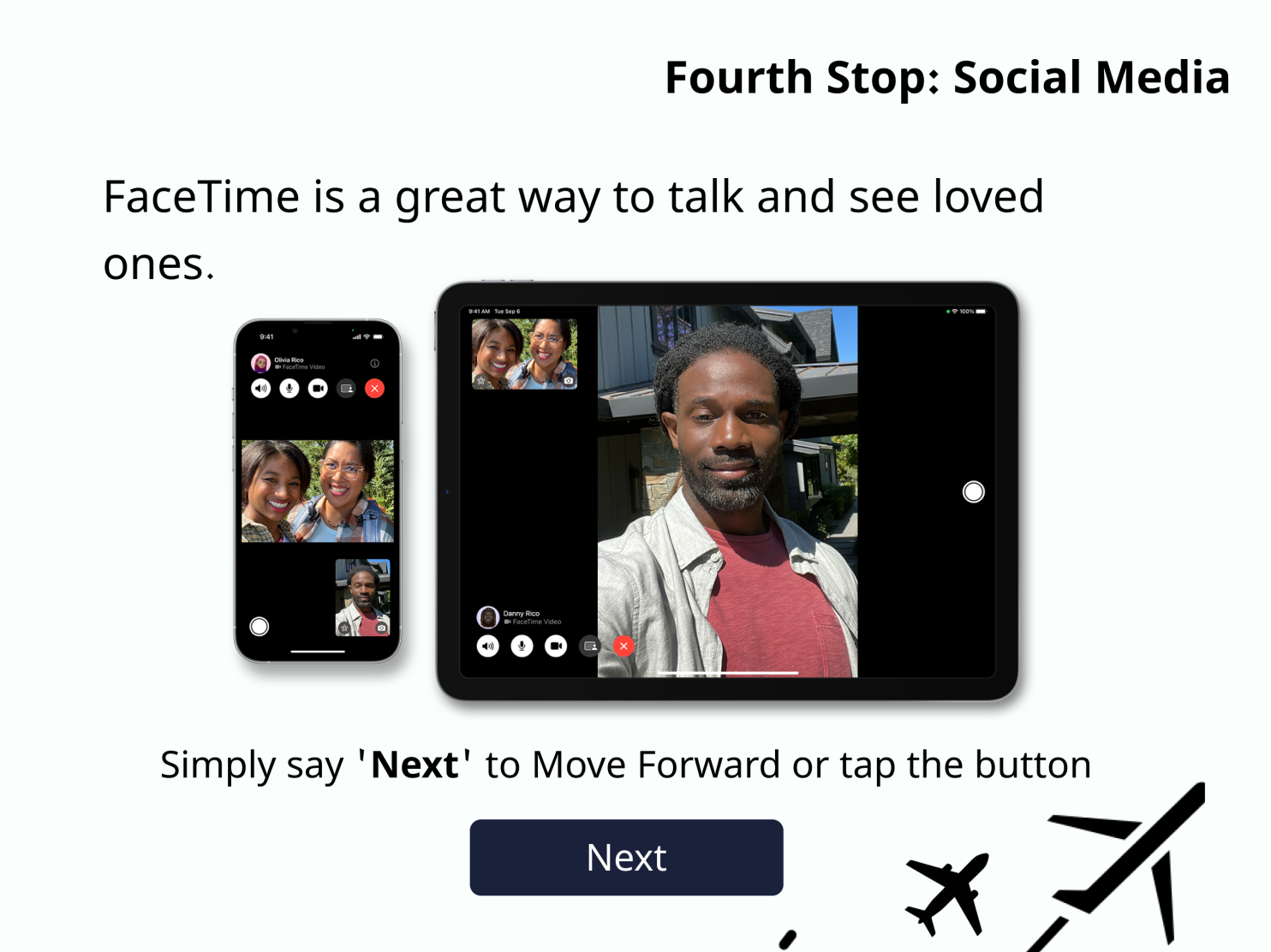
Fourth Stop: Social Media
-
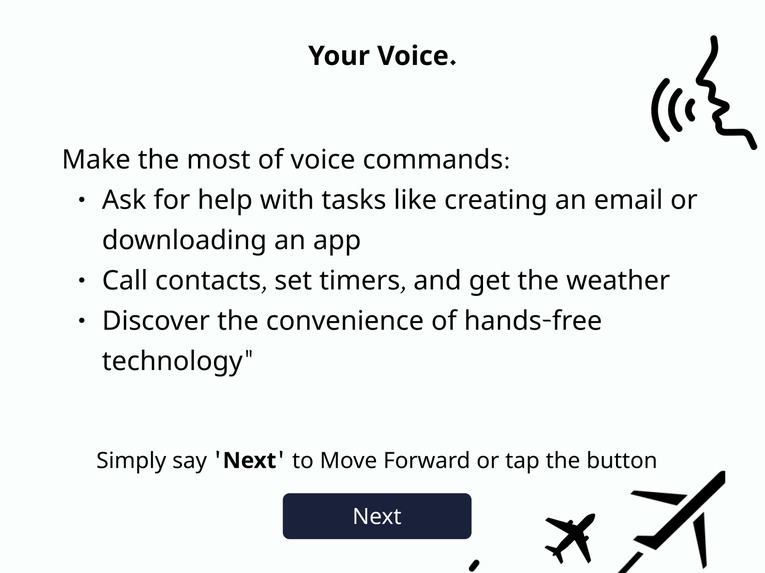
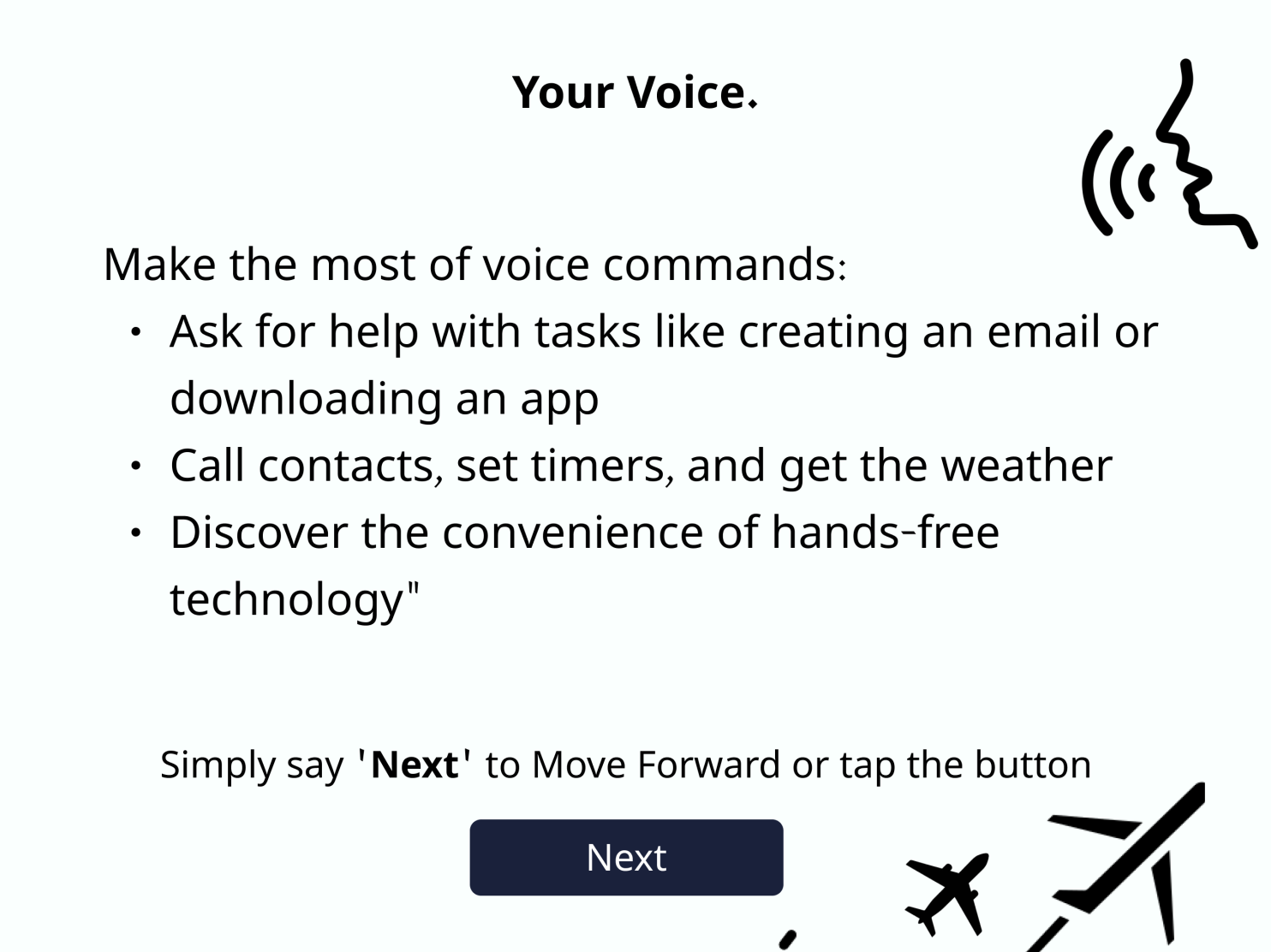
Your Voice.
-

Final Destination.

Inspiration
We had a friend named Diana whose grandmother was in her 80's and lived alone. Diana's grandmother was always excited to hear from her grandchildren and spend time with them. However, Diana's grandmother struggled to keep up with the fast-paced world of technology, feeling isolated and frustrated she couldn't connect with her loved ones in the same way they now connect with others as they got older.
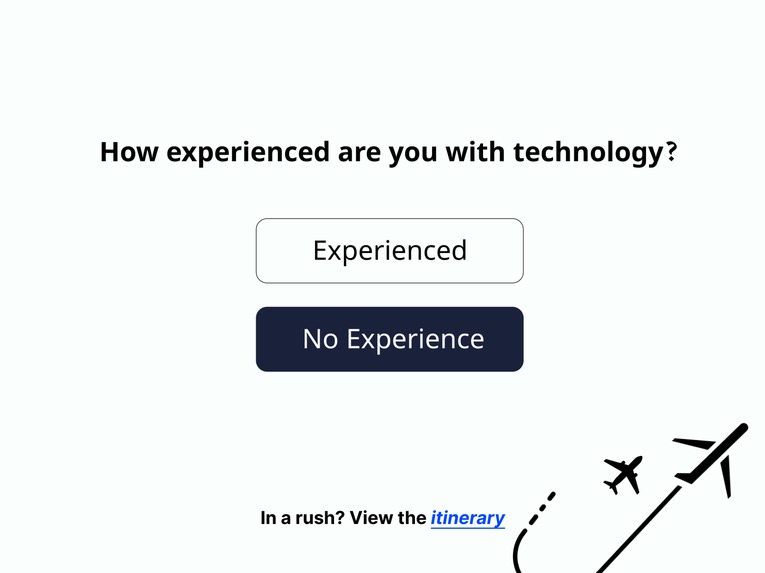
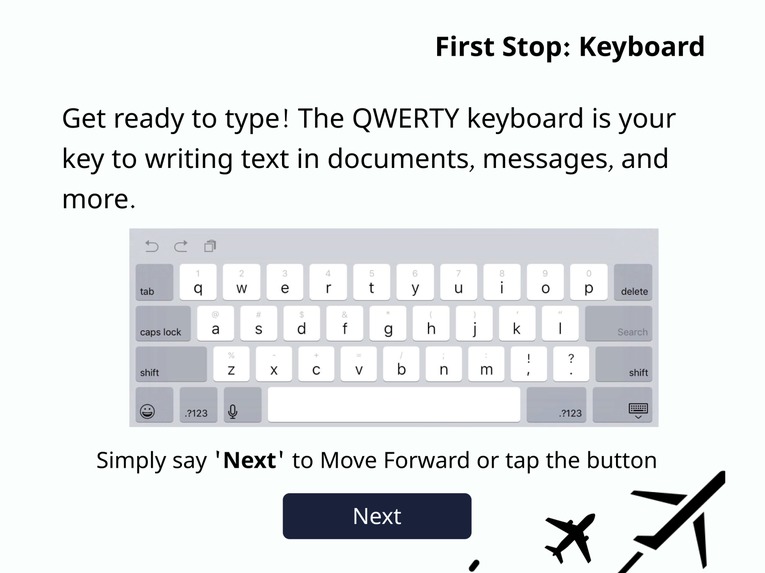
The Tech Airspace is a software designed specifically for seniors who struggle with technology. During the setup process, the software prompts the user to assess their comfort level with technology and then provides a step-by-step guide, teaching them how to use voice control, keyboard, applications, the internet, and social media. The guide is designed to be patient and accessible, with a focus on voice control to make it easier for seniors who may have difficulty with physical or cognitive tasks.
For our loved ones who struggle with technology or fear it, our hearts ache knowing the frustration and feelings of isolation they may experience. We are determined to make their transition to the digital world smoother and brighter, to help them overcome their challenges and feel confident and connected in the ever-evolving technological landscape.
Problem
The world has changed dramatically in the past two decades, with technology playing a major role in nearly every aspect of our daily lives. Some people are able to navigate and understand these technological advancements easily, either through growing up with technology or being tech enthusiasts. However, for many older individuals, using technology can be a source of stress and frustration, leading to feelings of isolation and exclusion from the modern consumer industry. This could be due to physical or cognitive limitations, fear of technology not being intended for their age group, or simply feeling overwhelmed.
The increasing reliance on technology in our daily lives has created a divide between older and younger generations. The fast pace of technological advancement and the integration of mobile devices into everyday activities has left many older individuals feeling excluded and isolated. The COVID-19 pandemic has only heightened this sense of isolation, as people are unable to connect with friends and family in person.
A study by Pew research found that 77% of seniors need help using mobile technology to stay connected with loved ones. Even among those who have some understanding of technology, 55% still need assistance to use it effectively. The primary motivation for older adults to use technology is simply to connect with family.
However, the lack of accessibility and user-friendly design in technology can be a significant barrier for many older individuals. To address this issue, it is important to prioritize inclusive design that makes technology more accessible and easier to use for seniors, so that they can overcome feelings of isolation and stay connected with those who matter most.
Initialization Process
During the initial setup of a mobile device, important information is usually collected with the aid of the user. Although some basic tips are provided for experienced users, these are not helpful for individuals who lack a comprehensive understanding of mobile technology and its features. This can be problematic, as it increases the risk of older individuals, for instance, becoming targets of scams and cyber threats. To mitigate this risk, the device initialization process should serve as a platform to educate the user on the various tools and functionalities offered by the device, including applications, keyboard controls, and accessibility options. Furthermore, it should also provide guidance on how to navigate online spaces safely and connect with family members effectively, as well as how to avoid scams and other malicious online activities.
Solution
Our software, “The Tech Airspace”, means to revamp the new device initialization phase and be a viable solution for those who need help understanding the tools provided on their mobile device and the basics of technology, voice control can provide great assistance. During device setup, the software will prompt the user to assess their comfort level with technology. Based on their response, a step-by-step guide will begin, teaching them how to use voice control, keyboard, applications, the internet, and social media. The guide will gradually increase in complexity, with a focus on accessibility through voice control. This is particularly important for seniors who may have difficulty with physical or cognitive tasks.
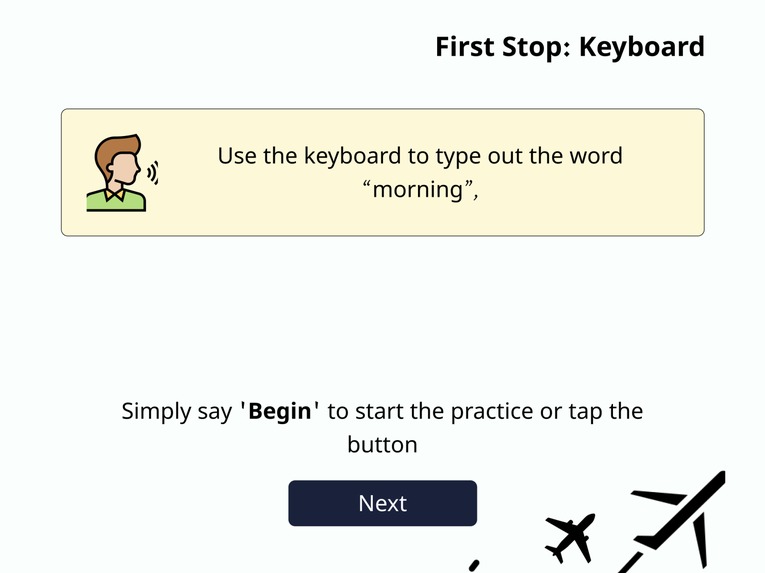
The voice controls remove the guesswork for those unfamiliar with technology, allowing them to simply ask for help. The guide includes four modules, referred to as "stops," that incorporate design practices to make text easier to read, buttons more distinguishable, and critical information more memorable. The environment is designed to be safe and patient, allowing users to test and learn at their own pace.
Once the guide is complete, users can revisit the stops to reinforce their knowledge and stay connected with family. The air-themed design helps users remember and recall the modules they visited, allowing the information to better resonate. Starting the guide during the initialization process sets users up for success by providing a solid foundation and reducing the feeling of being overwhelmed in an unfamiliar environment.
How we built it
The design of the Tech Airspace is based on an air-themed aesthetic designed in Figma and includes icons and imagery from flaticons.com.
Built With
- figma

Log in or sign up for Devpost to join the conversation.