-
-
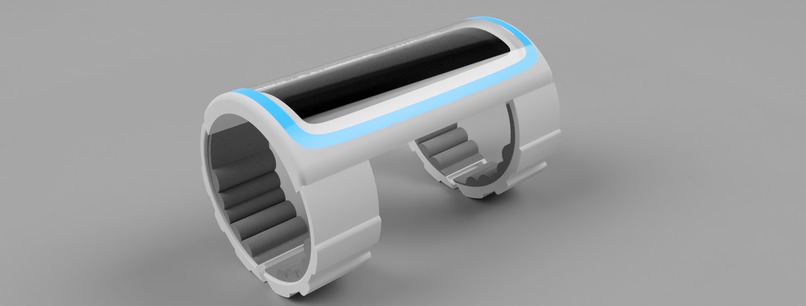
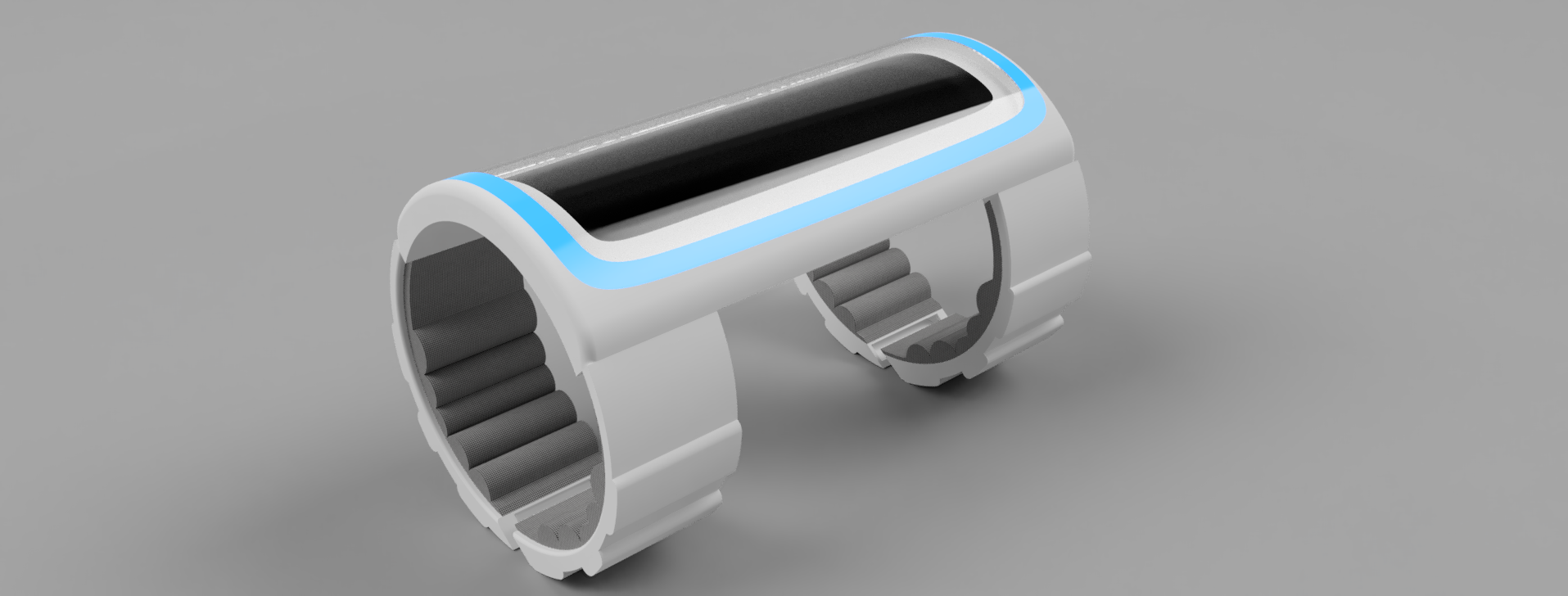
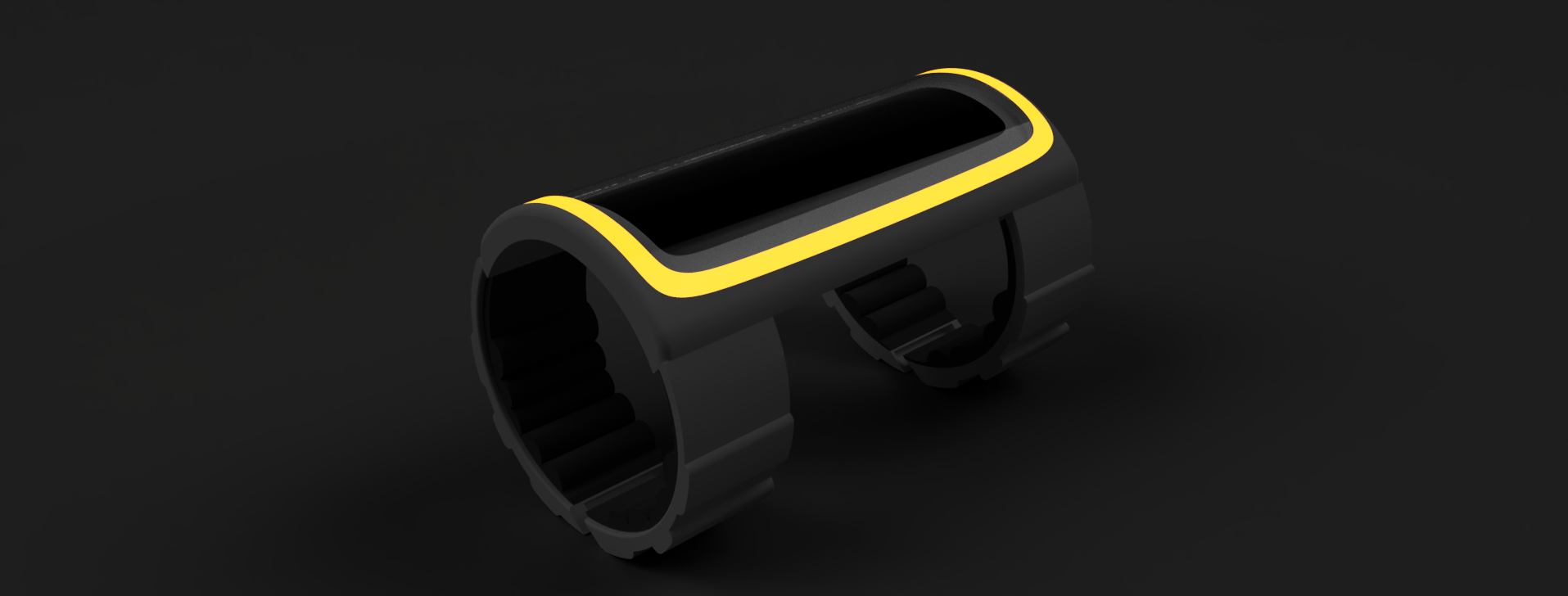
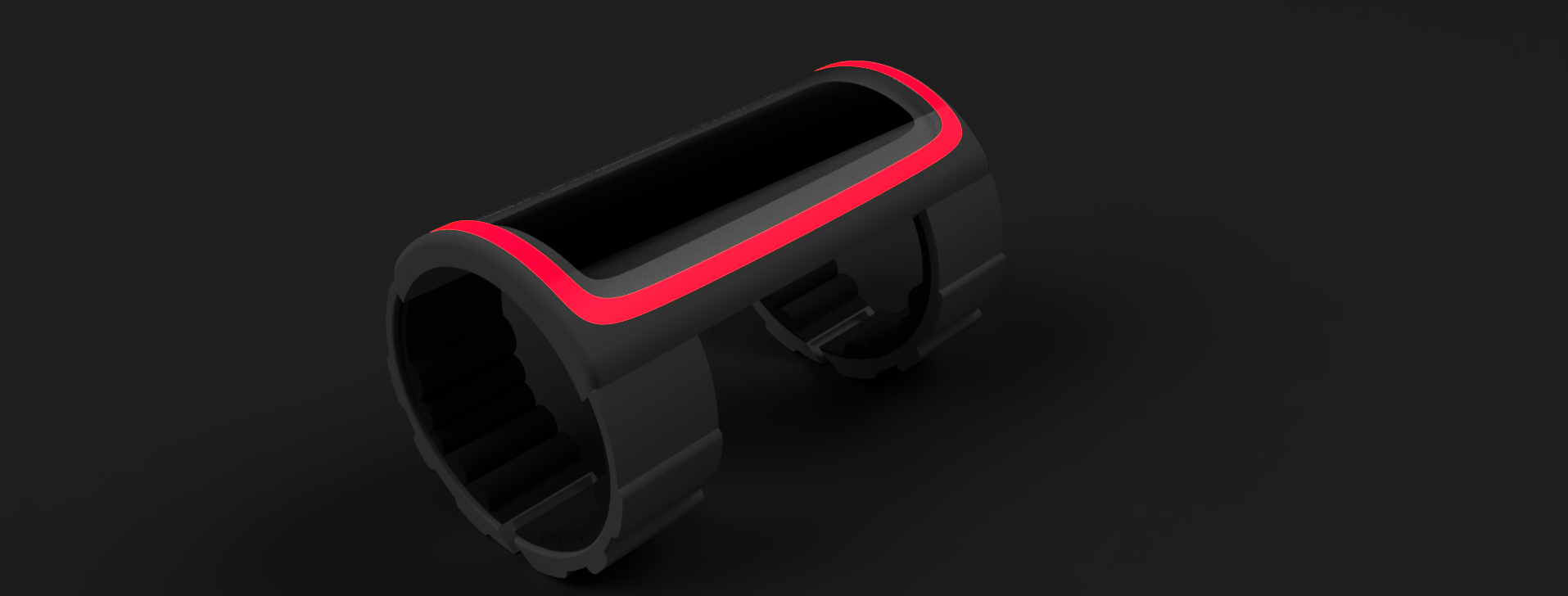
Render
-
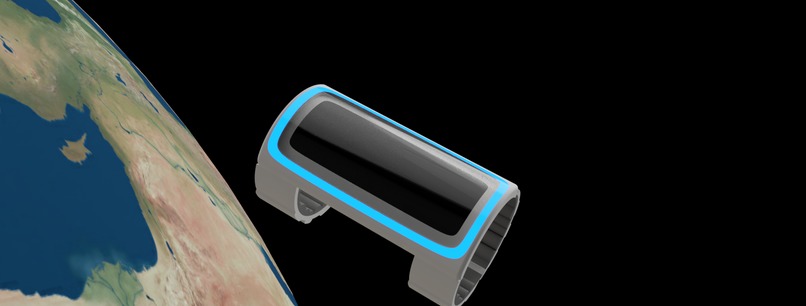
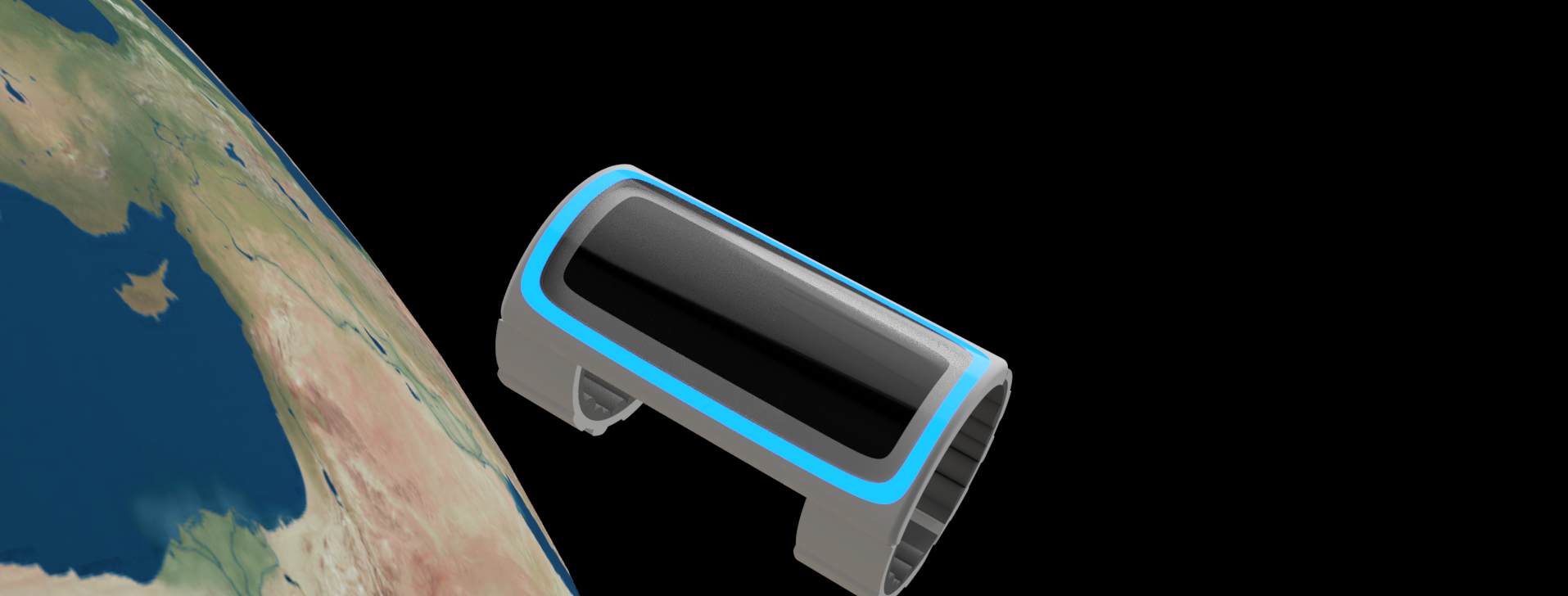
Renders in its natural habitat
-
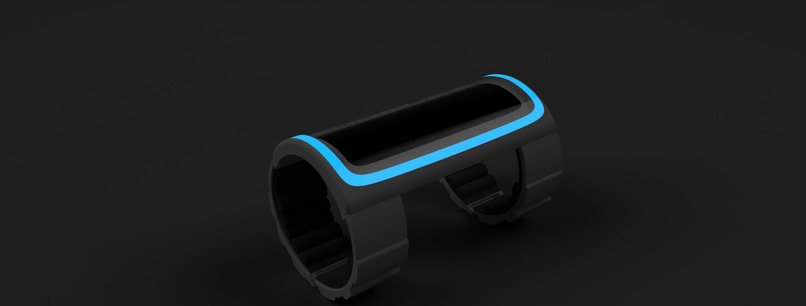
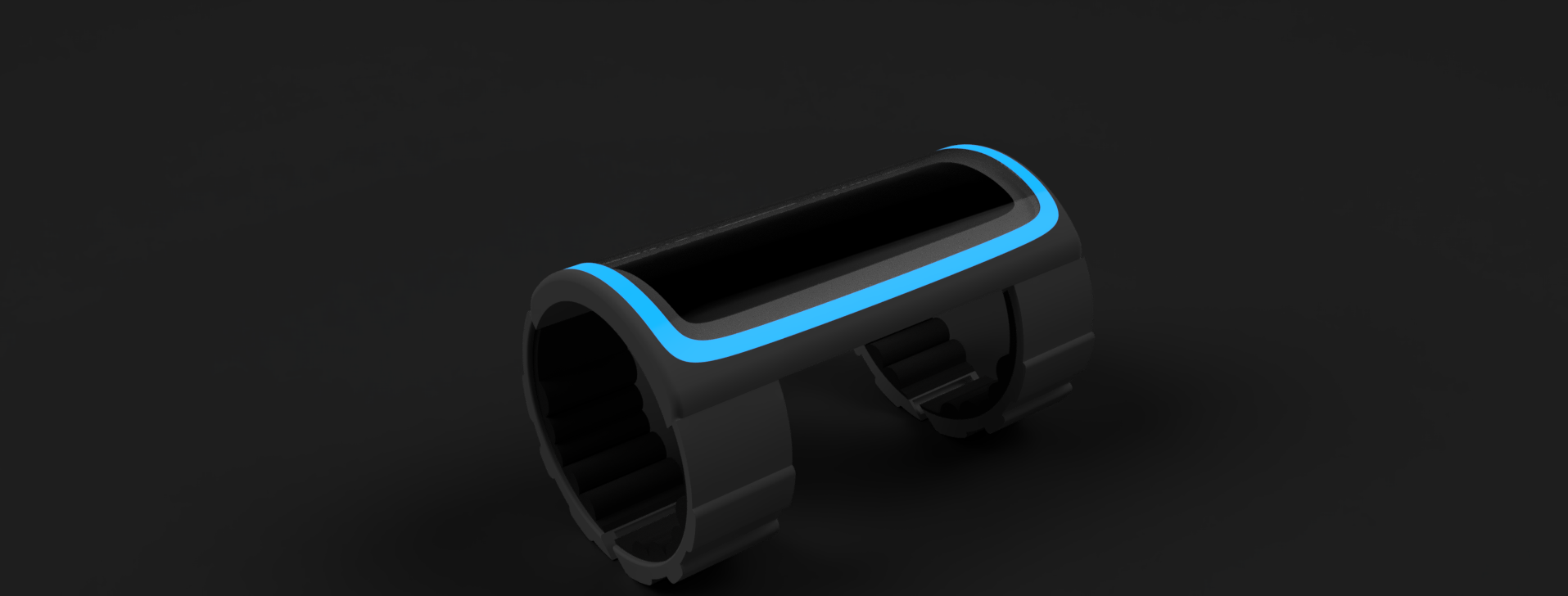
Vital levels 75% - 100%
-
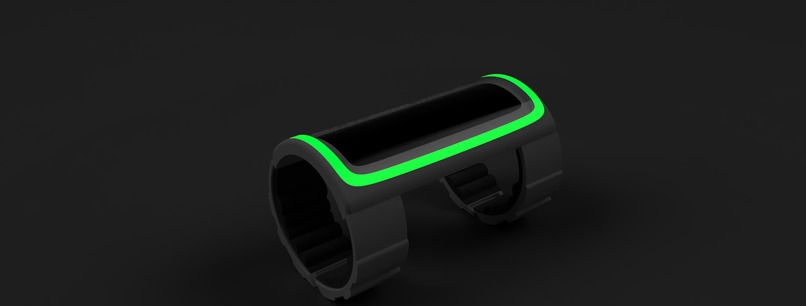
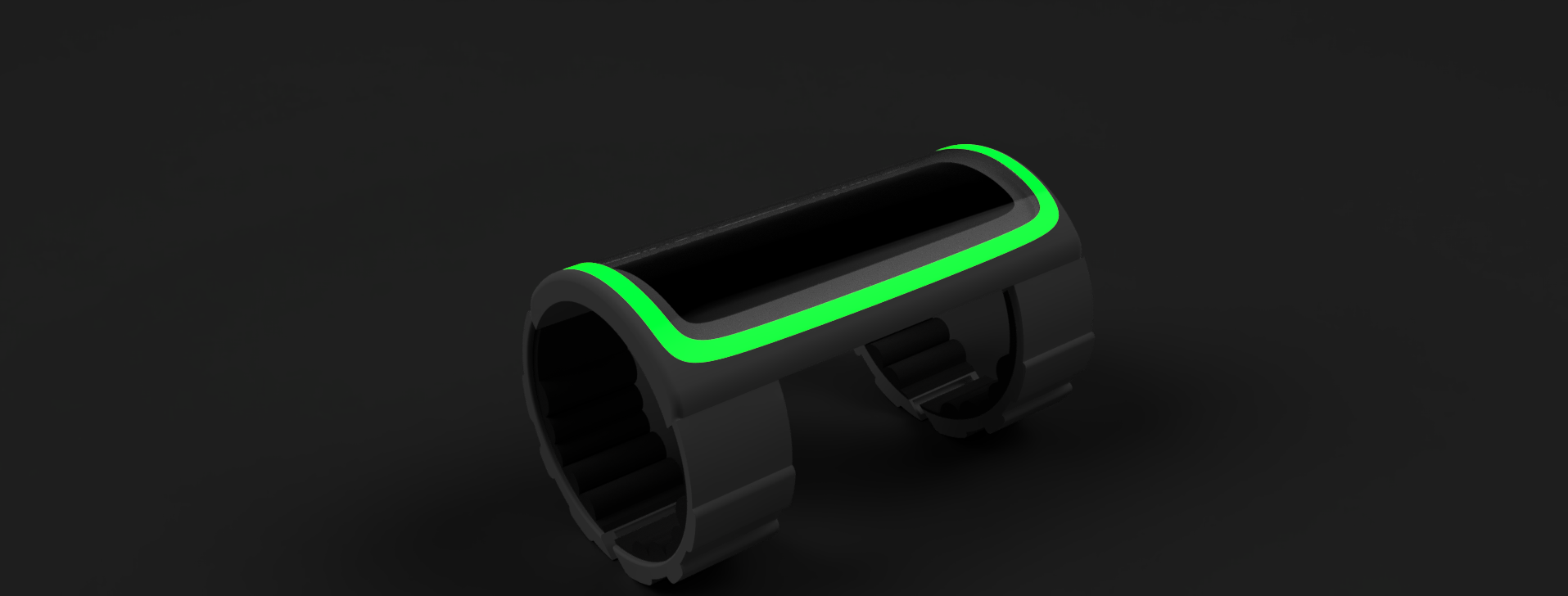
Vital levels 50% - 75%
-
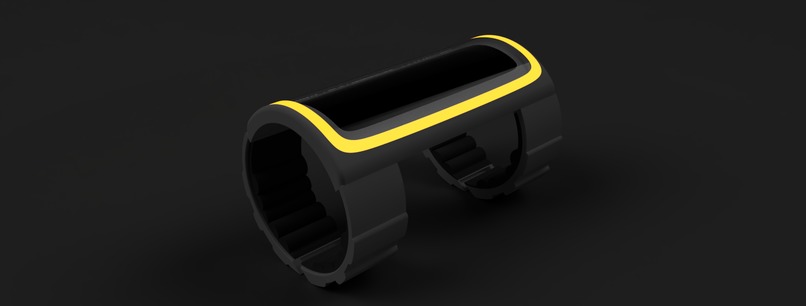
Vital levels 25% - 50%
-
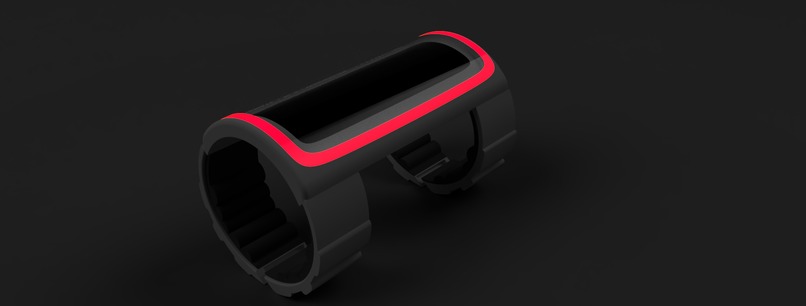
Vital levels 0% - 25%
-
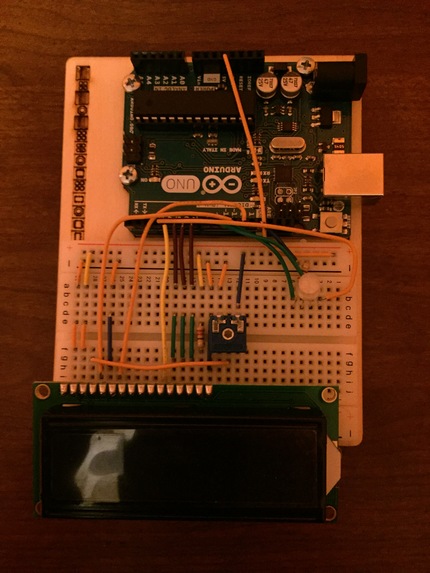
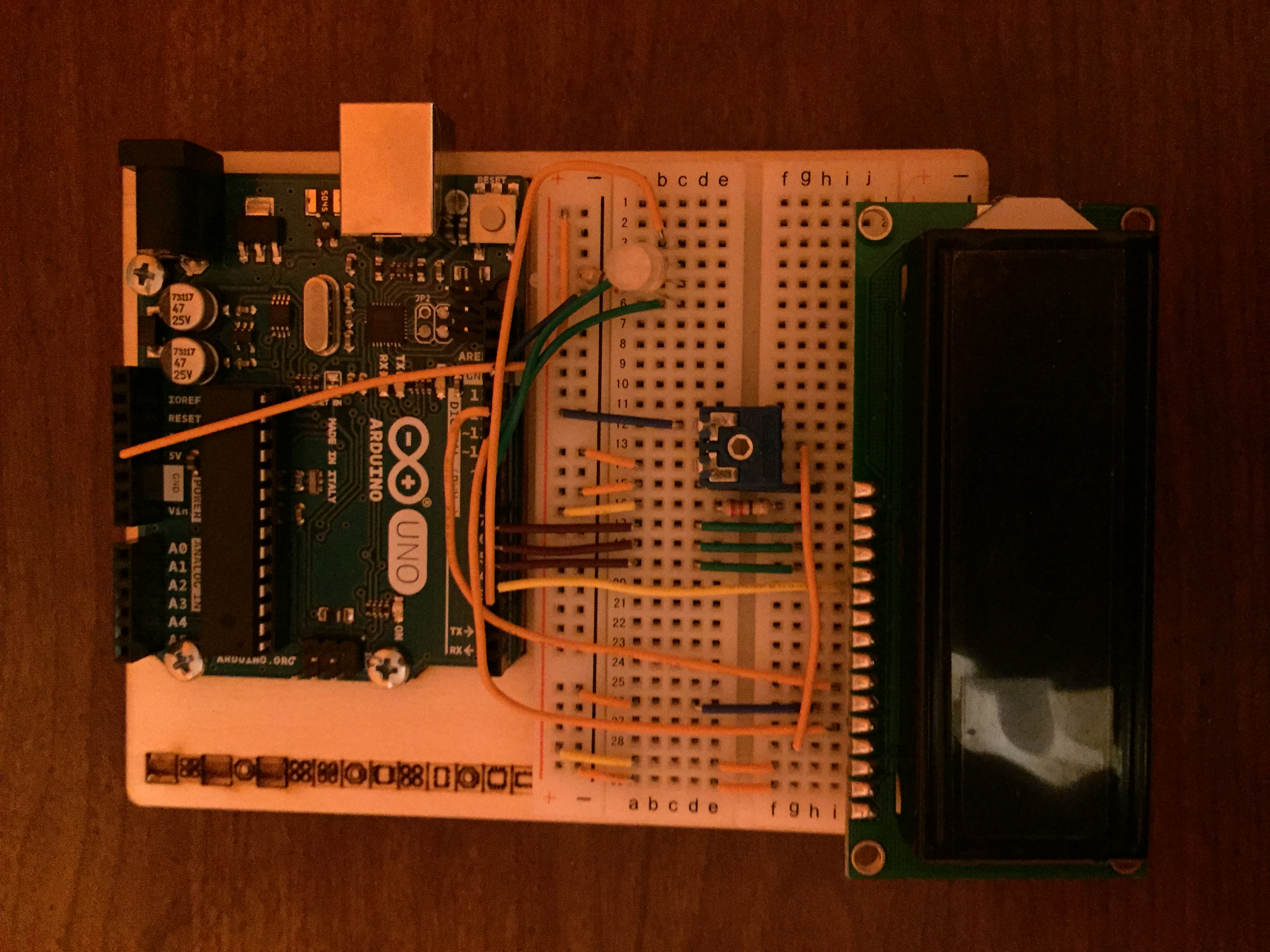
Physical Prototype
-
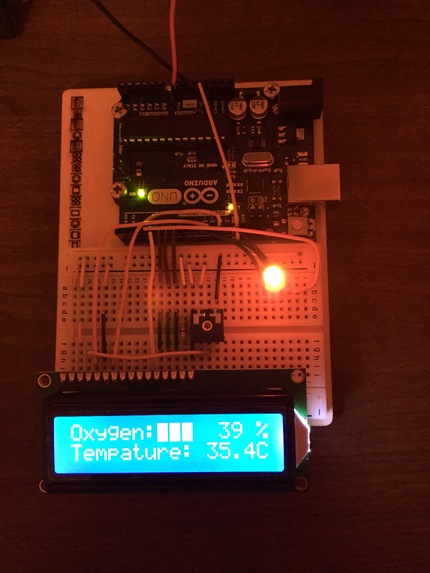
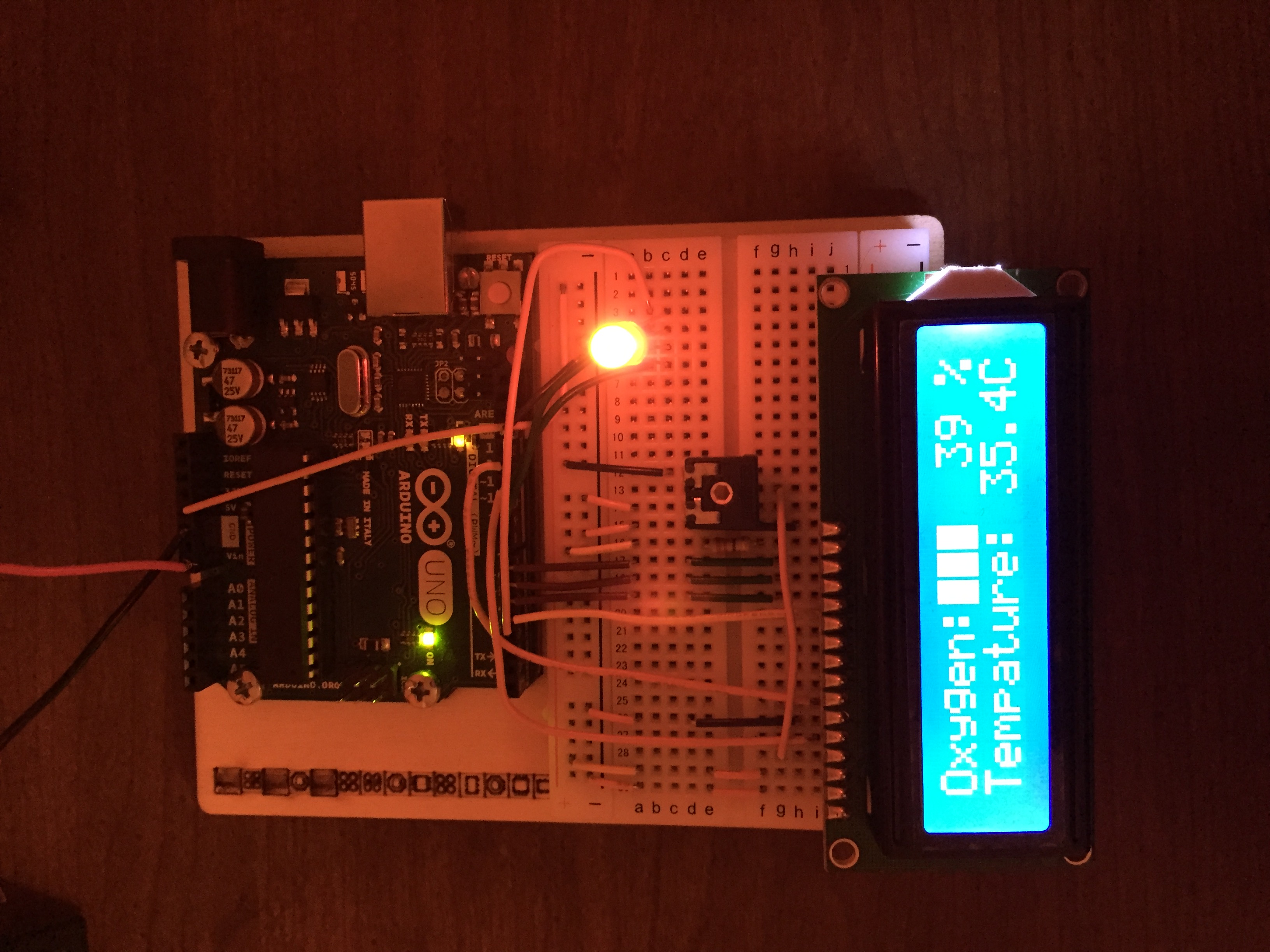
Physical Prototype when active
Space Screen
Inspiration
During spacewalks, astronauts within space suits have to be very cautious of things such as their oxygen levels, suit pressure, and suit temperature. They are constantly being updated on their vitals through a crew member thats inside the ISS and can directly communicate with the astronaut using a microphone link. However, we believed that the astronaut could be made more independent and the process of checking such important pieces of information should be made shorter and more convenient. The astronauts should possess the ability to check and monitor their vitals independently.
Our Vision
The space screen goal is to cut out the ‘middleman’ and help the astronaut be able to check important pieces of information like their remaining oxygen levels, suit pressure on their own without needing to ask a crewmate to constantly read it out to him/her. The space screen is an LCD panel that is to be installed onto the non-dominant arm of the spacesuit user, the screen would communicate with the same sensors which the astronaut’s crewmates use to monitor the suit. The screen would display all the information directly to the astronaut, thus allowing them to monitor their vitals without the need of someone else to monitor it and update the astronaut regularly.
The space screen would also have RGB capability which will alternate colours depending on vital levels.
How it works
The LCD (Liquid Crystal Display) panel which is the main component of the space screen, is controlled and is powered by an Arduino Uno microcontroller. The Arduino controls what is displayed and the automatic transitions between the various statistics. When the Arduino receives power, it will begin to communicate with the sensors around the spacesuit and will constantly be receiving information from them. The code (shown on github linked below) that is already programmed into the Arduino will take the information it receives from the sensors and will display it on the LCD panel.
There is also an RGB LED strip connected to the primary Arduino, the LED strip will go around the device such as shown in the renders and light up a colour depending on their vital levels. The Ardunio constantly checks for any change in value throughout the spacesuit and will update the screen accordingly. If the oxygen level is above 75%, the LED strips on the device will glow a bright blue colour, when it's below 75% but above 50% the colour green will glow, below 50% but above 25% will make the strip glow orange. Once it's below 25% and nearly empty it will turn bright red.
Challenges in Creation
Thinking of a project that we could do within the timeframe was the biggest challenge we encountered. We struggled in trying to come up with a product that would help better the lives of astronauts.
Time management was an issue since nearly every step of the way we encountered problems that we didn't expect therefore setting us back. We had many setbacks, personal situations and on top of that, we were having a hard time balancing our hackathon tasks and our household responsibilities.
Our Accomplishments
We were able to create a working prototype of the LCD panel and the RGB LED using nearly all of the same components would use if we were implementing this product in a real spacesuit.
We were able to divide up the work so well that we were able to complete the project before the deadline.
What we Learned
We learned a ridiculous amount about LCDs, how they work and the functions that are available with the LCD library. This was due to this being the first time that we worked with LCDs in a project.
We learned the importance of doing the proper research and how vital it is to properly understand your topic so that you can design a solution that people would benefit from.
We learned the importance of working as a team and dividing up the work evenly so no one feels like they are doing too much or too little work.
Everyone’s Role
Aryam Sharma (Disc. @imaryamsharma#8716) Main Programmer and assisted with the research. He did the simulation on the final product and researched spacesuits, how they work, where they can be improved, etc.
Matthew Simpson (Disc. @inferno#8410) Electronics engineer and demo video producer. He prototyped a functional model of a simpler version of the final product and explained how it would work and what it would display. He also made the script, edited, and acted in the demo video.
Shahmeer Khan (Disc. @PotatoTheTomato#4133) Main designer and modeller. He designed each of the components and then rendered them together as a final product. Doing this allowed each member of the group to visualize the product. (unable to join devpost project as official creator yet still is part of the group)
Ishpreet Nagi (Disc. @Bapple_Boi#5294) Documented everything going within the project and was also the researcher. The work he documented was vital as without it we would not have been able to keep track of what happened when. He also greatly helped with the research by finding out all the problems when making anything related to space. He also did the voiceover for the demo video.
Resources used in this Document
Dunbar, Brian. “What Is a Spacesuit?” NASA, NASA, 27 May 2015, www.nasa.gov/audience/forstudents/5-8/features/nasa-knows/what-is-a-spacesuit-58.html


Log in or sign up for Devpost to join the conversation.