-
-
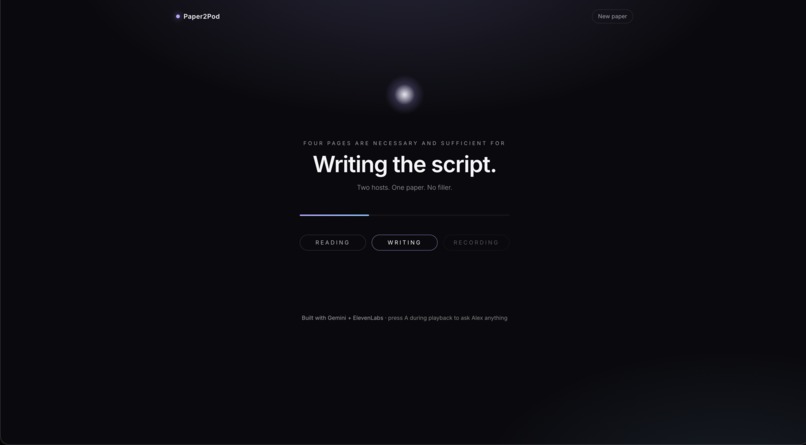
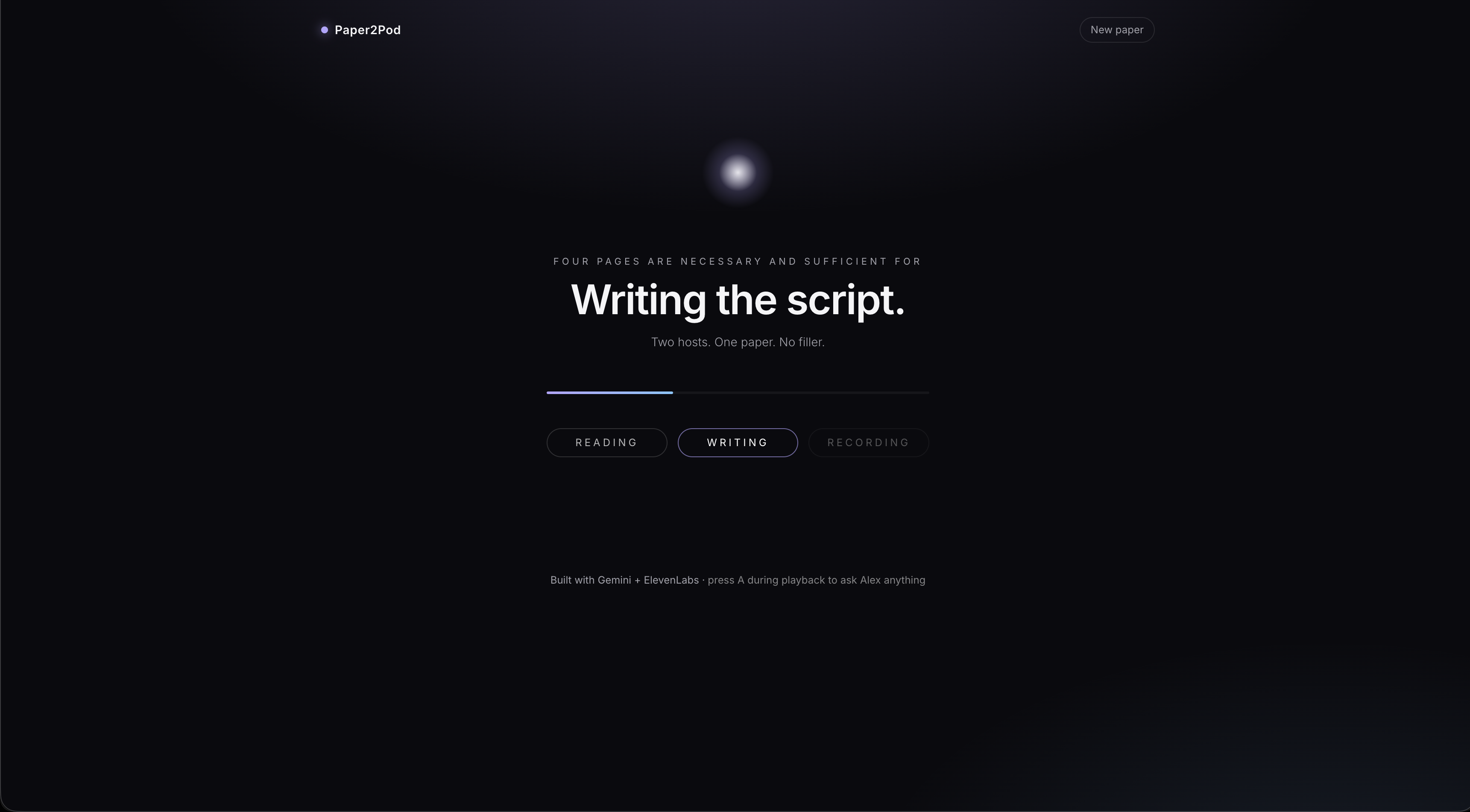
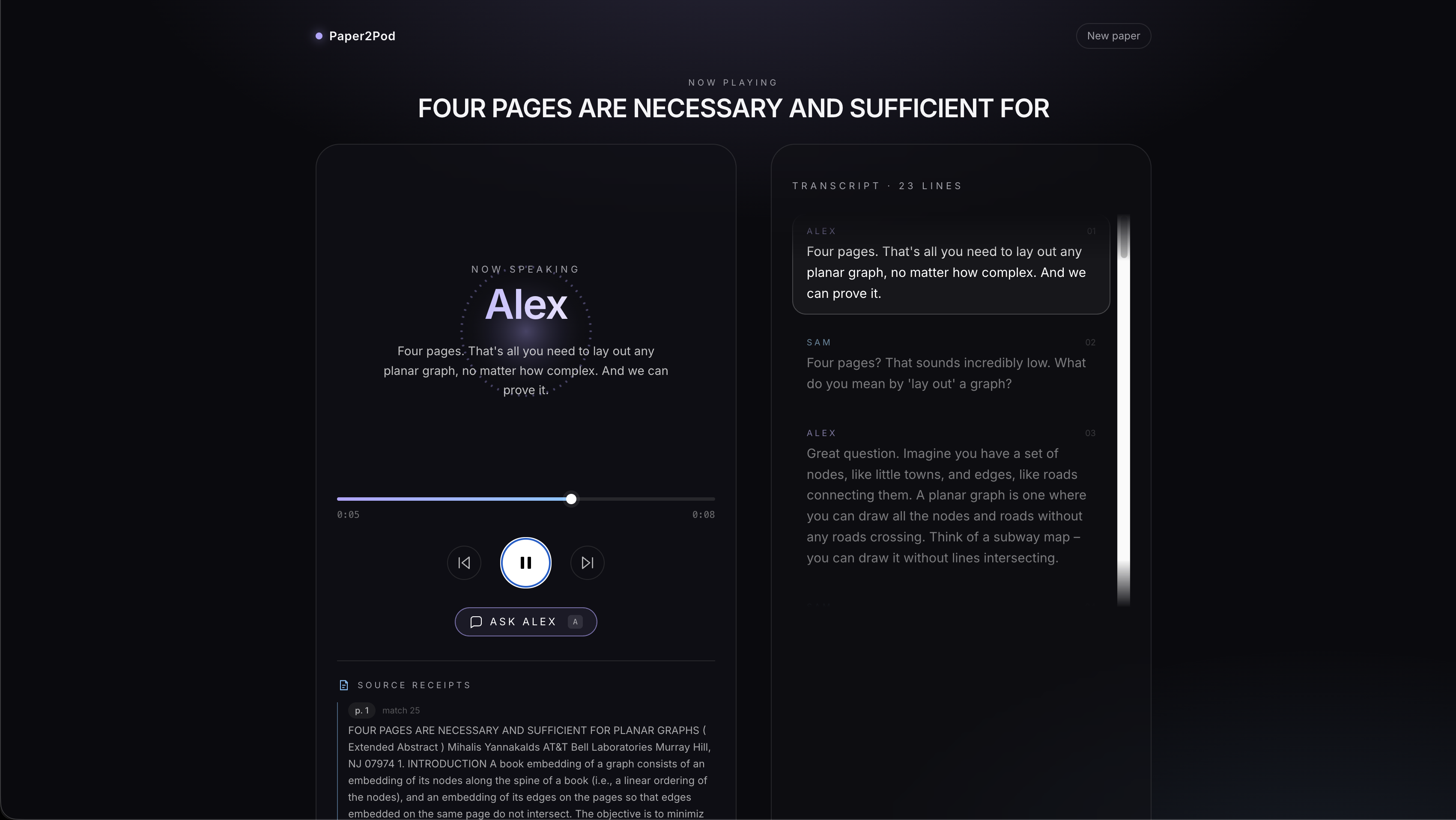
Generation Page
-
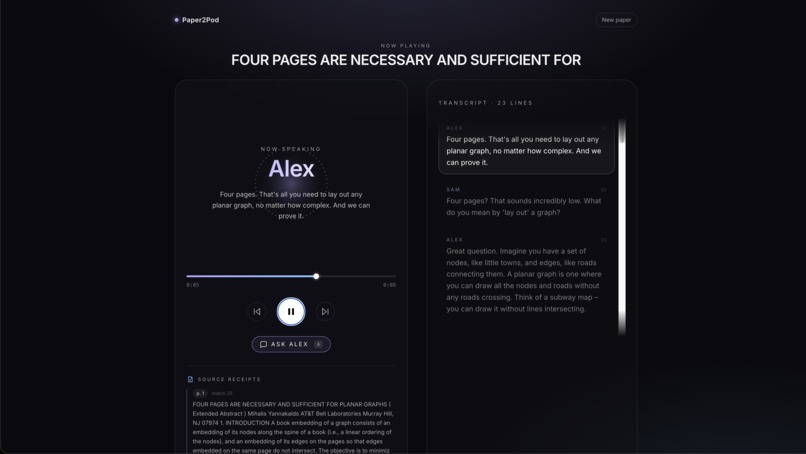
Conversation Page
-
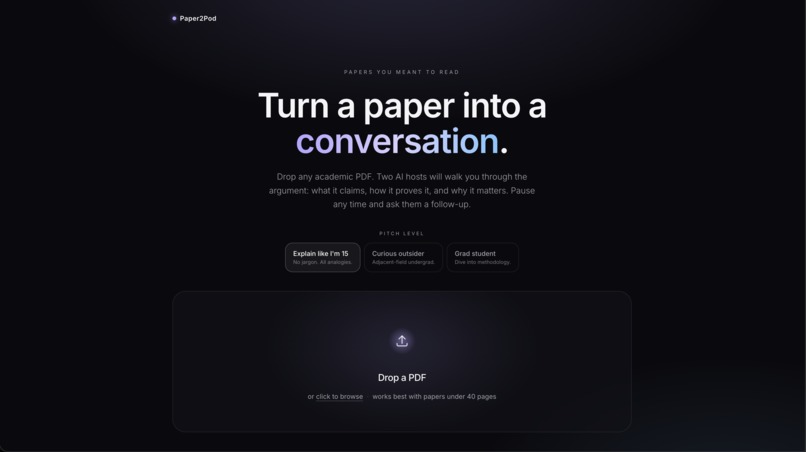
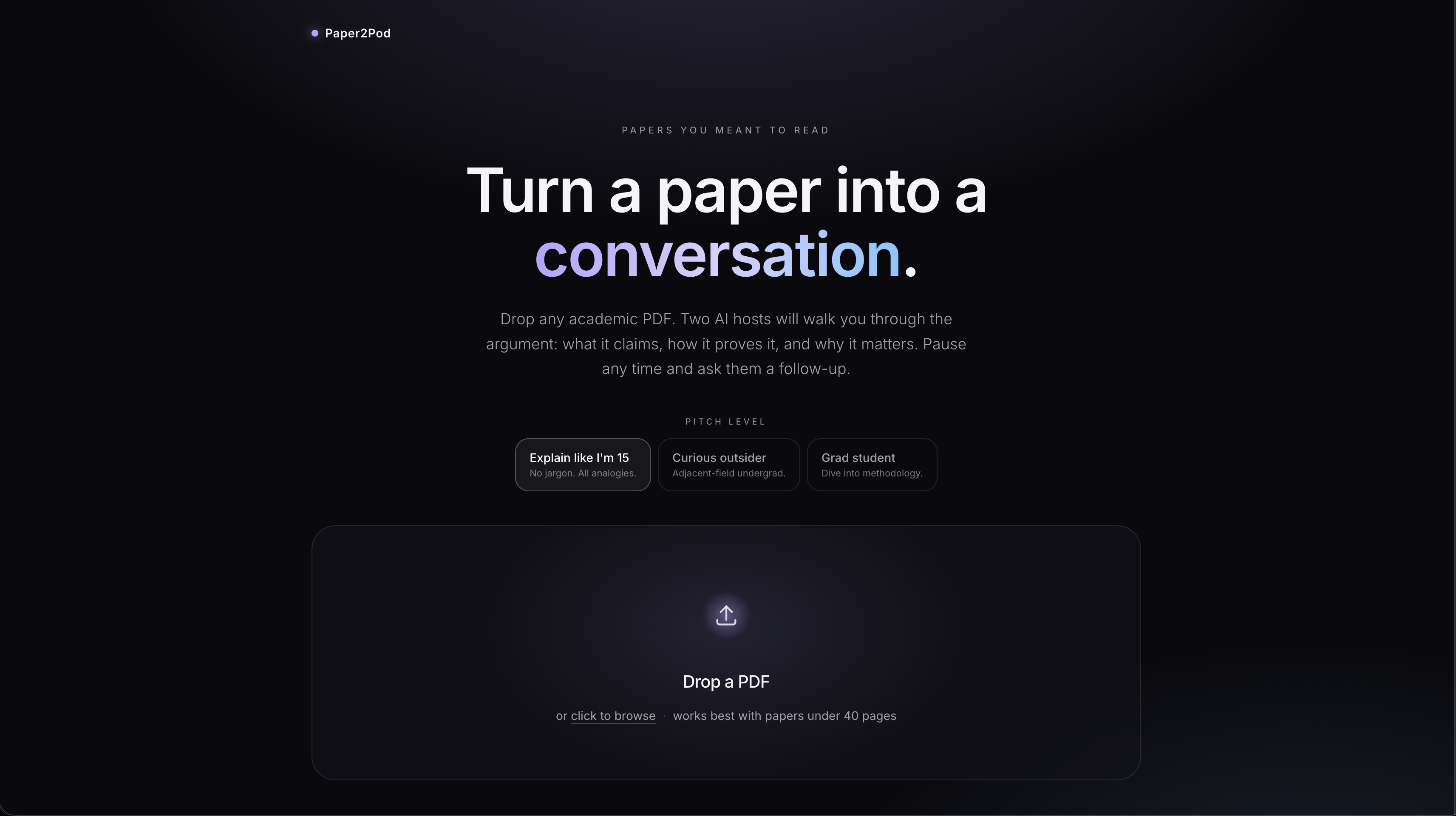
Home Page
Project Story
Inspiration Reading academic papers can be exhausting because they are so dense and heavy on jargon. Tools like NotebookLM are great for turning documents into audio overviews, but they are still completely passive experiences. I realized that the best way to truly grasp a complex topic is to actually have a conversation about it. I wanted to build a tool where you could listen to a lively breakdown of a research paper and also interrupt the hosts to ask your own questions.
What it does Paper2Pod takes any uploaded PDF and instantly transforms it into a streaming, fully voiced podcast. It features two AI hosts: Alex, the expert, and Sam, the curious co-host.
The magic happens when you press the "Ask Alex" button mid-episode. The podcast pauses, you type in your specific question, and the app dynamically generates a new exchange. Sam voices your question, and Alex answers it using the paper's actual text as the ground truth. Once the Q&A is done, the main episode seamlessly resumes right where you left off. You can even choose the expertise level before generating the episode, selecting from options like Explain like I'm 15, Curious outsider, or Grad student.
How I built it The application is a full-stack pipeline built for speed and interactivity.
- The Backend: My Python backend uses FastAPI and handles PDF extraction via PyPDF2, completely configured for cloud deployment on Railway.
- The Brains: I utilized the Gemini 2.5 Flash Lite API to digest up to 60,000 characters of text in a single shot. Gemini handles the structured dialogue synthesis and dynamically calibrates the vocabulary based on the selected audience expertise.
- The Voices: ElevenLabs powers the expressive text-to-speech. To keep latency incredibly low, I implemented an
asyncio.Semaphoreto synthesize voice lines concurrently. I also built a fallback system that automatically switches to the browser's native speech API if the server-side limits are reached. - The Frontend: Built with React, Vite, and Tailwind CSS. It consumes the backend data via Server-Sent Events (SSE) so the user sees live progress and starts hearing audio before the entire episode is even finished rendering. I also built a custom radial visualizer using the Web Audio API.
Here is a quick look at how I handle the concurrent text-to-speech generation in Python, complete with the new error fallback catching, to keep the pipeline moving fast:
async def worker(idx: int, line: dict[str, str]) -> None:
    async with semaphore:
        try:
            audio = await synthesize_line(line["text"], line["speaker"])
            await ready_queue.put((idx, line, audio))
        except Exception as exc:
            await ready_queue.put((
                -1,
                {
                    "error": public_tts_error(exc),
                    "idx": idx,
                },
                b"",
            ))
Challenges I ran into
My biggest hurdle was latency. Generating a full podcast script and running it through a text-to-speech engine sequentially would force the user to wait several minutes. I solved this by streaming the pipeline stages over SSE and running the ElevenLabs synthesis concurrently in the backend.
Another unexpected challenge was hitting rate limits and quotas with the ElevenLabs API during testing. To make sure the app never breaks for a user, I built a resilient fallback mechanism. If the backend detects a quota error, it sends a special event through the stream that instructs the React frontend to seamlessly take over and speak the lines using the browser's native Web Speech API.
Finally, state management in the React player was tricky. It was difficult to seamlessly pause the main audio queue, inject a dynamically generated Q&A clip, play it, and then seek back to the exact millisecond of the main episode.
Accomplishments that I'm proud of
I am incredibly proud of the "Ask Alex" feature. It proves that audio generated by AI does not have to be a static MP3 file. It can actually be an interactive, stateful companion. I am also thrilled with how natural the dialogue sounds. I achieved this through rigorous prompt engineering to force Gemini to use disfluencies, contractions, and spoken-style pacing.
What I learned
I deepened my understanding of asynchronous Python, Server-Sent Events for real-time frontend updates, and manipulating raw audio buffers in the browser to stitch dynamic MP3s together for the final download feature.
What's next for Paper2Pod
I would love to add support for processing multiple papers at once to generate a full literature review episode. I also want to explore implementing WebRTC for fully voice-to-voice interruptions instead of typing the follow-up questions. Also, more human-like voices would benefit the overall user experience a lot.

Log in or sign up for Devpost to join the conversation.