-
-
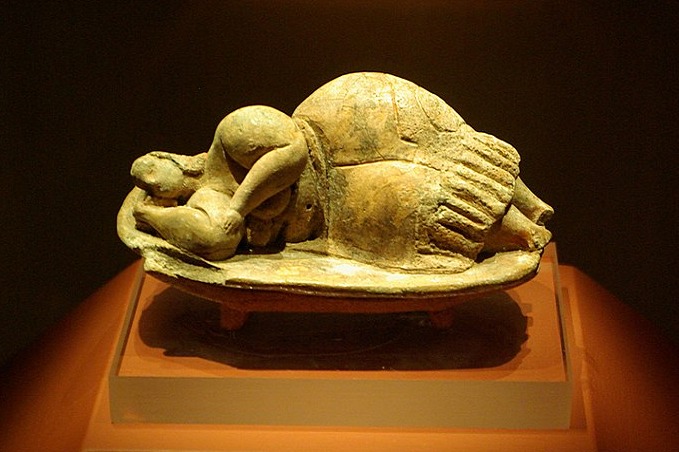
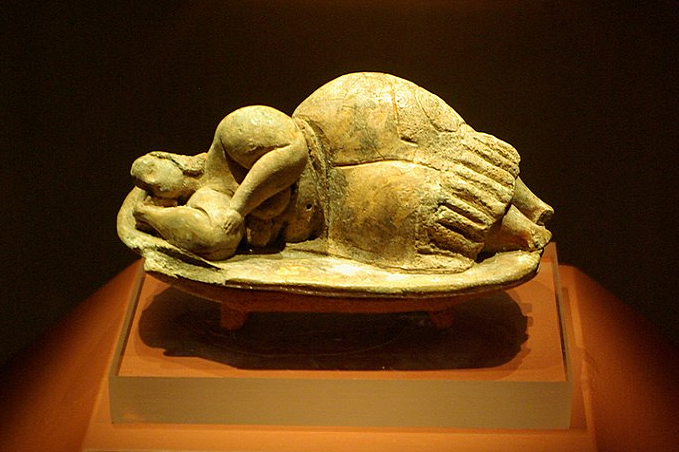
The Sleeping Lady of Malta, a small clay figurine found in the Malta Hypogeum.
-
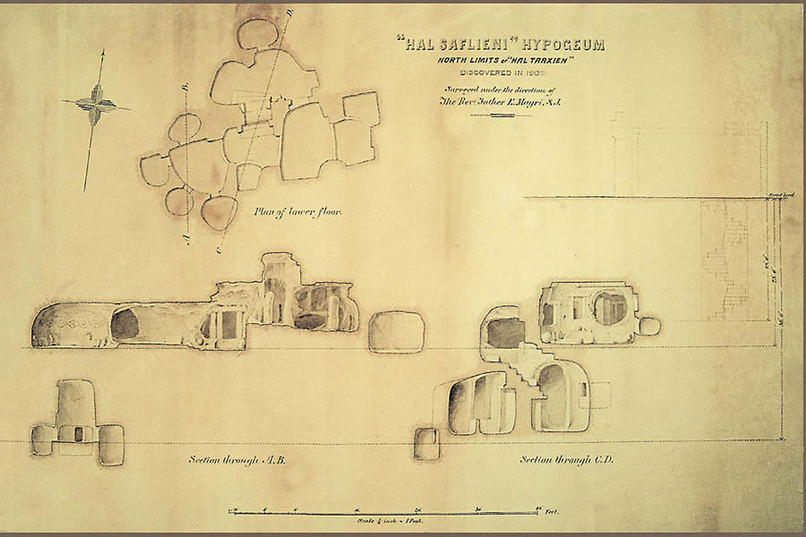
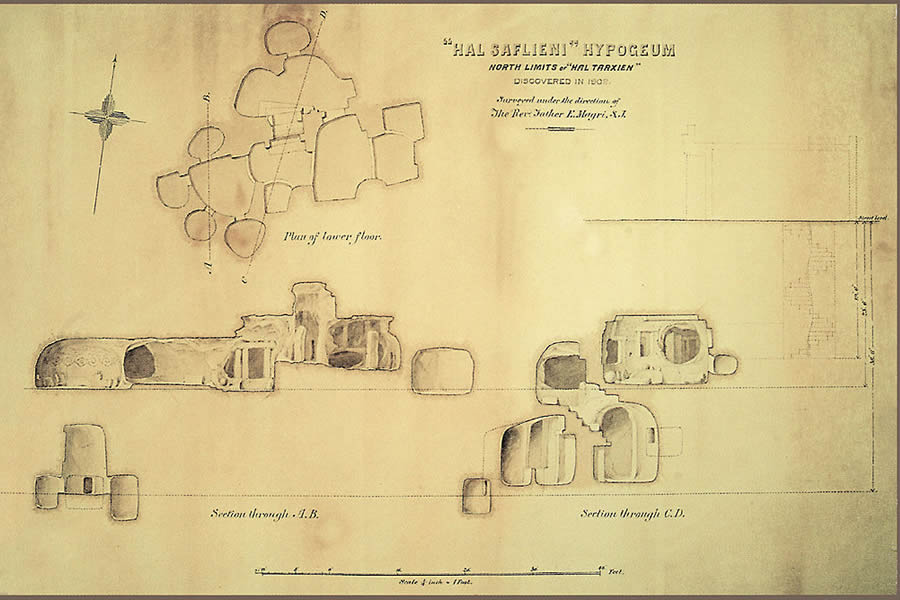
A plan of the Malta Hypogeum, a temple chiselled underground in limestone, approx. 4000 B.C.E.
-
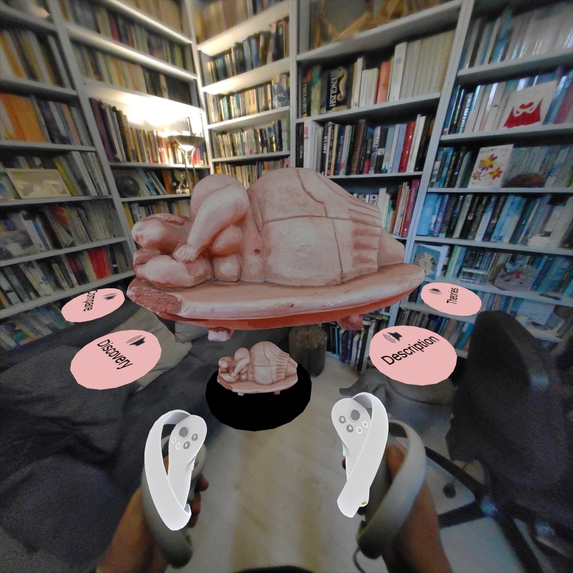
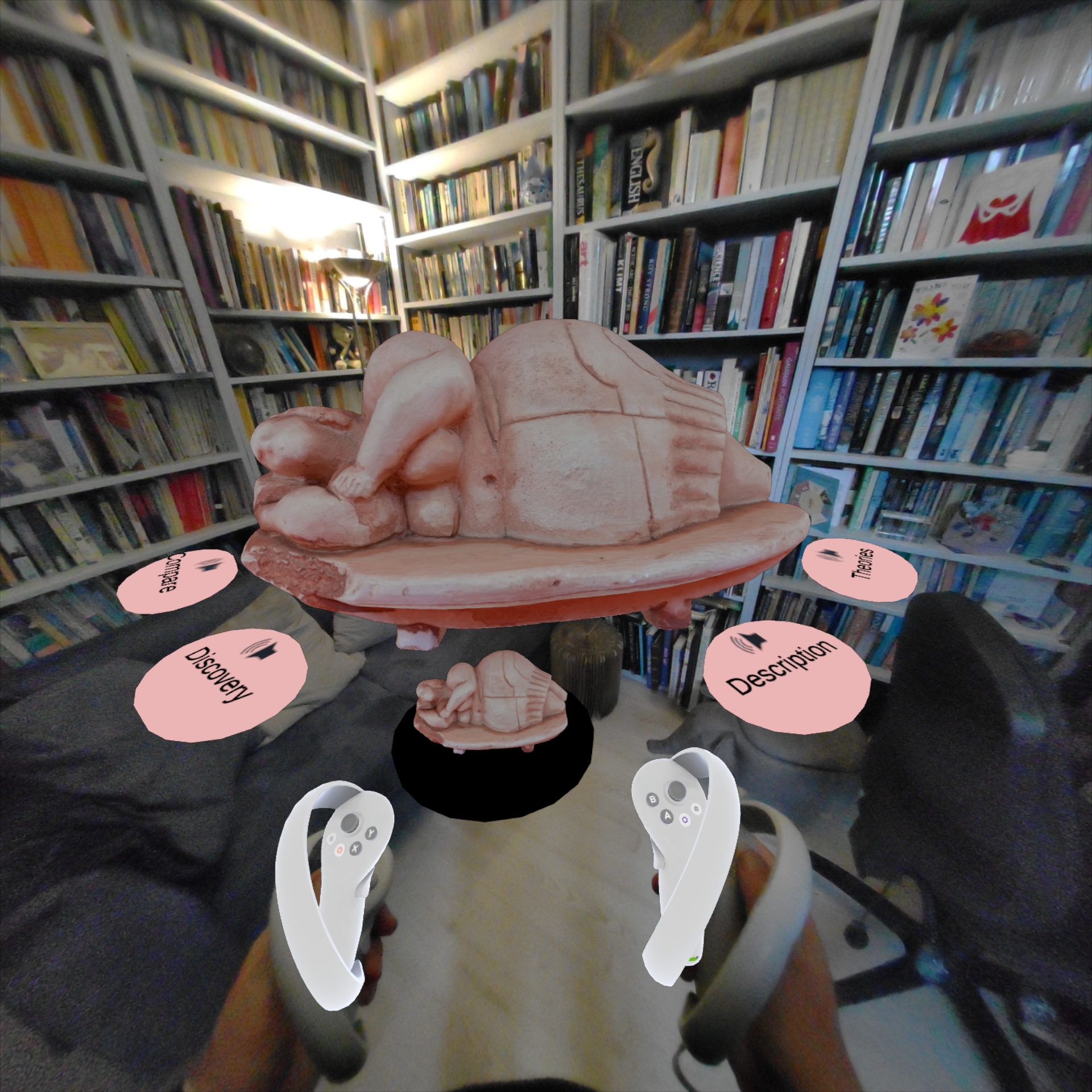
The Sleeping Lady - Mixed Reality.
-
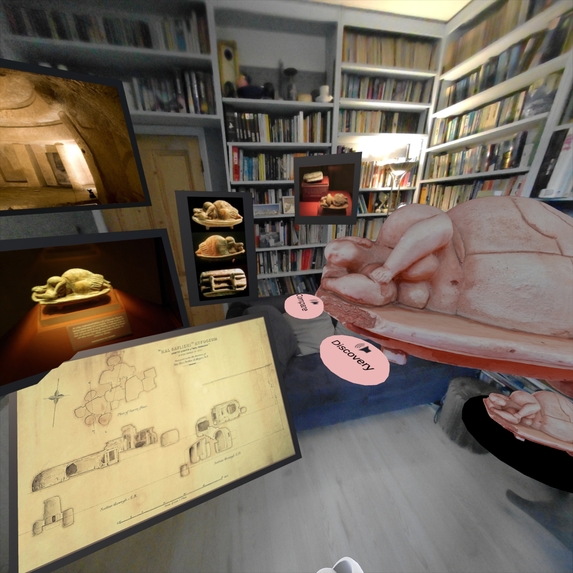
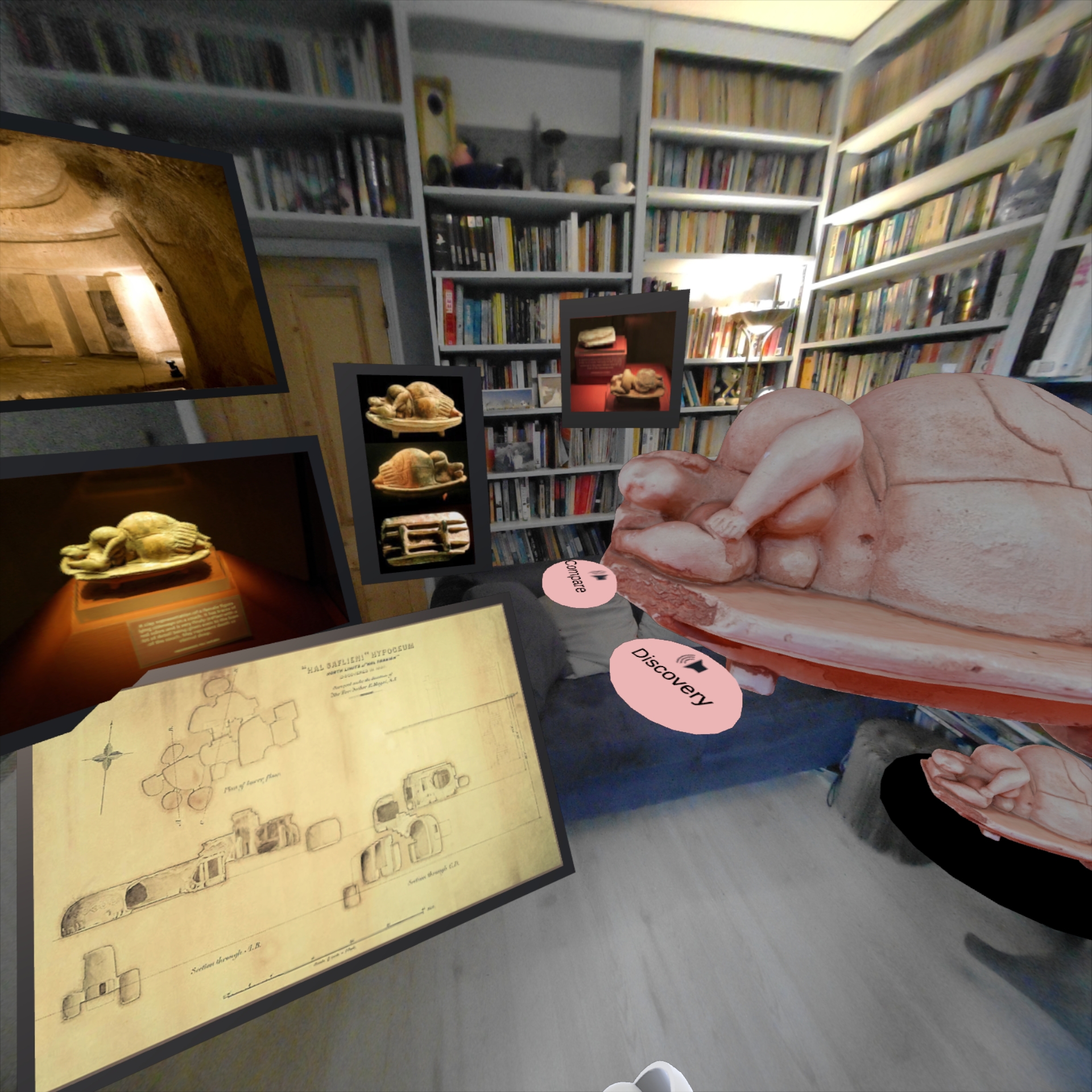
Small & Large Sleeping Lady, with accompanying photographs.
The Sleeping Lady of Malta
There is an issue with small museum items, in that as a visitor I want to pick them up and look much closer, from different angles, whilst also learning about them. I've seen this iconic prehistoric clay model, The Sleeping Lady of Malta, in the Malta National Archaeological Museum and thought I could use this as a demonstration of a better way to learn about an item in mixed reality.
This educational Pico 4 app shows a scaled-up version of the model, rotating in the centre of your room. There are a number of oval pads, one of which contains a life-sized model of the item, which can be picked up and examined in detail. If a trigger is selected a frame can be placed, followed by a relevant photo. Moving the small model onto the pads plays an audio message giving more historical detail and changing the photo that can be displayed.
The project is built in Unity (2021.3.21) with the intention of using minimal C# scripts (for easier maintainability). Controller interactions use the XR Interaction Toolkit (2.5.1) with its standard XR Origin/XR Rig for moving the model position via a Locomotion System using the joysticks and the controllers using Direct Interactors to 'grab' the small version of the model with the grip button. The Pico Integration Sense Pack is used for the placing of frame anchors and their subsequent replacement with photos.
An initial idea was to use the 'AR Foundation' framework with plane detection and ray casting, so the user would trigger an anchor and with it a photograph on the walls of their room. But the implementation of the Pico Sense pack does not use those features, and to avoid conflict between different packages and their methods the AR Foundation was not used, and anchors were placed manually, though not on the walls.
I was pleased that the Pico 'Anchor Manager' script was modifiable to allow for an Anchor preview from both controllers, also using the trigger button rather than the demonstrated grip button.
Also used were the XR Interaction Toolkit components, XR Socket Interactors, to allow placement of the model. Interactor Events starting & stopping audio (and swapping the selectable photograph) allowed for minimal and a more object-oriented application with less script programming required.
Next I intend to create a clone of the current 'Sleeping Lady of Malta' demo and replace the item looked at with another, probably one local to my area, say the 'Colchester Roman Vase'. This would demonstrate that the display method works for other, similarly sized items. An expansion of functionality would be to allow selection from one of a dozen or so items on one theme or from one locality. A further expansion would be to make the app multiplayer, say up to 4 players, to allow a group (both co-located and remote) to view the same object and discuss it.
The DEVPOST "Try it out" links are to the full Github, the .apk in the Github & an alternative collection point for the .apk on Google Drive.


Log in or sign up for Devpost to join the conversation.