-
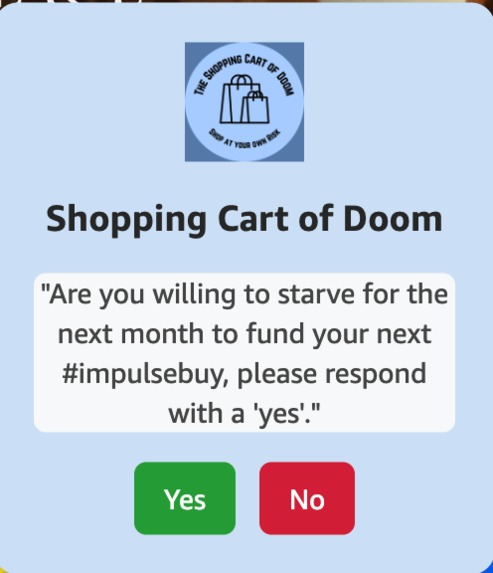
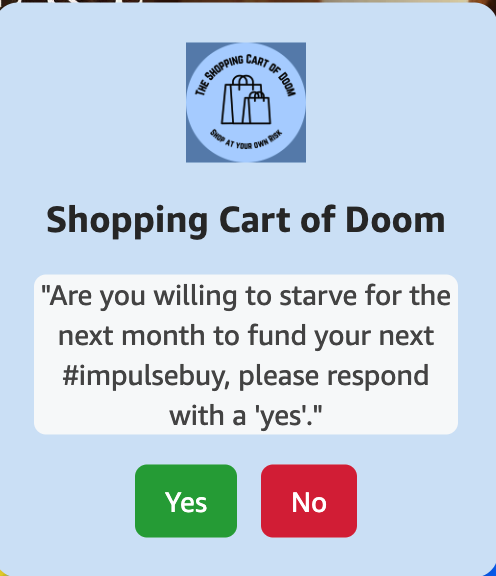
The average question posed by the AI when you choose to shop
-
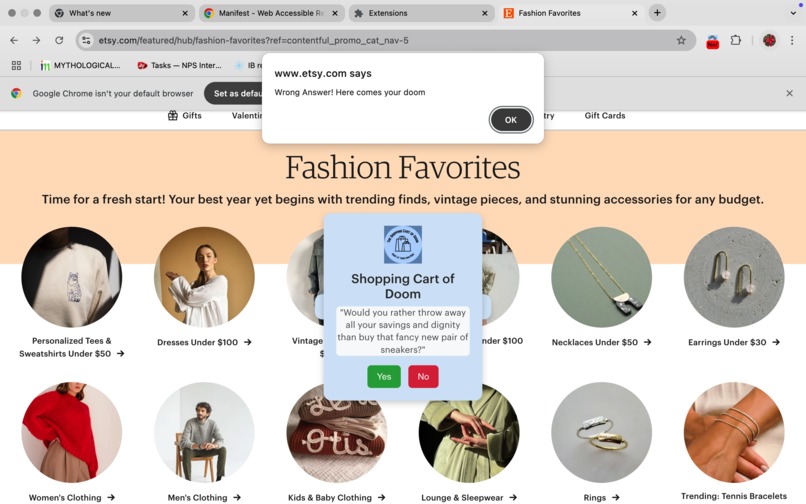
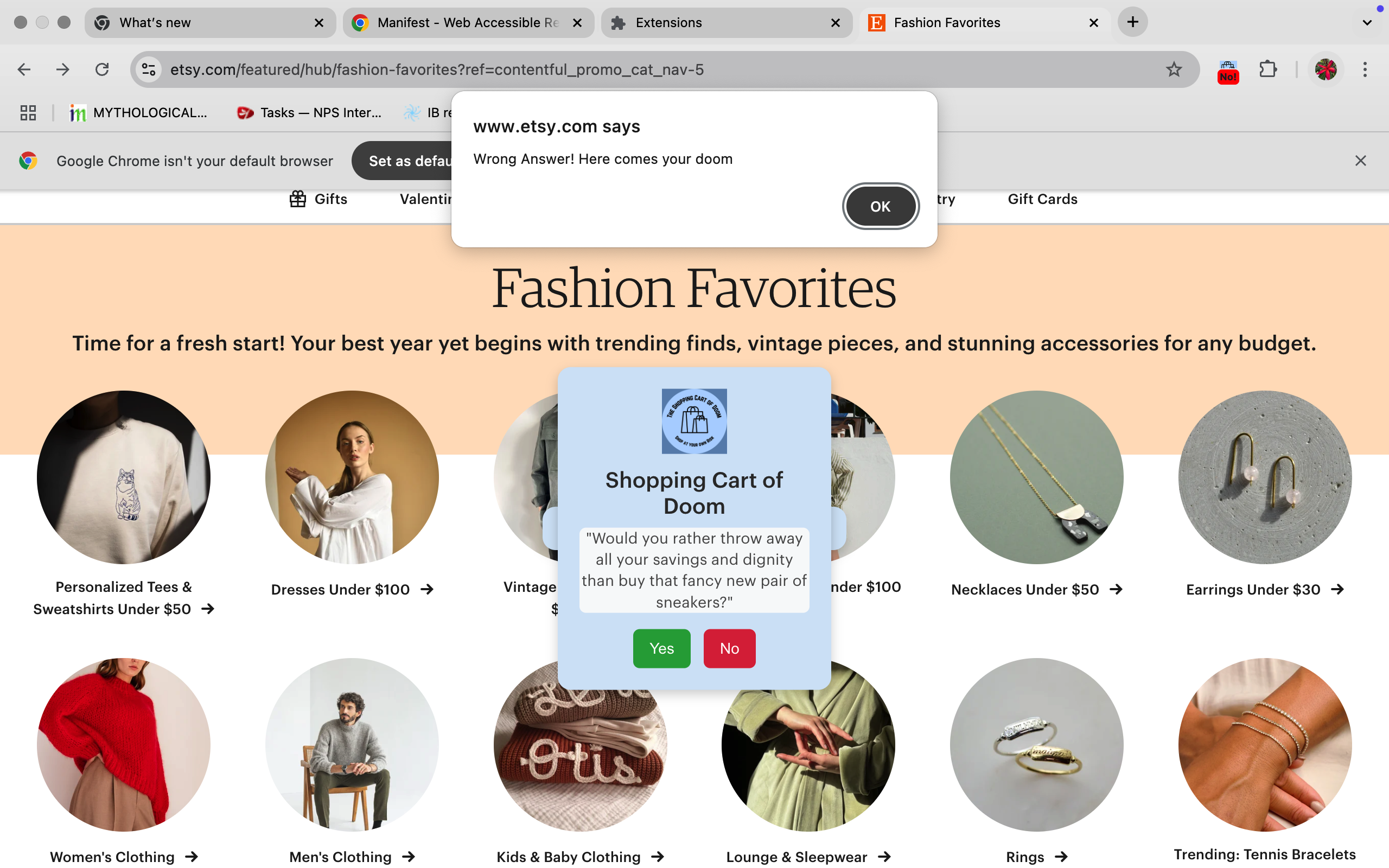
The Popups that warn you before redirecting you away spontaneously with the wrong choice
-

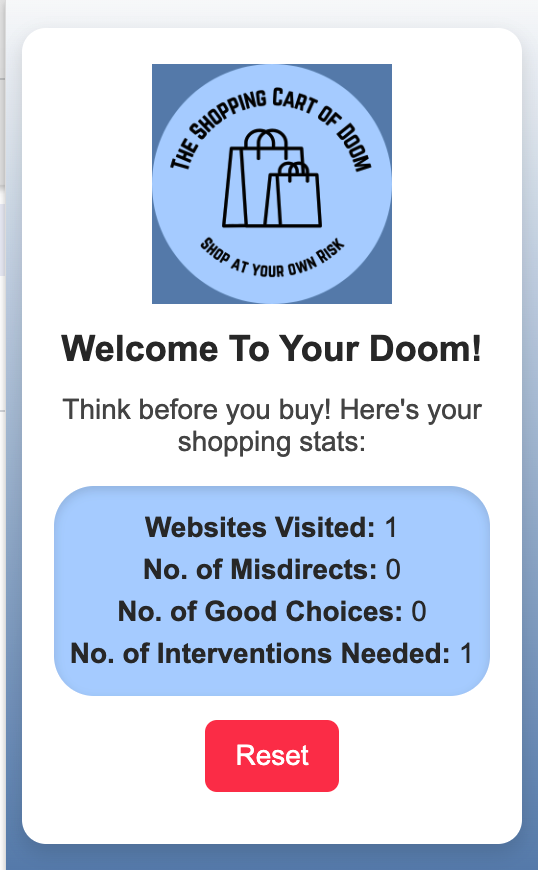
When on a new tab, and reset the badge is cleared, and there are no clear stats to see
-
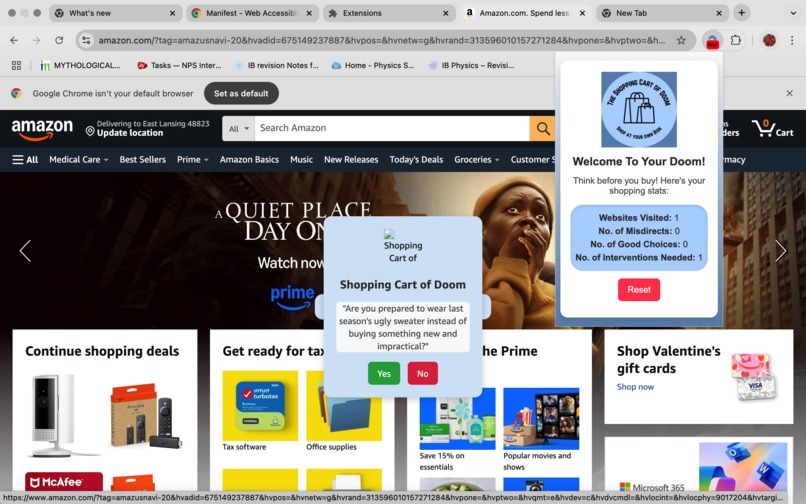
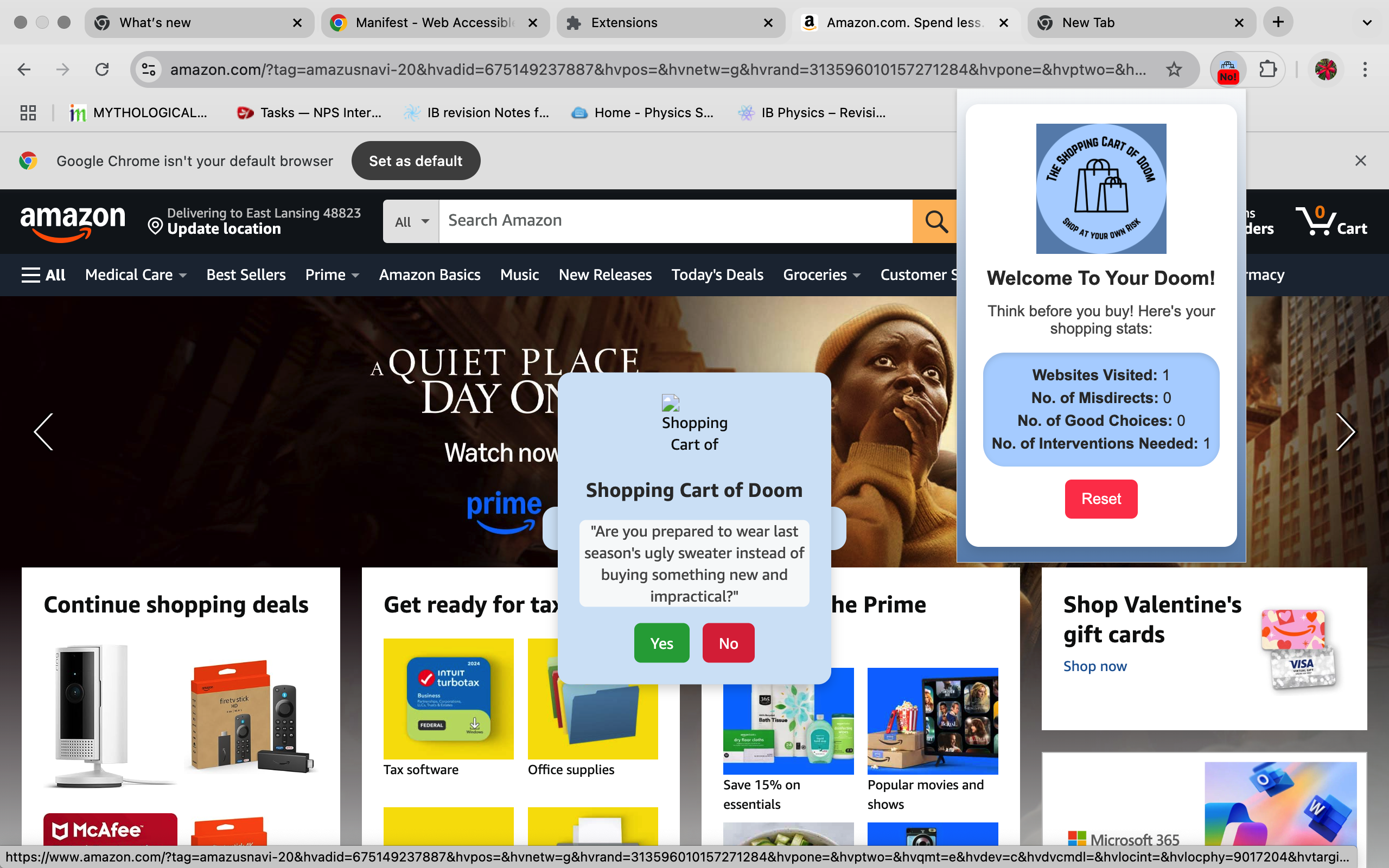
When on a site to shop you can multitask and see the values change in real time
-
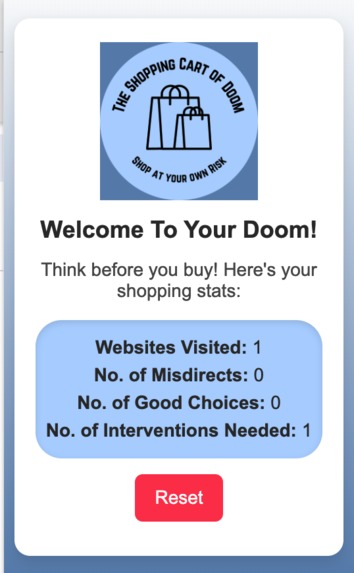
A closer look at the different times your stats have been updated and the logs changing

Inspiration
When I tried to save all my pocket money, my sister would almost always spend it on snacks and games—things that drove me crazy. To stop her from spending and annoy her fairly well, I’d trail behind her, relentlessly trying to talk her out of her purchases. The Shopping Cart of Doom is my tribute to that cherished pastime of being the annoying little sister.
What it does
Built as a chrome extension, the shopping cart of doom is an extension that annoys you into not shopping. It stops you by annoying with multiple modals that pop up with audacious questions. The longer you continue to shop, the more popups you will continue to face, and it will make your shopping experience truly haranguing. A cute pop-up depicts how often you visit these websites, no. of misdirects, no. of good choices, and the no. of interventions needed.
How we built it
The extension monitors website URLs and detects if the user is visiting shopping-related sites (Amazon, eBay, Walmart, etc.). Using javascript, html and css I worked on the framework of the extension deploying it locally through chrome as an extension via GitHub. When a shopping site is detected by the watchers, a modal popup appears with a sassy, rude, and quirky deterrent question aimed at making the user rethink their purchase. These questions are generated by an gen AI model LLM- cf/meta/llama-2-7b-chat-int8 hosted on cloudflare, and it comes up with the one liners on the fly which is then fed into the extension via fetch and displayed into the modal. As the program progresses through the triggers for the counters being saved- we store all of that data on chrome.storage.local. This is then read into the popup script when necessary.
Challenges I ran into
I found that adjusting the badge colours on the extension were complicated to put into work since it needed multiple listeners and there were separate expectations for changing windows, and closing them. The additional disuse of a constant badge had me introduce a timeout as well- and I found detailed information about including that with listeners was limited within the documentation. I struggled a lot with incorporating the Cloudflare Workers due to the difficulty in extracting the appropriate part of the entire AI Model response. It took an exceedingly long time to include the appropriate headers, and bypass the fetch errors, that were occurring. Prompting it well was also a concern due to the propensity of the model to respond in long and drawn out answers which would be inappropriate for the modal's short answer format.
Accomplishments that I'm proud of
Successfully integrating AI-generated questions using Cloudflare Workers and LLM inference despite initial challenges with parsing responses and handling fetch errors was a huge win for me, especially since it helps improve the transferability of the app and its functions into other spaces. I believe that developing a functional Chrome extension that disrupts impulsive shopping in a creative, humorous way could be a great resource for some people that genuinely lose track of their online habits. I found the overall usability of the extension to be high, further reinforcing my expectations of its value.
What we learned
I learned how to build and deploy a Chrome extension, including handling content scripts, background scripts, and permissions. I also learned how to effectively use Cloudflare Workers for AI-powered content generation and managing CORS/fetch requests across URLs without relying on an API. I also learned how to deal with race conditions in chrome.storage.local to ensure accurate tracking of misdirects and shopping interventions that occured when multiple functions attempted to save data before the other.
What's next for The Shopping Cart of Doom
A greater personalisation of the extension for each user to focus on analysing their own habits, and adjust the prompts to be based on the website visited, search data and user content. Taking in user input to include websites that would be a reward, or punishment for them, as well as words they won't blacklisted, along with certain websites. This would necessitate taking in input through the popup itself, or adjusting a website into the extension to create a proper front end. A widening of its range, in an attempt to repurpose the apps mainframe and adjust the websites it responds to personalise its uses as a focus app for studying, or detox app for people trying to reduce their screen time.

Log in or sign up for Devpost to join the conversation.