-
-
Scout_agent
About Scout Agent
Inspiration
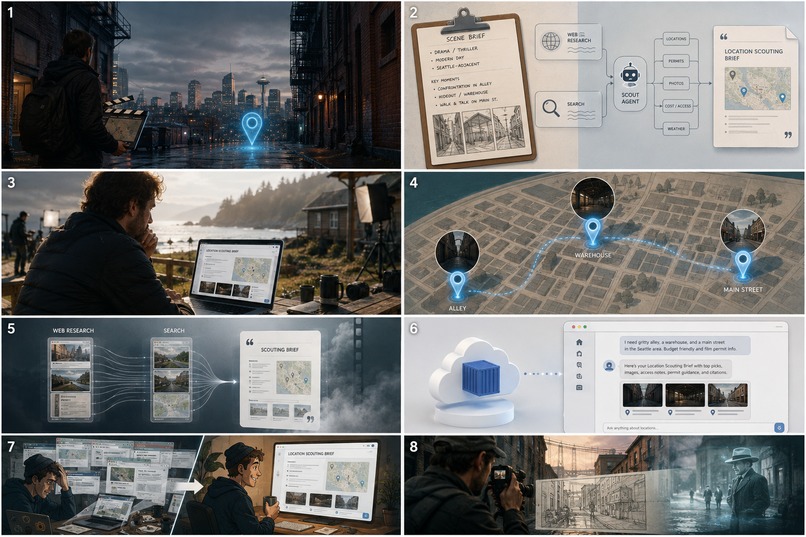
Film pre-production still runs on tabs: one for “does this alley exist,” another for the film office, another for whether the shot will feel like a remake of something already famous. Location scouting is research-heavy, deadline-driven, and unforgiving when an LLM invents a permit office or a “real” warehouse that isn’t there.
We were inspired by that gap — not another chat demo that sounds like a scout, but an agent that plans research, hits the live web, and cites what it finds. The Agentic Cinema hackathon’s focus on Gemini + Google’s agent tooling plus a partner product (Parallel) mapped cleanly onto that workflow: Gemini decides how to research; Parallel Search/Extract is how we actually get fresh, grounded facts.
The name-level idea is simple: give a screenwriter or indie producer a scene brief and get back a Location Scouting Brief — candidate places, permit/film-office leads, continuity notes — with sources they can click, and maps when the brief is real.
What it does
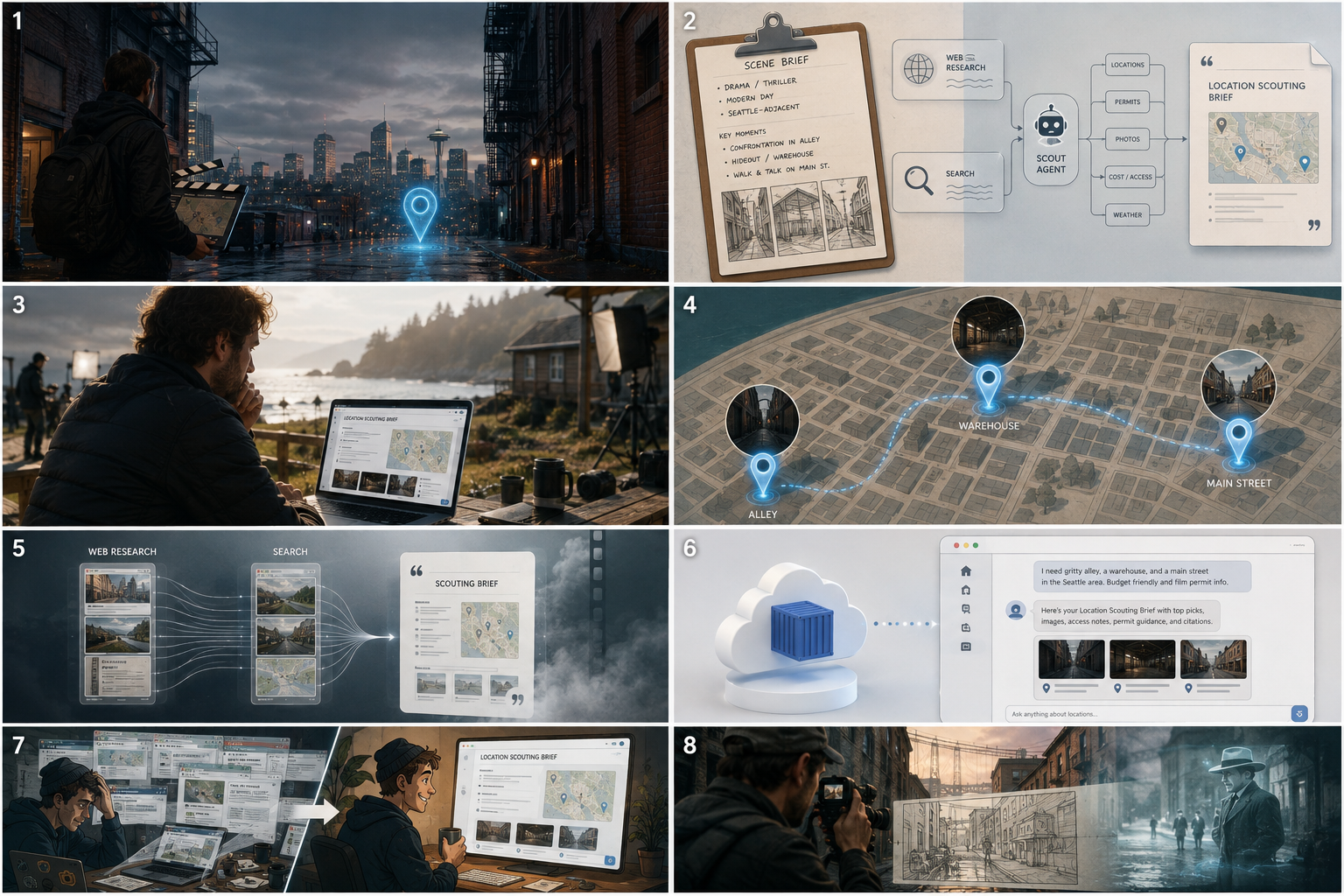
Scout Agent turns a free-text scene (“1970s Portland alley, neon & rain”) into a cited markdown scouting brief. Under the hood it:
- Routes greetings and meta chat away from the full research pipeline (so
hidoesn’t invent Seattle maps) - Parses the scene and plans research objectives
- Runs dual research: Parallel.ai Search/Extract first, then optional Google Search
- Merges evidence, synthesizes a detailed brief, and enforces
[source: n]citations - Suggests Google Maps cards when the reply contains real candidate locations
- Ships as a signed-in web UI on Cloud Run, with Vertex Gemini, Secret Manager, and GCS-backed runtime data
Live demo: https://scout-agent-ui-617103164879.us-central1.run.app/
How we built it
Agent brain (Google ADK + Gemini on Vertex AI)
We built a code-first ADK SequentialAgent pipeline rather than a single prompt:
intent_router → scene_parser → query_planner
  → dual_research_swarm (Parallel.ai → Google Search)
  → research_merger → synthesizer → citation_checker
Each stage is a focused LlmAgent with harness callbacks (tool allowlists, call budgets, state resets). Dual research is sequential on purpose — concurrent LLM calls were tripping Gemini 429 / TaskGroup failures under quota pressure.
Partner integration (Parallel)
Parallel is not a README mention: the parallel_ai_researcher agent calls parallel_search / parallel_extract at runtime via the official SDK (PARALLEL_API_KEY). That is the grounding layer that keeps locations and offices tied to live web results instead of model memory.
Product surface
- FastAPI UI with SSE streaming so users watch the run progress
- Auth (register/login), skills/personas/templates, feedback thumbs
- Google Maps suggest path gated on “this looks like a real brief”
- Gemini-inspired chat UI (composer, chips, scout/film mark)
Cloud & ops
- Vertex AI (
GOOGLE_GENAI_USE_VERTEXAI) with a lightweight model for cost/latency - Secrets in Secret Manager; service account for Cloud Run
data/synced to GCS so auth/chat state survives container restarts- Docker → Cloud Run (
max-instances=1while SQLite auth is in play) - Budget alerts + Maps key HTTP-referrer lockdown for hackathon/demo safety
What we learned
- Agents need a gate, not just a graph. An intent router saved more UX pain than another pipeline stage — greetings must not trigger 20+ research steps.
- Partner APIs are the difference between “sounds right” and “is checkable.” Parallel + citation checking beat longer prompts for trust.
- Concurrency is not free on shared LLM quotas. Sequential dual research was slower but far more reliable than parallel LLM calls.
- Deploying the UI is a product decision. Cloud Run for the signed-in app is what judges and users touch; optional Agent Engine packaging is secondary to a working production URL.
- Stateful containers need a story. SQLite + GCS restore works for a single instance; scaling means Cloud SQL later — don’t pretend otherwise.
- Observability can be noisy. Cloud Trace export errors taught us to default Trace off in production until the pipeline is clean.
Challenges we faced
| Challenge | What went wrong | How we handled it |
|---|---|---|
| Greeting → full scout + fake maps | Short chat ran the whole pipeline | Server-side intent router; maps only when the brief supports locations |
Gemini rate limits (429) |
Parallel + Google research at once crashed runs | Sequential dual research; optional Google Search off-switch |
| Auth DB “disappeared” on Cloud Run | Ephemeral container filesystem | Sync auth.db / data/ to GCS on start and after writes |
| Billing / API 403s mid-build | Project billing not open | Re-enable billing; verify Vertex + GCS before blaming the agent |
| Secret vs reserved env on Agent Engine | Platform rejects GOOGLE_CLOUD_PROJECT in custom env |
Skip Agent Engine for production; keep Cloud Run as the demo path |
| Windows deploy tooling | gsutil / emoji / package import path issues |
Prefer gcloud storage; import as scout_agent.* via parent sys.path |
| Trust & cost for a public URL | Open Maps key / runaway spend | HTTP referrer lockdown; budget alerts; max-instances=1 |
The hardest product challenge wasn’t “make the LLM write prettier briefs” — it was making research behave like a scout: grounded, citable, and quiet when the user is just saying hello.
Built with
- Google ADK — multi-agent pipeline (
SequentialAgent/LlmAgent) - Gemini on Vertex AI — planning, synthesis, citation checks
- Parallel.ai — Search + Extract at runtime
- FastAPI + static frontend — chat UI, SSE, auth
- Google Maps — place cards after real briefs
- Cloud Run, Secret Manager, Cloud Storage, Artifact Registry
- Python, Docker, GitHub Actions (quality gate)
Try it
- Open https://scout-agent-ui-617103164879.us-central1.run.app/
- Register → Login
- Try
hi(short reply), then a real brief like “Night chase — 1970s Portland alley, neon & rain” - Read the cited Location Scouting Brief and any Maps cards underneath
Built With
- cloud-run
- fastapi
- gemini
- gemini-enterprise-agent-platform
- google-adk
- google-cloud
- parallel-extract-api
- parallel-search-api
- python


Log in or sign up for Devpost to join the conversation.