-
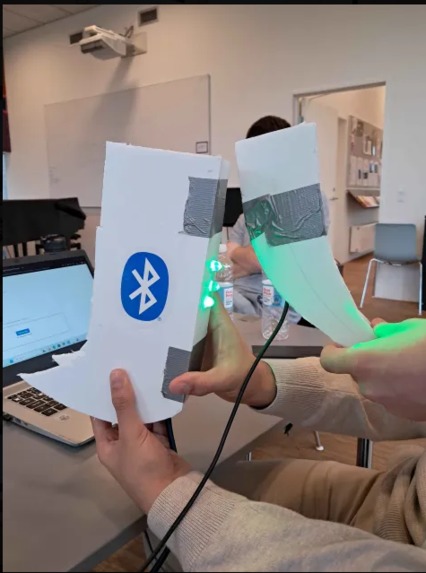
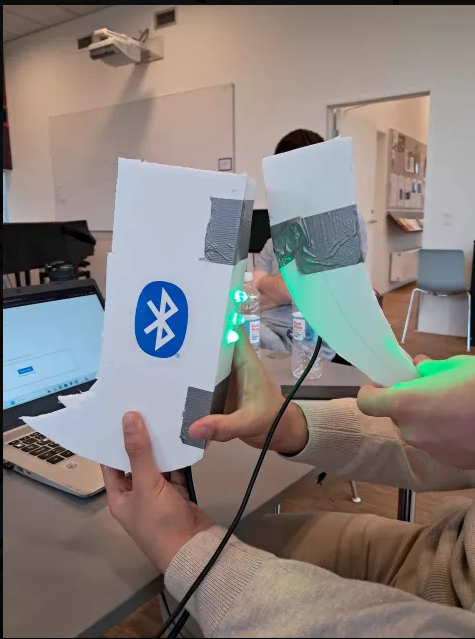
Clinking The Roaring Bluehorns activating the room activity.
-
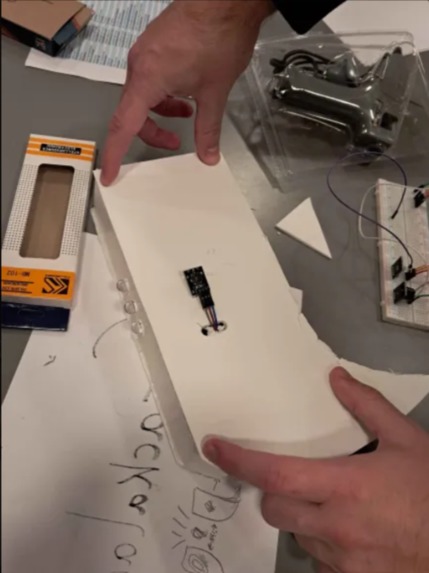
Backside of guest horn
-
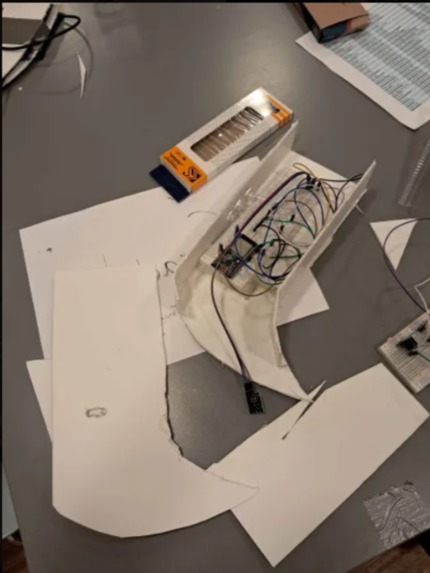
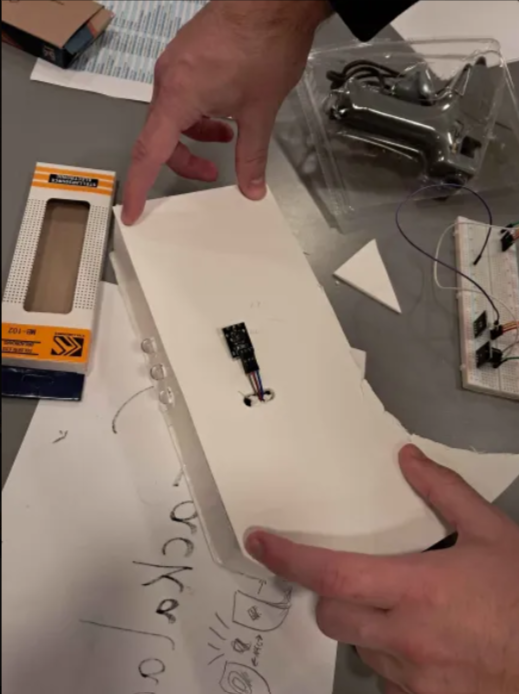
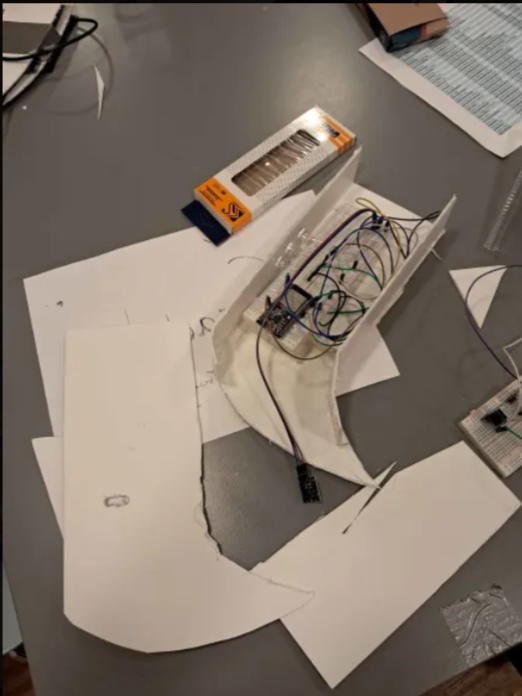
Inside of guest horn
-
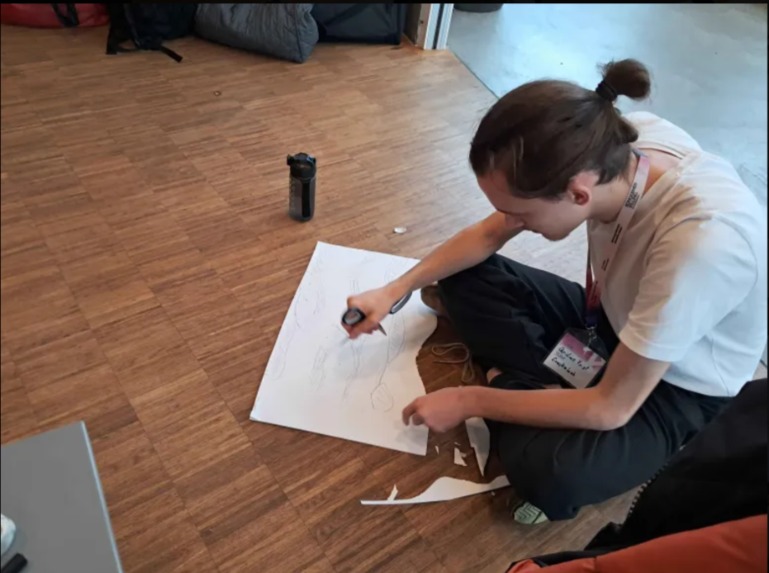
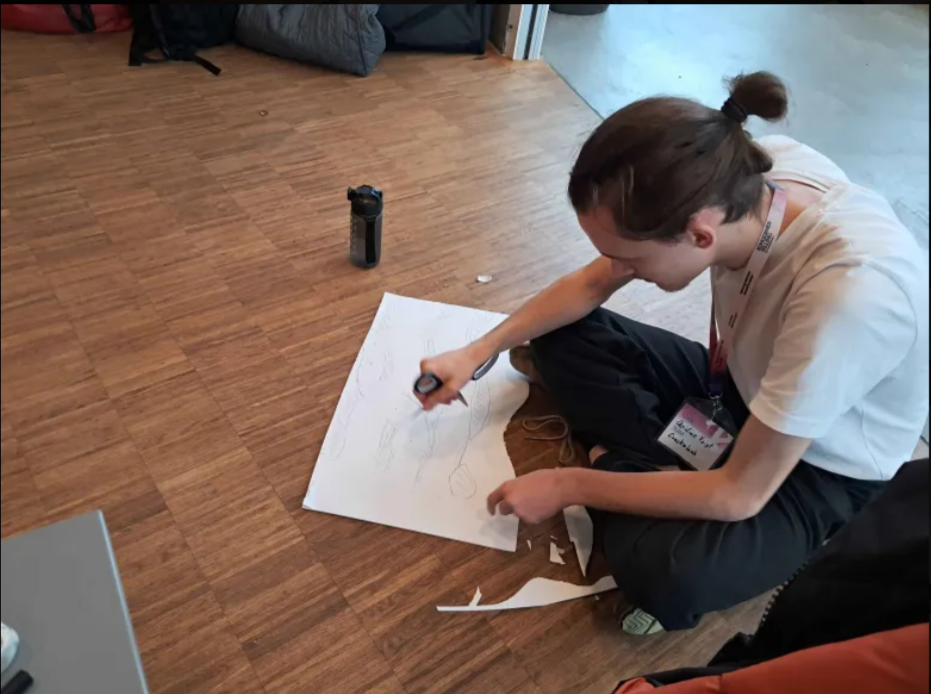
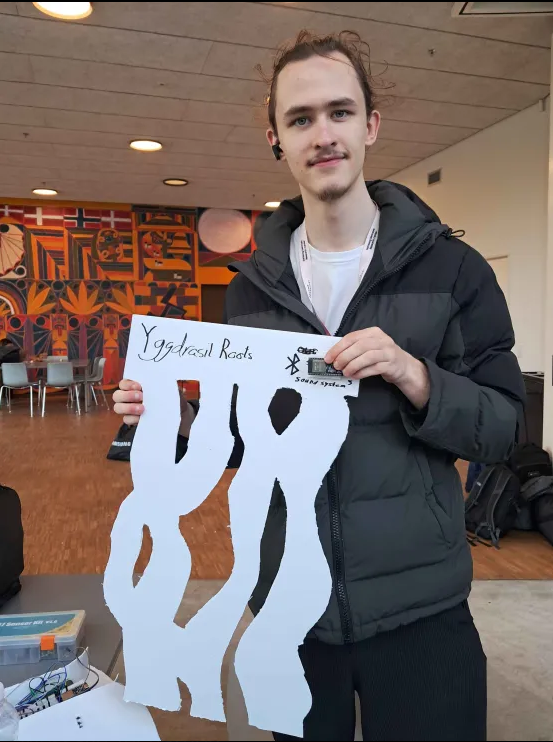
Making the Yggdrasil roots prop
-
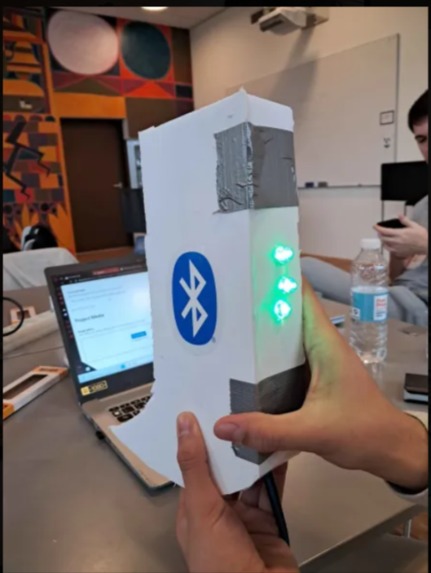
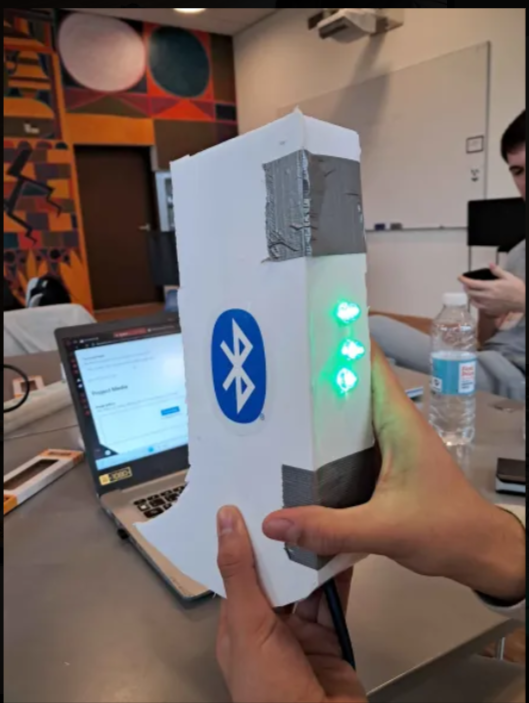
The finished guest horn prototype
-
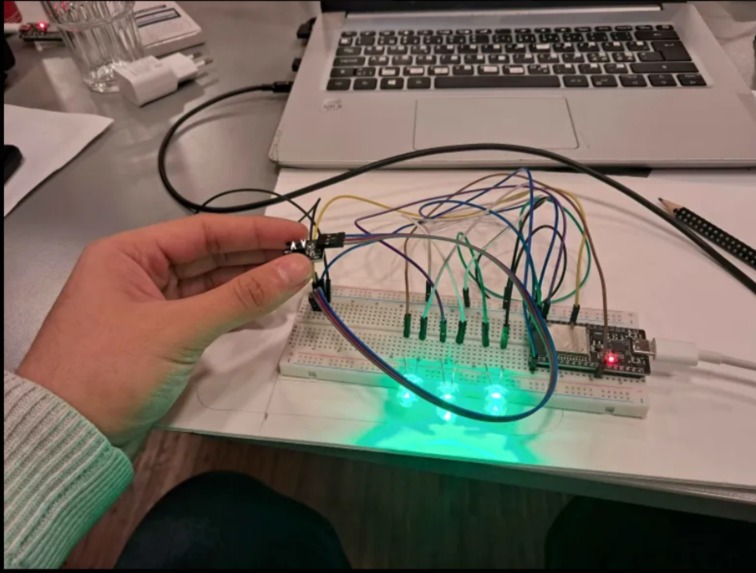
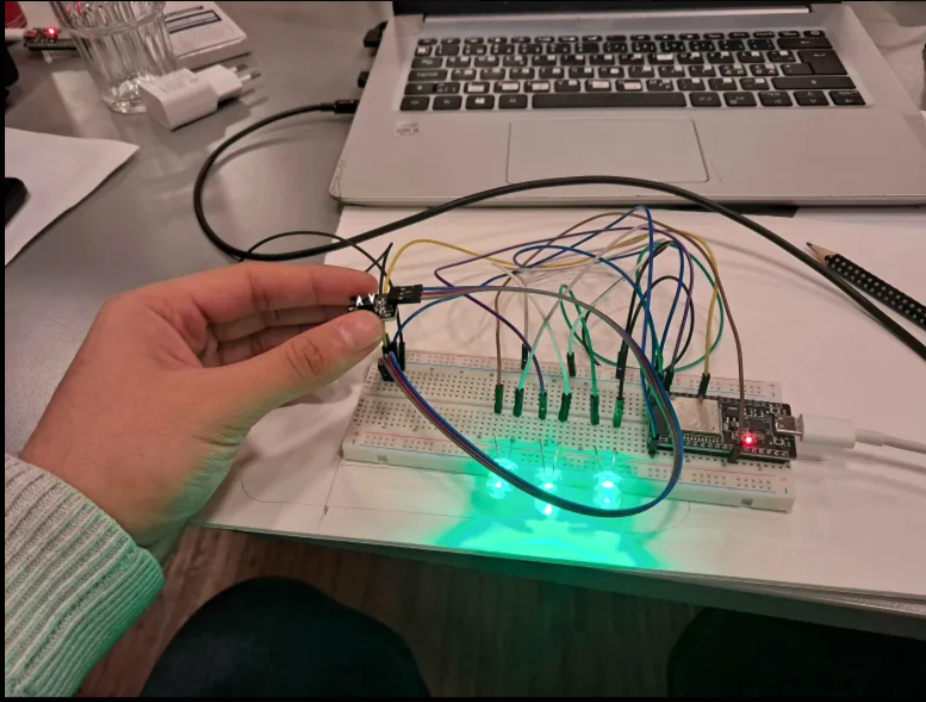
The guest horn breadboard
-
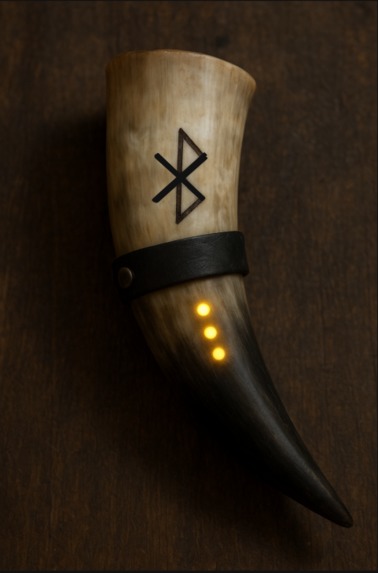
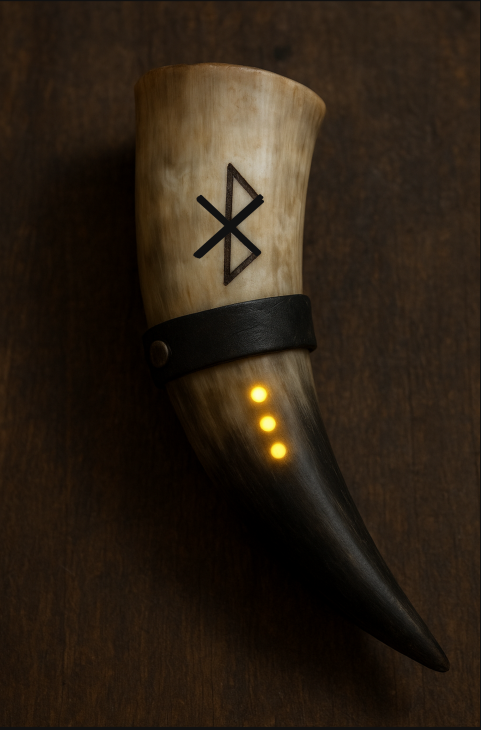
What the real guest horn could look like (AI generated).
-
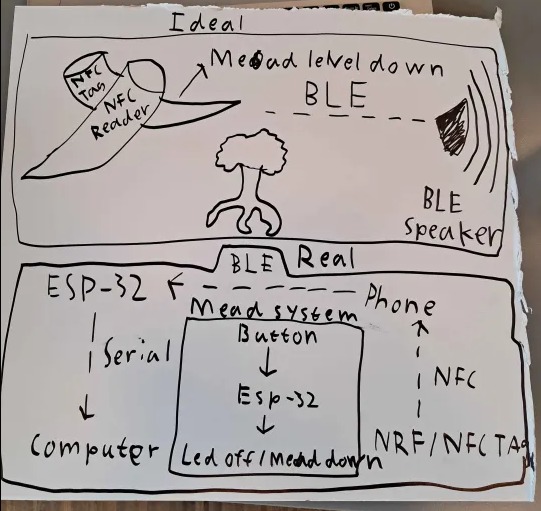
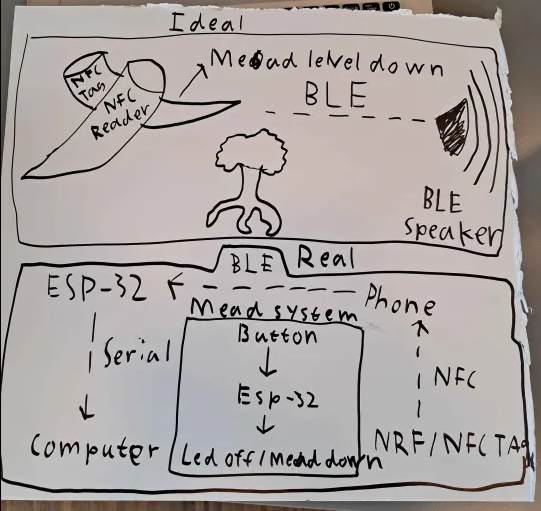
Ideal routing/events above. Actual prototype routing/events below.
-
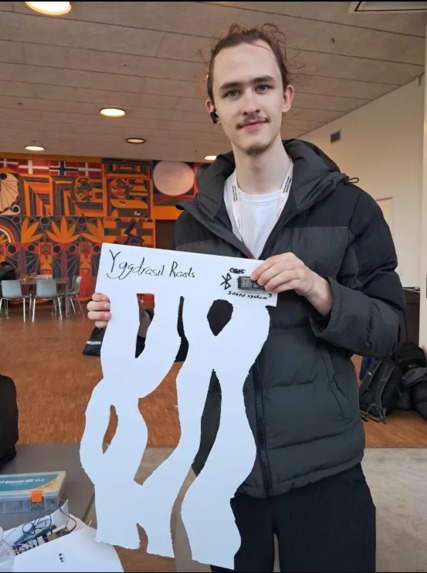
Finished Yggdrasil roots prop
-
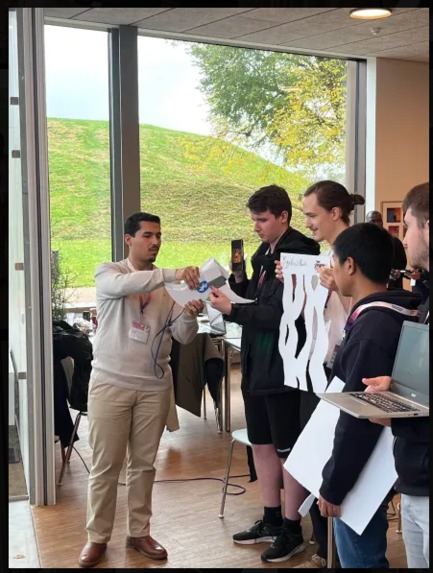
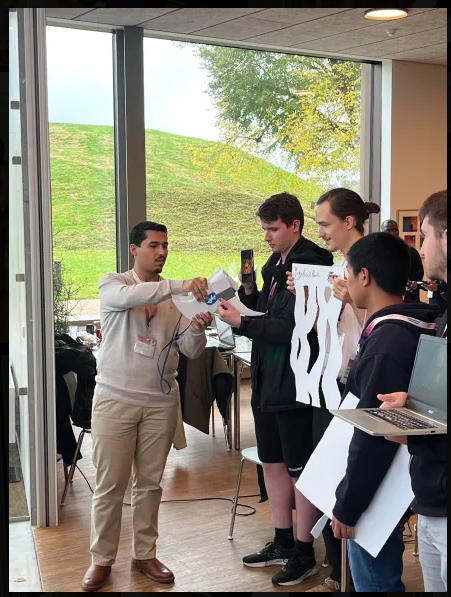
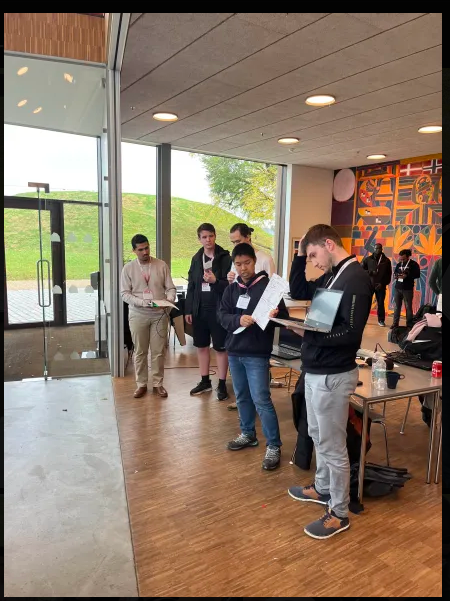
During the 5min pitch
-
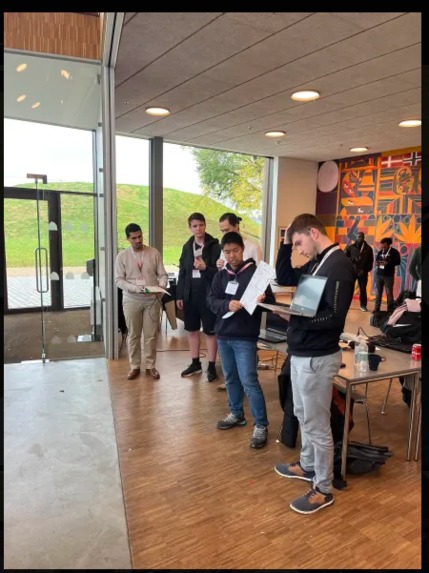
During the 5min pitch
Inspiration
- Viking mead drinking horns / The Yggdrasil exhibition room / Bluetooth teknologien og app. samples fra Nordic Semiconductors
What it does
/ Each guest picks up a horn at the exhibition entrance, which is then activated and shows mead level by use of LEDs / Guest enters Yggdrasil exhibitions and will spot a static horn held out by the arm of Harald Bluetooth at the first root of Yggdrasil. The guest will clink his horn with Bluetooth's (NFC contact), this triggers two events:
- The static horn activates via Bluetooth the first story, starting the projector, color lights, and speakers.
- The mead level on the guest's horn goes down by 1. The user cannot use another mead level on the same activity. (he can reactivate, but it wont use a level)
/ The guest now goes to the next static horn to activate the next activity. / Mead level is 0 when all activities had been activated.
How we built it
Guest horn: 2x ESP32 + LEDs + breadboard + Grove starter kit (buttons) + 1x nRF54L015 + USB-C cables + Cardboard + Gaffatape + Glue
Challenges we ran into
/ We had trouble figuring out how to send custom packets from the nRF54L015 board such that we specify service UUID and payload. / We had to improvise because none of the ESP32's or Nordic Semiconductor boards had NFC reading capability.
Accomplishments that we're proud of
/ Prototype / Our creativity trying to bypass challenges in order to fake a working prototype / Our teamwork and planning / We worked with an explicitly stated issue in the museum and we feel we have a qualified idea.
What we learned
- Bluetooth technology
- Working with hardware (programming with C and C++)
- How to be creative and make fixes to move along
- Making prototype for actual solution
What's next for The Roaring Bluehorns (TRB)^
- Bluetooth packets should be sends automatically and with correct routing
- 3D printed horns and yellow/orange LEDs
- Static horn needs a NFC reader
- Static horn needs to communicate to actual speakers in the Yggdrasil room.
Built With
- 37-sensor-kit-v2.0
- breadboard
- c
- c++
- esp32
- html
- javascript
- nordic-semiconductor-sdk
- nrf54l015
- python

Log in or sign up for Devpost to join the conversation.