


Inspiration
We wanted to check whether this challenge is really as difficult as promoted. We also wanted to make something new, something that we don't normally do, and learn from it.
What it does
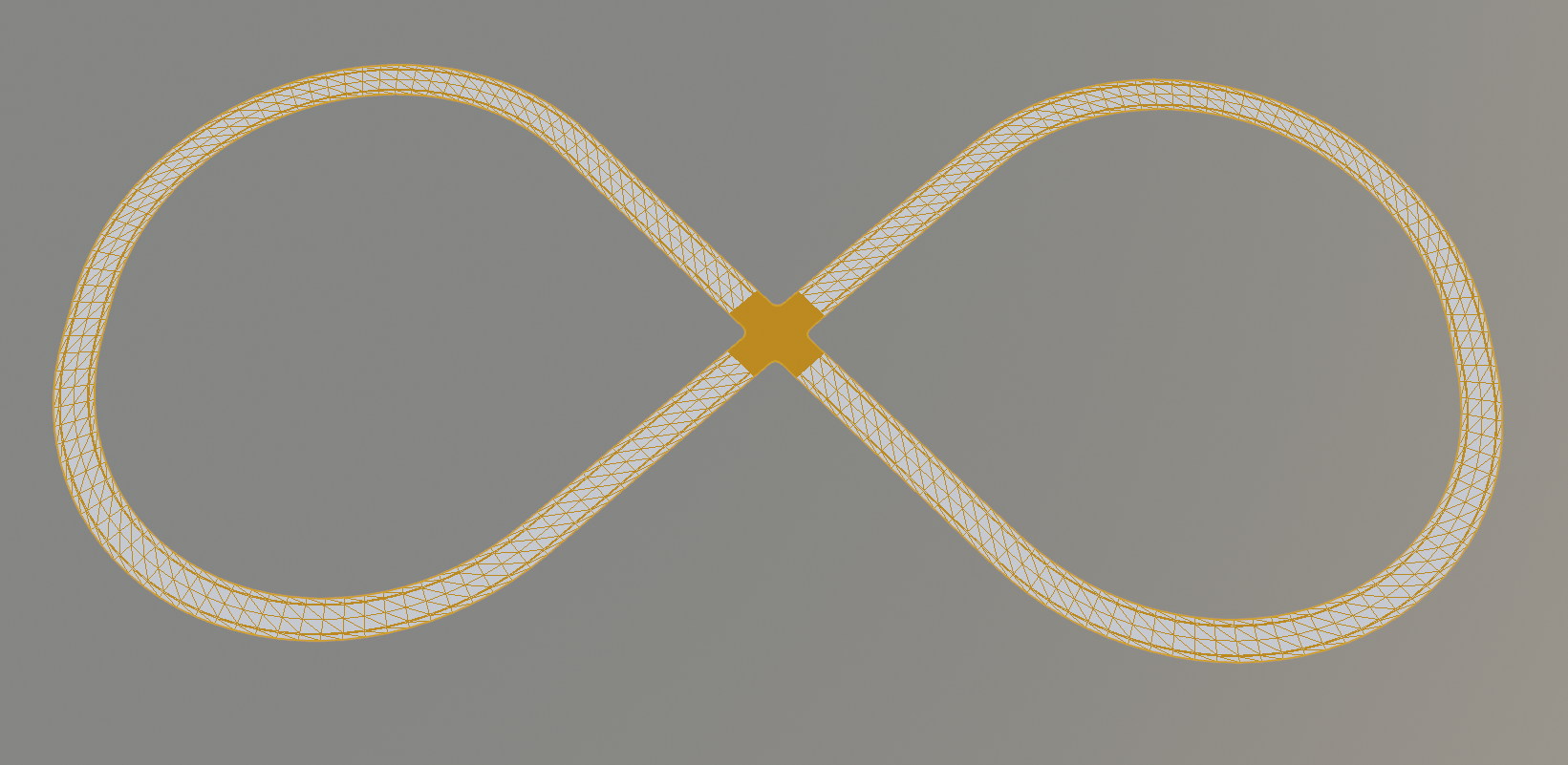
It renders a OpenDRIVE track into the STL format. The resulting file can then be imported into a rendering program such as Blender.
How we built it
We started with the OpenDRIVE documentation and the provided library. We extracted the geometry data from the original OpenDRIVE files and then triangulate the surface of the roads. We imported one model into Blender and included it in an animation.
Challenges we ran into
Using CMake is always a problem until you make it work. Even more if you try to use it on Windows. After these obstacles were overcome, we faced problems with the rounding of floating point numbers that caused gaps in our models.
Accomplishments that we're proud of
We successfully triangulate a road's surface and create a mesh that can be rendered on a screen.
What we've learnt
We got familiar with the OpenDRIVE file format which provides an impressive amount of options. The triangulation algorithm provided an interesting and fun challenge to devise, implement and debug. We also got familiar with the process of rendering roads and making animations in Blender. Only one of us knew how to use Blender before the hackaTUM 2019.
What's next for The Road to 3D
The OpenDRIVE file format can encapsulate additional information about the roads, such as surface properties, material or the intended purpose of the road to name just a few. This information is currently ignored. Further versions may translate this appropriately. The export to file formats that support such information (e.g. Wavefront obj) has to be added.
Another great improvement would be wrapping our program into a Blender plugin. Finally, our animation could be made significantly more realistic by adding lane markings, road signs, textures ...


Log in or sign up for Devpost to join the conversation.