-
-
The Revisiting Tool
Inspiration
The idea for The Revisiting Tool was born from a combination of personal frustration and a spark of public validation. Like many people, my browser is a digital graveyard of good intentions—saved articles, must-watch videos, and crucial reports that I promise myself I'll "get back to," but never do. My bookmark bar is a black hole, and "read-it-later" services quickly become "read-it-never" archives.
The real "aha!" moment came while I was scrolling through X. I saw a post where someone expressed a simple wish: they wanted a button on X that would let them "revisit this post in x days." It was a brilliantly simple concept that perfectly captured the fleeting nature of online content. That single post crystallized my own frustration into a clear product idea: what if this feature existed for the entire internet?
When I saw the Bolt.new "One-Shot" challenge, everything clicked. The challenge wasn't just a constraint; it was the perfect opportunity. Could I take this simple, powerful idea—validated by a real user's wish—and build a complete, full-stack solution with just a single, meticulously crafted prompt? The challenge was on.
What it does
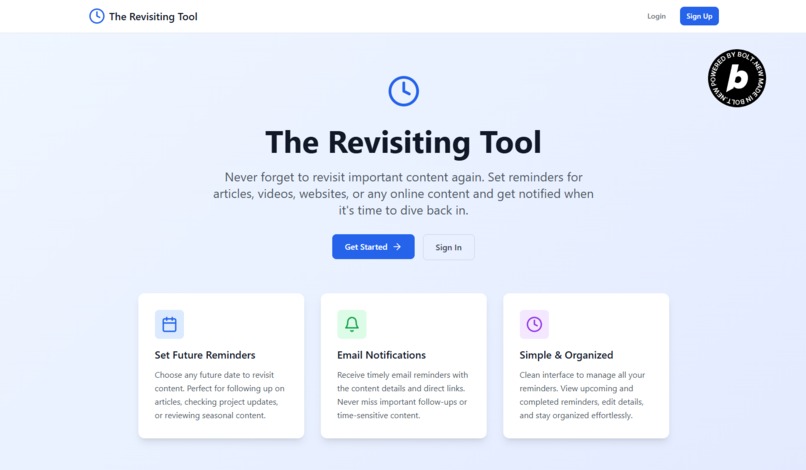
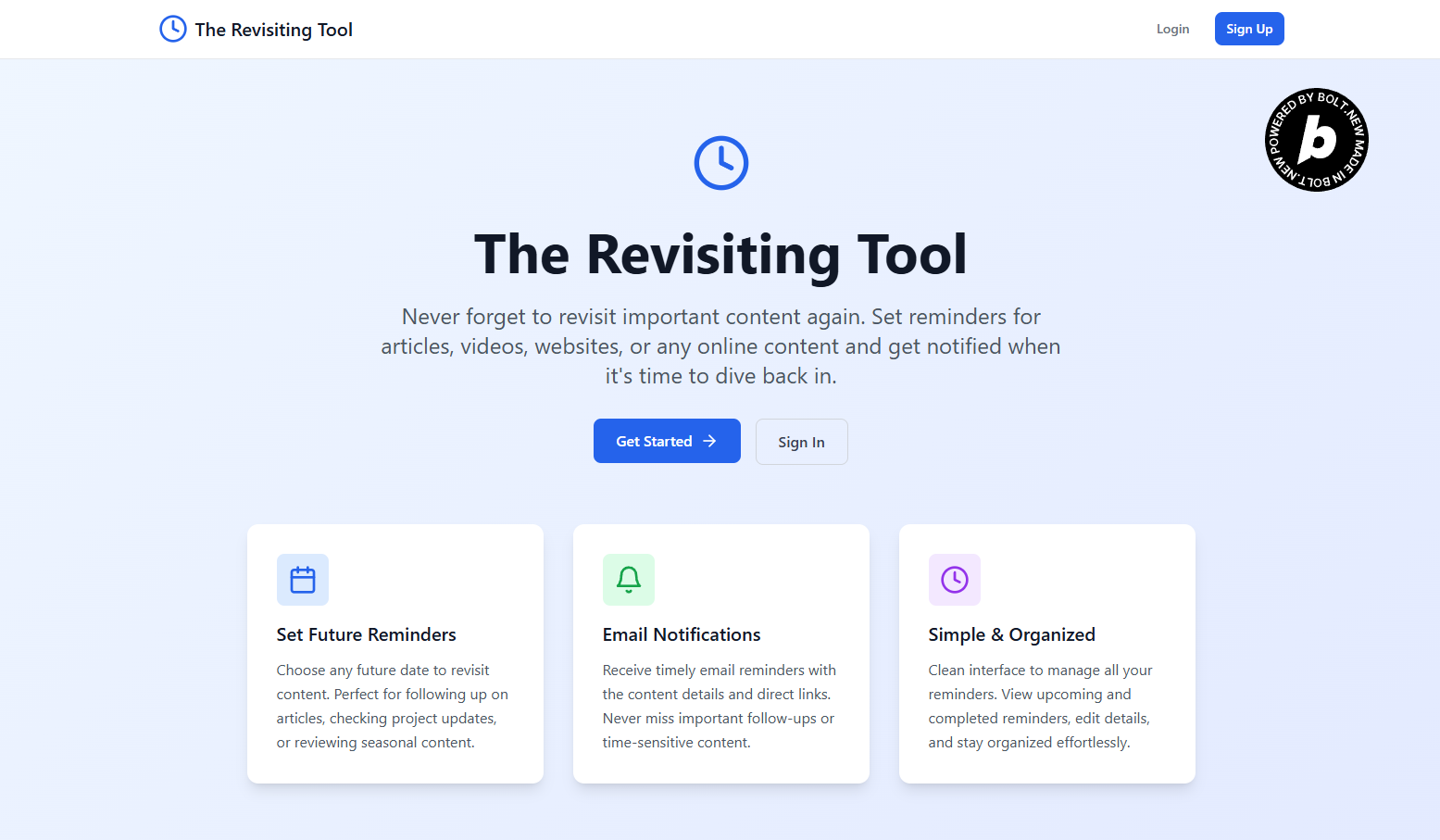
The Revisiting Tool is a focused web application that ensures you never lose track of important online content. Its core functionality is simple and powerful:
Capture: A user saves any URL—an article, a video, a social media post—along with a title and an optional description.
Schedule: They attach a future date to the saved link, scheduling when they want to be reminded.
Remind: On the scheduled date, the app's automated system sends a clean, actionable email directly to the user's inbox containing the link and its details.
This simple loop turns a passive "read-it-later" list into an active, reliable pipeline for discovery and learning, bringing valuable content back to you exactly when you need it.
How I built it
This project was built entirely for the Bolt.new "One-Shot Competition," meaning the whole application was generated from a single, detailed prompt. My role was that of a system architect, designing a complete blueprint for Bolt.new to execute.
Tech Stack: React, Tailwind CSS, Supabase, and the Resend API.
The Prompt: I crafted a comprehensive prompt that specified:
- The complete database schema for profiles and reminders tables in Supabase.
- Full user authentication flows using Supabase Auth.
- The complete backend automation logic, including a Supabase Cron Job that triggers an Edge Function.
- The Edge Function to send emails via Resend, including logic to handle their API rate limits.
Final Steps: After Bolt.new generated the code, I added my Resend API key, added the sender email address in the Edge Function, and scheduled the daily cron job in the Supabase dashboard.
Challenges I ran into
While the AI generation was highly successful, bringing the project to life required debugging three specific issues to make the generated code fully functional:
Edge Function Query: The initial database query in the email notification function was malformed. I corrected the query syntax to establish the proper relationship.
Authentication State: The app had a session handling bug that caused an infinite loading state when a user refocused the browser tab. This was resolved by refining the client-side state management logic.
Deployment Routing: On Netlify, the app faced a standard single-page application (SPA) routing issue. This was fixed by adding a
_redirectsfile to correctly handle client-side routes on page refresh.
Crucially, these were all error corrections as permitted by the rules. No new functionality, features, or UI were added or edited, ensuring the project remained a true "One-Shot" submission.
Accomplishments I am proud of
Successfully Completing the One-Shot Challenge: Building a full-stack, production-ready application with user auth, a database, and automated background jobs from a single prompt is my biggest accomplishment here. It proves the power of this new development paradigm.
Creating a Genuinely Useful Tool: This isn't just a tech demo; it's a solution to a problem I and many others face daily. It's immensely satisfying to have built a tool I will personally use.
Implementing a Complex Backend Flow: The automated email notification system—which involves a scheduler, a serverless function, and a third-party API—is a complex piece of engineering. Having this entire workflow generated correctly and function perfectly is something I'm incredibly proud of.
What I learned
Prompting is the New Architecture: The developer's role is evolving. For this project, my most valuable skill wasn't writing lines of code, but architecting a system and translating that architecture into a comprehensive, detailed prompt.
Serverless is Powerful: This project reinforced how incredibly powerful and cost-effective a serverless stack can be. The ability to run automated jobs and send emails without managing a single server is a game-changer for solo developers and small teams.
The "Last Mile" Still Matters: AI can build the car, but a human still needs to put the key in the ignition. Understanding how to configure the environment, set up schedulers, and debug the integration between services remains a critical developer skill.
What's next for The Revisiting Tool
The Revisiting Tool is currently a fully functional web app, but there's a clear path forward to make it even more indispensable.
Browser Extension: A one-click browser extension to save links without ever leaving the current page is the most logical next step.
More Notification Channels: Adding options for push notifications, or even integrations with Slack and Discord, would give users more control over how they are reminded.
Organizational Features: As users add more reminders, they will need tools to organize them, such as tags, folders, or categories.
Smarter Reminders: I envision a future version that uses AI to suggest optimal times to revisit content based on its type (e.g., suggesting spaced repetition for learning materials).
AI Follow-Up Agent: A powerful future feature where an AI agent automatically researches the topic on the reminder's due date. For example, if you save a post where someone predicts a future event, the reminder email could include an AI-generated summary of whether that prediction actually came true.
Built With
- bolt.new
- cronjobs
- edge-function
- javascript
- netlify
- postgresql
- react
- resend
- sql
- supabase
- tailwind-css
- typescript

Log in or sign up for Devpost to join the conversation.