Inspiration
As students who recently graduated from high school with English as a mandatory course, we have a tight relationship with Shakespeare. Our dear friend, William Shakespeare, has been there through our cries, pleading, and joy associated with our English exam grades.
After experiencing first-hand Shakespeare’s great literature, we wanted to see how the greatest playwright handles articles.
What it does
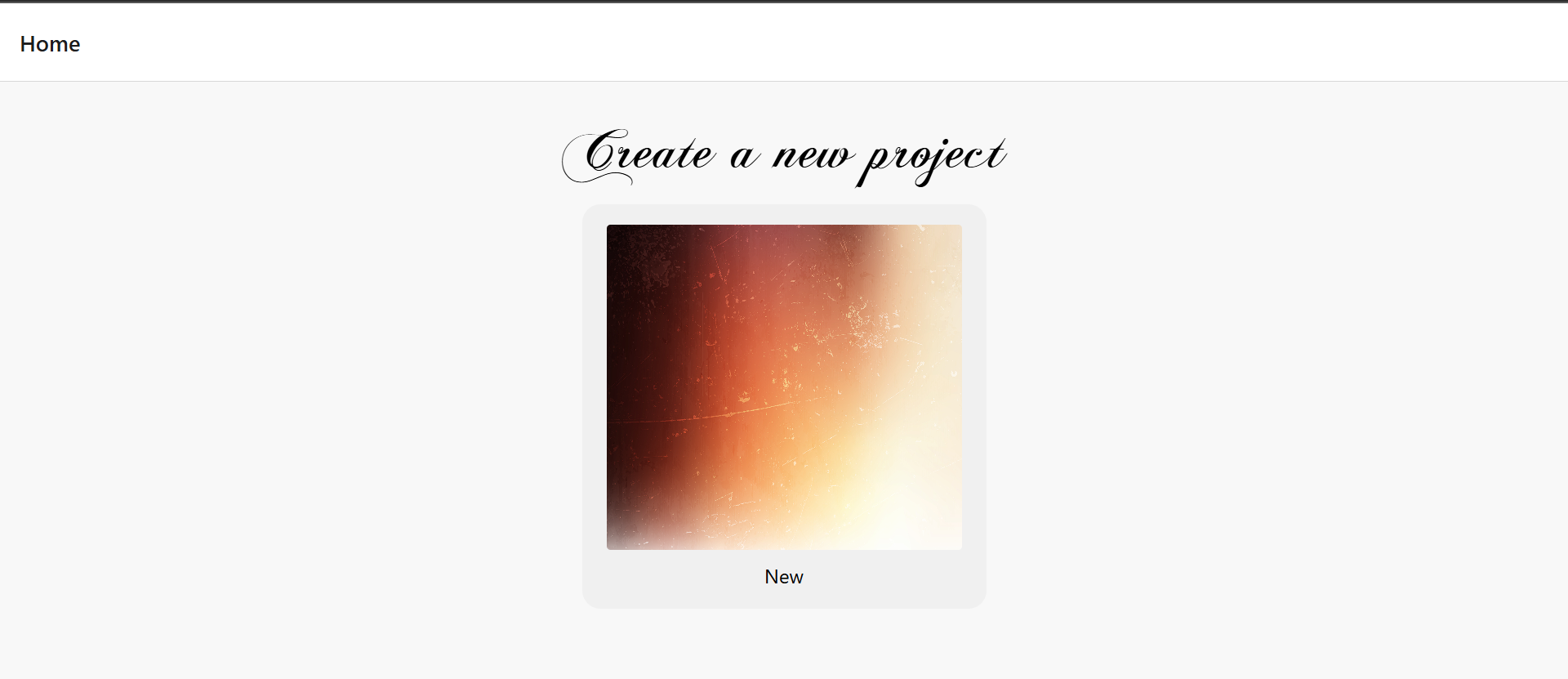
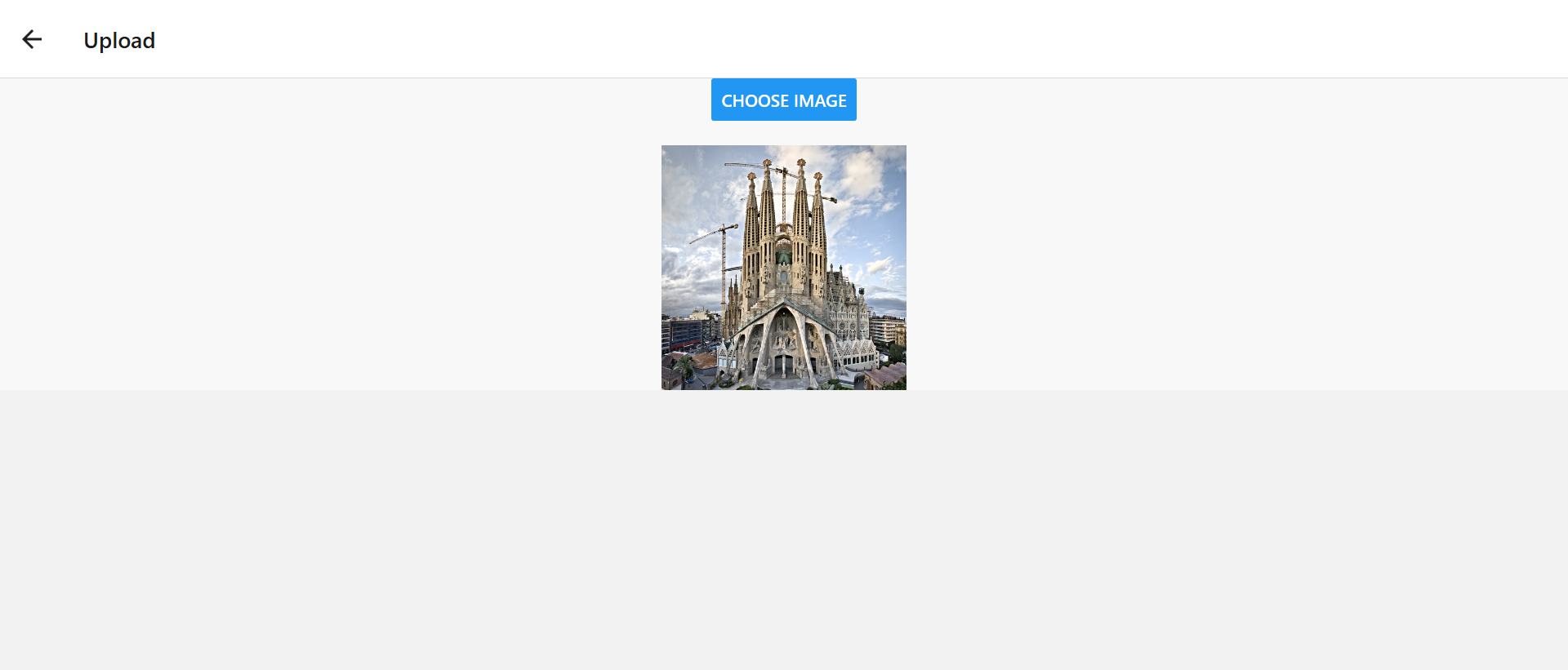
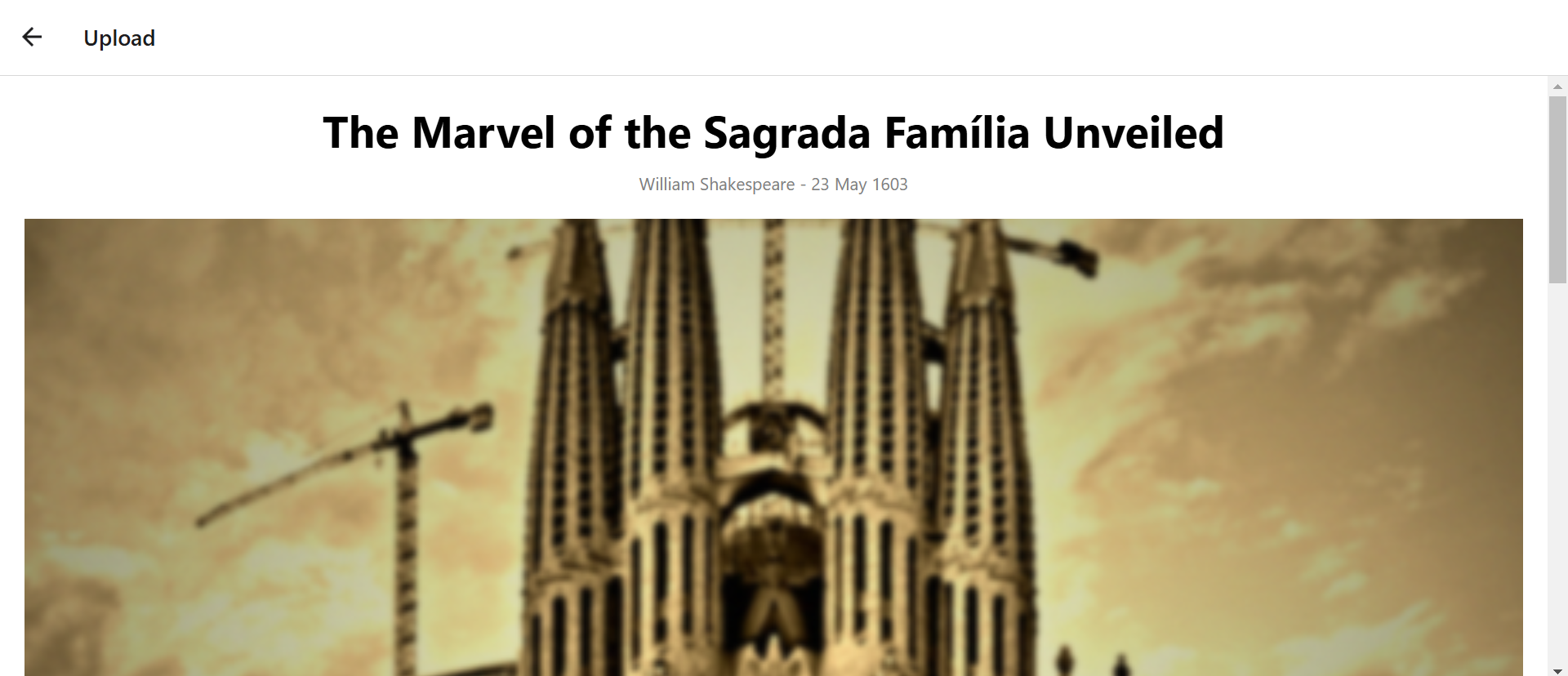
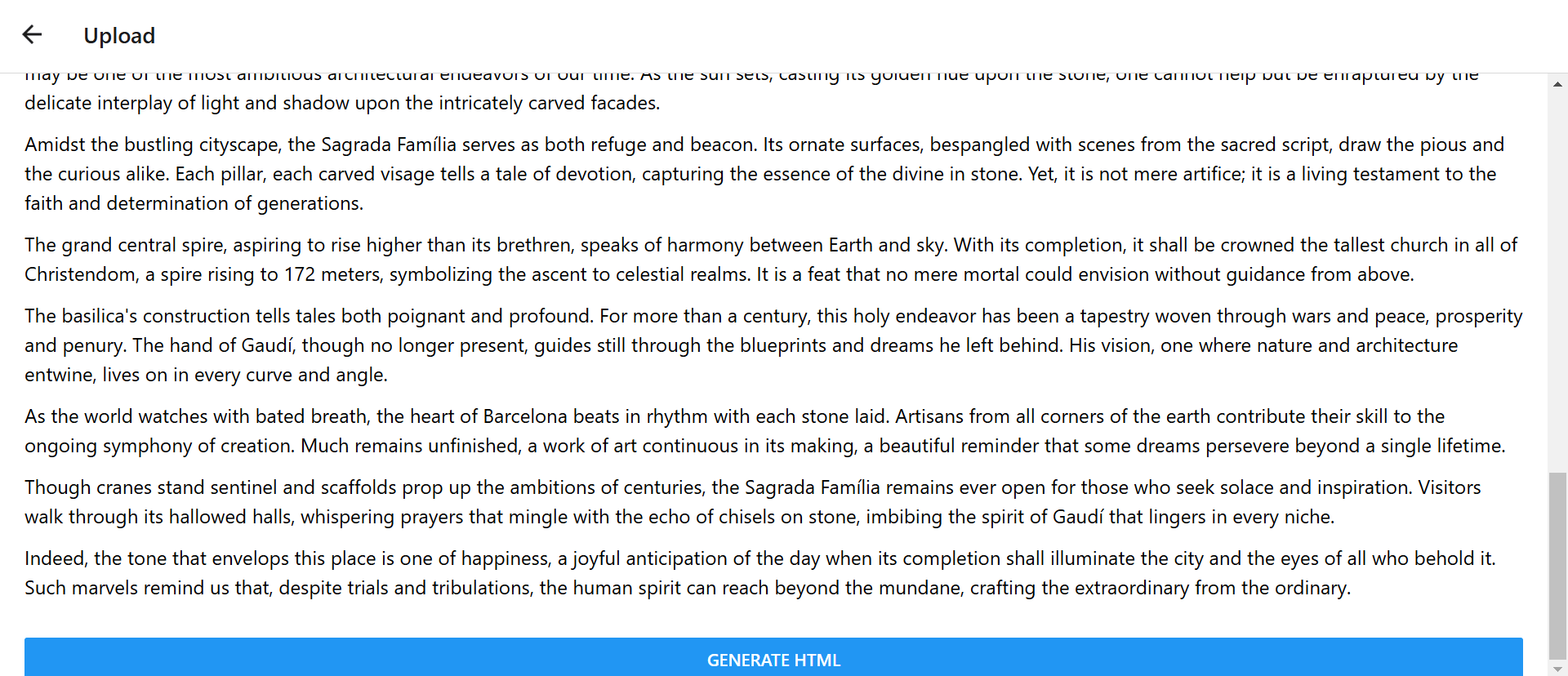
The user inputs any image in PNG or JPG format into the application. The program reads and analyses the image, focusing on the main subject and scenery. The program then opens a new page that outputs an article based on the contents of the image. This article includes a catchy headline, date and author, photo caption, and the content of the article. After generating the article, the user may download the article in HTML format and download it in PDF format through the HTML. Furthermore, if the user is unsatisfied with the article and wishes to generate a new one, they may do so through the home page.
How we built it
The backend was done in Python and the front end was done using Javascript and Typescript with React Native and Expo frameworks. The computer vision that analyses the image and the article generation was done using OpenAI’s GPT-4o model. The image that is uploaded on the app is sent to the backend through an API request through a Flask server.
Challenges we ran into
Most of us did not have any experience with React Native and Flask, so there were many difficulties setting it up. The syntax was confusing to learn and many imports and exports were difficult to understand. The integration between our frontend and backend also caused a lot of trouble as we had to learn how to do server requests using Flask which was also new to us.
Accomplishments that we're proud of
The code successfully reads the image and outputs an article based on the content of the image. Throughout our journey, there were many moments where we questioned our use of the React Native and Expo framework for our front end, but in the end, it worked and we are very proud to see it work.
What we learned
We have learned how to implement and prompt engineer the OpenAI model. We have also learned how to integrate our front end (React Native) with our back end despite being two different languages using server requests (Flask). We have also gained a deeper understanding of how an AI model works as well as how to design and develop an app.
What's next for The Quill
The functionalities of the app can be extended to allow the user more room to create their articles. We could expand the idea of having other famous playwrights to write our article such as Miguel de Cervantes (known for Don Quixote) and Arthur Miller (for The Crucible). The app could also be developed further to understand the contents of videos, analyze the video, and generate an article based on the contents of the video along with a screenshot and photo caption. The app could also use a grammar checker or English AI model to make the language more refined and closer to the times of the writer.


Log in or sign up for Devpost to join the conversation.