Inspiration
We saw a fascinating video by Sebastian Langue on fluid simulation through C++ using Unity Game Engine. We decided to try our hand at it, and ended up playing around with all sorts of physics scenarios.
What it does
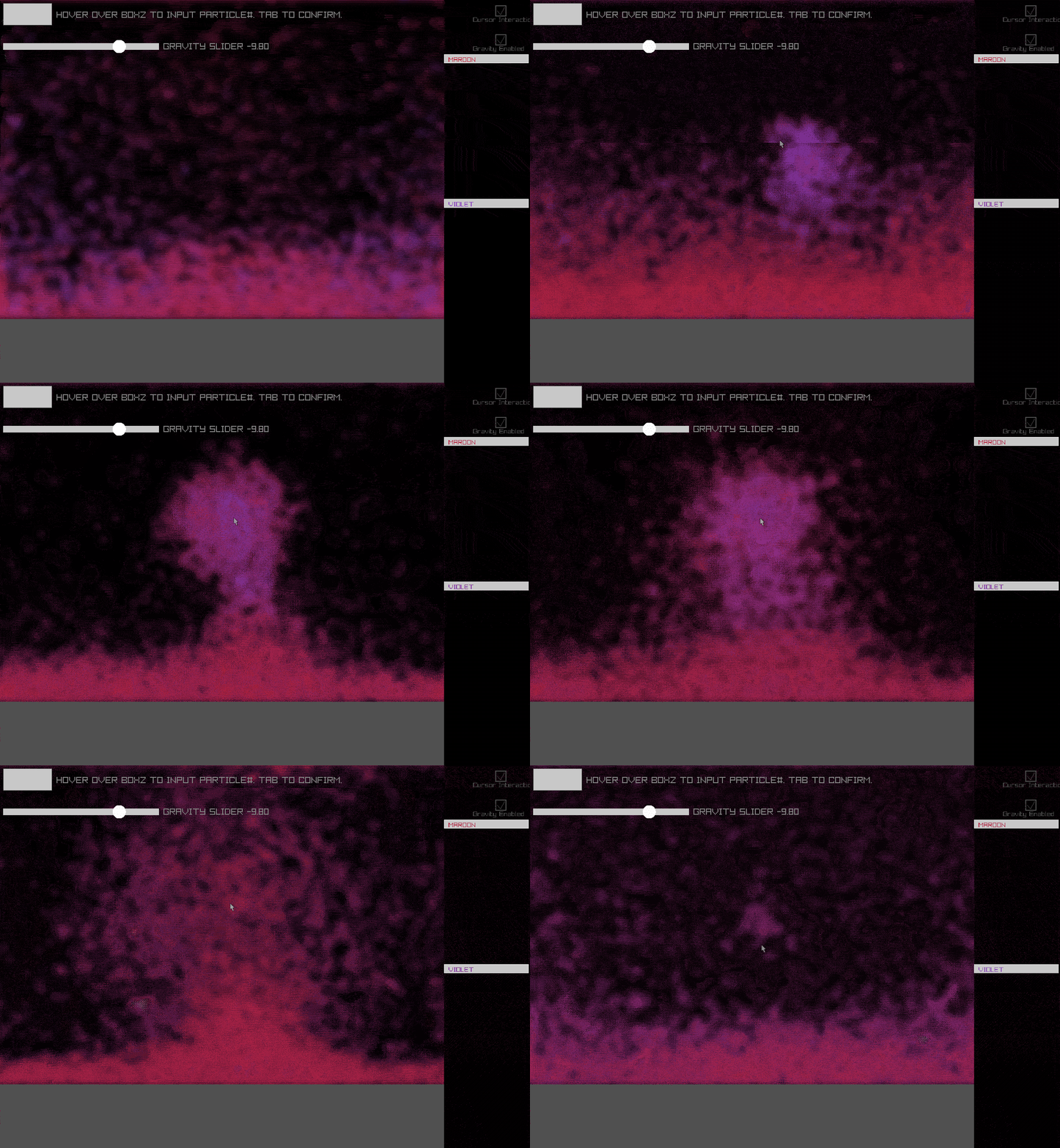
The program uses raylib to draw an array of circle objects on the program window in randomized locations, which are then relocated via a variety of different functions, such as density and velocity. The shapes are drawn in blue, and shift on a gradient to white based on velocity. The visuals are then passed through our custom blur shader to achieve a retro aesthetic.
The user can also change various parameters in the program, such as the number of particles and the strength of gravity via a slider.
Using the left and right mouse buttons, the user can attract and repel the particle objects to the mouse cursor, respectively.
How we built it
We GitHub Desktop repositories through VSCode to organize our workflow and share changes, with a Trello board as our to-do list.
We used header files to declare variables, functions, and constants and then implemented them in .cpp files in the source folder, which were then called to in the Main function.
The raylib library featured a variety of helpful tools and resources to aid in the visual process
Challenges we ran into
Learning how to implement the GitHub Desktop workspace with CMake and VSCode proved to be a challenge in and of itself when the challenge began, in the struggle to keep track of and implement changes.
We also struggled with implementing various physics functions and setting them to our desired parameters, though we eventually surmounted that problem.
Accomplishments that we're proud of
Creating a believable and satisfying playground to observe the visualization of physical concepts was incredibly satisfying, and seeing the program take shape and evolve to become more in-line with our vision was a pleasure.
What we learned
We learned how to implement many of the core features that raylib provides for creating visual environments in C++. Gaining this much experience with the GitHub Desktop workflow will also be of great use in future group endeavors like this, especially when efficiency and speed are so paramount.
We also gained a wealth of experience in constructing physics engines and piecing together the lines of logic that are needed for it.
What's next for The Particle Playground
Now that we have a workable, malleable proof of concept, it's definitely possible add on to this framework to add even more fun interactions. New particle rules, physics functions, a 3rd dimension, there's really no limit to what can be done with this baseline after enough tweaking.


Log in or sign up for Devpost to join the conversation.