-
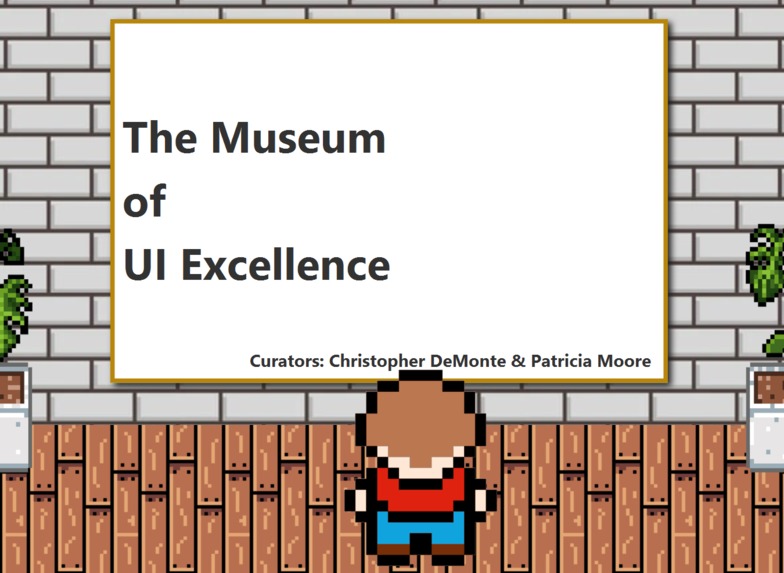
Banner Exhibit, landing area
-
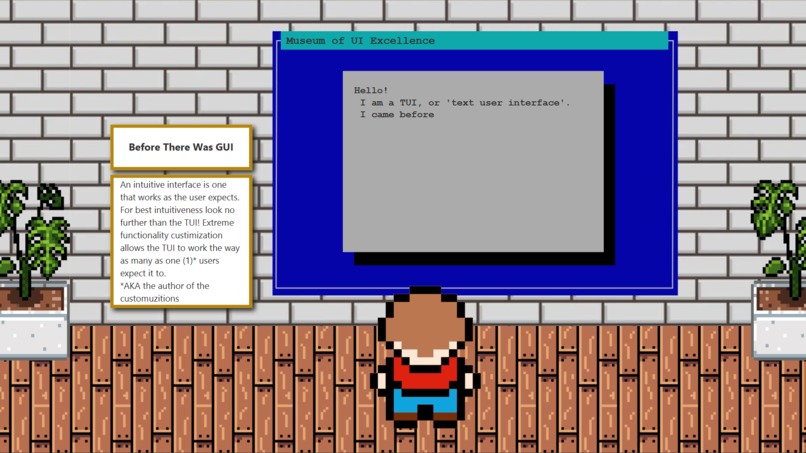
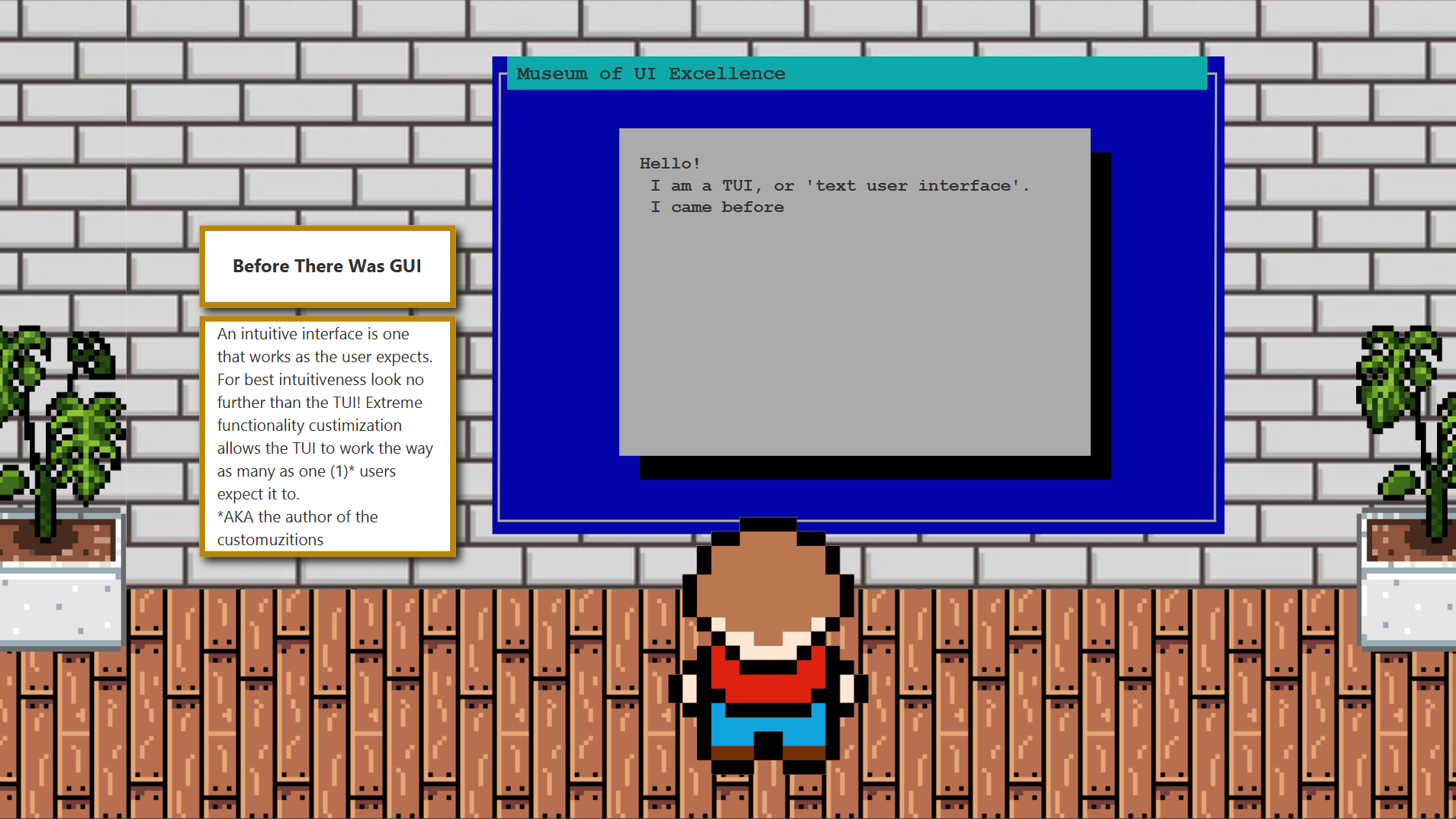
Text User Interface Exhibit
-
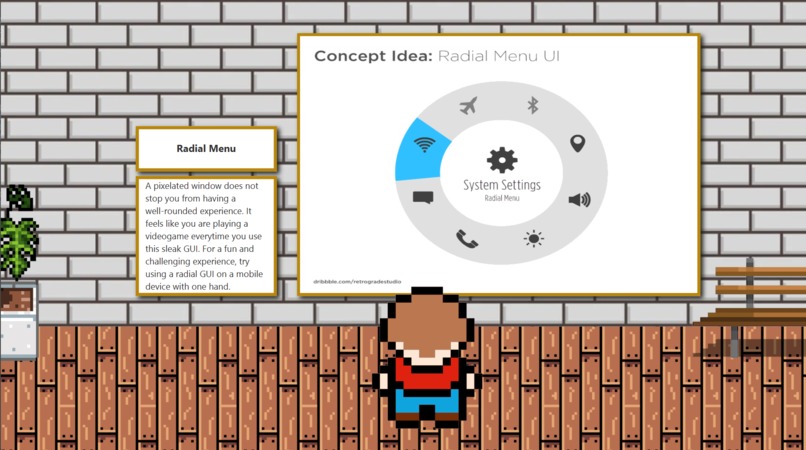
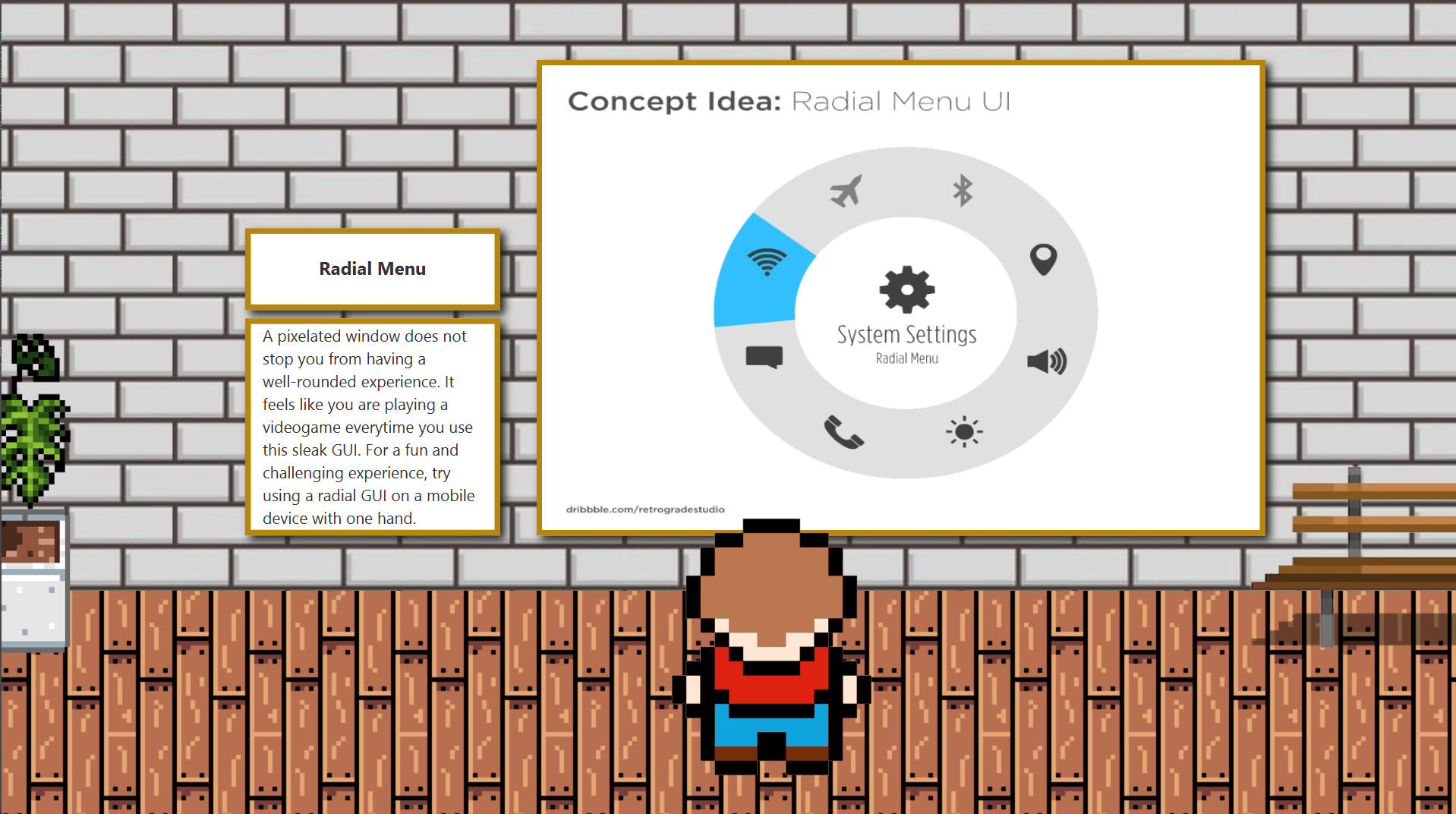
Radial Exhibit
-
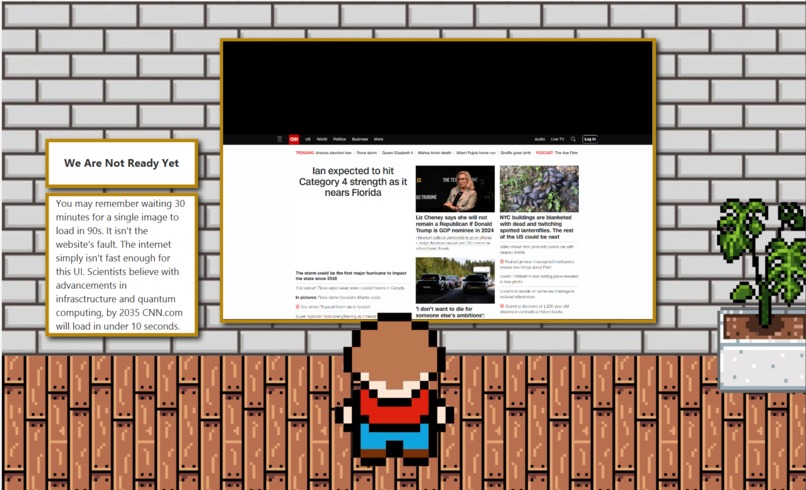
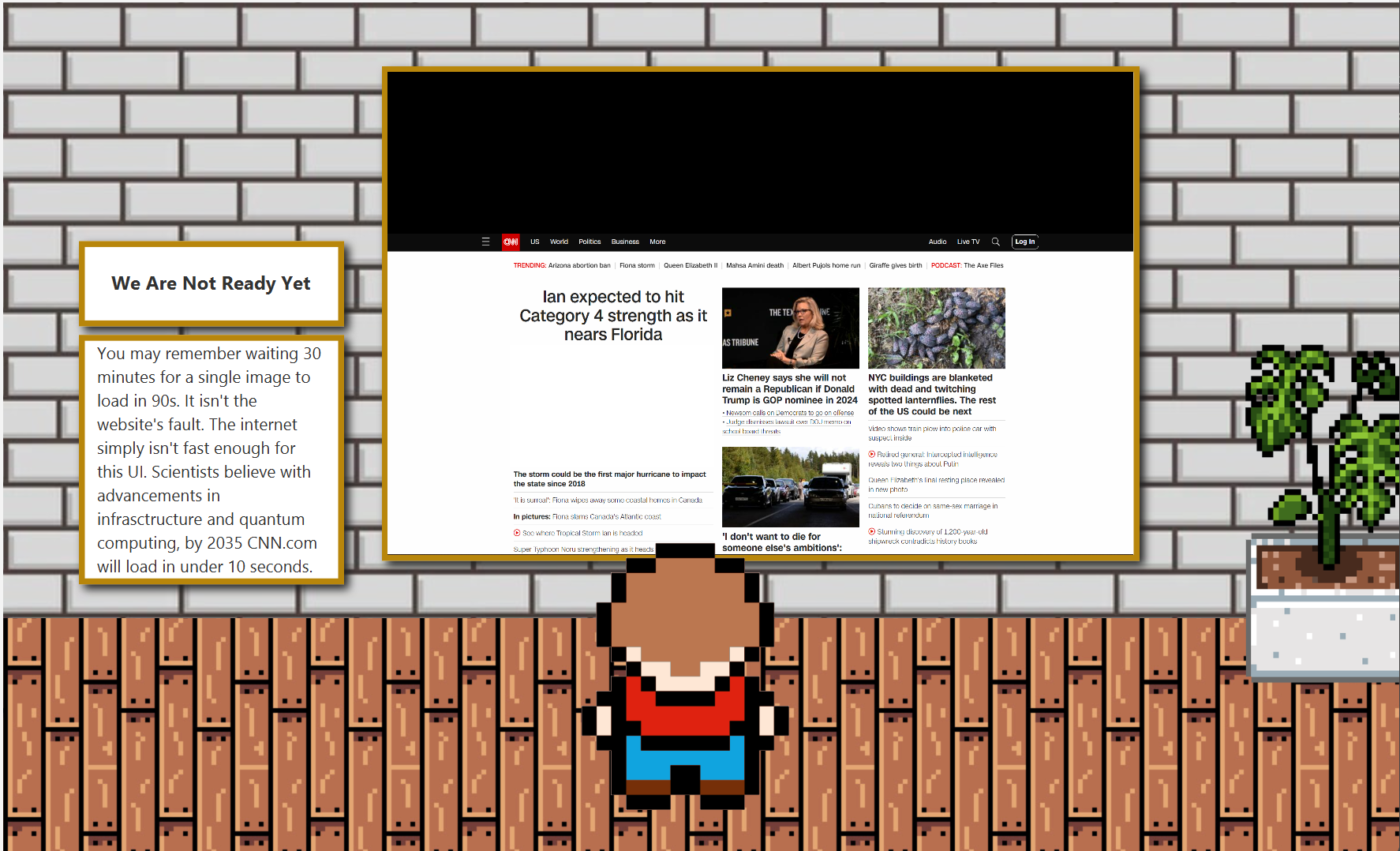
CNN.com Exhibit
-
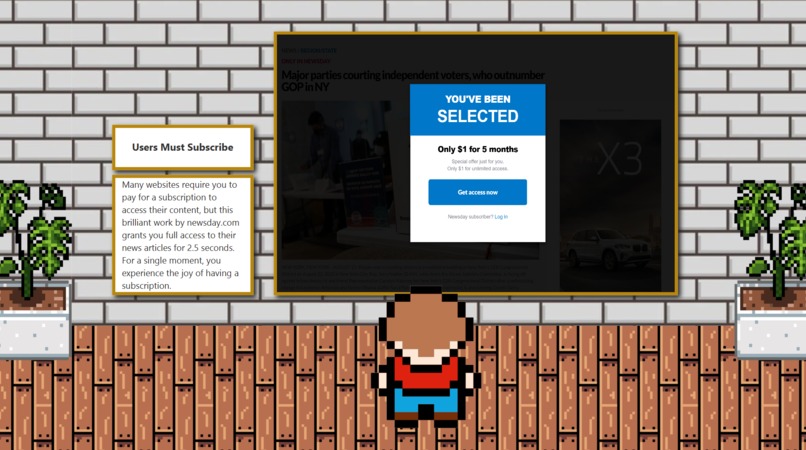
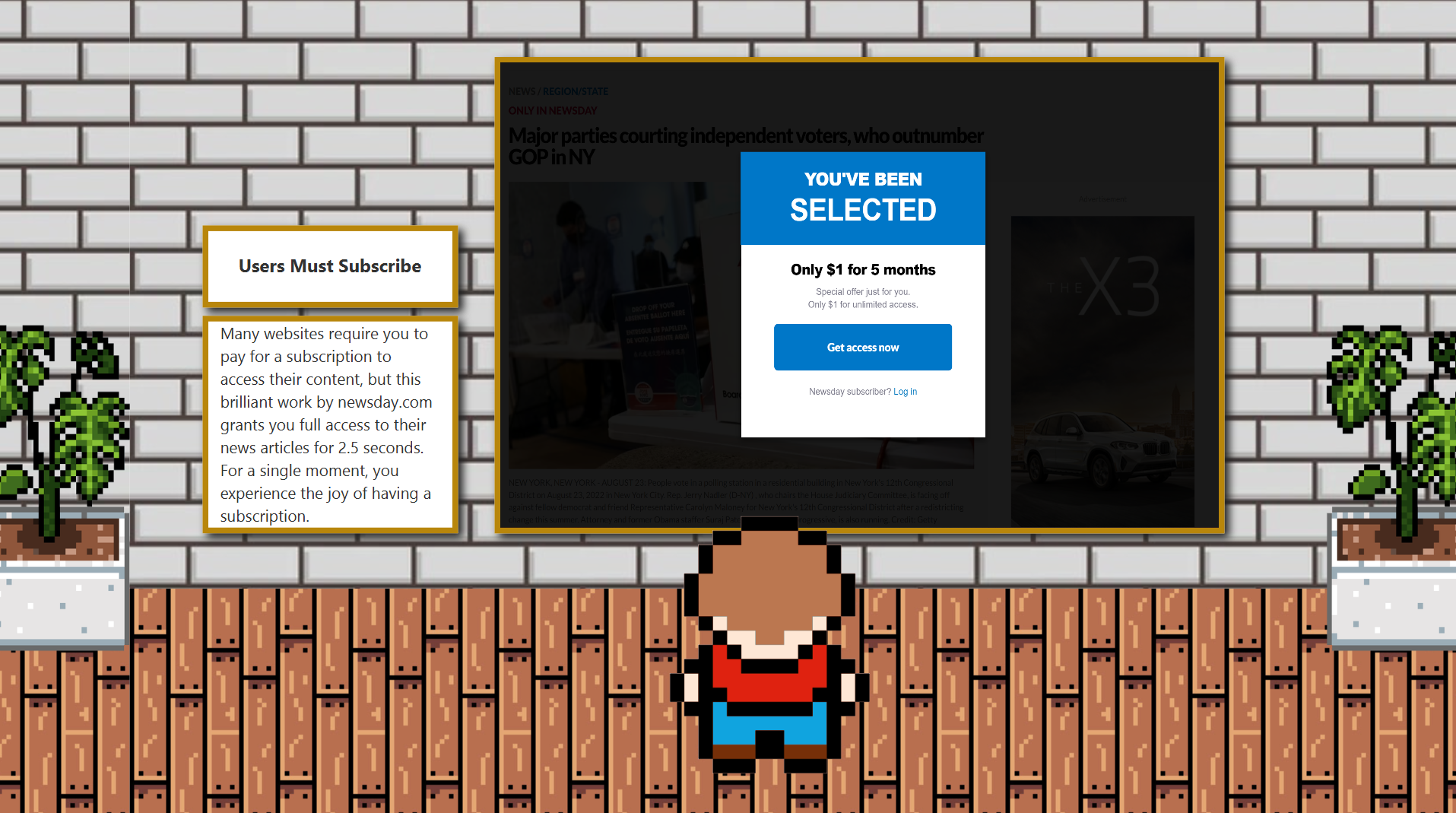
Newsday Exhibit
-
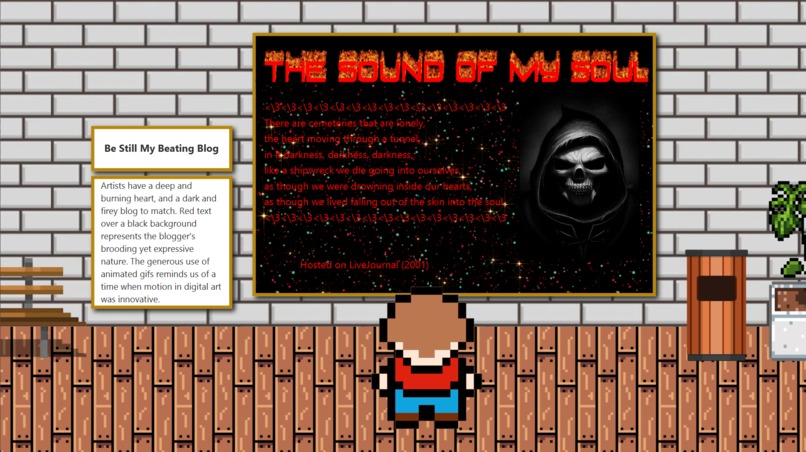
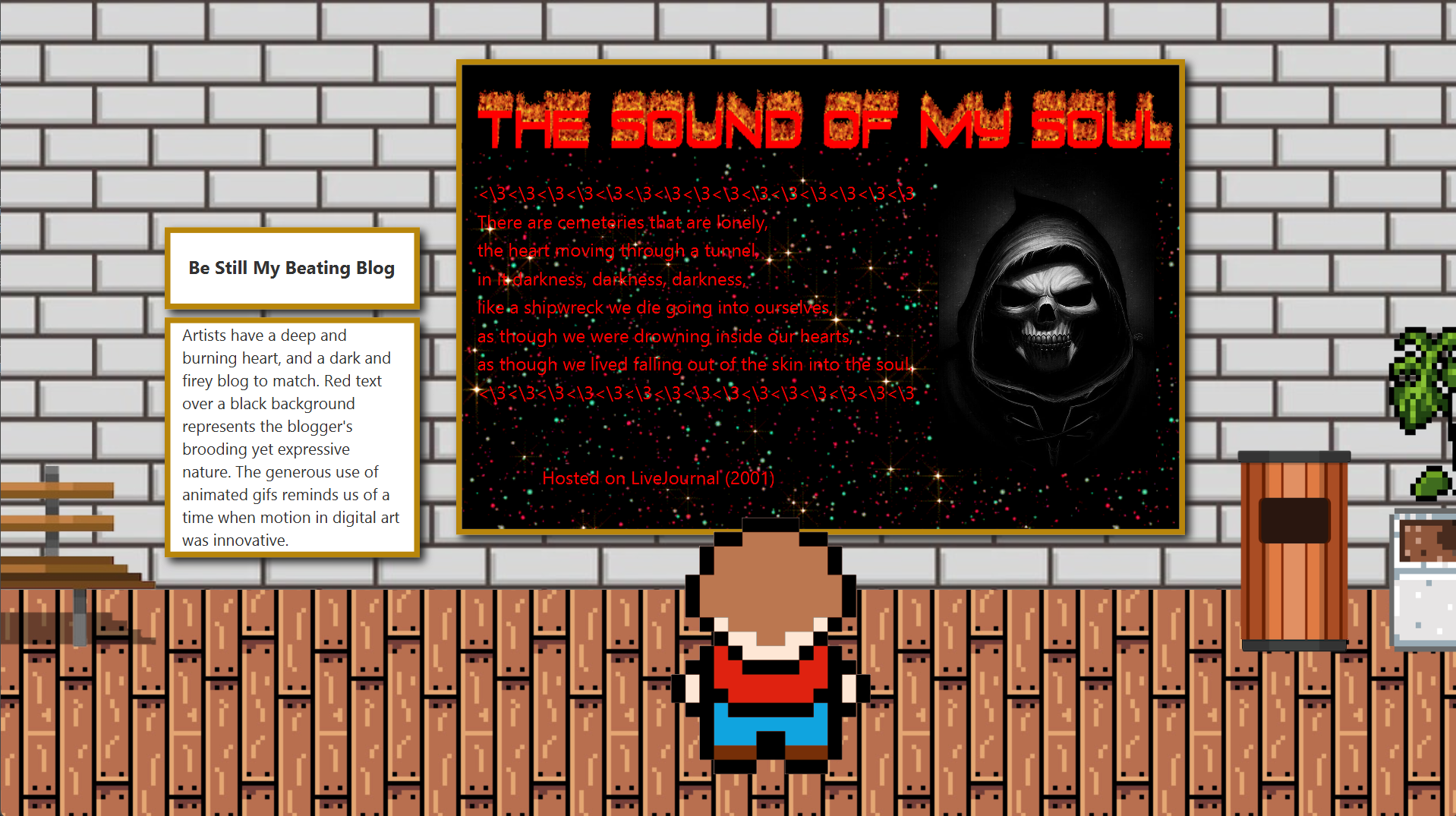
LiveJournal Exhibit
-
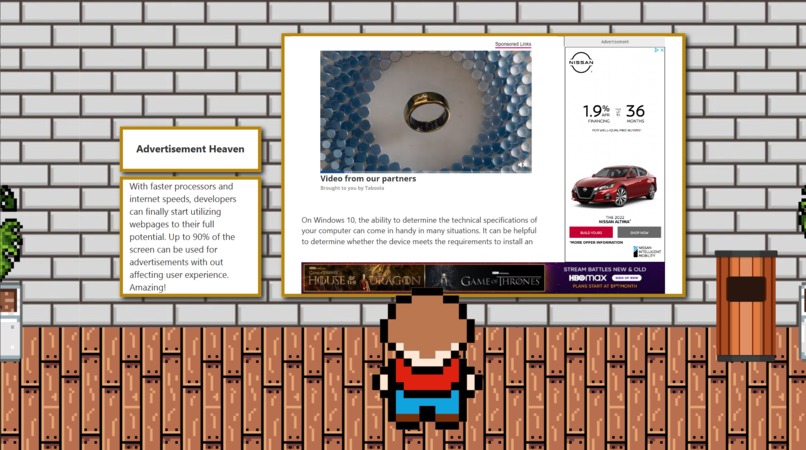
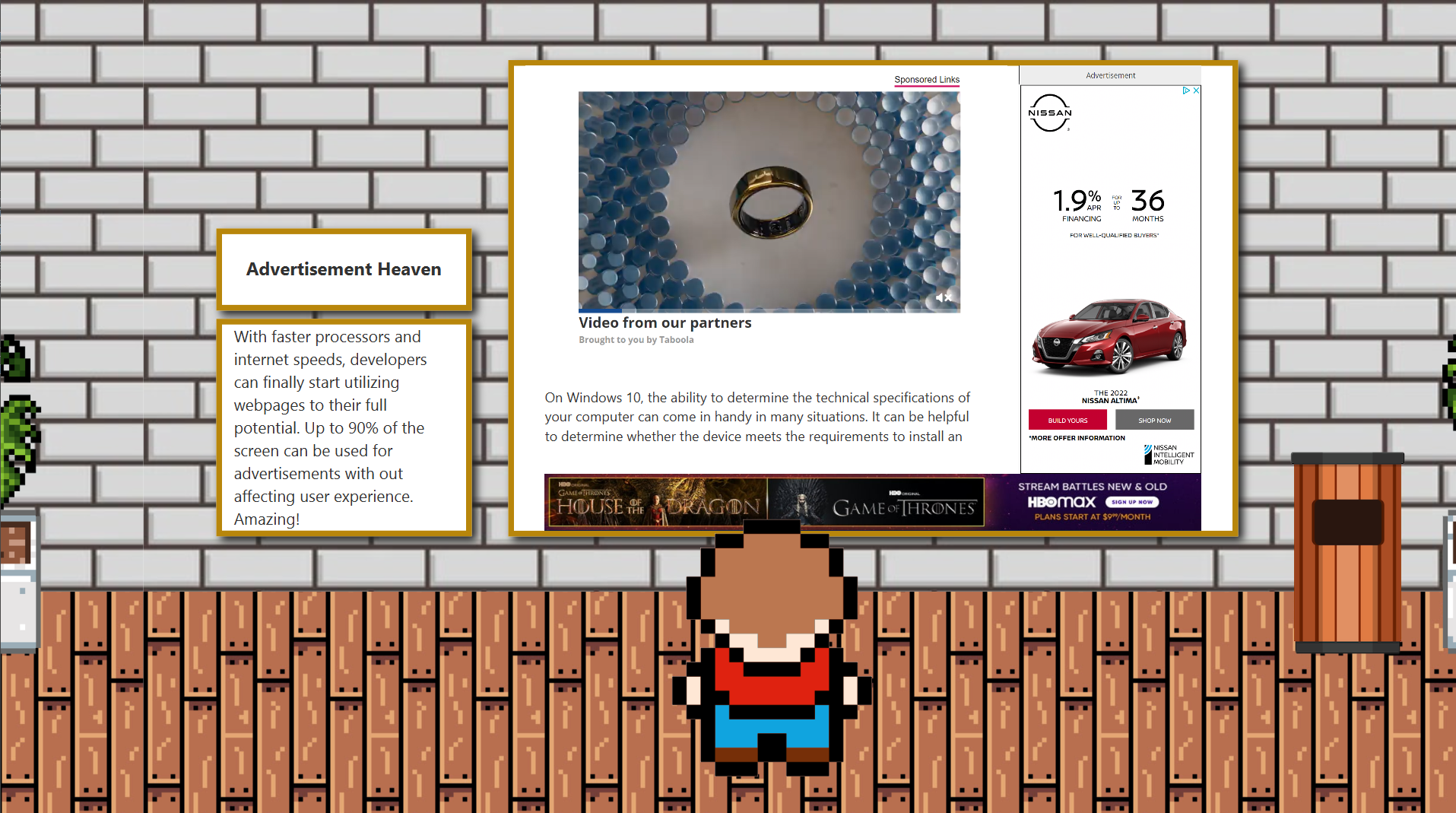
Advertisement Exhibit
-
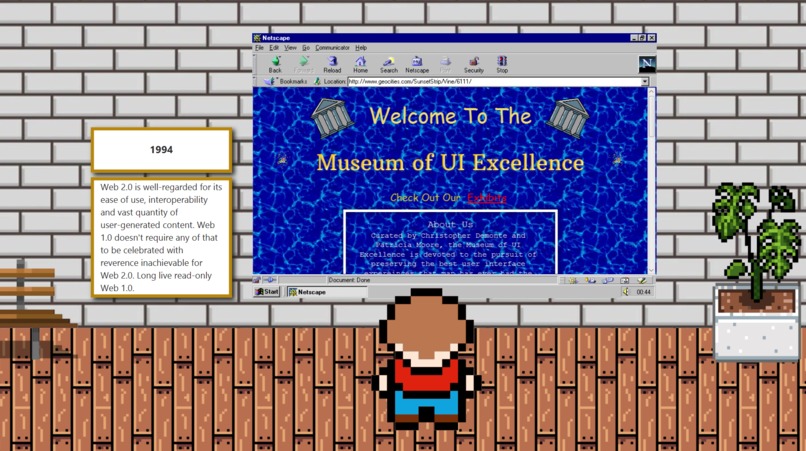
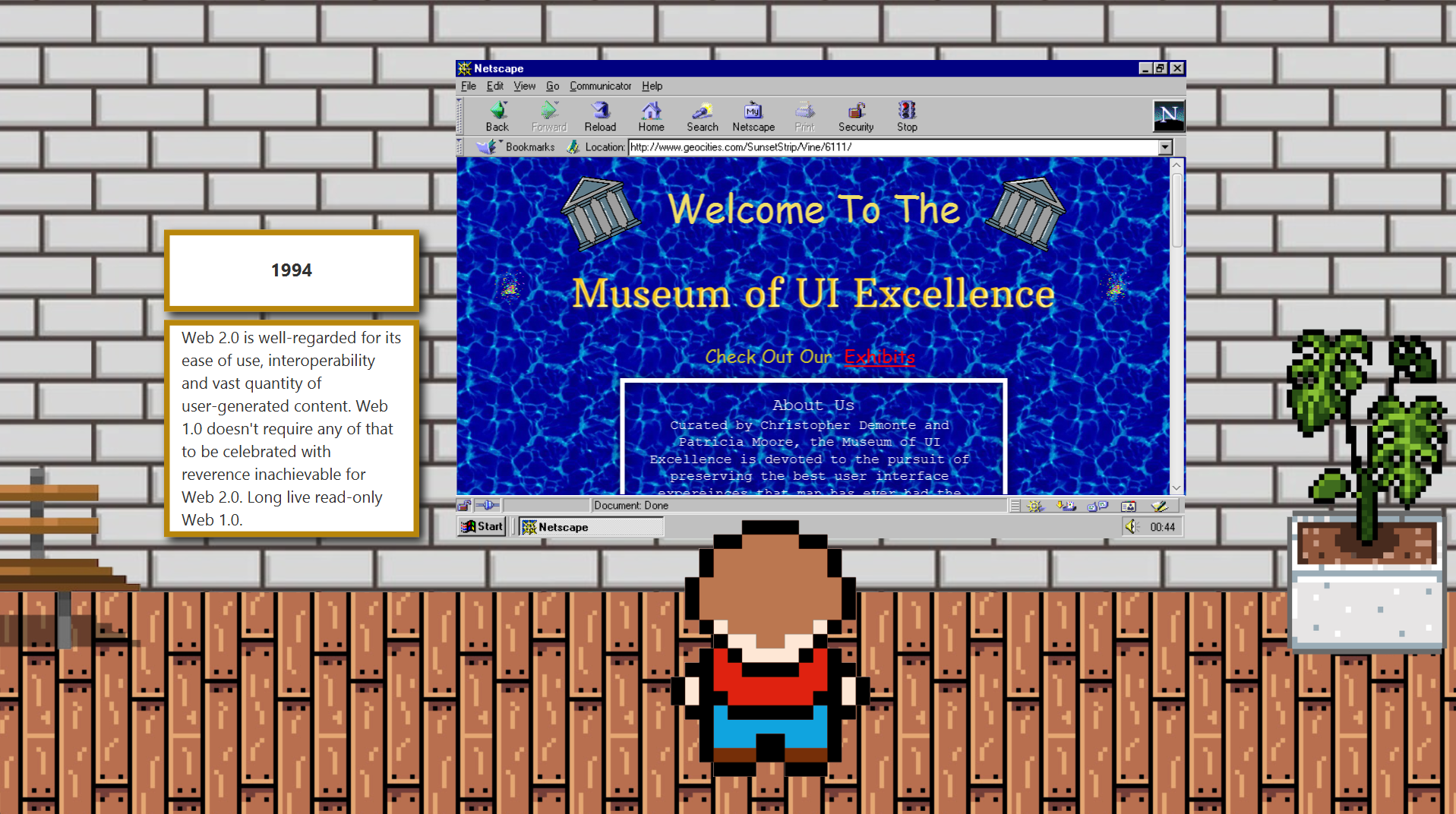
Geocities Exhibit
-
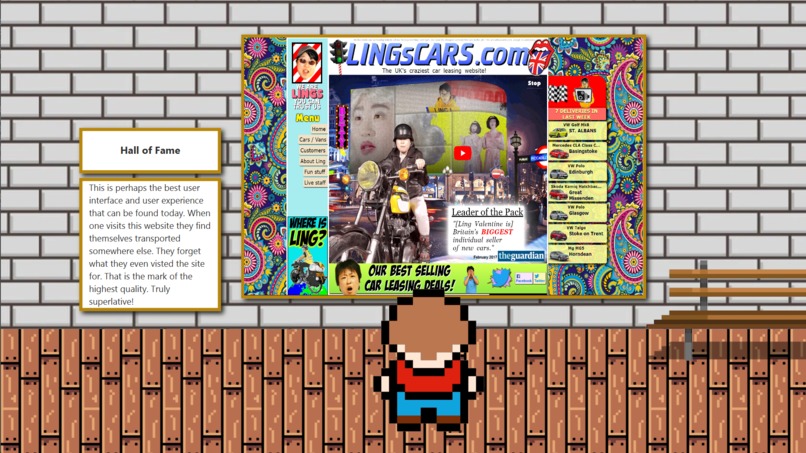
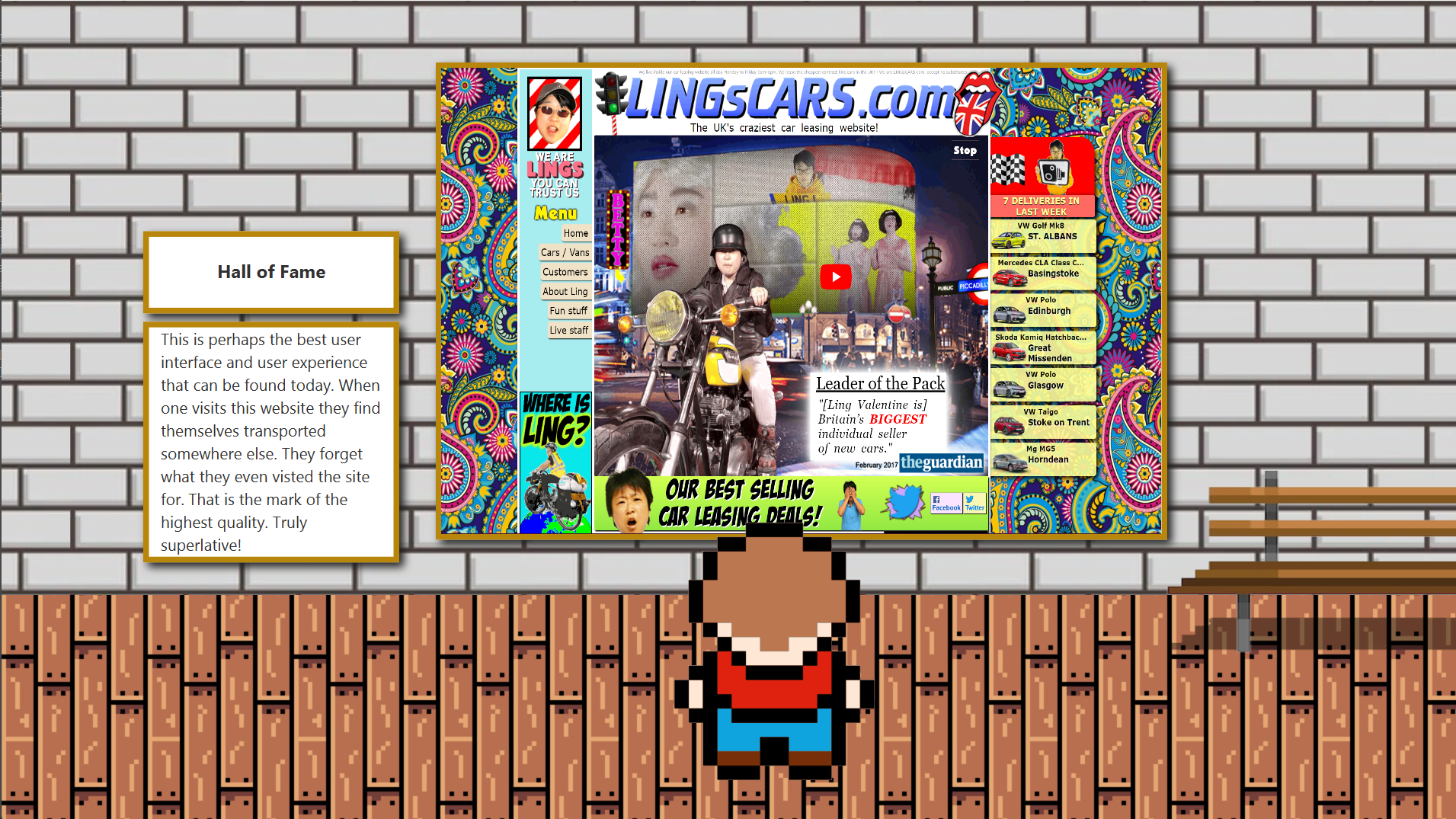
Hall of Fame Exhibit
Inspiration
For Chris, the inspiration to create this project came from the growth that he's done as an early-career programmer. He's learned that he is starting to prefer front-end development because it fits with the skills that he possesses as an artist.
For Patricia, it was about the opportunity to incorporate sarcasm as much as humanly possible. She also tends to prefer front-end development because she enjoys being able to watch her ideas become something interactive and tangible.
The beginning of this projects was more about talking than anything else. We spent a lot of time going back and forth about the idea on the first night, so that we could start to implement a framework that we could spend the rest of the weekend building off of.
We had a great time coming up with the idea and found ourselves laughing almost constantly.
What it does
The Museum of UI Excellence is a little game that allows a user to enjoy interacting with a variety of different exhibits. The exhibits are meant to illustrate examples of the pinnacle of UI design. We wanted the user to finish their tour of the museum feeling like they had witnessed the culmination of human UI design capability. We think we hit that nail on the head.
How we built it
First of all, it is programmed using Java, JavaFX, and CSS.
The design was purposefully made to be as modular as possible. We used an object oriented approach to the implementation of a Museum object, which itself is made up of several Exhibit objects that were stored within an ArrayList.
To start with, we made the single Museum and populated it with a single exhibit, the Banner. Once we were sure that this design was functional we were then able to add additional Exhibit objects as we saw fit.
The Museum has Walls and we keep track of how far the background has moved. They cannot exceed a lower bound and an upper bound. The Exhibits are Panes that are added to the Walls, which are also Panes.
Patricia is more familiar with using SceneBuilder to program JavaFX applications for complicated exhibits, so for those she chose to use the MVC design pattern to try to keep everything organized.
The scenery movement mechanism required a central game loop which is always running. 30 times per second it calls for the Museum to update. If the user is pressing the right or left arrow key the Museum itself moves.
The Little Guy keeps track of the last time his walking animation was updated. He keeps track of the current time and if he's gone a certain amount of time without changing his animation the animation will change to reflect whether he's still or walking, and what direction he's facing.
Challenges we ran into
We both had different approaches for developing the GUI that we had to integrate together.
We had one issue in particular with the way that a ScrollPane interferes with other event handlers that are listening for KeyEvents. This required us to figure out how to dispatch them to rectify what otherwise would have been a game- breaking bug. The little man couldn't move at all under those circumstances.
Patricia had issues with styling the Geocities exhibit. Elements in that exhibit simply did not want to have an image background.
Accomplishments that we're proud of
We're extremely proud of the fact that we were able to produce something we're both truly proud of despite the fact that we're both working adults. We're proud the fact that we had such a good time.
What we learned
We learned a lot about communicating what we were doing to organize things like version control via GitHub.
We also feel like we learned a lot about Java in doing this project, even though we both initially thought we were really familiar with it. We got to implement some cool animations using Timeline, too.
We also learned a lot about what good design looks like in practice.
What's next for The Museum of UI Excellence
We are going to show this to everyone we know, and probably also to many people we don't really know.

Log in or sign up for Devpost to join the conversation.