Inspiration
This project started as a personal challenge: could I build a complete 2D action RPG from scratch, solo, with no game engine GUI? I'm used to Unity's full editor — but here, I stripped all of that away. No drag-and-drop, no visual scripting. Just a text editor, a framework, and pixel art assets.
What it does
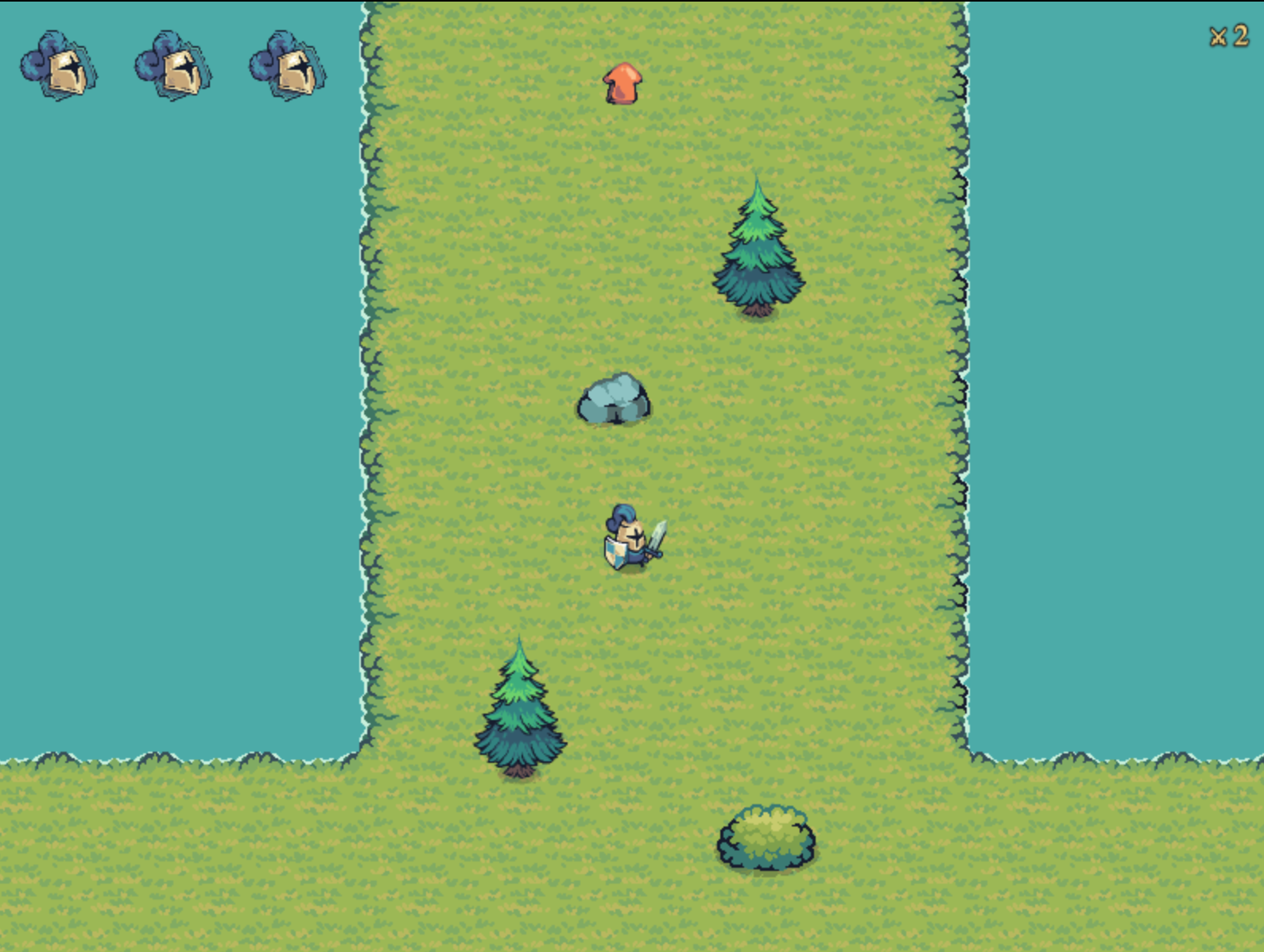
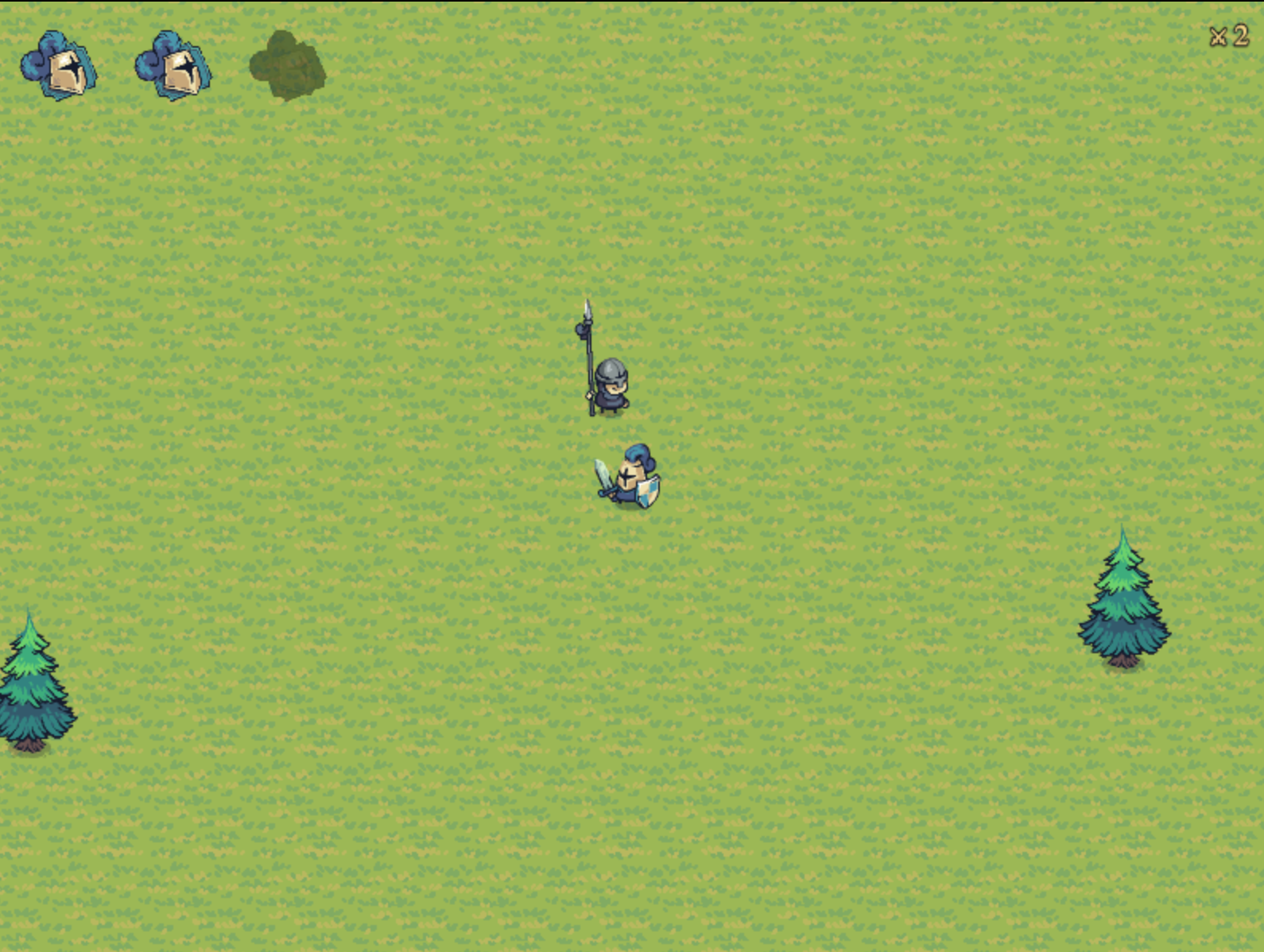
2D action game where you control a lone warrior defending against increasingly dangerous waves of lancers.
Fight with a layered combat system built for skill expression:
Attack — basic sword strike with a precise circular hitbox Combo — double-tap to follow up with a forward lunge, closing distance and dealing a second hit Dash — burst of speed with brief invincibility frames, letting you reposition or dodge through attacks Guard / Parry — hold to block; time it right on impact to trigger a parry that staggers the attacker Wave System Enemies spawn in waves across the map — corridor and open areas. Each wave adds more lancers, drawn from a shuffled pool of spawn points. A between-wave timer gives you a breath before the next push.
World The map is a hand-built tilemap featuring a river corridor, an open upper field, trees with physics collision, and a monastery landmark. The camera follows the player across the full world.
How I built it
GameScene for core gameplay, UIScene running as a parallel overlay for the HUD, and TutorialScene for the controls screen at startup.
All assets come from the Tiny Swords Free Pack — a handcrafted pixel art set featuring knights, lancers, tilesets, and UI elements.
The Custom Editor To place animated prefabs on the scene, I built an in-browser editor accessible via maki collision. It runs alongside the game with its own dedicated Phaser instance.
Each prefab (tree, rock…) is registered in a central registry (prefabs.js) with its spritesheet, animation config, and a path to its .collider.json file. Inside the editor, the sprite plays its animation in real time, and you drag hitbox handles directly with the mouse to adjust bodyWidth, bodyHeight, offsetX, and offsetY. Values are saved back to the JSON file through a local Vite API endpoint — and reloaded automatically by the game at runtime.
No more guessing physics values blind in code.
The Tilemap Collision System Wall collisions are not driven by Tiled tile properties, but by a group of static physics rectangles generated at scene initialization. This gives precise control over blocking zones independently from the graphical tileset, and lets you reshape hitboxes without touching the map file.
Trees use their own .collider.json data loaded at runtime — the same file edited visually in the editor — so the physics body always stays in sync with the sprite.
Challenges I ran into
Collision — Hitboxes That Actually Fit Getting physics bodies to match animated sprites was harder than expected. Sprites are large spritesheets (192×192 or 320×320px) but the visible character only occupies a fraction of that space. Setting the right bodyWidth, bodyHeight, offsetX, and offsetY by guessing numbers in code was a dead end.
The solution was building a dedicated collider editor — a live Phaser viewport where you drag hitbox handles directly over the animated sprite and save to a JSON file. That file is loaded at runtime, keeping the physics body permanently in sync with the sprite without ever touching the game code. A local Vite API endpoint handles the read/write. It turned a blind guessing loop into a two-second visual adjustment.
Accomplishments that I'm proud of
Building a Real Development Tool The collider editor wasn't planned — it emerged out of necessity. But it ended up being one of the most satisfying parts of the project.
It's a fully functional in-browser level tool built from scratch alongside the game: a live Phaser viewport where animated prefabs play their sprites in real time, draggable hitbox handles that update bodyWidth, bodyHeight, offsetX, and offsetY visually, and a local API that persists the values directly into the project's JSON files the moment you release the mouse.
What makes it genuinely useful is the tight feedback loop — the same .collider.json file edited in the tool is loaded by the game at runtime with no intermediate step. Change a tree's hitbox in the editor, switch to the game tab, and it's already there.
Building a tool that makes the game itself easier to build — and getting that loop to feel instant — is something I'd be happy shipping as a standalone utility.
What I learned
Spritesheets Are Not What They Look Like
What's next for Untitled
Built With
- javascript
- maki
