
Inspiration
School buses are an integral part of education systems around the world. Parents expect that their children will be picked up or dropped off at the bus stop everyday without any harm or danger to their child. This unfortunately, is not always the case. Everyday many young school children are left behind, put on the wrong bus, or miss their bus stops leading to unimaginable scenarios for parents. It is therefore crucial that schools prioritize student safety and invest in technologies to keep our school children safe.
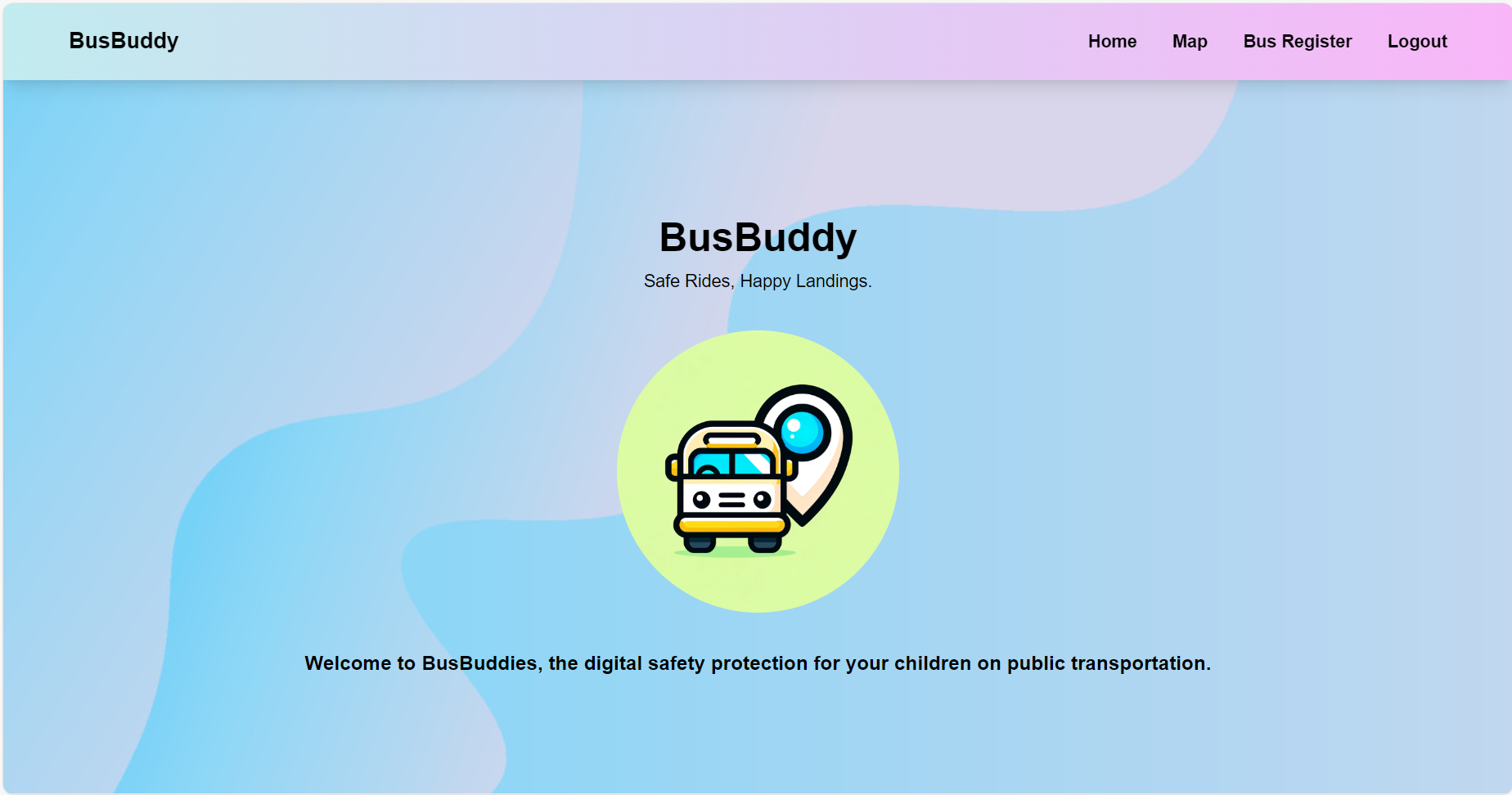
BusBuddy is a student safety system designed to be placed in school buses to provide clear communication to students, bus drivers, parents and school staff about the status of their students before they arrive at school and after they leave. The ultimate goal of this project is to prioritize the safety of students by leveraging AI to assist school staff in facilitating student transportation.
What it does
There are many individuals concerned with student safety from school staff, to parents, to bus drivers, to the students themselves. We designed BusBuddy to provide a line of communication between everyone ultimately working together to provide a safer environment for students. Let’s explore what this looks like in every perspective.
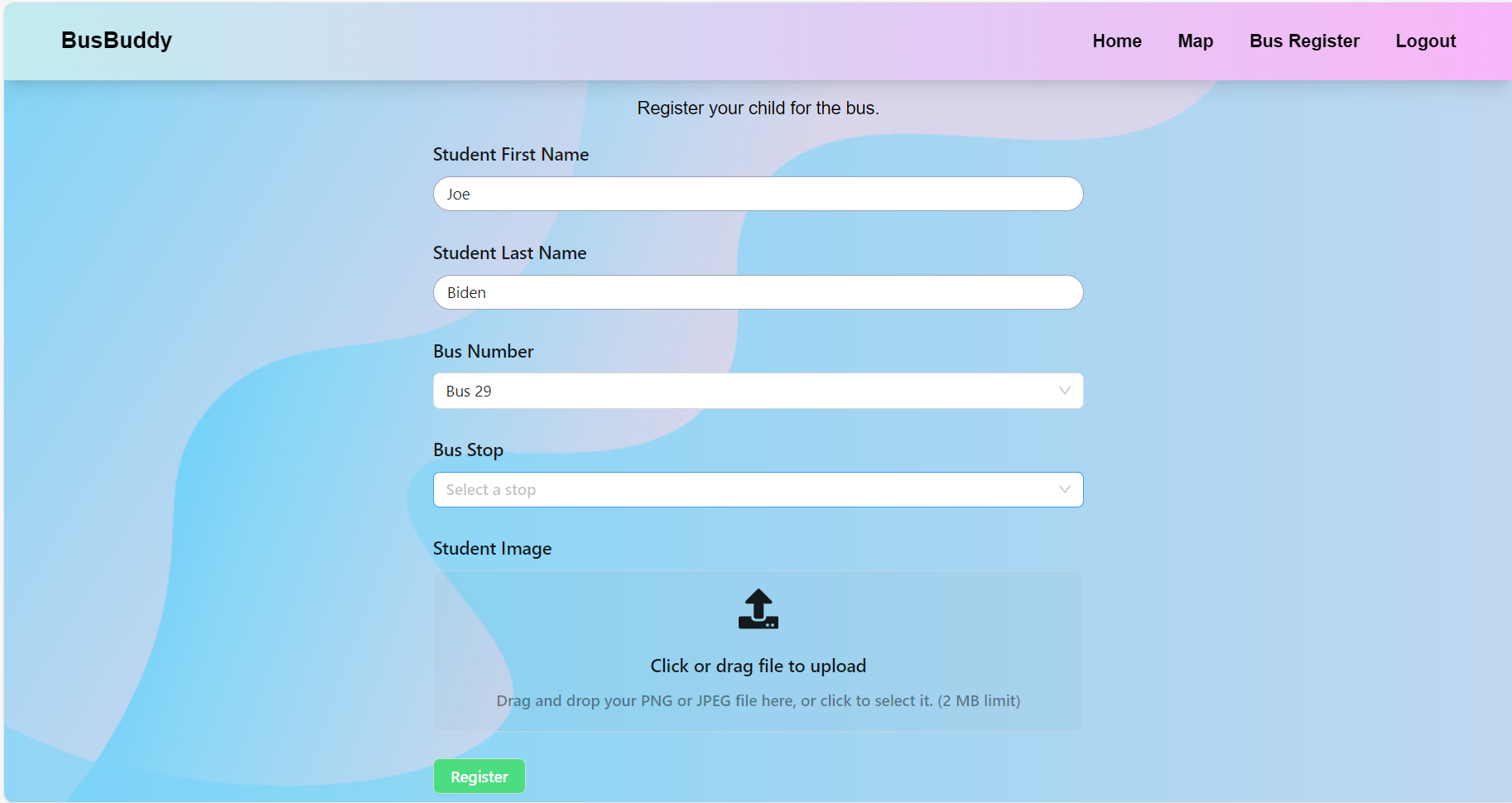
Parents: Once a parent decides they want their child to ride the school bus, the first step is to register their child into the BusBuddy system. From here, we collect the child’s name, picture, bus number, and bus stop. Parents are then notified when their children enter and exit the bus as well as where they boarded from and where they were dropped off by utilizing predetermined bus stop numbers.
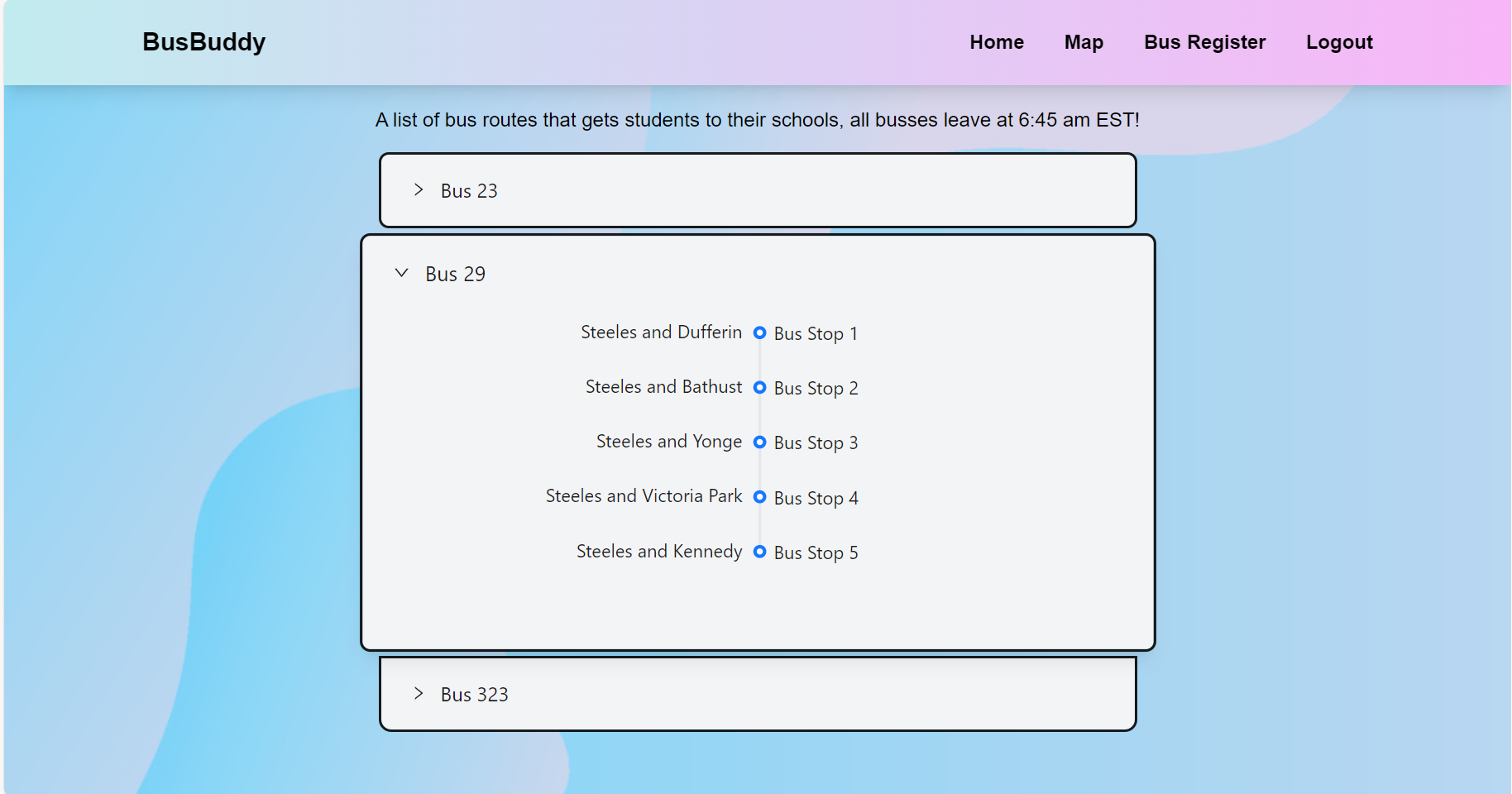
Bus Driver: Next, the bus driver will have full access to the names of the children that are supposed to be on their bus, their stops, and identifying information such as name and photo. This will assist the driver in making sure every student is exactly where they are supposed to be at all times throughout the process. BusBuddy will use its facial recognition software to track when a child has boarded the bus, as well as check that they are leaving at the right stop before they leave the bus.
Student We designed BusBuddy to keep the process simple for students. Upon entering the bus, students are required to scan their face using a camera to verify they are getting onto the correct bus. If they are on the correct bus, BusBuddy will say “Welcome [Name]”, however, if they are on the wrong bus they as well as the bus driver will be notified along with their correct bus number or if they are not registered within the bus system. On the other hand, upon leaving the bus, they will once again scan their face to verify they get off at the correct stop.
How we built it
The Magic School Bus is built using a backend composed of Python, integrated with a PostgresQL database hosted on the cloud using Railway. The facial recognition is designed using OpenCV, and the facial recognition library. All tied together with a React front-end.
Challenges we ran into:
During this 24 hour period, we unfortunately ran into numerous issues. What was even worse was some of these issues were minor mistakes that we missed, like indentations, variable names, or accessing an array index that wasn’t initialized yet. However, we all managed to pull through and dig deep to attempt this challenging, but rewarding, project.
The 3 main issues we encountered were: Choosing and Setting up a Database Integrating the OpenCV window screen into our Front End React webpage Overall code efficiency
Working with databases was a new challenge for most of us as we either had experiences just working with existing databases, or didn’t have enough knowledge about hosting services. We spent time as a team researching various databases for our specific use case. We wanted to have a cloud database, rather than hosting locally such as through Docker, and thus opted to use Railway with a PostgresQL database. Figuring out the most optimal database configuration was also a challenge in this aspect as we played around with ideas such as integrating Blob data types to ultimately deciding that since our images were of a small enough file size, directly converting the images to binary 64 and storing it as a string in our database would be most effective at our current stage of programming. Although this process may have been less efficient, it was our most ideal and simplest outcome for the hackathon purpose.
Working with OpenCV was not the main challenge, rather it was encapsulating the video capture into a flask endpoint that could then be integrated into a react component. This was a new challenge working with flask but through collaboration and research, our team was able to set up the localhost! However, the latency issues made the video mirroring nearly impossible to run smoothly. Thus, we opted to work in OpenCV for the demo while researching faster and more cost-friendly alternatives.
Accomplishments that we are proud of
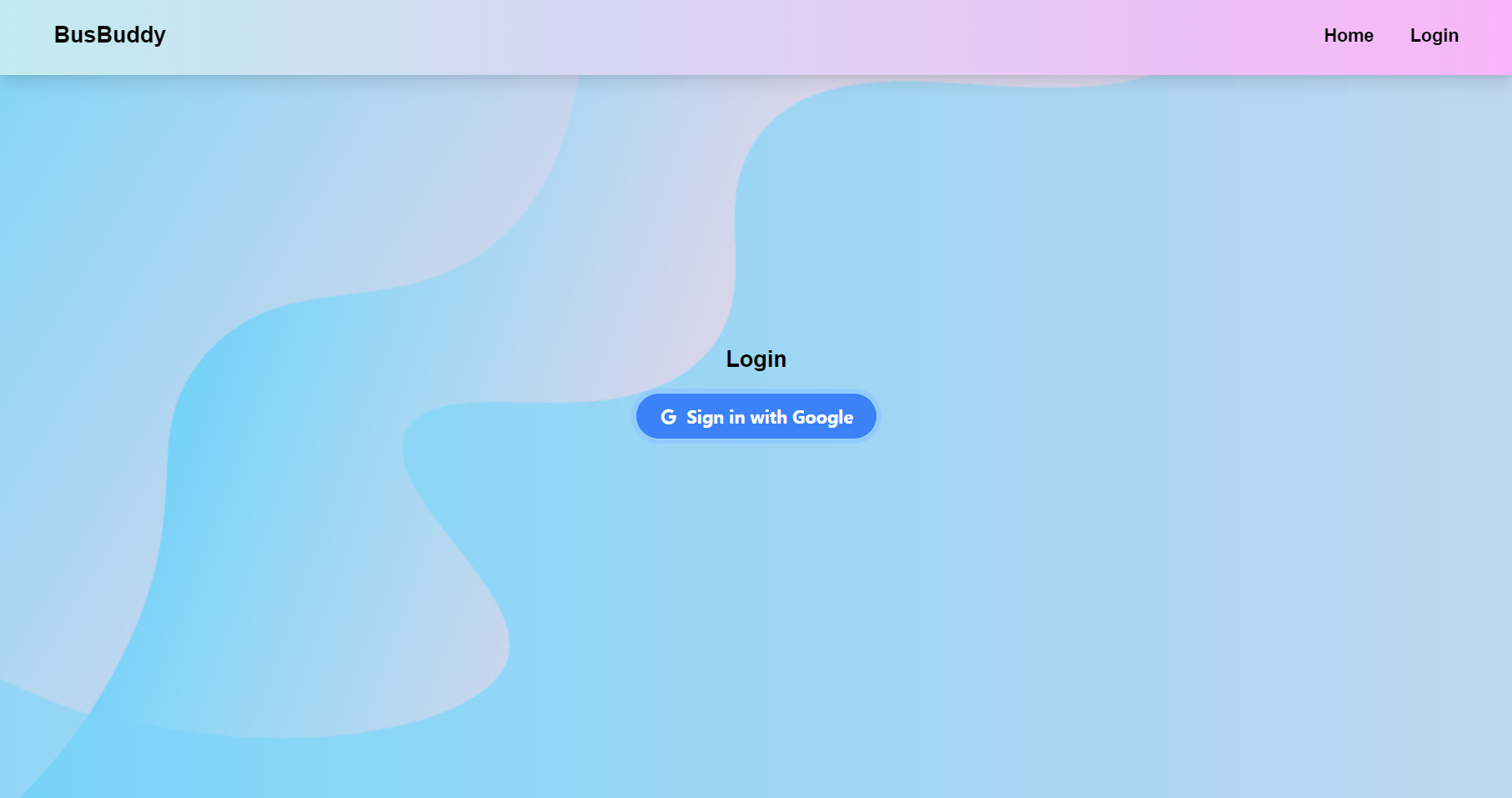
Our team’s quick thinking and ingenuity with Flask endpoints to embed the OpenCV window into a React based front end webpage Our fast-learning of how to connect the Python backend code with the PostgresQL database, of which we utilized SQLAlchemy described below Setting up a firebase authentication system for user authentication! This aided in our login aspect of the application, allowing parents to login and enroll their children
What we learned
In terms of the backend and database configurations, there was a lot that we learned through this, from storing databases on cloud using Railway to using tools like SQLAlchemy to connect to this database. These were all new technologies to our team teaching us new tools to use when working with databases using Python.
This idea, and researching various technologies, their use cases, and how they can be utilized in our project, helped fuel our entrepreneurship mindset. Our team spent a good couple hours brainstorming how BusBuddy could be integrated into buses in the school system, researching what complications users could run into and building our project to address those issues. Overall, the process of creating a product from the ground up and seeing its demo was extremely fulfilling to our team.
Built With
- ant-design
- css
- firebase
- flask
- html
- opencv
- python
- railway
- react
- sql
- sqlalchemy
- tailwind
- typescript


Log in or sign up for Devpost to join the conversation.