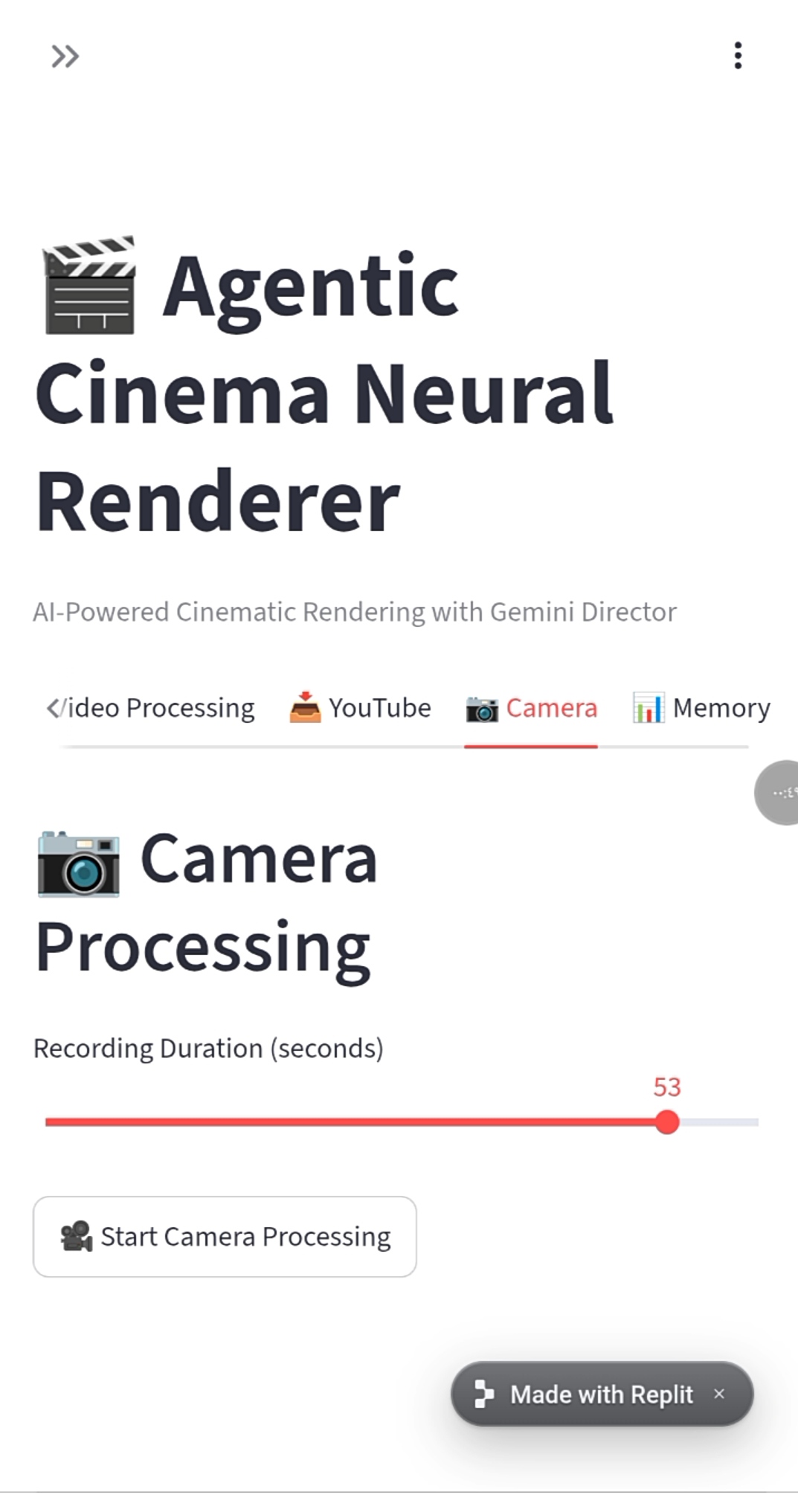
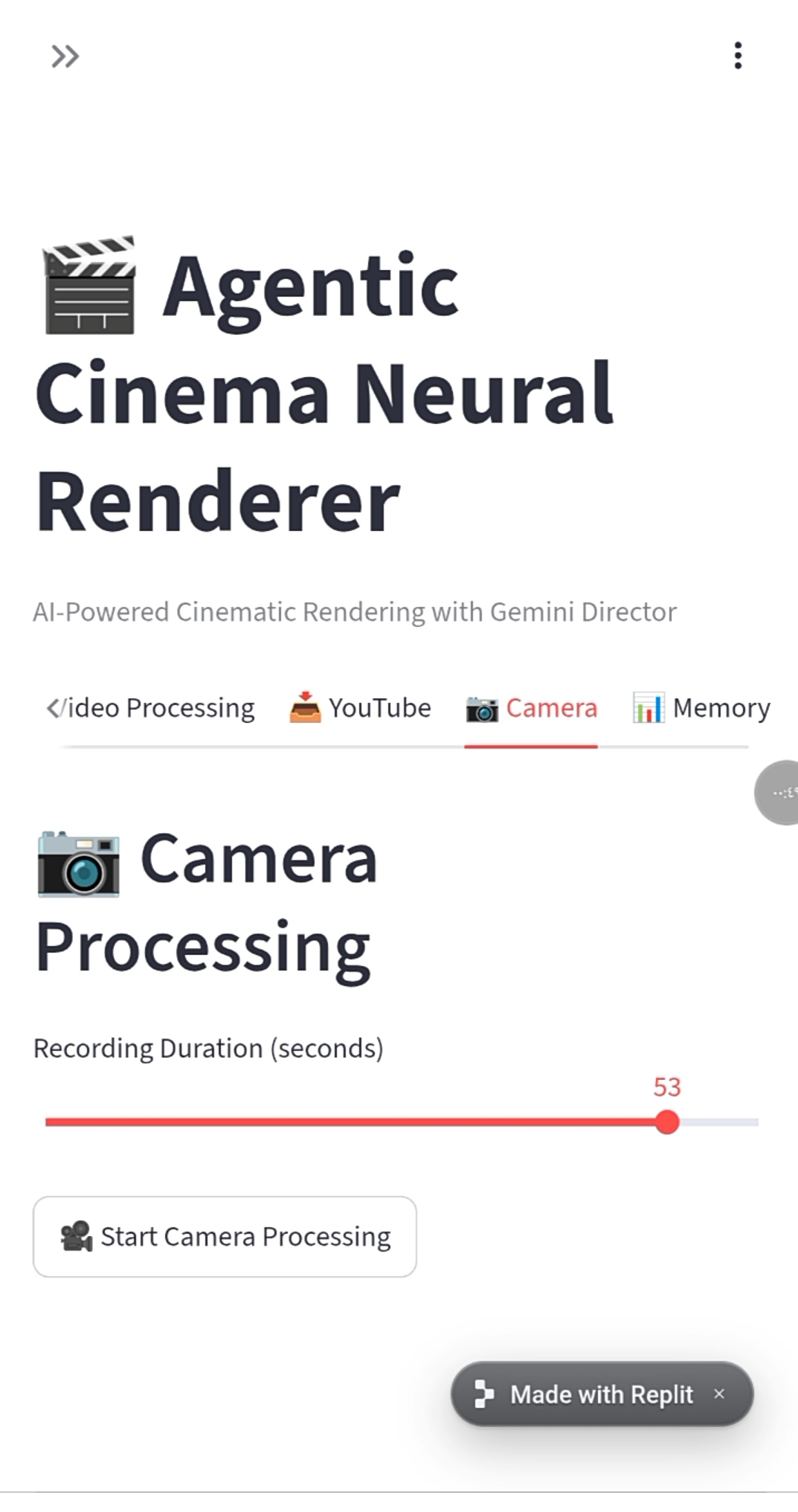
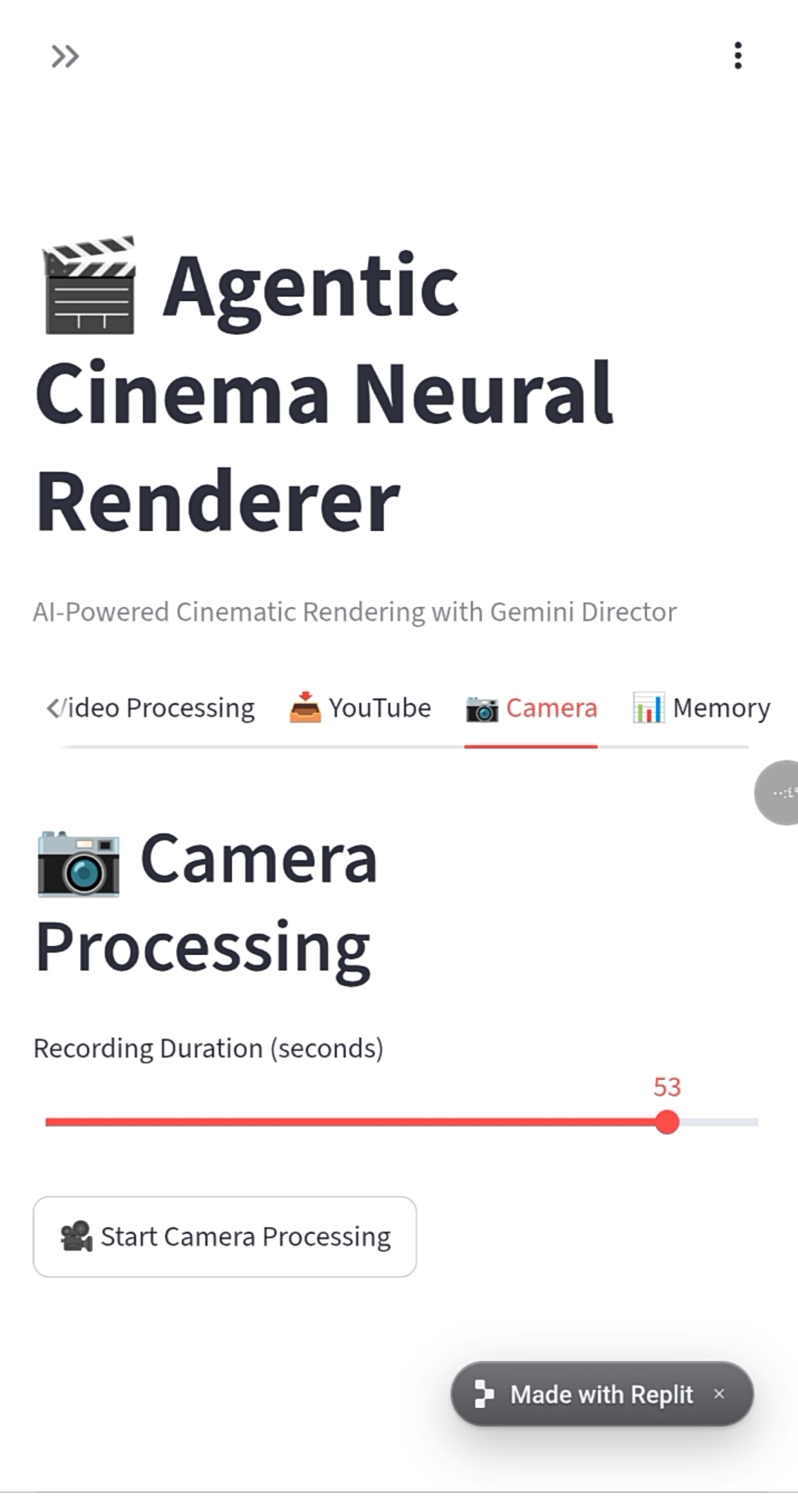
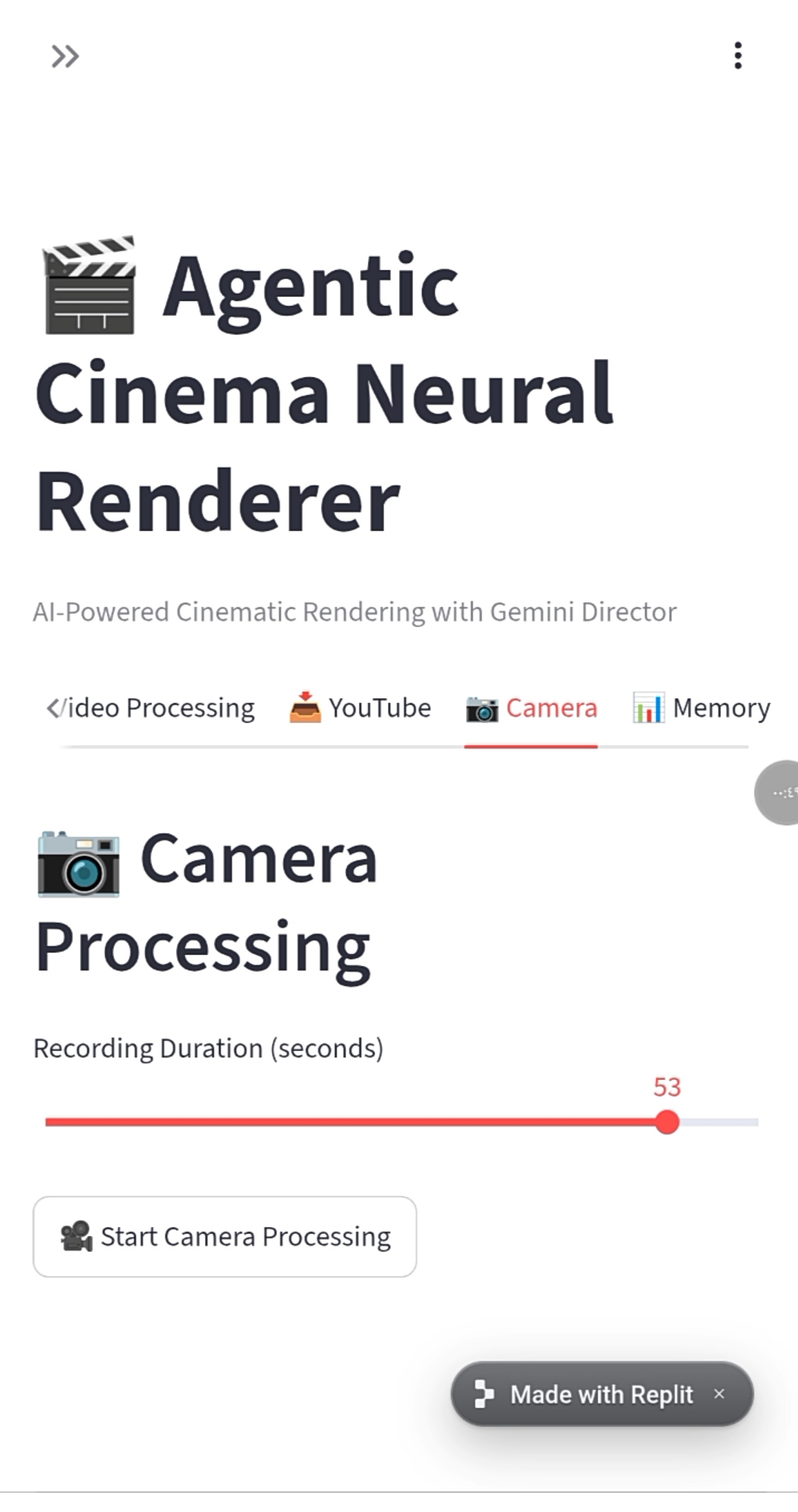
The Inspiration Traditional video analysis tools treat video frames as isolated snapshots, completely missing the narrative flow, cinematic intent, and dynamic context that define filmmaking. As AI continues to transform media production, there was a glaring gap: a lack of autonomous, director-level AI capable of understanding, framing, and retaining the continuous memory of a cinematic scene in real-time. We wanted to build an intelligent assistant that doesn't just "see" video—it directs and remembers it. What It Does Agentic Cinema Neural Renderer v6.0 turns multi-source video feeds (local files, YouTube streams, or live feeds) into a structured, real-time cinematic analysis pipeline. Powered by Google’s Gemini 2.0 (GenAI SDK), the system acts as an autonomous AI Director that analyzes camera motion, lighting setups, actor positioning, and scene mood. To solve the problem of context loss, it integrates ClickHouse Cloud, storing temporal frame embeddings and scene metadata in a dedicated scene_memory database. This gives the AI dynamic, long-term memory to maintain narrative consistency across long-form content. How We Built It
- Intelligence Layer: Leveraged google-genai to construct direct, structured directorial prompts that output high-precision analysis in real-time.
- Memory & Vector Layer: Engineered a resilient ClickHouseMemoryManager that auto-connects to ClickHouse Cloud to log scene states, complete with an offline fallback mechanism to ensure uninterrupted execution.
- Ingestion & UI: Used opencv-python and yt-dlp for high-throughput video frame extraction, wrapping the entire experience into a responsive, interactive Streamlit dashboard. Challenges We Overcame Balancing zero-downtime execution with real-time API calls and cloud storage was our biggest hurdle. We solved this by designing a fail-safe, modular architecture where ClickHouse seamlessly falls back to local memory if network latency spikes, ensuring the video stream and Gemini processing never freeze. What’s Next We plan to expand the renderer to generate automated shot-list suggestions and direct integration with 3D engines (like Unreal Engine) for real-time spatial pre-visualization.

Log in or sign up for Devpost to join the conversation.