-
-

Me, Jacob
-
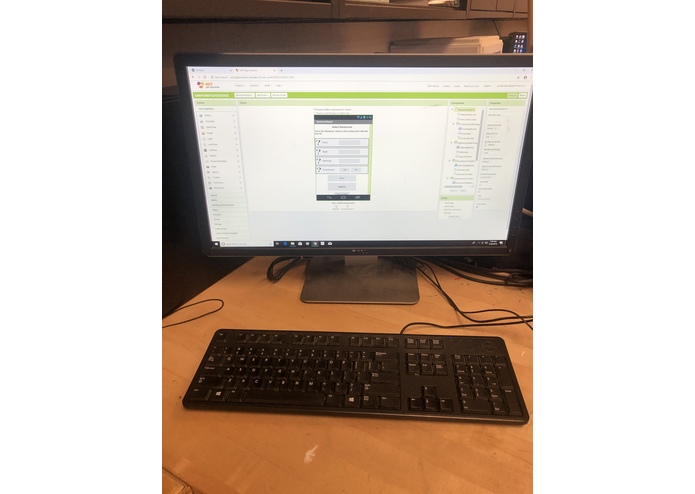
Workspace
-
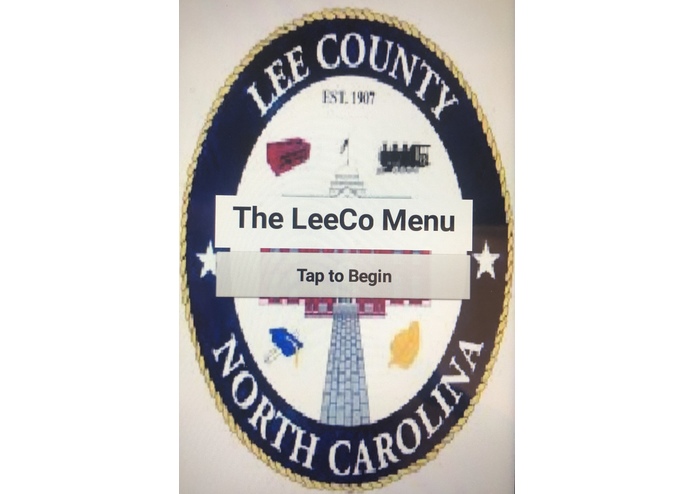
Title Screen
-
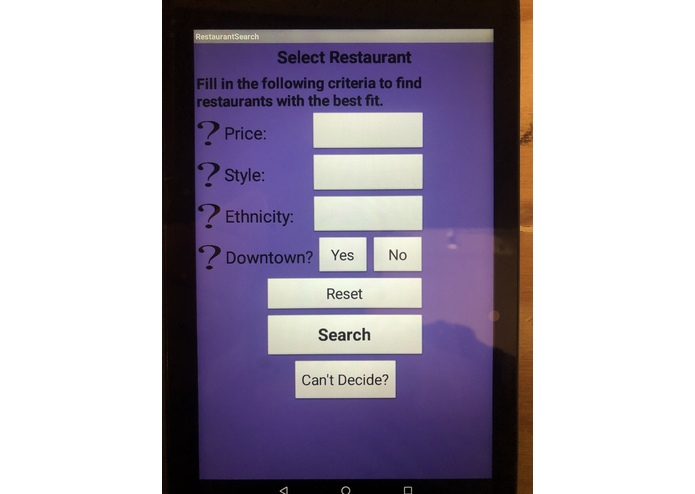
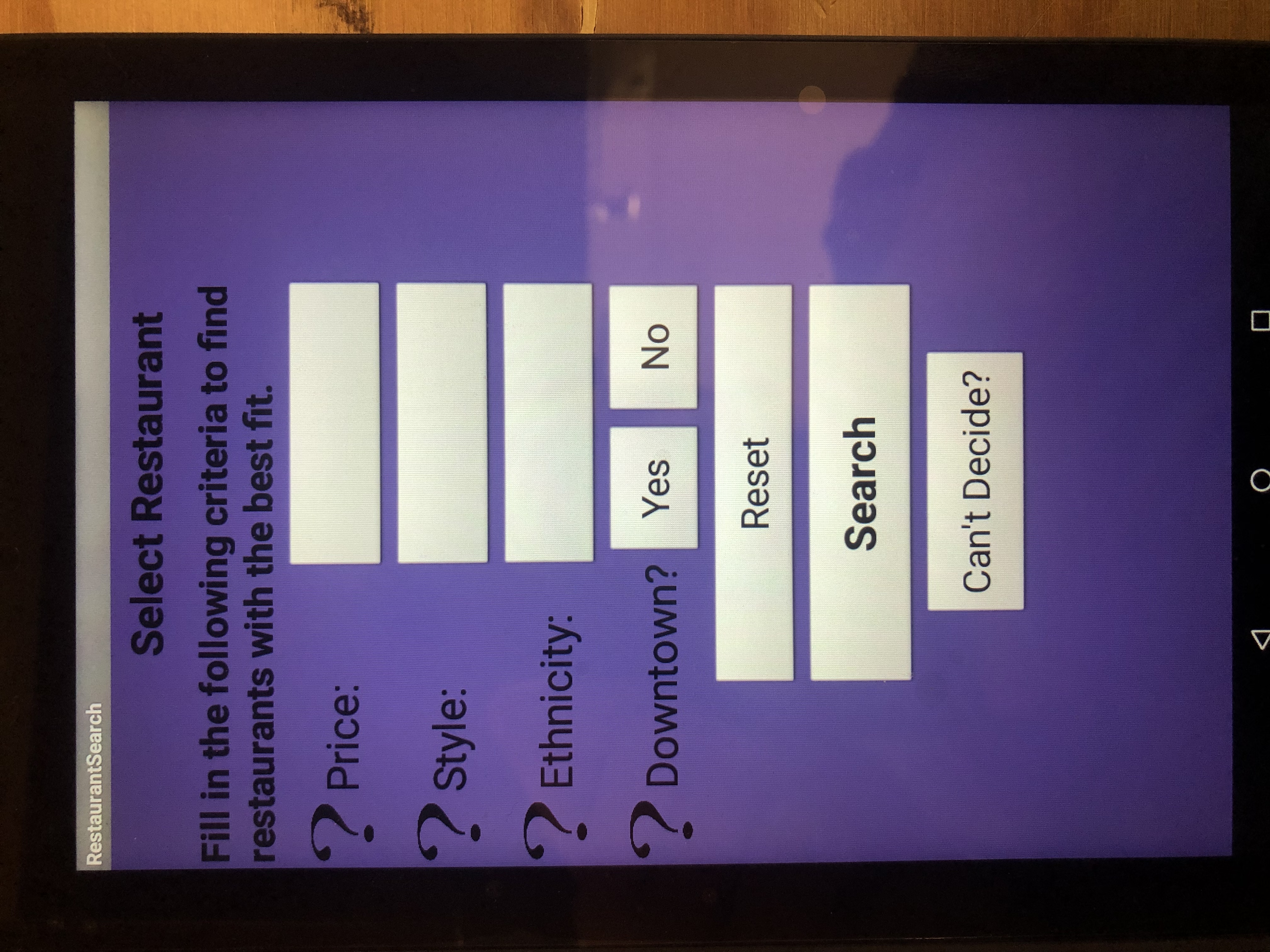
Restaurant Search Screen
-
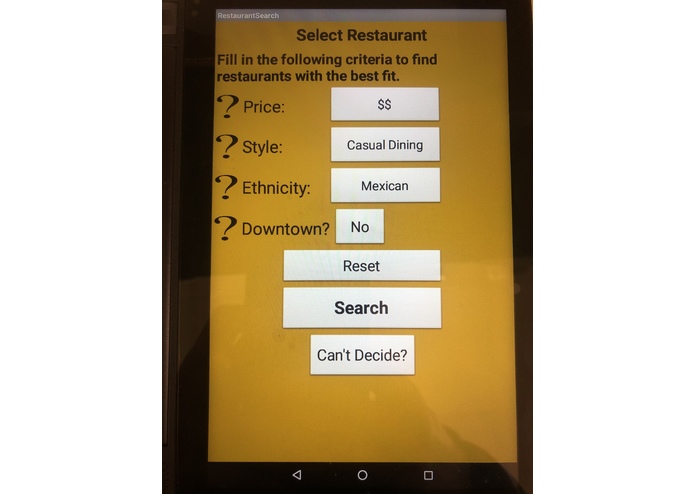
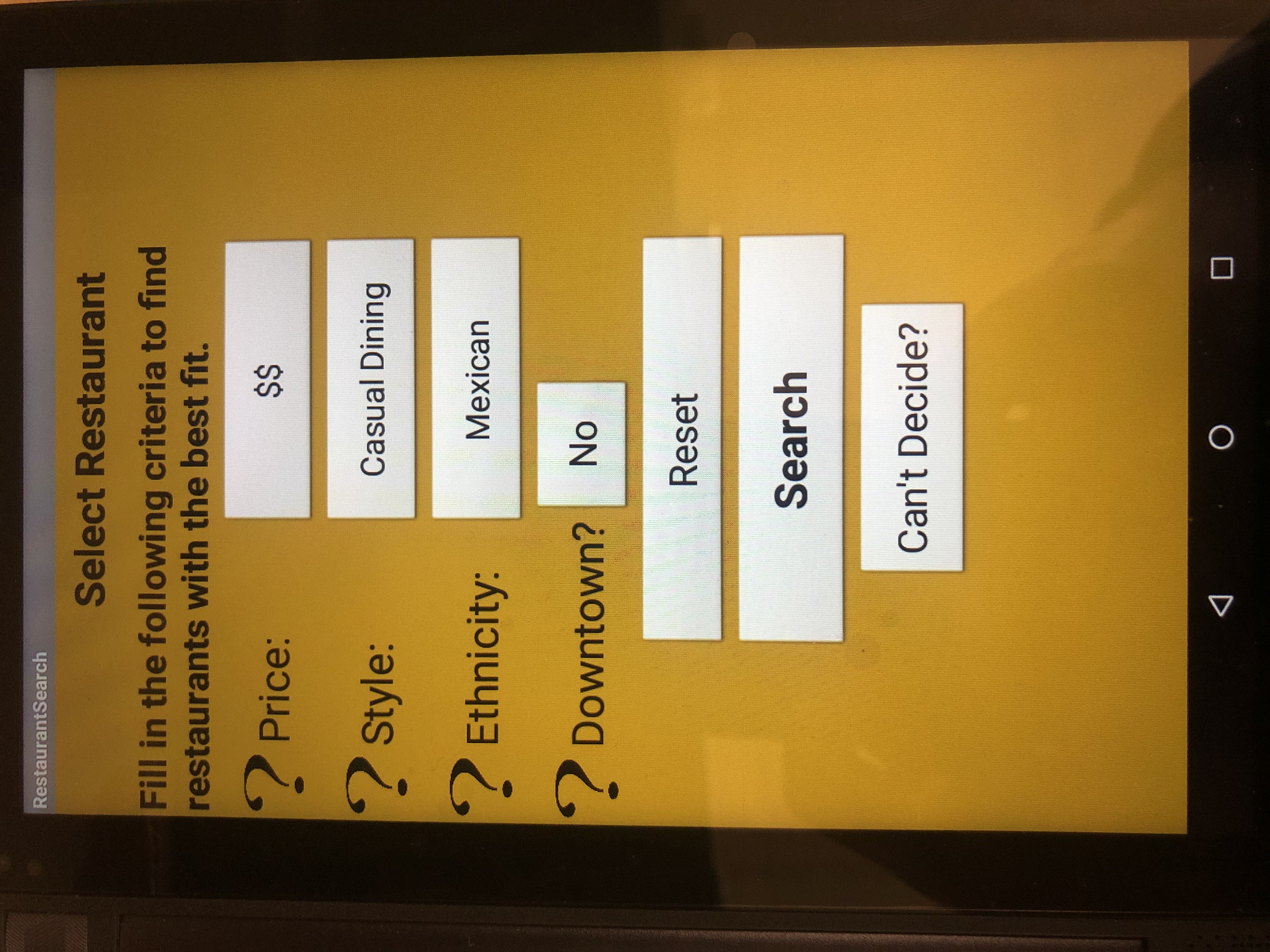
Restaurant Search Screen with a complete order (different background color due to color randomizer)
-
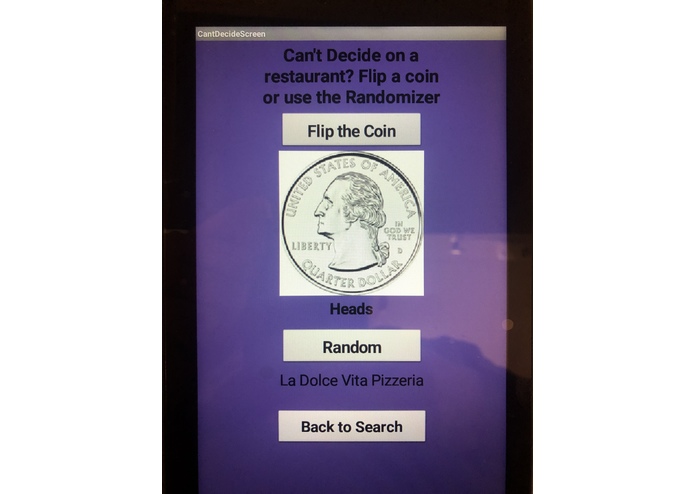
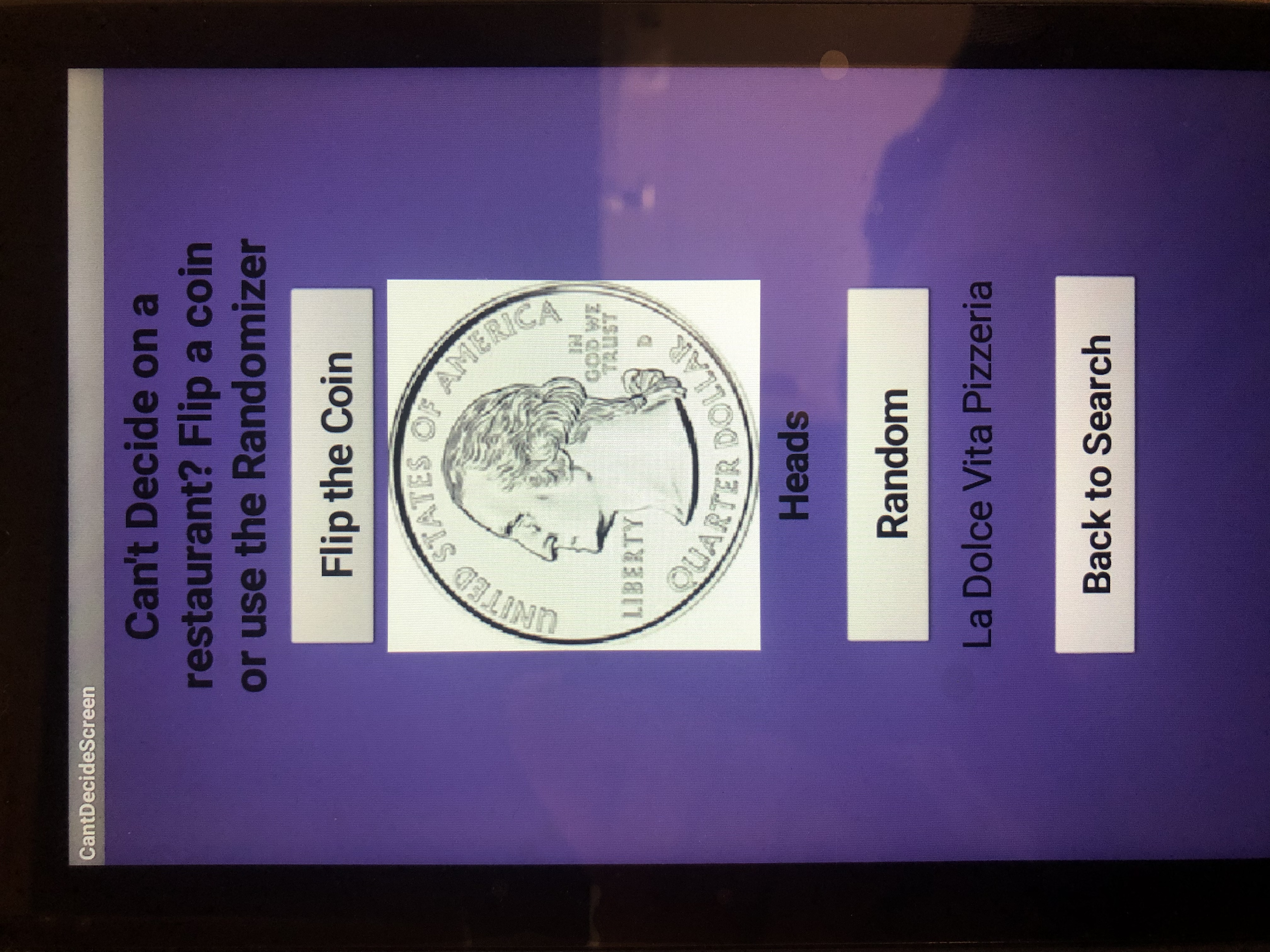
Can't Decide Screen
-
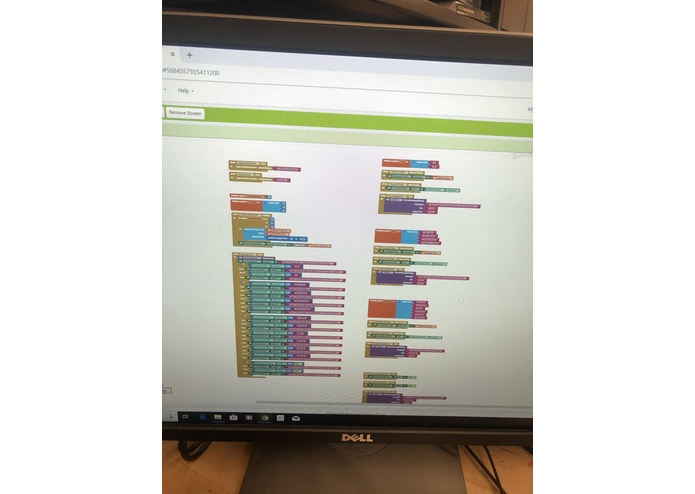
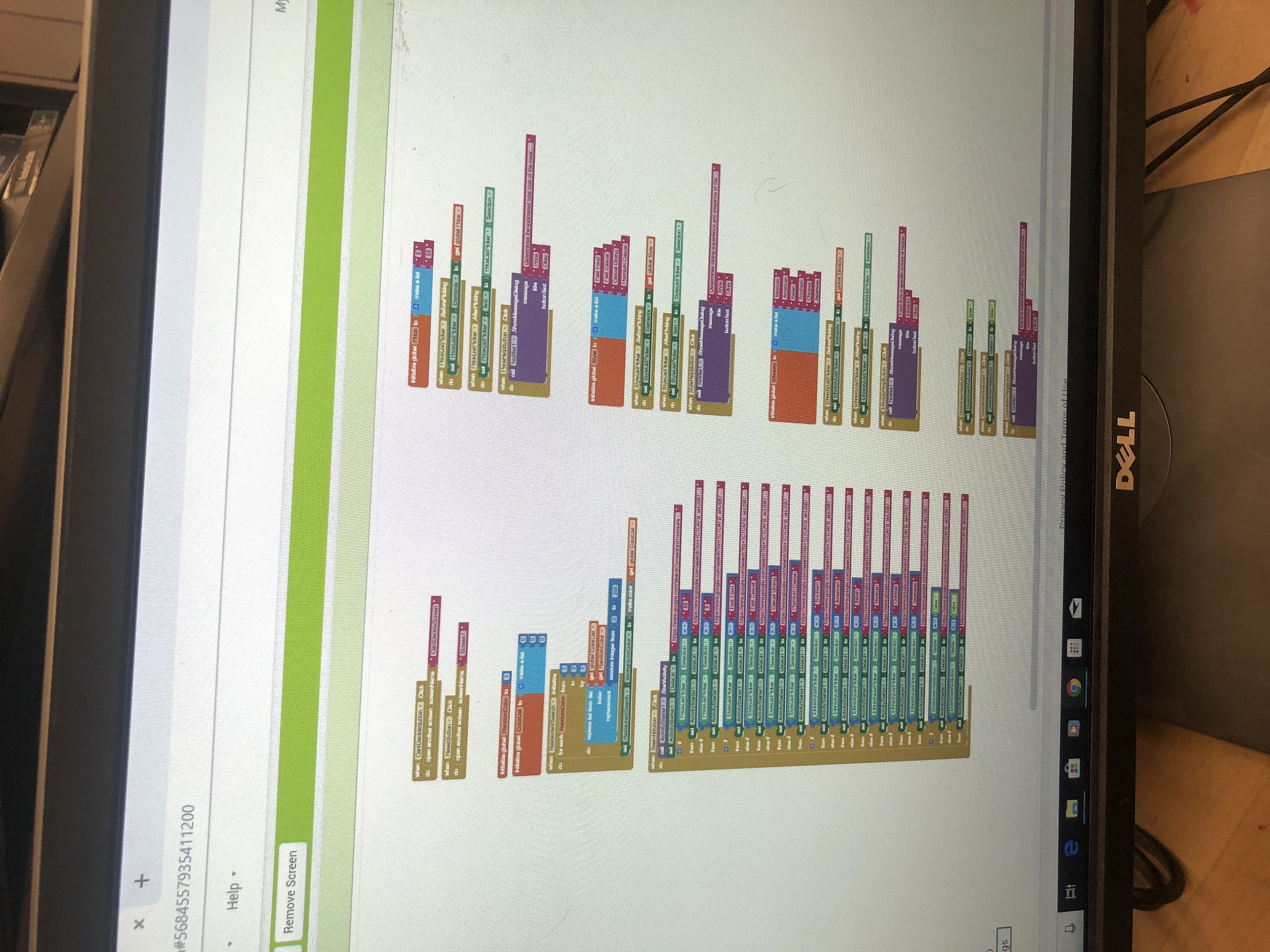
The blocks for the Restaurant Search Screen
-
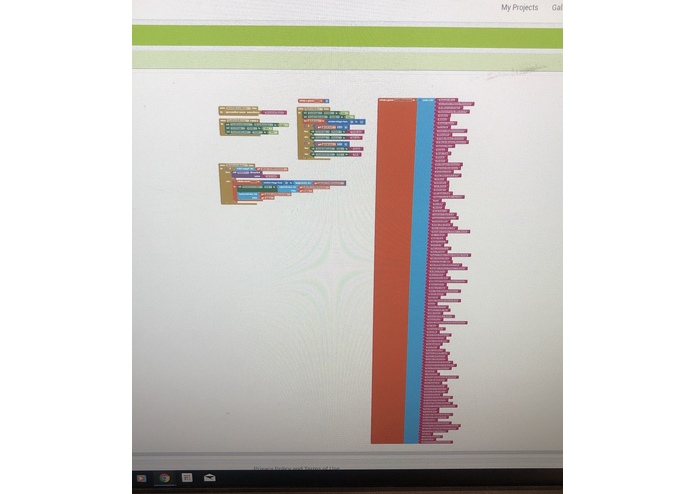
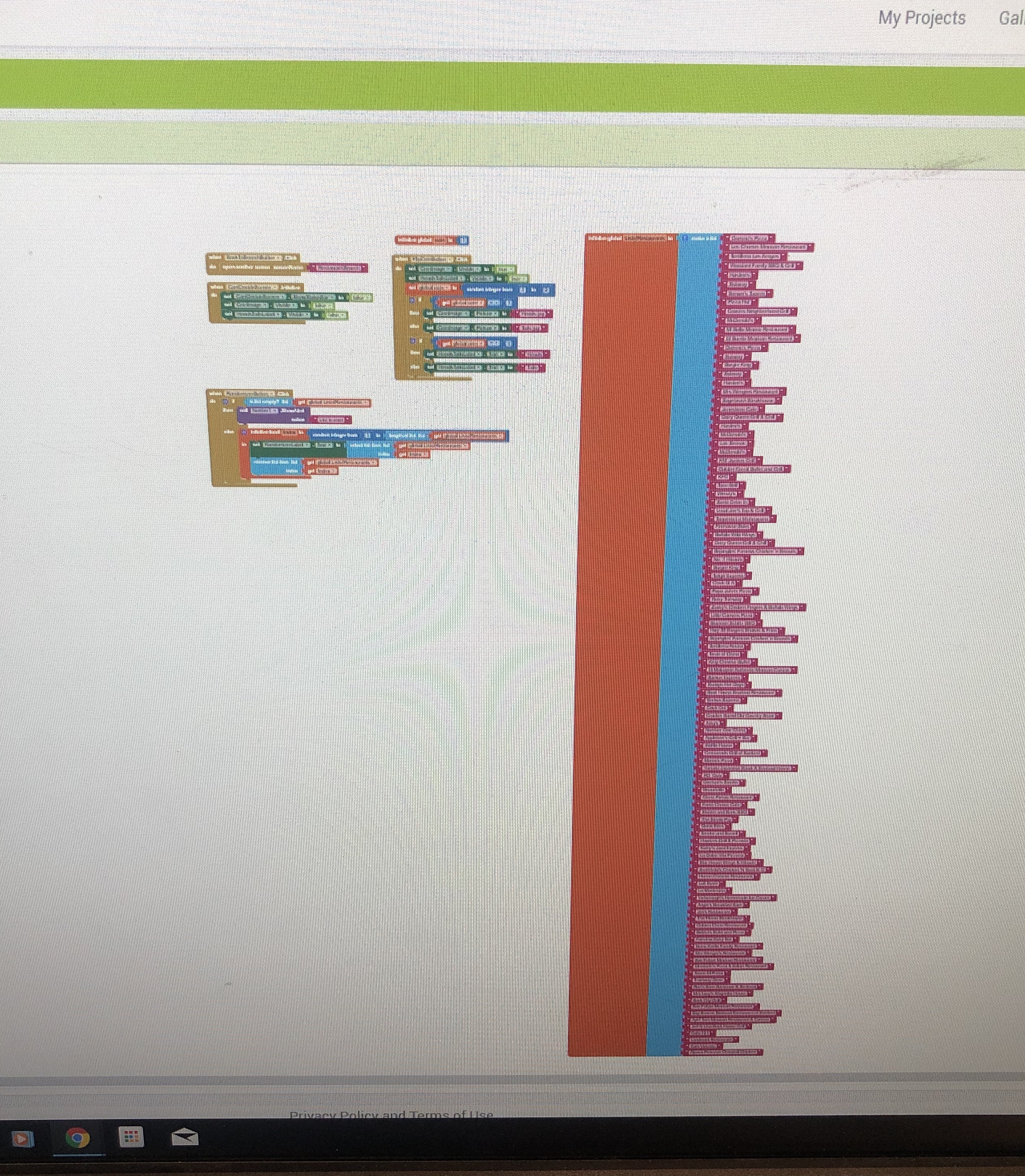
The blocks for the Can't Decide Screen

Inspiration
Every time I go out to eat with friends, we can never decide on a restaurant. Our appetites constantly change and we always say there are not enough restaurants to choose from. In order to end the unnecessary bickering between us, I created this app to aid us in choosing the best fit restaurant for our current demand.
What it does
The app gives several descriptive options which allows for the user's personal demands to be met with available restaurants in the area. Once the order is finished, pressing the "Search" button will send the user to a list of restaurants that match the description. If a person still can't decide on a restaurant, a "Can't Decide" button is available which will take the user to a new screen where they can flip a coin to help choose between two restaurants. A "Random" button is also optional, and when clicked, a random choice out of the 113 mentioned restaurants on the app will appear, thus giving the user a random restaurant to dine at.
How I built it
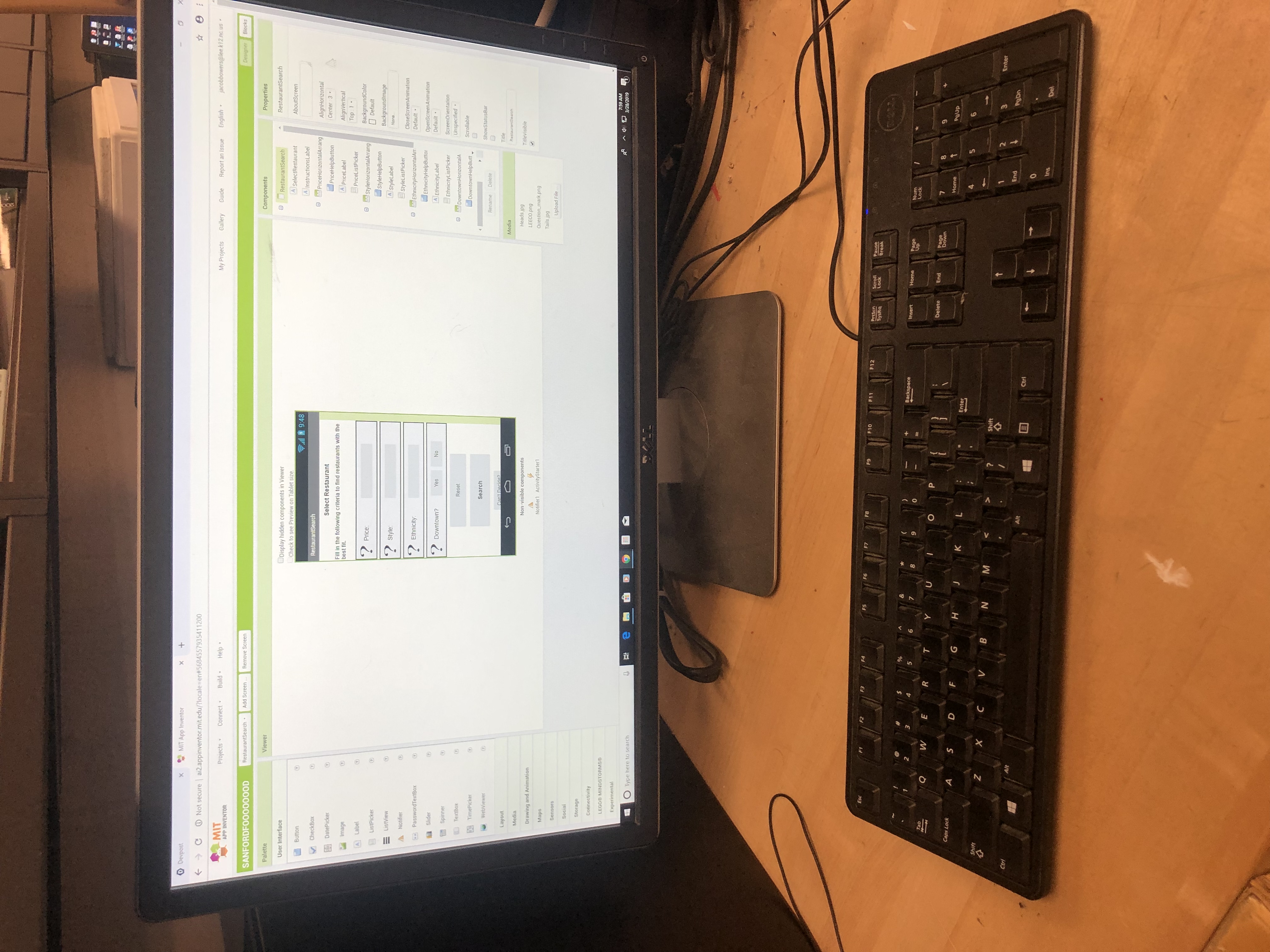
I used MIT App Inventor 2 and a desktop in the Engineering class of my school. I would spend any extra time in class or after school to work on this app since it is something that I would actually use, therefore making it special and important for me to complete. I first began building tutorials to understand the coding of MIT App Inventor since I have no prior experience in coding. After gaining some knowledge about how the program works, I began on my personal app idea.
Challenges I ran into
As nice as it is to have a free program to work with, MIT App Inventor is free for a reason. Most complications came from faulty bugs or glitches on the program that I have no way of fixing; sometimes, when the app initializes, only a portion of the app fits on the screen which causes me to exit the app and load back into it. Another problem I ran across was the activity starter that I use which would occasionally not direct the user to the correct website and instead send a "website not found" message, even if it worked the previous time. I was planning on using the webviewer option, but the visibility of certain parts of my app would not adjust properly which was most likely my own fault with overcomplicating the visibility on some components.
Accomplishments that I'm proud of
I created the app entirely from scratch, using no tutorial or pre-developed codes. Even though I did make other apps from tutorials, I only brought over the knowledge I gained from those tutorials to my personal app. Troubleshooting and adjusting the components so they worked properly took most of my time while creating the app, and, to my surprise, I was able to pave the direction of my app on my own while overcoming and correcting several parts I did not even know I could change. I also wanted a bit of flair to the app so I created a code that would randomize the color whenever the screen initializes; every color still allows the text to be visible but some are more pleasing than others.
What I learned
I gained an incredible amount of information on coding during this project and actually managed my time in my Engineering class as well, which serves as an indirect bonus. I also found out that there are actually 113 restaurants in my town and I probably have not been to half of them, so my app will definitely aid in broadening my horizons on the local food my town has to offer.
What's next for The LeeCo Menu App
I will make minor adjustments or create more categories to choose for my order later on if I notice any implications or room for expansion on my app, but in the meantime I have accomplished my goal and created the app I intend to use often.

Log in or sign up for Devpost to join the conversation.