-
-
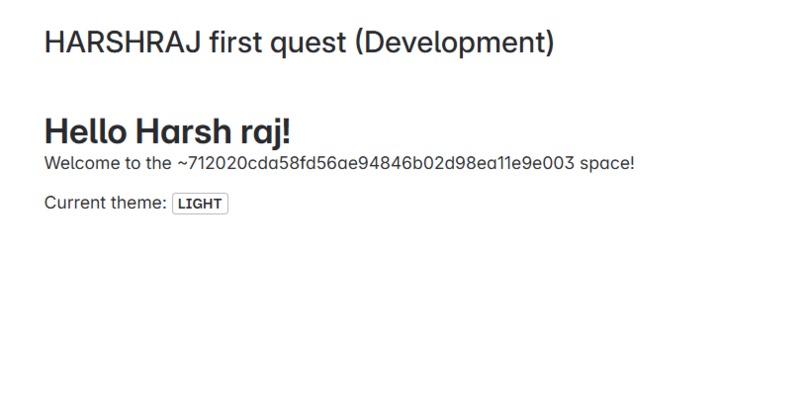
My first Forge app — personalized greeting and theme detection live in the Confluence space UI!
-
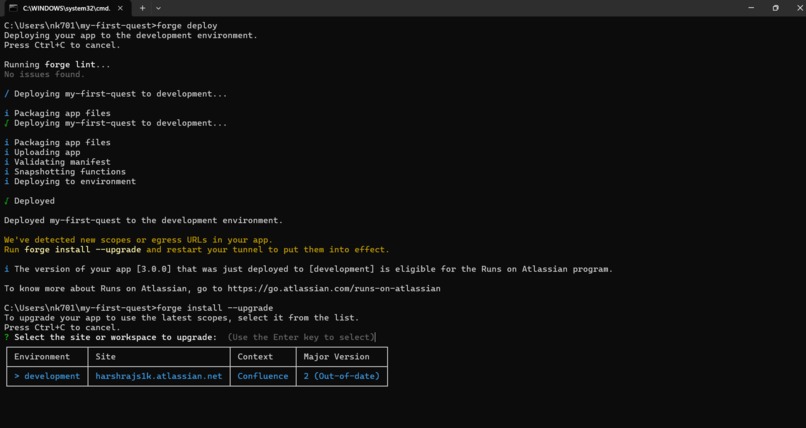
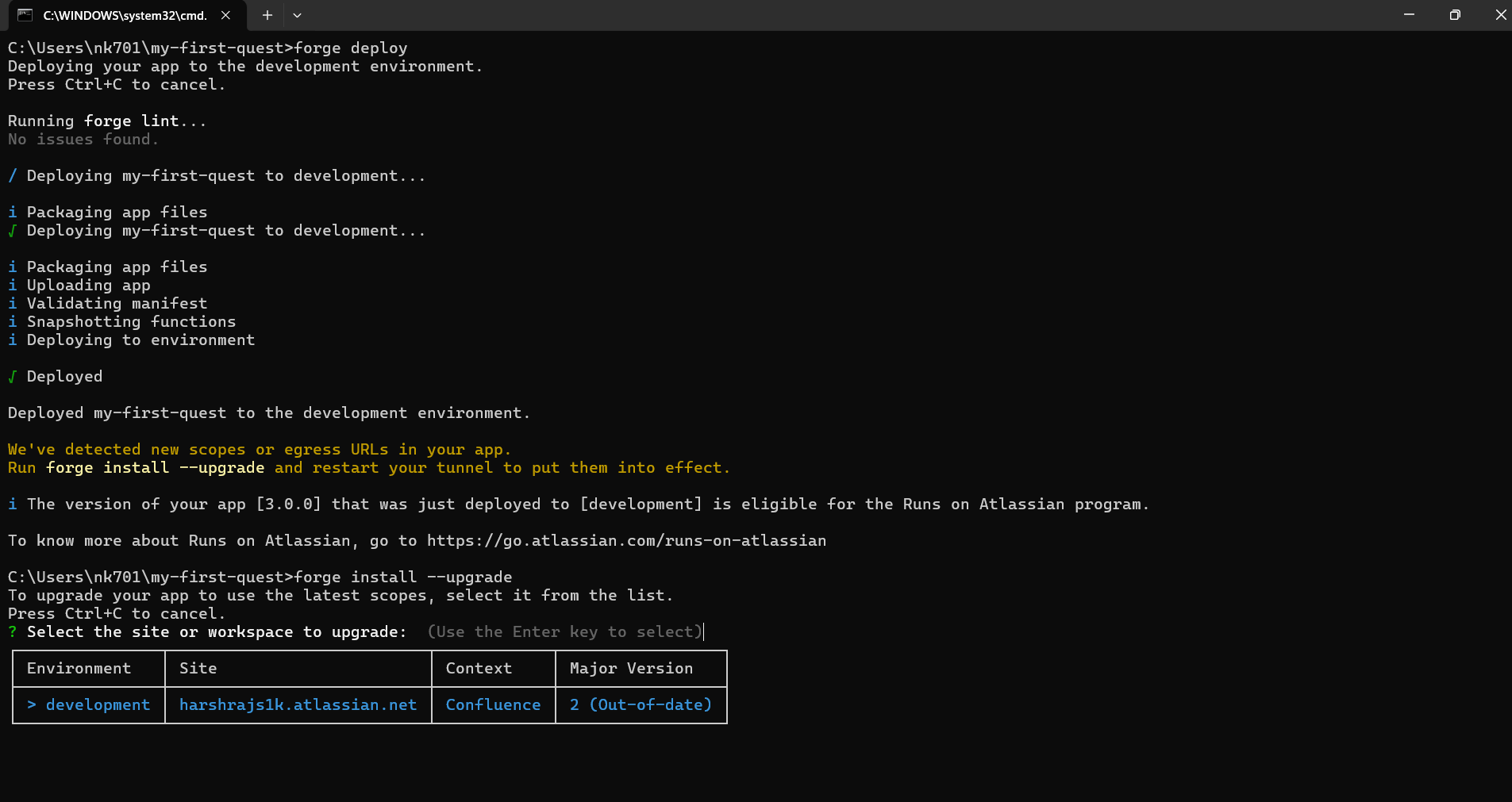
Successful deployment of my Forge app with upgraded permissions on Confluence – ready to go live!
-
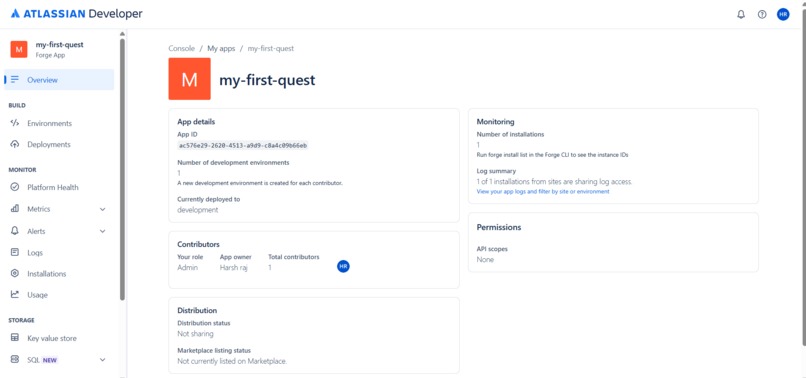
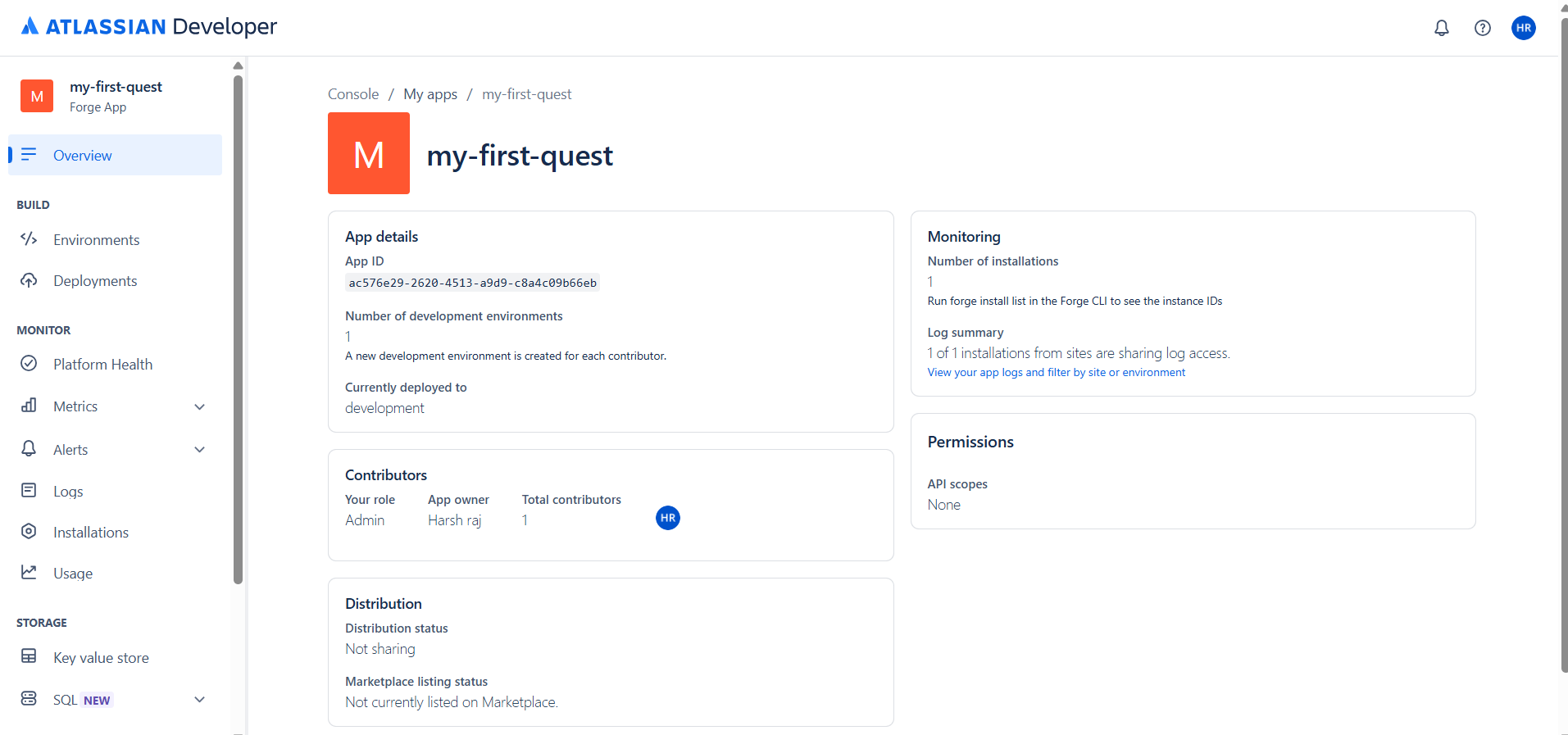
Overview of my first Forge app on Atlassian Developer Console – successfully deployed and monitored in development!
Inspiration
As a new developer in the Atlassian ecosystem, I was curious to explore how Forge could enable simple, yet powerful apps inside Confluence. I wanted to start small but meaningful—something that goes beyond static content and starts tapping into real user data. The idea of a personalized “Hello World” greeting felt like the perfect way to begin that journey.
What it does
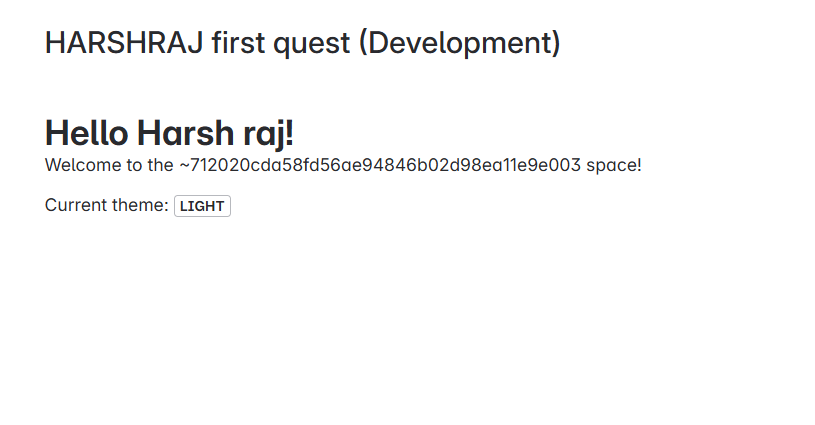
The app is a Confluence Forge app that displays a dynamic greeting—“Hello, [username]!”—based on the current logged-in user. It also adapts its appearance to match the site’s active theme (light or dark). In short, it:
Accesses Confluence context (theme and user ID)
Calls the Confluence REST API using the @forge/bridge package
Fetches and displays the user’s public name
Shows the site’s current color theme
How we built it
Started with the confluence-space-page Forge template.
Customized the frontend index.jsx using React components from @forge/ui.
Used view.getContext() to access theme and accountId from context.
Integrated requestConfluence() to call the /wiki/api/v2/users-bulk endpoint to fetch the user’s public name.
Managed state using React’s useState and useEffect hooks.
Handled permissions and scopes by running forge lint --fix to auto-add read:user:confluence.
Challenges we ran into
Missing Permissions: Initially failed to fetch user info due to missing read:user:confluence permission.
Tunnel Management: Forgot to close the tunnel before redeploying, which caused some confusing behavior.
REST API Body Format: Crafting the correct JSON body string for the bulk user lookup API took a few tries.
Understanding Bridge APIs: It took time to fully grasp how requestConfluence works as a frontend-only bridge method.
Accomplishments that we're proud of
Successfully completed all three parts of the “First Forge Quest” challenge.
Learned to interact with real Confluence APIs.
Built a working Forge app that adapts dynamically to both the user and the UI environment.
Understood the Forge permission model and deployment workflow.
What we learned
How to use view.getContext() to access frontend context.
How to fetch real user data via REST APIs inside Forge.
The importance of handling scopes and permissions correctly.
How Forge enables a secure, sandboxed environment for building apps directly within Atlassian products.
What's next for The 'Hello World' App
Add user avatars using the /users API.
Show additional user metadata like email domain or account creation date.
Add admin-only features (e.g., show all space members).
Publish the app to the Atlassian Marketplace as a learning reference for other beginners.
Built With
- api
- cli
- cloud
- code
- confluence
- deploying
- forge
- forge/bridge
- javascript
- node.js
- react
- rest
- vs

Log in or sign up for Devpost to join the conversation.