-
-
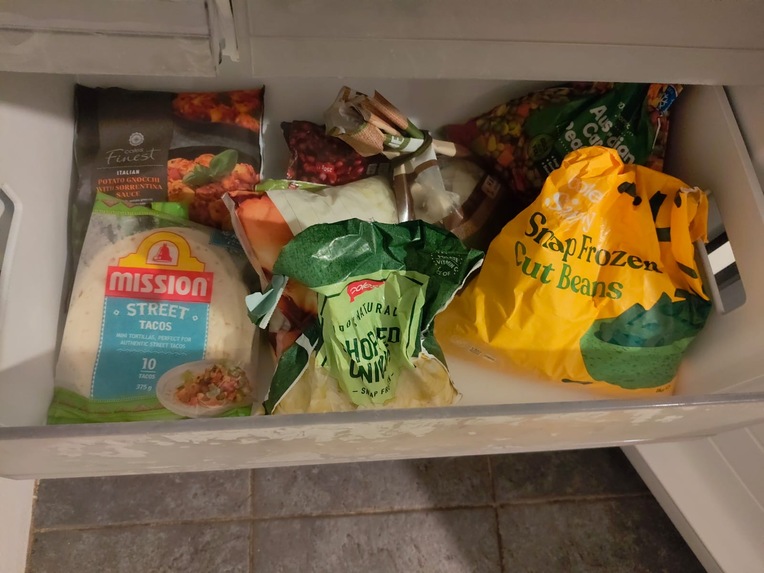
image used for the website demonstration
-
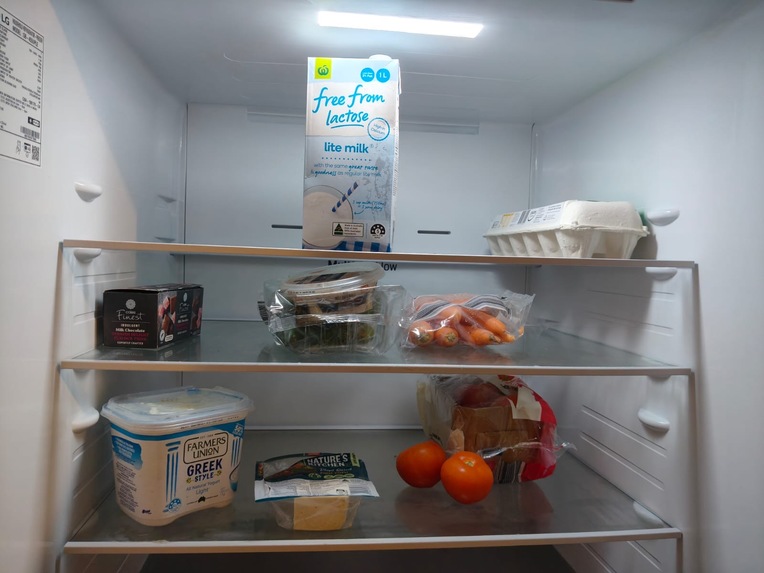
image used for the website demonstration
-
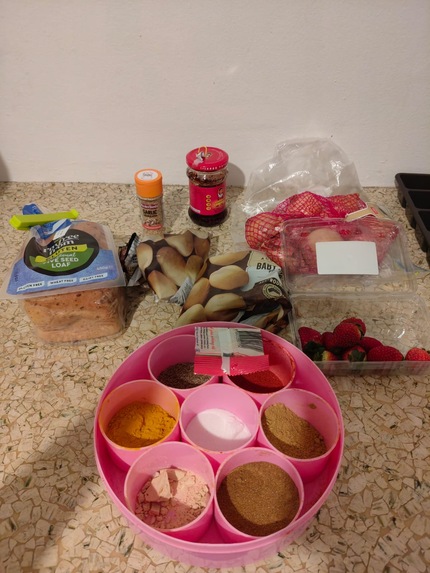
image used for the website demonstration
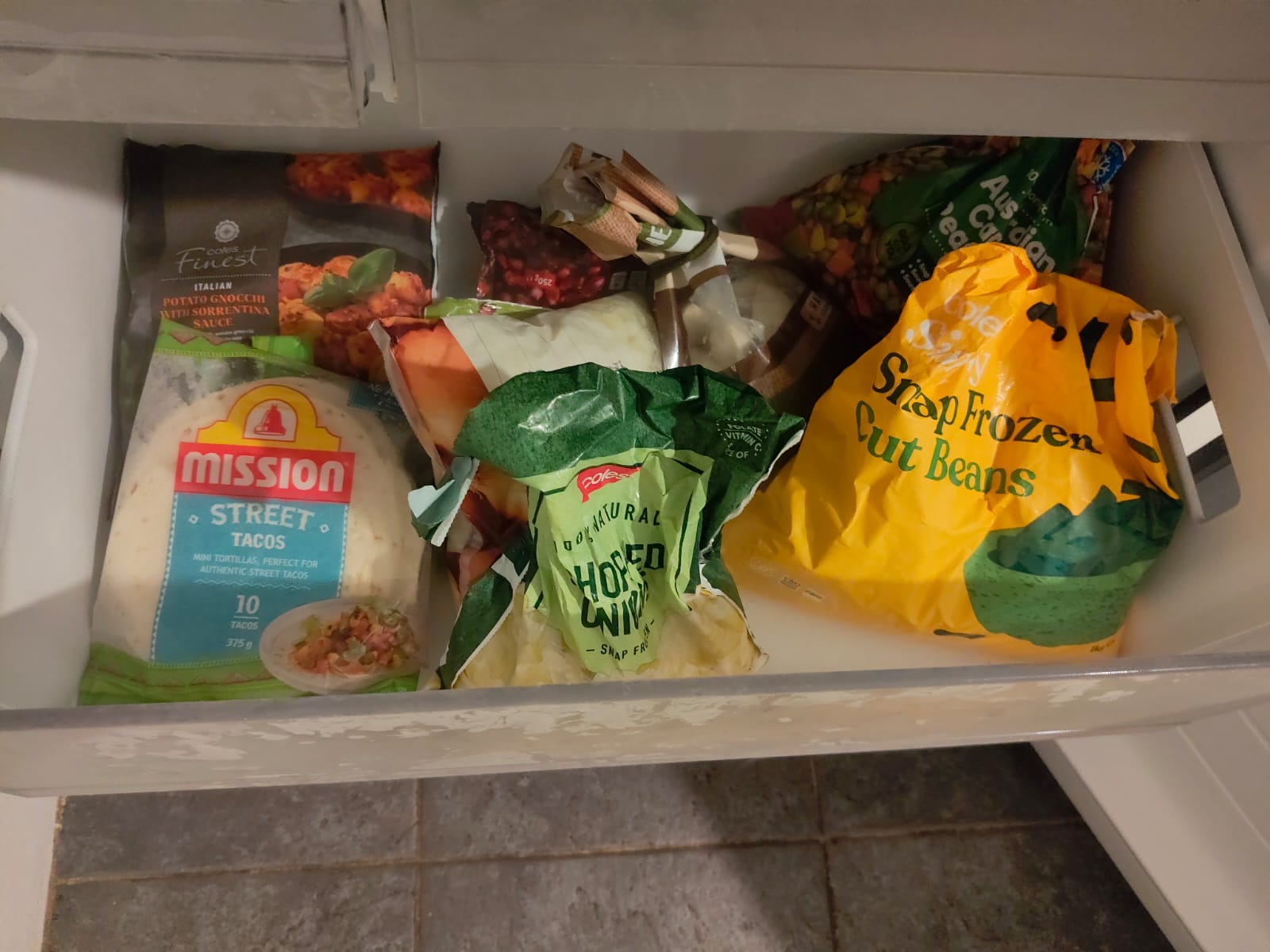
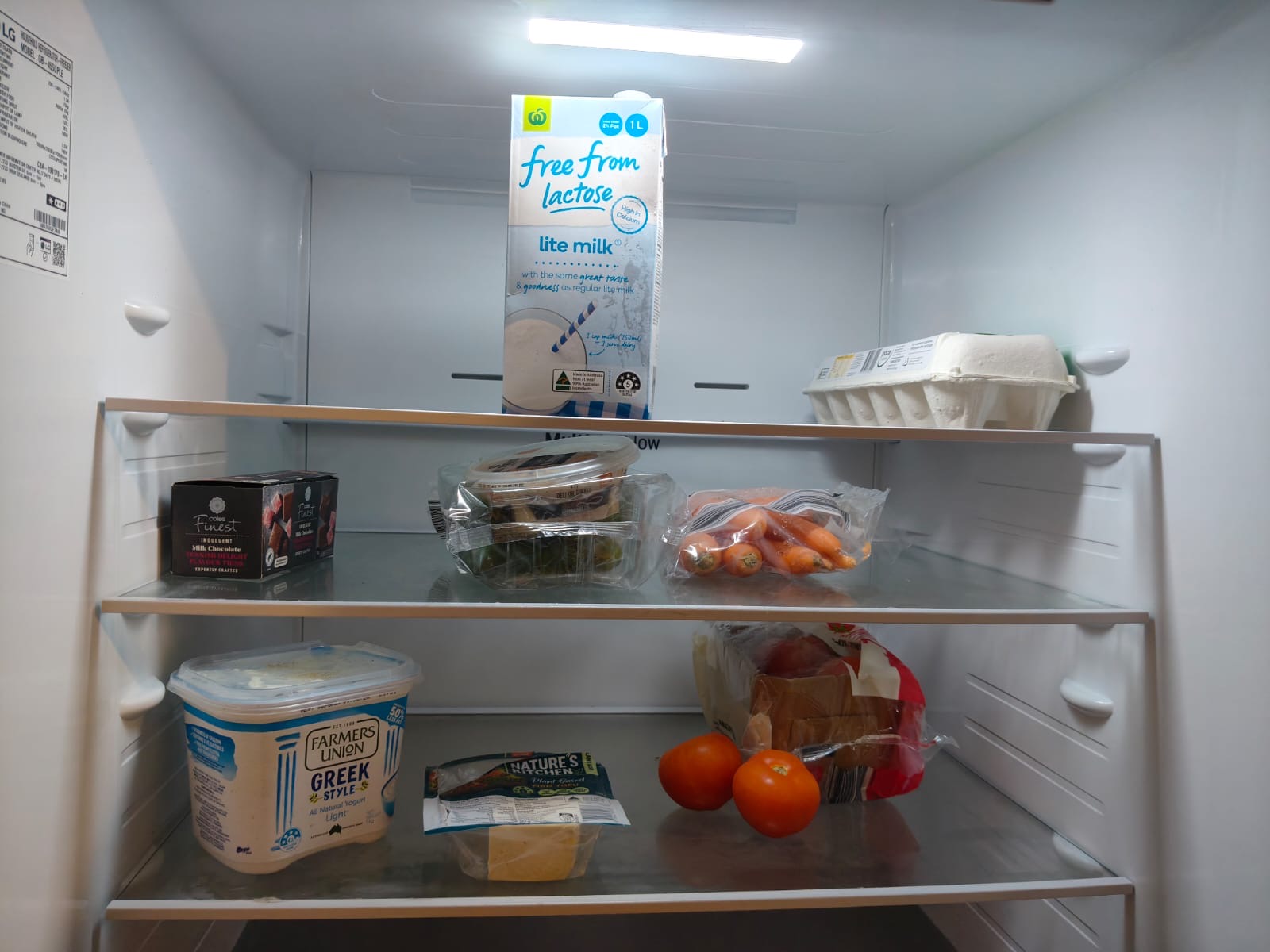
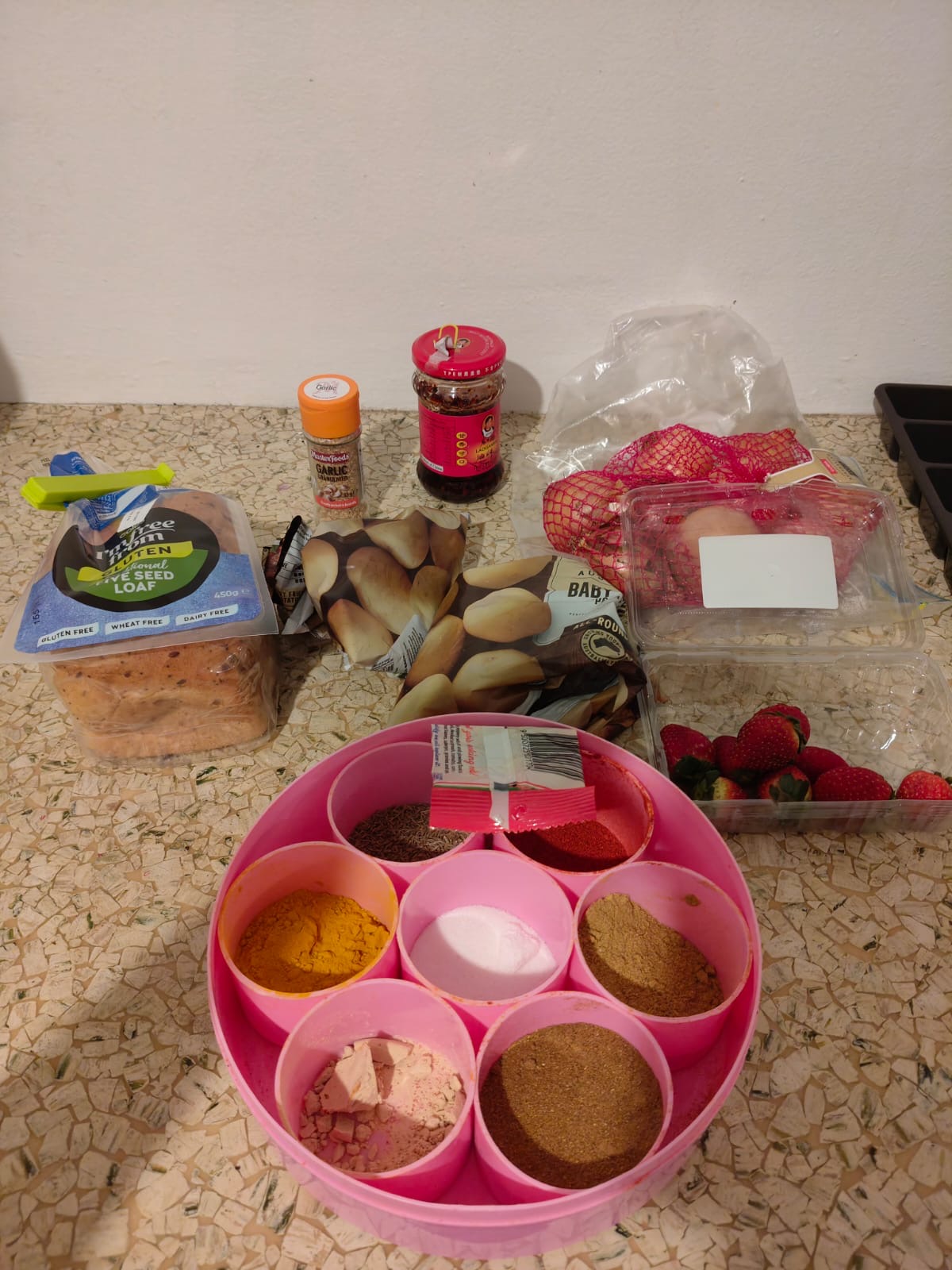
Inspiration
Every week it's the same cycle: browsing what to buy, figuring out what to eat, planning meals, heading to the grocery store, and then wandering the aisles trying to find what we actually need. As international students, that loop costs us real time and real money, and a lot of it is unnecessary. We end up buying things we probably already have at home, wasting both, all because we don't really know what's sitting in our own pantry. We open it, see stuff, don't know what it adds up to, and just go buy more. We wanted to fix that at the source: know what you have before you decide what you need.
What it does
HaveEnough turns a single photo of your pantry into a real meal plan.
- Quick onboarding: tell it your leftovers on hand and any allergies, takes a few seconds
- Snap your pantry: one real photo, no manual entry of every item
- Detects what you have: identifies items automatically and flags anything that should be used soon before it spoils
- Real meals, no shop needed: generates recipes built entirely from what's already there
- Honest when it can't help: if there's genuinely nothing to work with, it says so plainly instead of forcing a recipe
The result: what used to take over an hour a week (planning, checking, shopping, and the mental overhead of thinking about it in between) drops to under 10 minutes, and roughly $15-20 a week that used to go to waste doesn't.
How we built it
HaveEnough is built with a React frontend and the Gemini API for image understanding and recipe generation. A photo of the pantry is sent to Gemini, which identifies items and their approximate freshness, and that structured output feeds a recipe-generation step that only proposes meals using what's actually detected, rather than a generic recipe database.
Challenges we ran into
Early on, detection accuracy was a real problem: partially hidden items in cluttered pantry photos were frequently misidentified or missed entirely. We also hit issues with the API itself, occasional rate limits and slow or failed responses, which meant we couldn't assume a fast, always-on call. One tricky edge case was single-item photos: a picture of just a bottle of water, for example, would get read as "you have enough," when really it should have flagged that a proper shop was needed. We had to specifically handle the difference between "something is present" and "there's actually enough here for a meal." On top of the detection work, we also spent a good chunk of time on UI issues, getting the flow from photo to results to feel smooth rather than clunky.
Accomplishments that we're proud of
We're proud that we got a genuinely working end-to-end flow, photo in, real meals out, running live rather than staying a mockup. Solving the "single item shouldn't mean enough" edge case felt like a real product decision, not just a bug fix, and it's what makes the detection feel trustworthy instead of naive. We're happy with how far the UI came from its rough early state to something that actually feels usable.
What we learned
We learned how much prompt design and edge-case handling matter once you move from a clean demo case to real, messy photos, and how easy it is to underestimate "obvious" logic like distinguishing one item from an actual pantry. We also learned that UI polish isn't just cosmetic: it directly affects whether the detection and recommendations actually feel credible to a user.
What's next for The Halting Problem
- Persistent inventory across multiple visits, tracking what's actually been used over time, not just from one photo
- Barcode scanning for faster input than photographing every shelf
- Real-time supermarket price comparison for anything still missing
- Expiry-based push reminders before food actually goes to waste
- Learning from usage over time, our most exciting direction: after enough visits, analyze which ingredients someone actually uses most and how much they typically consume, then adjust shelf-life estimates and recipe recommendations to match real habits instead of generic averages
Built With
- claude
- gemini
- geminiapi
- github
- javascript
- node.js
- react
- vite
