-
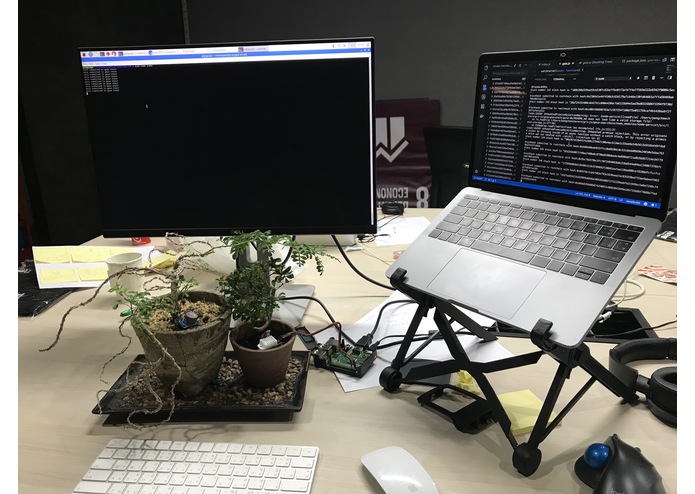
First ever implementation of the protocol... done at KX !
-
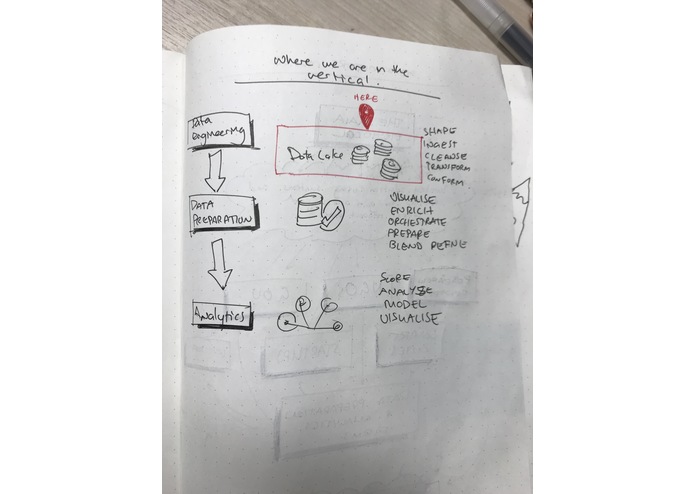
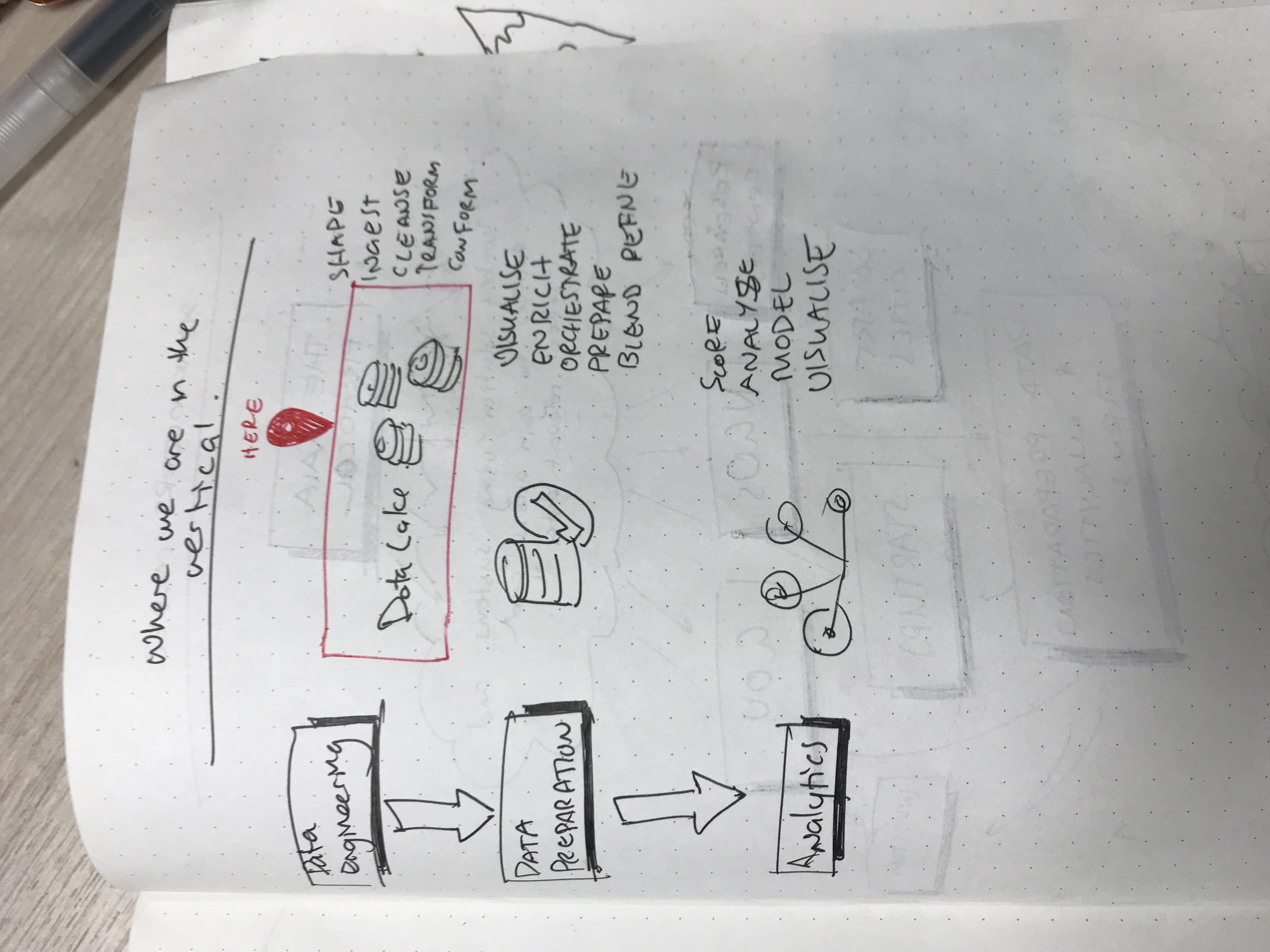
design business-vertical exploration
-

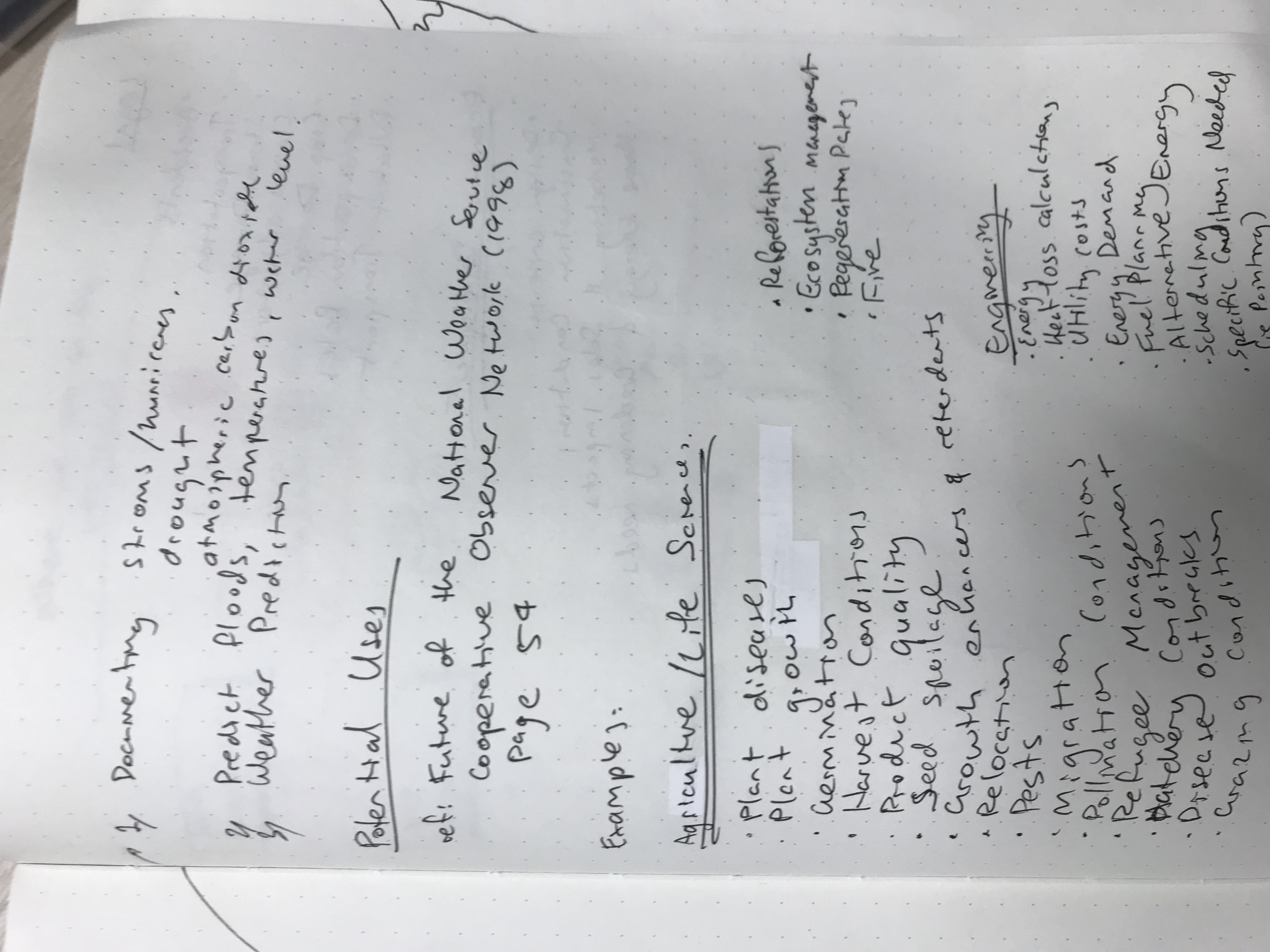
design use-cases
-
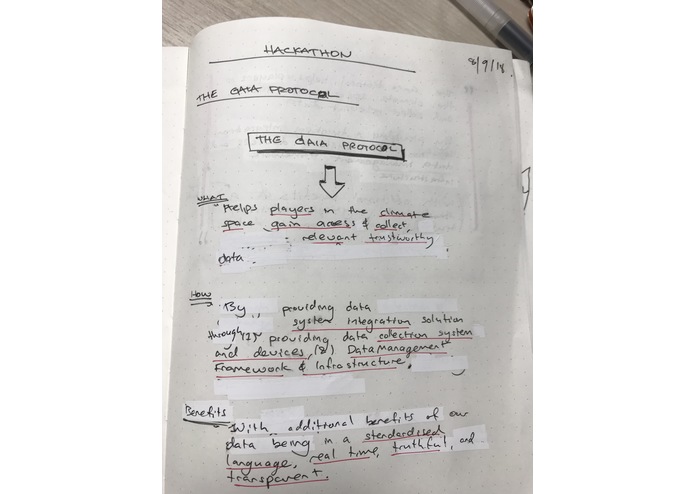
design strategic overview
-
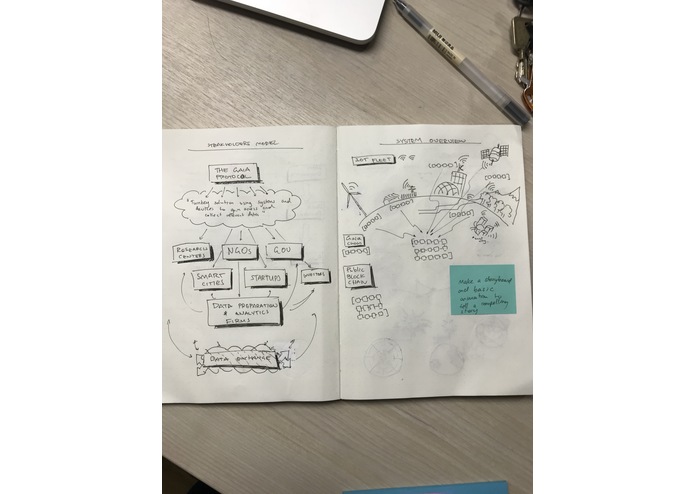
design stakeholder system overview
-
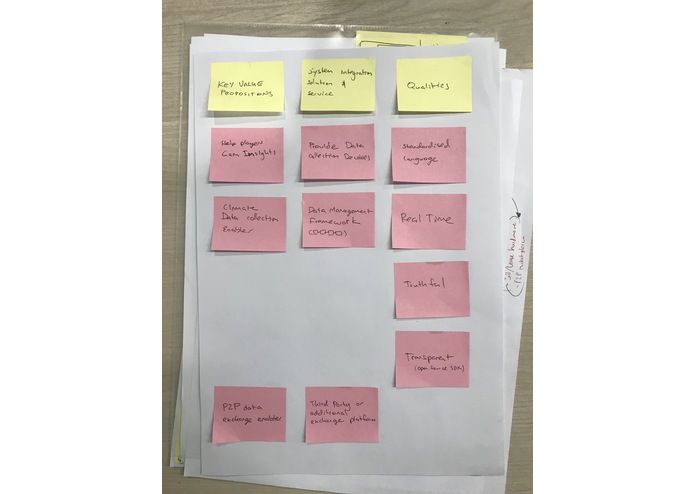
design Key-value Proposition
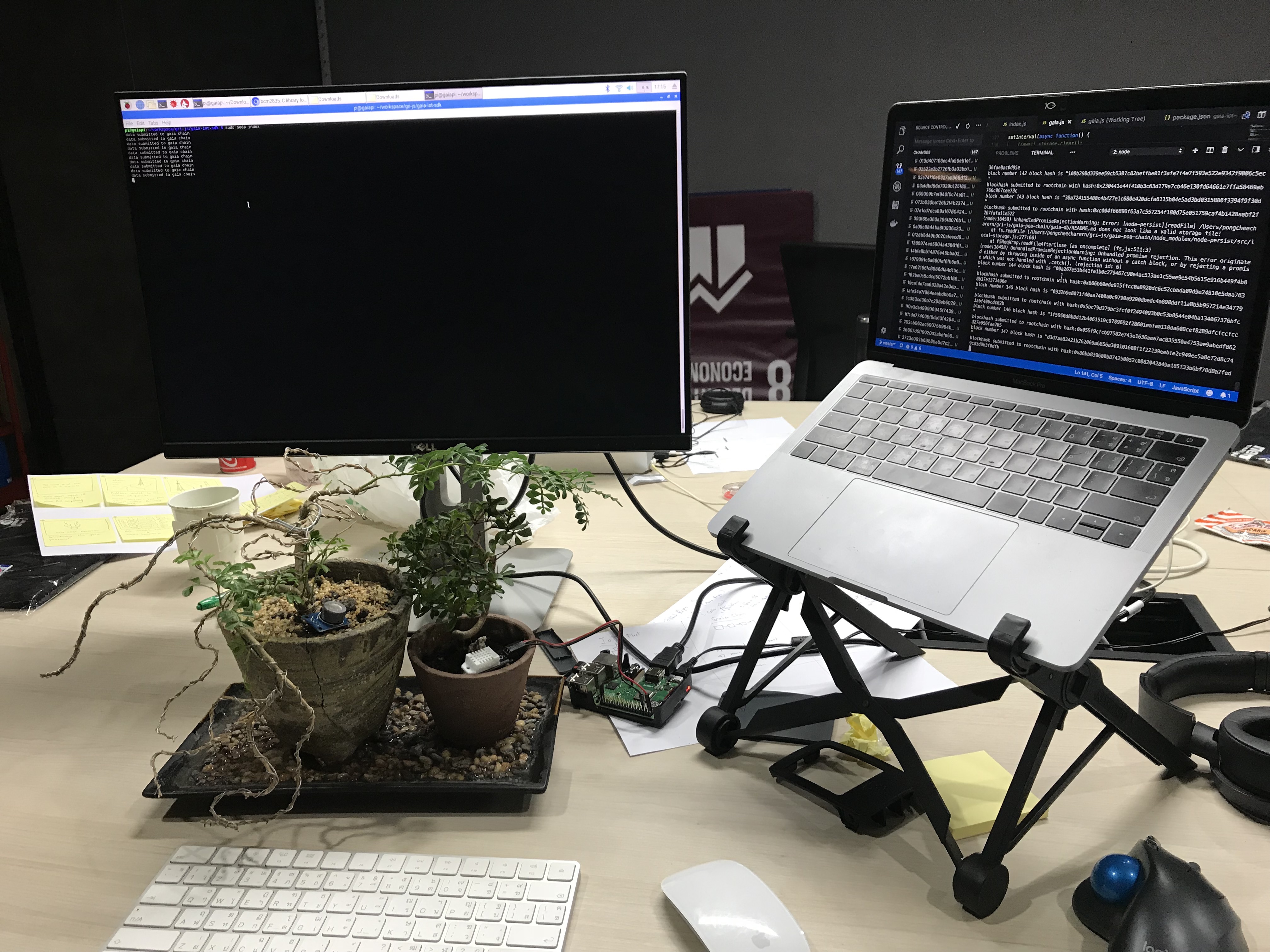
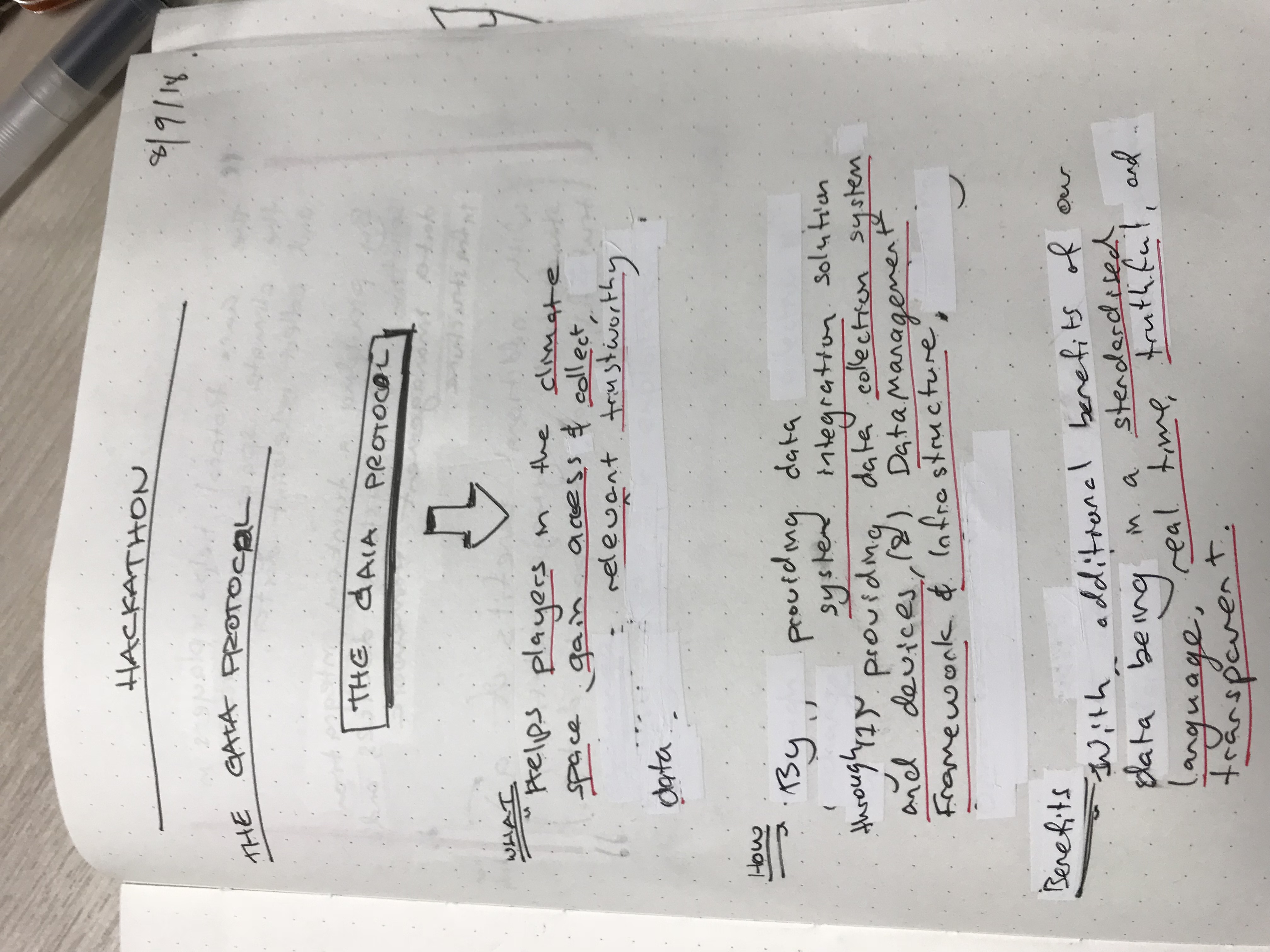
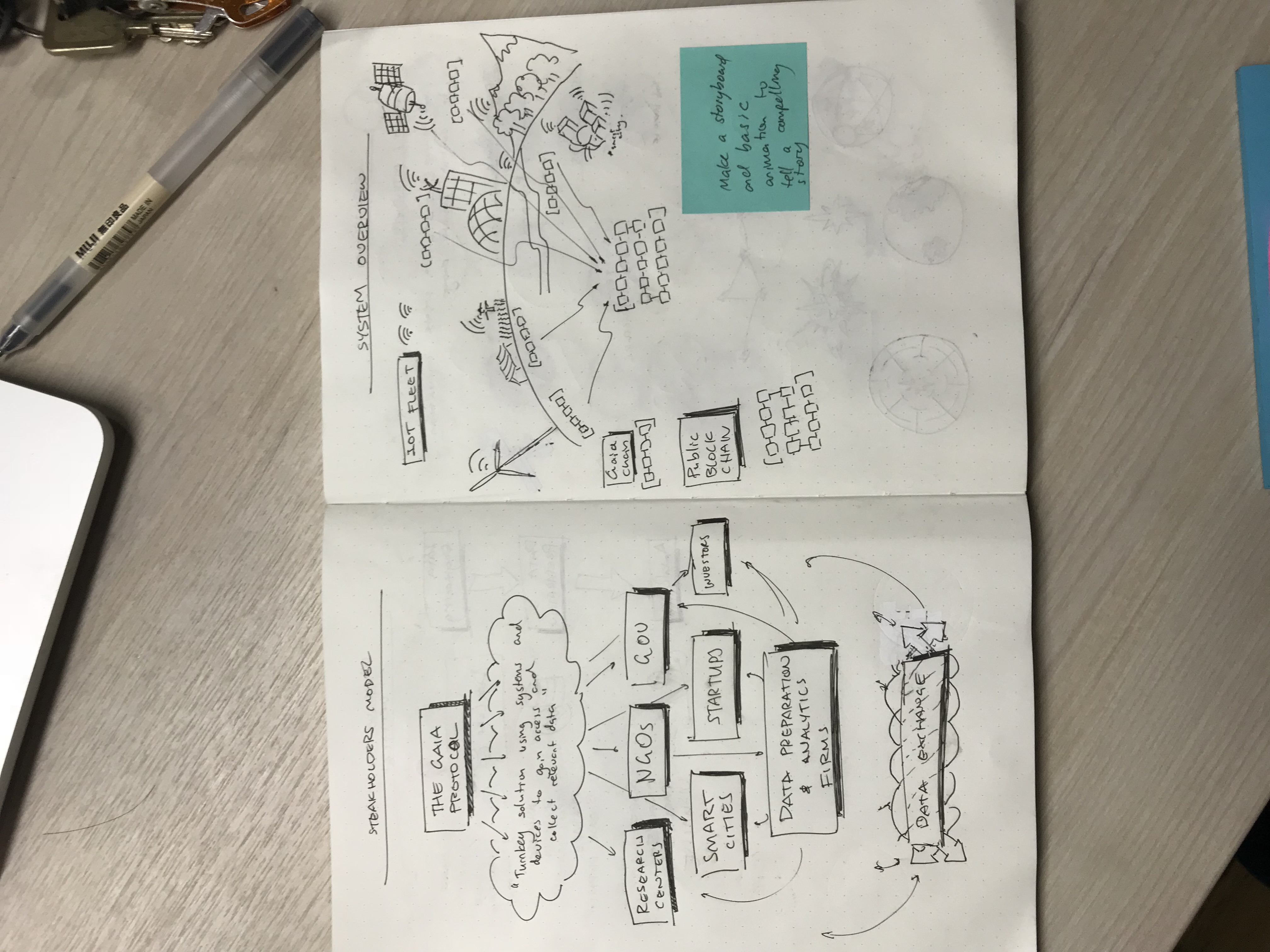
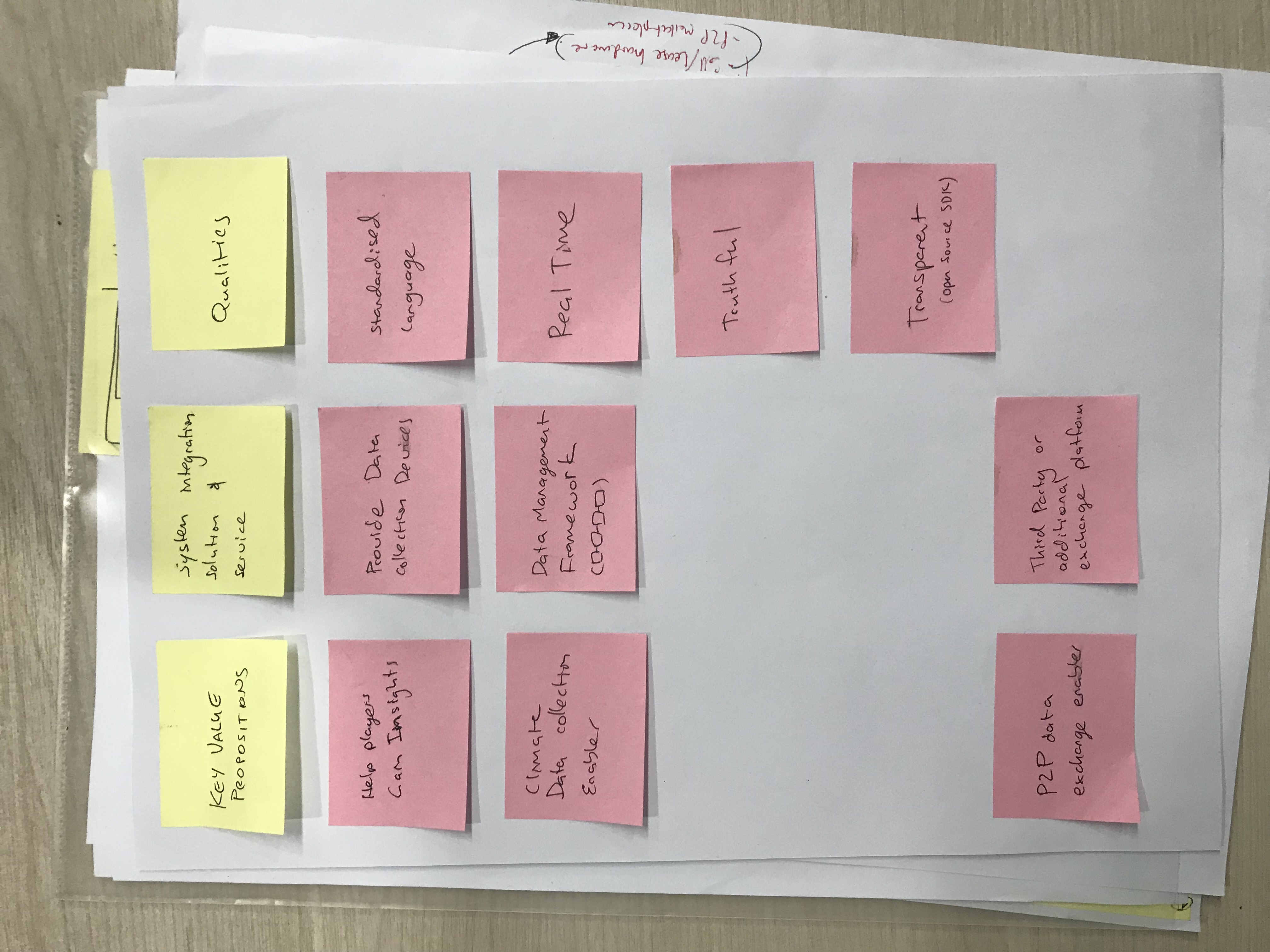
first implementation of Gaia Protocol with 2 Nodes construction (1 sensor device, 1 blockchain on laptop- connected to the Ethereum blockchain with Plasma construction)
Gaia Protocol Reference Implementation
Abstract
Gaia Protocol enables the impact innovators of tomorrow to gain access and collect relevant data. By providing a turnkey IoT solution on top of a public decentralized data infrastructure.”
Contribution
Please refer to the contribution guideline
Project Directory
Project Contains:
- gaia-iot-sdk: client SDK for IoT Devices.. In this first iteration we are using DHT-22 Temperature and Humidity sensor.
- gaia-poa-chain: a blockchain running on proof of authority validator
- gaia-db: persistent on-disk database containing climate data
- gaia-rootchain: Plasma smart contract to be deployed on Ethereum blockchain
for the sake of simplicity, current construction will include one datablob per 1 block, and each block will be processed in sequential order (First in, First out)
Installation
First, ensure that you have latest version of Node JS and NPM installed
Installing for Gaia Chain
- cd into gaia-poa-chain
- run
npm install
Installing for Gaia Plasma Contract
- install truffle globally via
npm install -g truffle - install Ganache-cli globally via
npm install -g ganache-cli
Installing for gaia-iot-sdk
First, make sure you have DHT22 already connected to a running raspberry pi
- you must first discover and replace the IP address of your
Gaia Chainwithin theindex.jsfile - ssh into your pi and run
npm install
Getting Started
Deploy Plasma Contract on Testnet Blockchain
- cd into gaia-rootchain directory
- Run
ganache-cli --defaultBalanceEther 100000000 - Run following command to deploy the Plasma Contract
truffle deploy
the Rootchain Contract should be deployed with an address shown on your console
Running the Gaia Chain
- cd into gaia-poa-chain
- start the chain up by running following command
node gaia
You should now have the Proof of Authority blockchain started on port 3000
Running the Gaia IoT SDK
YOU MUST BE RUNNING A PI FOR THIS TO WORK
- cd into gaia-iot-sdk directory
- run
sudo node submitData
Running simulated IoT Data
If you don't have an IoT device, you could the following command inside gaia-poa-chain: node simulate -- will simulate IoT streams of data from sdk
Log in or sign up for Devpost to join the conversation.