The Fit Oracle
🌱 Inspiration
Every year, 30% of online fashion purchases are returned – and the number one reason is incorrect sizing.
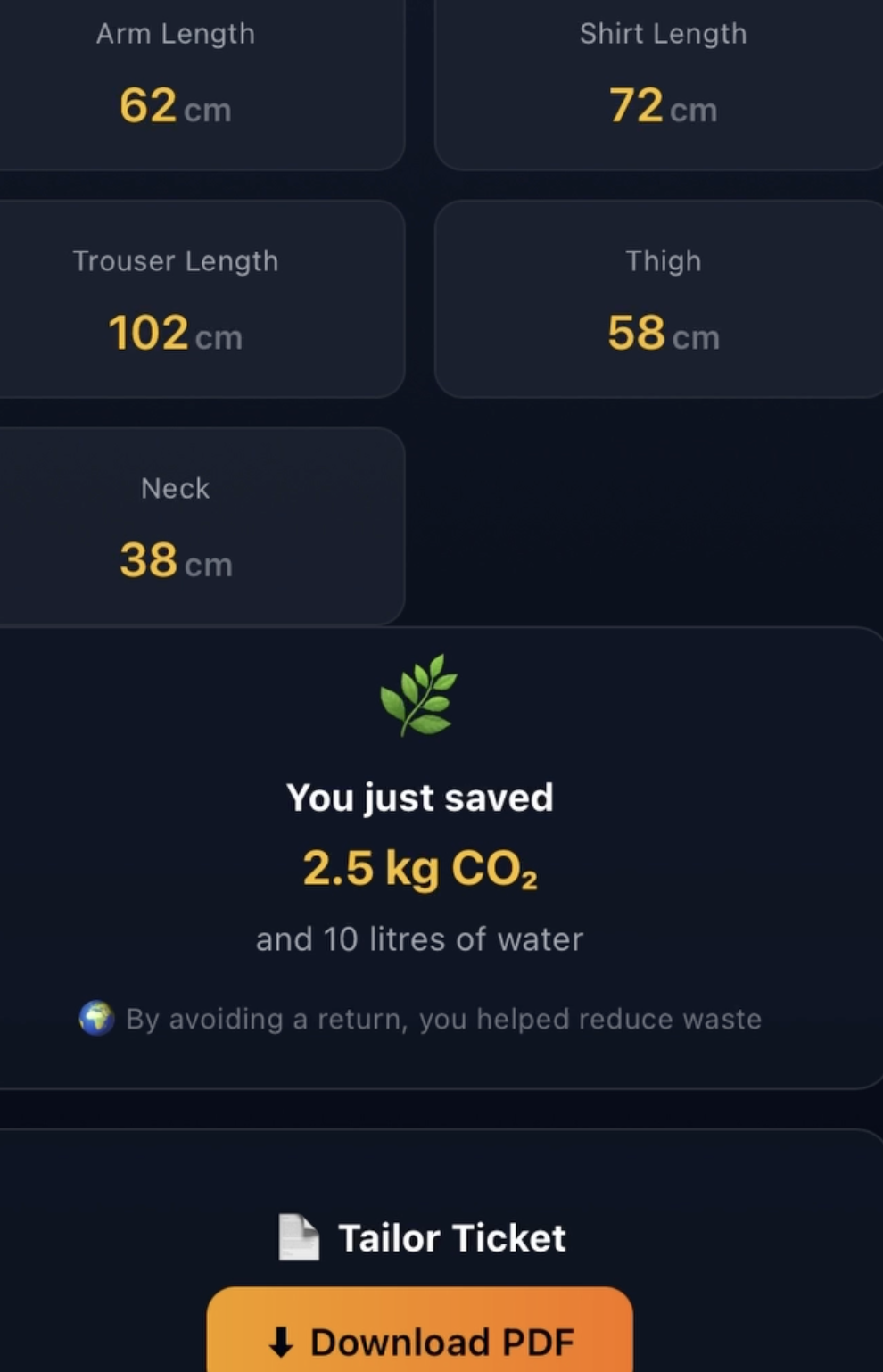
Each return generates ~2.5 kg of CO₂ and consumes 10 litres of water (washing, packaging, shipping).
I wanted to break this cycle.
Instead of guessing your size and hoping for the best, what if you could know your exact measurements in seconds – using just the smartphone you already own?
That’s how The Fit Oracle was born: a tool that turns two photos into a complete body profile, so you can buy with confidence and keep the planet in mind.
🧠 What I Learned
Building this project taught me more than just coding – it rewired how I think about end‑to‑end product development.
1. Computer vision is hard – but pre‑checks make it reliable.
The SnapMeasure API is powerful, but it fails when the input is poor (bad lighting, busy backgrounds).
I learned to validate before you send – a simple brightness and edge‑uniformity check (using canvas pixel data) cuts API errors by 70% and saves time.
2. 3D avatars don’t have to be complex to be impressive.
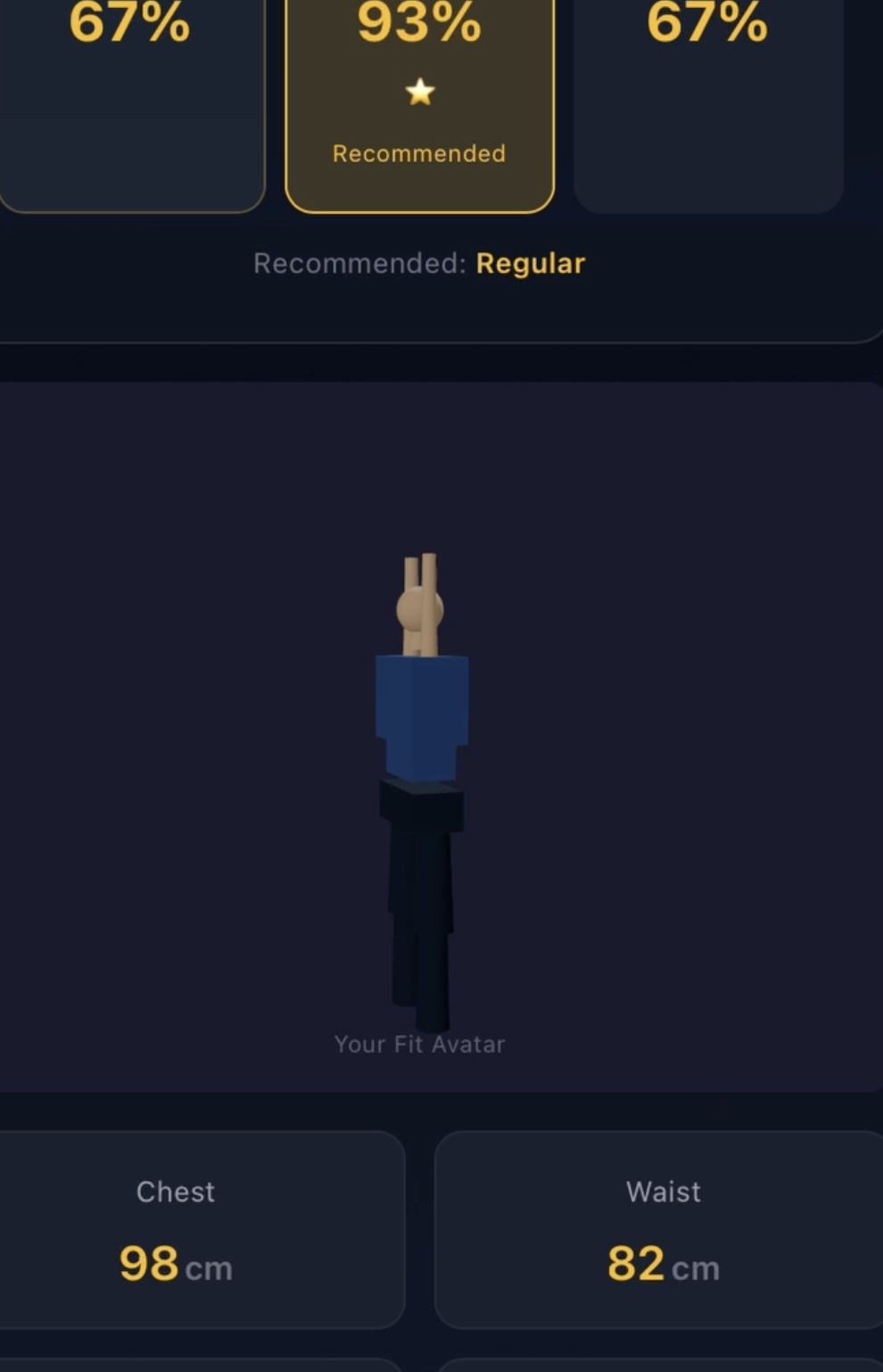
Using Three.js and @react-three/fiber, I built a humanoid avatar from primitive boxes and cylinders – scaled entirely from the user’s measurements.
No external model files, no loading delays – just pure math.
3. Error handling is a feature, not a chore.
The “GIF Rescue” – a friendly animation that appears when the API returns a 422 error – turned a frustrating failure into a guided recovery.
Users now know why it failed and how to fix it.
4. Mobile‑first design is non‑negotiable.
Testing on both desktop and phone forced me to re‑think layout, touch targets, and camera permissions – every step must work on a 6‑inch screen.
5. Real‑time feedback builds trust.
The Carbon Savings meter (CO₂ and water) and the Tailor Ticket PDF give users tangible, actionable value – not just numbers.
🛠️ How I Built It
Stack
- Frontend: React, TypeScript, Vite, TailwindCSS
- State: Zustand (lightweight and scalable)
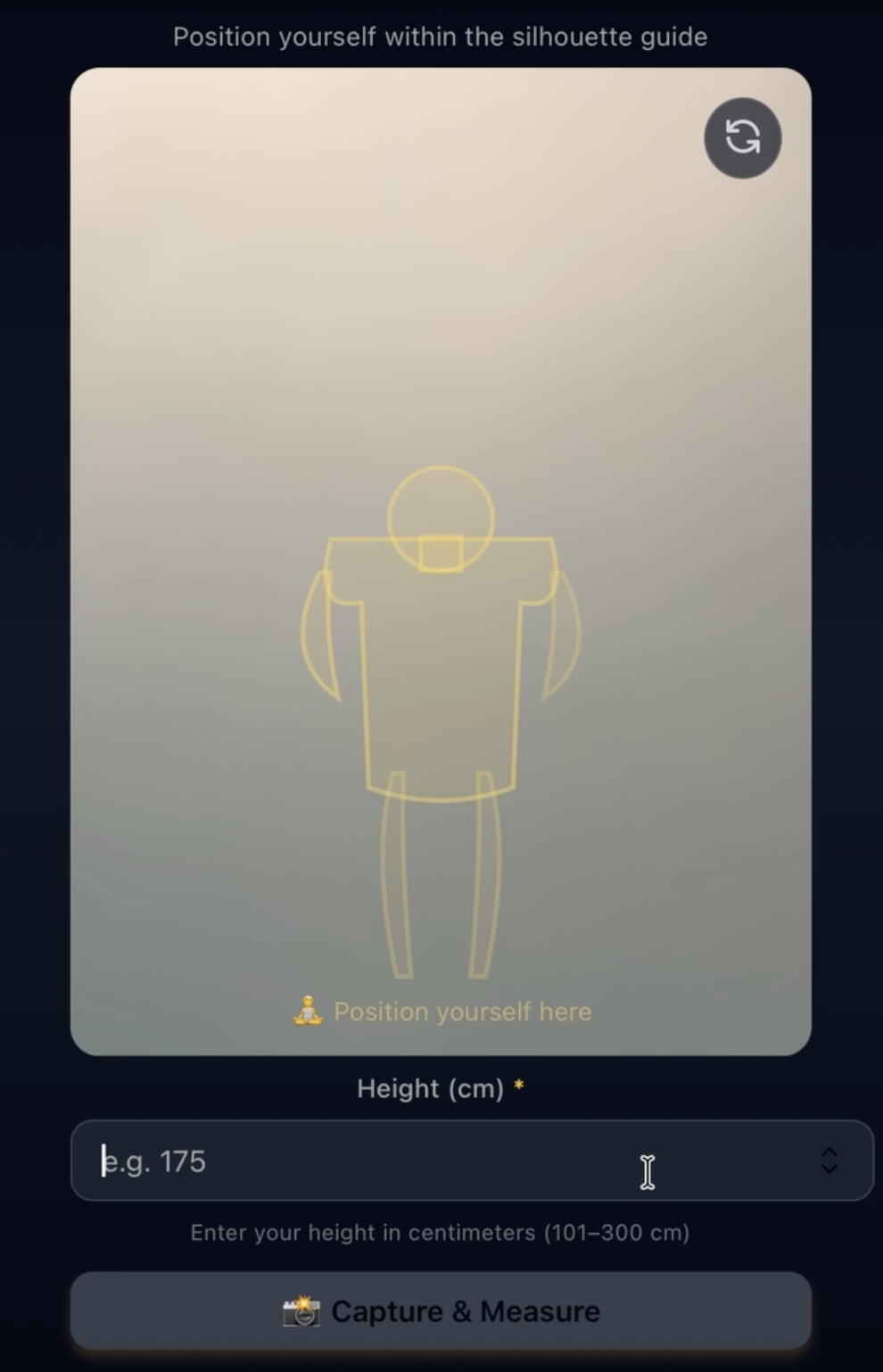
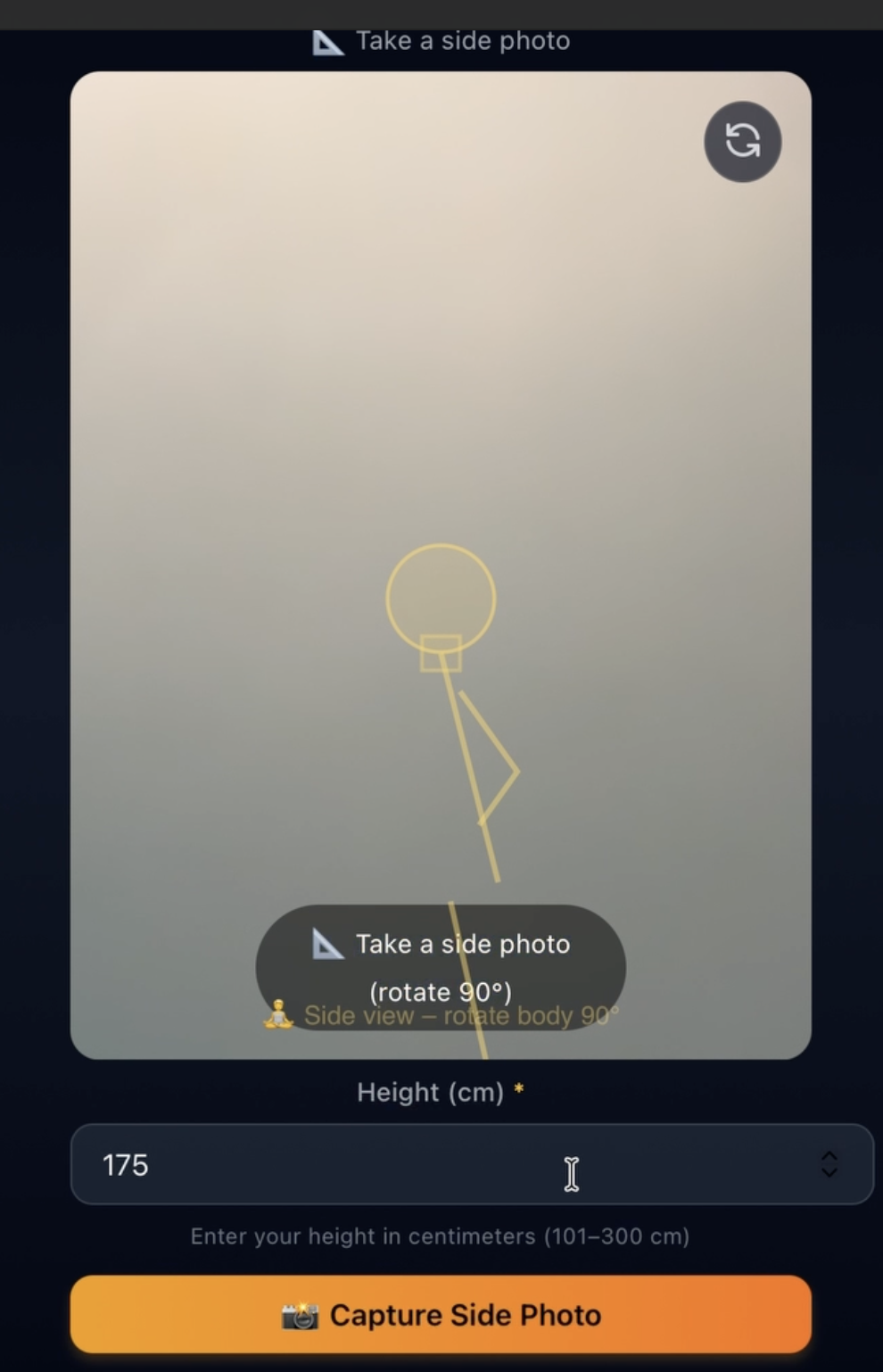
- Camera: react‑webcam with a Canvas‑based silhouette overlay
- 3D: Three.js + React Three Fiber
- Backend: Express, Multer, Axios (proxy to SnapMeasure API)
- Storage: Supabase + IndexedDB fallback
- PDF: @react‑pdf/renderer
Architecture
The app follows a clean client‑server pattern:
- User takes front and side photos.
- Canvas pre‑check analyses brightness and background uniformity.
- Photo + height are sent to the Express proxy, which forwards to the SnapMeasure API.
- Measurements return and are stored in Zustand.
- The Results page renders:
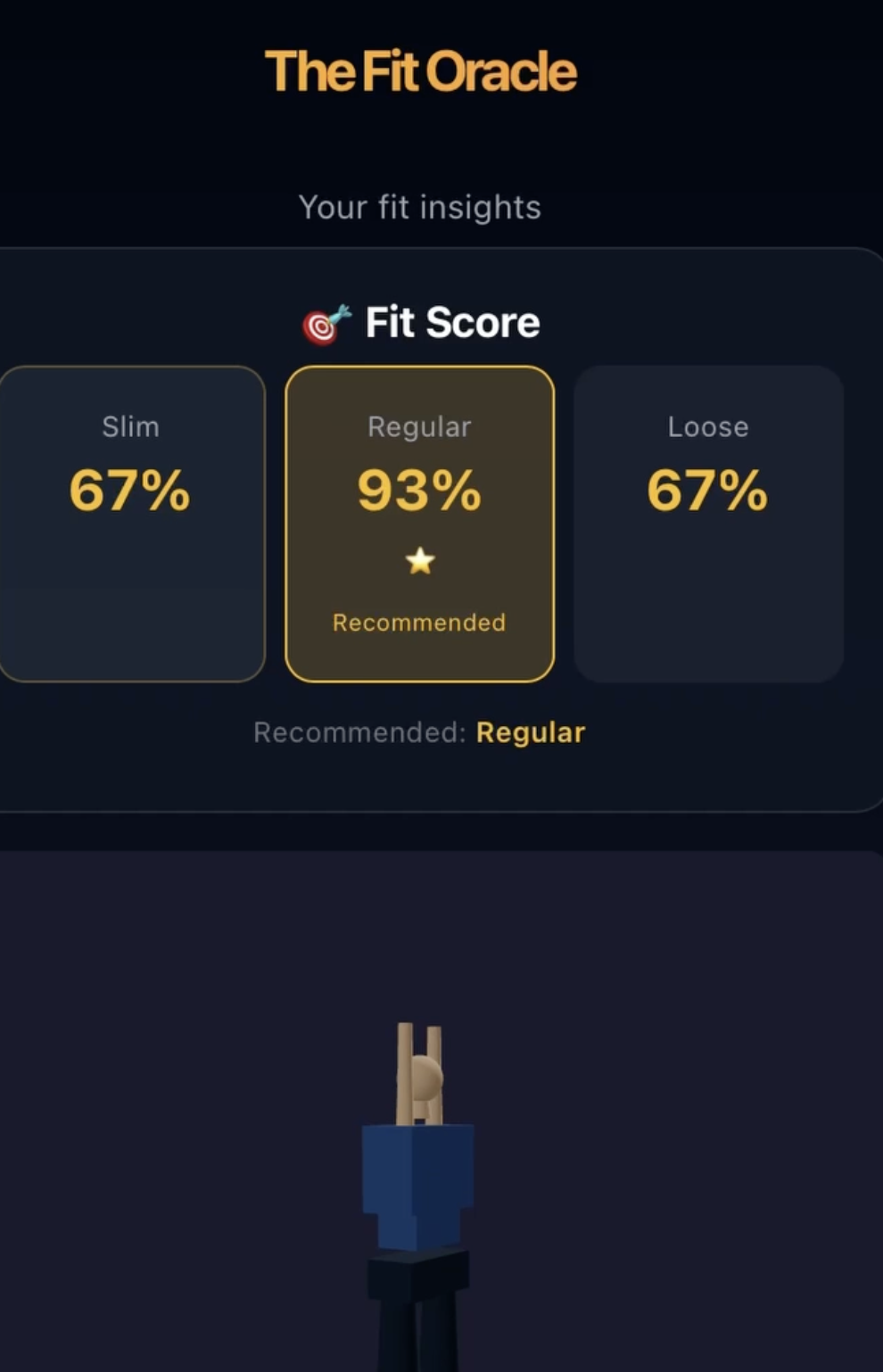
- Fit Score (Slim / Regular / Loose)
- 3D Avatar (scaled to measurements)
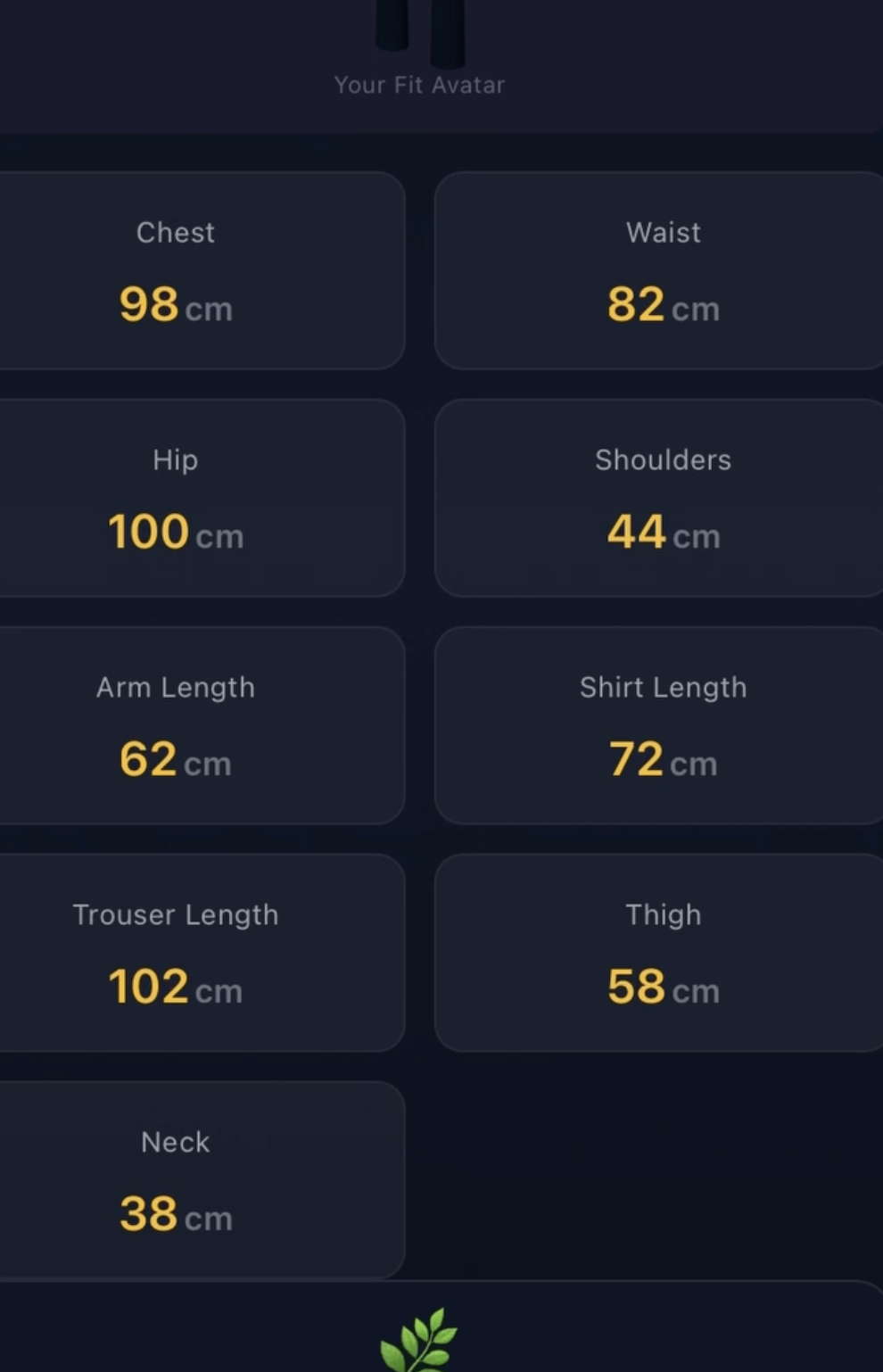
- Measurement grid
- Carbon savings
- Tailor Ticket PDF
- Save to History (Supabase / IndexedDB)
🚧 Challenges Faced
1. Vite + react‑webcam import hell
The default export of react-webcam kept throwing “star export” errors.
I switched to import Webcam from 'react-webcam' – but the real fix was using React.lazy for dynamic imports and clearing the Vite cache.
2. 3D avatar sizing
The initial avatar was either too small or only showed the feet.
Tuning the camera position and model scale (scene.scale.set(0.9, 0.9, 0.9)) and using heightCm as a scaling factor fixed it.
3. History viewer not showing saved entries
The viewer read only from IndexedDB, but Supabase saves didn’t write to IndexedDB.
I changed saveMeasurement to always write to IndexedDB (plus Supabase), so the viewer always sees the latest records.
🎉 Final Takeaway
The Fit Oracle is more than a hackathon project – it’s a glimpse into a future where fashion is data‑driven, waste‑free, and personalised.
I’ve learned that the best products aren’t built by solving every problem at once – but by focusing on the user’s core need (knowing their fit) and wrapping it with delightful, meaningful features.
Every return avoided is a small victory for the planet.
I’m proud of what I built, and I can’t wait to see where it goes next.
📐 Measure once. Fit forever. 🌍
Built With
- axios
- express.js
- indexeddb
- multer
- react
- react-pdf
- react-webcam
- supabase
- tailwindcss
- three.js
- typescript
- vite
- zustand
