Inspiration
We live in a world of "Copy/Paste" fatigue. You find a cool quote, a snippet of code, a color hex, and a link. Currently, you have to decide where it goes. The Echo Chamber removes the "where." It’s a UI designed for unstructured capture and structured recall.
What it does
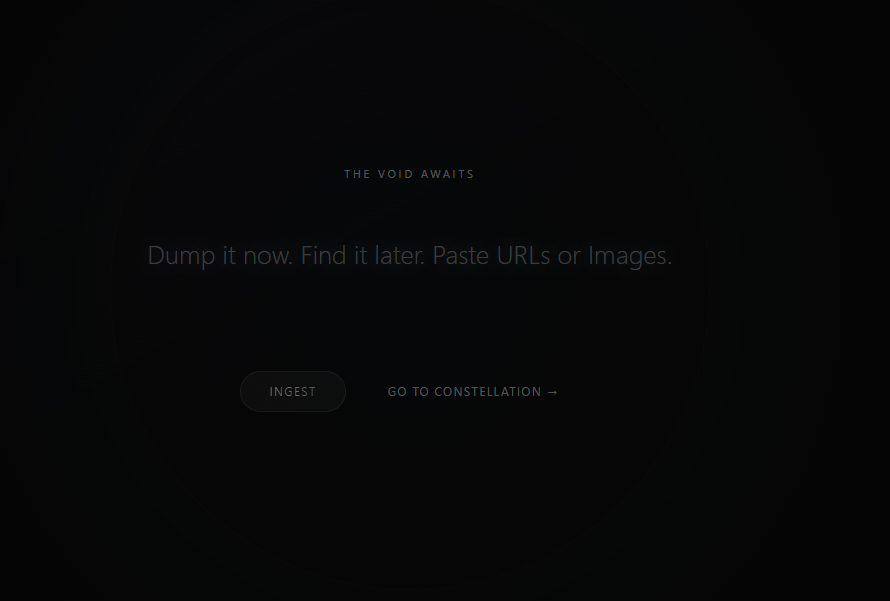
1.The center of the UI is a minimalist, glowing input field. There are no folders. There are no categories.
- The Gravity Well: A circular drag and drop zone. Anything you drop here an image, a URL, a voice memo is instantly ingested.
- The Pulse: A soft ambient glow that changes color based on the sentiment of what you’re typing. (e.g., Cool blue for technical snippets, warm amber for creative writing).
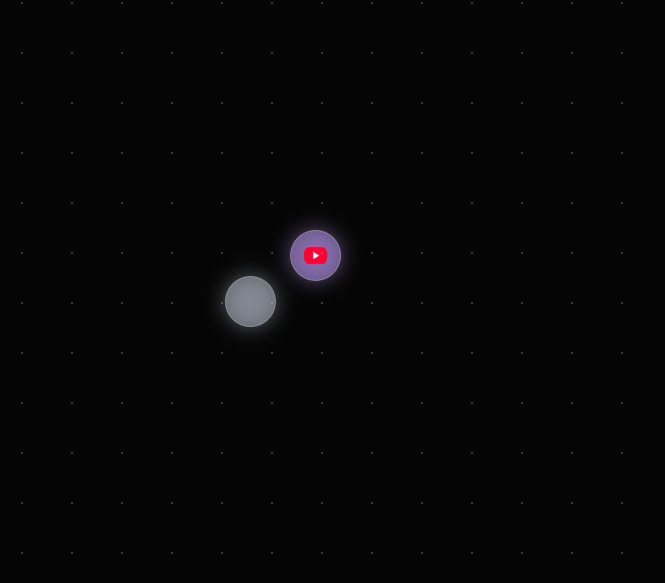
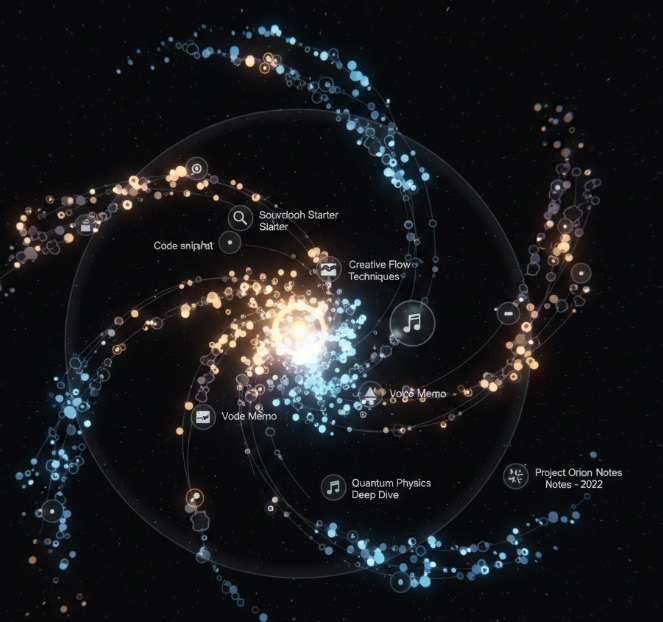
- The "Constellation" View (The Dashboard) Instead of a list or a grid, your saved items appear as a dynamic star map.
- Semantic Clusters: The UI automatically groups related items. If you saved a recipe for sourdough and a link to a high end baker, they float near each other.
- Temporal Gravity: Newer items are brighter and central; older, unvisited items drift to the periphery like distant stars.
- The Action Bar (Contextual Magic) When you click an "Echo" (a saved item), the UI doesn't just show you the text; it offers Intent Buttons: Feature Function
- Refract Generates 3 different ways to rewrite or use the info.
- Bridge Suggests a second, unrelated Echo to combine it with.
- Dissolve Deletes the item but keeps the "essence" (keywords) in the system's memory.

Log in or sign up for Devpost to join the conversation.