How we built it
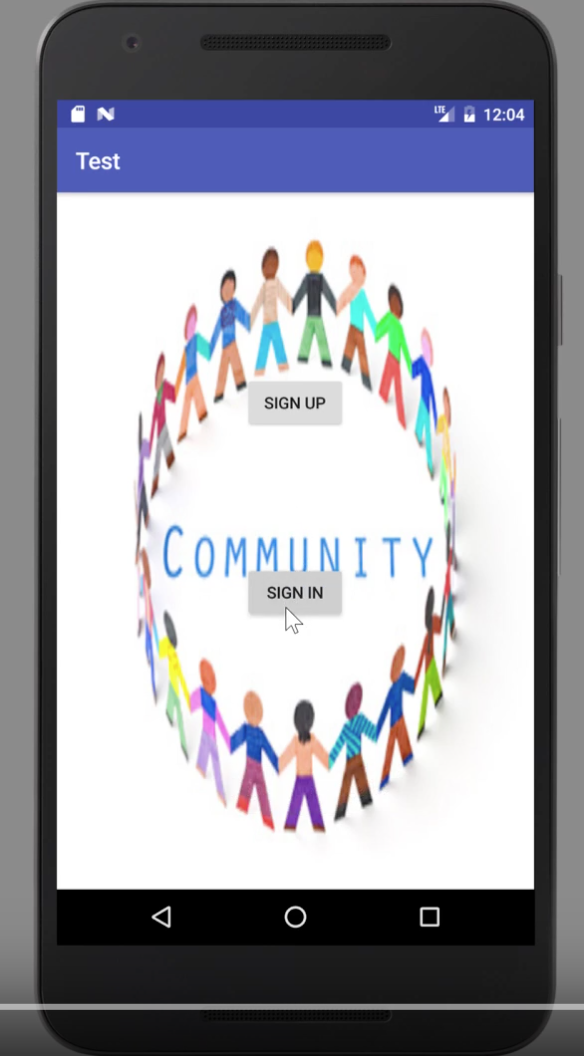
We built the COMMUNITY using Android studio, firebase database and Twilio messaging services.
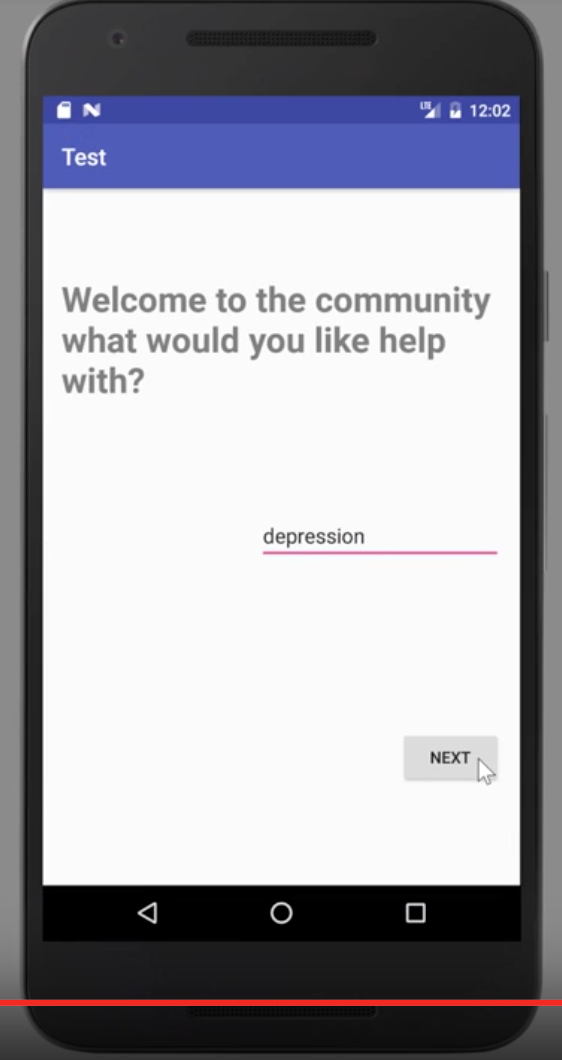
First Step - User Registration : We got the firebase database and user authentication up and running, so that users can sign in/signup with their email addresses and be automatically saved to the database and their user information accordingly updated.
Second Step - User Filtering : We filtered users based on the problem that they stated in the registration process.
Third Step - Setting up Twilio SMS messaging API : We set up twilio so that a users can char with each other.
Challenges we ran into
We faced several challenges during treehacks. As beginners at Android app development our first task was to layout a structure as to how we could register, authenticate and save users/user information. This was very challenging for us as we faced several issues in downloading and setting up firebase, getting the user authentication to work and updating the user data.
Another huge challenge we faced was getting the messaging feature. We tried to integrate and implement the facebook messenger API into our app, but in the end unfortunately it didn't work out for us, but afterward we switched to using Twilio's SMS services for our users, as a quick fix.
Accomplishments that we're proud of
We are so very proud of everything that we were able to get done in these 36 hours. As beginner app developers, this was quite the feat for us. We are proud that we got firebase to work. We are proud that we were able to successfully display in a scroll view to our users and, just proud that we were able to work together so well to make this happen despite all the challenges faced.
What we learned
We learned more than we can put here. So, the best way to put it, is that we learned...A LOT!
What's next for The Community
So much! Mostly we want to improve UI and the HCI

Log in or sign up for Devpost to join the conversation.