-
-
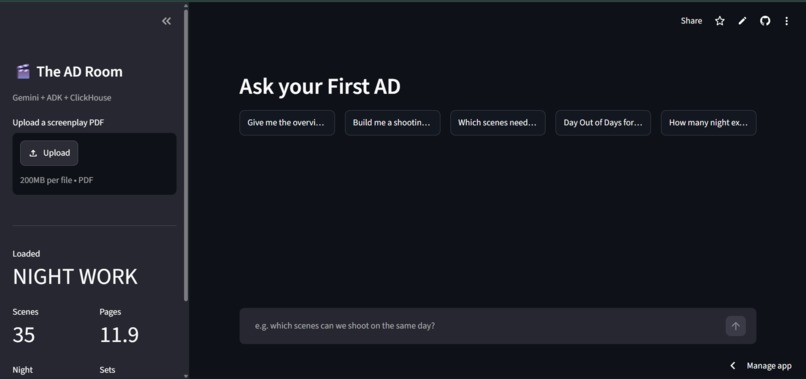
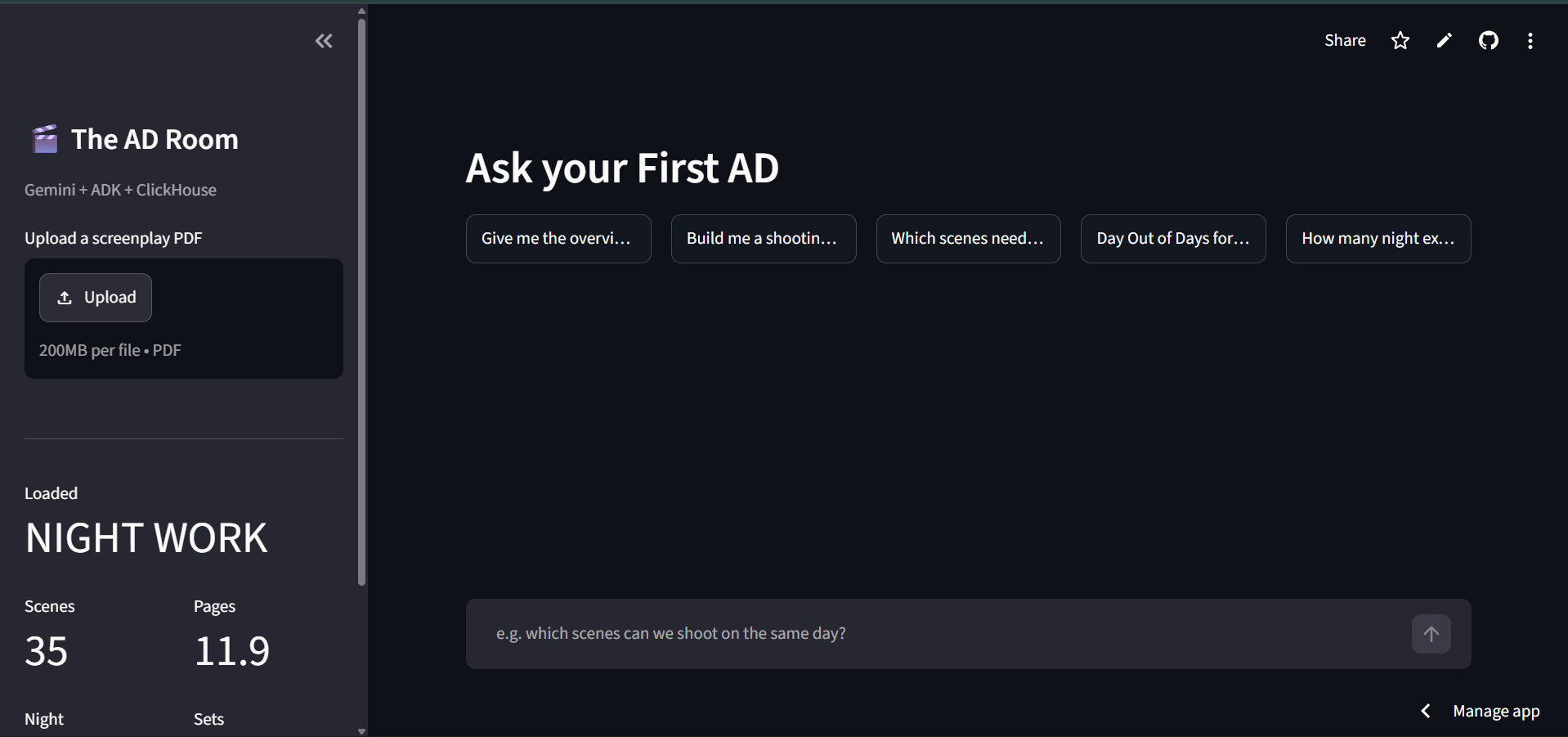
complete look
-
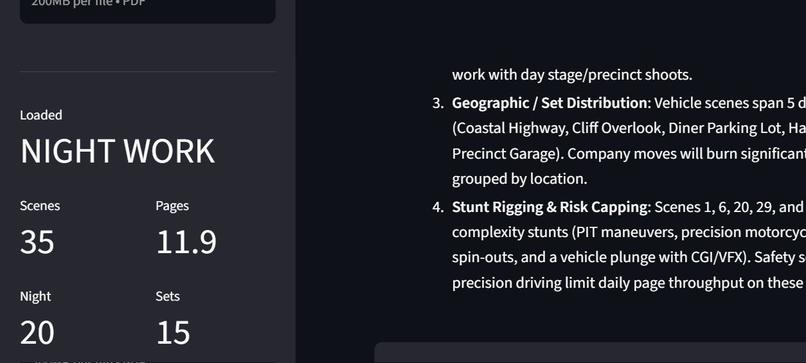
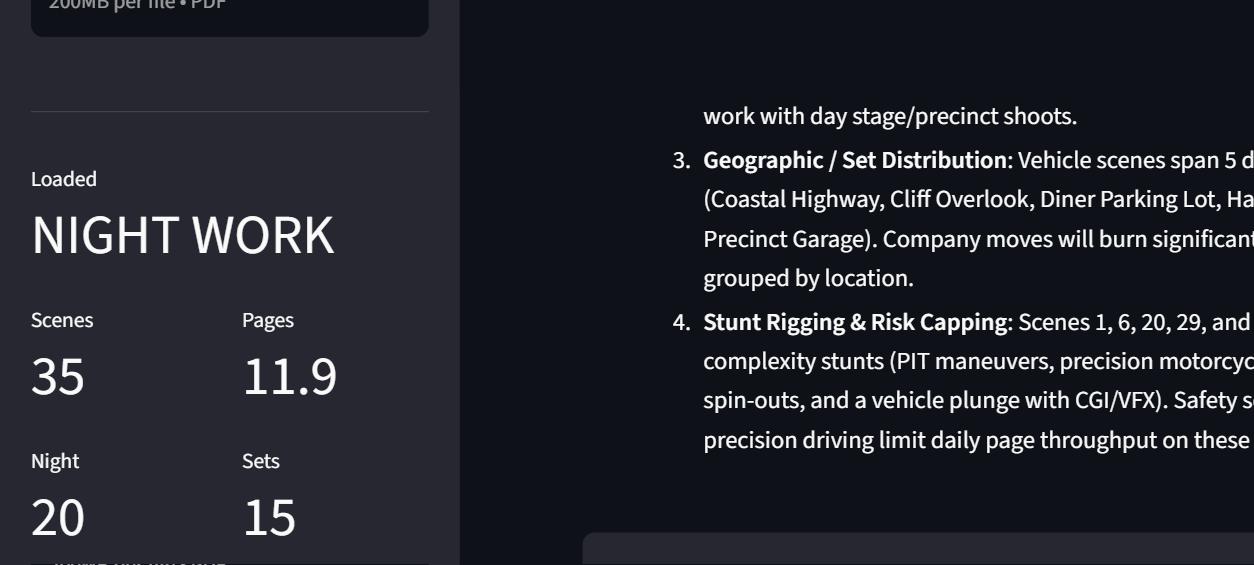
question response
-
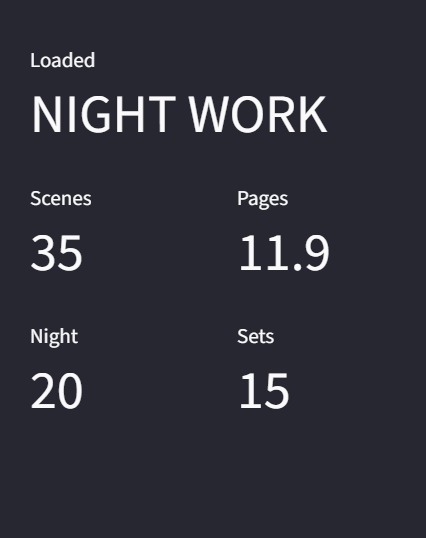
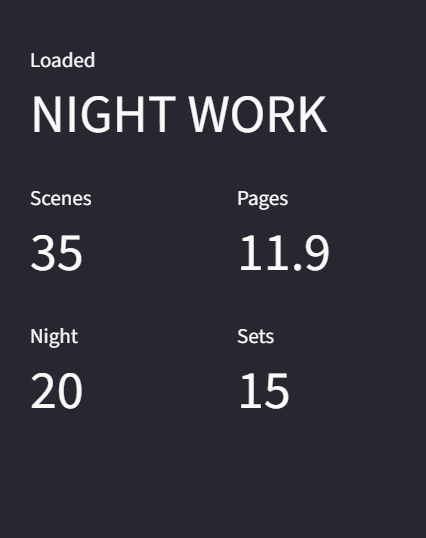
scene,set,night counts
-
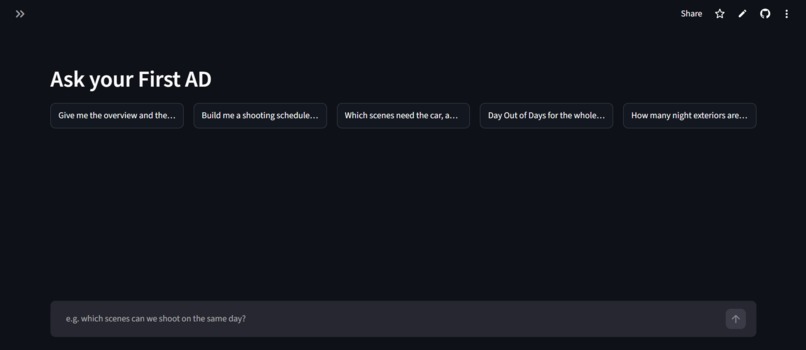
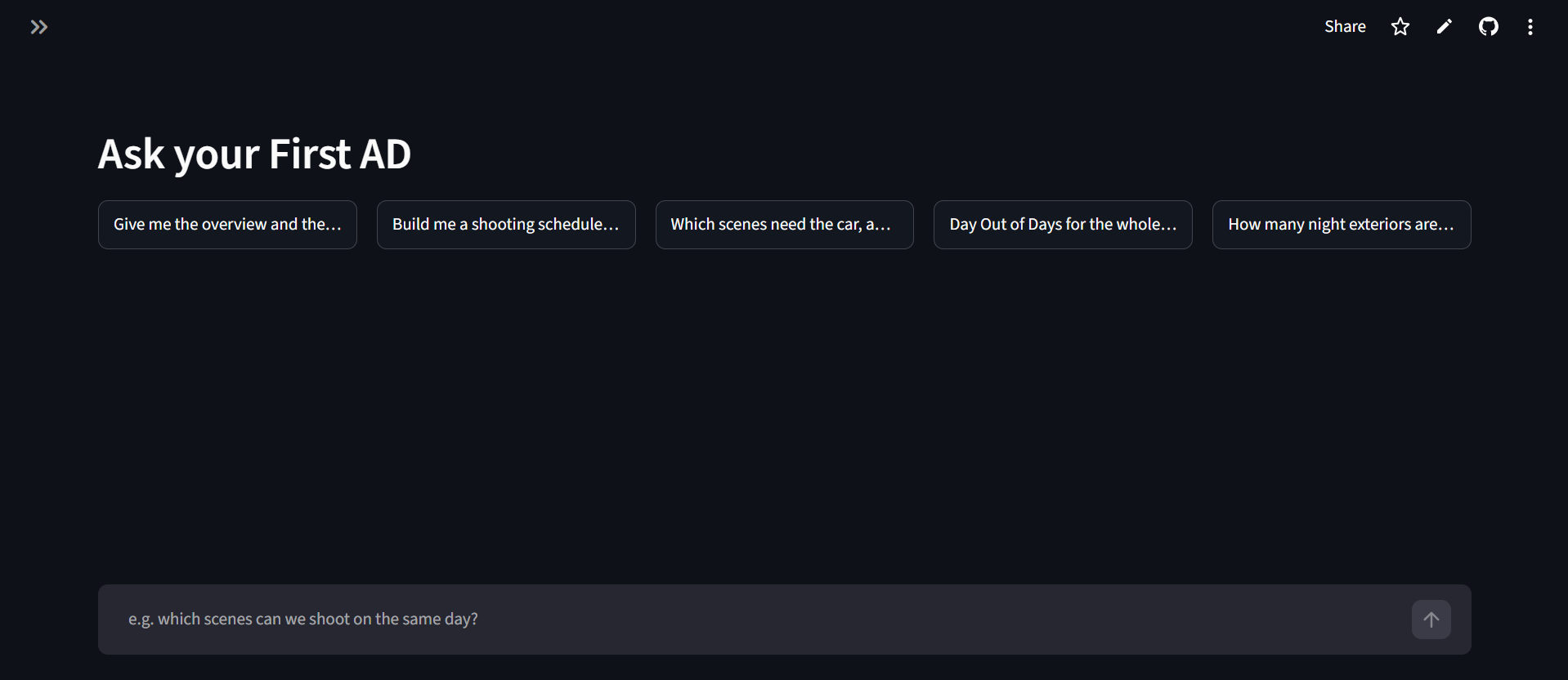
chatbot look
Inspiration
Breaking down a screenplay — logging every scene's cast, props, vehicles, stunts, VFX, then grouping scenes by set so the crew only lights and moves once — is two to four days of manual bookkeeping before a single shoot day can be scheduled. It's also exactly the kind of work that's tedious for a person and trivial for a database: cross-referencing hundreds of details across dozens of scenes. So we asked a narrower question than "can AI read a script" — can an agent reason about production logistics, the way an AD actually thinks, not just summarize?
What it does
Upload a screenplay PDF. Gemini reads it directly — no OCR, no manual entry — and extracts a full structured breakdown in one pass: every scene's location, time, cast, props, vehicles, stunts, and a 1–10 complexity score. That lands in ClickHouse Cloud as queryable production data. Then a Google ADK agent, armed with six tools, answers real AD questions in plain English and decides on its own what to look up: "which scenes need the car, and can we shoot them together?" doesn't just return a list — it notices the car is a running hero vehicle in one scene and a stripped wreck in another, and tells you that changes the shoot order.
How we built it
- Gemini does the extraction, using native PDF understanding — no preprocessing — constrained to a strict JSON schema so the output drops straight into a database.
- ClickHouse Cloud holds two shapes of the same data: a normalized scenes table, and a flattened scene_elements table (one row per scene/category/element), so "which scenes need this prop" is a single indexed lookup instead of an array scan. The shooting-schedule builder and Day-Out-of-Days report are each a single GROUP BY — the exact banking work an AD does by hand in a spreadsheet, done in milliseconds.
- Google's Agent Development Kit builds the agent natively — six tools, each a plain Python function wrapping a real query — pointed at the free AI Studio endpoint, so the whole thing runs with zero billing account required.
- Streamlit, deployed free, is what you're clicking through right now.
Challenges we ran into
Two bugs taught us more than anything that worked on the first try.
The first looked like an AI problem and wasn't. Gemini started throwing 503 overload errors mid-demo — a real, widespread capacity issue on the model right now, confirmed on Google's own developer forums, not something in our code. We built exponential-backoff retries into every Gemini call, and when a model's own retries are exhausted, the agent transparently falls through to a second, lighter model on a different capacity pool — so an outage that would sink most weekend projects just costs a few extra seconds here.
The second looked like a database problem and was almost invisible. ClickHouse deduplicates inserts by hashing the data you send it — and our project-registry table left one column to a server-side default, which meant it silently fell outside that hash. Reinsert a project with the same stats — a completely normal thing to do — and ClickHouse quietly discarded it as a "duplicate" of an insert from days earlier, even though that original row was long gone. Every other table stayed correct; only the title vanished. We only caught it by reading ClickHouse's own system.query_log and watching an insert report success while the very next read found nothing.
What we learned
That "the model is wrong" and "the database is lying" look identical from the outside — both just show up as missing data — and the only way to tell them apart is to stop trusting the SDK and go read the server's own logs. And that ClickHouse's real edge in an agentic system isn't as a generic datastore: it's that the aggregation-heavy questions an agent gets asked — group this, bank that, cross-reference across hundreds of rows — collapse into single queries instead of application code.
What's next
Multi-screenplay comparison for franchise and anthology scheduling, a Vertex AI toggle for teams that need SLA-backed reliability instead of the free tier — and, further out, letting the agent write schedule changes back into ClickHouse instead of only reporting on them. The version you're looking at answers questions. The next one negotiates the schedule with you.
Built With
- agentic-ai
- ai-agent
- clickhouse
- clickhouse-cloud
- clickhouse-connect
- data-analytics
- gemini
- gemini-api
- generative-ai
- github
- google-agent-development-kit
- google-ai-studio
- google-genai
- json-schema
- llm
- multimodal-ai
- olap
- pdf-extraction
- python
- python-dotenv
- screenplay-analysis
- sql
- streamlit
- streamlit-community-cloud
- structured-output
