-
-
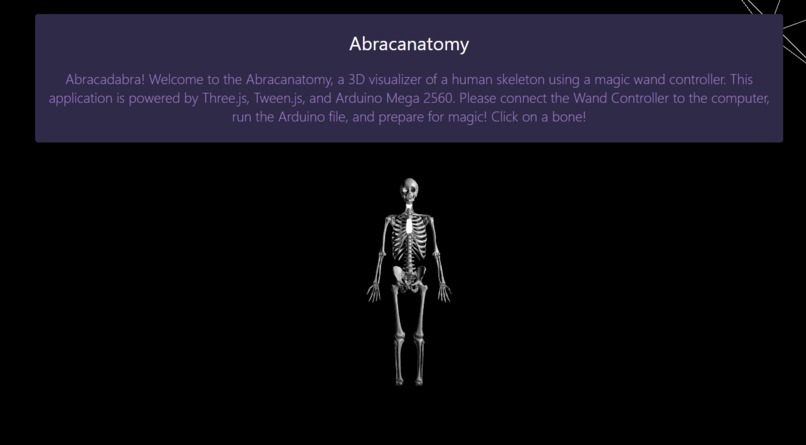
Welcome Page and Entire Skeleton
-
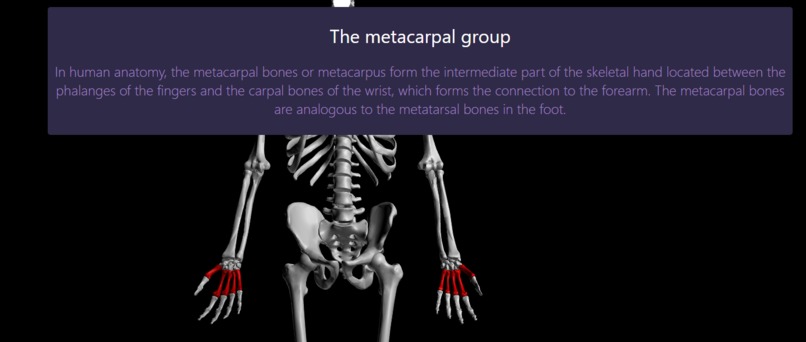
Highlights
-
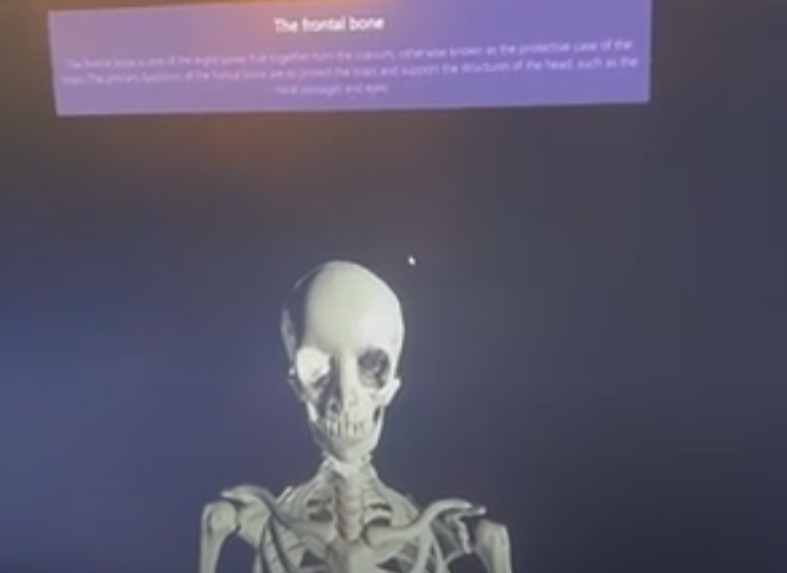
Skull
-
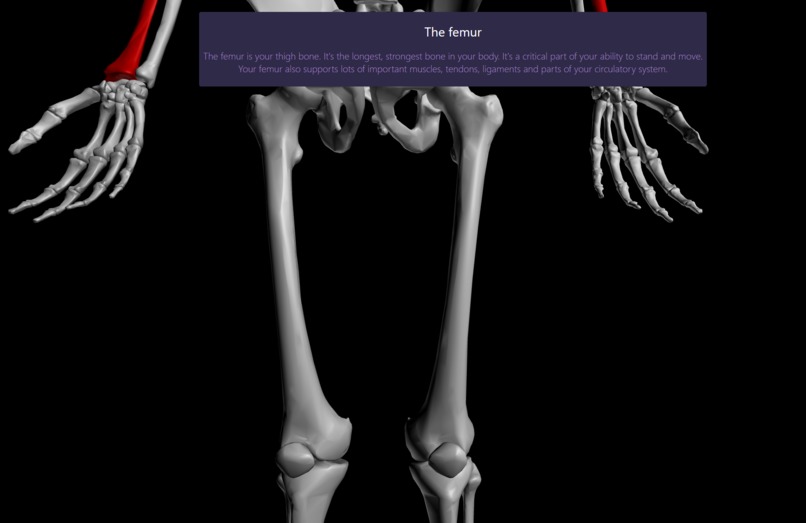
Panned and Zoom In
-
3D controller
Inspiration
Today, virtual models to teach medical students and children anatomy on a deeper level are quite scarce. Most 3D models to be used either virtually or in-class cost hundreds or thousands of dollars, making it quite difficult to purchase. This is where the idea of creating a virtual 3d world where a student could explore the skeletal system of the human body using a 3D controller and a headset or monitor came from.
What it does
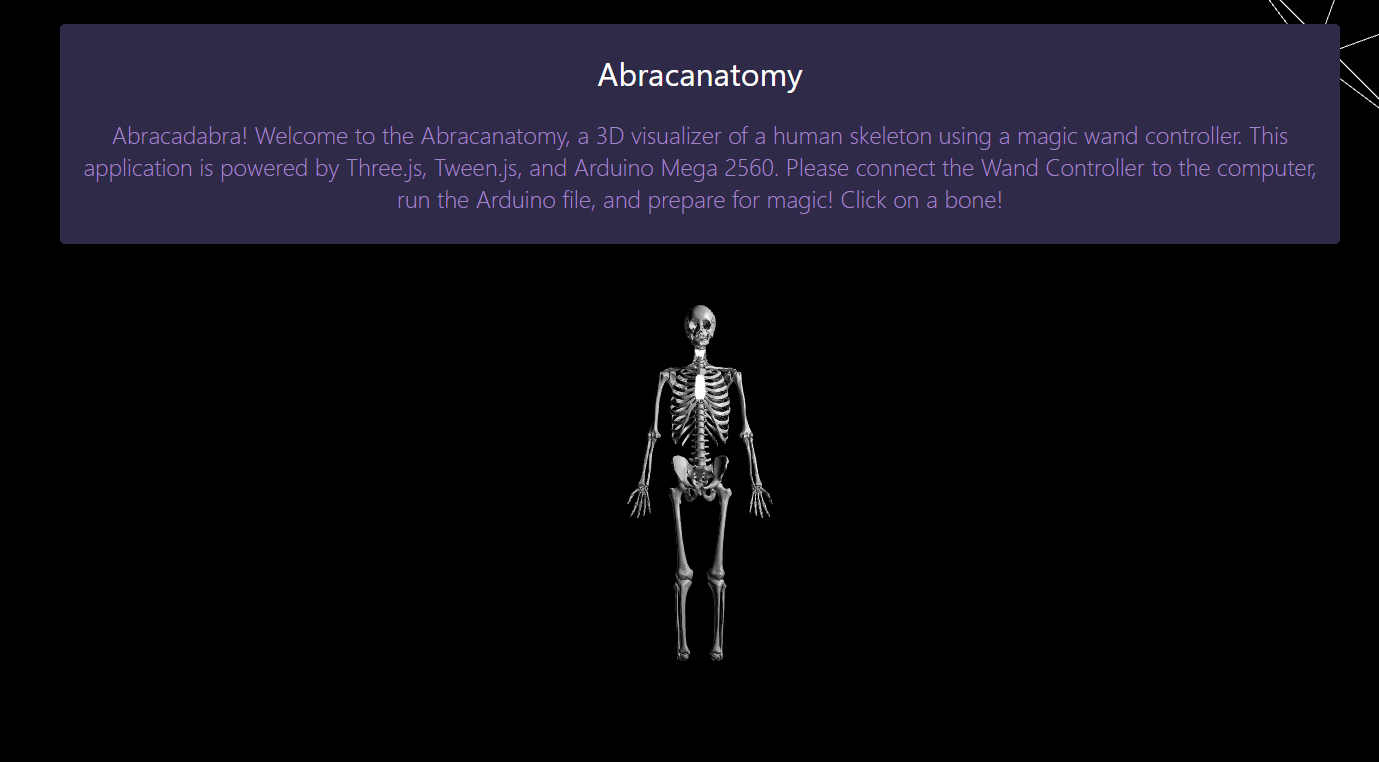
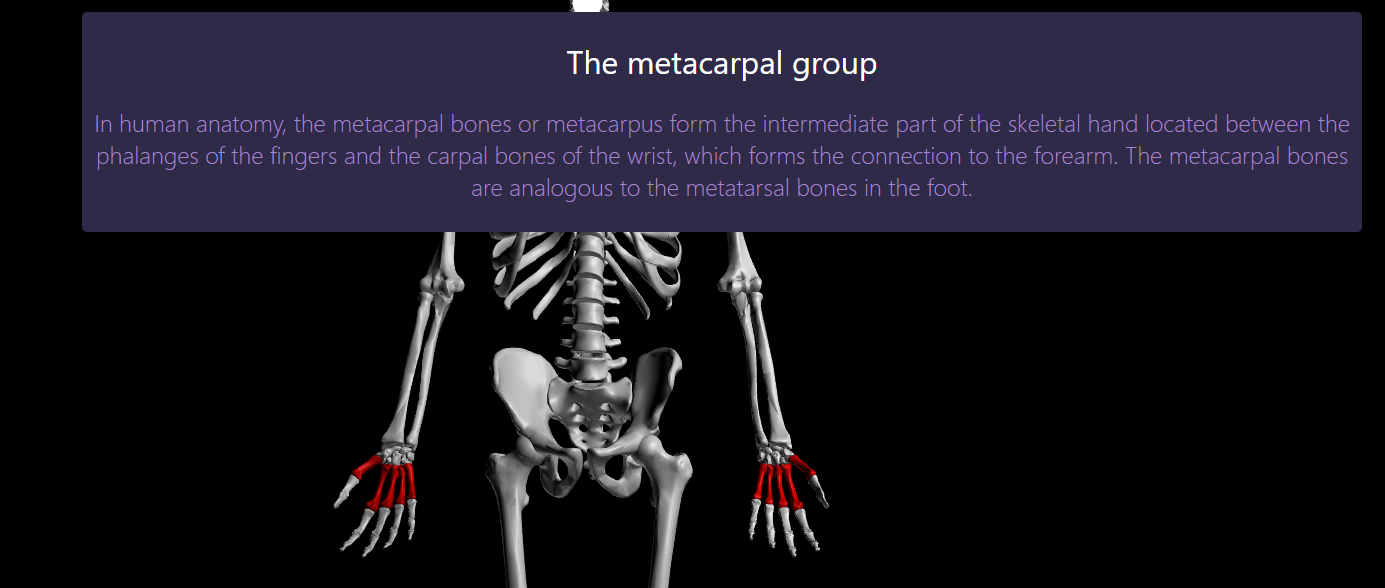
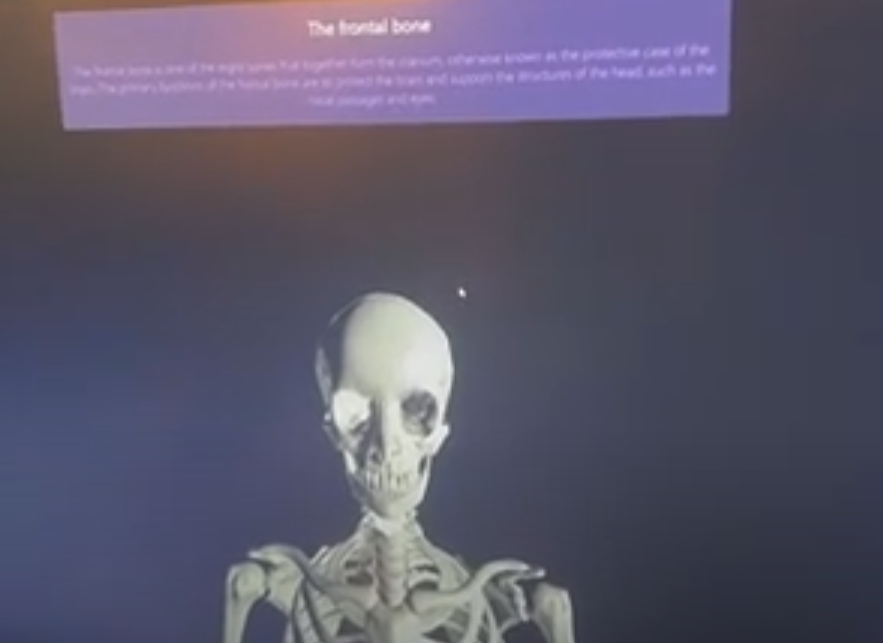
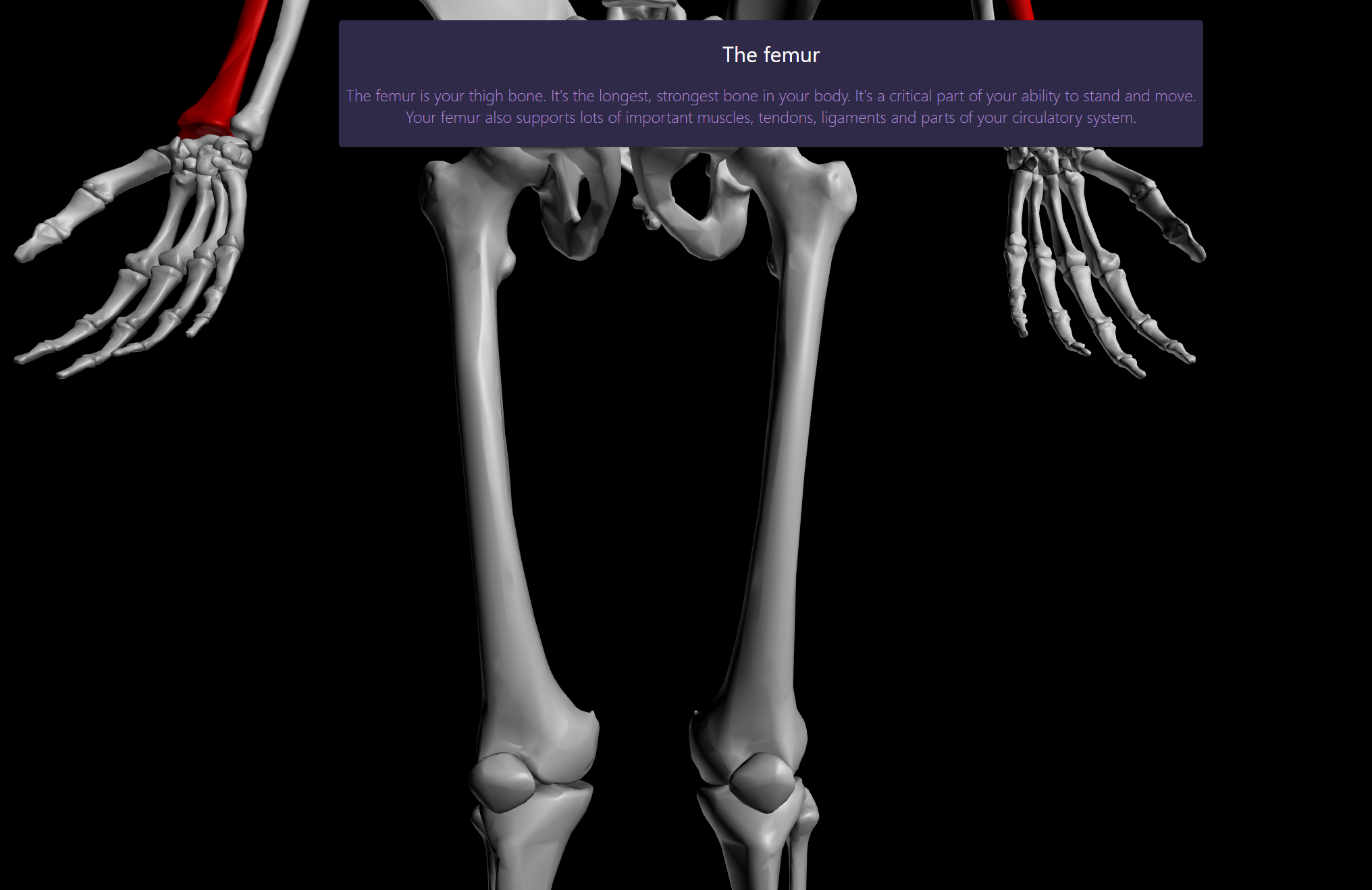
The Abracanatomy is a web-app that allows students to explore the skeletal system of the human body in a virtual 3d world. The web-app has built-in integration with the 3D controller, built specifically for Abracanatomy to pan the camera around the 3d world, select bones, read their descriptions, and study their shapes and features.
How I built it
The entirety of The Abracanatomy web-app was built completely from scratch using JavaScript/HTML/CSS for responsiveness and the web-app itself, Tween.js for animation, Three.js for simple 3D rendering and shaders, Google Cloud for database storage, and Arduino/C++ for the Magic Wand and its integration to the cursor of the computer.
Part 1: 3D Rendering and Shading with Three.js and Animation with Tween.js
Using Three.js without starting a web server, the skeleton model is displayed to the screen and to the user with shading and a high-poly 3d model of the skeletal system. Additionally, Three.js was also used to raycast for mouse picking (so that you could hover and choose a bone to observe) and extract & display .obj files related to the skeleton. In addition to the manual coding of an Orbital Camera in Three.js and JavaScript, I also used Tween.js to make camera movements and panning to the different bones of the skeletal system much smoother and better to look at.
Part 2: Object Retrieval and Google Cloud
The skeletal model for Abracanatomy was extracted from a Blender project related to ZAnatomy, an open source 3d model of the human body including muscles, skeletal system, cardiovascular system, and more. Using Blender, I extracted the skeletal system from the project and stored each bone in a separate .obj file, which was stored in a GCP instance to access without CORS warnings, etc.
Part 3: WebXR and Virtual Reality Integration
In Abracanatomy, WebXR/Google ARCore and VR were integrated to provide VR solutions to view the 3D skeletal system and the description of each bone in excruciating detail. However, I don't have a VR headset so direct footage could not be obtained. However, moving from a Three.js scene to a WebXR one was quite smooth and are indirectly intertwined.
Part 4: Arduino/Java based Magic Wand
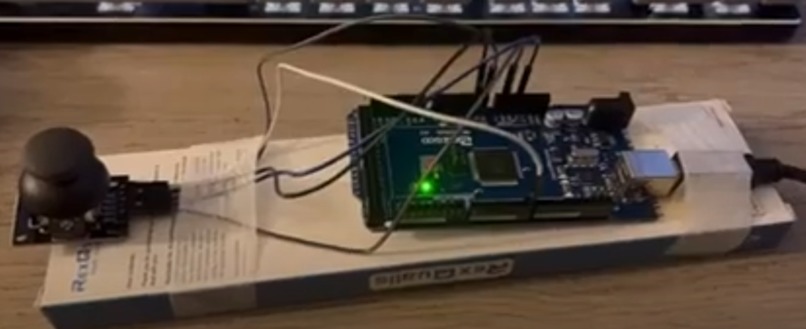
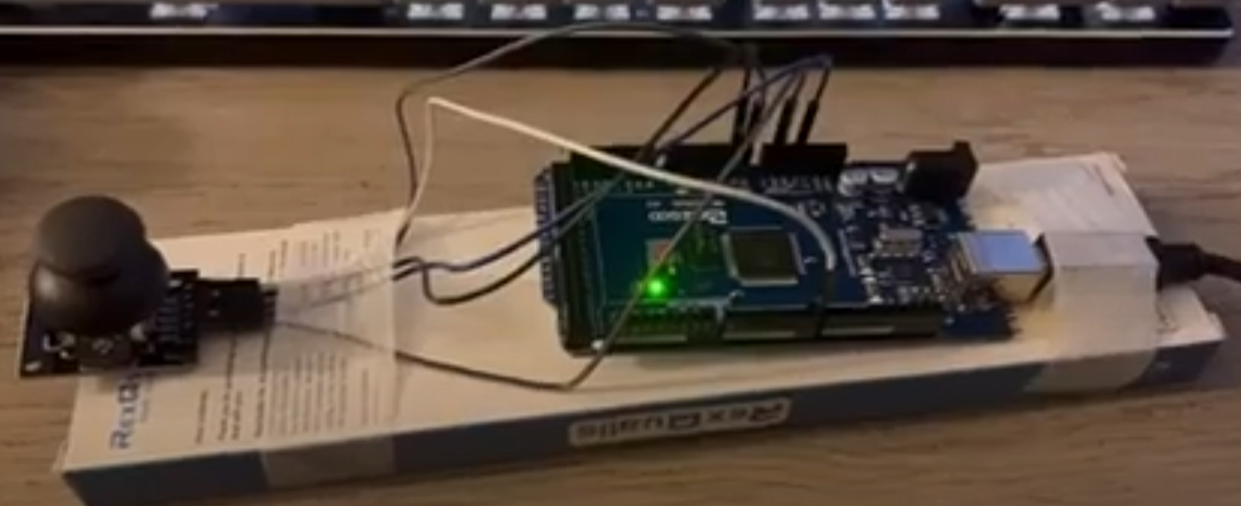
The main part of Abracanatomy that makes it "magical" is the magic wand, built from scratch using an Arduino Mega 2560 model and a joystick module for the Arduino Uno. I was able to use Arduino IDE and C++ to integrate the Mega 2560 and the joystick module for analog input. Using the Serial COM Port and Java's MFX-RXTX and JNA 3.2.7 libraries, the joystick could control the cursor, left click, right click, and scroll.
Challenges I ran into and Accomplishments I'm proud of
The first challenge that I ran into was displaying the modeled skeleton in Three.js's Scene. .OBJ implementations in Three.js is quite well-covered, however, since I was not using a web-server, using the in-built library functions were throwing errors. Instead, I had to code the Orbital Camera and the majority of the mouse picking (hovering and clicking on 3d objects) functions. This was quite difficult due to the extraordinarily large amount of code needed to keep track of and, also, 3D programming requires a bunch of 2D and 3D Vector Math, which was quite difficult to implement.
The second challenge that I ran into was relative positioning in 3D objects. Since I had exported the skeleton bones as an .OBJ, all of the bones were relative to the (0,0,0) position making it impossible to pan directly to the bones using in-built functions. So, I had to use vector math and calculating the centroid to actually make the camera zoom and pan on the bones.
if (child instanceof THREE.Mesh) {
                    child.geometry.computeBoundingBox();
                    let matrix = new THREE.Vector3();
                    let offset = child.geometry.boundingBox.getCenter(matrix);
                    child.geometry.applyMatrix4(new THREE.Matrix4().makeTranslation(-offset.x, -offset.y, -offset.z));
                    child.position.copy(offset);
                    bone_objects.push(child)
                }
The final challenge that I ran into was developing the 3D movement controller . Unfortunately, since I had owned a Mega 2560 board, much of the logic components (Mouse.h, etc.) didn't exist due to the board's manufacturing. So, I had to use a solution involving both Arduino/C++ and Java. Using Arduino, I would feed the analog input readings from the Analog Controller to the Java project file and use that to directly control the cursor, which took a lot of effort.
What's next for The Abracanatomy
I was considering upgrading the Magic Wand to include a search function and voice-activated search function to make it convenient and accessible to locate and read the descriptions of bones and other parts of the skeletal system. Another improvement I would make to Abracanatomy would be the number of objects involved in the actual web-app itself. Since I was limited to time, I only utilized the Skeletal system of the human body. However, given enough time and some coding experience related to making Three.js more efficient with thousands of polygons, I could include the muscular system, the neurological system, and the cardiovascular system which would expand the project into better places

Log in or sign up for Devpost to join the conversation.