-
-
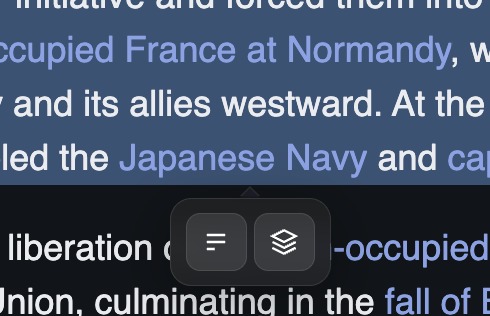
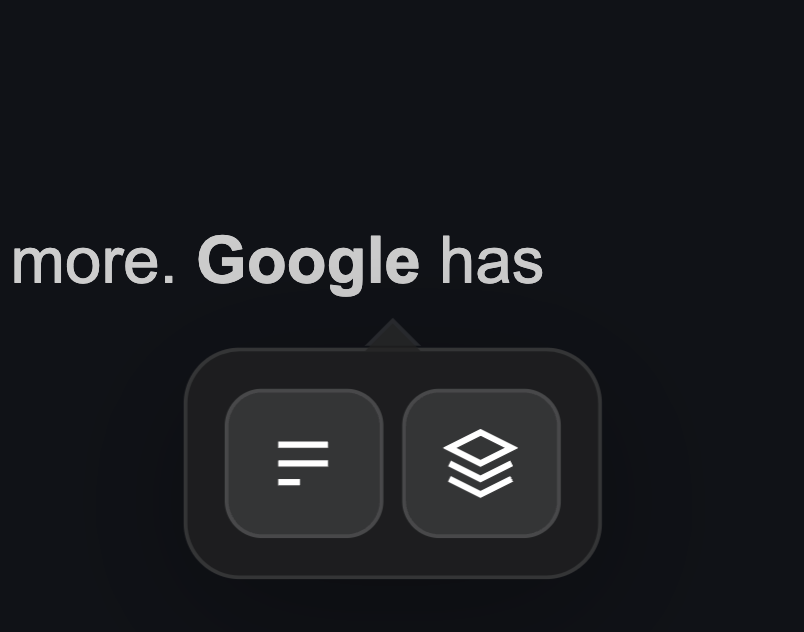
popup menu appears when user select text
-
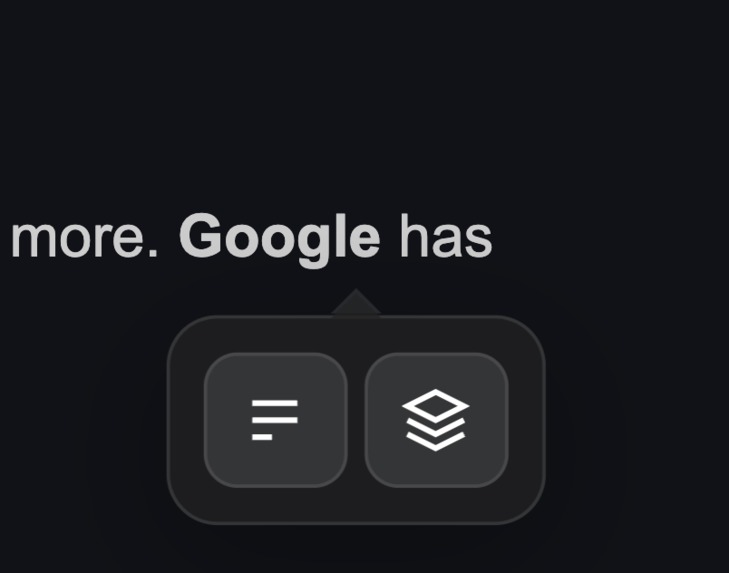
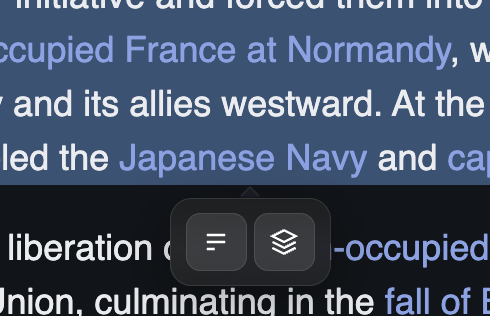
This panel lets users summarize text (left button) or interact with AI for insights (right button).”
-
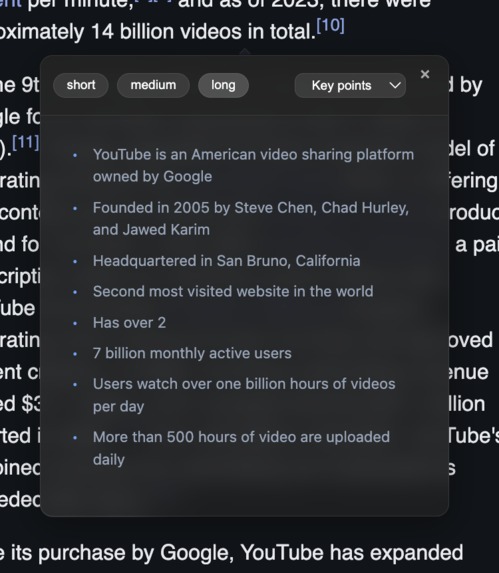
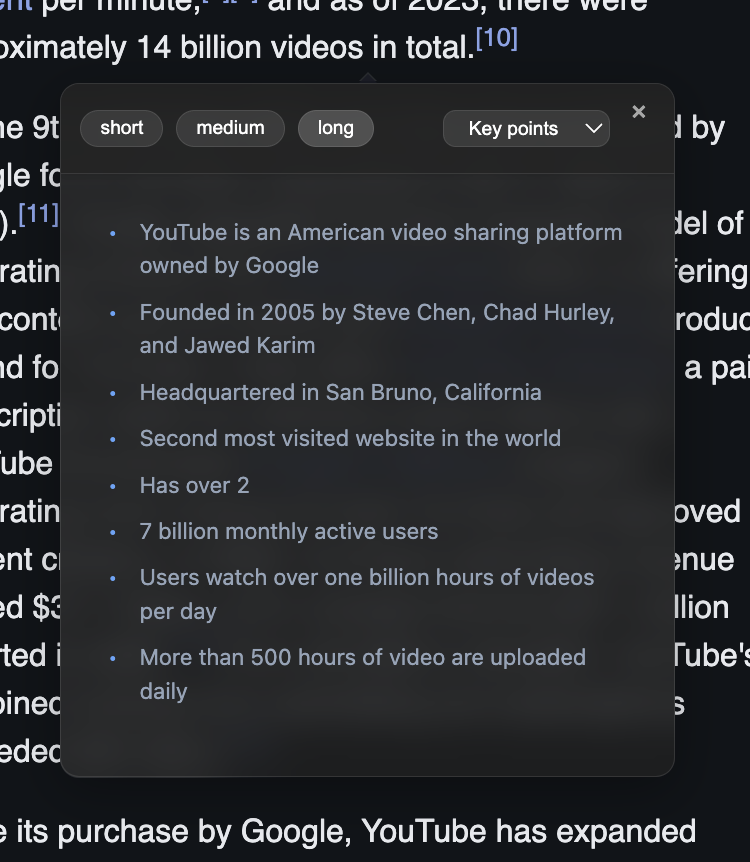
user gets 3 buttons to select length of summary text
-
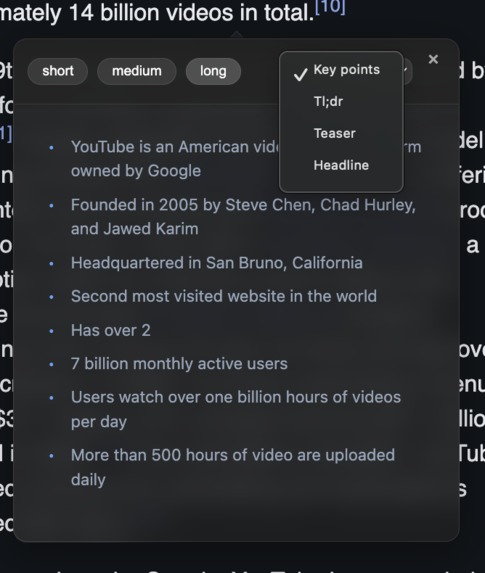
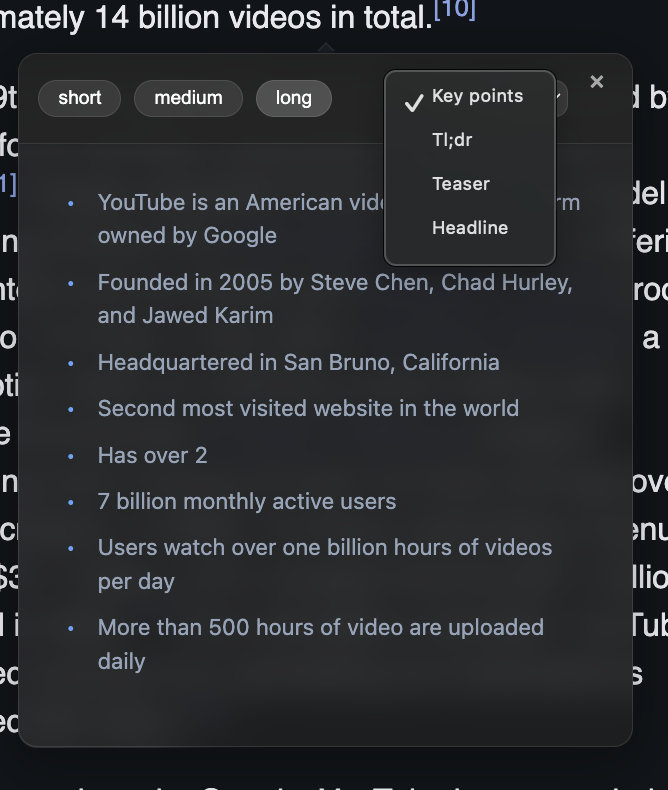
his dropdown menu lets users choose different summary styles:
-
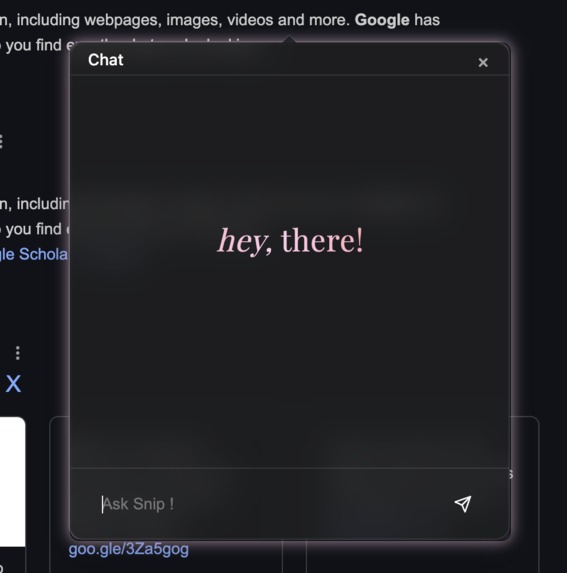
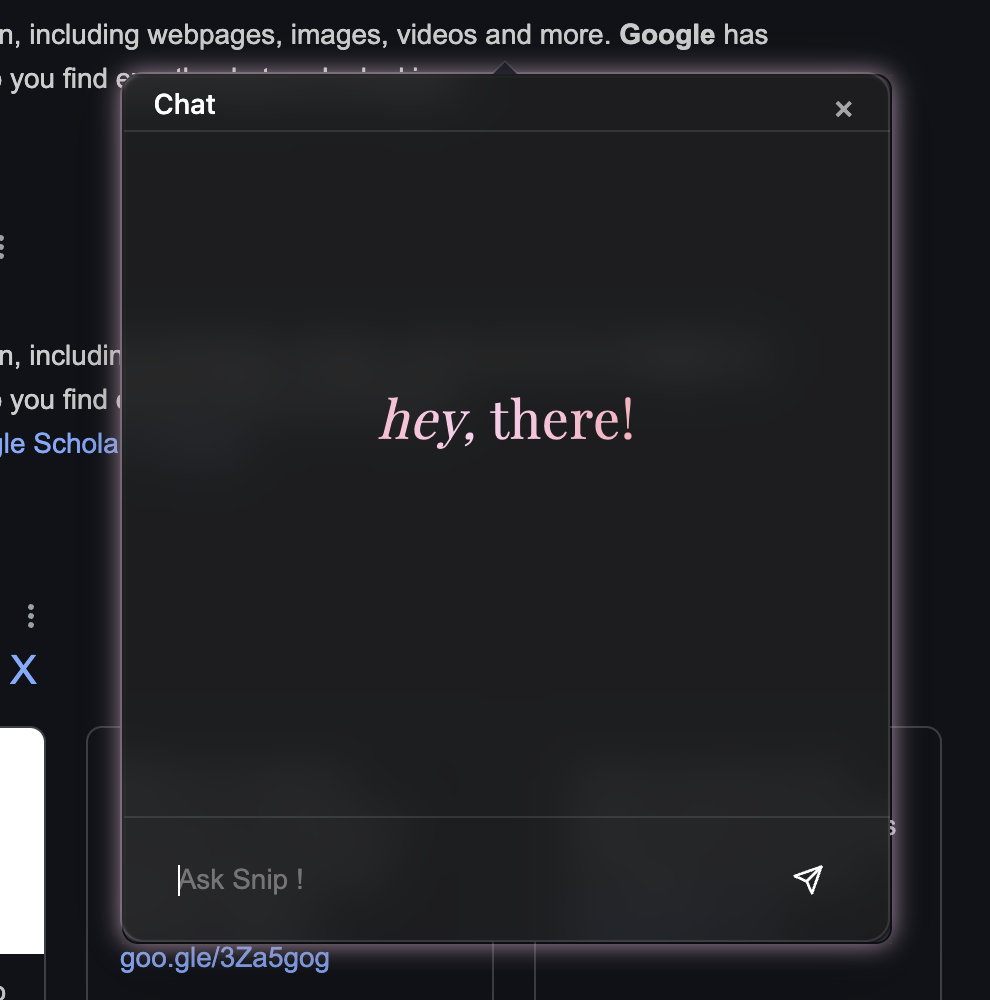
Snip AI is an intelligent tool that provides context-aware insights, allowing users to interact with and ask questions about selected text
-
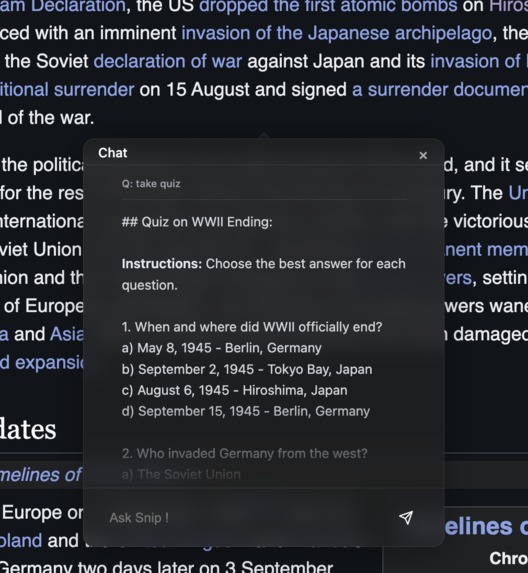
Use case of snip AI

TextLens: Smarter Web Reading and Text Analysis
Inspiration
When I browse the web, I often come across long paragraphs of text that feel overwhelming to read. This happens a lot with YouTube comments or when I’m studying and collecting information. I sometimes wish there was a way to quickly understand what a long paragraph is about or pick out the key points I need.
One day, I came across Google’s Summary and Prompt API. I realized this could be the perfect tool to solve my problem. That’s how I got the idea to create TextLens, a tool that helps people quickly understand and analyze text with ease.
What it does
TextLens is a tool that makes reading and understanding text easier. It has two main features:
- Smart Text Summarization: When you highlight text, it quickly gives you a short summary to help you understand the main points.
- Snip AI Chat: You can ask questions about the selected text and get clear answers through a chat-like interface.
This tool solves some common problems:
- Too much information: It shortens long or complicated text into simple summaries.
- Wasting time switching tools: You don’t need to copy-paste text into another app. Everything works right on the webpage.
- Accessibility: It makes text analysis simple and available anywhere on the web.
- Privacy: All processes occur locally in the browser, ensuring no data is sent to the cloud.
How I built it
I built this project on my own using just JavaScript. Here’s how it works:
- Browser APIs: I used browser tools to handle text selection, manage the page structure (DOM), and handle user actions like highlighting text.
- Smart Floating Interface: A small popup appears right where you need it and adjusts itself if you scroll or resize the page.
- Two Modes:
- Summary Mode: Gives you quick summaries in different formats. (used summary API)
- Chat Mode: Provides responses with a typing effect, making it feel interactive (used prompt API).
I avoided using big frameworks so the tool could be lightweight and fast.
Challenges I ran into
Building TextLens wasn’t easy, and I ran into several challenges:
- Positioning the Popup: Making sure the popup stayed in the right place while scrolling or resizing the window was tricky.
- Streaming AI Responses: Showing answers smoothly while they were still loading took a lot of effort.
- Performance: I had to make sure the tool worked fast, even when handling lots of events like scrolling or selecting text.
Accomplishments that I am proud of
The biggest achievement was turning my idea into a working tool. The first time I saw the API generating responses in my project was an amazing moment. After hours of debugging, it felt like everything clicked. It was one of those moments that made all the effort worth it!
What I learned
This project taught me a lot, including:
- Efficient Coding: How to make dynamic elements (like the popup) work smoothly without slowing down the page.
- Asynchronous Programming: Working with AI APIs helped me understand the importance of handling errors and giving users proper feedback when things take time.
These lessons helped me improve both my coding skills and my problem-solving mindset.
What's next for TextLens
I have many ideas to make TextLens even better:
- Add a voice input feature so users can speak instead of typing.
- Support more languages besides English.
- Improve the way responses are displayed to make them clearer and more organized.
- Allow long chat sessions for users who need to analyze more text over time.
- Ensure it works on all devices, like phones and tablets.
- Update the design to make it even easier to use. 7. Personalize settings for the user
These updates will make TextLens more helpful for everyone.
Built With
- dom
- gemininano
- javascript
- promptapi
- summaryapi

Log in or sign up for Devpost to join the conversation.