-
-
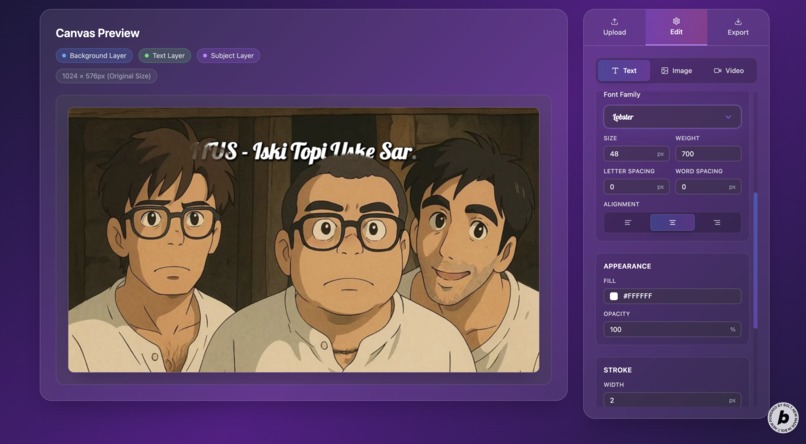
Image editor by behindtext.xyz
-
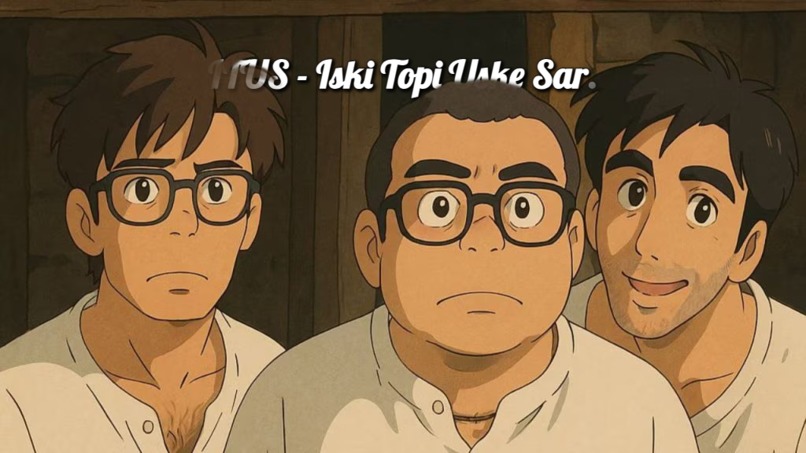
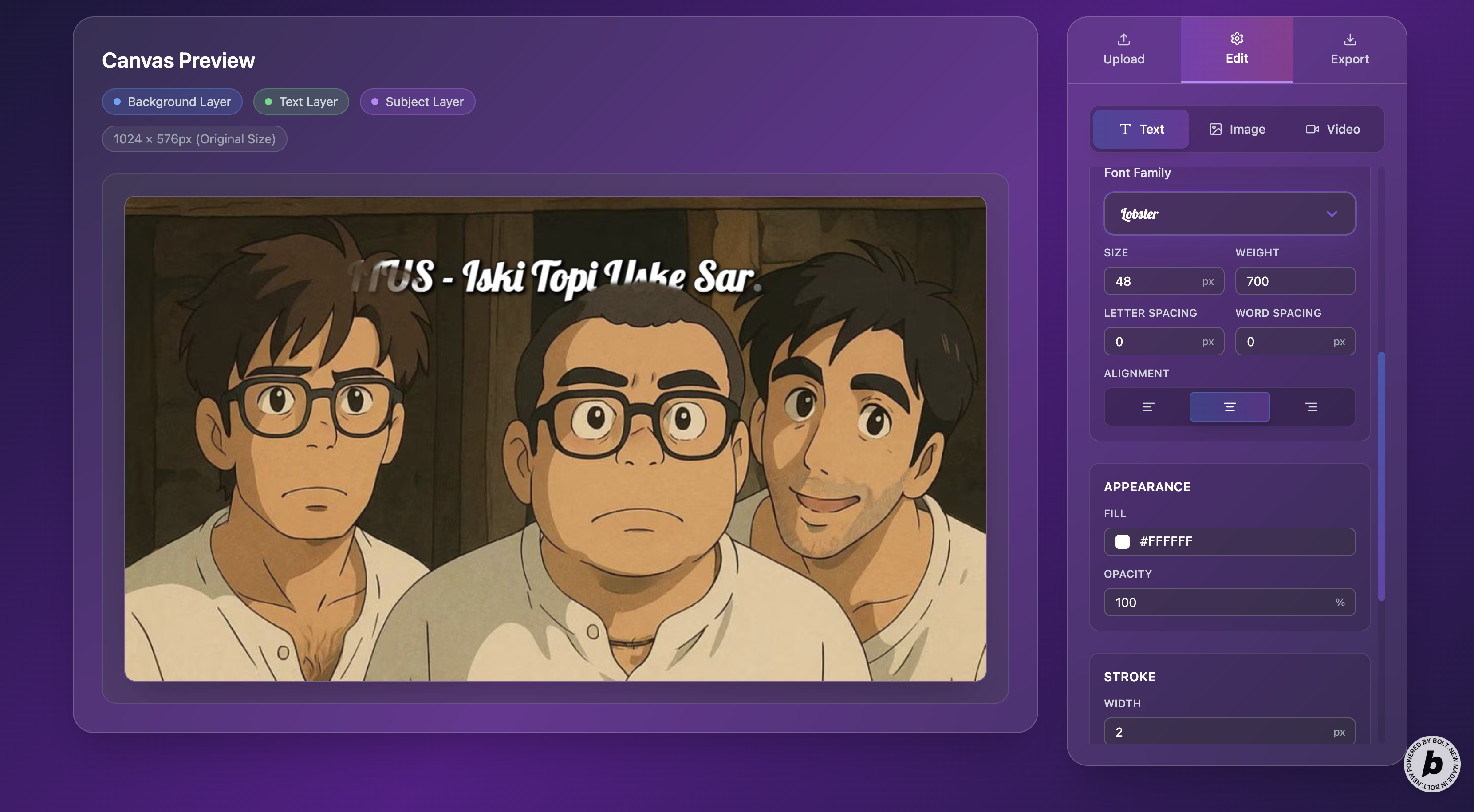
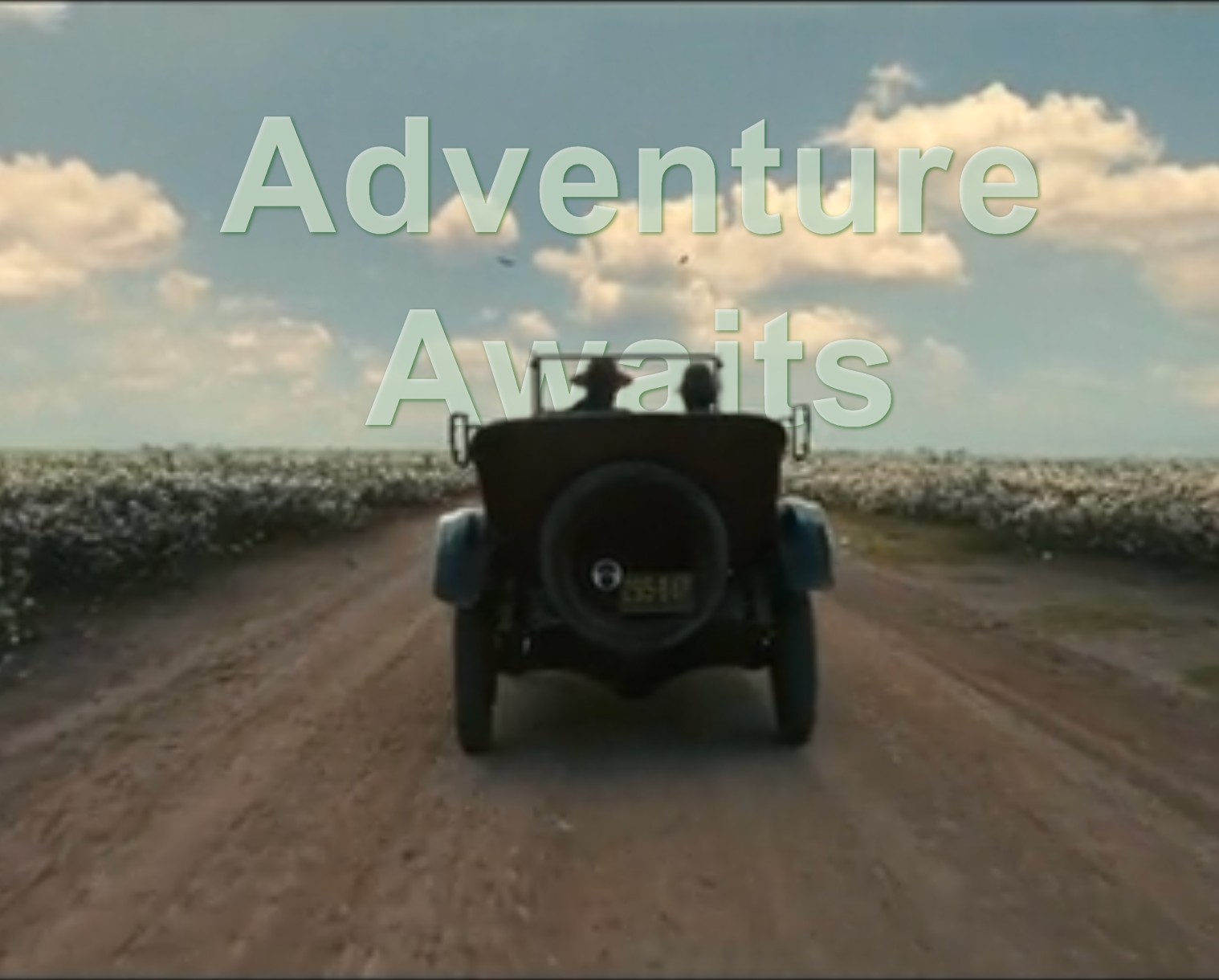
Result image with the same resolution as the uploaded image
-
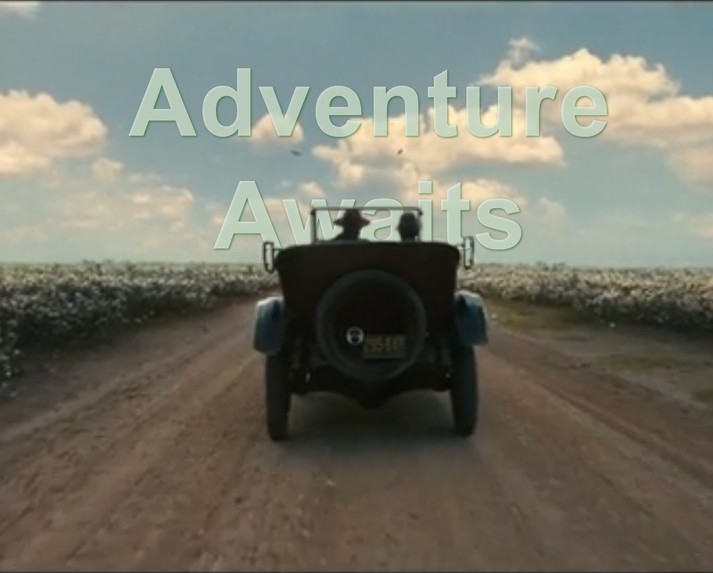
Result image with text color change and text-alignment
-
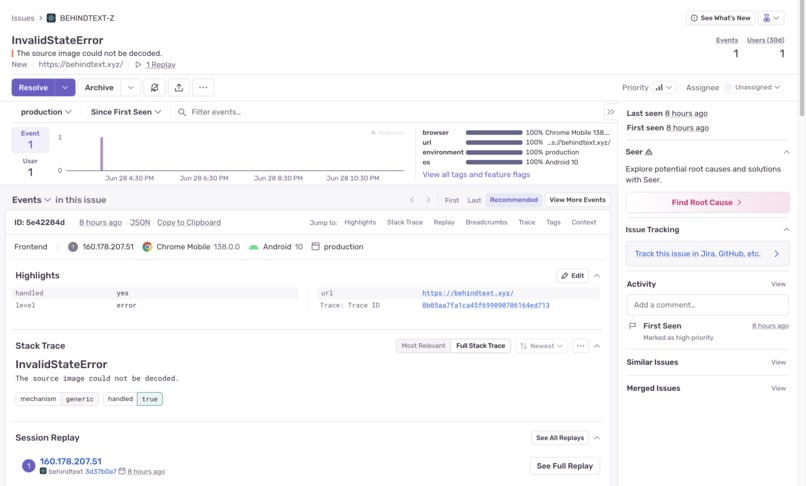
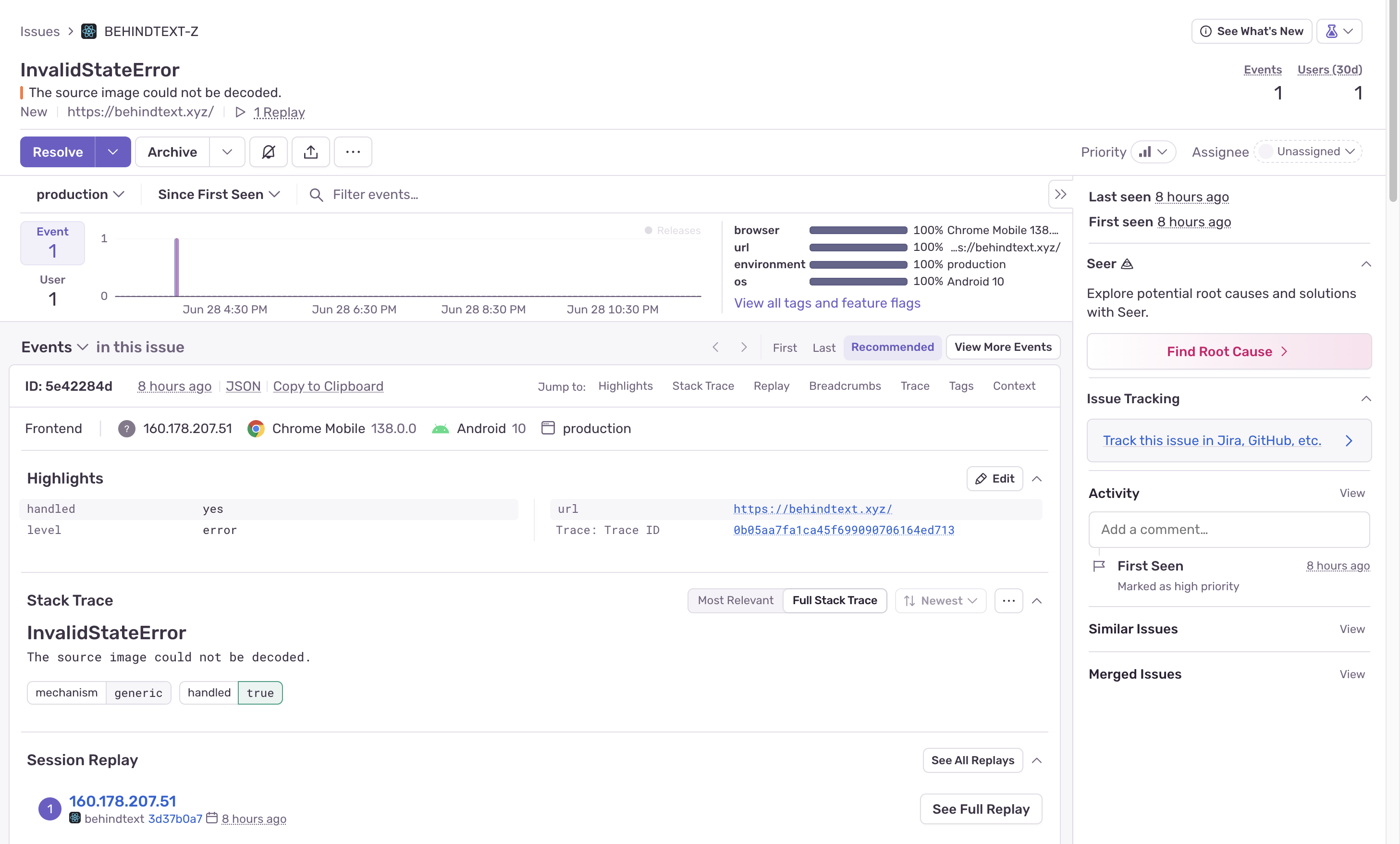
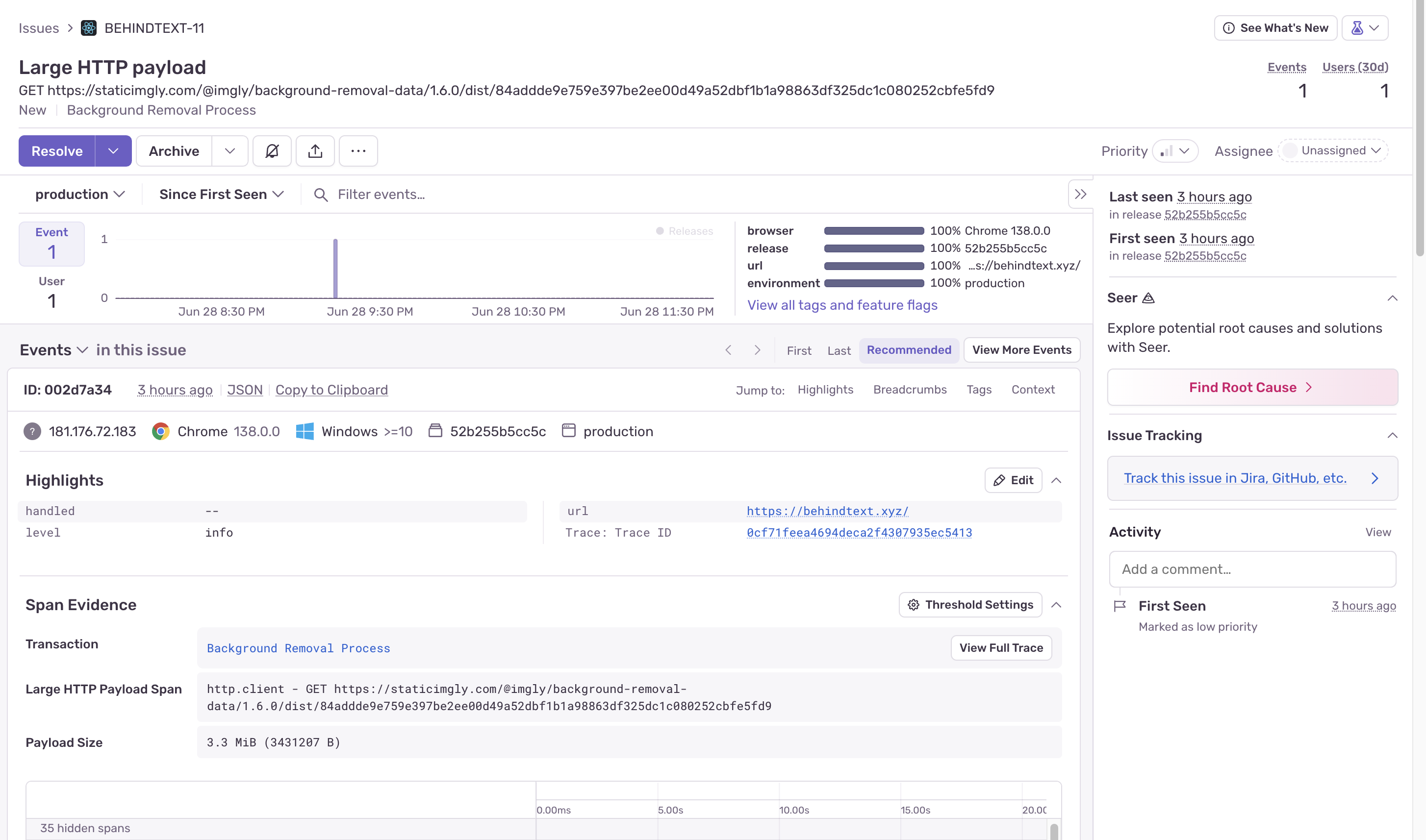
Sentry 1 -> highly useful for finding errors in production
-
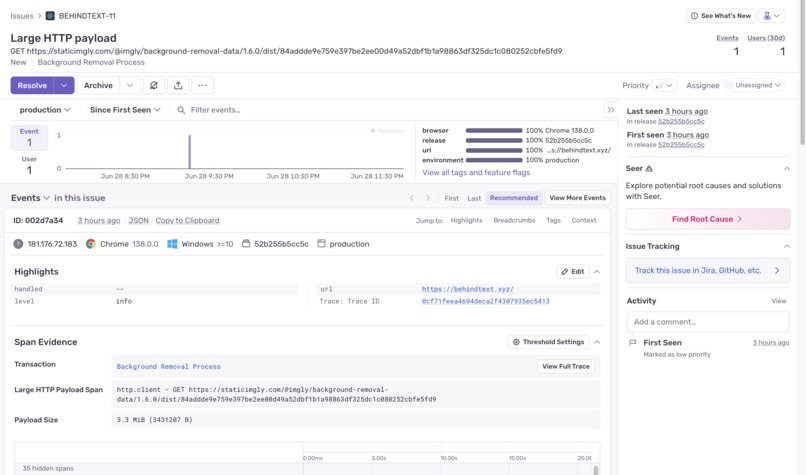
Sentry 2 -> performance of the ai image remover was not great on mobile devices.

Inspiration
As a software developer, I’ve seen firsthand how powerful AI has become. For this hackathon, I decided to test out Bolt.new by the StackBlitz team — and it truly exceeded expectations. With a single prompt, Bolt was able to generate nearly 90% of the required functionality for my web app. I joined the hackathon quite late, only in the final week, but thanks to tools like Bolt, I was still able to build and launch something meaningful. Honestly, I was blown away.
What it does
BehindText.xyz is a lightweight client-side app that allows users to create modern "text behind image" designs, often used in posters, packaging, or visual storytelling. Here’s a summary of what it offers:
- 🖋️ Text Behind Image Effect Generator
- 🧠 AI-powered Image Background Removal (runs locally in-browser for privacy)
- 🎨 Support for 30+ Google Fonts
- 💡 Customizations like image shadows, box shadows, text shadows, font family, font size, opacity, and more
- 🕵️ Integrated with Sentry for frontend performance monitoring and error tracing
- 🌐 Deployed on a custom domain via Ionos with basic SEO optimizations
- 🔐 Fully client-side, no server or backend involved — ensuring security and data privacy
- 📹 Experimental video export feature using GSAP animations
How we built it
I used Bolt.new as the foundation — and it handled almost everything, from responsive design to SEO tags and even integrating third-party libraries like Sentry. Bolt helped me quickly scaffold and iterate on UI components and layouts.
Adding Sentry proved incredibly useful. It surfaced critical insights like frequent HTTP payload issues caused by the client-side AI background removal model, which downloads a large file before processing. While this adds initial load time, it ensures that user images never leave the browser — a tradeoff I’m happy with for the sake of privacy and security.
Other integrations included:
- GSAP for smooth animations and timeline control
- Basic video export logic to convert animations into shareable assets
- Custom support for handling multiple image formats (with feedback from Sentry logs)
Challenges we ran into
- 🖼️ Maintaining aspect ratio and exact image dimensions after processing and background removal
- 🌍 Launching on Product Hunt: Understanding its importance for discovery and SEO, but also learning how much prep it really needs
- ⏱️ Joining late: Managing scope and features within a tight timeframe
Accomplishments that we're proud of
- 🚀 Successfully launched a complete web app within one week
- 🤖 Leveraged AI to do complex tasks entirely in-browser
- 🎯 First-time use of Bolt.new — and it was incredibly productive
- 🔐 Built a secure client-side tool where no image is ever uploaded
- 🔍 Integrated Sentry and used real error logs to make decisions about supported formats and optimizations
What we learned
- How to balance performance vs privacy when doing heavy AI tasks on the client
- The power of AI-assisted development tools — Bolt.new saved days of work
- The value of error tracing in production, even for small tools
- That SEO and launch planning matters — and domains + Product Hunt are big pieces of that
What's next for BehindText.xyz
- 📁 Support for drag-and-drop and image format detection
- 🎞️ Improving the video export pipeline for social media sharing
- ✍️ Adding template presets for faster content creation
- 🌟 Exploring AI-assisted design suggestions (like fonts, shadows, and positioning)
Improvements Made to the Site:
Throughout its development, "BehindText Effect" has undergone significant improvements to enhance its functionality, performance, and user experience:
- Refined UI/UX with Glassmorphism: The interface was meticulously designed with a modern glassmorphism aesthetic, providing a visually appealing and intuitive workspace. This includes clear tab navigation for "Upload," "Edit," and "Export," along with logical sub-tabs for "Text," "Image" (Background/Subject), and "Video" controls.
- Granular Control Over Layers: Extensive controls were added for each layer (Text, Background, Subject), allowing users to adjust properties like opacity, brightness, contrast, saturation, blur, rotation, and scale. Dedicated shadow controls with customizable blur, color, offset, and opacity were also implemented for both image layers and text.
- Advanced Text Customization: Beyond basic text input, features like font family selection (including Google Fonts), font size, weight, letter spacing, word spacing, stroke, and shadow effects were added to give users complete creative freedom over their text. Multi-line text input with comma separation was also introduced for more complex layouts.
- Robust Image Processing Pipeline: The integration of
@imgly/background-removalwas optimized for efficient and accurate background removal, ensuring a seamless transition from image upload to editing. - Sophisticated Video Export Capabilities: The video export functionality was built to support various animation types (fade, zoom) with adjustable durations and easing functions, providing professional-grade animated outputs.
- Enhanced User Feedback: Comprehensive toast notifications using
sonnerwere implemented to provide real-time feedback on image processing, uploads, and exports, improving transparency and user confidence. - SEO Optimization: The
index.htmlwas enriched with detailed meta tags, Open Graph data, and Twitter Card data, alongsiderobots.txtandsitemap.xml, to ensure maximum discoverability and shareability. - Improved Drag-and-Drop: The drag-and-drop functionality was made more robust, providing clear visual cues and handling various file types gracefully, making image uploads even more convenient.
Built With
- bolt
- react

Log in or sign up for Devpost to join the conversation.