Inspiration
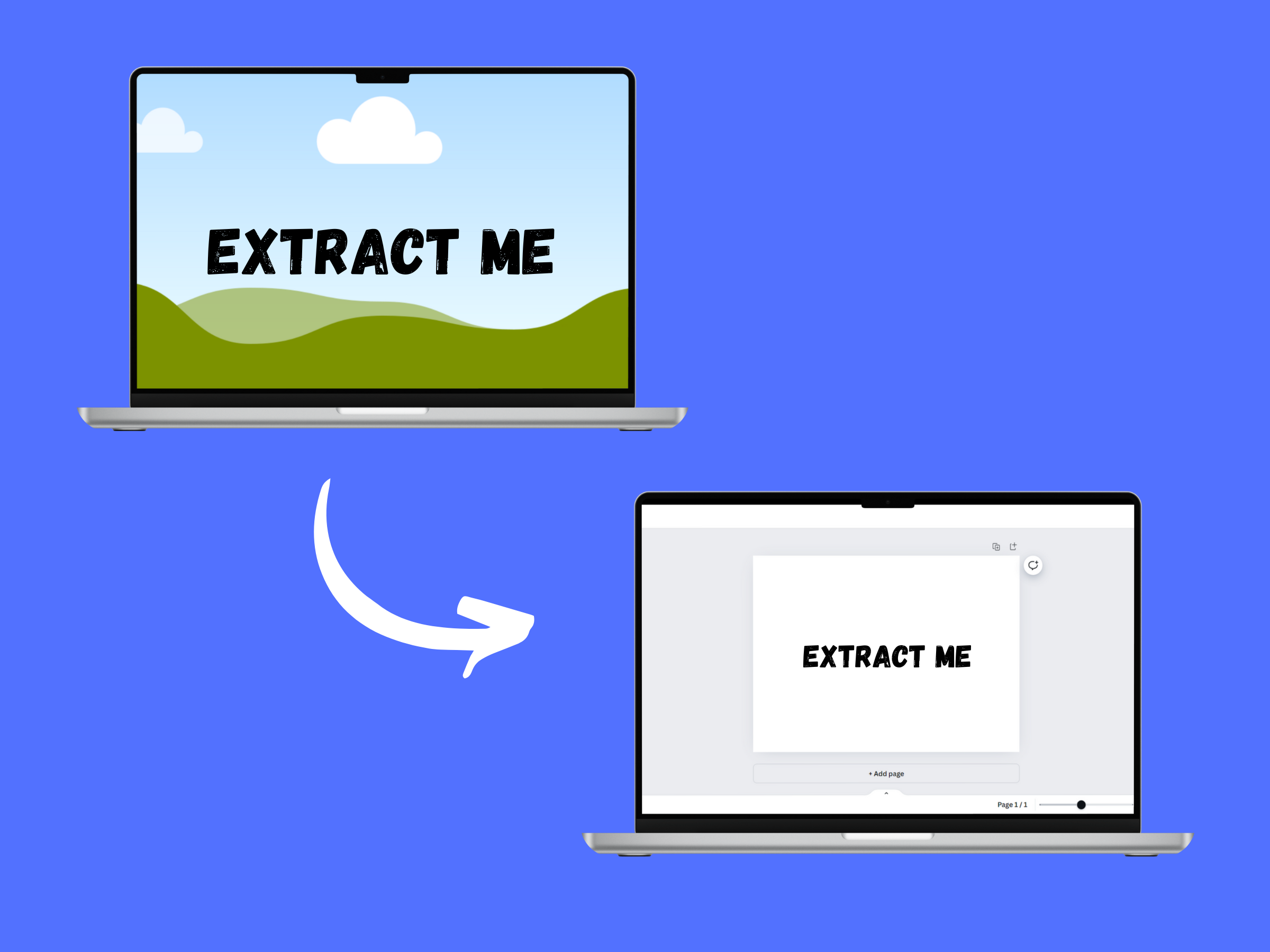
The concept of Textify was born from the ubiquitous challenge of extracting text from images. In our daily lives, we often encounter images with important textual information, whether they are scanned documents, photos of signs, screenshots of presentations, or even pictures containing notes. The manual process of transcribing this text can be tedious, time-consuming, and prone to errors. This problem becomes even more significant for content creators, educators, and professionals who frequently work with visual media and need an efficient way to convert images into editable text.
The inspiration for Textify also came from the desire to democratize access to OCR technology. While some sophisticated OCR tools exist, they are often complex, expensive, or limited in functionality. I aimed to create an accessible, user-friendly, and versatile tool that could handle a wide range of image formats and sizes, offering a high degree of freedom to users. The Textify is better then the previously exists text extractor because it gives users more freedom of choosing the images of more types and of no size limit. My vision was to provide a solution that could seamlessly integrate with Canva, a platform known for its ease of use and creative capabilities, making advanced text extraction technology available to everyone.
Moreover, I was motivated by the potential applications of Textify across various fields. For instance, students could use it to digitize handwritten notes, researchers could extract text from scanned academic papers, and businesses could quickly process forms and documents. The need for a reliable and efficient OCR tool that could cater to these diverse use cases fueled our passion for developing Textify.
What it does
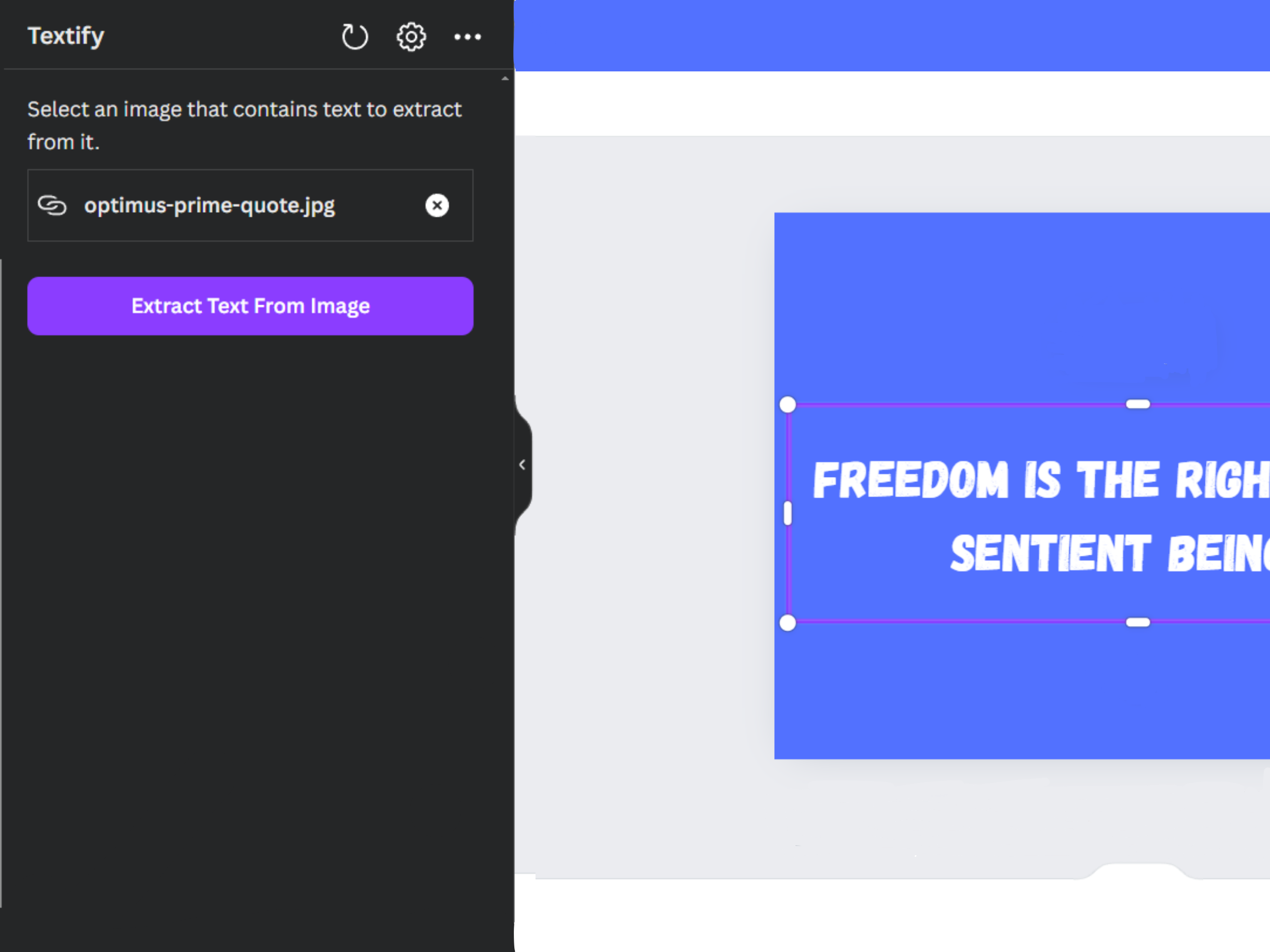
Textify is an innovative app built on the Canva platform that utilizes Optical Character Recognition (OCR) technology to extract text from images. It supports a wide range of image formats, including JPEG, PNG, WEBP, and SVG and more. Users can upload any image, regardless of size, and Textify will accurately extract the text content, making it easy to edit, store, or share. The app ensures that no text is left behind, providing a reliable and efficient solution for text extraction needs.
How I built it
I developed Textify using the Canva App SDK, leveraging its powerful capabilities to integrate seamlessly with the Canva platform. The app utilizes an OCR API to process and extract text from the uploaded images. I implemented a robust file handling system that supports various image formats and sizes, ensuring a smooth user experience. The front-end was crafted with attention to detail, using Canva's design elements to provide an intuitive and aesthetically pleasing interface.
Challenges I ran into
Throughout the development process, I encountered several challenges. One of the primary obstacles was ensuring compatibility with various image formats and handling large file sizes without compromising performance. Another challenge was accurately extracting text from images with complex backgrounds or unconventional fonts. I also faced difficulties in optimizing the OCR process to provide fast and accurate results. Despite these challenges, I persisted, refining our algorithms and interface to deliver a seamless user experience.
Accomplishments that I am proud of
I am incredibly proud of creating a fully functional app that meets the diverse needs of our users. The successful integration of OCR technology into the Canva platform, along with support for multiple image formats and sizes, is a significant achievement. We also take pride in the user-friendly design and the overall performance of Textify. Seeing our app come to life and knowing that it can assist users in various scenarios, from academic work to professional settings, is a rewarding accomplishment.
What I learned
The journey of developing Textify has been a valuable learning experience. I gained in-depth knowledge of OCR technology and its application in real-world scenarios. I also learned the importance of user experience design, ensuring that our app is not only functional but also easy to use and visually appealing. Moreover, the project taught me how to effectively integrate third-party APIs and manage file handling in a web-based application. These skills and insights have broadened our understanding of software development and product design.
What's next for Textify
Looking ahead, I plan to enhance Textify by incorporating additional features, such as multi-language support and the ability to recognize handwritten text. I aim to improve the accuracy of text extraction in challenging conditions, such as images with poor lighting or complex backgrounds. I also plan to explore advanced text formatting options, allowing users to customize the extracted text's appearance before exporting it. My goal is to continue refining and expanding Textify, making it an indispensable tool for anyone needing efficient and accurate text extraction from images.
Built With
- api
- canva-sdk
- react
- typescript


Log in or sign up for Devpost to join the conversation.