-
-
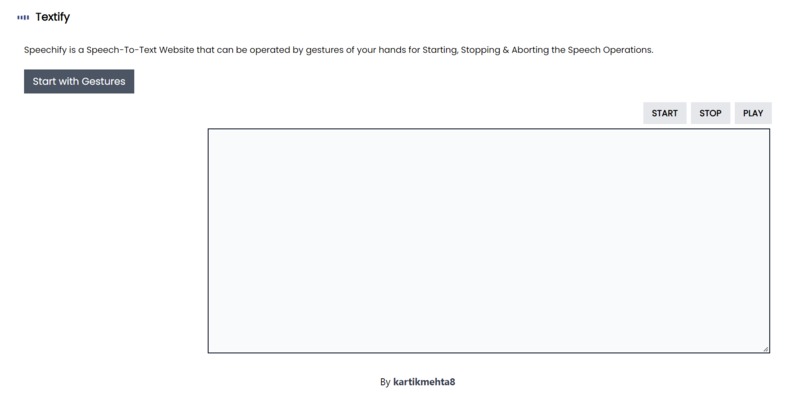
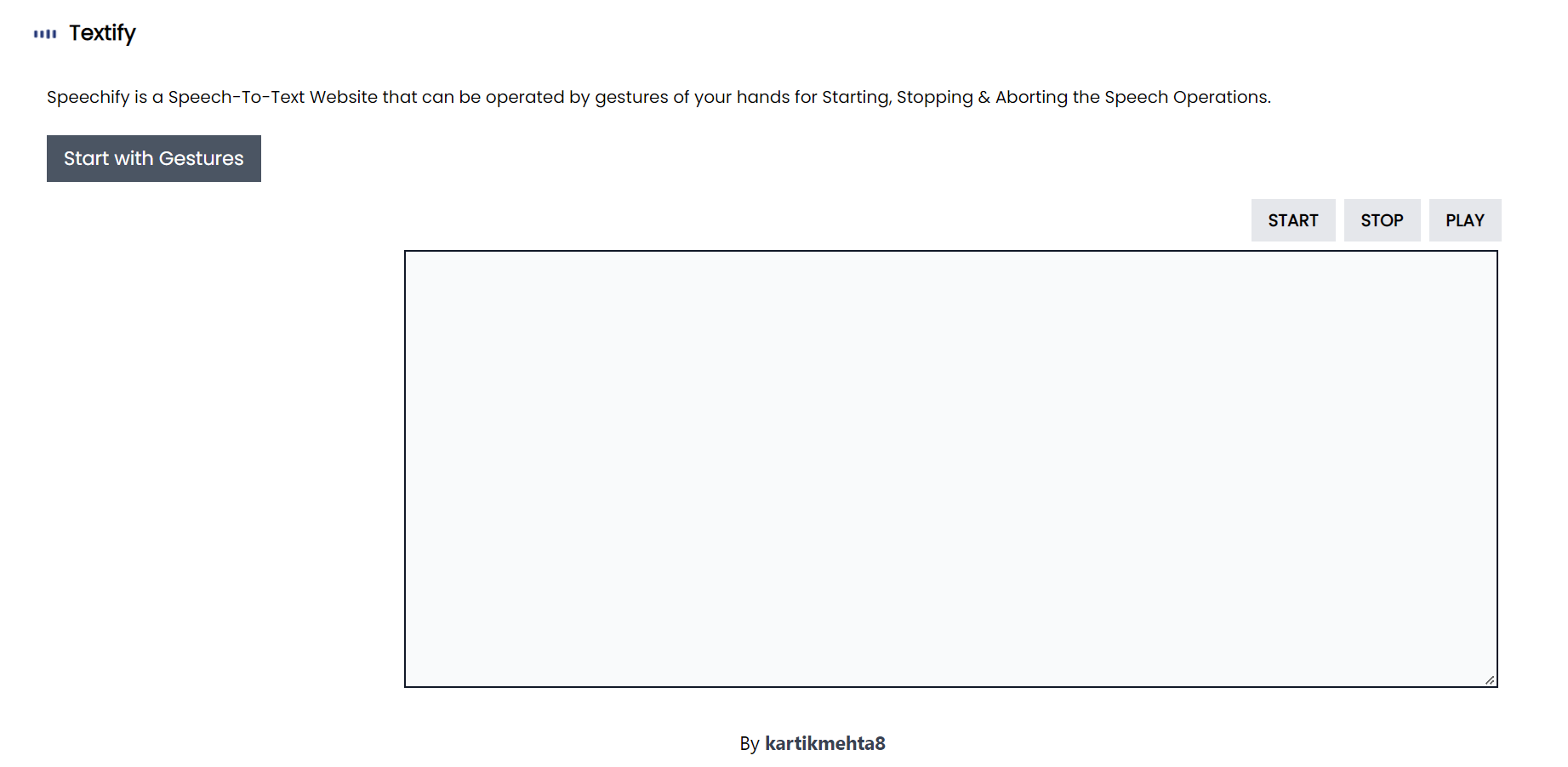
How the website will look when you open it.
-
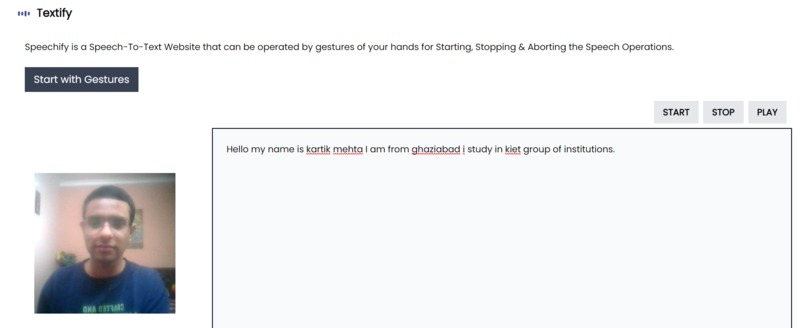
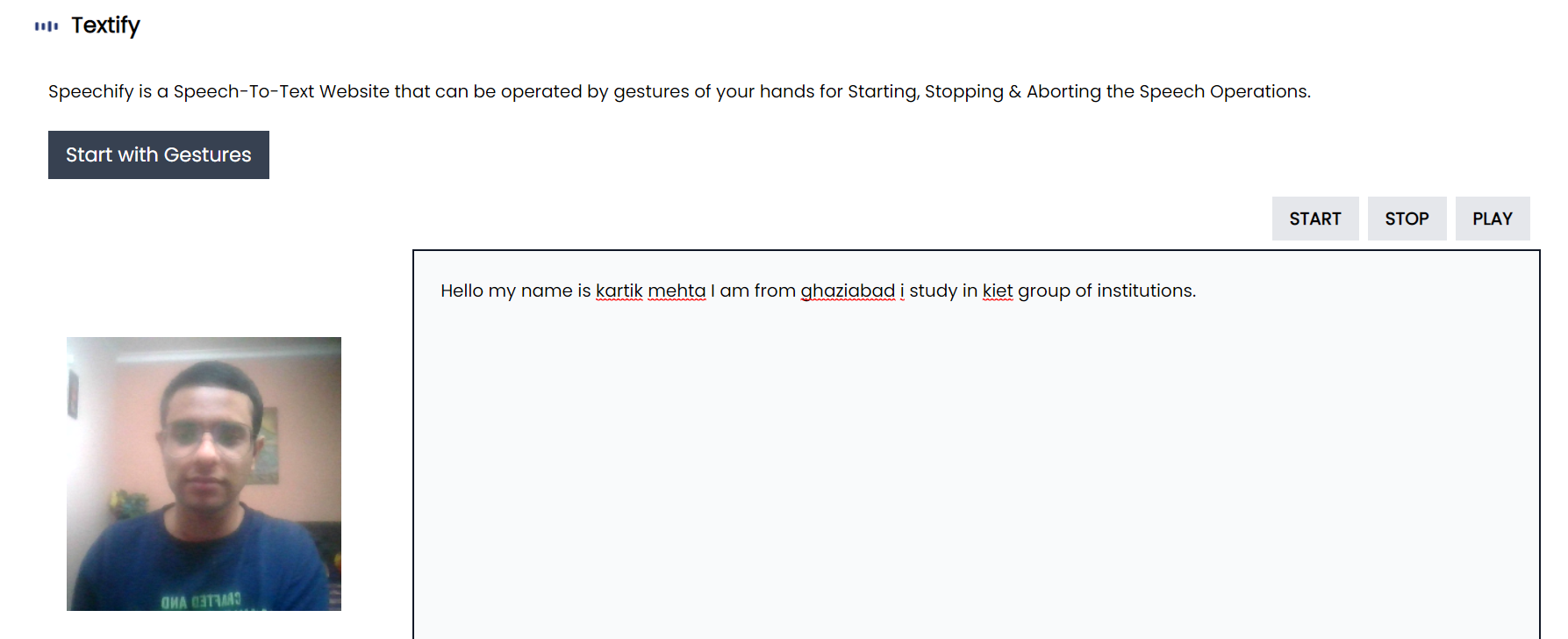
Website when you enable microphone & camera.
-
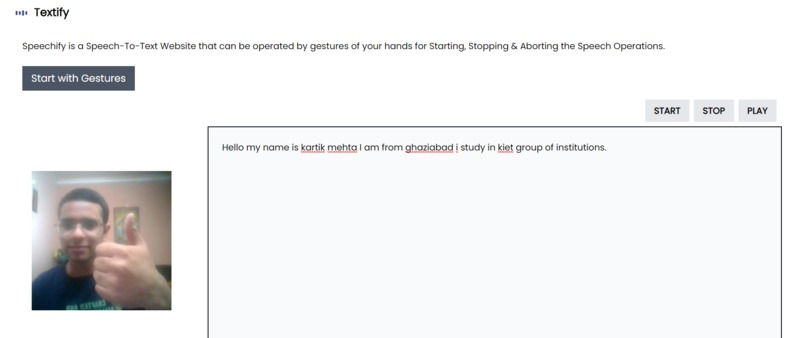
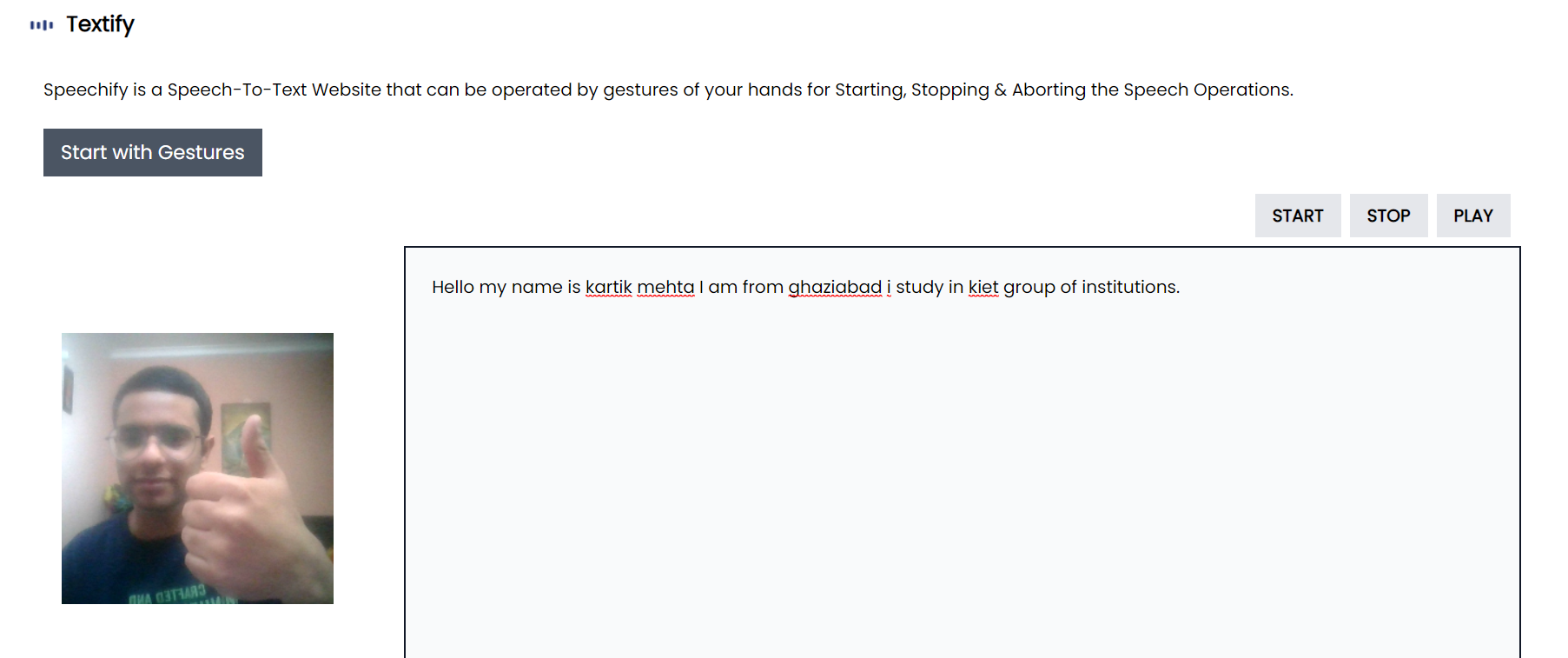
Thumbs Up gesture to stop the microphone from capturing the voice.
-

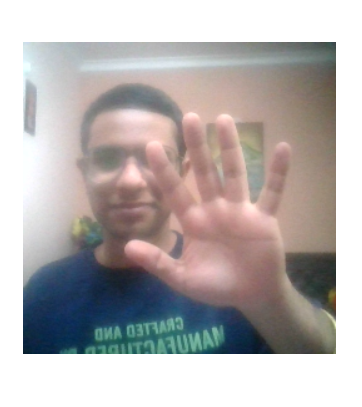
The gesture when you want to start the voice capturing.
-
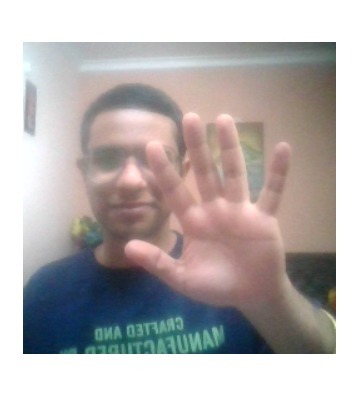
The gesture when you want the computer to speak what you have narrated. (Text-to-Speech)

What it is capable of doing?
You can convert Speech-to-Text or vice versa. The website can perform all the functions by only governing it with various gestures. Users can Start, Stop or command the website to convert the provided text into speech. The only requirement is that you have to provide access to the camera & microphone. The rest is magic!
How do I build it?
The website is built using:
- HTML
- CSS
- Tailwind CSS
- Javascript
- Tensorflow.js
- Machine Learning (Gesture Detection Model)
- Google's Teachable Machine
- Google Cloud
- Google Chrome
A user can click Start with Gestures to enable the voice recording. There are three gestures for starting, stopping, and converting text-to-speech data. Users can also manually start/stop/play the commands using the buttons provided.
The challenges I ran into:
- The major challenge was the integration of Google's Teachable Machine with our camera for Gesture Recognition. Thanks to the document that was on the official website.
- Working with webkitSpeechRecognition() was quite uncomfortable initially.
- Setting up coordination between the gestures and speech commands was time-consuming.
My Learnings & Accomplishments:
- Convert Speech to Text or vice versa with ease.
- I integrated an Object Detection Machine Learning Model on a website.
- Control a website with gestures.
- I learned how to host the ML Model on Google Cloud using Google's Teachable Machine.
- Worked with webkitSpeechRecognition().
What's next for Textify - Gesture Controlled Speech-to-Text Website?
- I will improve the website by deploying it on Google Virtual Machines and making my ML Model self-train as the number of users increases. It will improve the accuracy of the gesture's identification.
- I will also try to create my voice assistant rather than using webkitSpeechRecognition() as it depends from browser to browser.
Built With
- css
- google-web-speech-api
- html
- javascript
- tailwind
- teachable-machine
- tensorflow

Log in or sign up for Devpost to join the conversation.