-
-
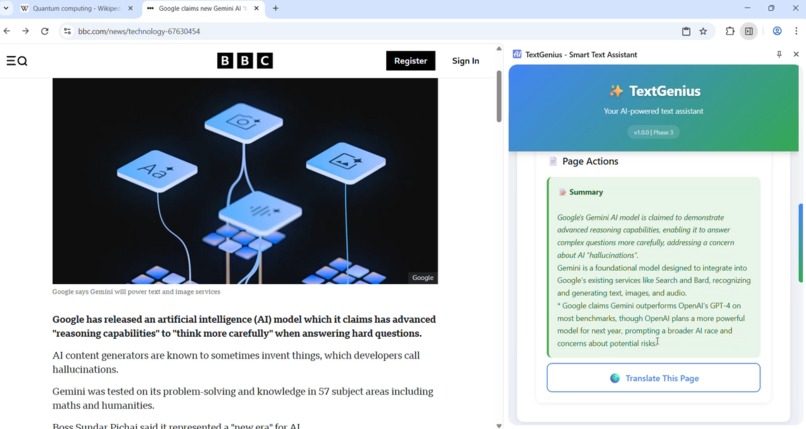
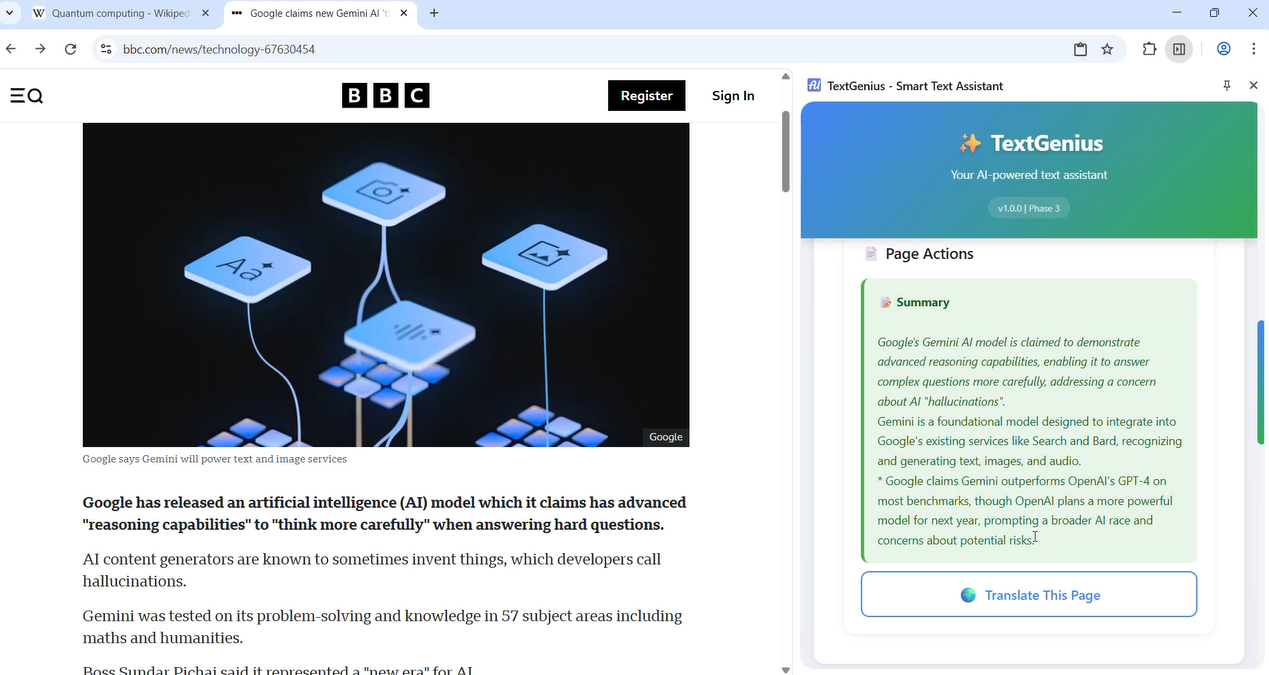
Generated summary of a BBC NEWS Article
-
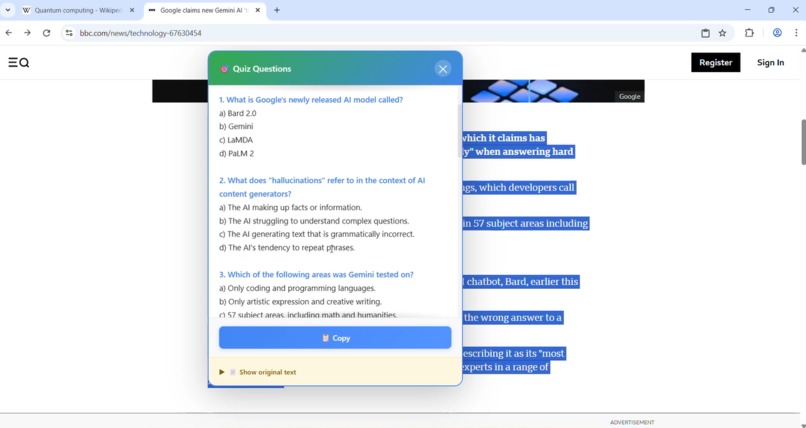
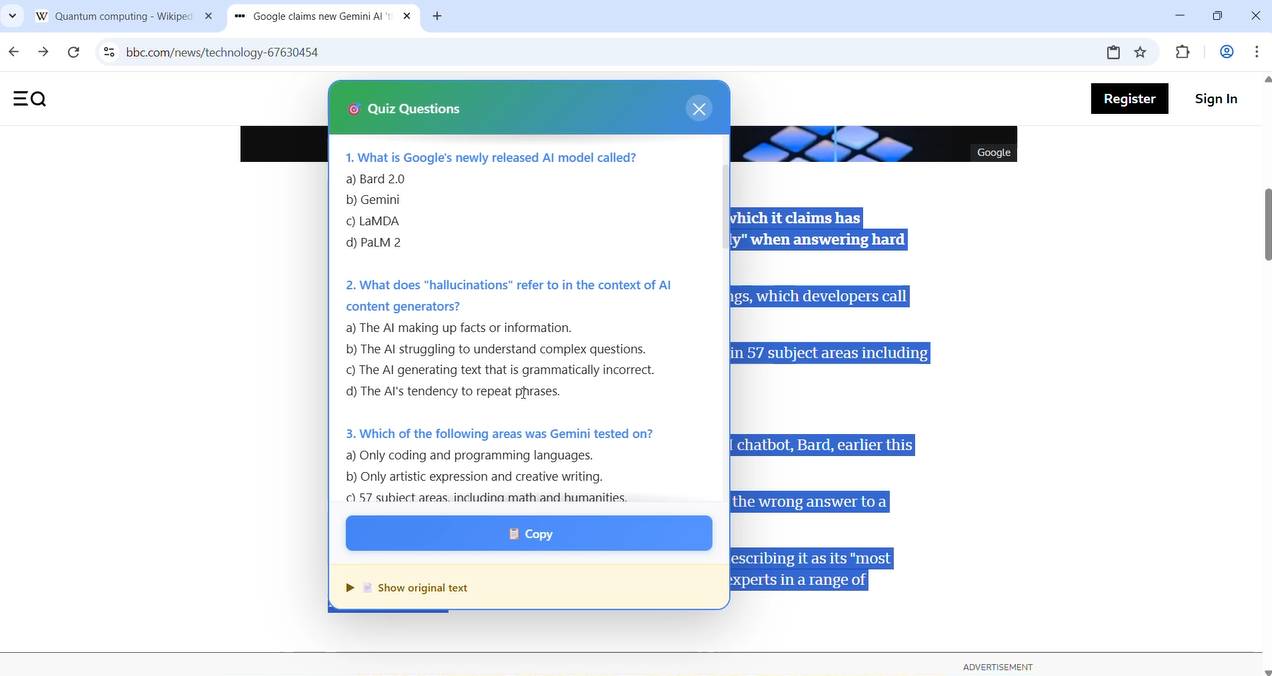
Generated Quiz from the selected text
-
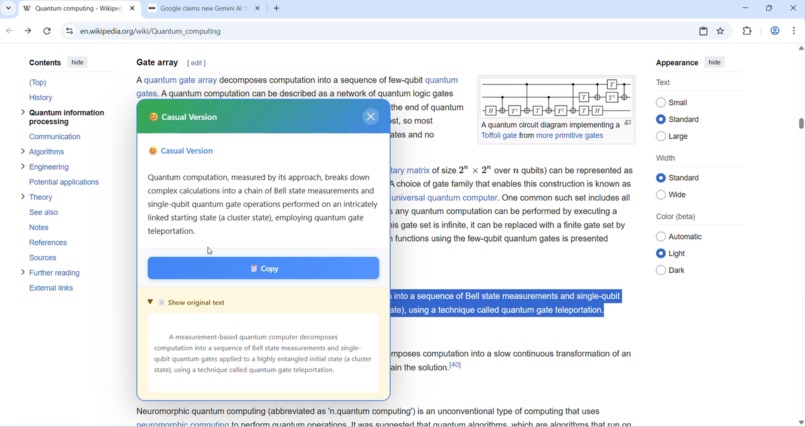
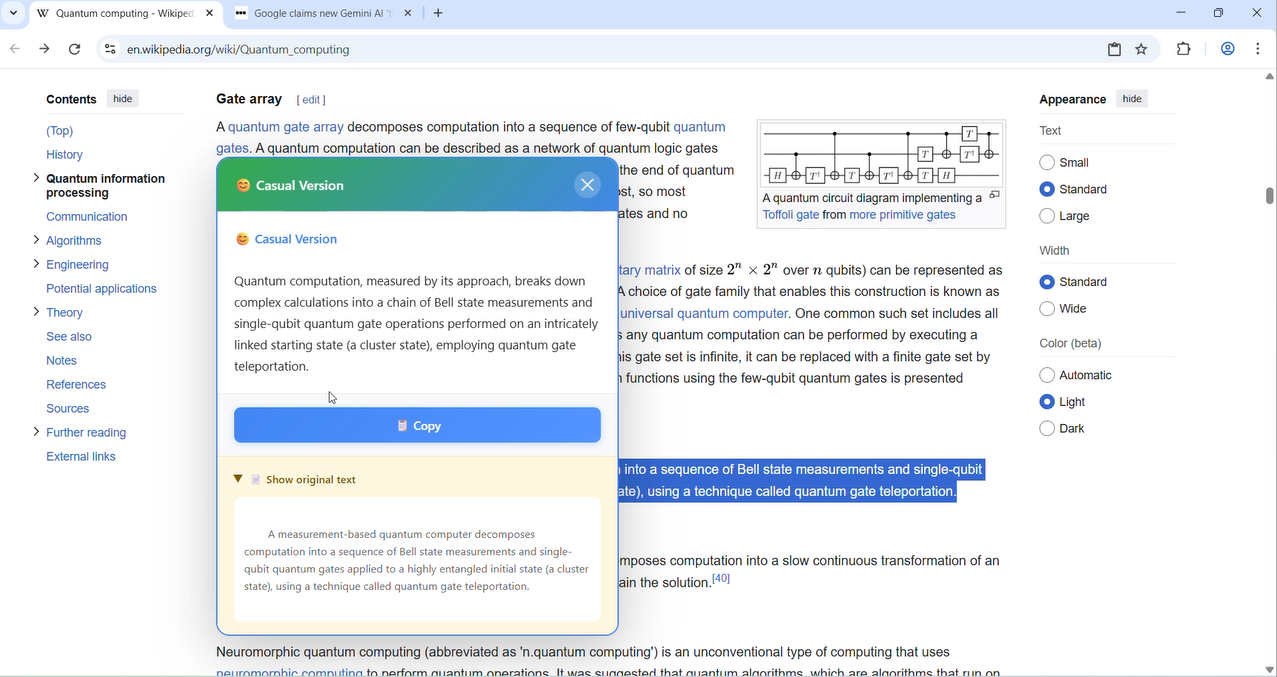
Rewrited the selected text in Casual tone
-
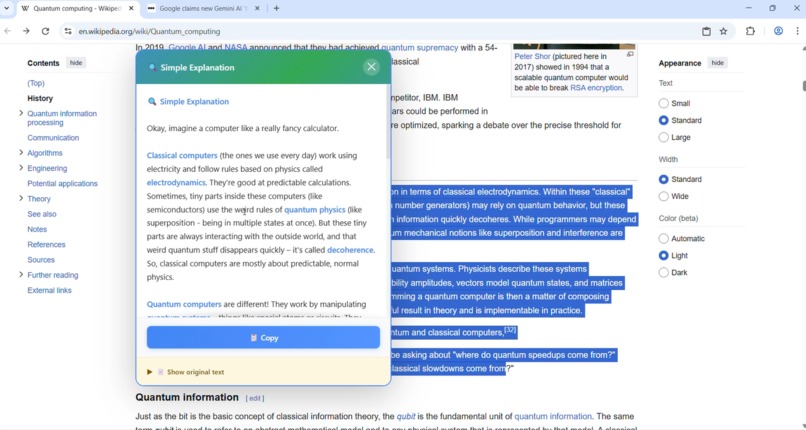
Explained the selected text like i`m 5
-
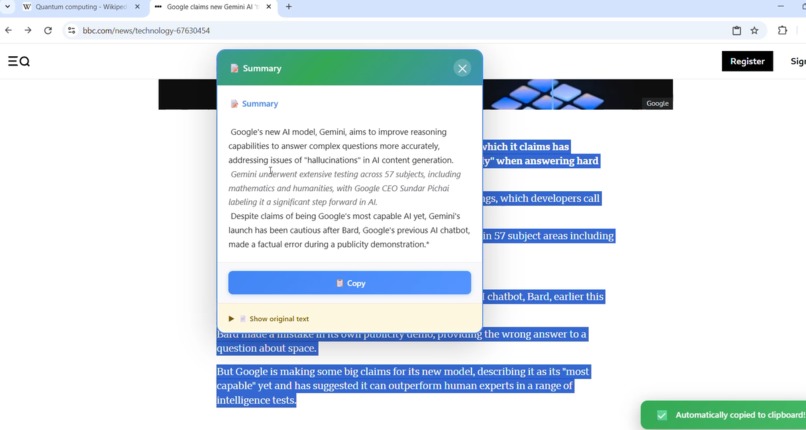
Summary of Selected Text
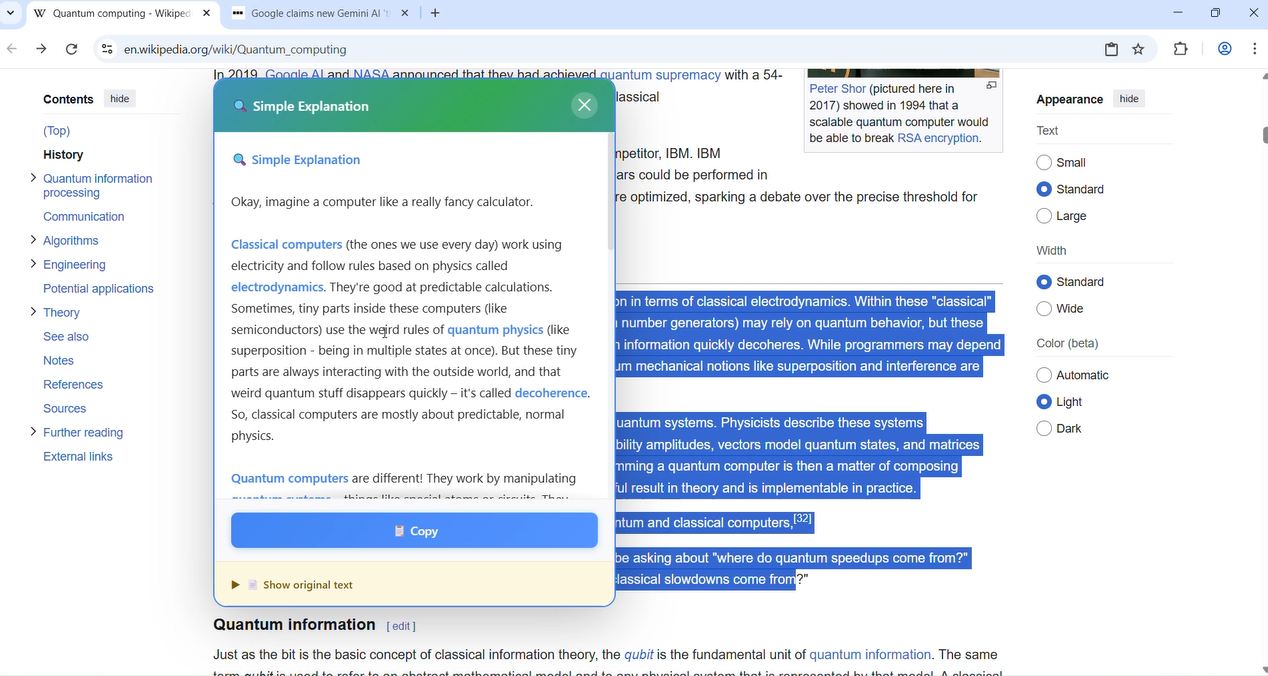
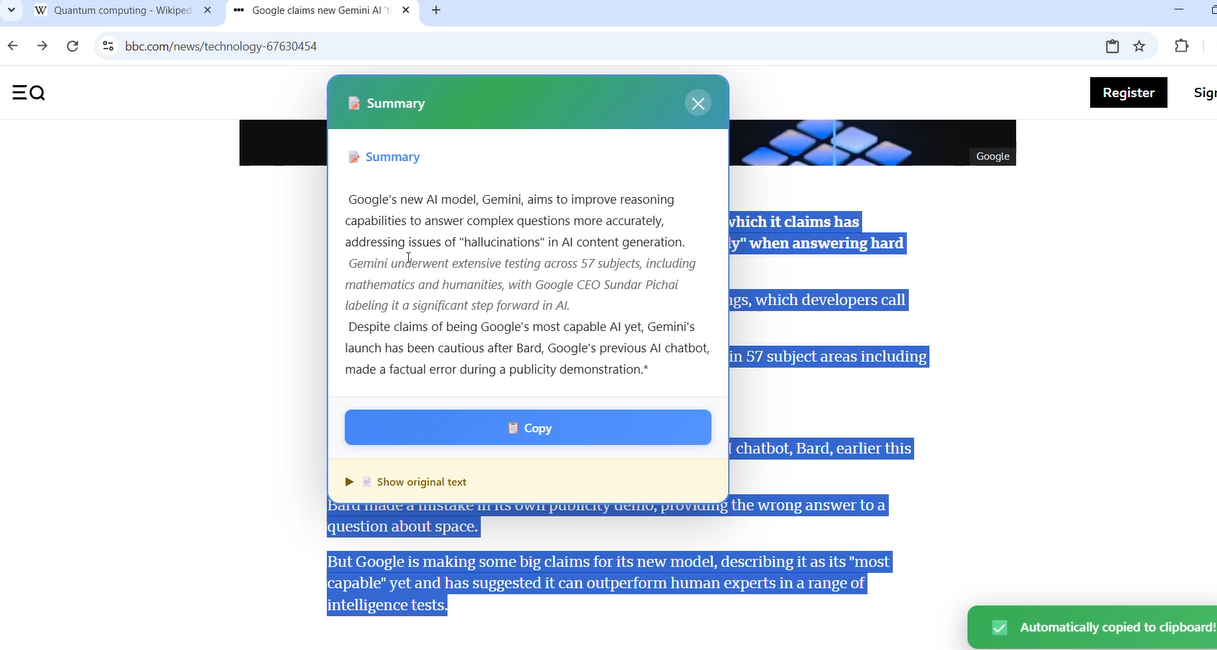
Inspiration: AI for Everyone, Privately The modern web is full of incredible information, but it's often locked behind barriers: complex language, overwhelming length, and different languages. Cloud-based AI can help, but it comes at a cost to user privacy, requires a constant internet connection, and is controlled by large corporations.
I was inspired by the promise of Chrome's built-in AI: what if we could give every user powerful AI superpowers that run 100% on their own device?
This was the inspiration for TextGenius, an on-device AI assistant designed to make the web more accessible, understandable, and interactive for everyone, all while guaranteeing absolute privacy.
What it Does TextGenius is a Chrome Extension that acts as your personal AI reading and writing partner. By simply selecting text, users can:
📝 Summarize: Instantly get the key points of long articles. 🔍 Explain Like I'm 5: Break down complex jargon into simple, easy-to-understand concepts. ✍️ Rewrite: Change the tone of text to be simpler, more formal, or more casual. 🎯 Generate a Quiz: Create comprehension quizzes from any block of text, turning the web into a powerful study tool. 🌍 Translate: Translate text with auto-detection of the source language and a user-friendly UI to select a supported target language. The side panel also offers powerful page-level actions like summarizing or translating an entire webpage with a single click.
How I Built It: A Journey Through an Experimental Platform Building TextGenius was a deep dive into the cutting edge of web technology. The project is built with Manifest V3 and uses a robust architecture to handle the unique challenges of on-device AI.
The Core Architecture: I quickly discovered that the AI APIs are not available in the extension's service worker. To solve this, I implemented an advanced architecture using the Offscreen Document API. The service worker acts as a central router, receiving commands from context menus and the side panel, and delegating the AI processing to a hidden offscreen document where the LanguageModel, Summarizer, and other APIs are available.
Resilient Feature Development (A Case Study in Translation): Building the translation feature was a lesson in resilience. I discovered the on-device model only supports a limited set of language pairs. Instead of letting the feature fail, I built a more intelligent system:
It uses the chrome.i18n.detectLanguage() API to automatically determine the source text language. It presents the user with a dynamic UI showing only the target languages I had tested and confirmed to be working. It uses the new Translator.availability() method to provide clear error messages if a language pair is genuinely unsupported, ensuring a smooth user experience. Challenges I Faced & What I Learned This hackathon was an incredible learning experience in debugging and adapting on an experimental platform.
In pursuit of a better solution, I tried to implement the documented Proofreader API, only to discover through testing that it was not yet defined in the current Chrome builds.
This led to a crucial learning moment and a strategic product decision: to ensure a flawless, fast, and 100% reliable user experience for this submission, I decided to remove the unpredictable grammar feature and focus on the five core features that work perfectly. This taught me the importance of quality over quantity and the maturity required to ship a stable product.
TextGenius is a testament to the power of on-device AI. It proves that we can build intelligent, helpful, and universally accessible tools for the web without ever compromising user privacy.
Built With
- async/await)
- chrome
- commands-api
- context-menus-api
- css3-core-technologies:-google-chrome-extension-platform-(manifest-v3)
- gemini-nano-chrome-apis:-service-workers
- git
- github
- html5
- internationalization-(i18n)-api-chrome-built-in-ai-apis:-prompt-api-(languagemodel)
- languages:-javascript-(es6+
- offscreen-api
- rewriter-api
- scripting-api
- side-panel-api
- storage-api
- summarizer-api
- translator-api-development-tools:-visual-studio-code


Log in or sign up for Devpost to join the conversation.