-
-
TextFlowXL
Inspiration
Working with raw text is a daily frustration for developers, analysts, and office professionals. Converting emails, chat exports, logs, JSON, CSV, or copied text into clean Excel sheets usually requires tedious manual formatting. I wanted to build a tool that could automate this process using AI, allowing users to go from messy text to structured spreadsheets in seconds.
What it does
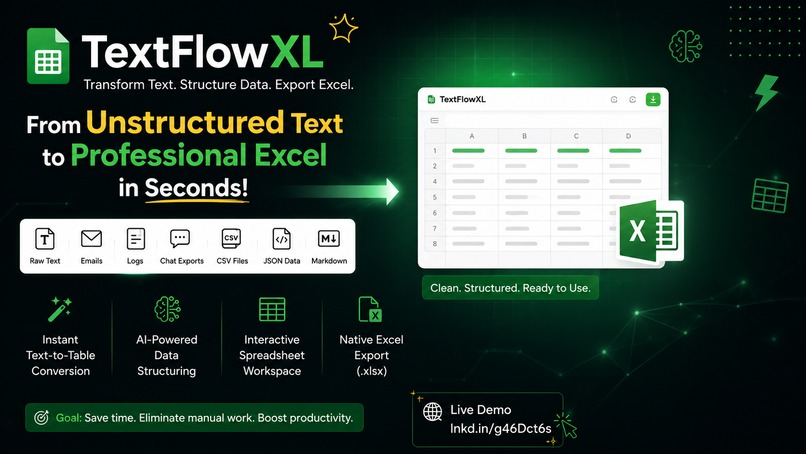
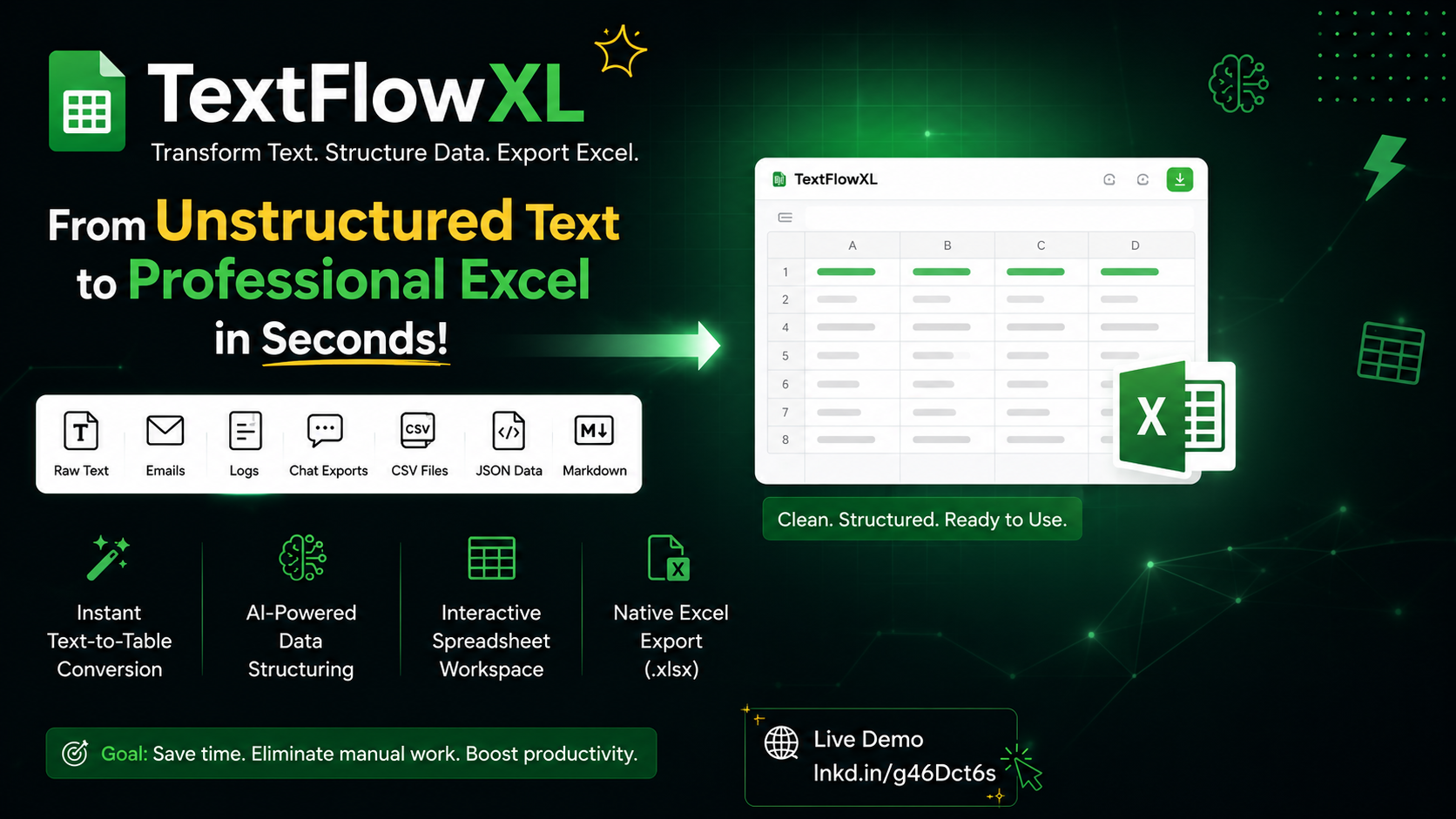
TextFlowXL is an AI-powered web application that transforms unstructured text into organized, editable Excel tables.
Users can paste emails, server logs, chat conversations, CSV, JSON, markdown tables, or any raw text. The AI automatically detects patterns, extracts structured data, creates spreadsheet-ready tables, allows in-browser editing, and exports the result as a native Excel (.xlsx) file.
How I built it
- React
- TypeScript
- Vite
- Node.js
- AI-powered text parsing
- Excel (.xlsx) export engine
- Interactive spreadsheet interface
- Modern responsive UI
The application combines intelligent text processing with a spreadsheet editor, enabling users to review and modify extracted data before downloading professional Excel files.
Challenges I ran into
- Parsing many different text formats with consistent accuracy.
- Handling inconsistent and incomplete input data.
- Designing AI prompts that reliably identify rows and columns.
- Preserving spreadsheet formatting during Excel export.
- Optimizing performance for large datasets while keeping the interface responsive.
Accomplishments that I'm proud of
- Successfully built an end-to-end AI workflow from raw text to Excel.
- Created an intuitive spreadsheet editor directly in the browser.
- Supported multiple input formats including emails, logs, JSON, CSV, and markdown.
- Reduced a task that normally takes minutes into a process that completes in seconds.
- Delivered a clean, production-ready user experience.
What I learned
This project strengthened my understanding of AI-assisted data extraction, prompt engineering, structured data transformation, frontend performance optimization, and spreadsheet generation. I also learned how important user experience is when building productivity tools that people use every day.
What's next for TextFlowXL
- Support PDF, Word, and image (OCR) imports.
- Enable batch processing for multiple files.
- Add AI-powered data cleaning and validation.
- Introduce custom export templates.
- Connect directly with Google Sheets and Microsoft Excel Online.
- Build collaboration features for teams.
- Offer API access for developers and business automation.
- Fine-tune AI models for higher extraction accuracy across complex documents.


Log in or sign up for Devpost to join the conversation.