-
-
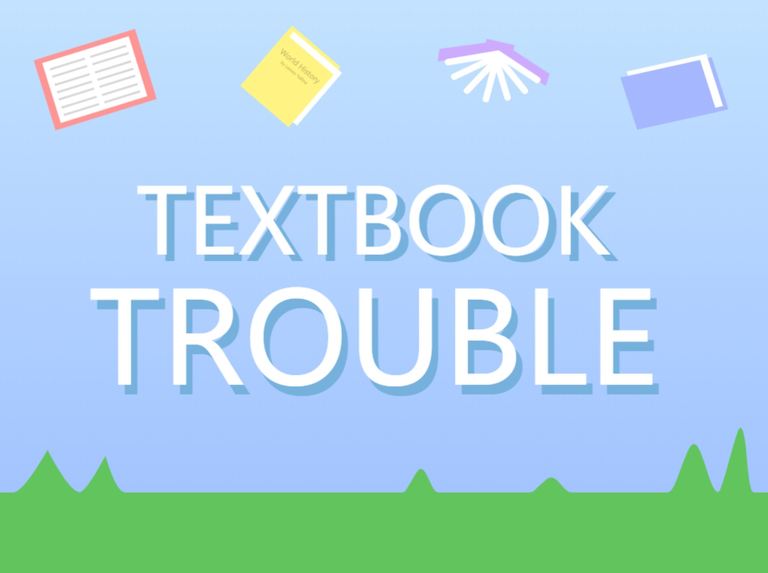
Thumbnail
-
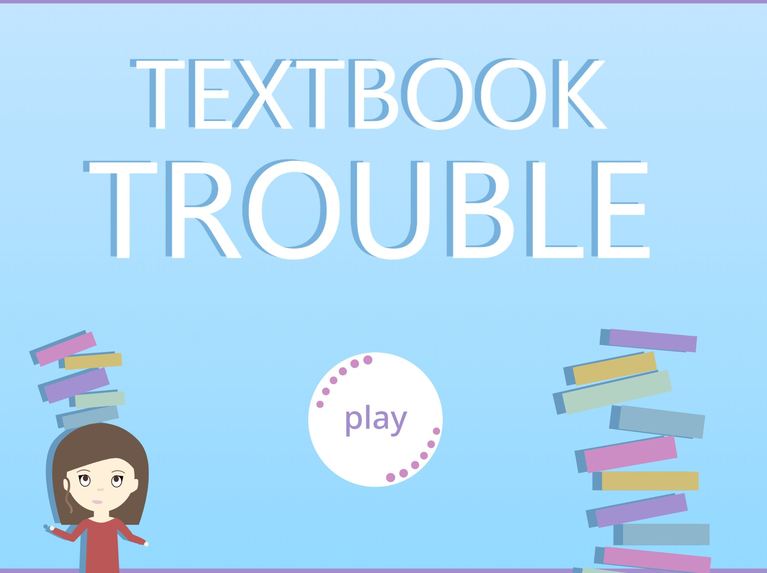
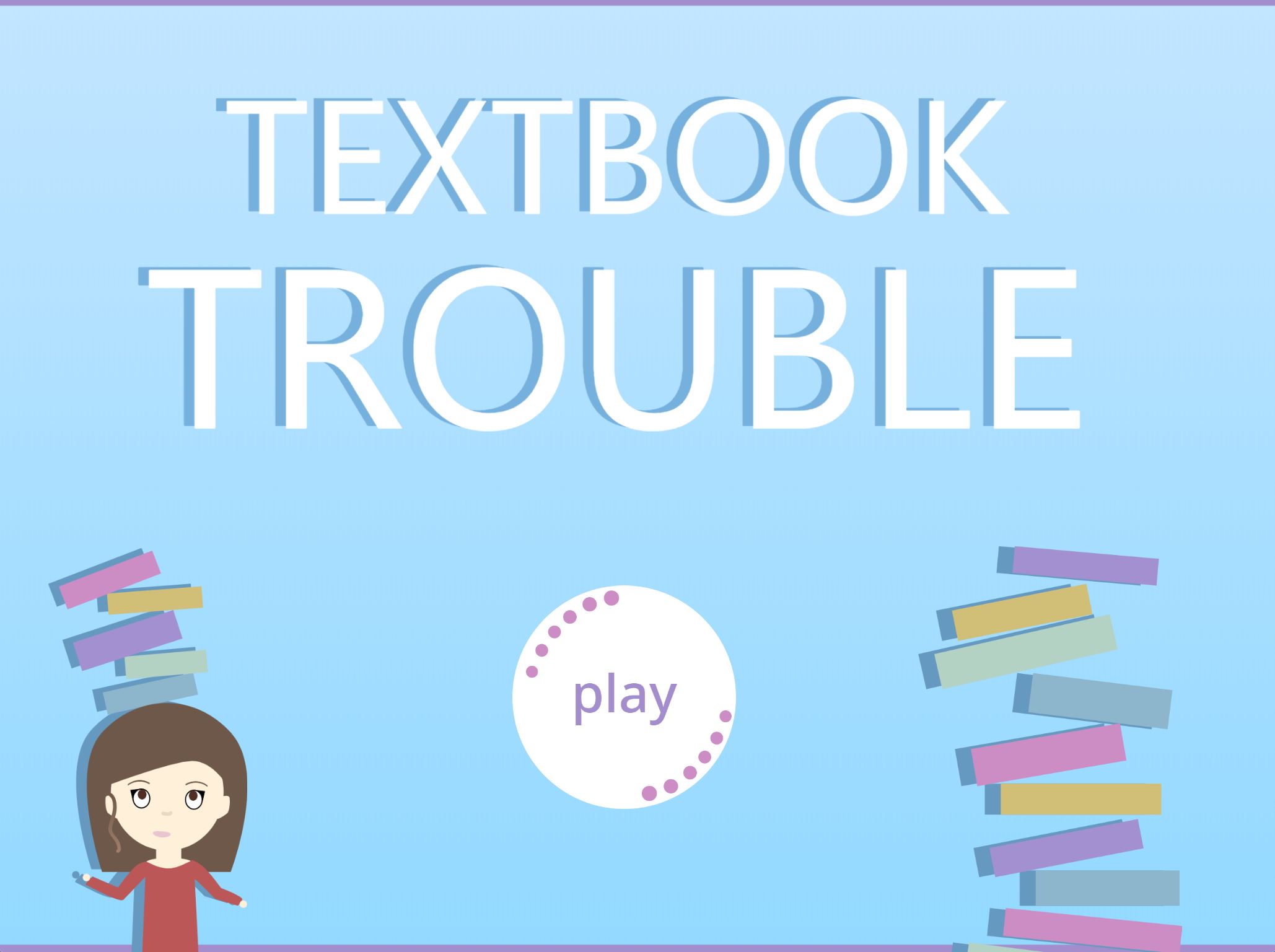
Homescreen
-
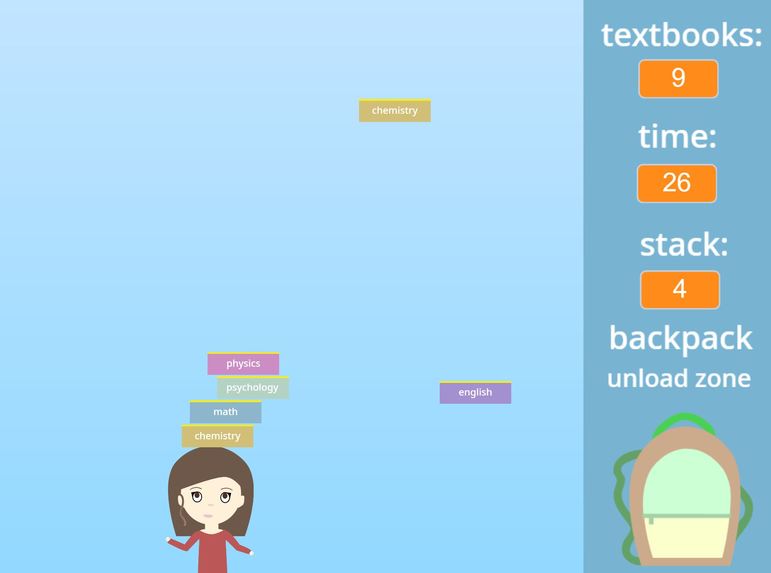
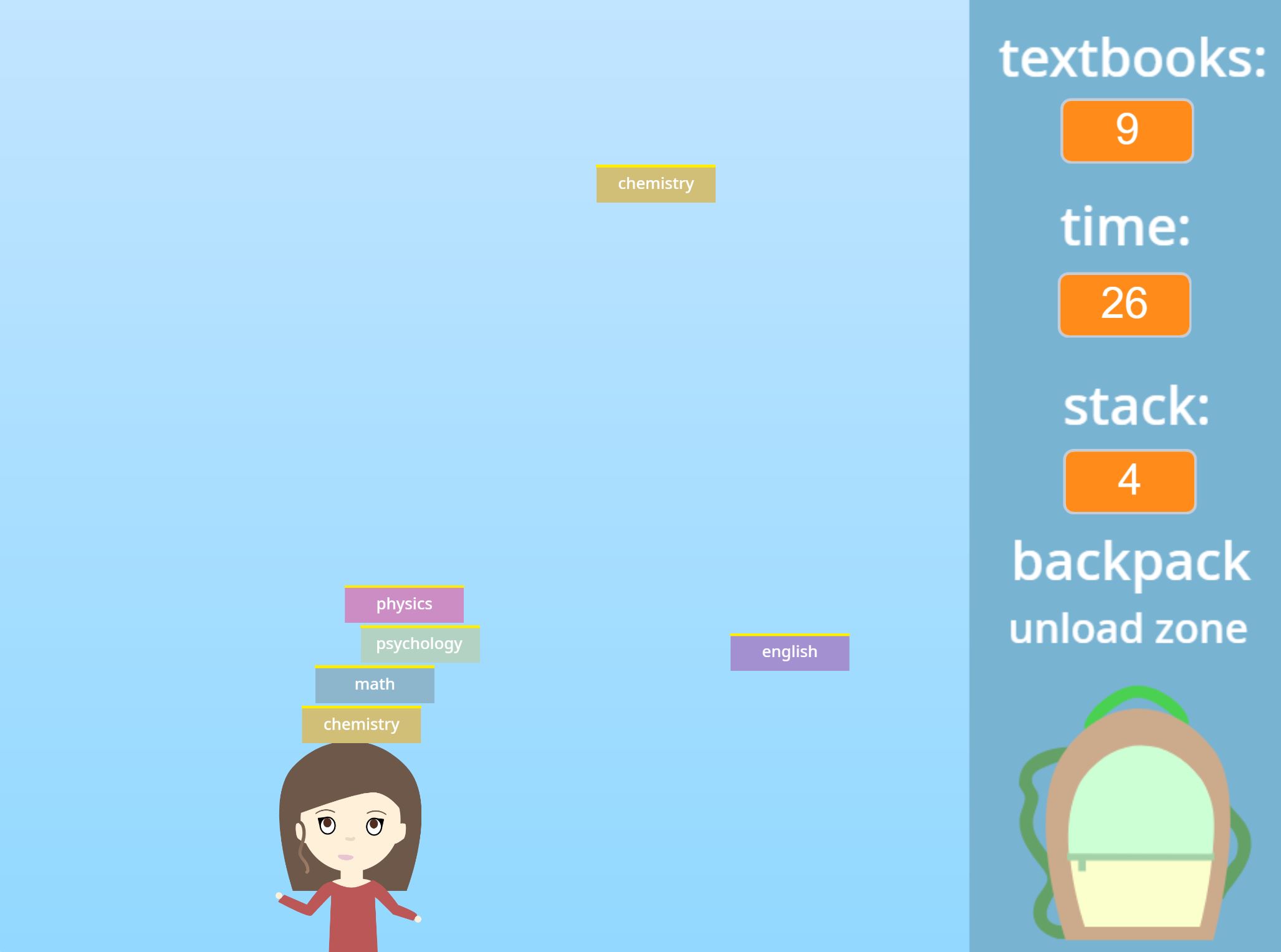
Gameplay
-
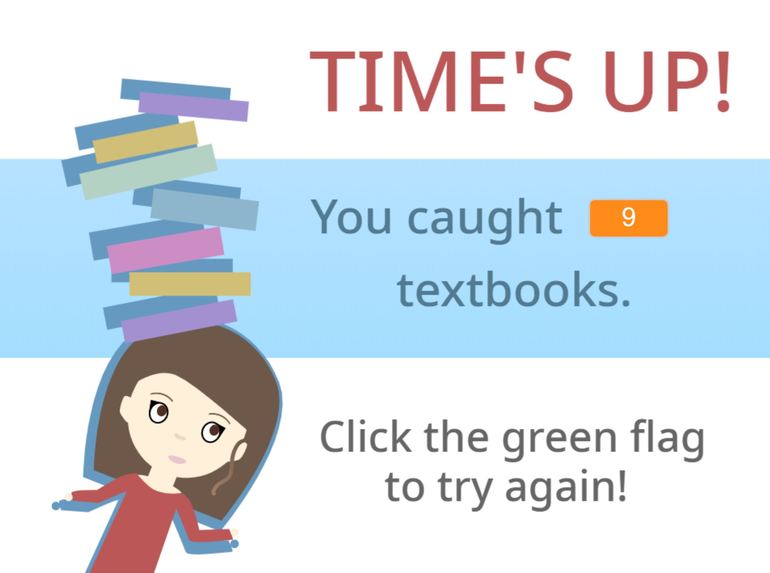
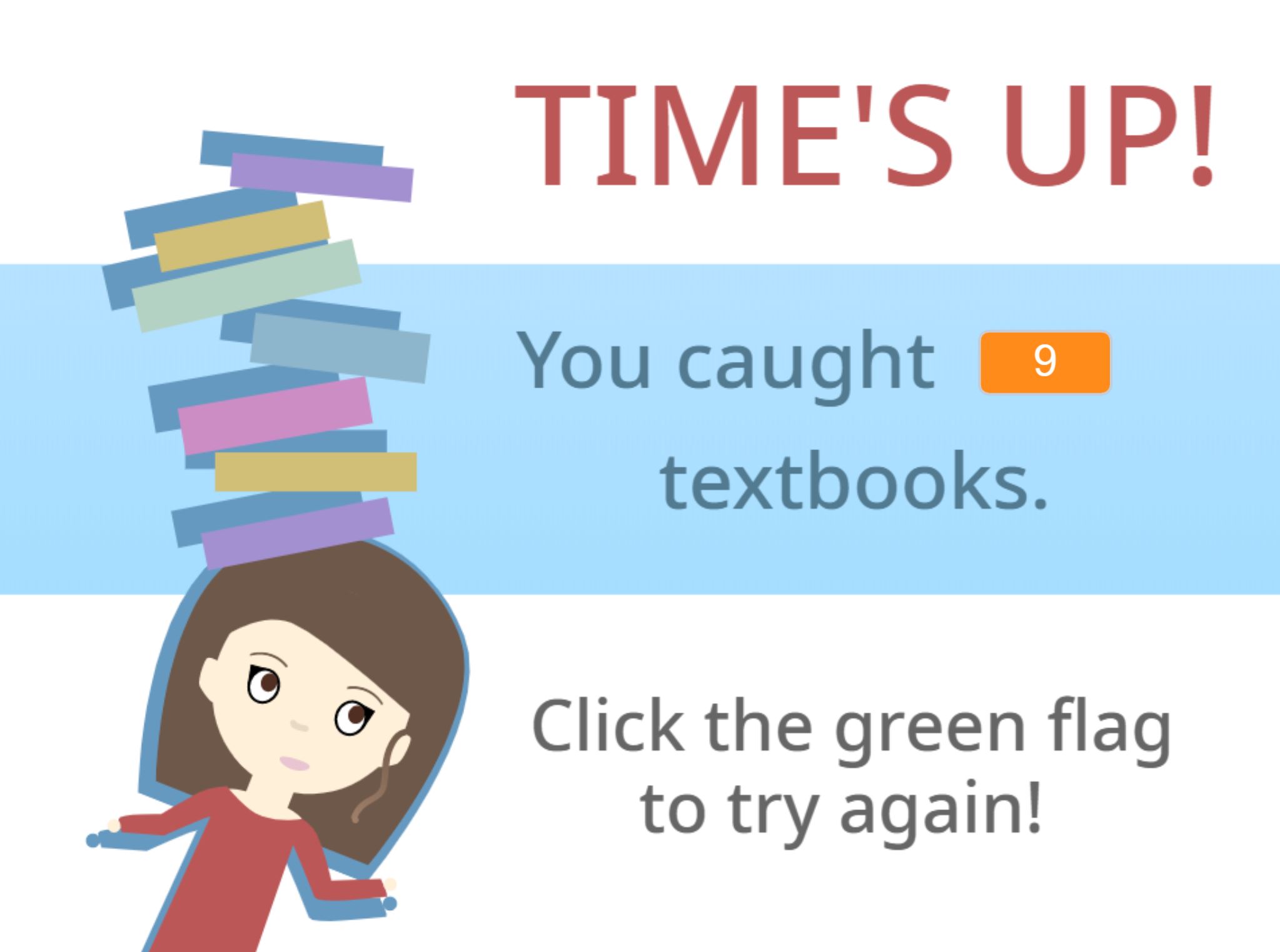
Game over
Inspiration
I was inspired by the common "catcher" games I see online all the time. Generally, these games are pretty simple and easy to make but they can become boring and dull for the player really quickly.
So, I decided that I wanted to expand on the "catcher" game concept by making it school-themed and by adding in some new features to the gameplay.
What it does
Textbook Troubles is a mini game where the user's goal is to save as many textbooks as they can!
The player uses the arrow keys to move across the screen and catch textbooks on the player's head. As more textbooks are added to the stack on the player's head, the player moves slower. To get rid of the stack and place textbooks into the backpack, the player moves to the right side of the screen into the backpack unload zone. This also adds the textbooks to the total number of textbooks saved.
How I built it
I built the program in Scratch by using a variety of variables and sensing tools. I also relied on clones to avoid creating a bunch of sprites.
For the parallax home screen, I created several different costumes within a sprite. Then, when the homescreen was displayed, the sprite was cloned several times using a loop and a "cloneVar" variable I created. Each of the costumes, based on the cloneVar number they were assigned, was then controlled by a simple operation based on the mouse X and Y.
For the game itself, I created Player and Textbook sprites. The Player was controlled by the arrow keys and I added in some parameters so that it could not go into the blue bar on the right side of the screen. When it reached a certain X position, I created a variable called "unload?" and set it to one. When the program recognized the unload? variable changed, the Textbook clones faded away and were deleted. Then, the number of textbooks in the stack, tracked by the "stack" variable were added to the overall "textbooks" variable.
The "time" variable was easy to create as well. It was based on a loop that changed the value every second.
Challenges I ran into
One of the challenges I faced was figuring out how to make the textbooks sense when they were touching another textbook or the player's head. Eventually, I decided to use colors as a way for the program to recognize another textbook.
Accomplishments that I'm proud of
I'm really proud of the overall appearance and gameplay. This was my first time making a Scratch project for a hackathon and I learned a lot of new tricks. This was also my first time creating a parallax so I'm very excited in how it turned out!
I also feel that the game is quite addictive and I've played a lot of rounds both for testing purposes and for fun!
I really believe that I met my goal of creating a project based on a simple idea and making it something even better.
What I learned
I learned how to build a parallax and how to use clones effectively. When I started this project, I wasn't as familiar with clones as the other aspects of coding in Scratch. Now, I understand why clones are so useful and how they helped me avoid creating 10, 20, or 30 extra sprites and manually copying code.
What's next for Textbook Trouble
In the future, I want to add "easy", "medium", and "hard" options so the player can select a level of difficulty.
Built With
- scratch







Log in or sign up for Devpost to join the conversation.