Inspiration
We all get meeting invites, schedules, reminders, and plans in fragmented, messy formats—from WhatsApp messages to blurry flyer images. Manually typing these into our calendars is tedious, error‑prone, and wastes precious time. With AI getting better at understanding unstructured data, we asked: what if creating a calendar event took seconds, not minutes?
What it does
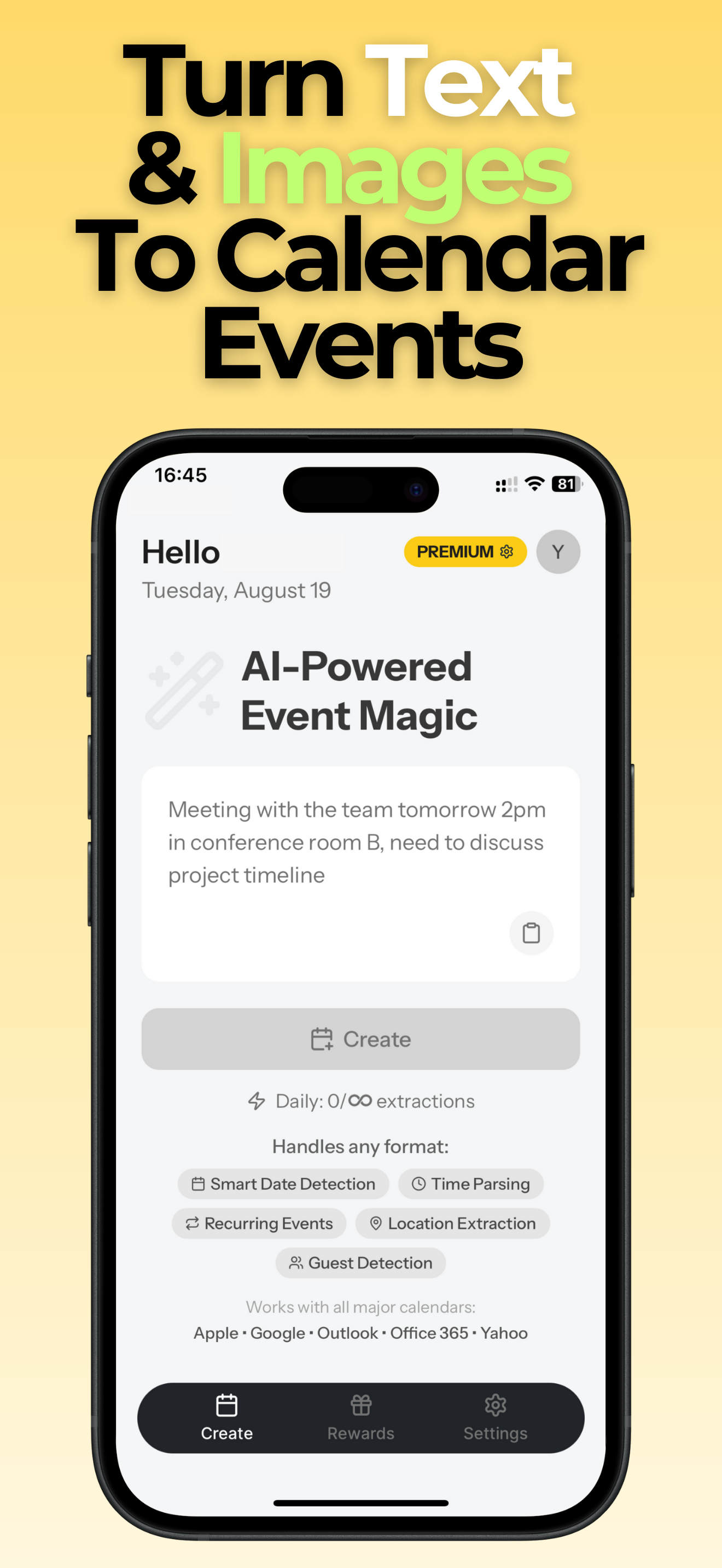
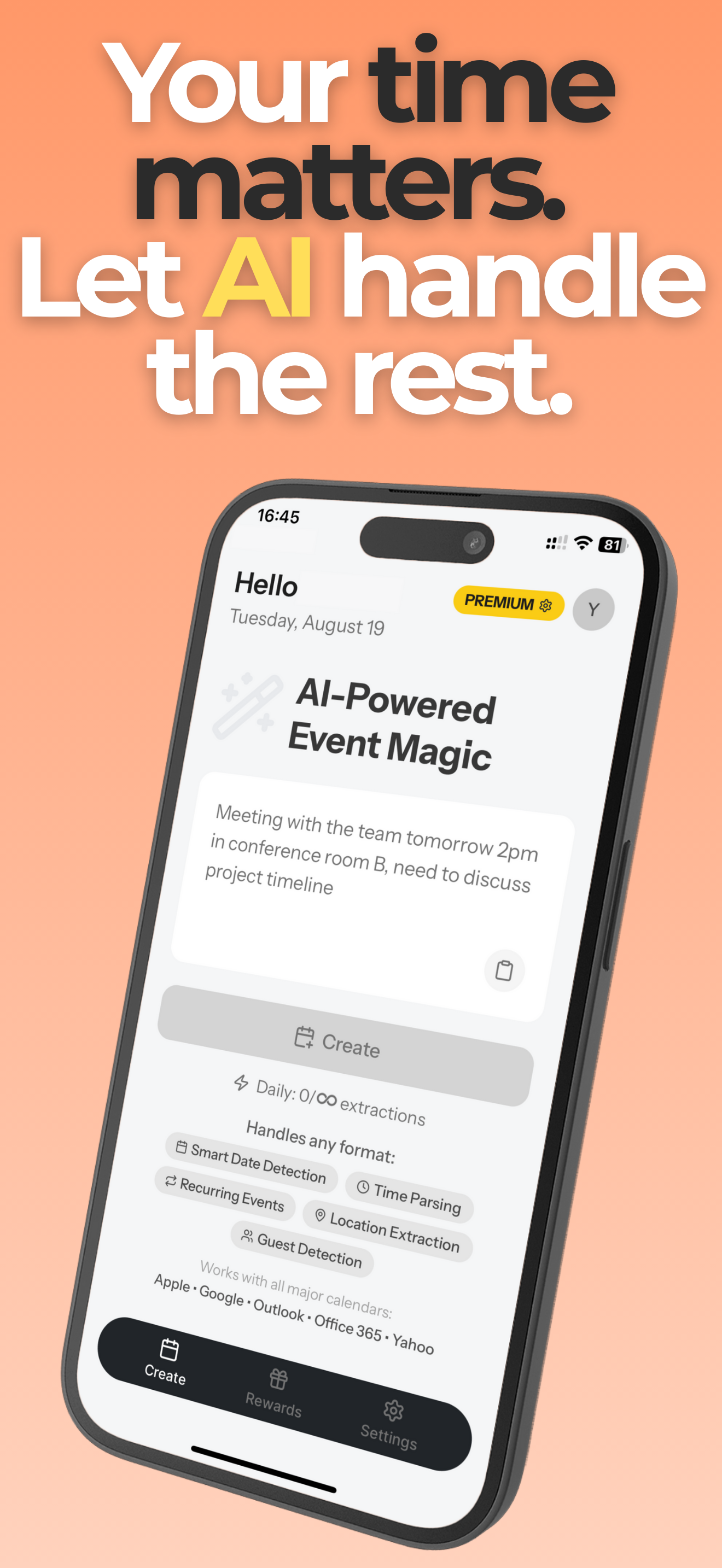
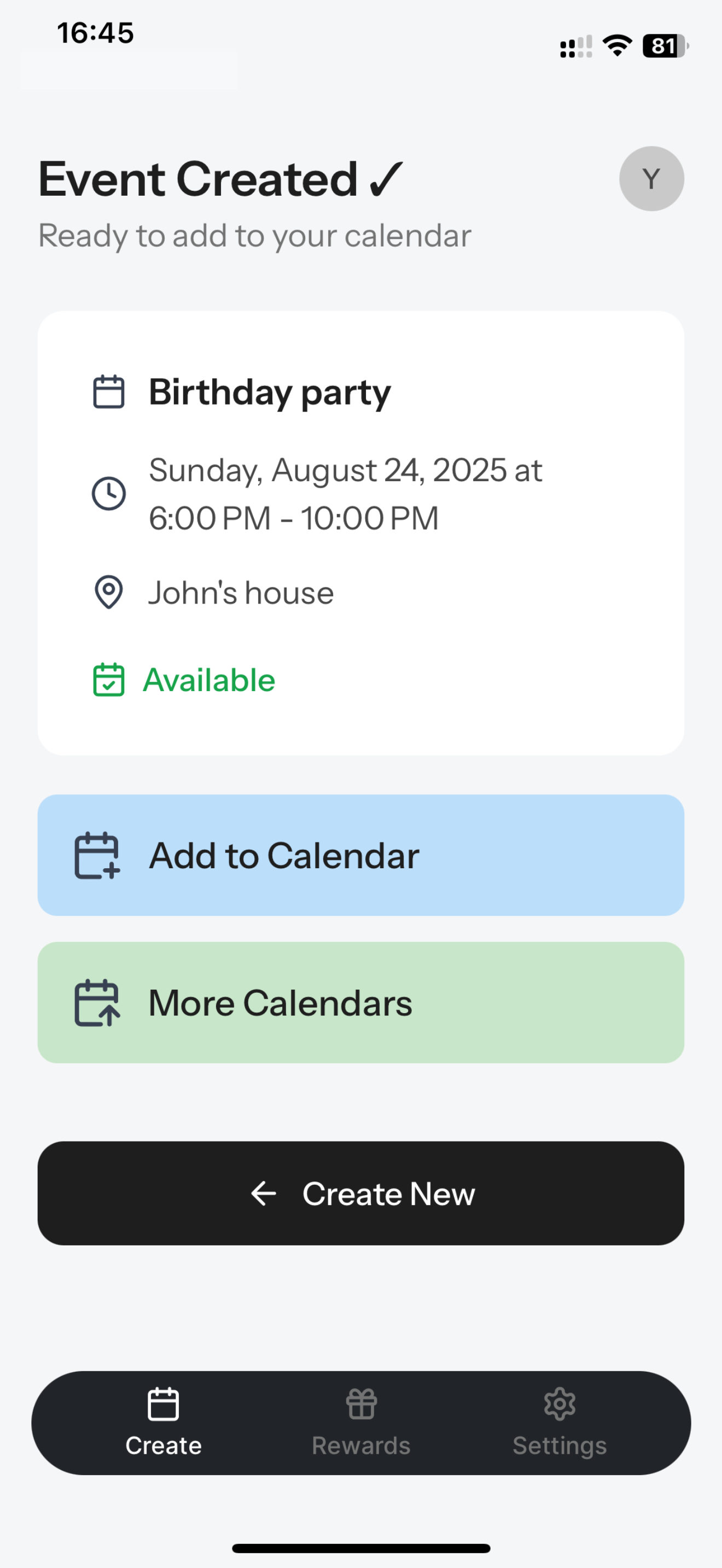
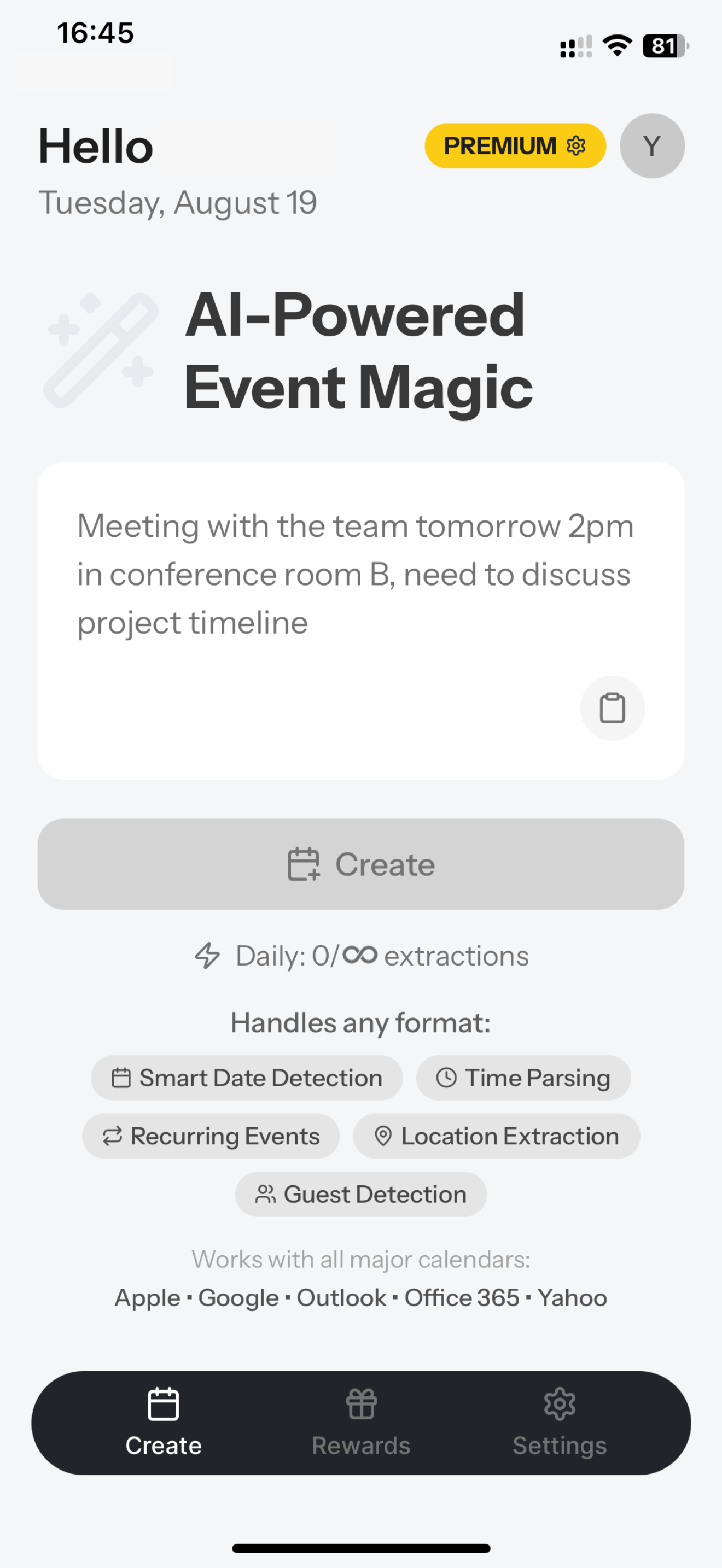
Text2Cal is an AI-powered calendar assistant that transforms any text or image into a polished calendar event—instantly.
- Paste or share text from WhatsApp, email, Slack, SMS, etc.
- Upload an image (flyer, timetable, screenshot)
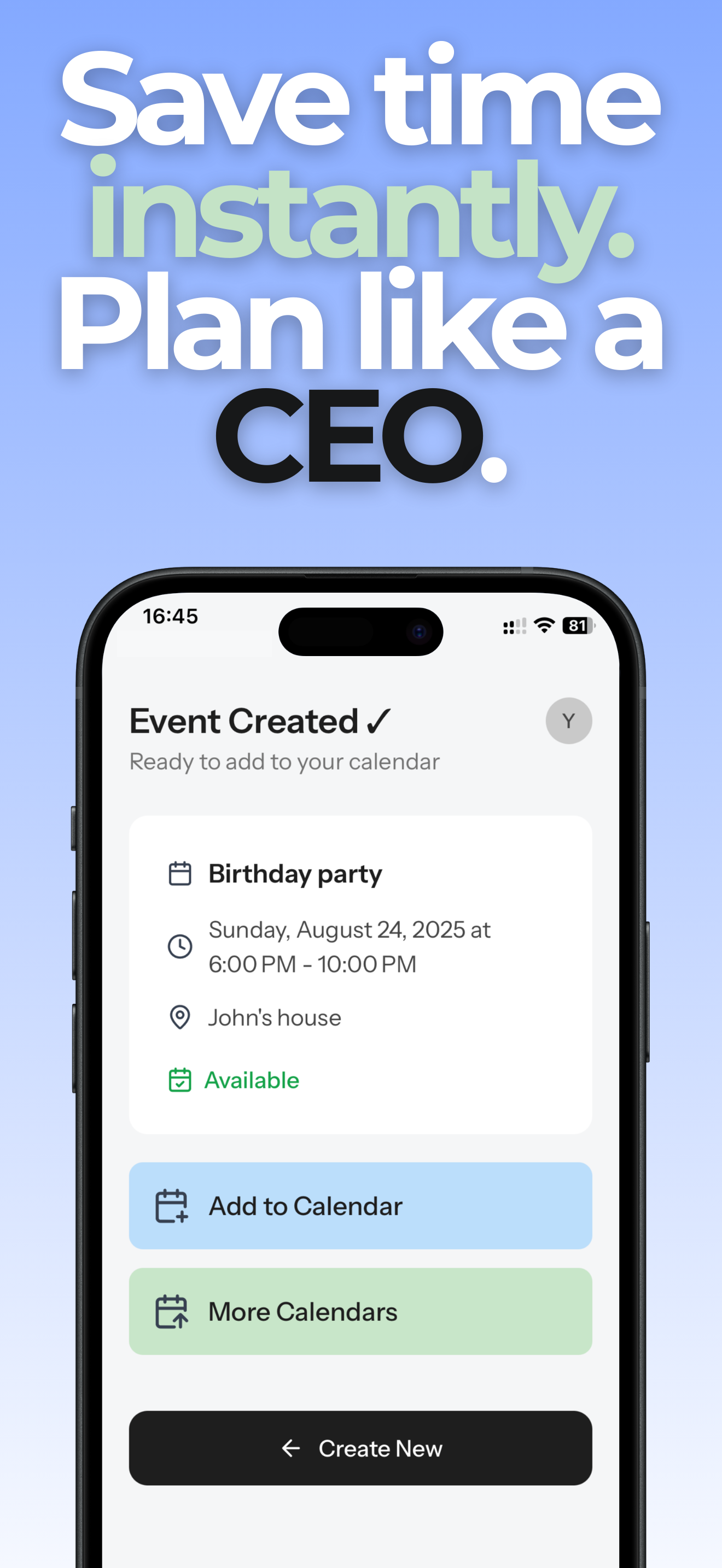
- AI extracts date, time, location, notes
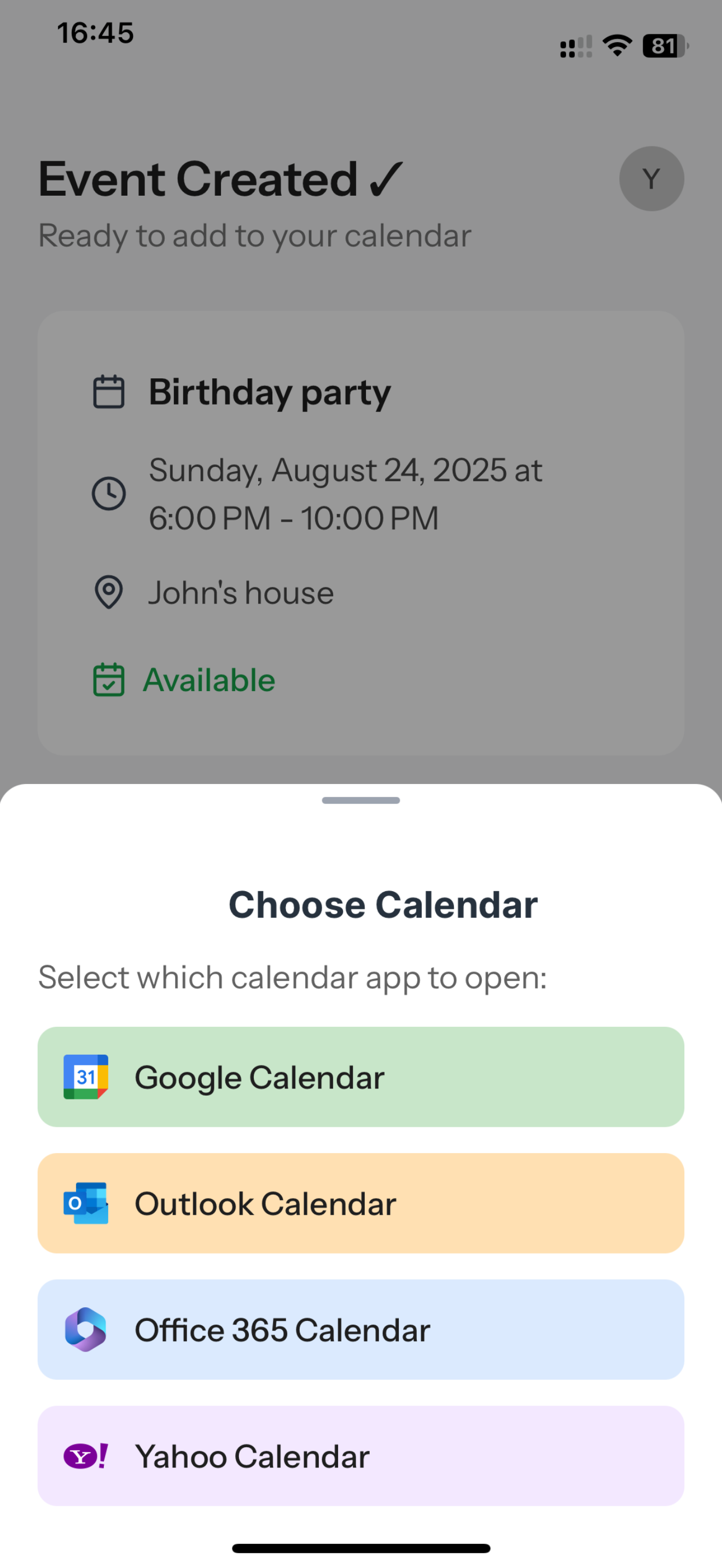
- Event created directly in Google, Apple, or Outlook Calendar
It’s the fastest, most accurate way to keep your schedule on track.
How we built it
- AI-Powered Extraction – We leverage NLP and OCR to detect dates, times, recurring patterns, and locations from both text and images.
- Share Extensions – One-tap activation directly from apps like WhatsApp, Slack, or your email.
- Calendar Integrations – Seamless support for Google, Apple, Outlook, and local device calendars.
- On-Device Processing – Your data stays private: all AI parsing happens locally on your device.
Challenges we ran into
- Parsing informal, unstructured text (“see u tmrw at ~5 at the café”) required robust models and context-awareness.
- Recognizing recurring events (e.g. “every Monday at 9 AM”) across languages was tricky.
- Achieving fast on-device performance without compromising privacy demanded careful optimization.
- Ensuring compatibility across iOS, Android, multiple time zones, and calendar APIs added complexity.
Accomplishments that we’re proud of
- A magical, one-tap workflow that users fall in love with.
- Multi-calendar support—manage work, school, and personal events in one place.
- On-device AI that keeps data private while delivering accuracy.
- Users save 5+ minutes per event, boosting productivity and reducing stress.
What we learned
- Even small workflow enhancements—like saving minutes per event—can make a huge impact on daily productivity.
- Privacy and reliability often matter as much as advanced features.
- Designing for real-world input (slang, typos, casual phrasing, blurry images) pushes your AI to be robust.
- Seamless integrations (share menus, calendar APIs) are essential—not just cool add-ons.
What’s next for Text2Cal
- Launch desktop/browser extensions and email integration for broader access.
- Enable multi-event imports, such as reading an entire lecture timetable in one go.
- Add collaboration features—shared calendars, group reminders, and team scheduling.
- Expand language and locale support to work beautifully worldwide.


Log in or sign up for Devpost to join the conversation.