-
-
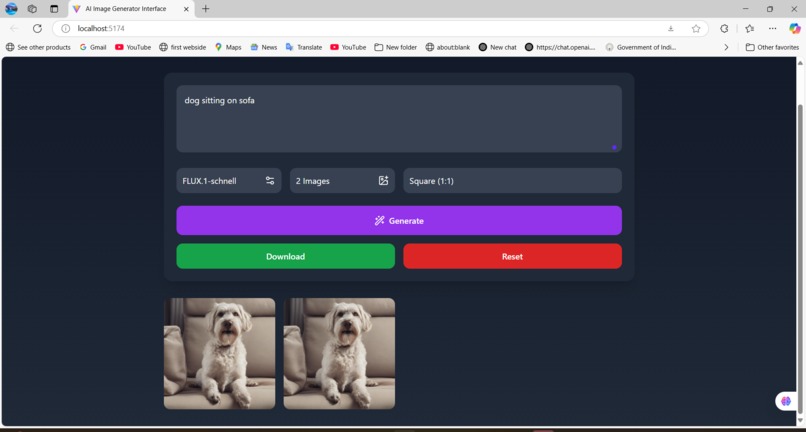
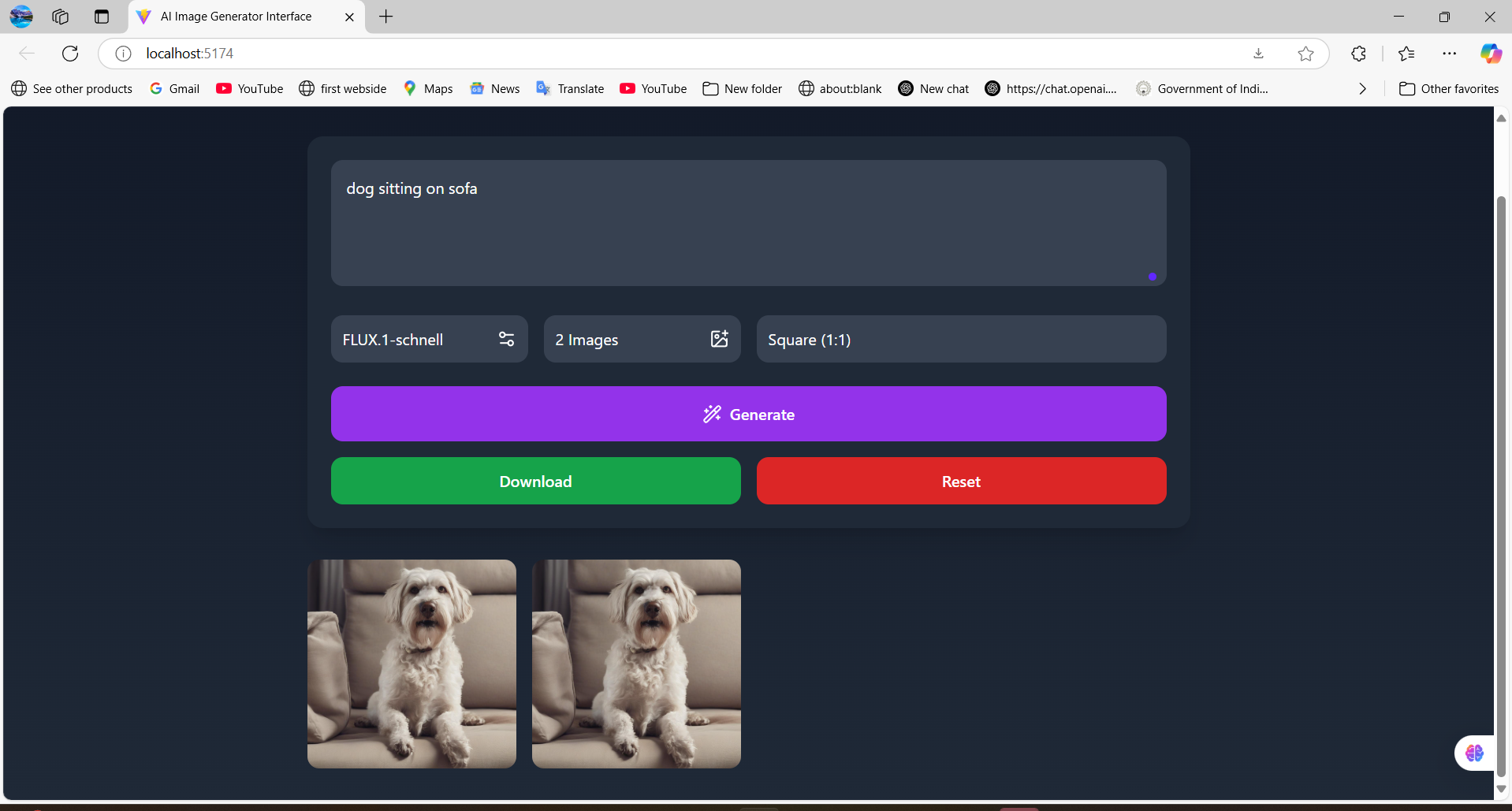
Text to multi model image generator
🌟 Inspiration With the rise of generative AI, we were fascinated by how powerful models can turn simple text into stunning, complex visuals. We wanted to make that power more accessible—no need for coding or artistic skills. The goal was to create a tool that anyone, from creators to marketers to curious users, could use to bring their ideas to life with just words.
💡 What it does This app takes a user's text prompt and turns it into high-quality images using state-of-the-art AI models like Stable Diffusion and FLUX.1. Users can choose the number of images, select different models, and adjust the aspect ratio—all from a sleek and intuitive interface. It supports download and reset options, making it a lightweight, all-in-one creative tool.
🛠️ How we built it Frontend: React + TypeScript
Styling: TailwindCSS for fast, responsive UI
Icons: Lucide-react for visual clarity
API Integration: Hugging Face’s inference API for image generation
State Management: React Hooks (useState) to manage user input and app state
Blob handling: Created downloadable image links dynamically
🧩 Challenges we ran into Integrating with Hugging Face's API and handling different model requirements
Managing image blobs and converting them to downloadable formats
Keeping the UI responsive and intuitive while handling async loading states
Ensuring error handling was user-friendly when prompts were invalid or APIs failed
🏆 Accomplishments that we're proud of Built a functional, sleek image generator with model flexibility
Created a seamless experience from prompt to image generation
Handled multiple API models and dynamic rendering in a single interface
Made a tool that feels both creative and practical for a wide range of users
📚 What we learned The complexities of working with image blobs in the browser
How to architect a flexible UI to support multiple back-end models
Importance of UX in AI apps—clear feedback, loading indicators, and error handling
Working with third-party APIs and managing tokens securely
🚀 What's next for Text to Multi-Model Image Generator Add support for custom model endpoints or user API keys
Introduce negative prompt control and fine-tuning sliders
Integrate drag-and-drop or voice input for accessibility
Allow saving user prompts and outputs in a personal gallery
Possibly move image generation to a backend proxy for better security and scale
Built With
- css
- html
- huggingfaceapikey
- javascript
- react
- telwincss
- typescript


Log in or sign up for Devpost to join the conversation.