-
-
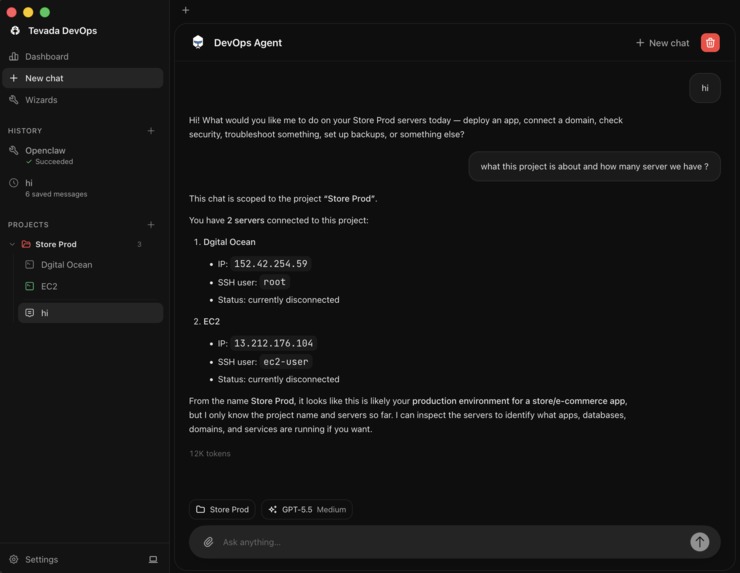
Chat Agent
-
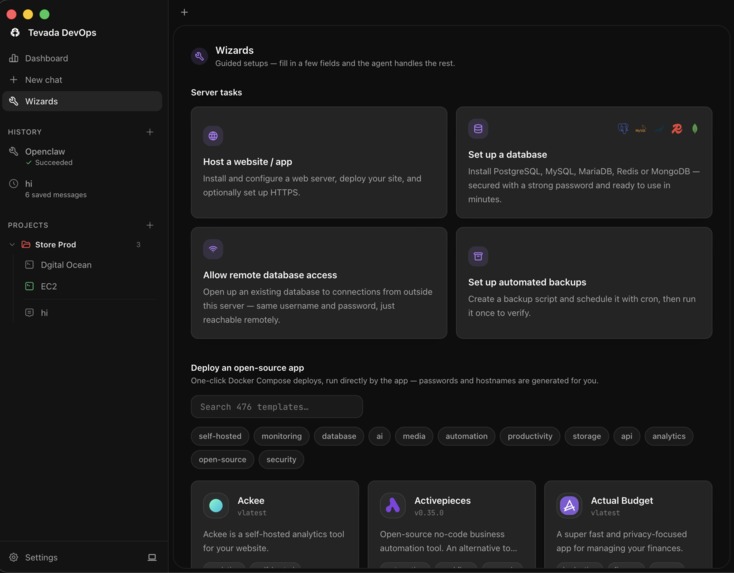
Wizard
-
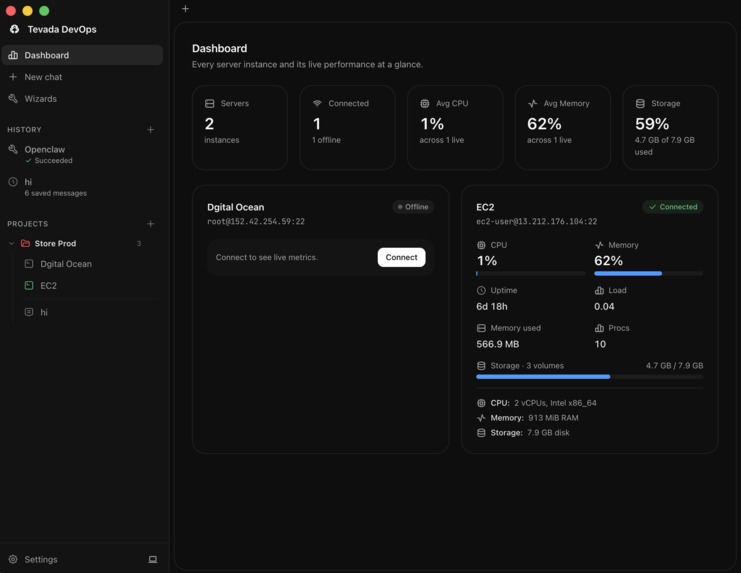
Dashboard
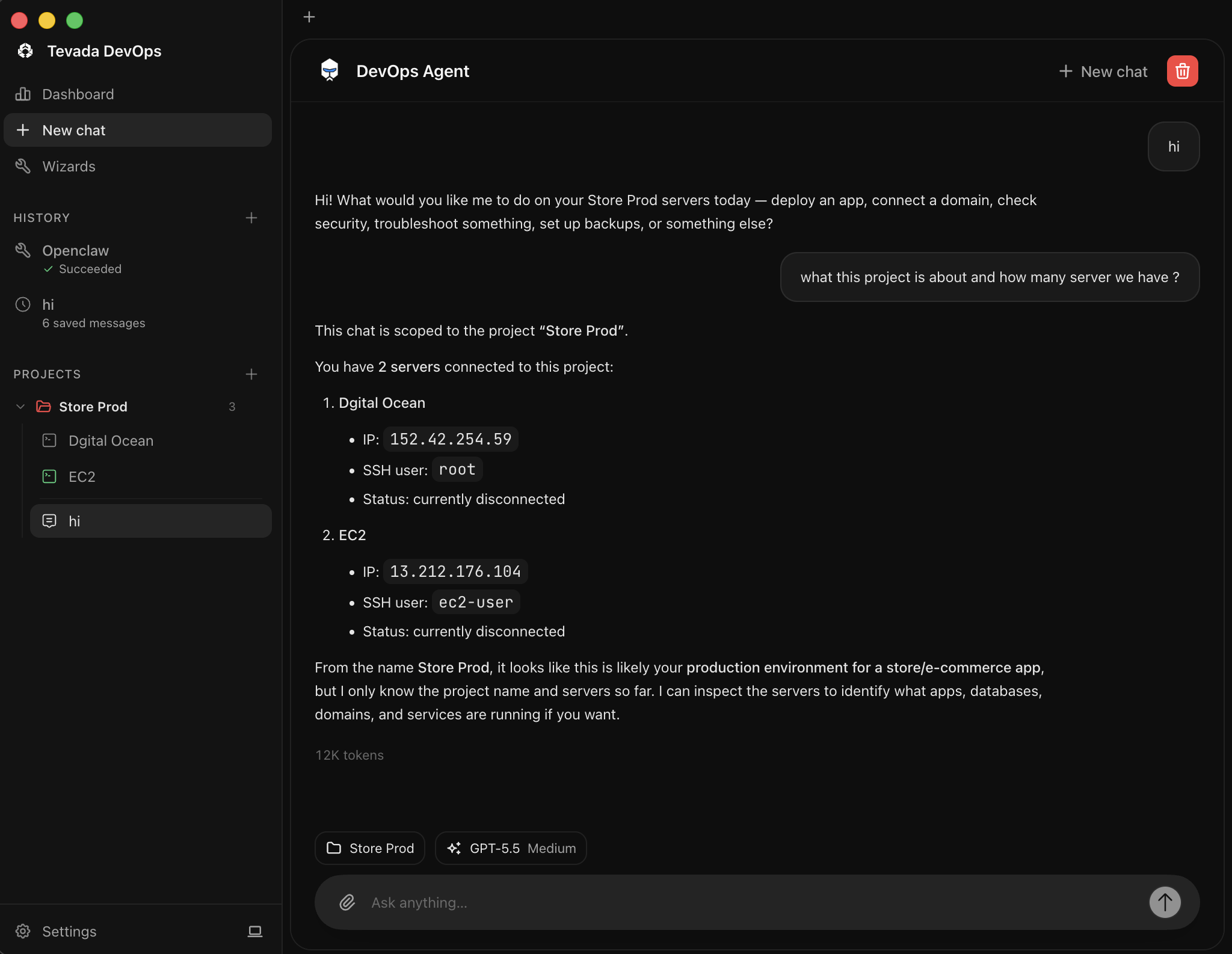
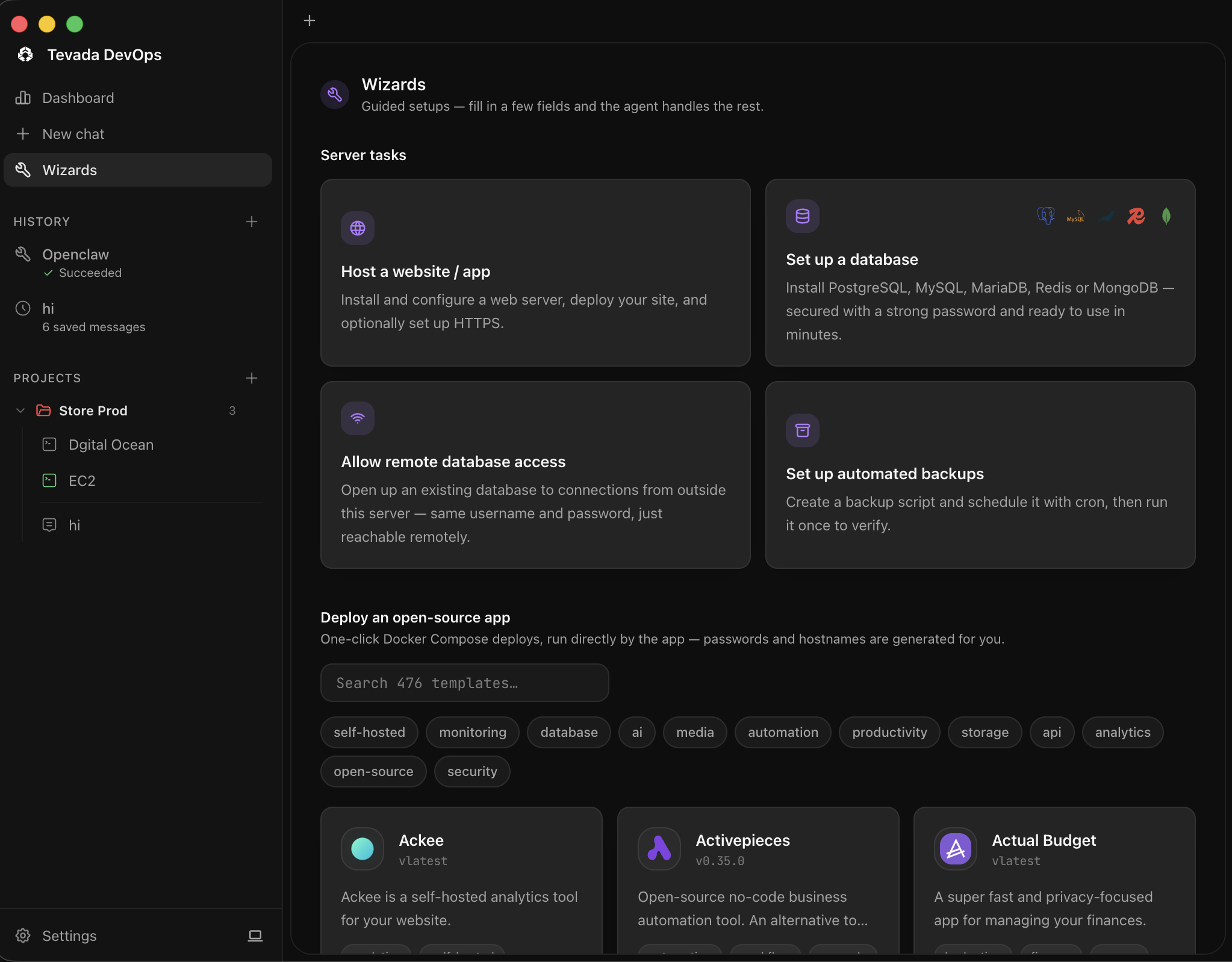
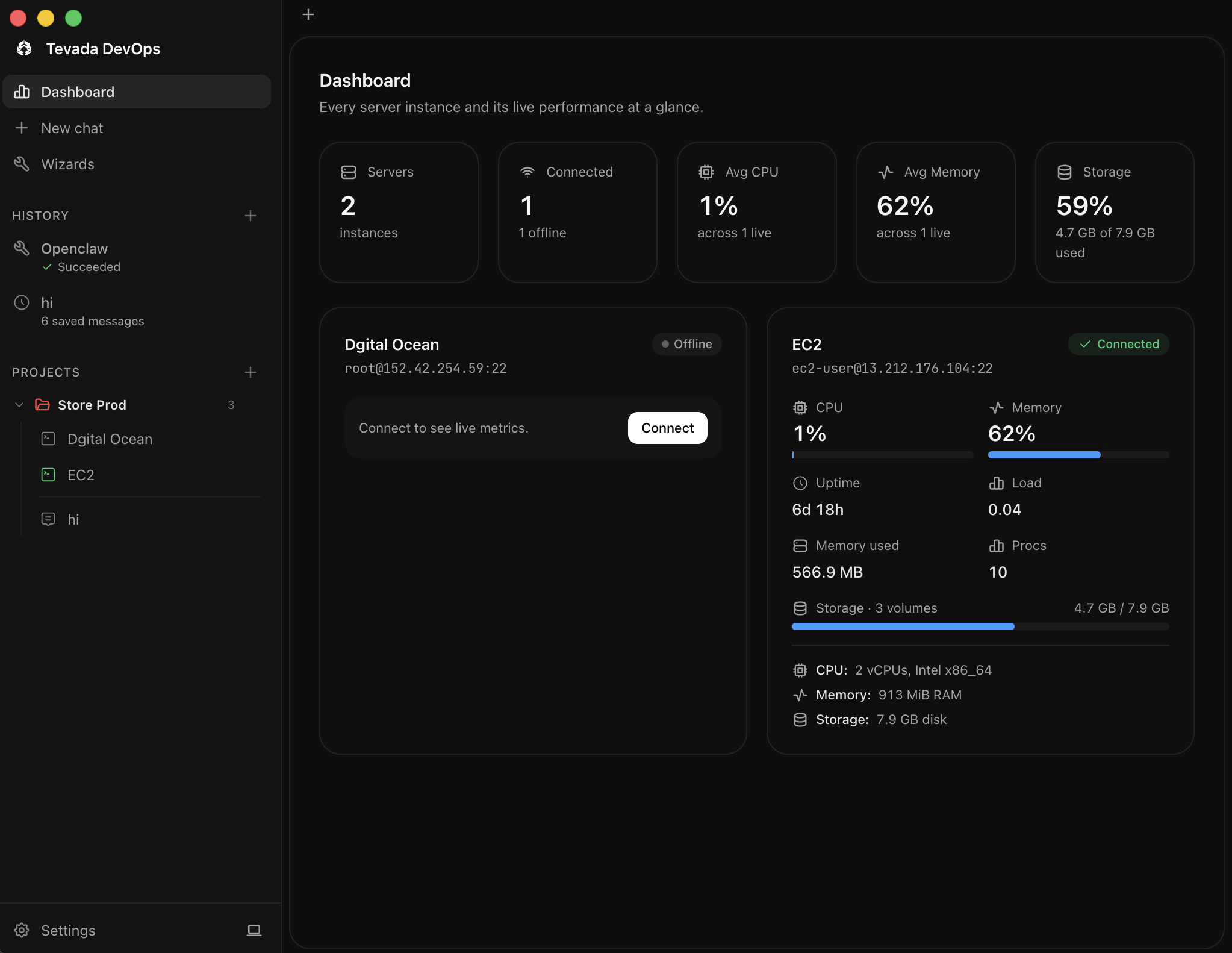
Tevada DevOps
Inspiration
We're living in the vibe-coding era — anyone can describe an app to an AI and watch it get built in minutes. But the moment that app needs to go live, the vibe stops. Deployment still means wrestling with SSH, servers, and hosting bills that don't make sense for a weekend project. We wanted a tool that keeps the same "just vibe it" energy all the way to production — free to run, safe by default, and simple enough that not knowing DevOps is no longer a blocker.
What it does
Tevada DevOps is a desktop app that turns your own server into a deploy target a vibe coder can actually use:
- A built-in SSH terminal and SFTP file browser, so you can manage your server without leaving the app
- An AI copilot panel that understands your server context and can run commands, debug, and deploy on your behalf
- A one-click template gallery (Dokploy-format) for spinning up common app stacks in seconds
- GitHub sign-in and one-click MCP install, so Claude Code/Codex can plug straight into your deploy workflow
- Everything runs against infrastructure you own — no per-seat SaaS fee, no vendor lock-in
How we built it
Tevada DevOps is an Electron + React/TypeScript desktop app. xterm.js powers the in-app terminal, ssh2 handles SSH/SFTP connections, and a chat panel wraps AI assistance directly around server actions. We added a GitHub App with device-flow sign-in for auth, a local MCP server for one-click Claude Code/Codex integration, and packaged the whole thing with Electron Forge for macOS/Windows/Linux distribution.
Challenges we ran into
Packaging native modules like ssh2 for a cross-platform Electron build was harder than expected — we hit a Node 26 compatibility issue with yauzl that required pinning a fixed version and explicitly whitelisting runtime externals in the Forge config so they wouldn't get pruned out of the packaged app. Beyond packaging, we had to think carefully about security defaults: giving an AI copilot the ability to run commands on a real server means being deliberate about what it's allowed to touch, so nothing gets deployed insecurely just because it was easy.
Accomplishments that we're proud of
- A working desktop app where terminal, SFTP, AI chat, and deployment templates all live in one place
- Solved the tricky macOS/cross-platform native-module packaging problem
- GitHub App integration with a smooth device-flow sign-in
- One-click MCP install so Claude Code and Codex can drive deployments directly
What we learned
Making deployment approachable is less about hiding complexity and more about picking the right secure defaults so a non-expert can't accidentally shoot themselves in the foot. We also learned just how much native-dependency packaging can bite you in Electron apps, and how much value a "own your server" model has for cost-conscious builders compared to per-seat cloud platforms.
What's next for Tevada DevOps
Right now Tevada DevOps is desktop-only. Next up is bringing the same experience to our cloud, web, and mobile apps so vibe coders can manage deployments from anywhere, plus a hosted MCP option for teams that don't want to run their own, and a growing library of one-click templates for the app stacks vibe coders build most.
Built With
- agents
- app
- codex
- desktop
- devops
- dokploy
- electron
- forge
- github
- javascript
- mcp
- node.js
- oauth
- react
- rest
- sftp
- ssh2
- typescript
- xterm.js

Log in or sign up for Devpost to join the conversation.