-
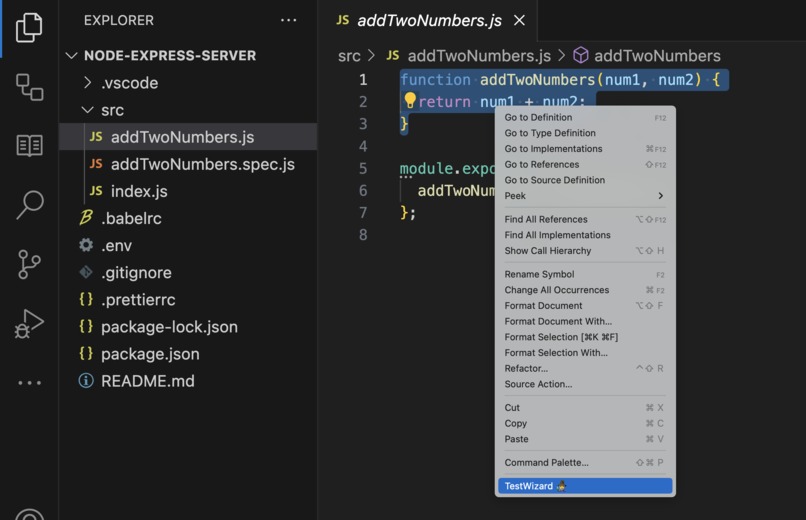
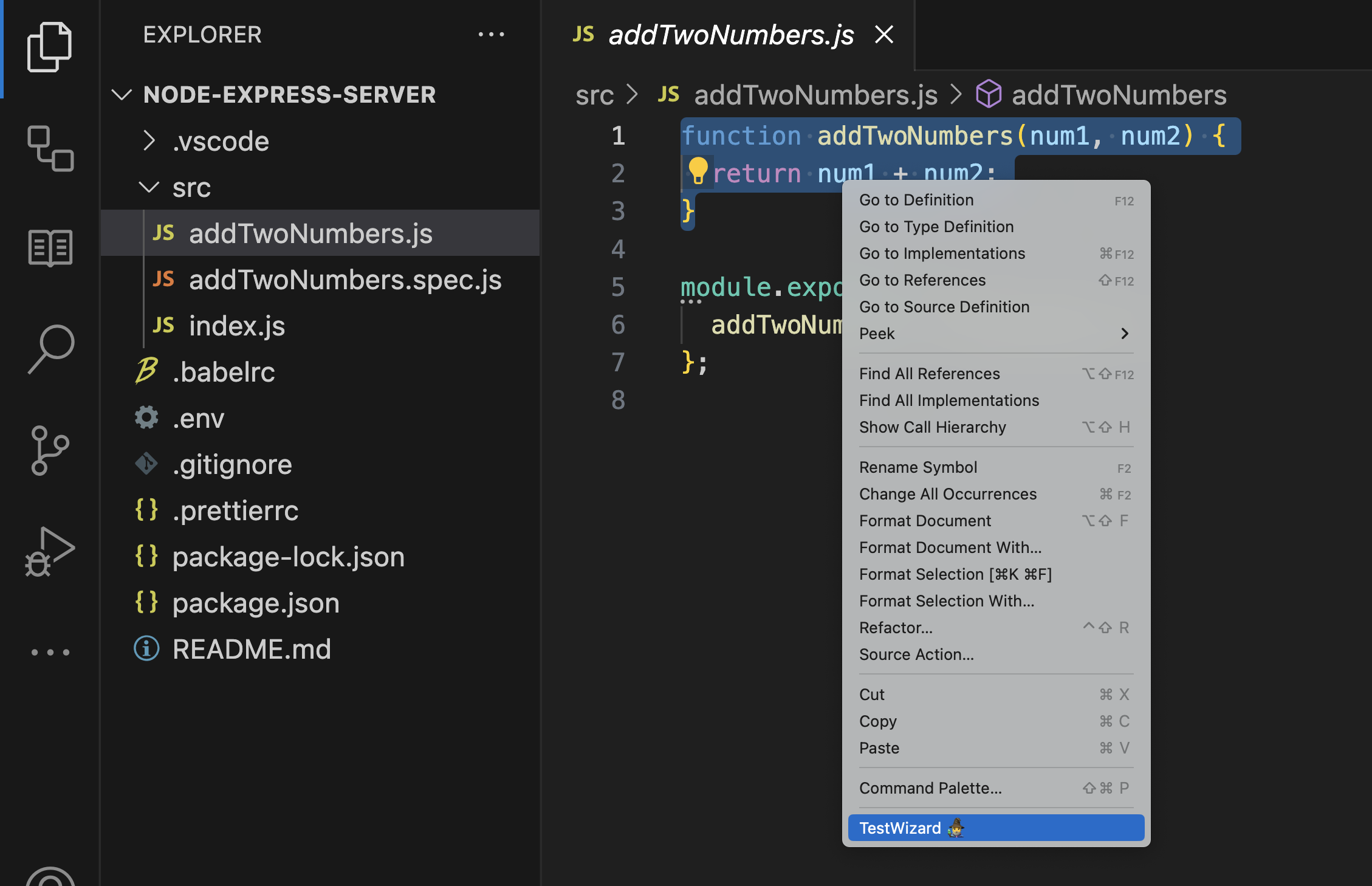
Option to use TestWizard
-
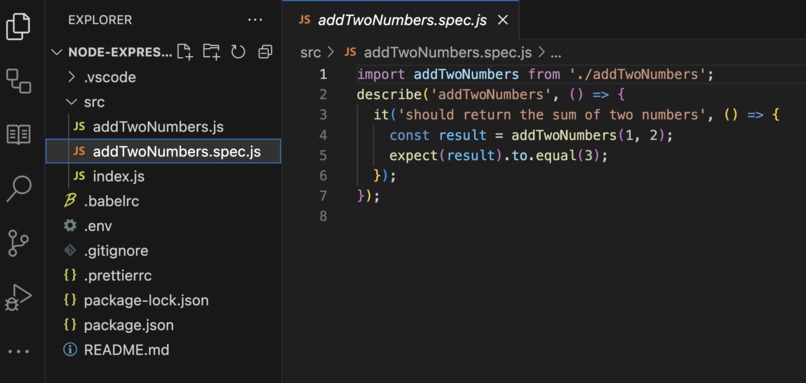
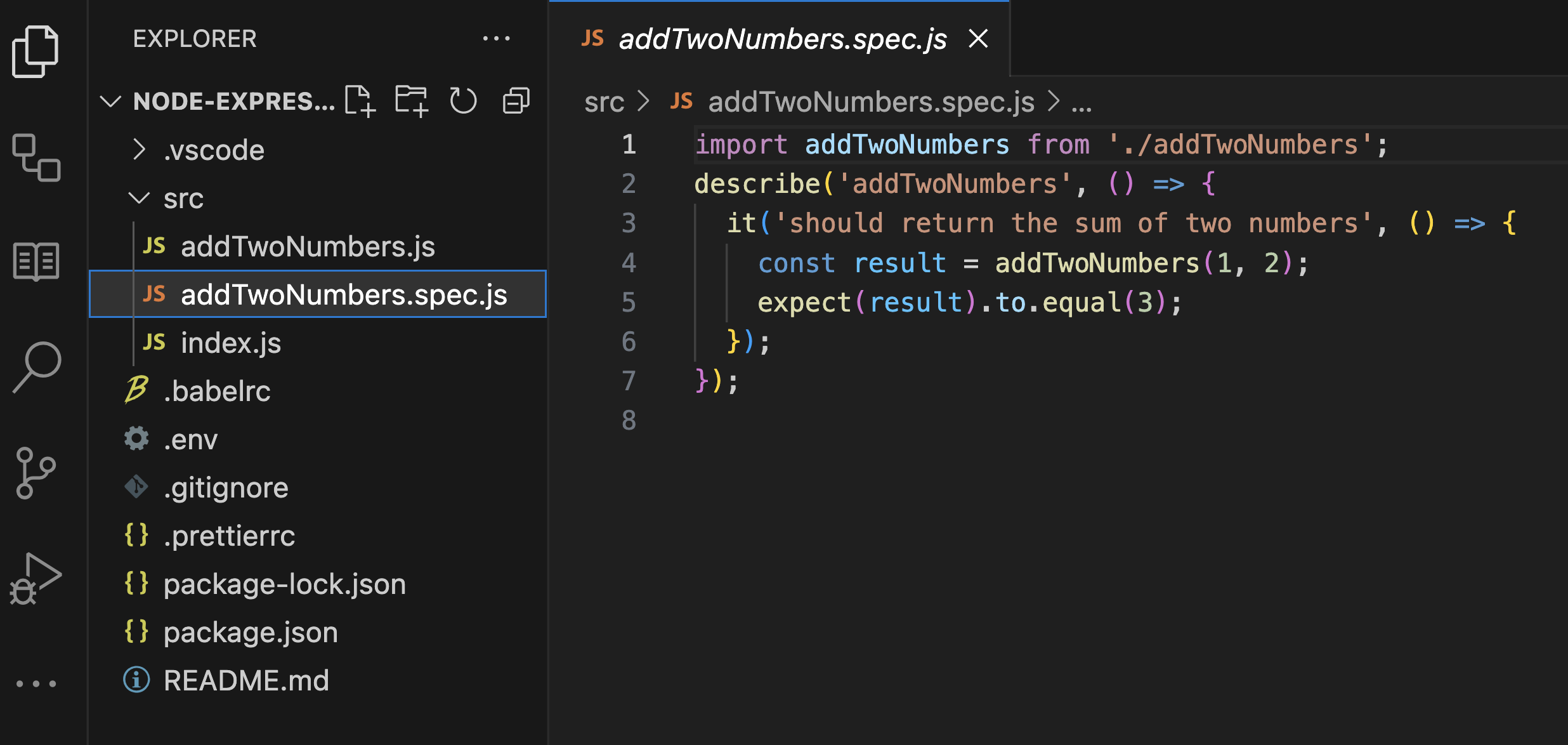
Output generated by TestWizard
Inspiration
There have been several attempst to create unit test generation tools like AthenaTest, A3Test or ChatUniTest. Most of these tools have been designed to work amazingly with 1 single language (Java) and fail to deliver a solution that really integrates into the developers everyday life.
What it does
🧙♂️ TestWizard is a VS Code plugin that connects your code with ChatGPT to automatically generate astonishing unit tests.
With TestWizard we wanted to create something completely new:
- 🔧 We created TestWizard as a vs code extension to deliver the solution as close to the developers as possible. By integrating it directly on the developer’s everyday maintool (their IDE) we facilitate and speed up the usage of it.
- 💬 We created TestWizard as a language-agnostic tool that really leverages the full potential of ChatGPT.
- 💎 Finally, we wanted TestWizard to generate the best quality tests. For that reason we followed the “Generation-Validation-Repair” framework.
How we built it
The
ContextManageragent uses ChatGPT to identify the tech stack of the opened project. It does so by identifying and reading the contents of the project’s source code. By using vs code’s API we can, for example, identify if a project is using Java or Python. Even more: we can identify the test framework, the list of dependencies, and even the linting configurations of the project! 🔮The
TestGeneratoragent uses 🔗🦜 LangChain to write a shiny new unit test for the code selected by the user, taking into account the project’s configurations (previously identified by the ContextManager).The
🧠 Depuratoragent uses ChatGPT and the project’s context to infer the correct command to run the generated test. Then, this agent will run your new test on an isolated environment to make sure it passes.If for any reason the test fails, the
Depuratorclass will continue the 🔗🦜 LangChain session by feeding the agent with the stdout errors to fix the broken test.Then, 🧙♂️ TestWizard will enter on a controlled feedback loop, running the new test and capturing the stdout errors to re-ask the agent to fix it.
Finally, when test successfully passes, the loop will end and the final test will be outputed by the
Publisherclass. This will leave the end user with a ✨ shiny new test ✨ that has been checked to work.
All of this is backed by Pinecone DB, which allows us to share a common memory between all the agents 🧠. Even more: thanks to the potential of Pinecone, our agents will learn from their errors and they will output better tests everytime they are used.
Challenges we ran into
Fine tuning the prompts to get the best results has been challenging, as well as finding the best way to control the execution subprocess for the tests to be run before finishing the execution flow.
Beyond all that, the most challenging part has been stopping thinking like classical Software Engineers, and start thinking like AI Engineers.
Accomplishments that we're proud of
We know the current version of the TestWizard plugin is pretty raw and has many bugs. However, we feel absolutely proud of the alpha version we have created in just 1 week. We see a lot of future for this extension and we're now starting to think on a PRO version.
What we learned
We learned how to extract useful information from the user's local filesystem and how to use that context to feed a langchain agent with a vectorstore-baked memory based on Pinecone.
What's next for TestWizard
We have released an alpha version of the VS Code Plugin. Now, we're starting to prepare for a PRO version, with much more features.
Built With
- chatgpt
- langchain
- node.js
- pinecone
- vscode


Log in or sign up for Devpost to join the conversation.