-
-
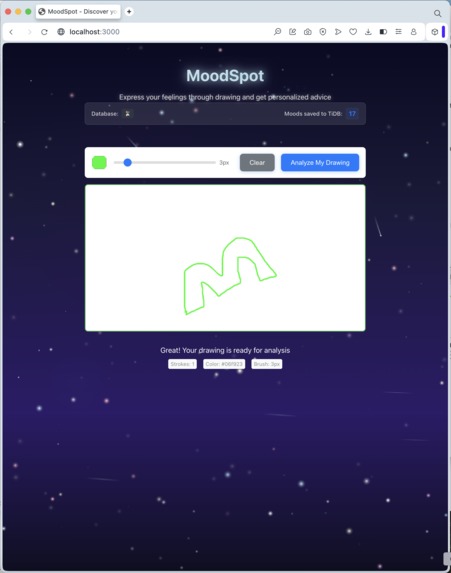
Drawing Canvas
-
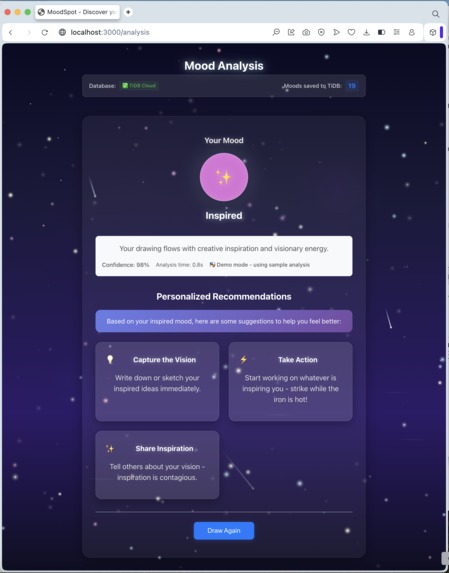
Mood Analysis
MoodSpot AI:
Understand your emotions when words are not enough. MoodSpot AI is an innovative web application that uses artificial intelligence to analyze your drawings, revealing your underlying mood and providing personalized wellness advice. In a world where we are often disconnected from our true feelings, MoodSpot serves as a creative tool for self-discovery. It provides a safe and private space to express emotions non-verbally, helping users become more aware of their mental state and offering gentle, supportive guidance.
Key Features:
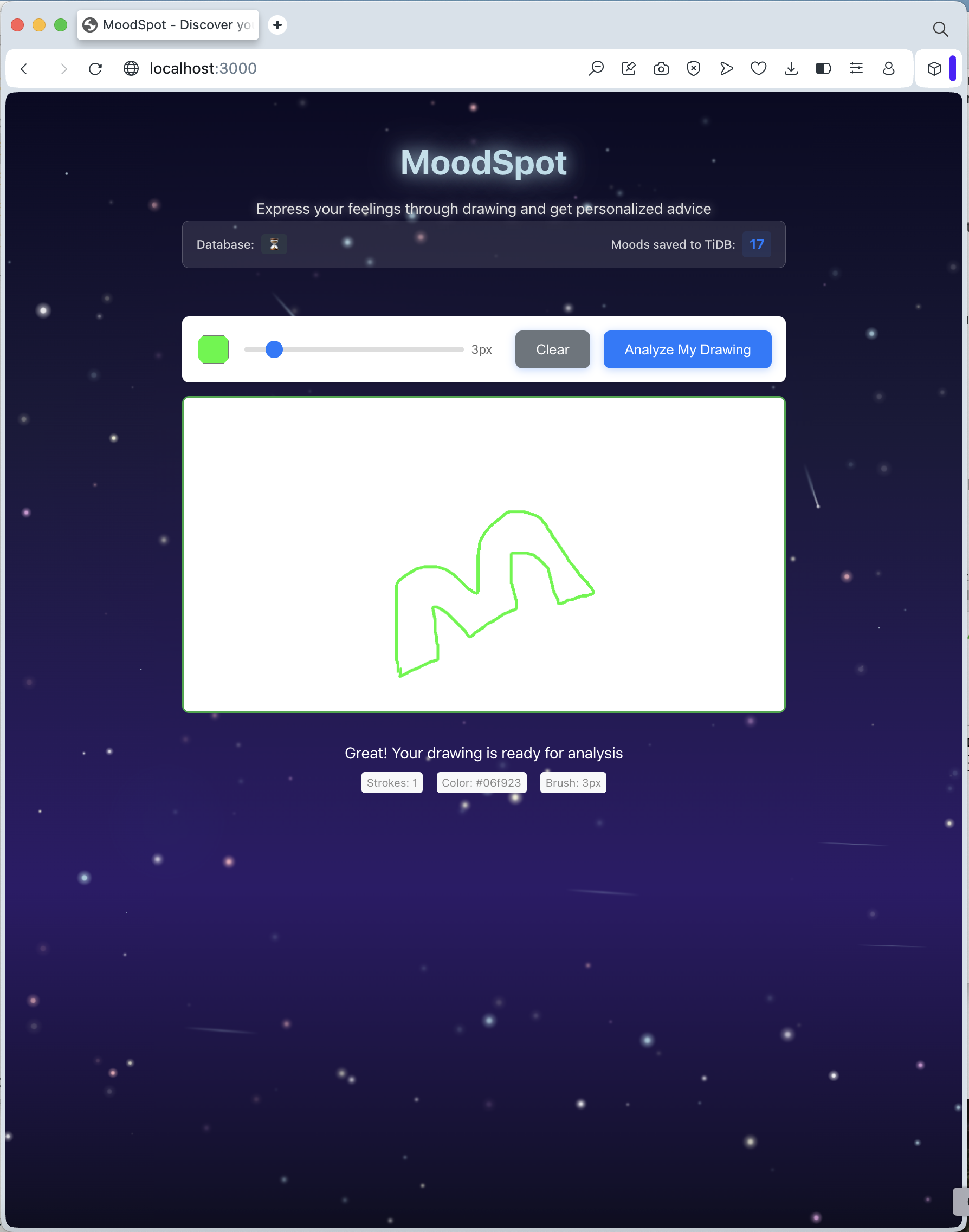
- Creative Emotional Expression: A simple and intuitive digital canvas to draw whatever you're feeling.
- Instant AI Mood Analysis: Leverages OpenAI's powerful vision models to provide real-time analysis of your drawings.
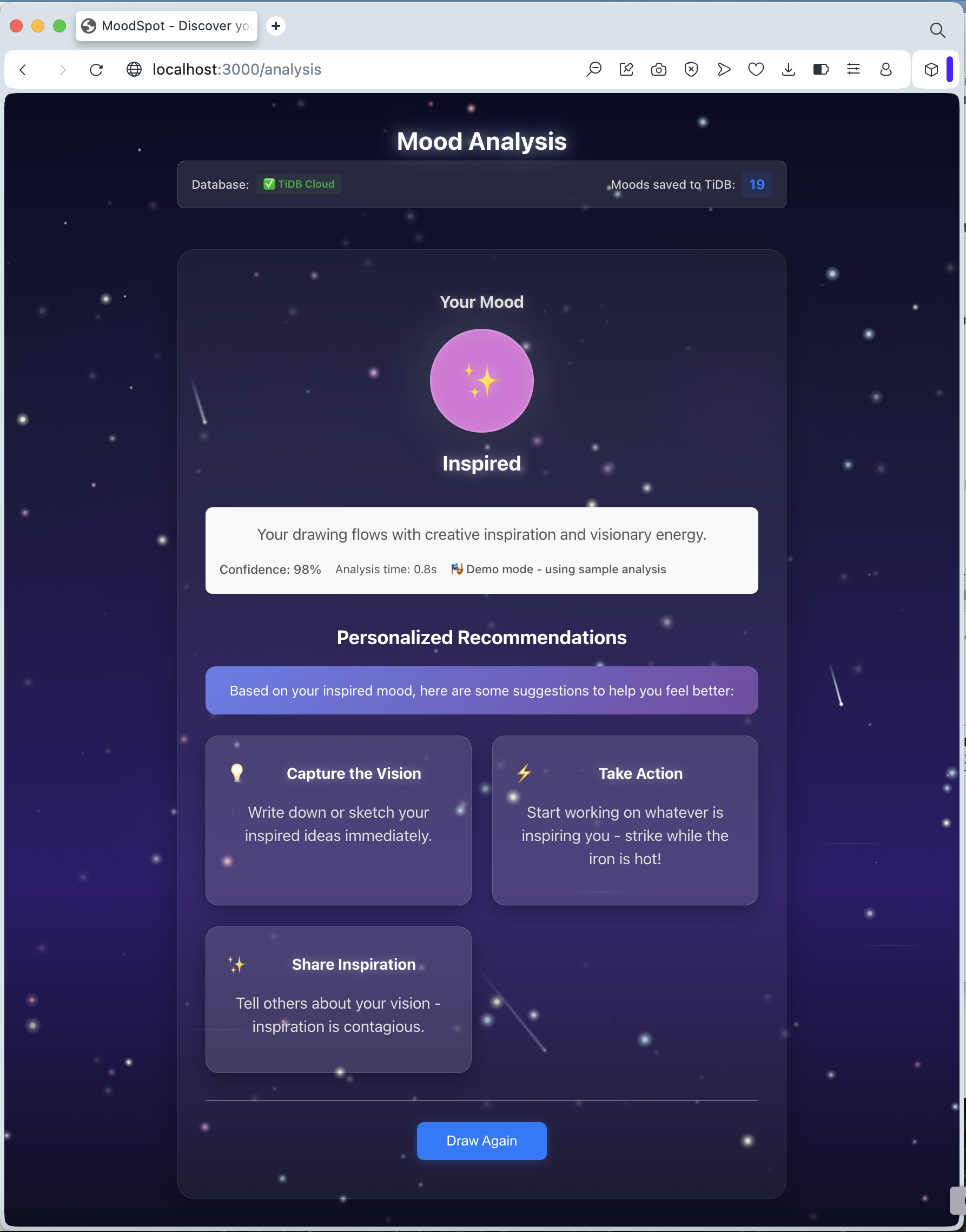
- Personalized Wellness Recommendations: Receive actionable, supportive advice tailored to your detected mood.
- Historical Mood Journey: Every analysis is securely stored on TiDB Cloud, allowing you to track your emotional patterns and journey over time.
Tech Stack & Services: MoodSpot AI is built on a modern, scalable, and AI-native tech stack...
- Frontend: React
- Database: TiDB Cloud (Serverless)
- Development Assistant: Built with the AI-powered capabilities of Kiro
- AI Mood Analysis: OpenAI API (GPT-4 Vision)
How MoodSpot AI Works: An Innovative AI Workflow MoodSpot AI is more than just an app- it's a complete, multi-step agentic process that transforms a simple drawing into actionable insight. This workflow showcases a powerful integration of modern AI and data technologies.
The Multi-Step Flow: Our application follows an automated, end-to-end process that aligns perfectly with the architecture of modern AI agent
- Ingest & Index Data (The Drawing): The process begins when a user creates a drawing. This image—a rich, unstructured piece of data—is ingested by the application. This visual data serves as the primary input for our AI agent.
- Invoke External Tools (OpenAI API Call): The application invokes an external tool: the OpenAI Vision API. The drawing is sent to the API, which acts as a specialized "tool" for emotional analysis, interpreting the colors, lines, and shapes to derive meaning.
- Chain LLM Calls (Analysis & Recommendation):
The OpenAI service performs its analysis and returns a structured JSON object containing the
primaryMood,confidence, and a descriptive analysis. Based on this result, a subsequent process generates personalized wellnessrecommendations, creating a chain of intelligent actions. - Search Your Data (TiDB Cloud Integration): The structured analysis result is then indexed and stored in TiDB Cloud database. This crucial step transforms the ephemeral analysis into persistent, queryable data. TiDB's robust indexing allows for efficient retrieval, making it possible to query past moods and build a historical emotional timeline for the user.
- Build a Multi-Step Flow (The Complete User Experience): This entire sequence is wired together into a single, seamless user experience. From the initial brushstroke to the final display of personalized advice and the saving of the mood entry, the process is a fully automated, multi-step flow. The user simply draws and receives insight, while the underlying agent handles the complex chain of ingestion, tool invocation, data storage, and presentation.
Data Flow Summary: [User Draws on Canvas] --> [Image Ingestion] --> [OpenAI API Call] --> [AI Mood Analysis] --> [TiDB Cloud Storage] --> [Display Results & Recommendations]
Development Journey with Kiro: This project was developed with the assistance of Kiro, an AI-powered coding environment. This was instrumental in:
- Rapid Prototyping: Quickly building the React components for the drawing canvas, UI elements, and results display.
- Seamless API Integration: Generating the boilerplate code needed to connect to both the OpenAI and TiDB Cloud APIs, including handling asynchronous requests and parsing responses.
- Efficient Debugging: The AI assistant helped identify and resolve complex issues with state management, API error handling, and database connection logic, turning hours of debugging into minutes.
Getting Started & Running the Project:
This project was bootstrapped with Create React App and requires Node.js to run. The core logic relies on API keys for OpenAI and TiDB Cloud, which should be stored in a .env file.
A brief overview of the local setup process:
- Clone the repository
- Install dependencies using
npm install - Configure API keys in a local
.envfile - Run the development server with
npm run dev
Due to the requirement for private API keys, a live, publicly accessible demo is not provided. Please refer to the demo video for a complete walkthrough of the application's functionality.
Built With
- css
- html
- javascript
- kiro
- openai
- tidb

Log in or sign up for Devpost to join the conversation.