-
-

Your Money doesn't just sit there, it talks back
-
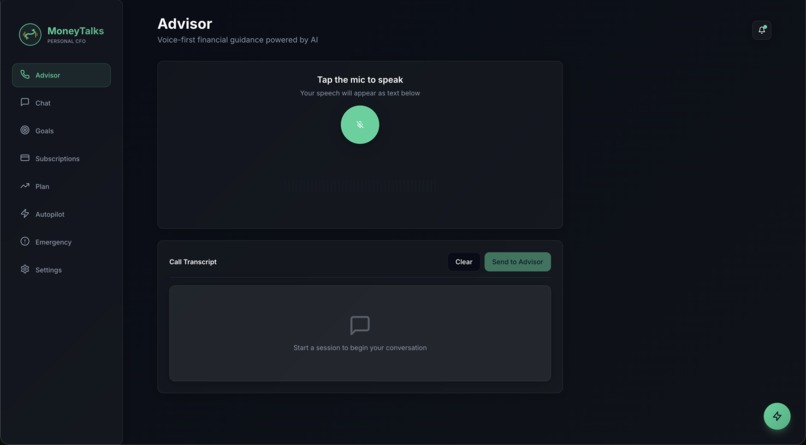
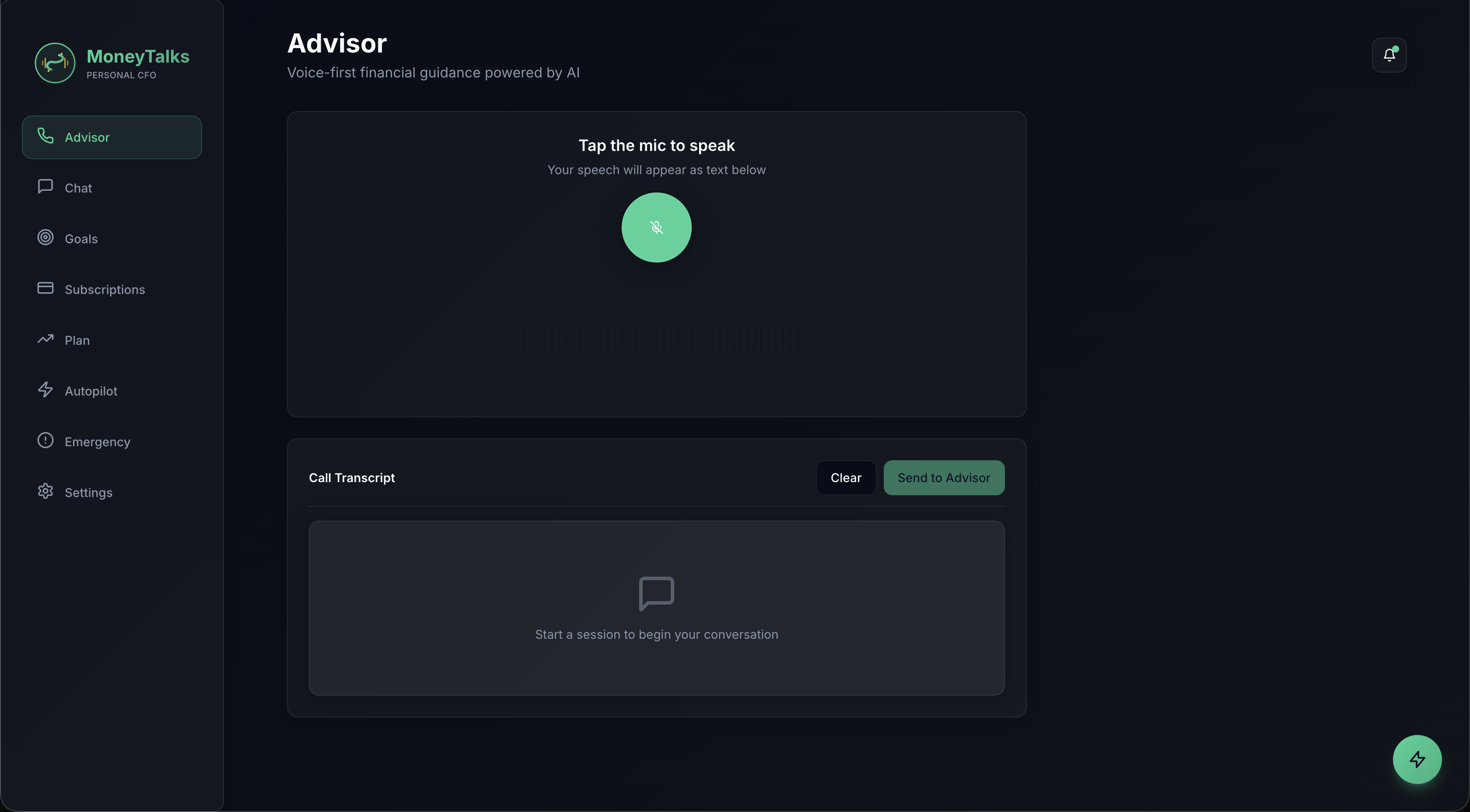
Advisor
-
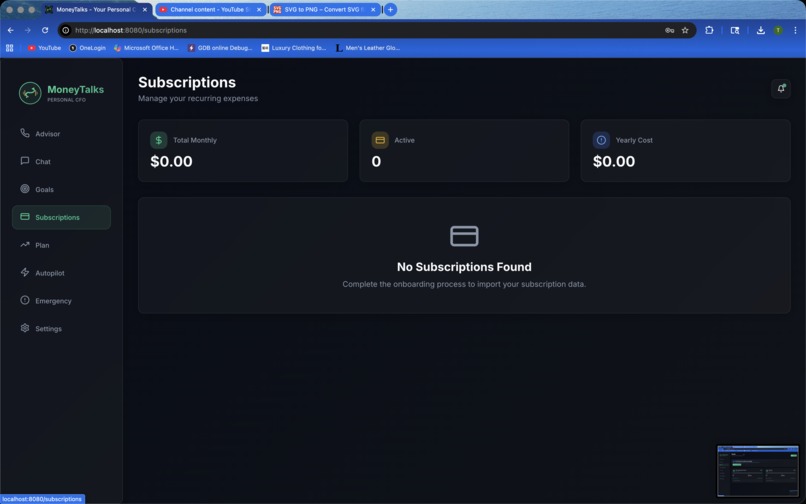
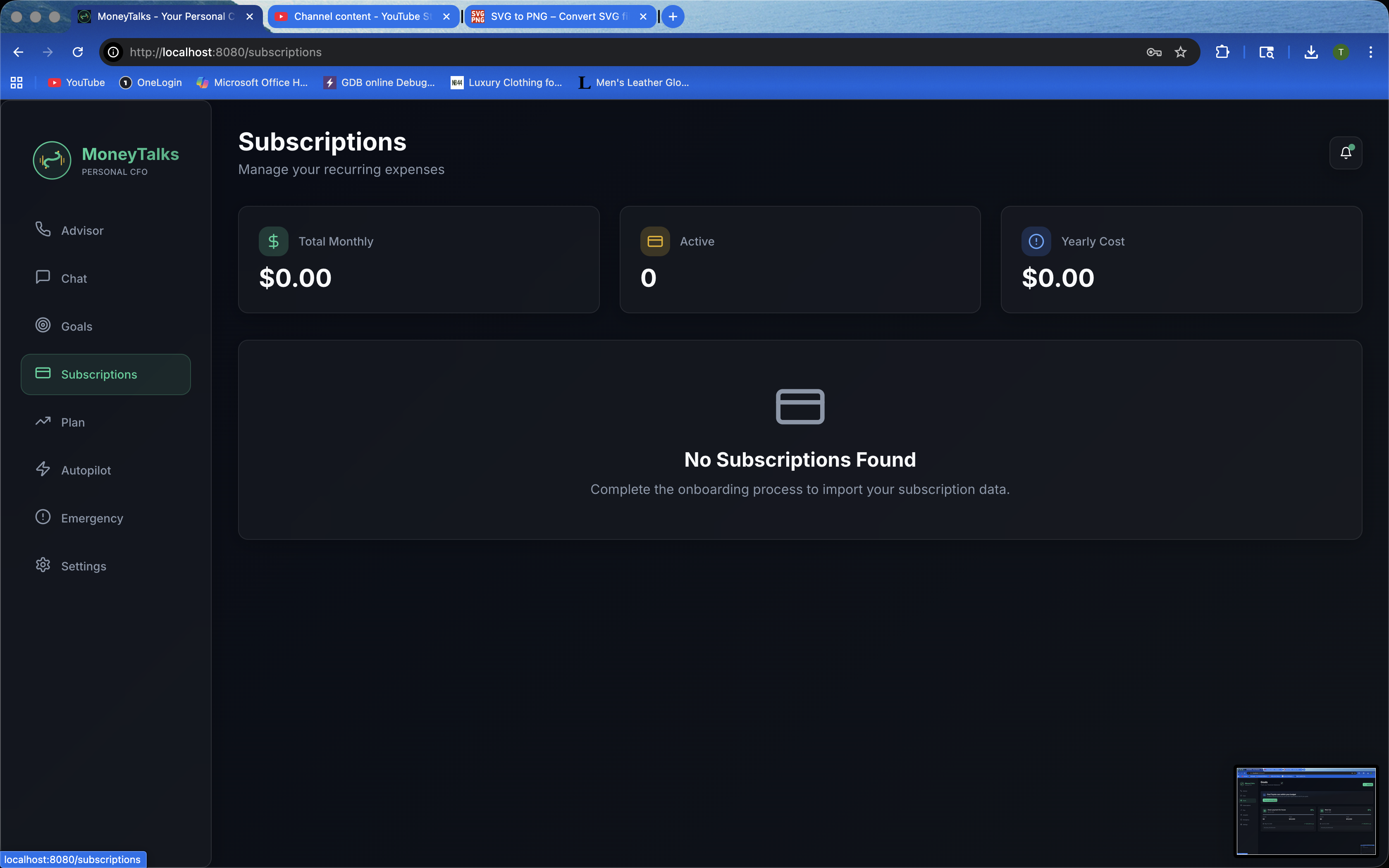
Subscriptions
-
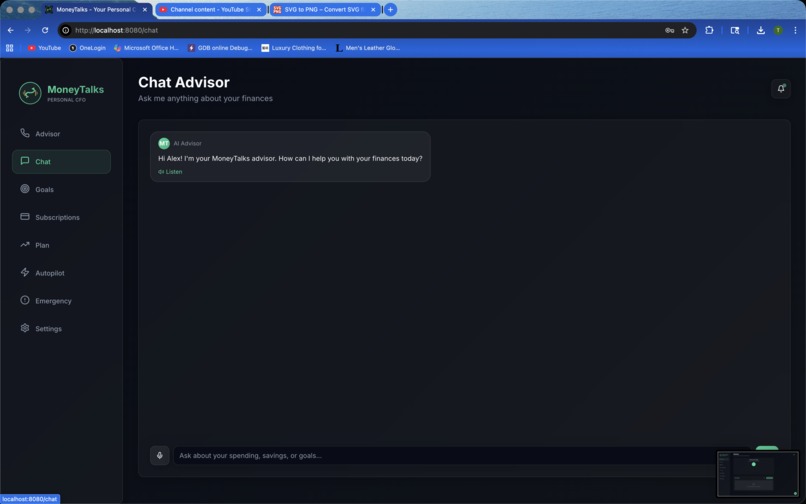
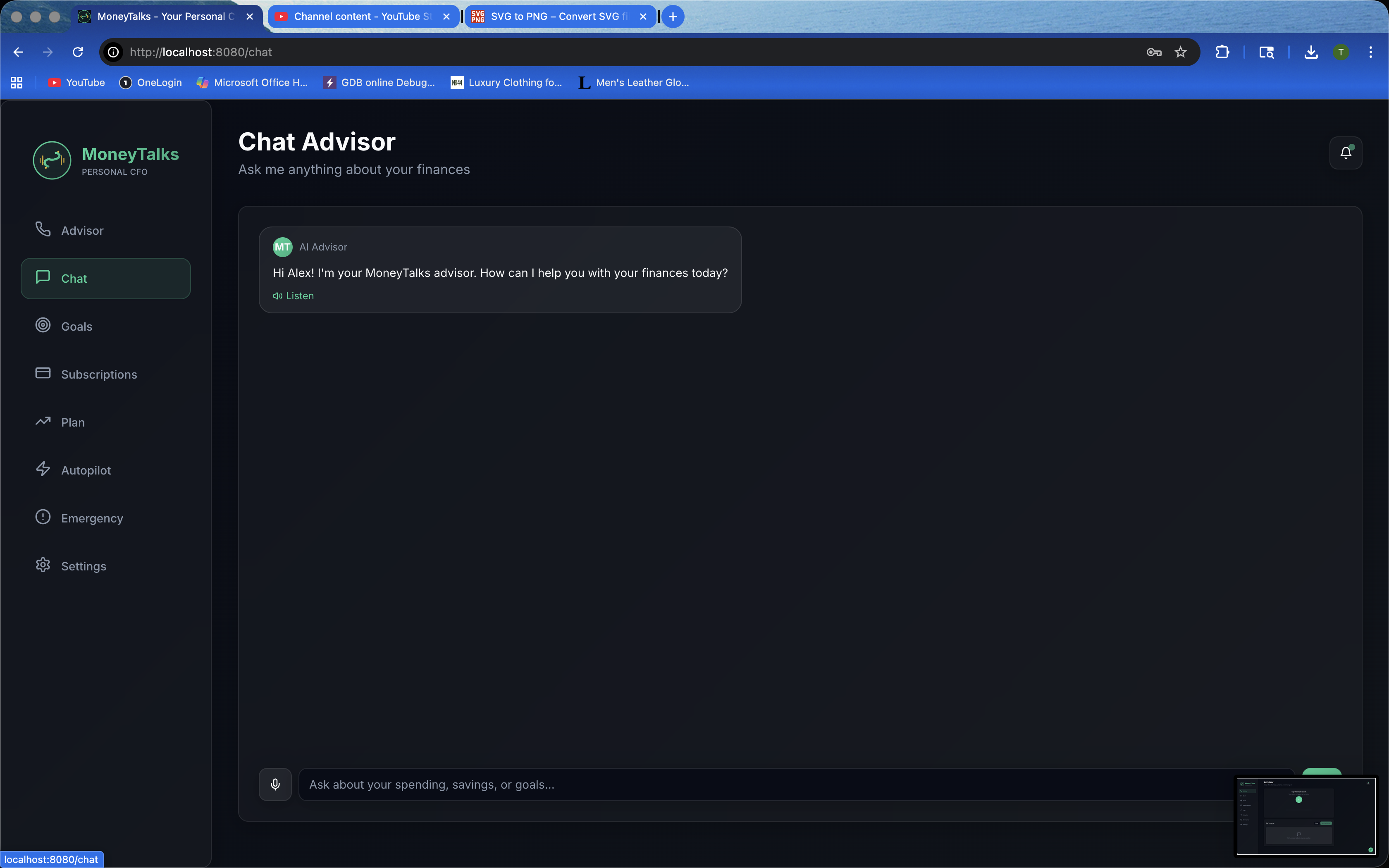
Chat
-
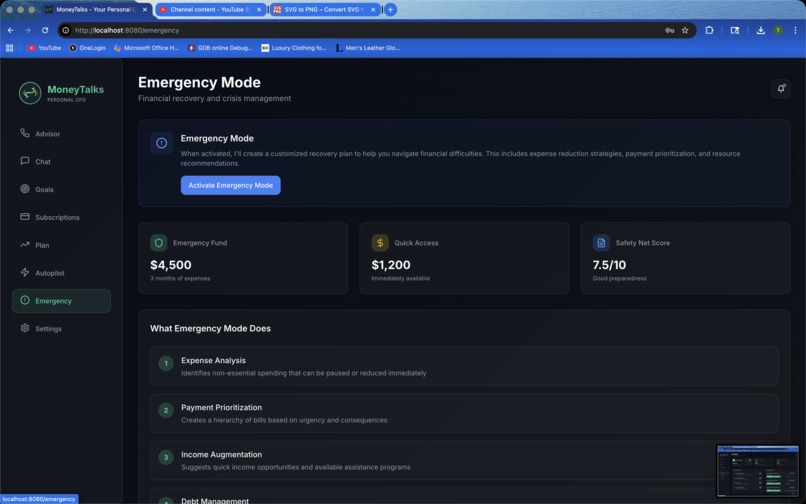
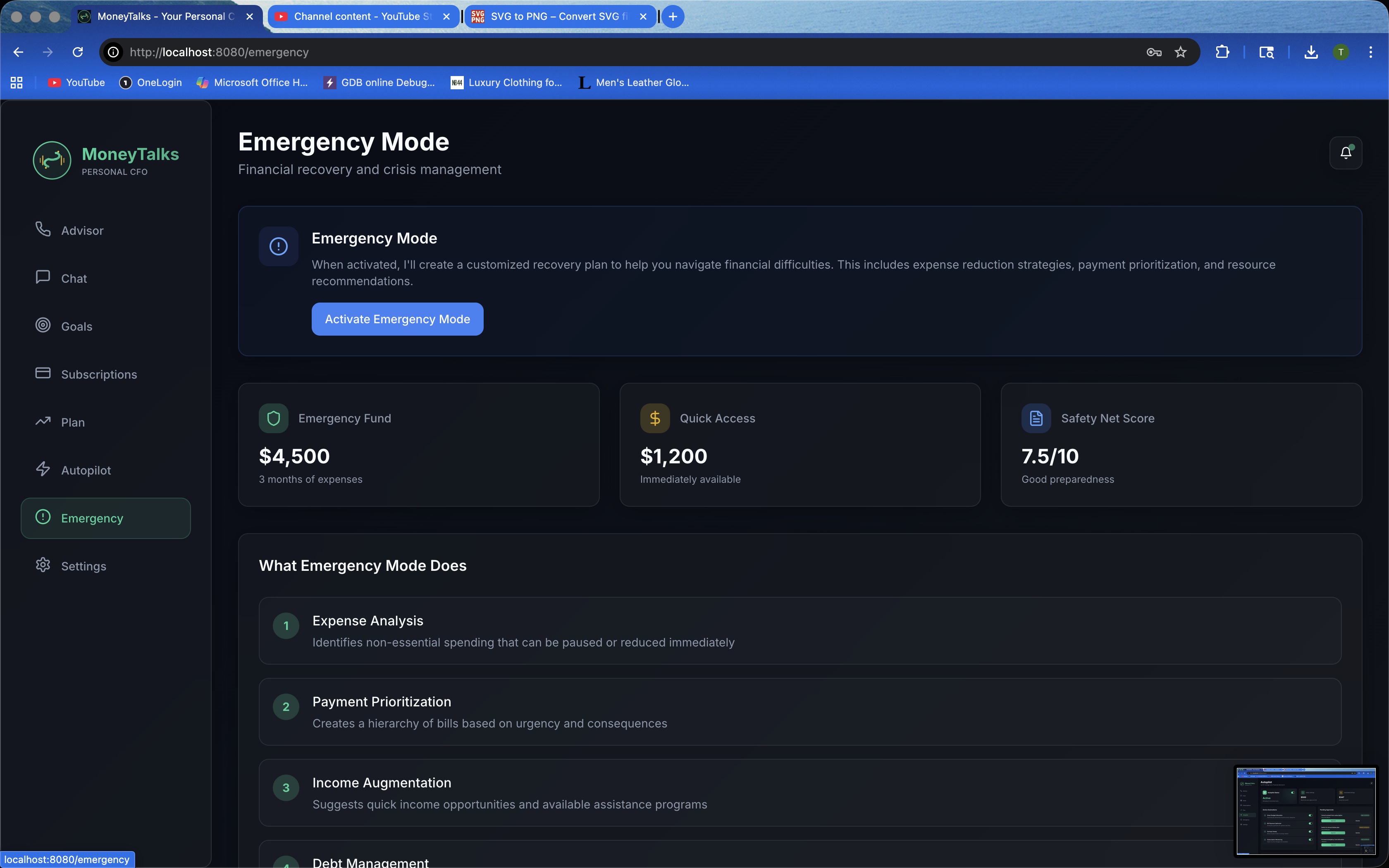
Emergency
-
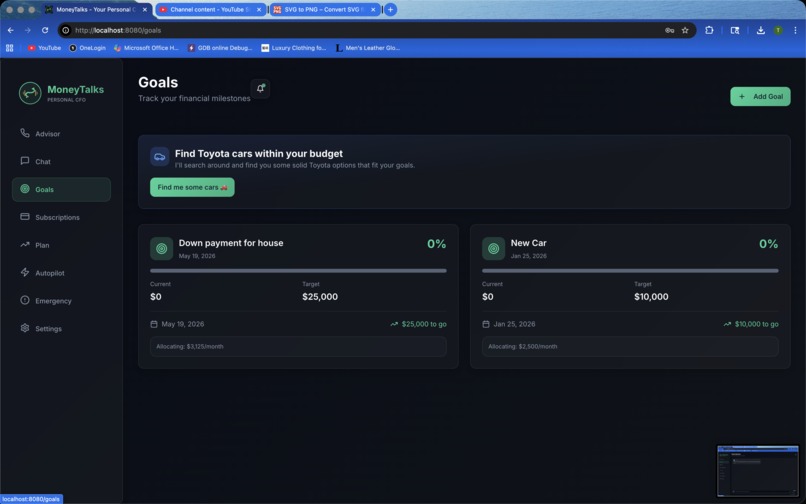
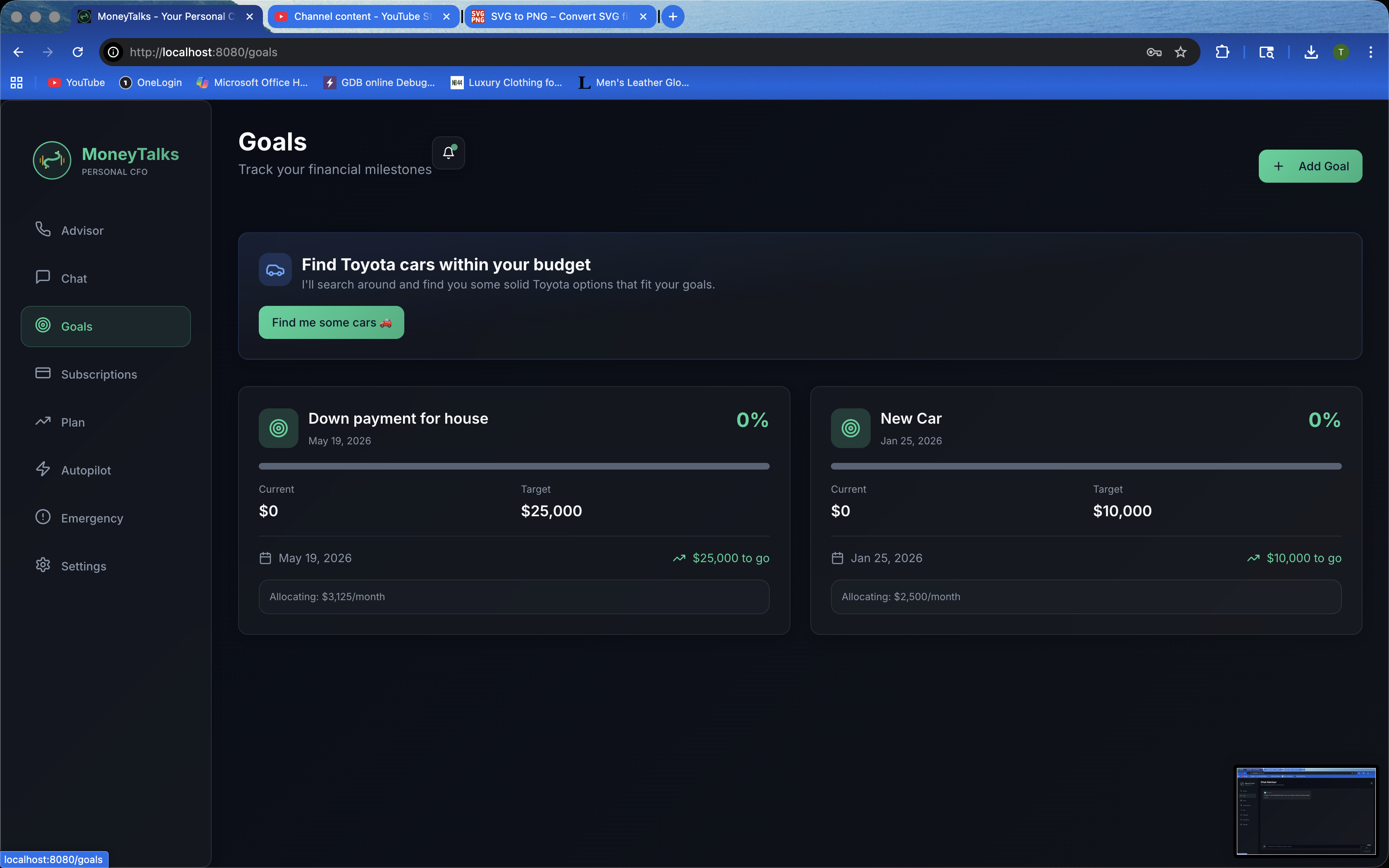
Goals
-
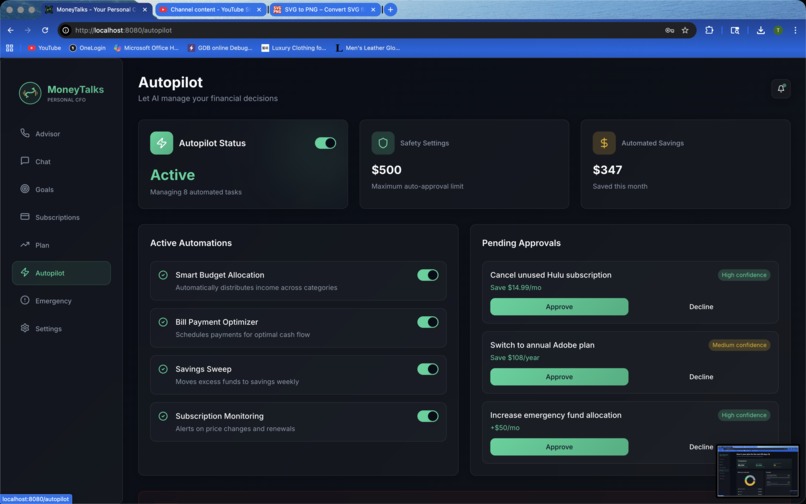
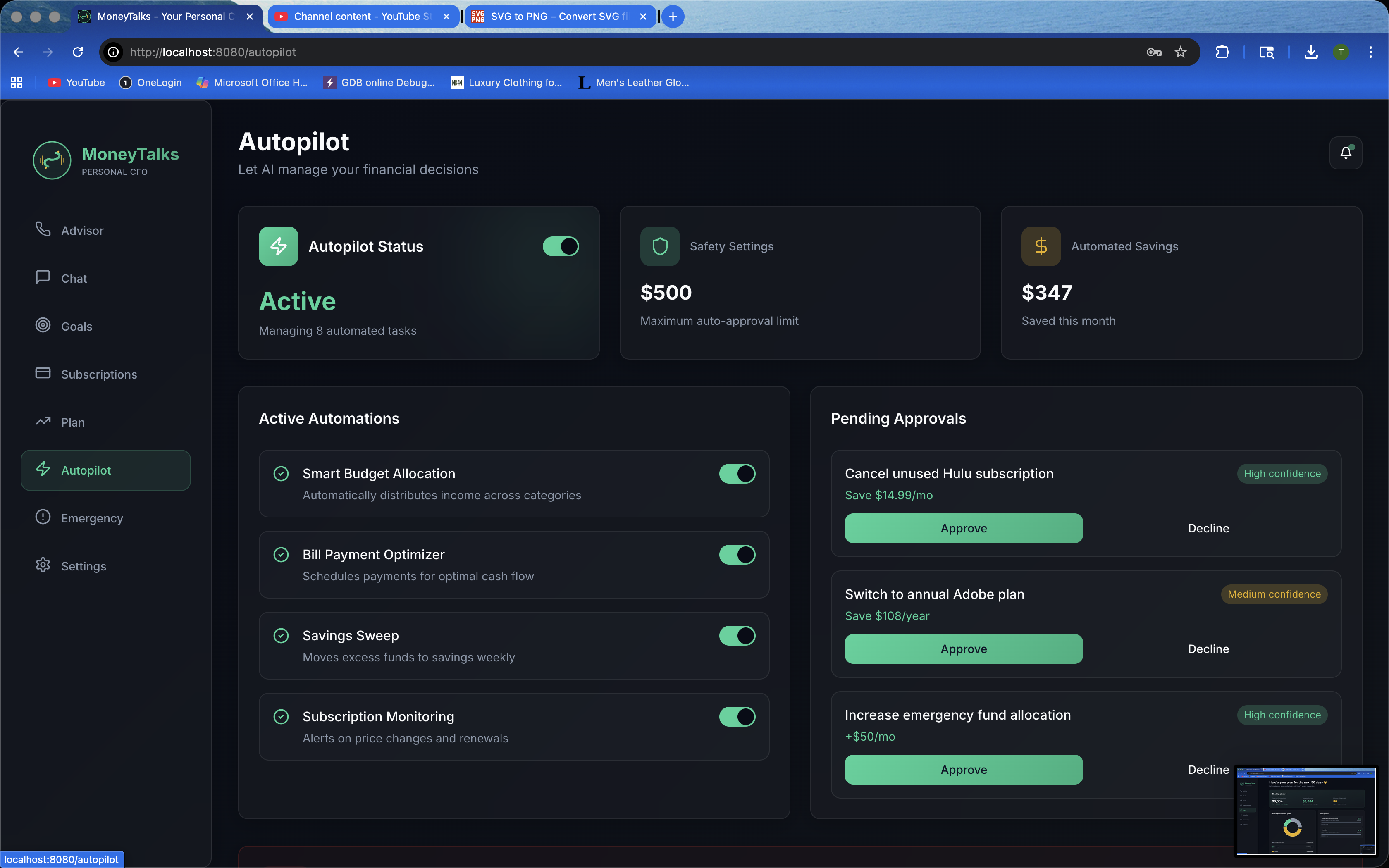
AutoPilot
-
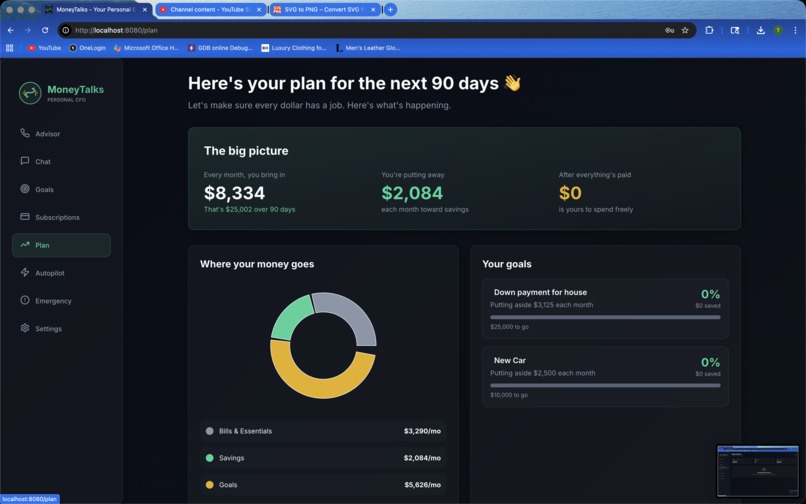
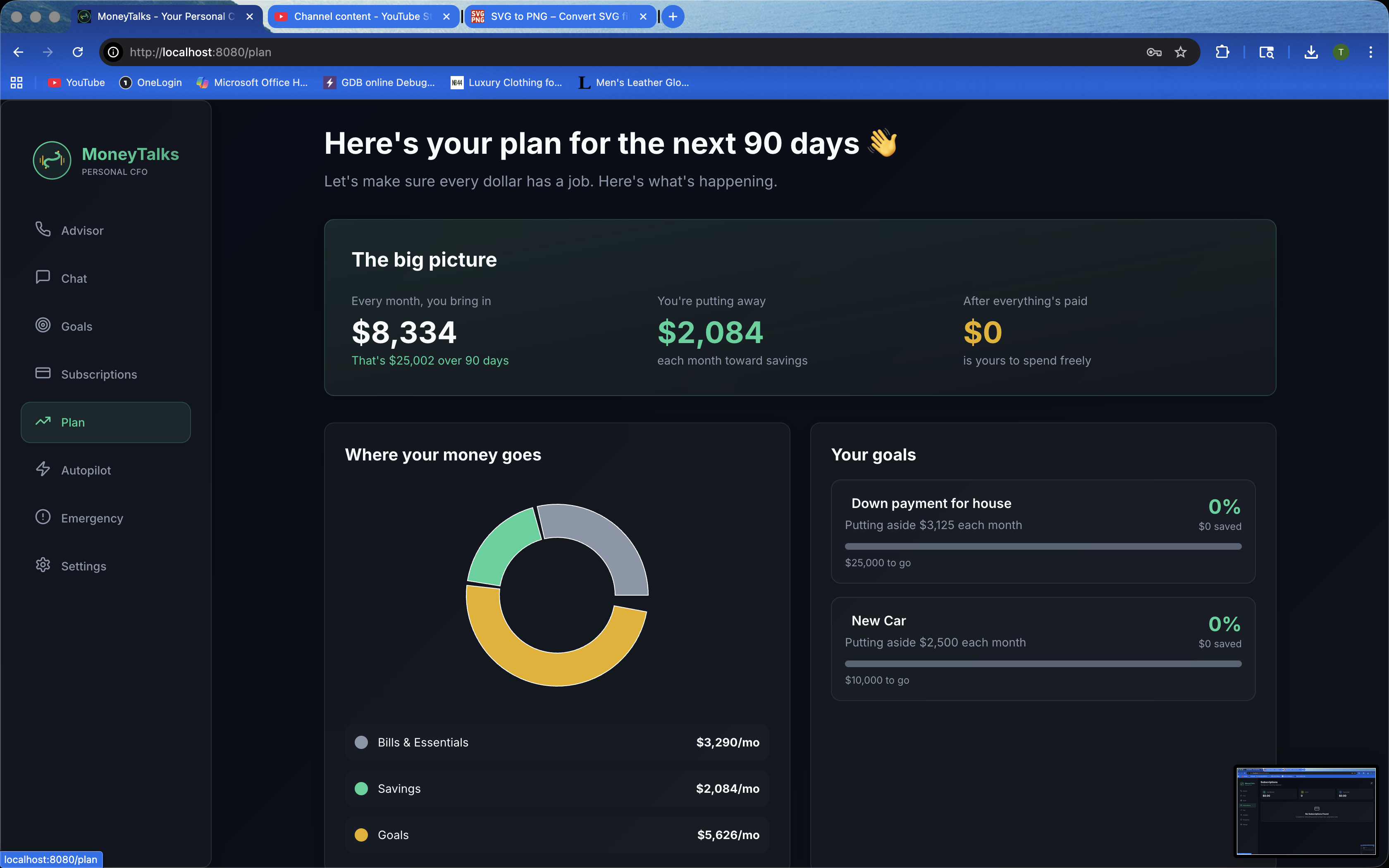
Plan

Inspiration
- Budgeting tools exist, yet most people still feel anxious and reactive with money. We wanted something that talks back, understands your situation instantly, and turns chaos into a clear 90‑day game plan.
- Our goal: remove decision fatigue by surfacing what matters today (safe‑to‑spend, upcoming bills, progress to goals) and back it with an AI coach that can also take action on the web.
What it does
- Builds a personalized 90‑day plan from onboarding inputs and demo banking data (income, bills, goals), with per‑paycheck allocations and a timeline of paydays, bills, and milestones.
- Shows real‑time insights like Safe‑to‑Spend, Cash Runway, and Goal Probability on the “90‑Day Money Map”.
- Lets you chat or use voice with an AI advisor for context‑aware guidance during an advisor call.
- Uses Gemini Computer Use to browse the web and fetch budget‑friendly Toyota car recommendations based on your leftover budget.
How we built it
- Frontend: React + TypeScript + Vite + shadcn/ui; charts via
recharts; app state via React Context withlocalStoragefor an in‑memory data layer. - Data & AI context:
FinancialDataContextaggregates goals, accounts, bills, transactions, and the generated 90‑day plan;useAIContextformats a summary so the AI can reason over your finances. - Chat advisor: Node proxy in
server/index.tssecurely routes chat to Gemini (no API keys in the client). - Computer Use: Python
backend/server.pywithgoogle-genai+ Playwright automates the browser to find cars within budget and returns results to the UI. - Banking demo: Nessie API demo endpoints populate accounts, bills, and transactions for a realistic experience.
Challenges we ran into
- Converting raw onboarding + Nessie data into a coherent 90‑day schedule (1st/15th paychecks, per‑paycheck goal allocations).
- Grounding the AI’s advice in actual numbers through careful context shaping.
- Making Gemini Computer Use reliable under time limits, CAPTCHAs, and layout shifts; parsing semi‑structured web results cleanly.
- CORS/proxy configuration and keeping API keys server‑side, plus handling mic permissions and speech on the call page.
Accomplishments that we're proud of
- A fully auto‑generated “90‑Day Money Map” that feels actionable, not just a static dashboard.
- Context‑aware AI that answers “How am I doing?” with real figures and quick insights.
- End‑to‑end Computer Use flow that finds car options within a personalized budget.
- Clean, fast UI with friendly microcopy, progress visuals, and helpful empty states.
What we learned
- Well‑crafted AI context often beats longer prompts—summaries and selectors matter.
- Computer Use is powerful but needs strict guardrails (turn limits, timeouts, budget constraints).
- A typed, client‑side data model with
localStoragecan power rich experiences quickly if types and selectors are solid. - Small UX touches (mood widget, quick actions, timelines) significantly improve comprehension and trust.
What's next for MoneyTalks
- Editable plan and “what‑if” simulations; proactive alerts for bills and at‑risk goals.
- Real bank connections (e.g., Plaid) and more real‑world actions (pay bills, schedule transfers).
- Expand Computer Use: more brands, broader product research, travel planning, price tracking.
- Mobile‑first experience, smarter voice coaching, and secure multi‑account households.
Built With
- nextjs
- python
- typescript


Log in or sign up for Devpost to join the conversation.